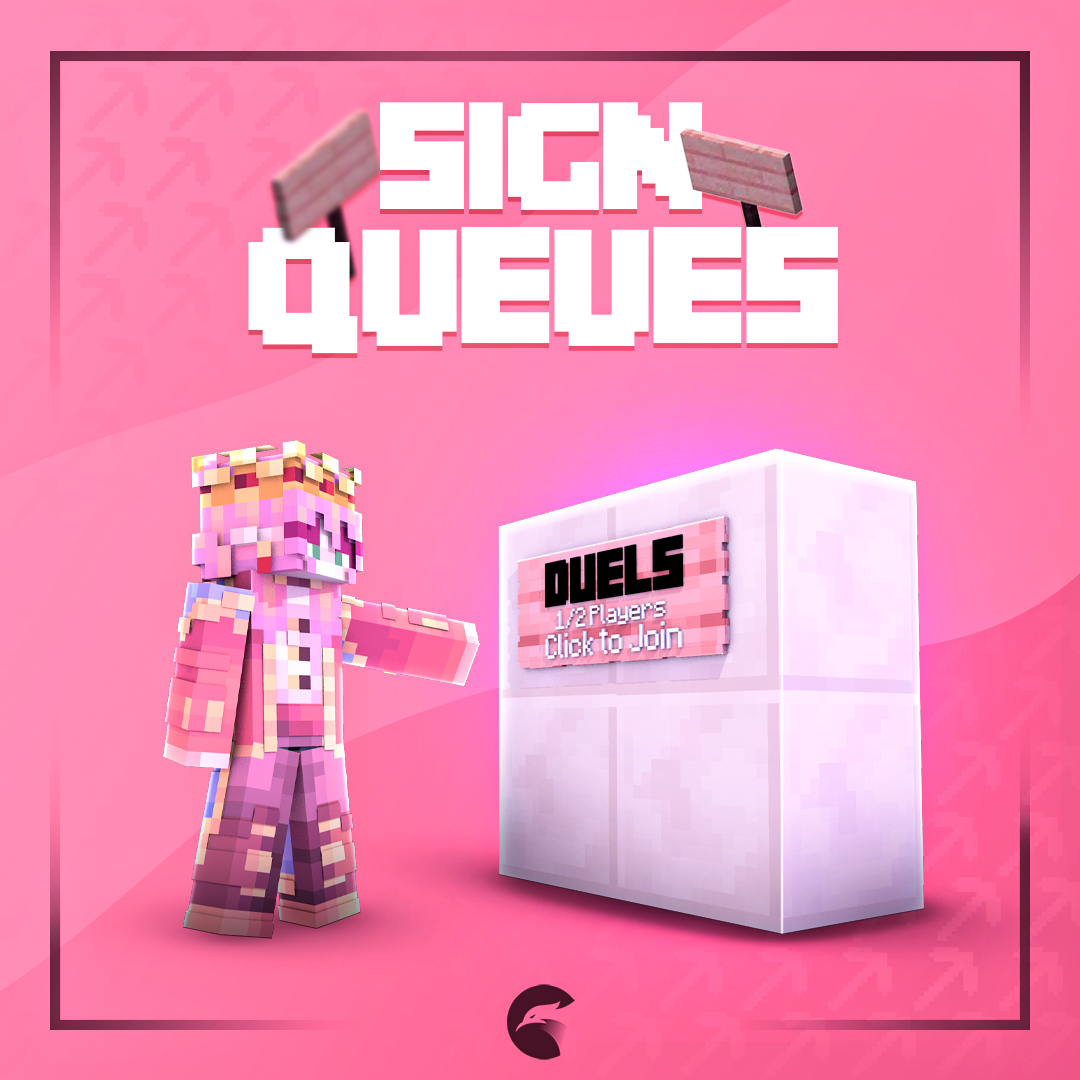
# 🛑 Sign Queues
## Information
The Sign Queues add-on allows the admins to create signs that players can use to queue for a game mode. This add-on requires PhoenixDuels Premium.
Sign Queues - Add-on
👉 [You can purchase this add-on on Phoenix Store](https://www.phoenixplugins.com/product/signqueues-addon)
## Installation
To install this add-on, simply drag and drop the jar file into the PhoenixDuels/addons folder, then restart your server.
These are the following files that this add-on will generate to your PhoenixDuels folder:
- `PhoenixDuels\sign_queue.yml` - Signs and their format can be found on that file.
- `PhoenixDuels\translations\signqueue.translations.en.yml` - The translation file for the add-on.
> **Info:**
This add-on supports [Folia](../../first-installation.md#version-support), which is still experimental.
## Sign Queues
Once you have installed the add-on on your server, you will be able to set up signs for queuing similar to the ones below. The plugin supports any type of sign.
Sign Queues in-game
## Sign Text
Once a sign is registered, its four lines are rebuilt from a single template shared by every queue sign, so changing the template restyles all of them at once. The [placeholders](#placeholders) work on each line.
```yaml
lines:
- '&0<&f&lQueue&r&0>'
- '&7&l%mode%'
- '&7%queue% queueing...'
- '&fClick to join'
```
A sign whose mode no longer exists, usually because the mode was renamed or deleted, falls back to a second template instead, so a broken sign is obvious in-game rather than silently doing nothing.
```yaml
invalid-lines:
- '&0<&f&lQueue&r&0>'
- '&cInvalid mode'
- ''
- '&e&nContact staff!'
```
Signs are redrawn whenever somebody joins or leaves the queue they point at, not on a timer, so the counter on a sign is always current without any polling cost.
## Create Queue Sign
The format to set up the queue sign is as follows.
Sign Queue Format
[QUEUE]
The ID of your gamemode
Ranked/Unranked
Solo/Duo/Trio/Quad
### Example
If you want to create a queue sign for players to play 1v1 ranked in Crystal mode, it would look like the following:
Example for Crystal Ranked 1v1 Sign Queue<
Sign Queue format in the sign_queue.yml
```yaml
'1':
location:
world: world
x: 612.0
y: 102.0
z: -6.0
yaw: 0.0
pitch: 0.0
mode: crystal
queue-type: RANKED
team-size: SOLO
```
### Modification
If you want to modify the queue sign at any point, you can either edit it manually in the `sign_queue.yml` file, as shown in the example above, or Shift + Right-click the sign.
### Placeholders:
Here is a list of the placeholders that you can use on the signs.
| Placeholder | Description |
| ----------- | -------------------------------------------- |
| %type% | Returns Ranked, Unranked |
| %team% | Returns Solo, Duo, Trio, Quad |
| %mode% | Returns the gamemode's display name |
| %queue% | Returns the amount of players queuing. |
| %queuesize% | Returns the players per match (2, 4, 6, 8) |
### Joining and Leaving
Right-clicking a sign puts the player in that queue. Right-clicking it again while already queued for that exact mode, type and team size takes them back out, so a single sign covers both directions and no separate leave item is needed.
Clicking a sign whose mode no longer exists only warns the player; it never queues them for anything.
### Removing a Sign
Breaking the sign removes the registration along with the block. Players without phoenixduels.admin cannot break a queue sign at all, so a registered sign is safe from anyone with build rights in the lobby.
> **Info:**
Creating and editing queue signs also requires phoenixduels.admin. Writing the format on a sign without it leaves an ordinary sign behind.
Source: https://www.phoenixplugins.com/docs/phoenix-duels/add-ons/sign-queues