






Your cart is empty
Looks like the spiders padded through here. Pick a plugin and it will show up here. Continue shoppingOn this page, you will find everything you need to know about the crate claim.
With crate claim, every player will be able to automatically store all rewards, keys, or pouches given to them while they are offline or if their inventory is full.
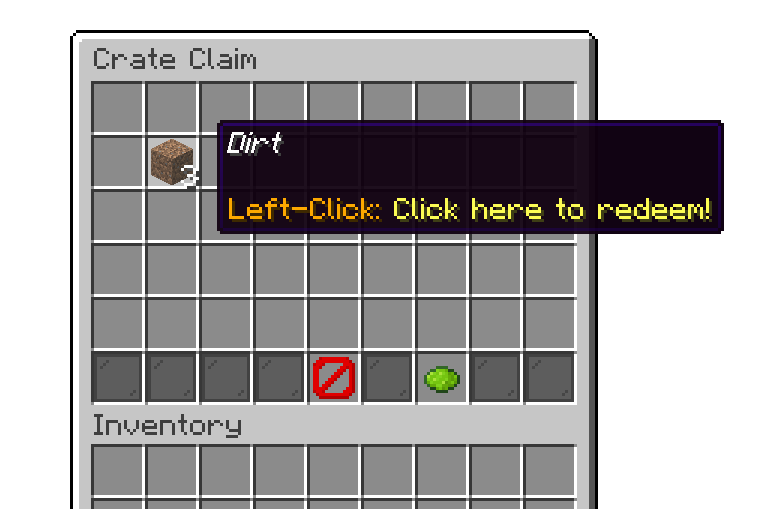
/crate claim command
Crate Claim can hold an unlimited number of items and doesn’t require any special permissions from the player. All they need to do is run the /crate claim command.
With the claim-all feature, you can instantly claim all available rewards from the menu.
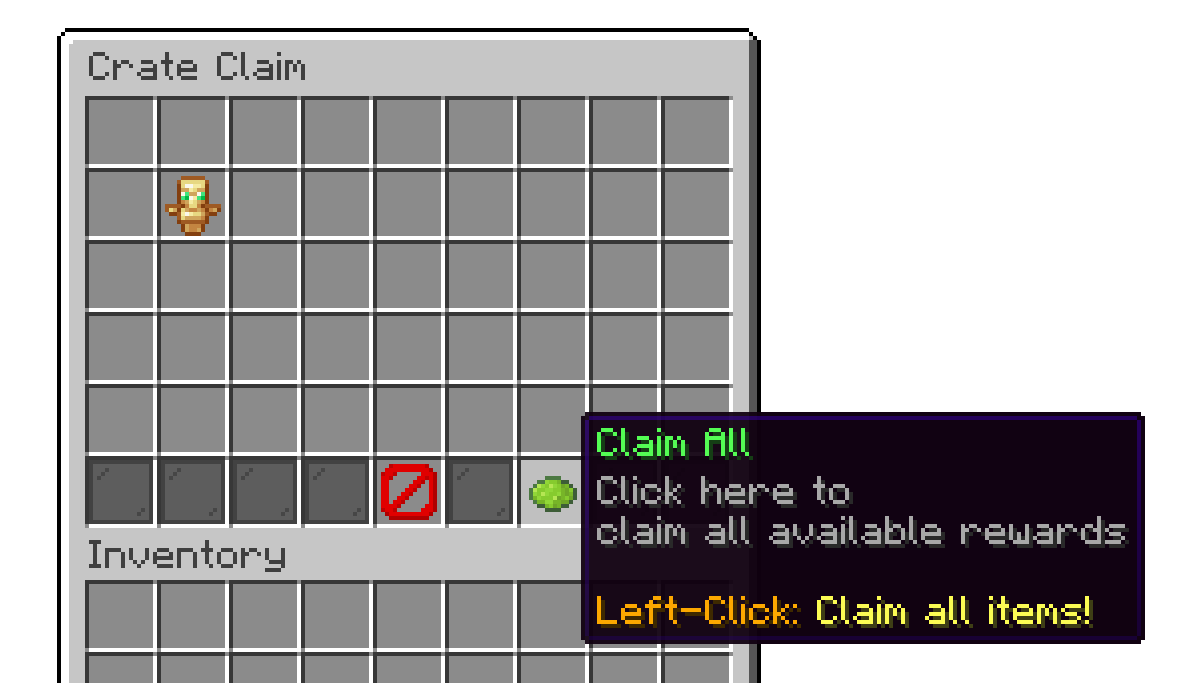
/crate claim command
/crate inspectClaim <player> - Inspect another player's pending crate claims. Requires phoenixcrates.command.inspectclaim./crate resetClaimsAll confirm - Permanently clears every player's pending crate claims. This action cannot be undone. Requires phoenixcrates.command.resetclaims.The add-on's settings menu (found under the editor's Settings > Crate Claim) has the following options:
Your cart is empty
Looks like the spiders padded through here. Pick a plugin and it will show up here. Continue shopping