






Your cart is empty
Looks like the spiders padded through here. Pick a plugin and it will show up here. Continue shoppingOn this page, you will find all the information about editing your already existing rarity.
The Rarity feature requires the Pro plan of Phoenix Crates.
With this, you can set a weight value for the rarity (default 100). Every reward attached to that rarity has its own individual chance weight multiplied by rarity weight / 100 before the crate's normal chance calculation runs, so a higher rarity weight makes every reward under it proportionally more likely to be picked, and a lower weight makes them rarer, without having to edit each reward's chance individually.
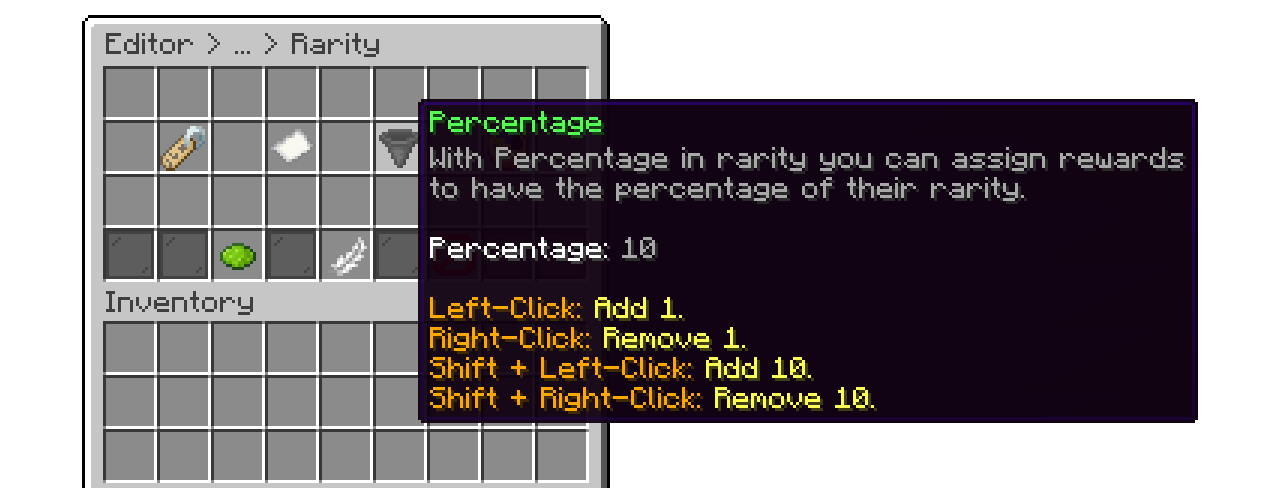
Editor > Rarities > Rarity
If a rarity is disabled, every reward attached to it becomes impossible to win (effective weight 0) until the rarity is re-enabled.
With this, you can set how many keys are required to redeem a reward of this rarity when the crate uses the Selective (non RNG) rewards mode (default 1). Once a rarity is assigned to a reward, this value overrides that reward's own individual Required Keys setting.
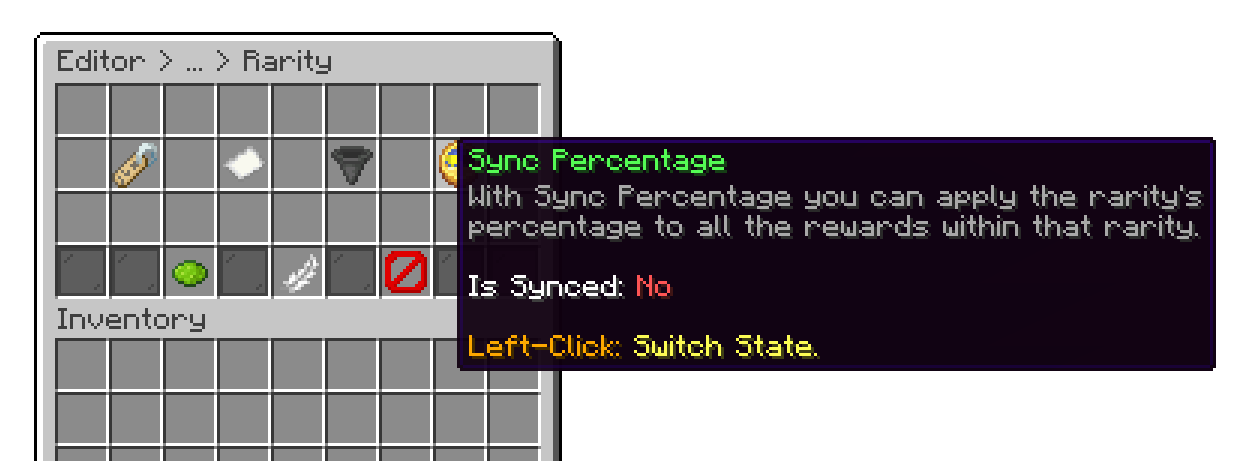
Editor > Rarities > Rarity
Your cart is empty
Looks like the spiders padded through here. Pick a plugin and it will show up here. Continue shopping