






Your cart is empty
Looks like the spiders padded through here. Pick a plugin and it will show up here. Continue shoppingOn this page, you will find everything you need to know about the rerolls.
The Reroll feature is available in the Premium+ plan of Phoenix Crates.
When a user is dissatisfied with the reward they received, they have the option to reroll it. There are two methods to assign rerolls to users:
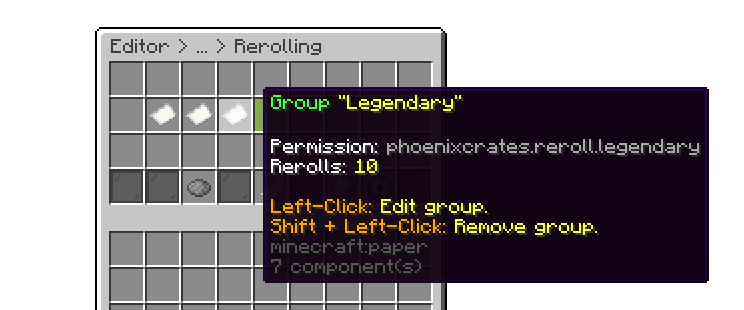
Crate Editor > Crate > Rerolls
If you have 10 rerolls available from a group and 5 from the free tier, they will be combined, allowing you to reroll up to 15 times per reward opening.
If you want to use the reroll feature, make sure to enable it for that specific crate. By default this feature is disabled.
The following is the menu users see when the reroll option is enabled. They can choose to either reroll the item or claim it.
This menu can also be customized from the menus folder.

Reroll Preview In-Game
Your cart is empty
Looks like the spiders padded through here. Pick a plugin and it will show up here. Continue shopping