






Your cart is empty
Looks like the spiders padded through here. Pick a plugin and it will show up here. Continue shoppingOn this page, you will find the available information for the vanilla model
With the Vanilla model, you can assign custom model data to your material, allowing you to use a custom model for your crate. However, due to the limitations of this engine, it cannot display animations. The crate will only appear in its static form.
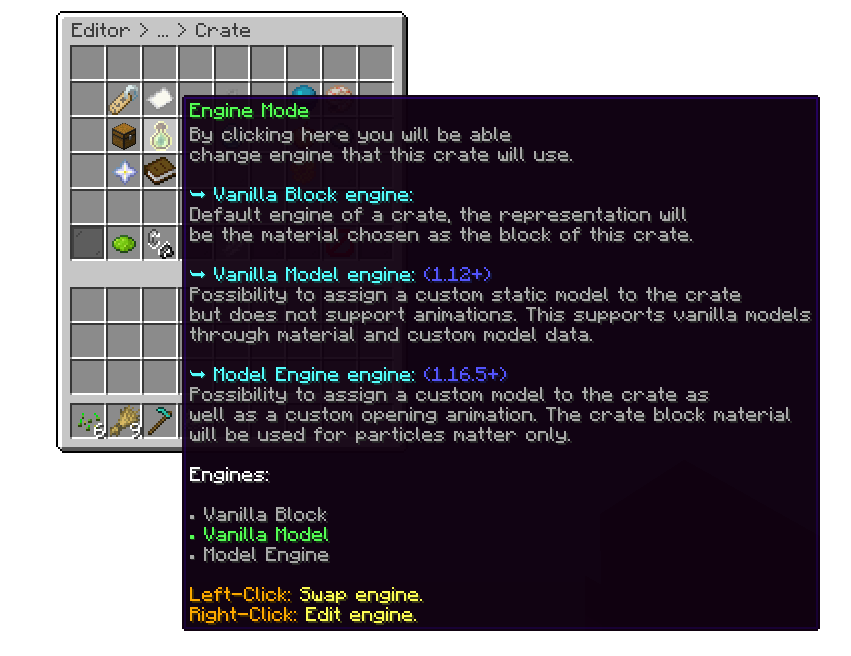
Crate Editor > Crate
When you right-click this option, a menu will appear where you can set the material and custom model data for the item. To easily check the material and custom model data of an item (if you're using Paper), the best way is to use the /paper dumpitem command while holding the item in your main hand.
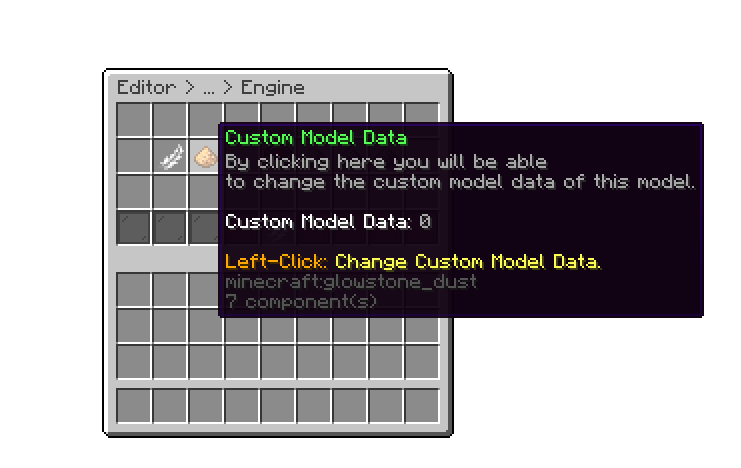
Crate Editor > Crate > Vanilla Model
If your model isn't positioned correctly, don't worry. You can adjust it using the "offset" and "rotation degrees" options. These allow you to fine-tune the position and orientation of the model to ensure it displays perfectly.
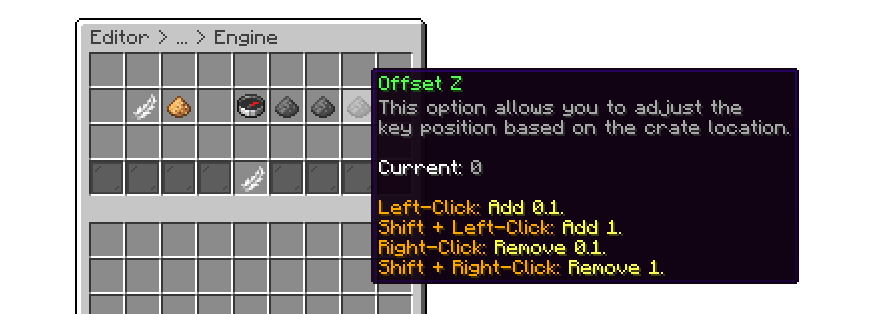
Crate Editor > Crate > Vanilla Model
On servers running 1.21.4 or newer, the "Custom Data" option also accepts an Item Model value as an alternative to Custom Model Data. Typing a number is treated as Custom Model Data, while typing a namespaced key (e.g. minecraft:example) is treated as an Item Model. Only one of the two can be set at a time, setting one automatically clears the other.
The following is an example of using the Water Elemental crate model.
.png)
Vanilla Model Block
Your cart is empty
Looks like the spiders padded through here. Pick a plugin and it will show up here. Continue shopping