






Your cart is empty
Looks like the spiders padded through here. Pick a plugin and it will show up here. Continue shoppingOn this page, you will find everything you need to know about editing your reward.
Both can be combined with an Alternative Reward, which is given once the limit is reached.
From the reward's Cooldowns menu, you can configure:
From the reward's Requirements menu, you can set a Required Permission the player must have to see this reward as available. If the player lacks it, the reward will appear as locked in the preview.
This is the opposite of Restricted Permissions, which instead prevents players who have any of the listed permissions from winning the reward.
When adding or editing a win-command, a dialog box will pop up asking you to type the command. On older server versions that don't support dialogs, it will fall back to the usual chat input.
To create virtual rewards, simply exclude win-items from your rewards and use the win-commands option to run commands when a user wins the item. Make sure that you have a display item if you want to set up a virtual reward.
Example of adding a reward that gives balance to the user:
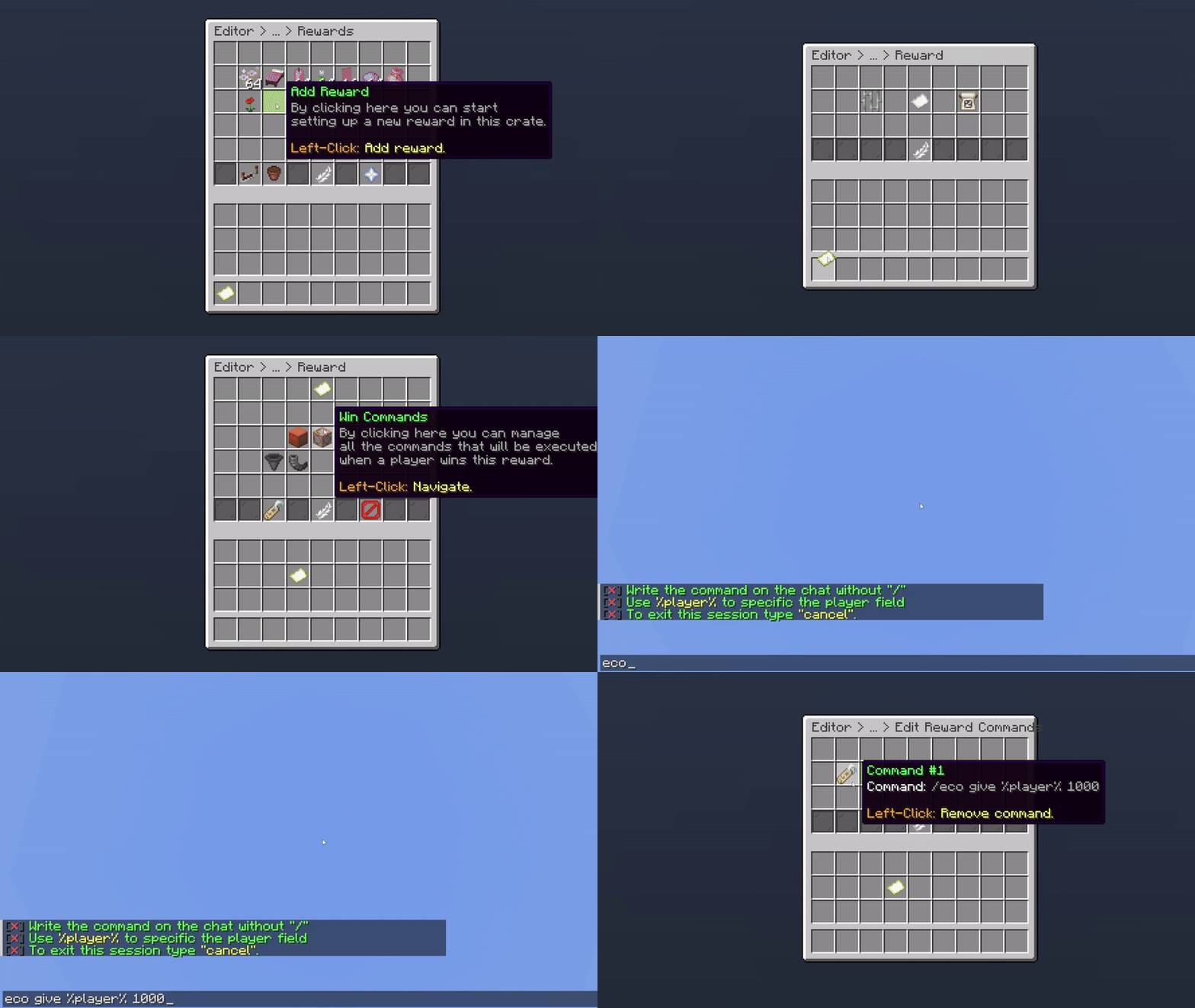
Giving Balance as a Reward
Make sure to remove the display item from the win items when adding it. By default, our system also adds the display item as a win item.
With this option, when a user wins a specific item, all online players on the server will also receive the same reward.
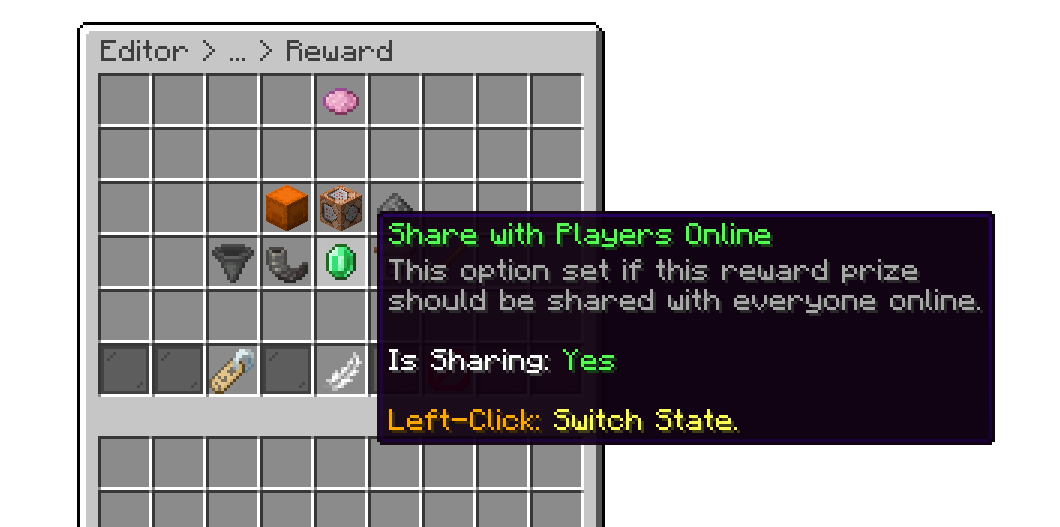
Giving Reward to Online Players
This option prevents users from winning the reward if they have any of the specified permissions on the reward.
Example of adding a permission:
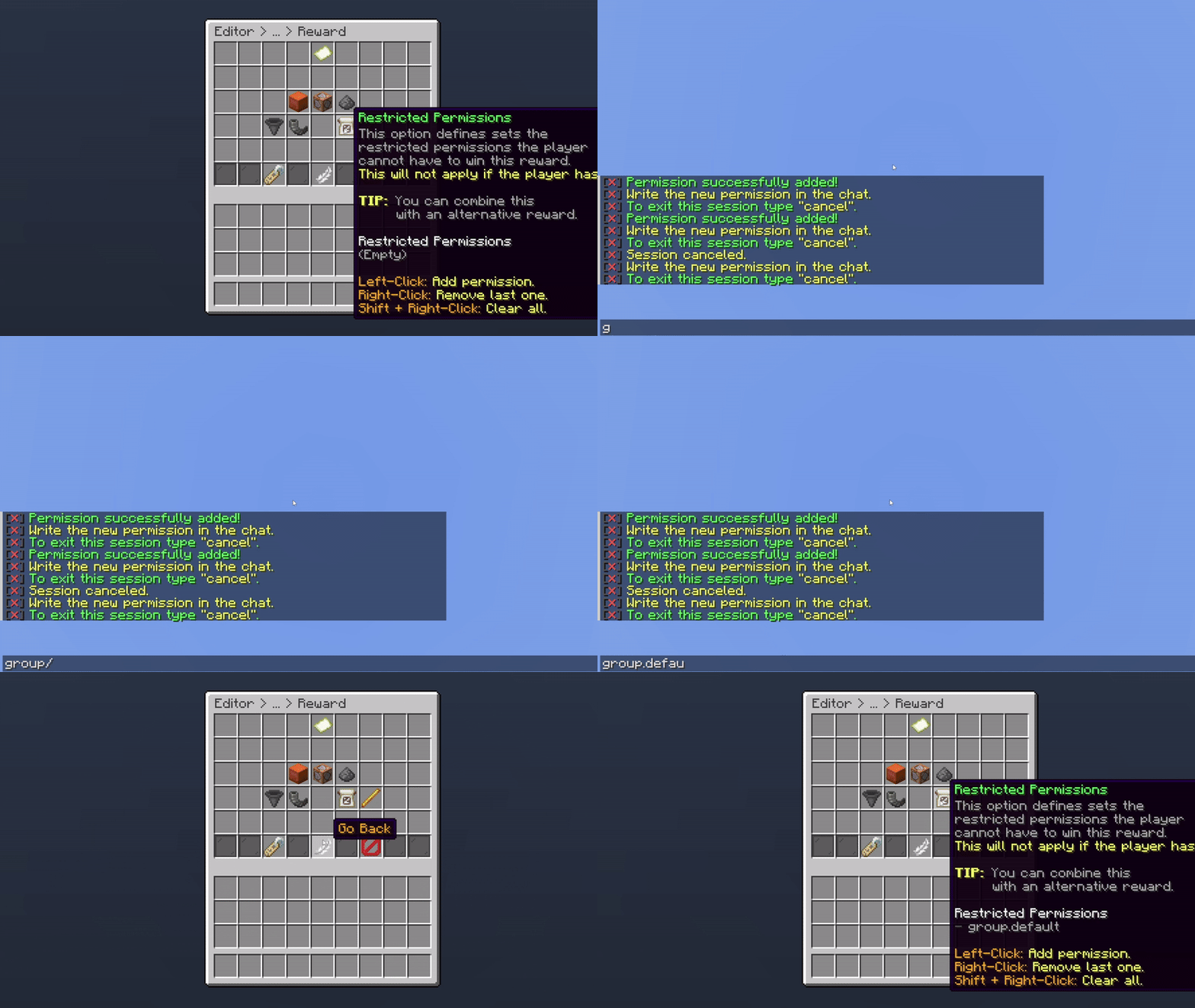
Example of Adding a Permission
In the example above, if a user is assigned to the permission group.default, they won’t be able to win this reward. Since they won’t have access to it, you can use the Alternative Reward to give them a different item instead.
This option is especially useful for situations where a user already owns a cosmetic item, such as tags, chat colors, prefixes, or other cosmetics.
To broadcast a message to all online players when a user wins a specific reward, simply enable the Broadcast Message feature.
By default this feature is not activated.
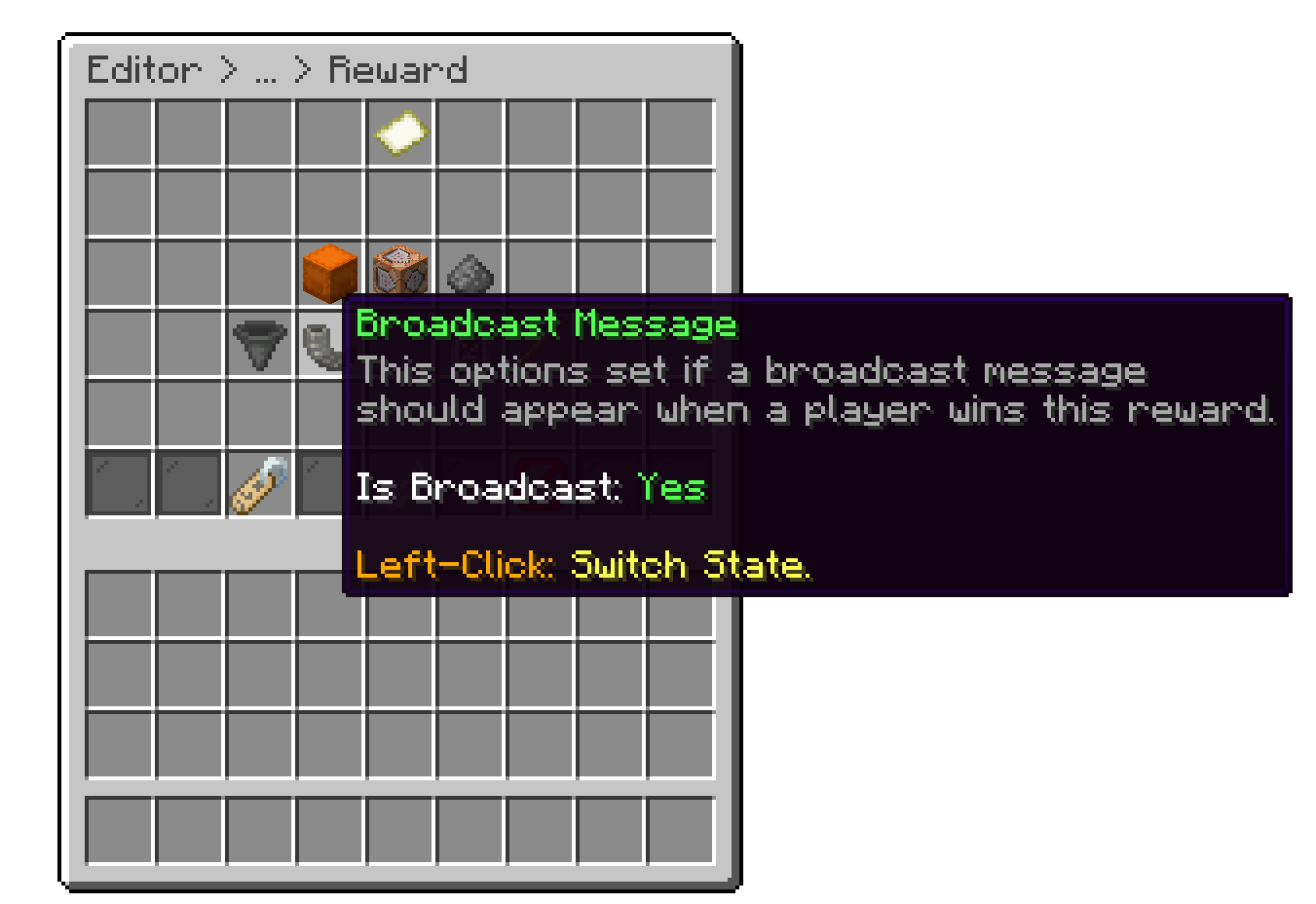
Broadcast a Reward
To modify the broadcast message, you can do so in the main crate settings.
With this option, you can customize the material, display name, and lore. Note that this is the display item and will not be given to the user.
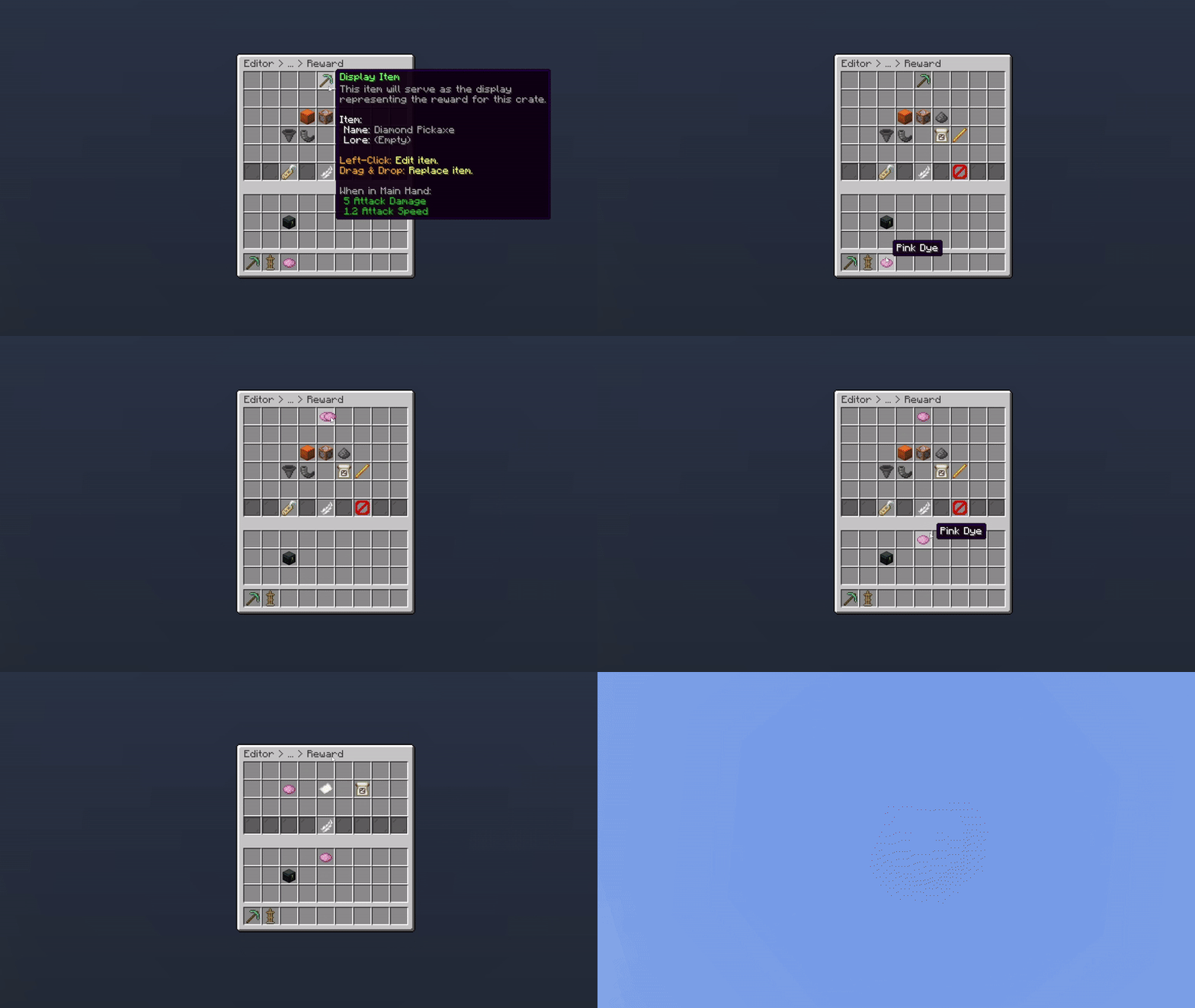
Changing the Display Item
Right-clicking the display item (or any win item in the Win Items menu) gives you a physical copy of it, useful if you want to grab the exact item you configured.
An Item Properties sub-menu also lets you fine-tune the display item further: RGB color, item flags, banner patterns, enchantments, custom model data/item model, enchantment glint override, potion effects, armor trim, and tooltip style.
With this option, you can set a unique identifier for the reward. By default, the plugin automatically assigns a unique identifier to each reward. Changing this identifier will result in data loss.
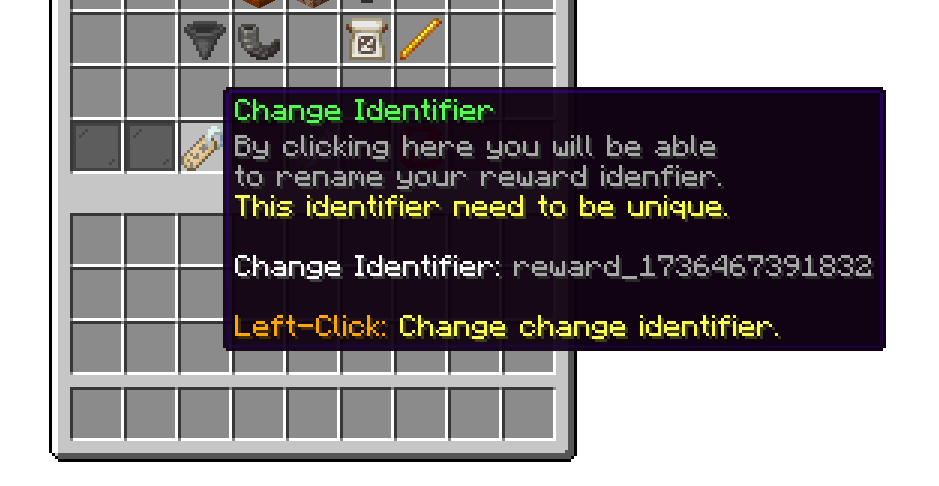
Crate Reward Identifier
If the identifier is changed, the player progress will get deleted.
With this option, you can delete the reward from your crate.
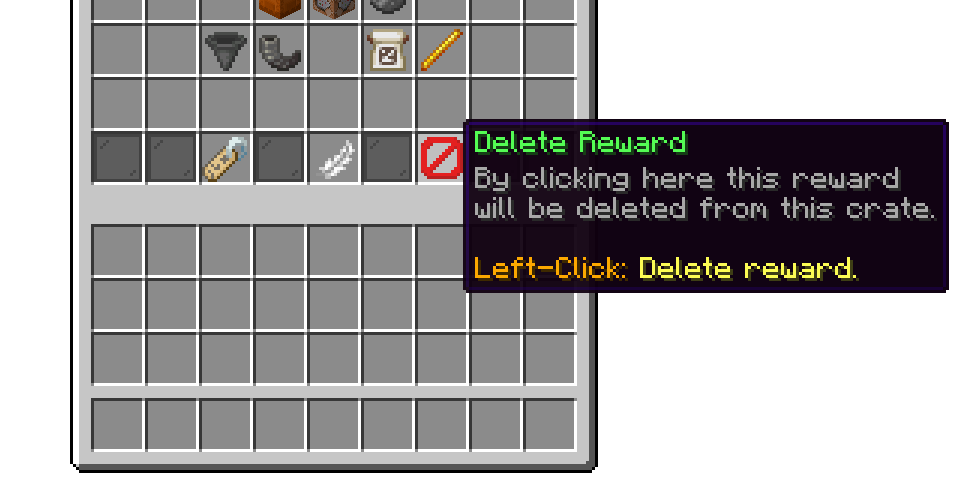
Delete Reward
This option is permanent, and rewards can't be restored.
Your cart is empty
Looks like the spiders padded through here. Pick a plugin and it will show up here. Continue shopping