






Your cart is empty
Looks like the spiders padded through here. Pick a plugin and it will show up here. Continue shoppingOn this page, you will find everything you need to know about creating your kit category.
To configure the Player Kits, open the in-game editor and access it from the main menu.
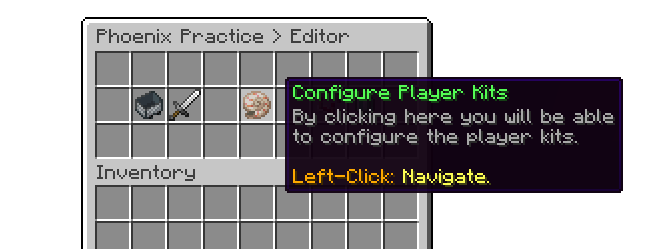
In-Game Editor
To create a category, simply click on the green stained glass pane. By default, the plugin includes 6 categories with items, allowing users to create their kits based on those items right away.
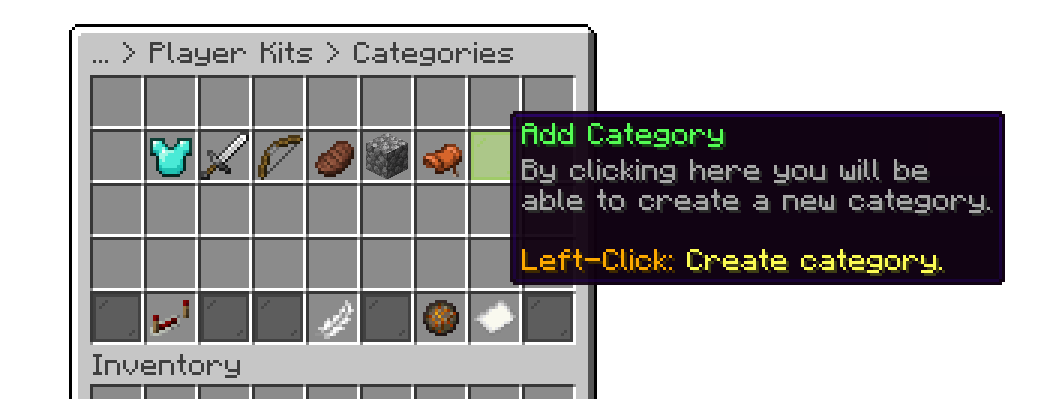
Add Category
You can use the reordering option to sort the categories in your desired order for the menu.
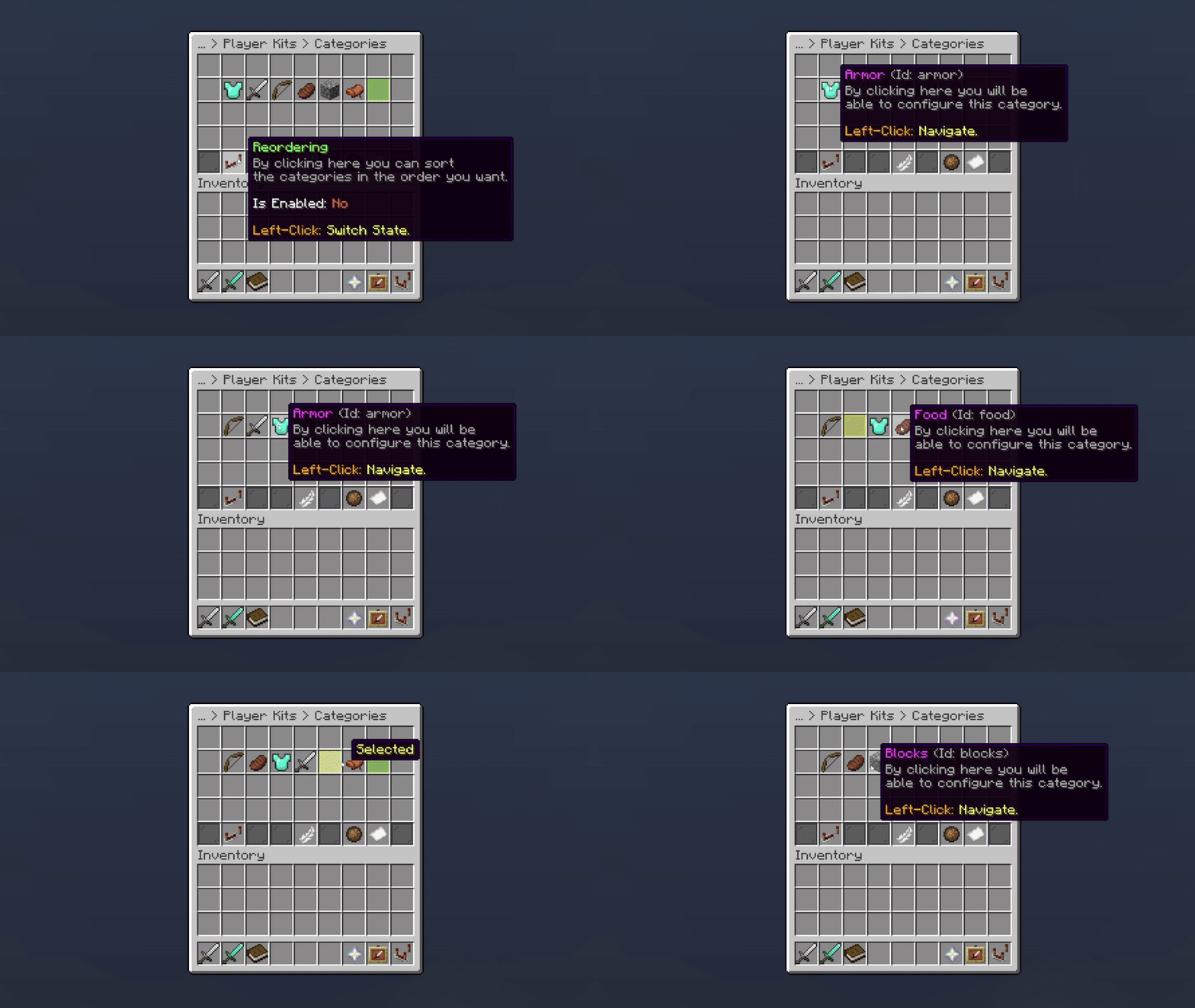
Reordering Categories
Your cart is empty
Looks like the spiders padded through here. Pick a plugin and it will show up here. Continue shopping