






Your cart is empty
Looks like the spiders padded through here. Pick a plugin and it will show up here. Continue shoppingOn this page, you will find everything you need to know about editing your kit category.
With this option, you can customize the material, display name, and lore that the kit category will have for the user and the admin.
.gif)
Display Item
With this option, you can set a unique identifier for the category. By default, the plugin automatically assigns a unique identifier to each category. Changing this identifier will result in data loss.
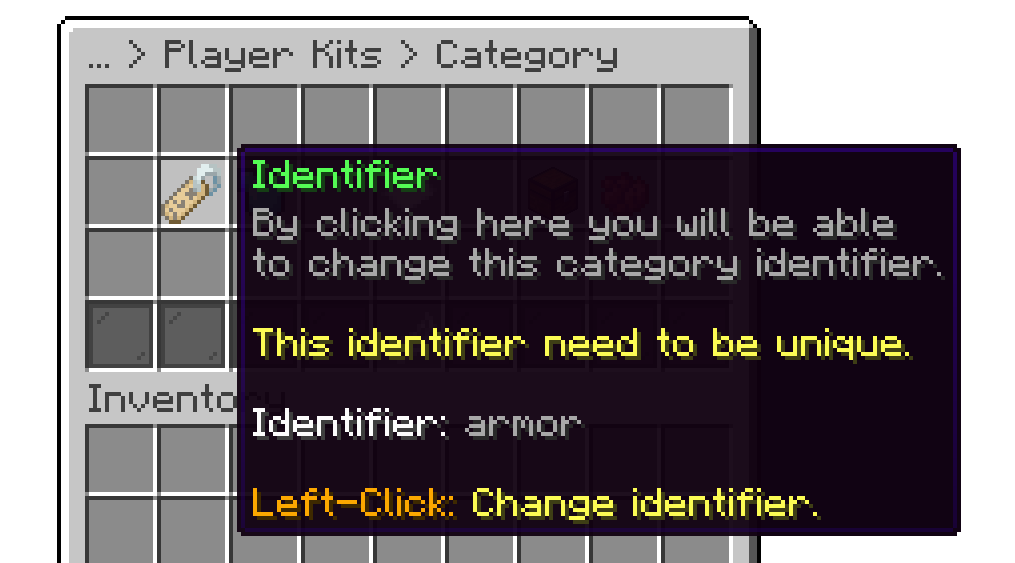
Category Identifier
With this option, you can specify which menu you want your category to have. You can create or edit menus inside the menus/playerkits folder. If you create a custom menu from the editor, the plugin will generate a premade layout for it.
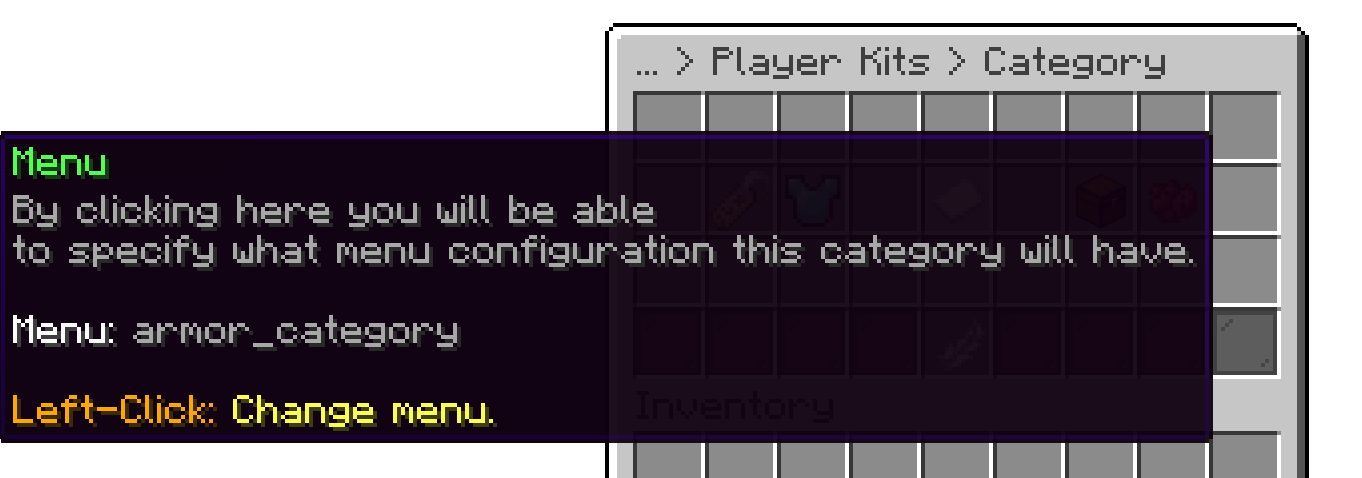
Category Menu
With this option, you can delete a kit category.
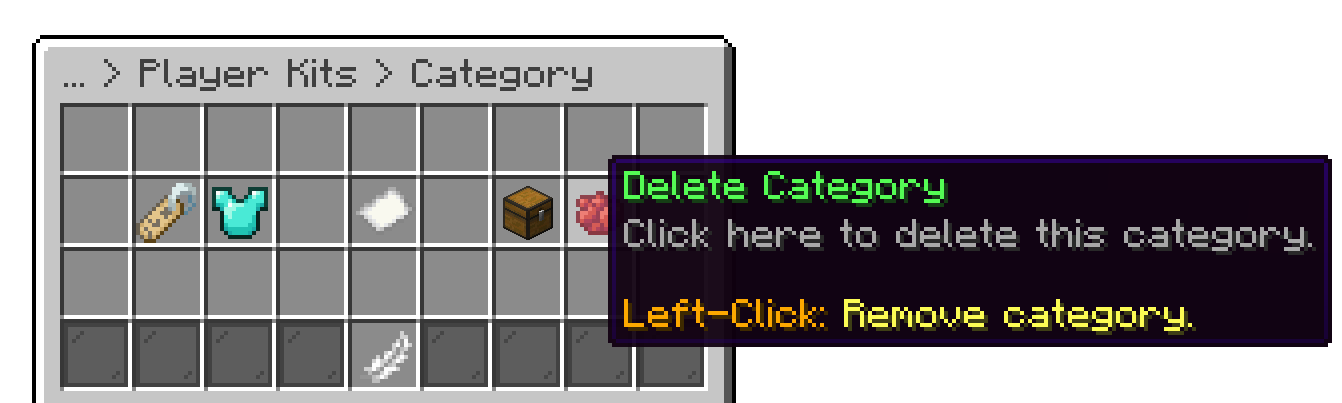
Delete Category
This option is permanent, and categories can't be restored.
Your cart is empty
Looks like the spiders padded through here. Pick a plugin and it will show up here. Continue shopping