






Your cart is empty
Looks like the spiders padded through here. Pick a plugin and it will show up here. Continue shoppingOn this page, you will find more information about the match commands settings and how to configure them.
With the Match Commands Type, you can decide whether the commands will be whitelisted or blacklisted.
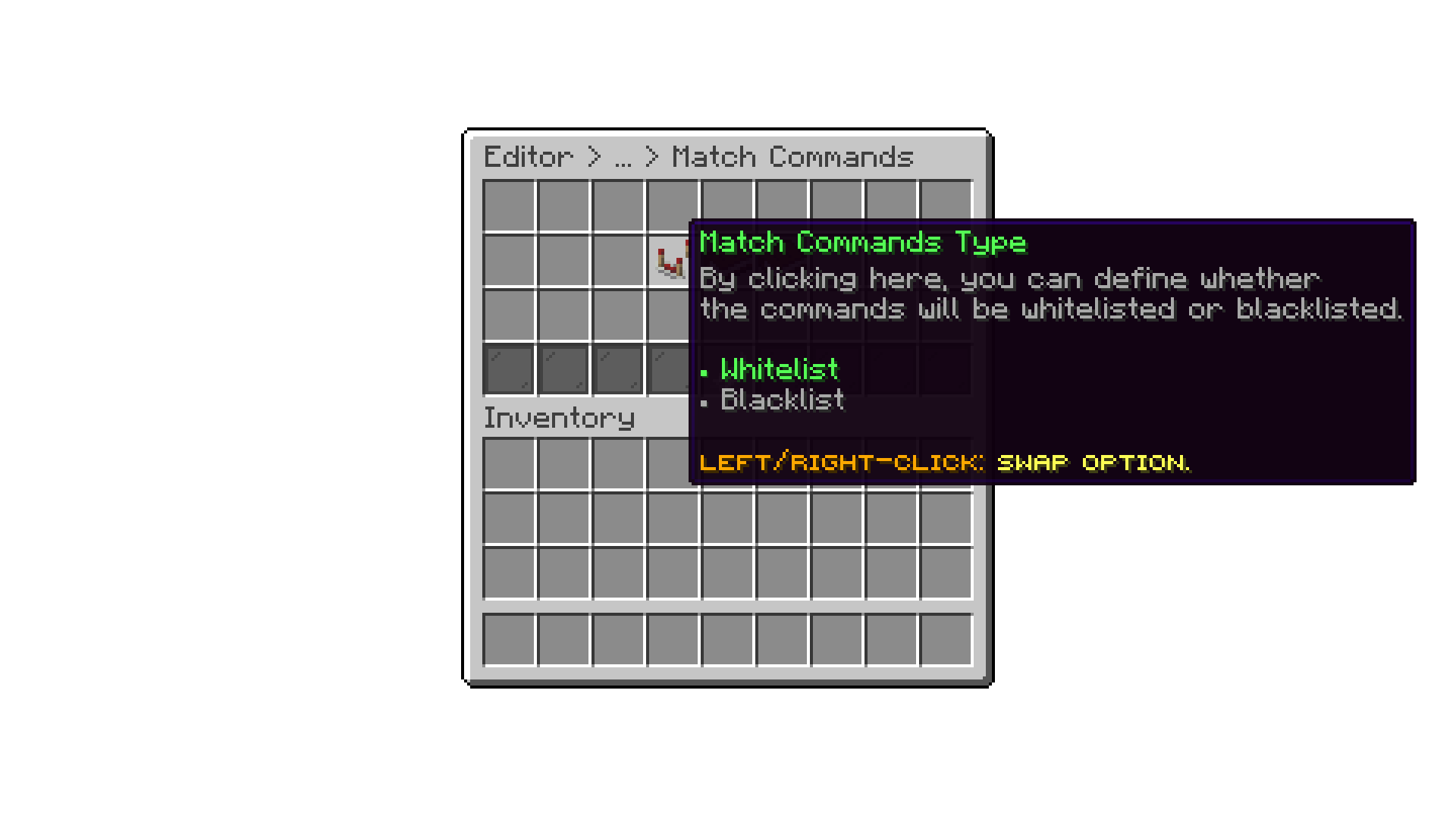
Editor > Settings > Match Commands
With this option you can either add commands to the whitelist or blacklist, depending on the Match Commands Type you have selected.
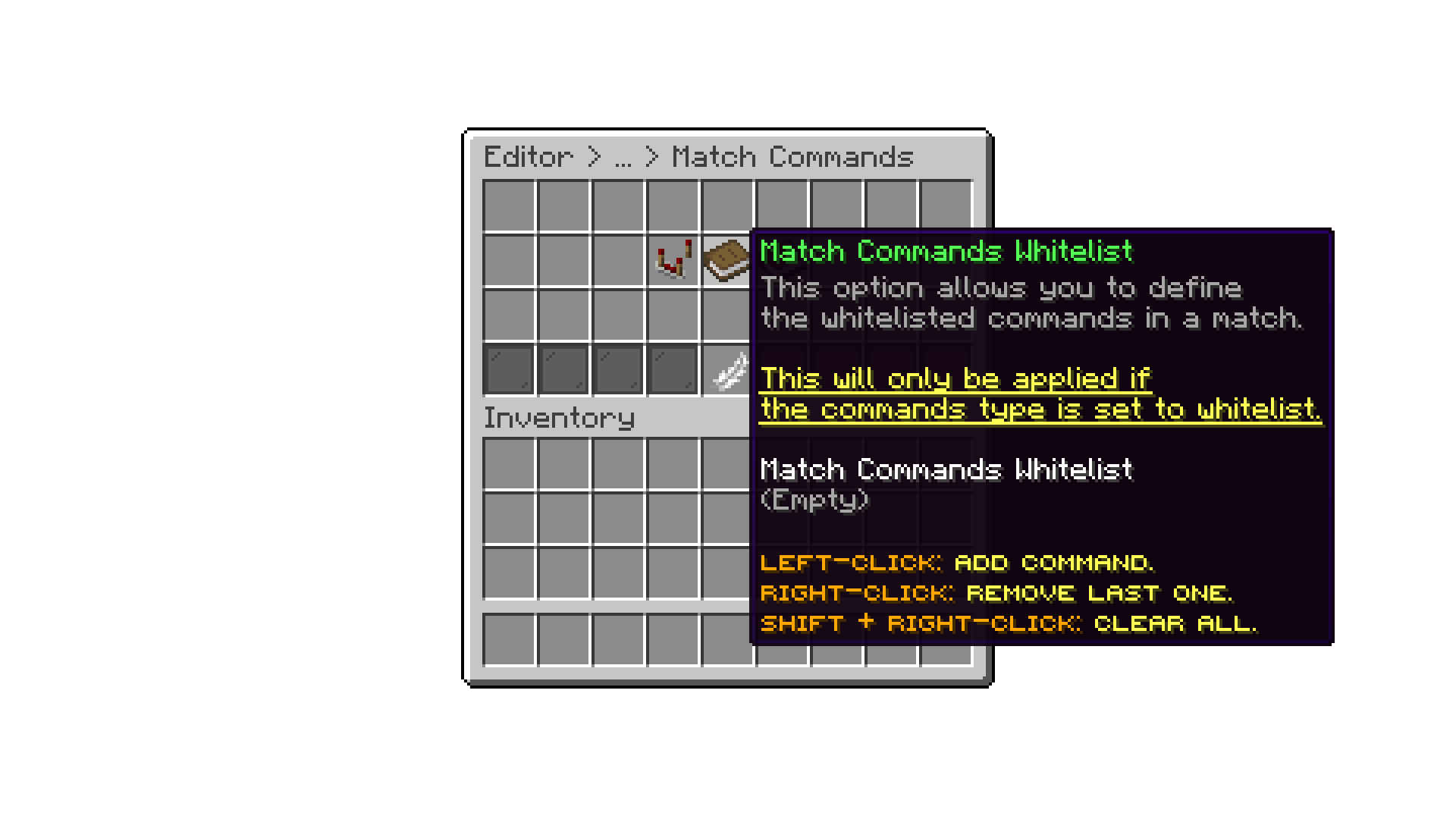
Editor > Settings > Match Commands
By default, the plugin blocks all commands for non-OP players. If players are able to execute certain commands during a match, it is because that plugin did not properly register that command. In that case, make sure to add it to the blacklist manually.
Your cart is empty
Looks like the spiders padded through here. Pick a plugin and it will show up here. Continue shopping