

Oops... looks like the spiders padded through here
Add products to your cart and remove them from here Lets buy




On this page, you will find more information about the match settings and how to configure them.
All match-related settings can be found in this category, where you can navigate and configure them.
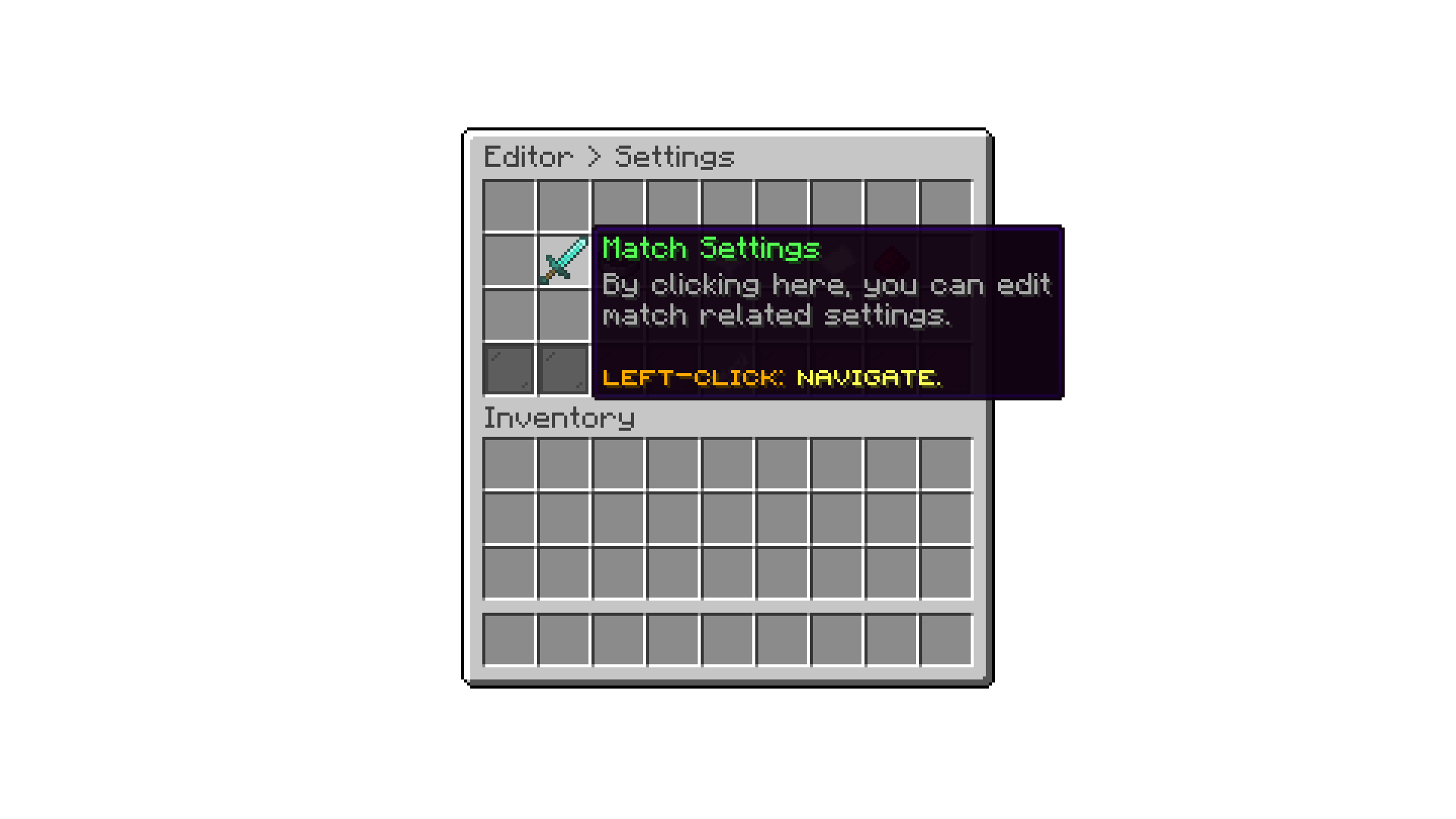
Editor > Settings
With the Default Finishing Seconds setting, you can define for how long players will need to wait before leaving the arena.
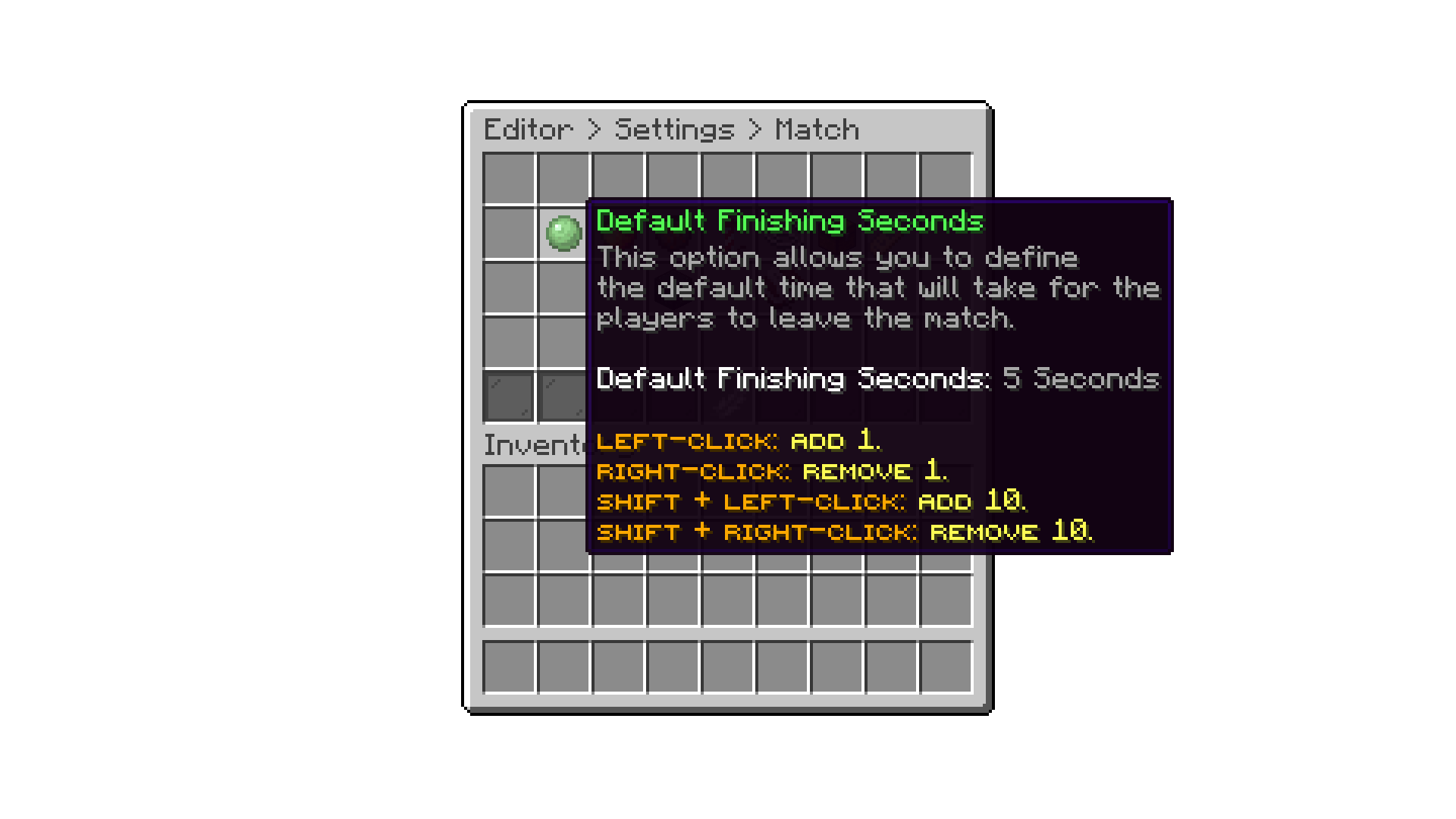
Editor > Settings > Match Settings
With the Extended Finishing Seconds setting, you can define a longer wait time before players leave the arena, used instead of the default in specific situations (such as when a match ends with a betting payout to display).
With the Maximum Allowed Rounds setting, you can define the maximum number of rounds a match can have. This is useful to prevent players from setting a match with an infinite number of rounds, which can cause arenas to be occupied for a long time.
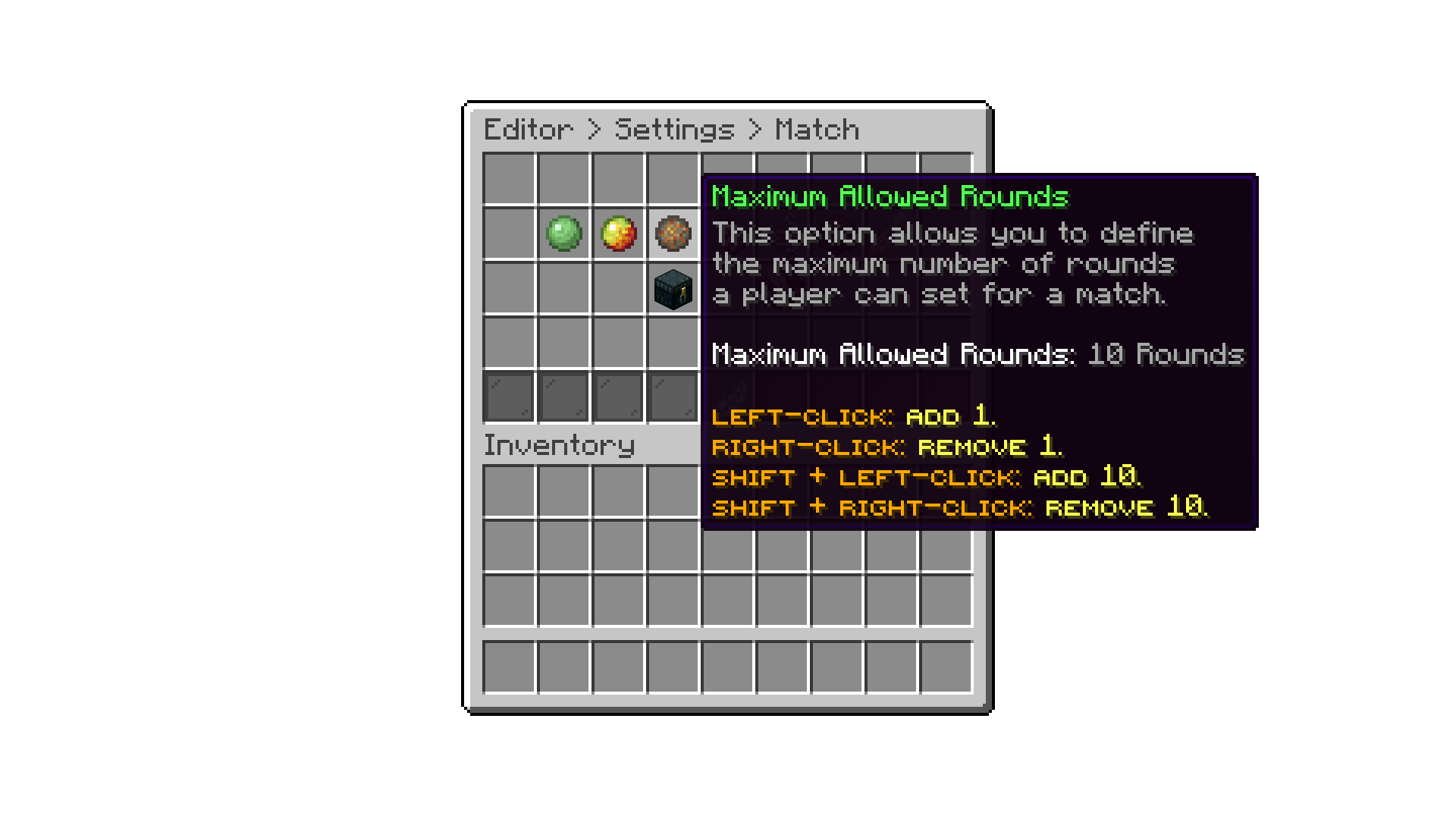
Editor > Settings > Match Settings
With the Rounds System setting, you define how the rounds a player picks are interpreted:
With the launch fireworks for winner setting, you can enable or disable the fireworks that are launched for the winner at the end of a match. By default, this setting is enabled.
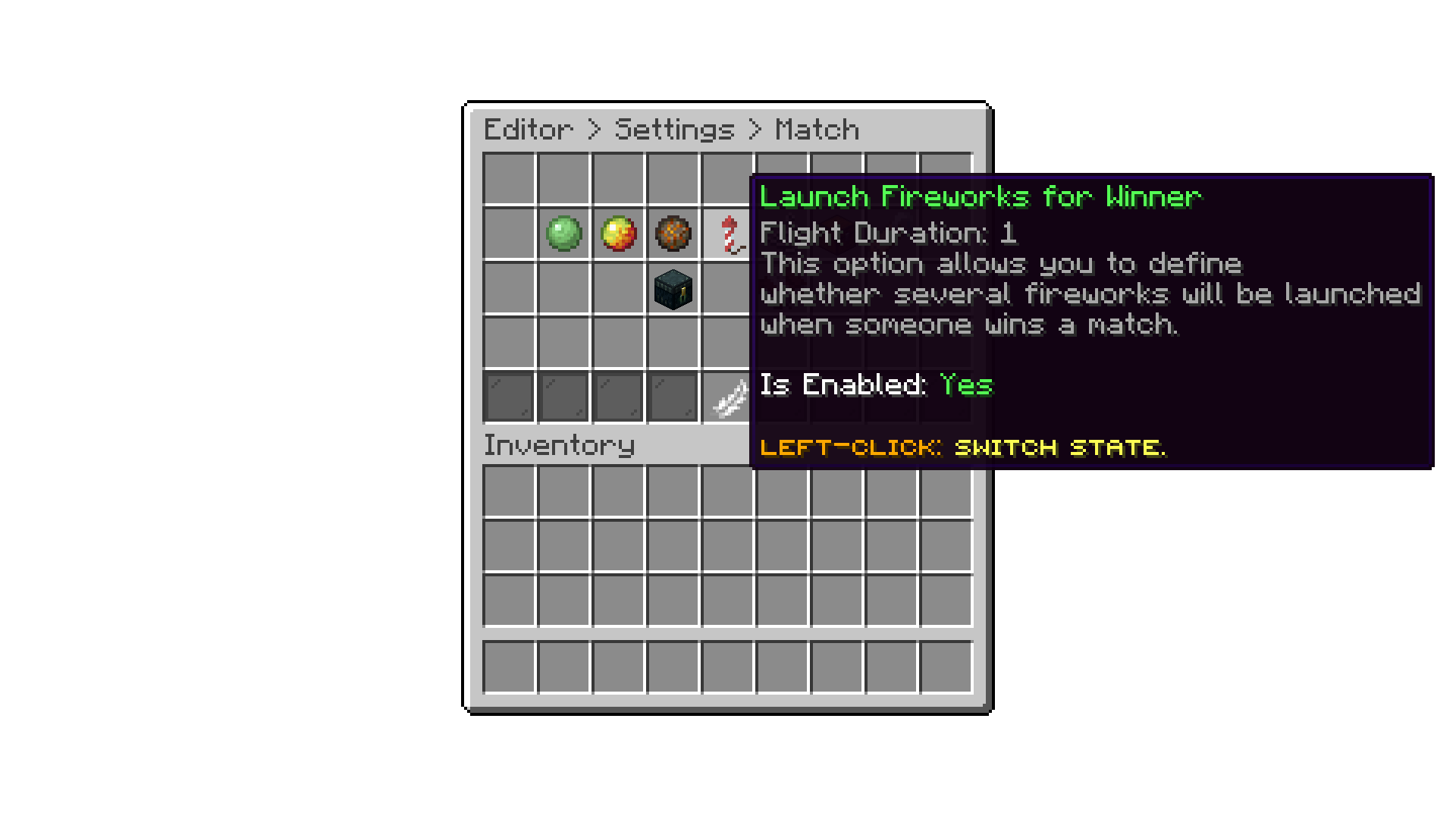
Editor > Settings > Match Settings
With the edit match commands setting, you can configure the commands that can be executed or not being executed during a match.
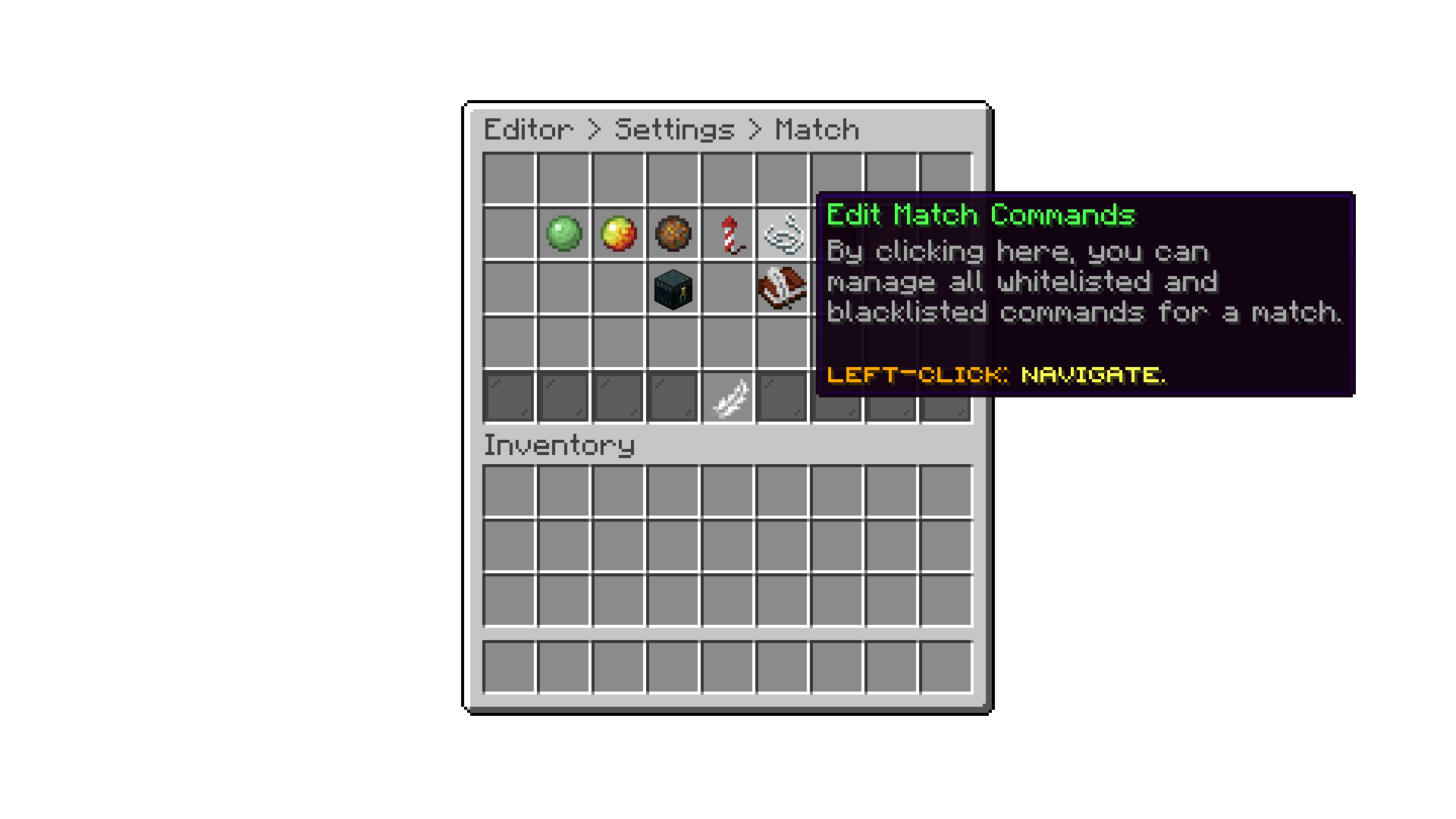
Editor > Settings > Match Settings
With the restore last inventory setting, you can enable or disable the option for players to restore their inventory after a match. By default, this setting is enabled, allowing players to easily get back their items after a match. This option works with the Player Inventory as the game modes Loadout Type.
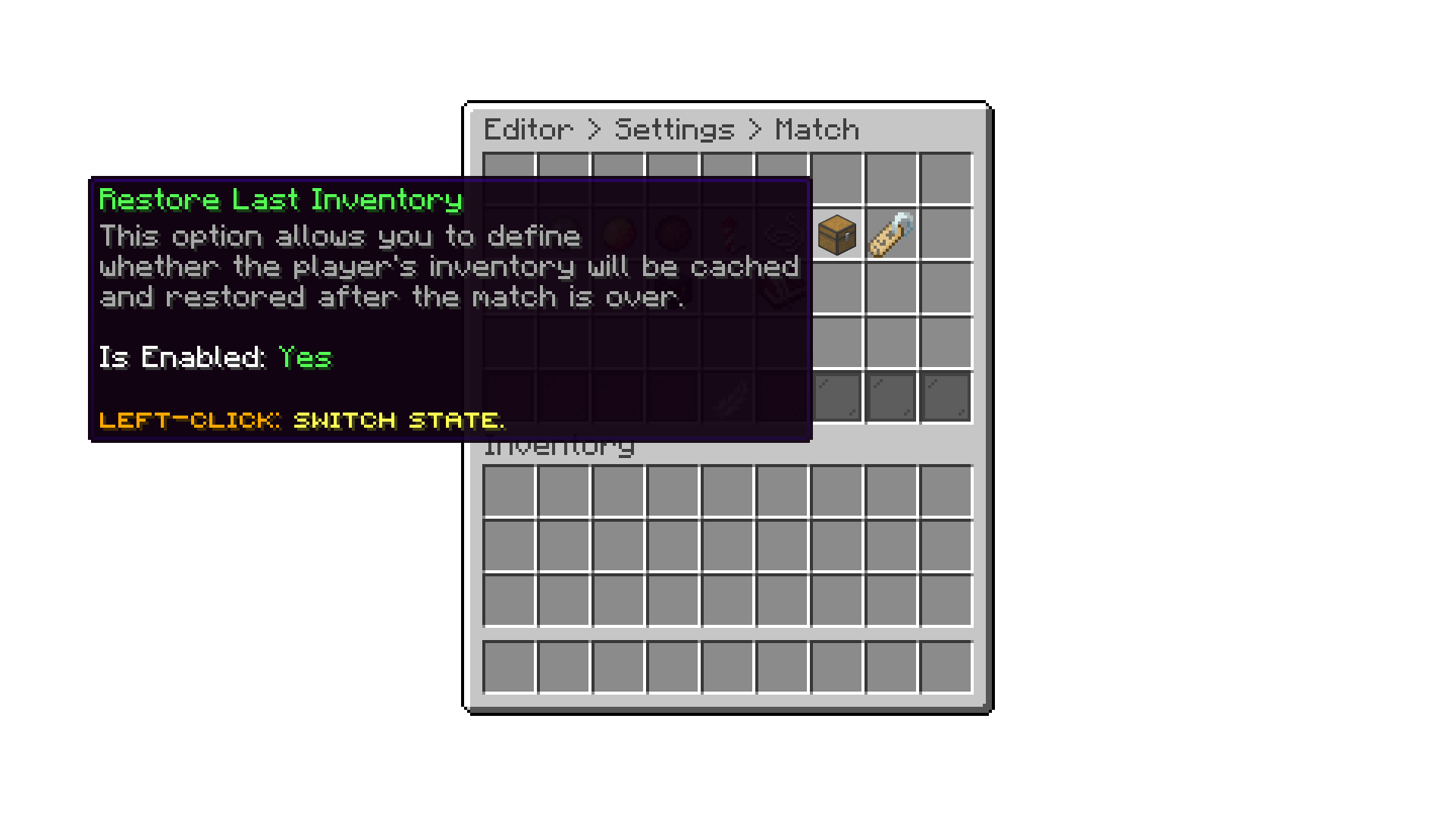
Editor > Settings > Match Settings
With the require empty inventory setting, you can enable or disable the requirement for players to have an empty inventory before joining a match. By default, this setting is disabled, allowing players to join matches with items in their inventory.
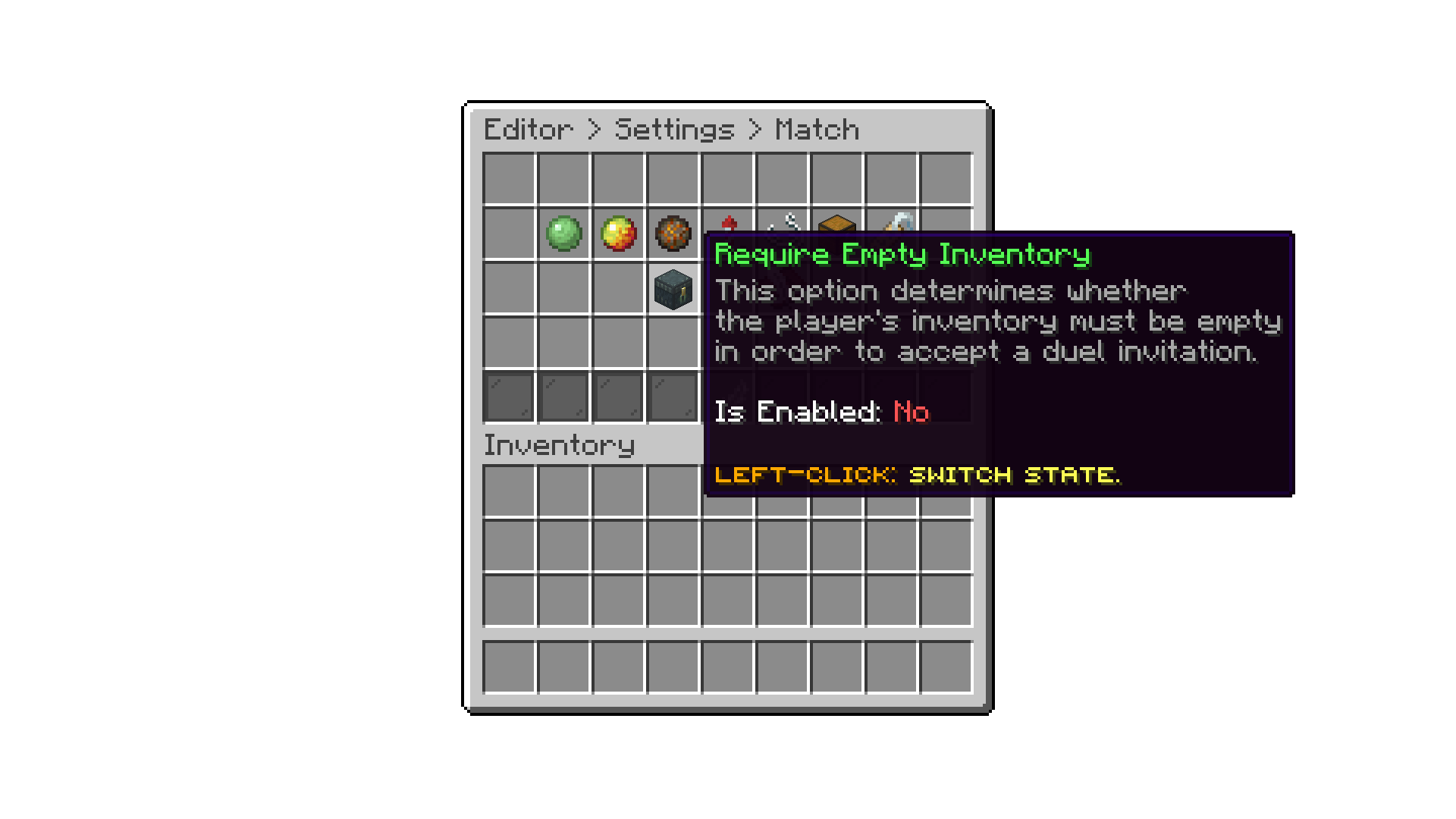
Editor > Settings > Match Settings
With the floor kill setting, you can enable or disable instant elimination for players who fall onto an arena's floor (below the battle region). By default, this setting is enabled. Disable it if you'd rather handle falls yourself with a gamemode rule, such as Touch Void Die.
With the Spectator Engine setting, you choose which system is used to spectate a match:

Editor > Settings > Match
With this setting, a player's tab list, while in a match or spectating one, only shows that arena's players and spectators instead of every player on the server.
With this setting, you can define a prefix shown before a spectator's name in the tab list, so players and spectators are easy to tell apart at a glance.
When enabled, ranked matchmaking will never pair players sharing the same IP address into the same match.
When enabled, the pre-fight countdown ends immediately once every player in the match sneaks, instead of always waiting it out.
When enabled, parties are not allowed to queue up for Unranked or Ranked modes.
Players you cannot see, because a staff plugin has vanished them, are left out of the suggestions for /duel and /party, so a vanished admin does not show up as a duel target. This is automatic and has no option; it follows whatever your vanish plugin tells the server.
A player who is still vanished when a round starts is brought back out of vanish first, since a match with an invisible participant in it is not playable.
Oops... looks like the spiders padded through here
Add products to your cart and remove them from here Lets buy