






Your cart is empty
Looks like the spiders padded through here. Pick a plugin and it will show up here. Continue shoppingOn this page, you will find all the information about the creation of a crate
To create a crate, simply click on the stained glass and create your reward!
.png)
Crates Editor > Crates
Our crate plugin offers a variety of features to let you customize crates exactly how you want. It is highly versatile and easy to manage using our in-game editor.
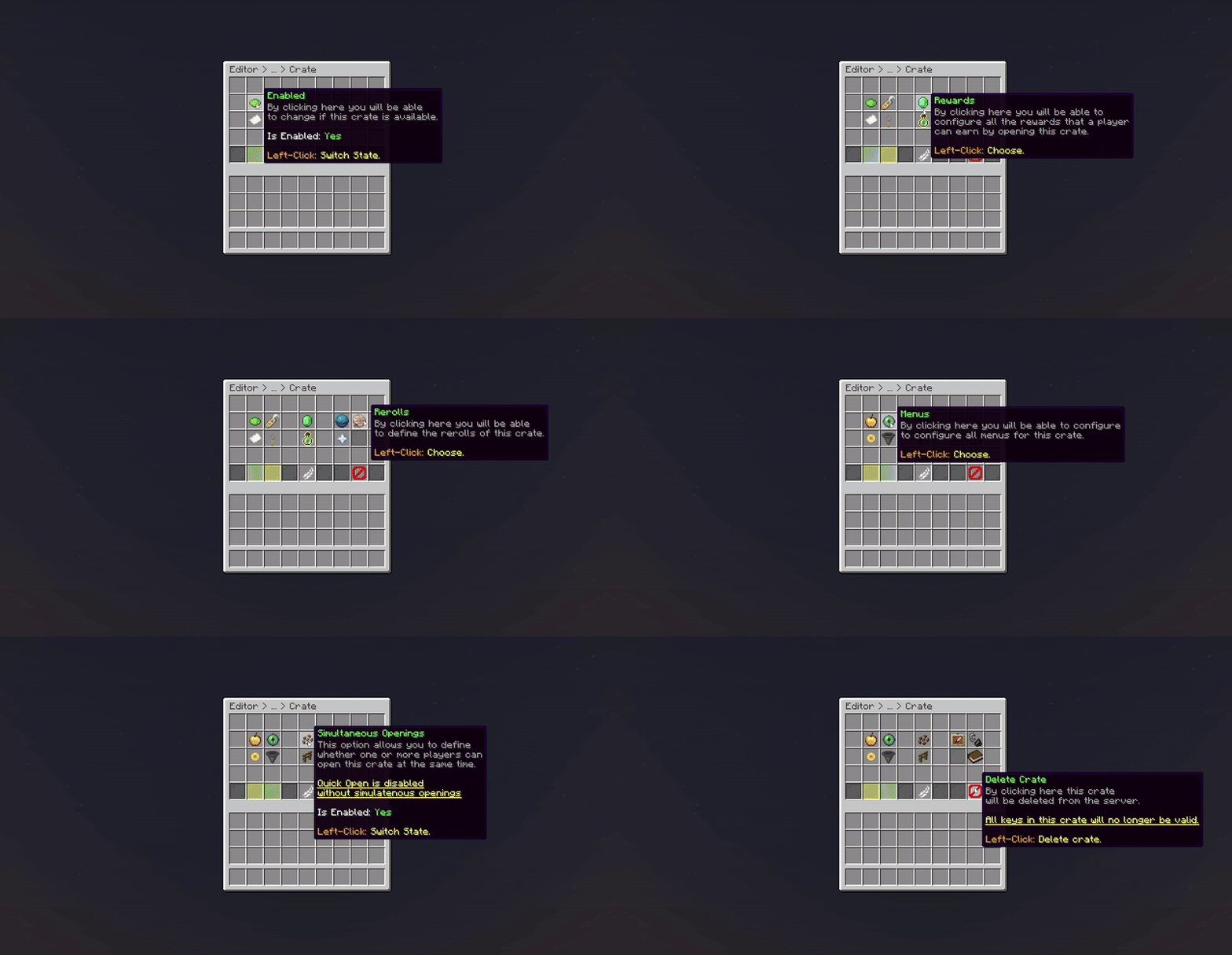
Crate (Crate Editor)
From here, you can quickly navigate to a specific feature related to crates.
| Features | Description |
|---|---|
| Identifier | Set a unique ID for your crate. |
| Display Name | Change the display name for the crate. |
| Linked Keys | Set the keys linked with your crate. |
| Engine Mode | Select which crate type the crate will use. |
| Block Material | Set the block material for the crate (Vanilla Block). |
| Animations | Select the animations for the crate. |
| Hologram | Adjust the hologram for the crate. |
| Rewards | Manage the rewards for the crate. |
| Rewards Mode | Select which reward type the crate will use. |
| Guaranteed Rewards | Manage the guaranteed rewards of the crate. |
| Rerolls | Manage the rerolls for the crate. |
| Preview Reward | Swap the state of preview reward. |
| Preview Menu | Change the preview menu for the crate. |
| Others | Extra configuration for the crate. |
| Broadcast Message | Adjust the broadcast message for the crate. |
| Clone Crate | Duplicate your crate. |
| Delete Crate | Quick delete the crate. |
| Attach Block | Attach the crate to a block. |
| Enabled | Swap the status of the crate. |
Your cart is empty
Looks like the spiders padded through here. Pick a plugin and it will show up here. Continue shopping