




 Paper
 Folia
 Spigot
 Geyser
 1.20.4+
Your cart is empty
Looks like the spiders padded through here. Pick a plugin and it will show up here. Continue shopping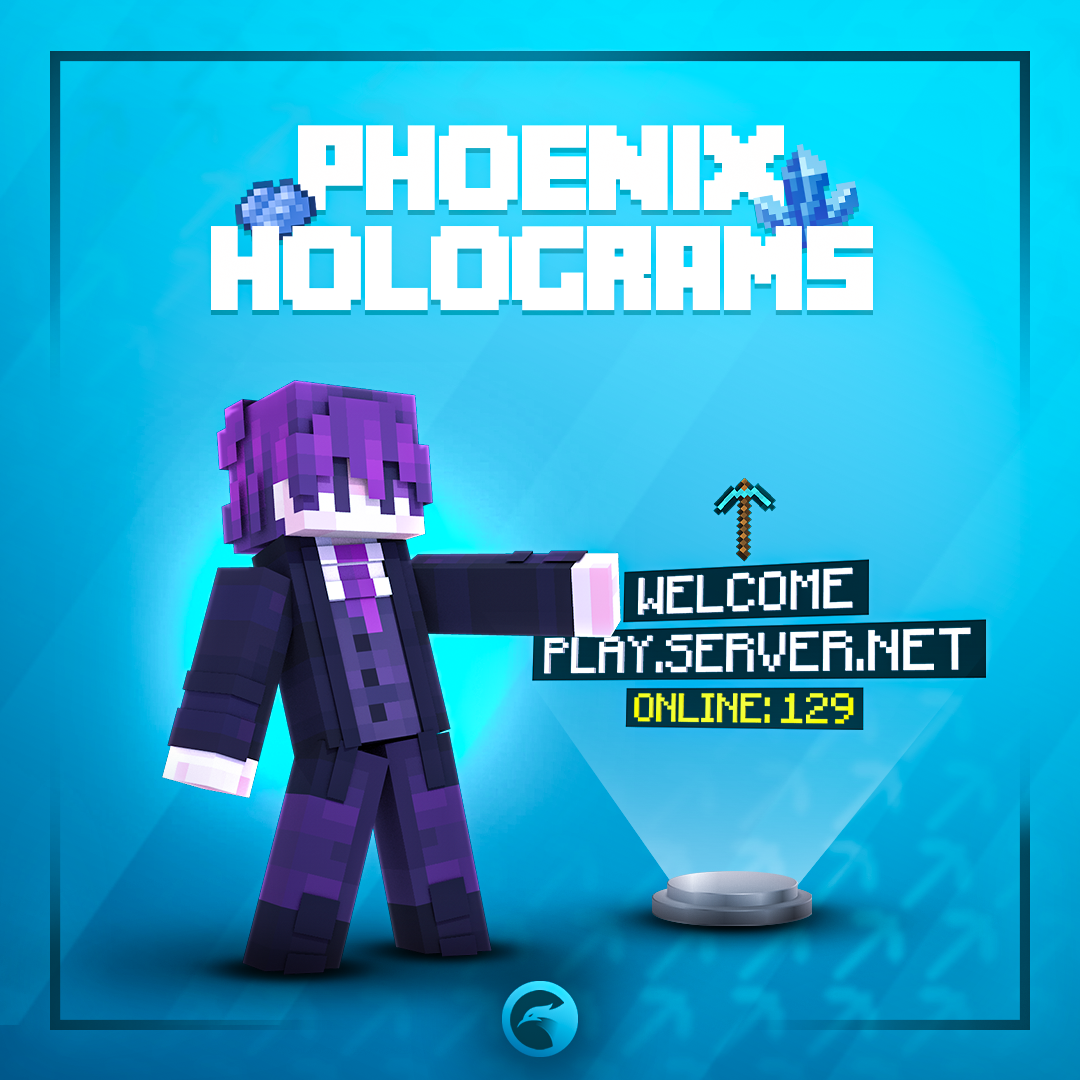
Phoenix Holograms is a free hologram plugin built around an in-game editor. Stack text, items, blocks, mobs, heads and images over as many pages as you like, show every player their own placeholders and lines, make any line clickable, and rank players on leaderboards the plugin tracks itself. Bring your holograms over from DecentHolograms, FancyHolograms, HolographicDisplays, CMI or GHolo.

Stack text, items, blocks, mobs, heads and images into holograms with as many pages as you like. Each player sees their own placeholders, their own page and only the lines meant for them, and any line can react to a click.

Create, move and restyle holograms from menus. Look at one and type /pholo edit to open it.

Holograms are sent as packets, so one hologram can show every viewer different text, a different page and different lines.

Left, right and shift clicks run commands, turn pages, teleport players or send them to another server.

Rank players by kills, play time, balance or any placeholder, all time or per day, week, month and year.

Bedrock staff joining through Geyser reach every editor action through forms, typed text included.

Bring your holograms over from five other hologram plugins, pages and click actions included where they exist.
Your spawn talks to every player. Make it talk to each of them.
No config files neededHolograms, pages and lines are set up from the editor and update in front of you as you change them. Ready-made examples import with one click.
Add text, item, block, mob, player head, image and command output lines, then reorder them, give each its own scale and spacing, and split them over as many pages as you need.


Set billboard, scale, shadow, background, opacity, light and rotation for the whole hologram or a single line, with double-sided text when it should read from behind too.
Lines can animate, change for each player and respond when someone looks at them or clicks them.

Typewriter, scroll, colour wave and frame animations, countdowns, and pulse, slide-in and fade effects. Items, blocks and mobs can spin, bob and glow.

Give the hologram or a single line its own actions, with a permission and a cooldown. Hover text changes when a player looks at a line.

Every player turns pages on their own, by click or on a timer, so one hologram can hold rules, news and links without crowding the spawn.

Show a hologram to everyone, to chosen players, by permission, by placeholder conditions or inside WorldGuard regions, and hide single lines the same way.
Pick what players are ranked by and the plugin keeps the values, so a weekly top list works without a stats plugin behind it.

Rank by a statistic, play time, a Vault balance, a PhoenixCurrencies currency or any placeholder. Rows show player heads, each viewer sees their own place, and a click switches the stat or the period.
Open Editor > Migrations and pick the plugin you are leaving. The old plugin does not have to be running, holograms you already have are left alone, and the report lists what was imported and what was skipped.
 DecentHolograms
 FancyHolograms
 HolographicDisplays
 CMI
 GHolo

One free install covers the holograms, the editor and the tools to run them across a network.

Damage and healing numbers that pop up over mobs and players when they are hit or healed.

Player counts and online status of your other servers, with no proxy plugin needed.

Switch a whole set of holograms on or off at once, for events and seasons.

ItemsAdder, Nexo, CraftEngine, MMOItems, MythicMobs, custom heads and more on item lines.

YAML, SQLite, MySQL, MariaDB or PostgreSQL, synced across servers through the database or Redis.

Automatic backups of every hologram, with a restore screen in the editor.

Lines in each player's own game language, with MiniMessage and hex colours.

Turn off placeholders, animations or updates per hologram or line where they are not needed.

Every option, command, permission and placeholder documented.
Yes. Phoenix Holograms is free, with every feature on this page included. There is no paid edition and nothing is locked.
No. Phoenix Holograms runs on its own. PlaceholderAPI, WorldGuard, the custom item plugins and Geyser are picked up when they are installed, but none of them are required.
No. Holograms are made of the display entities the game already has, so every player on a normal client sees them.
Spigot, Paper and their forks from 1.20.4 up to 26.x. Folia is supported too, still marked as experimental.
Yes. Each hologram is its own file in the holograms folder, and every editor action has a command under /pholo. Use the editor, the files or the commands, whichever you prefer.
Yes. A developer API with events lets your own plugins create, change and remove holograms, and listen to clicks.
Explore products that pair well with this item







Your cart is empty
Looks like the spiders padded through here. Pick a plugin and it will show up here. Continue shopping