

Oops... looks like the spiders padded through here
Add products to your cart and remove them from here Lets buy



On this page, you will find information on how to create holograms that are not attached to an npc.
Besides the hologram that sits above an npc, you can also create holograms on their own. They use the same built-in system, so no external hologram plugin is needed.
Stand where you want it and click Add Hologram in Editor > Holograms.
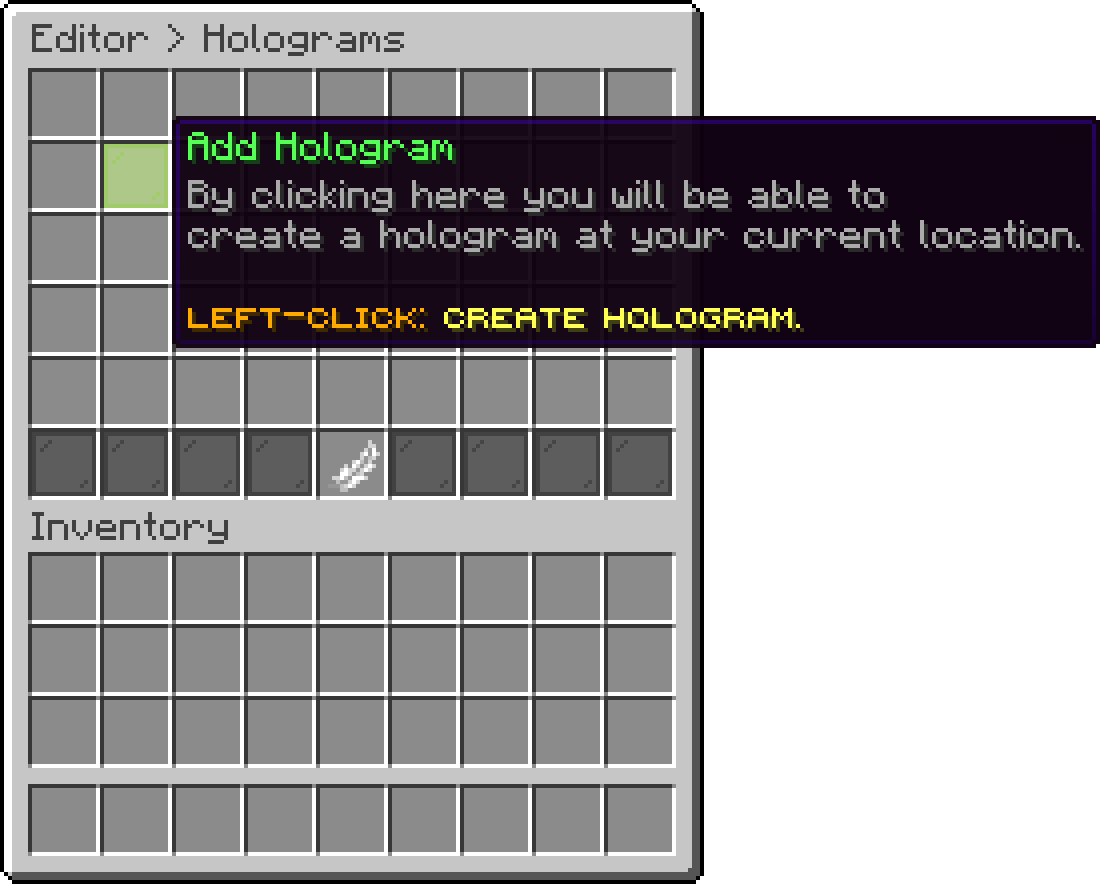
Editor > Holograms
| Option | Description |
|---|---|
| Change Identifier | Renames the hologram, each identifier has to be unique |
| Hologram Lines | The text shown, one entry per line |
| Display | The item and name used for the hologram inside the editor |
| Hologram Location | Moves the hologram to your location |
| Height Offset | Moves the text up or down |
| Billboard | How the hologram faces players |
| Line Gap | The space between two lines |
| Hologram Scale | How big the text is |
| Text Opacity | How solid the text is |
| See Through | Shows the text through blocks |
| Shadow | Adds a shadow behind the text |
| Background Color | The color behind the text |
| Actions | Actions executed when a player clicks the hologram |
| Toggle State | Hides the hologram in the world without deleting it |
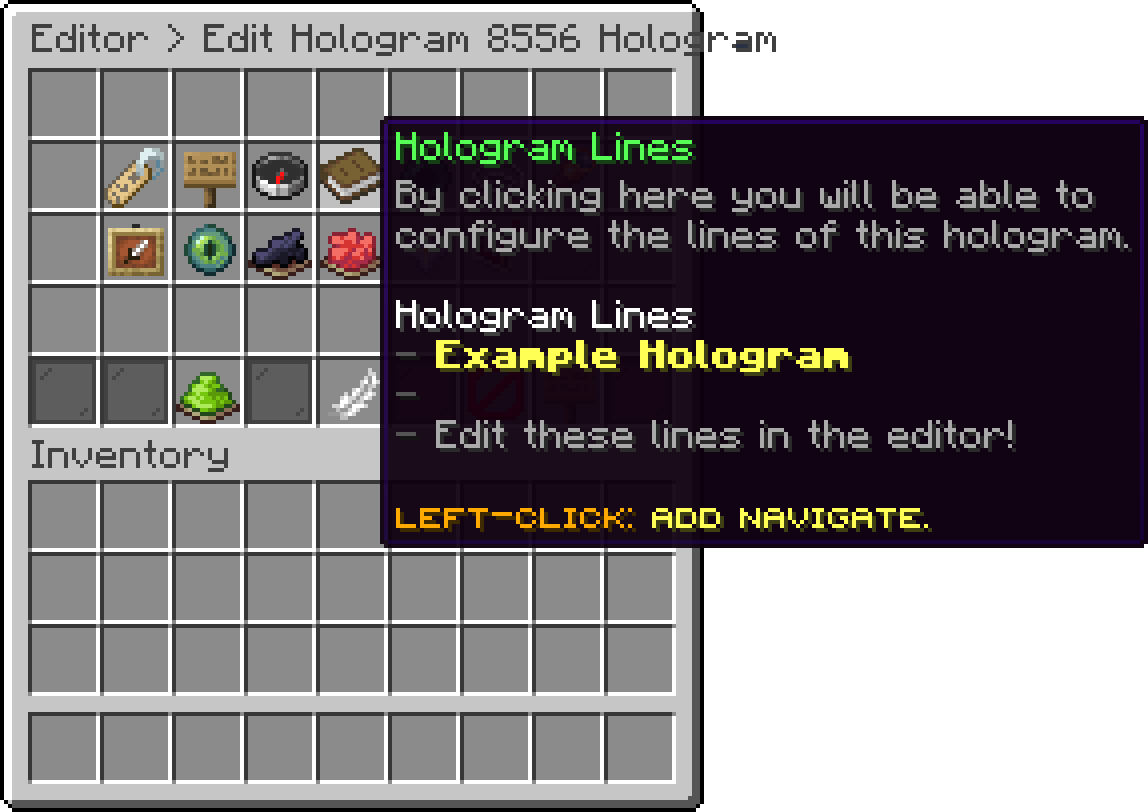
Editor > Holograms > Hologram Lines
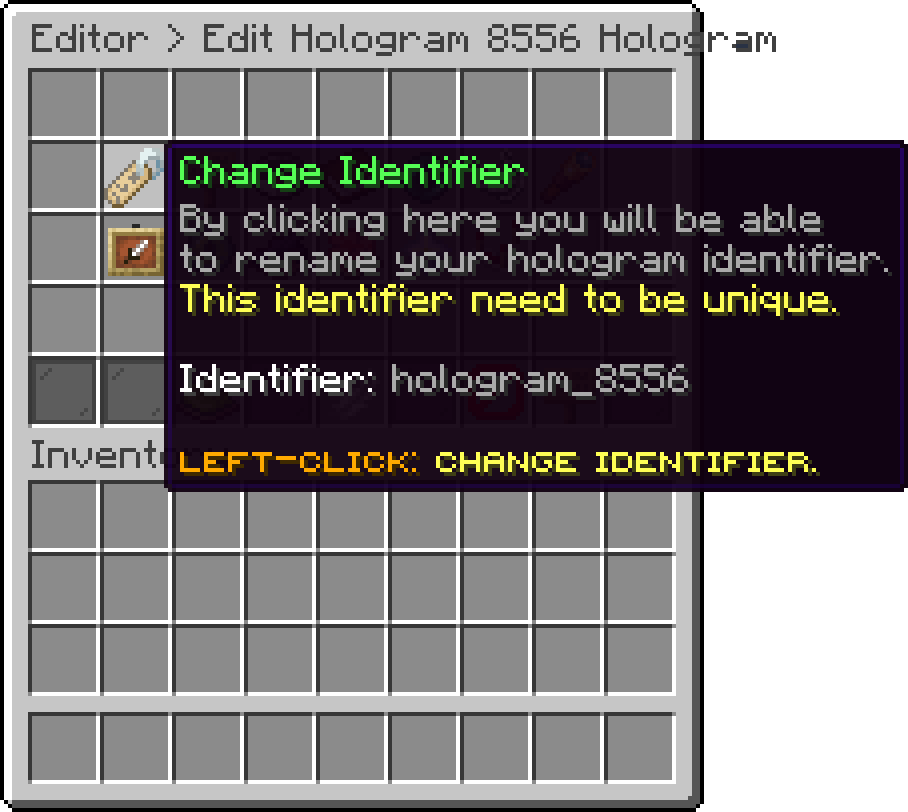
Editor > Holograms > Change Identifier
The Display option only changes how the hologram is listed in the editor, not what players see.
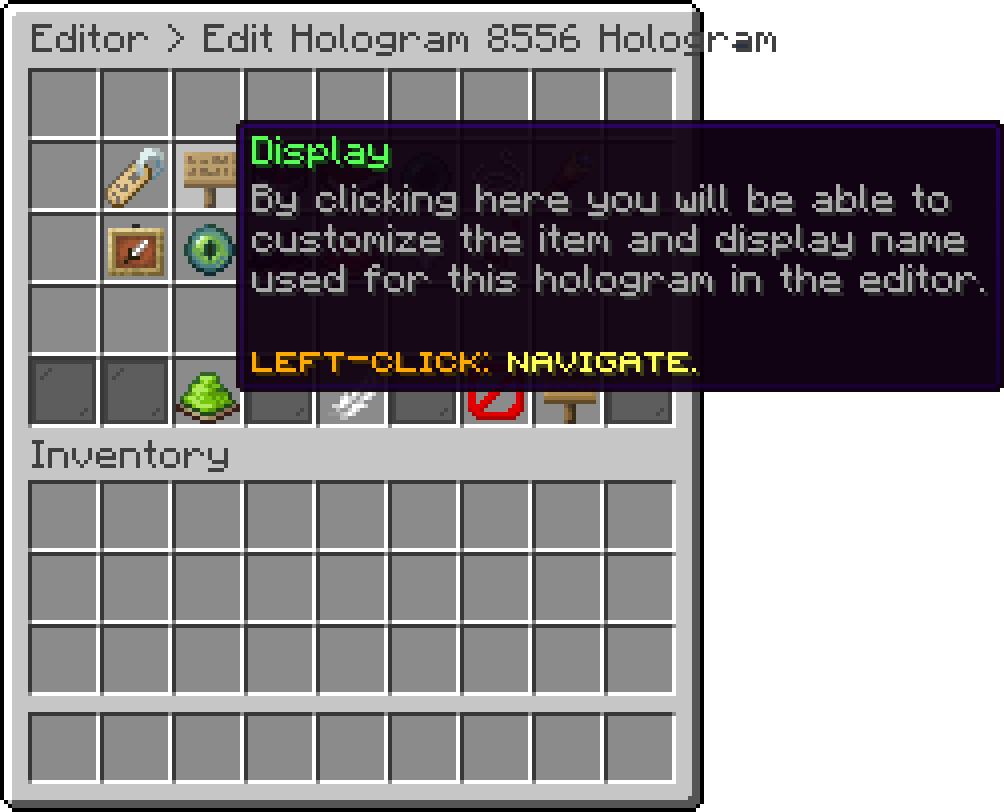
Editor > Holograms > Display
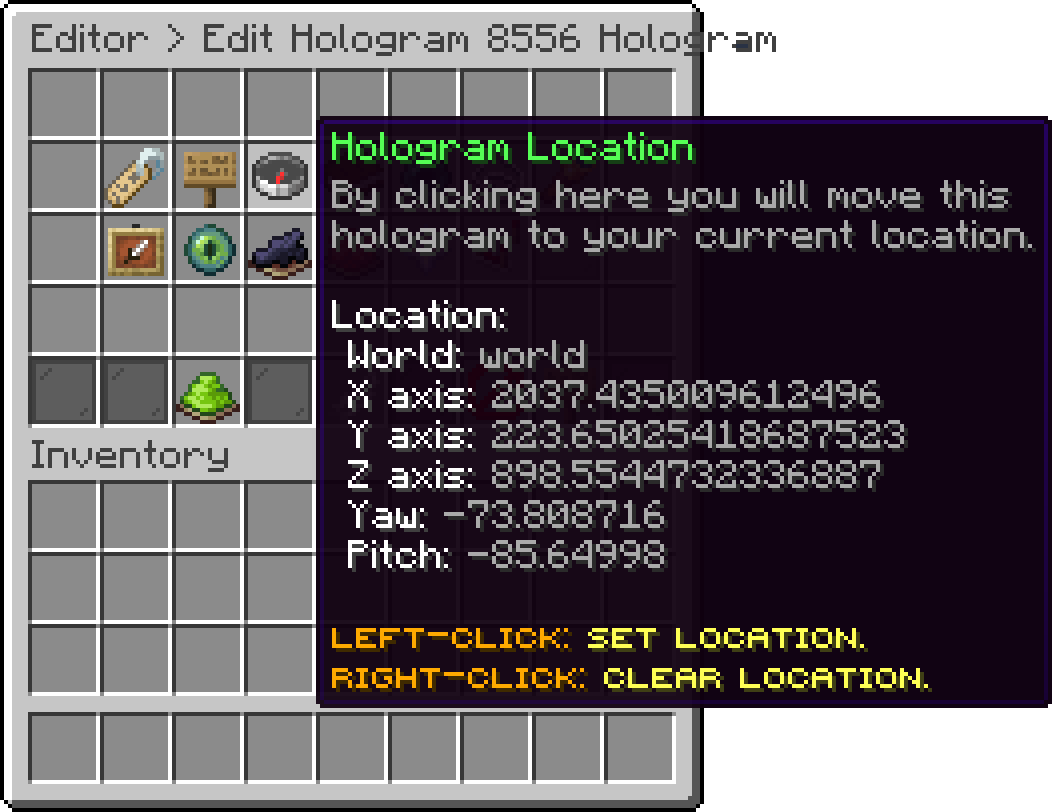
Editor > Holograms > Hologram Location
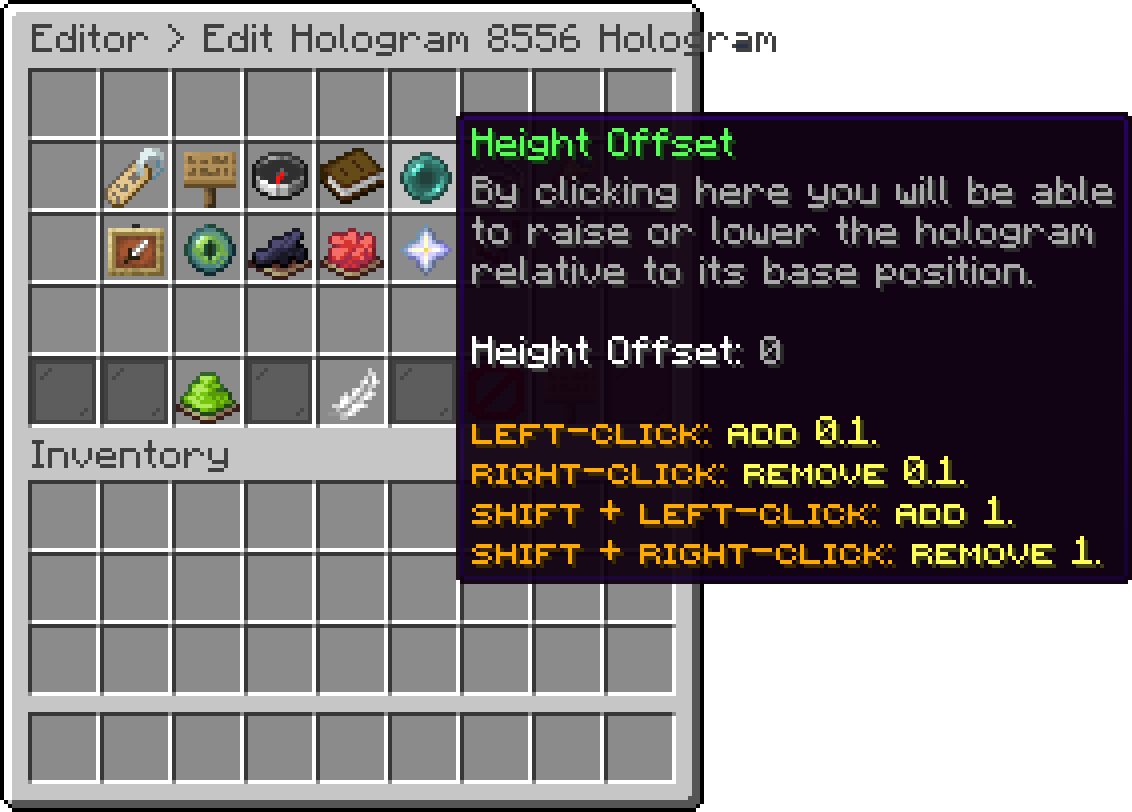
Editor > Holograms > Height Offset
Billboard can be set to Fixed, Vertical, Horizontal or Center.
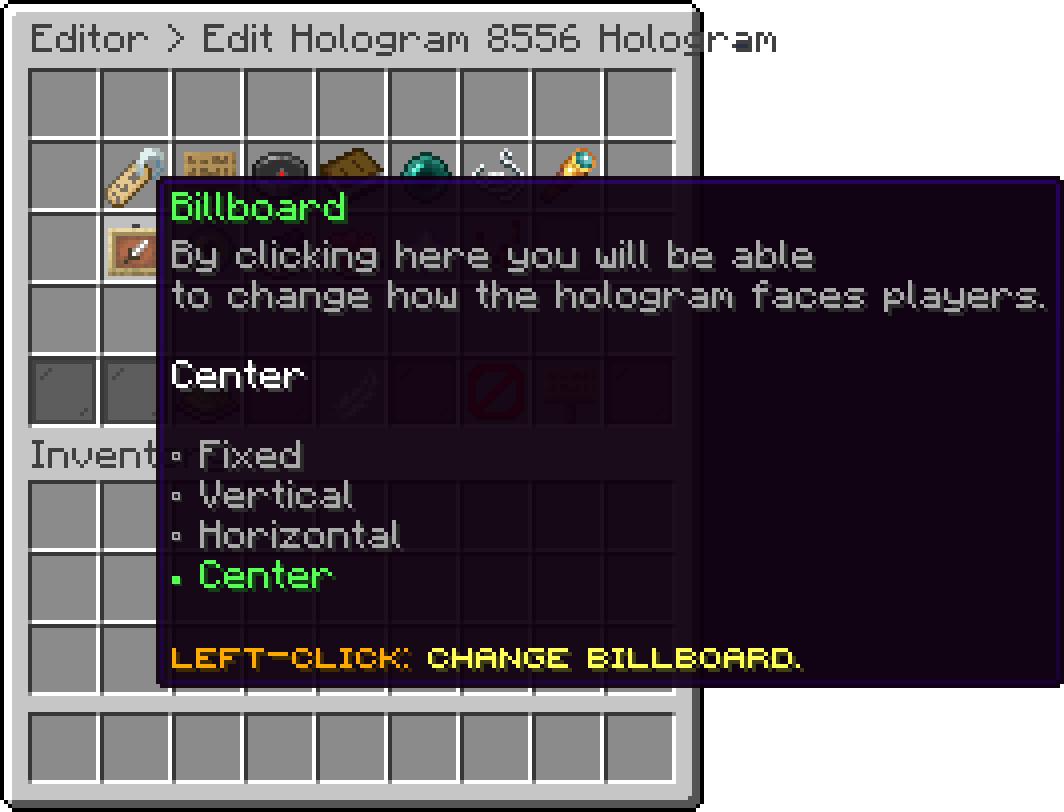
Editor > Holograms > Billboard
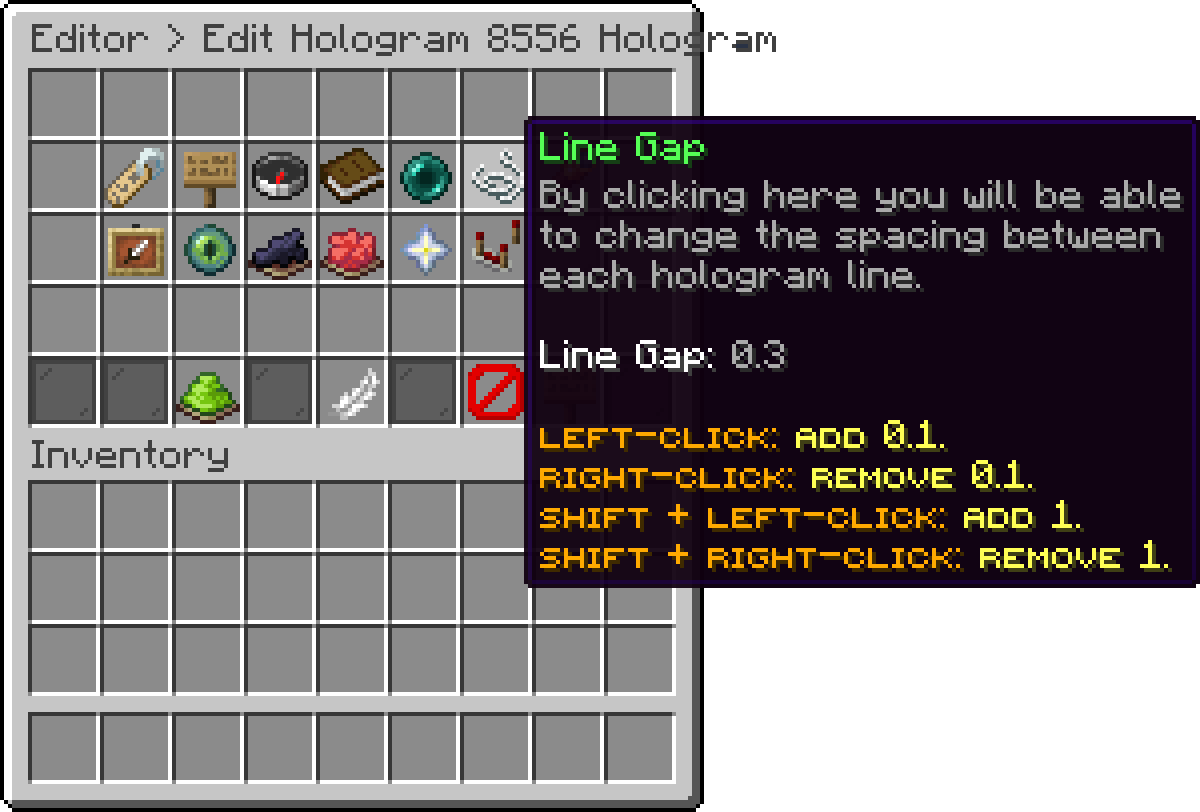
Editor > Holograms > Line Gap
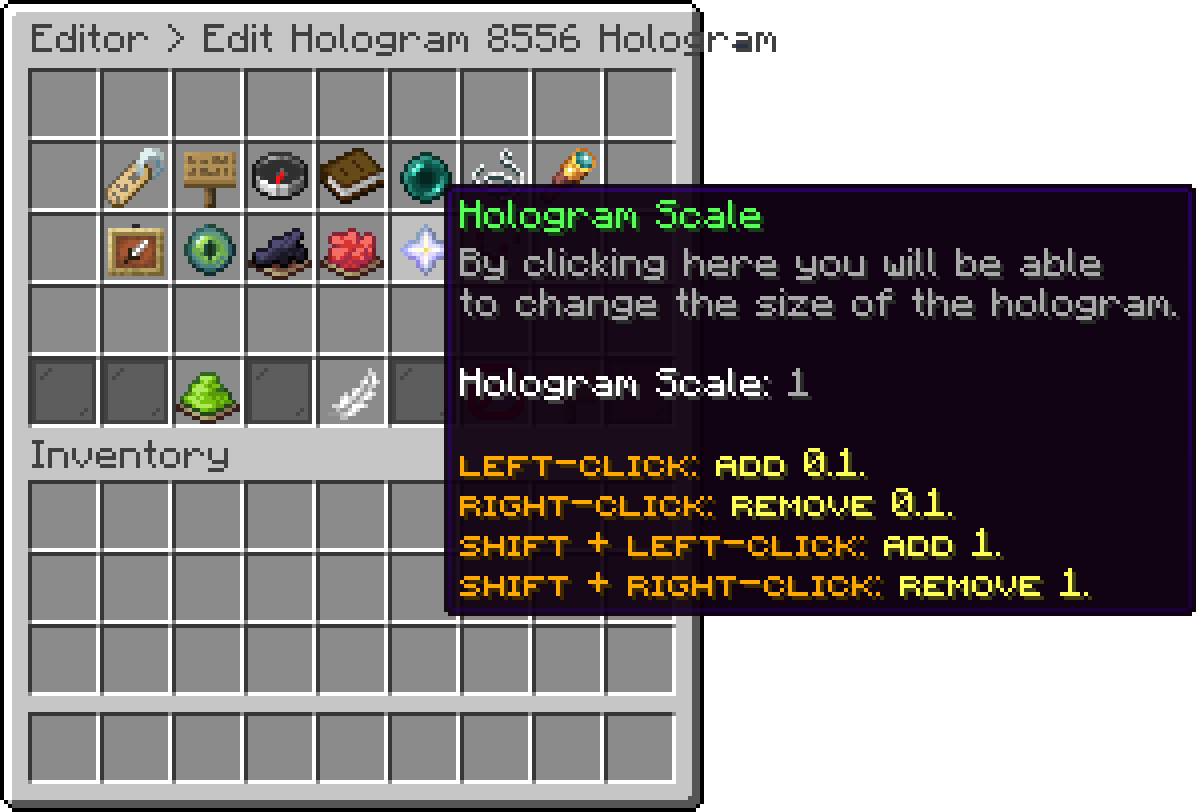
Editor > Holograms > Hologram Scale
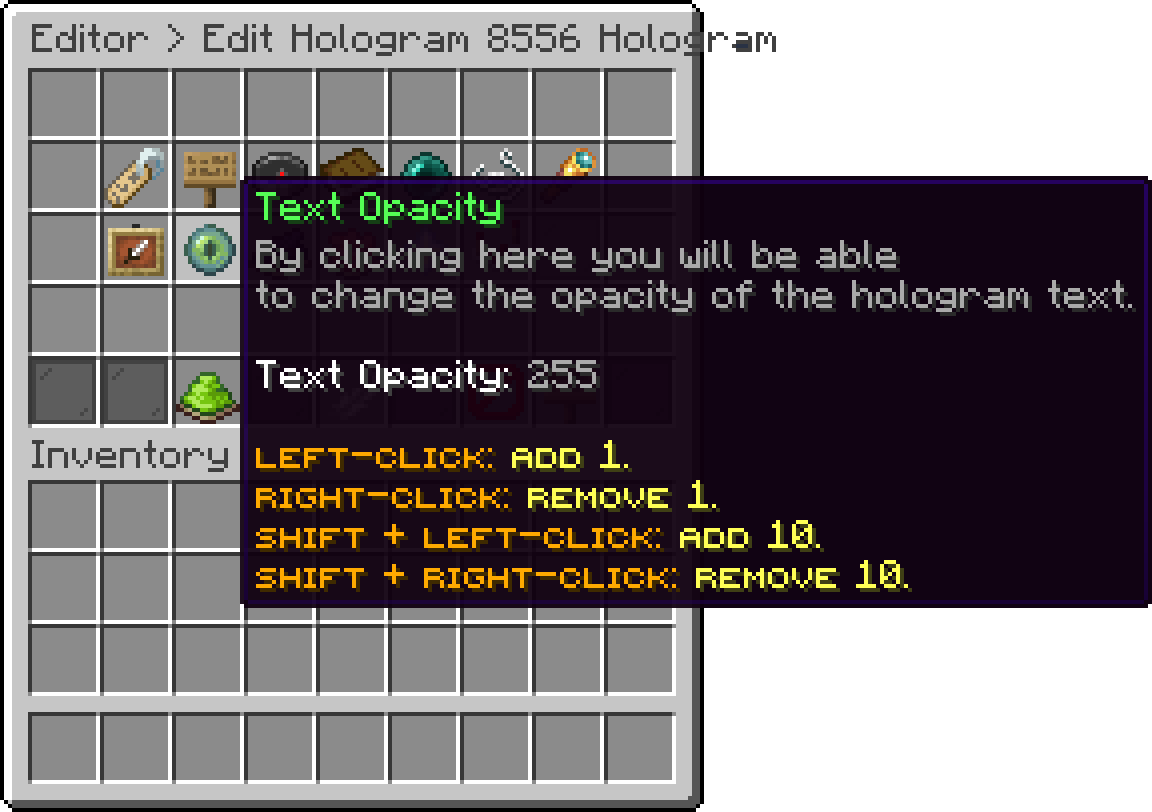
Editor > Holograms > Text Opacity
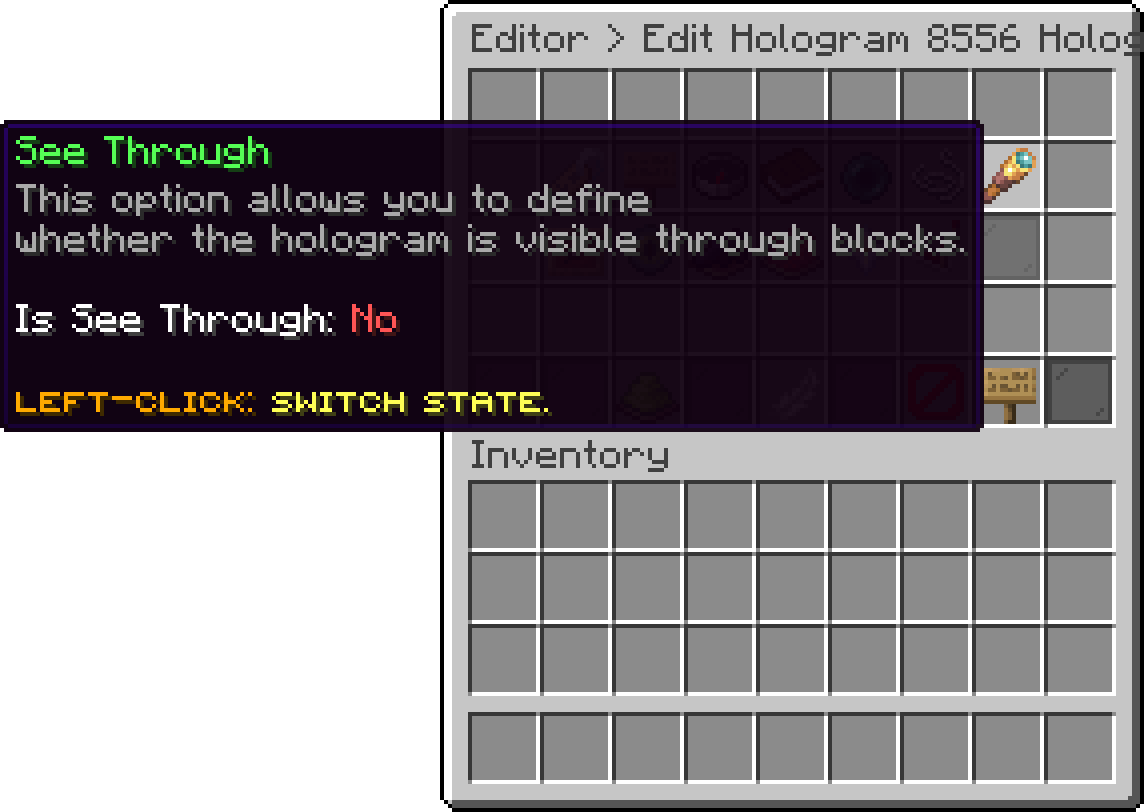
Editor > Holograms > See Through
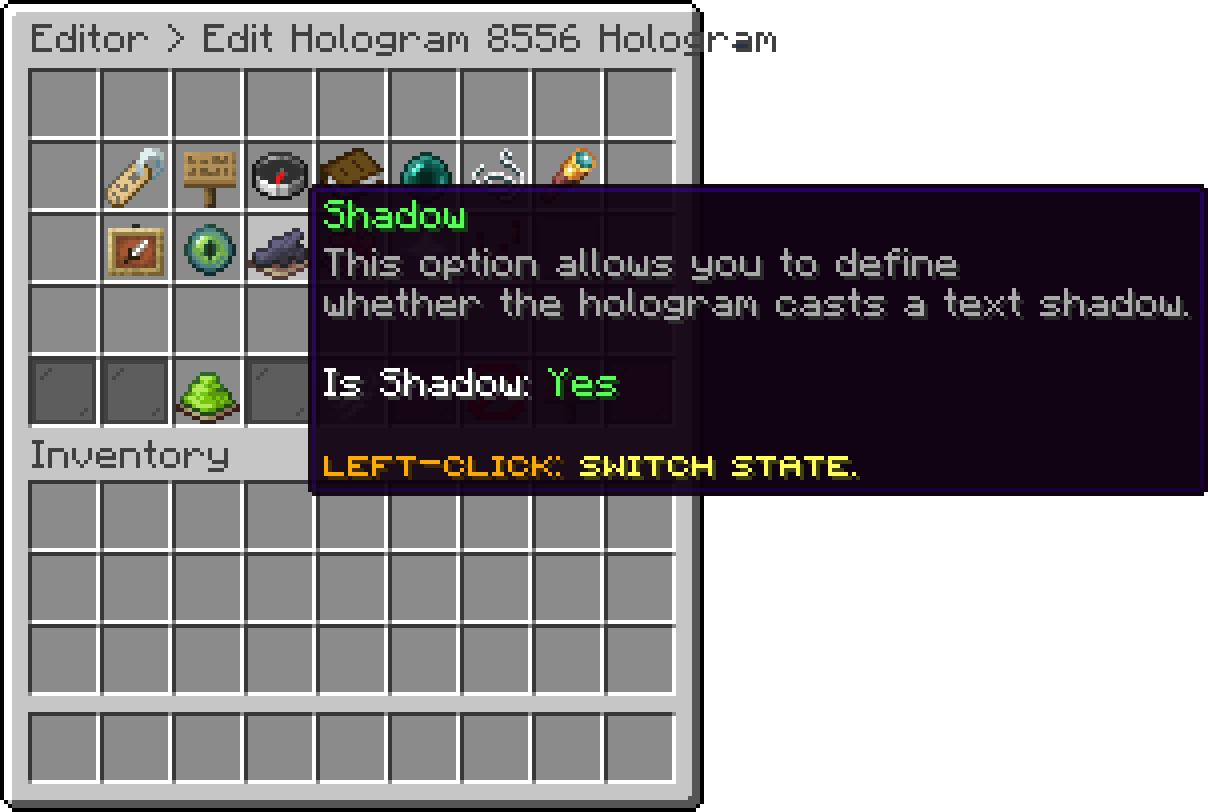
Editor > Holograms > Shadow
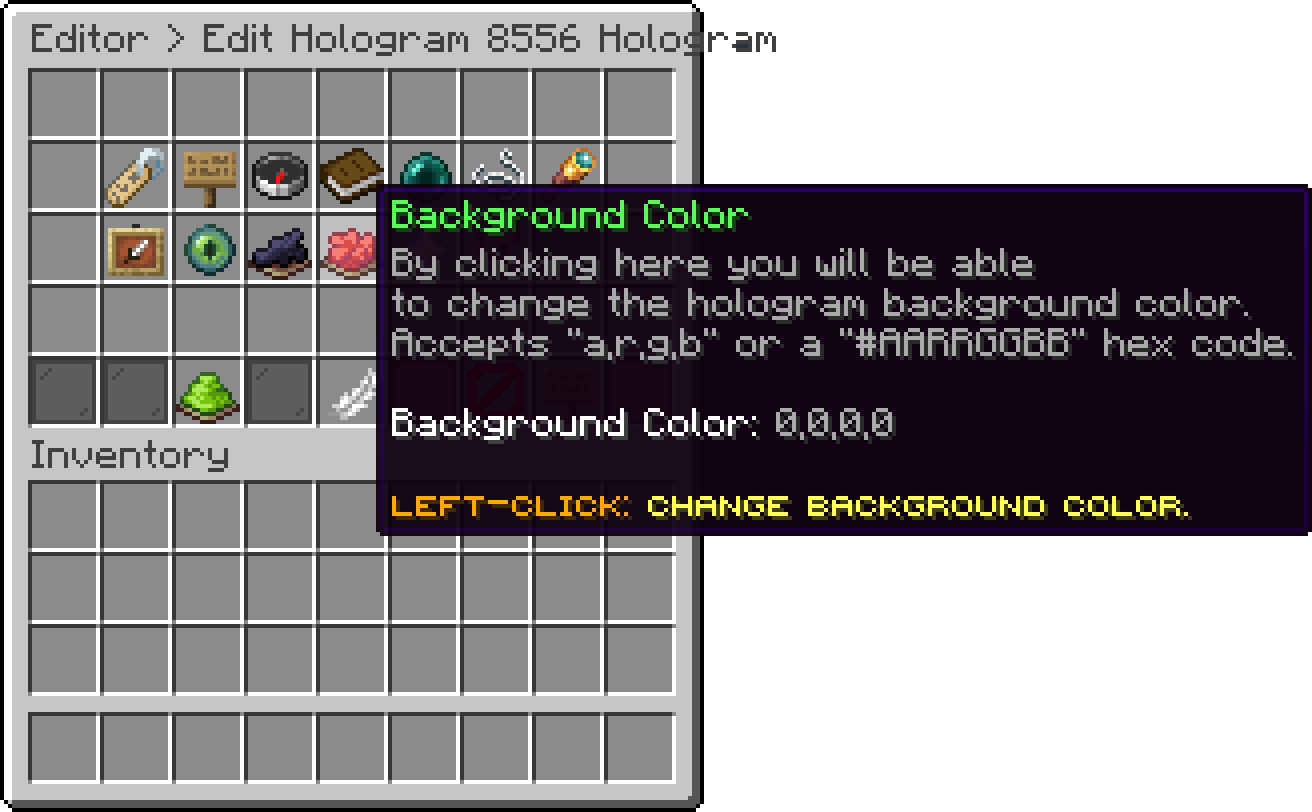
Editor > Holograms > Background Color
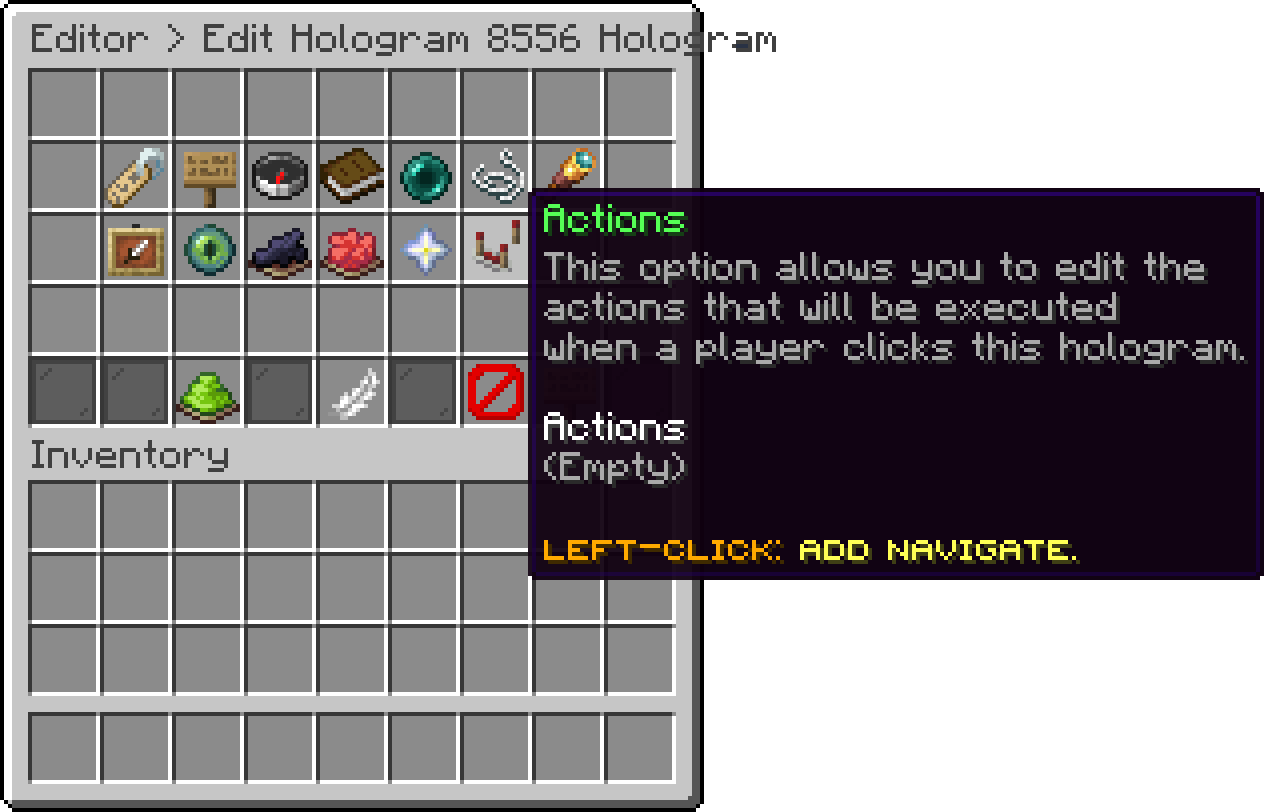
Editor > Holograms > Actions
A disabled hologram stays saved but does not appear in the world.
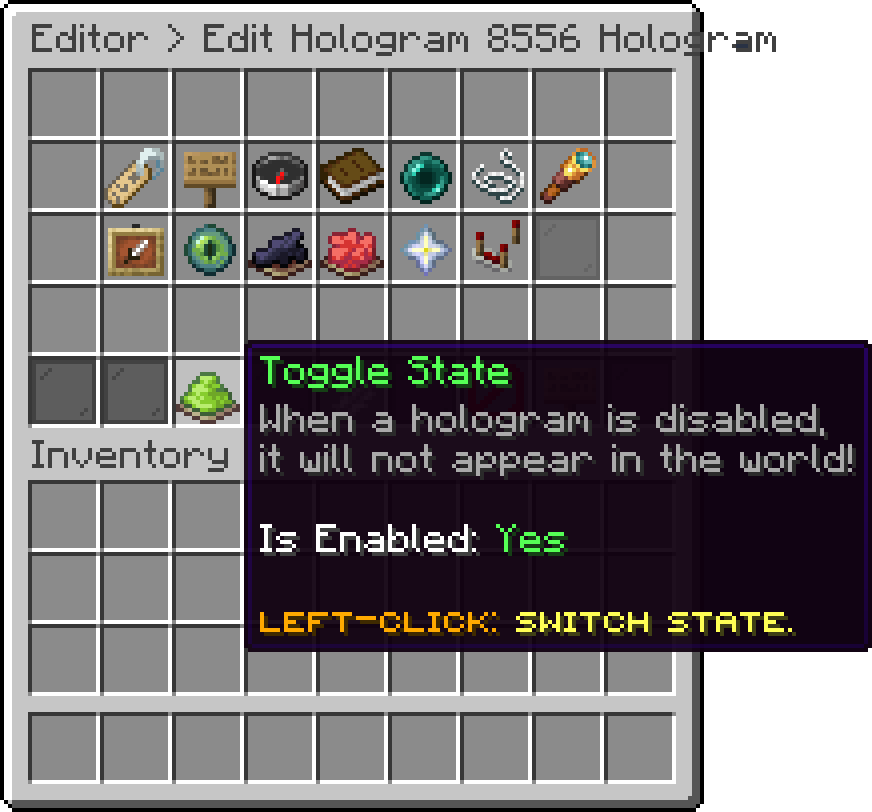
Editor > Holograms > Toggle State
Shift + Left-Click a hologram in the list to teleport to it, and use Clone to copy it with all of its options.
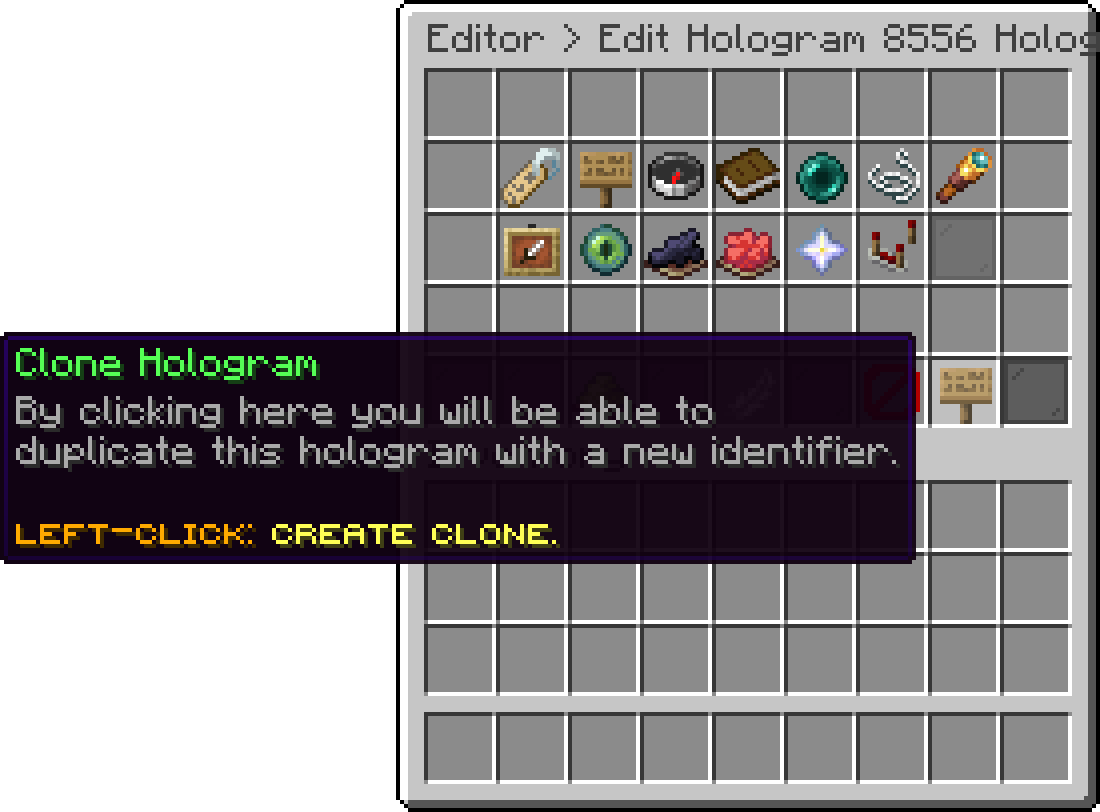
Editor > Holograms > Clone Hologram
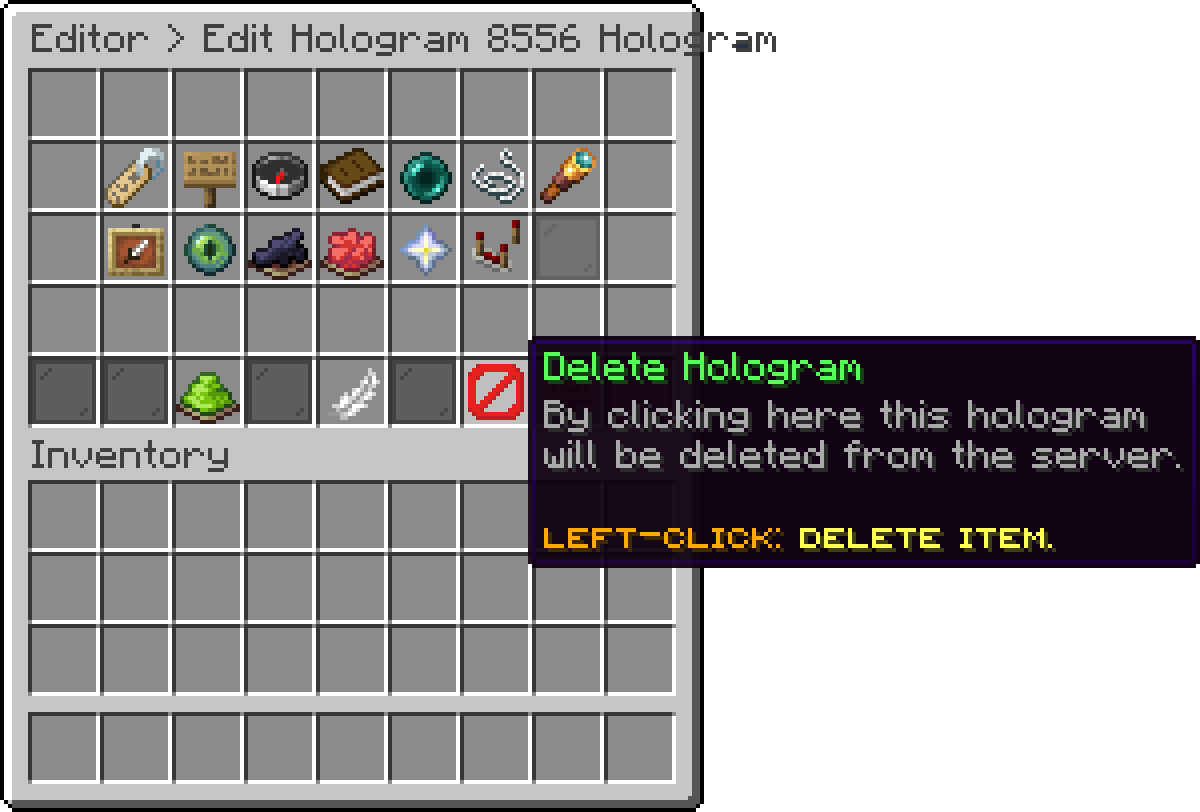
Editor > Holograms > Delete Hologram
Each hologram is saved in its own file inside the holograms folder of the PhoenixLobby folder.
Oops... looks like the spiders padded through here
Add products to your cart and remove them from here Lets buy