

Oops... looks like the spiders padded through here
Add products to your cart and remove them from here Lets buy




Lobby has its own spawn point for users when they join your server. Players can also use the Lobby Items to nagivate on your server.
Everything on this page feeds one location: the place a player lands when they join, when they respawn, when they run /spawn, and when the World Protection void rule catches them. It is stored in modules/join.yml.
Stand where you want players to arrive, facing the direction you want them to face, and run /plobby setspawn. The whole standing position is taken, including which way you are looking.
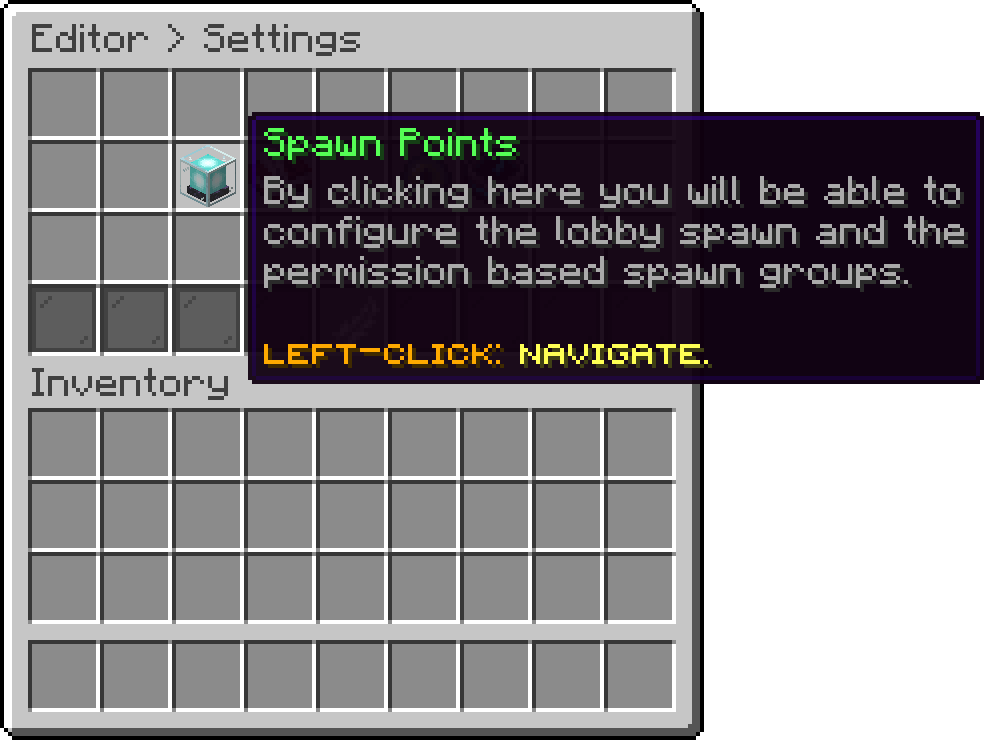
Editor > Settings > Spawn Points
The location every player without a spawn group is sent to. It is the same value /plobby setspawn writes, so setting it in either place changes the other.
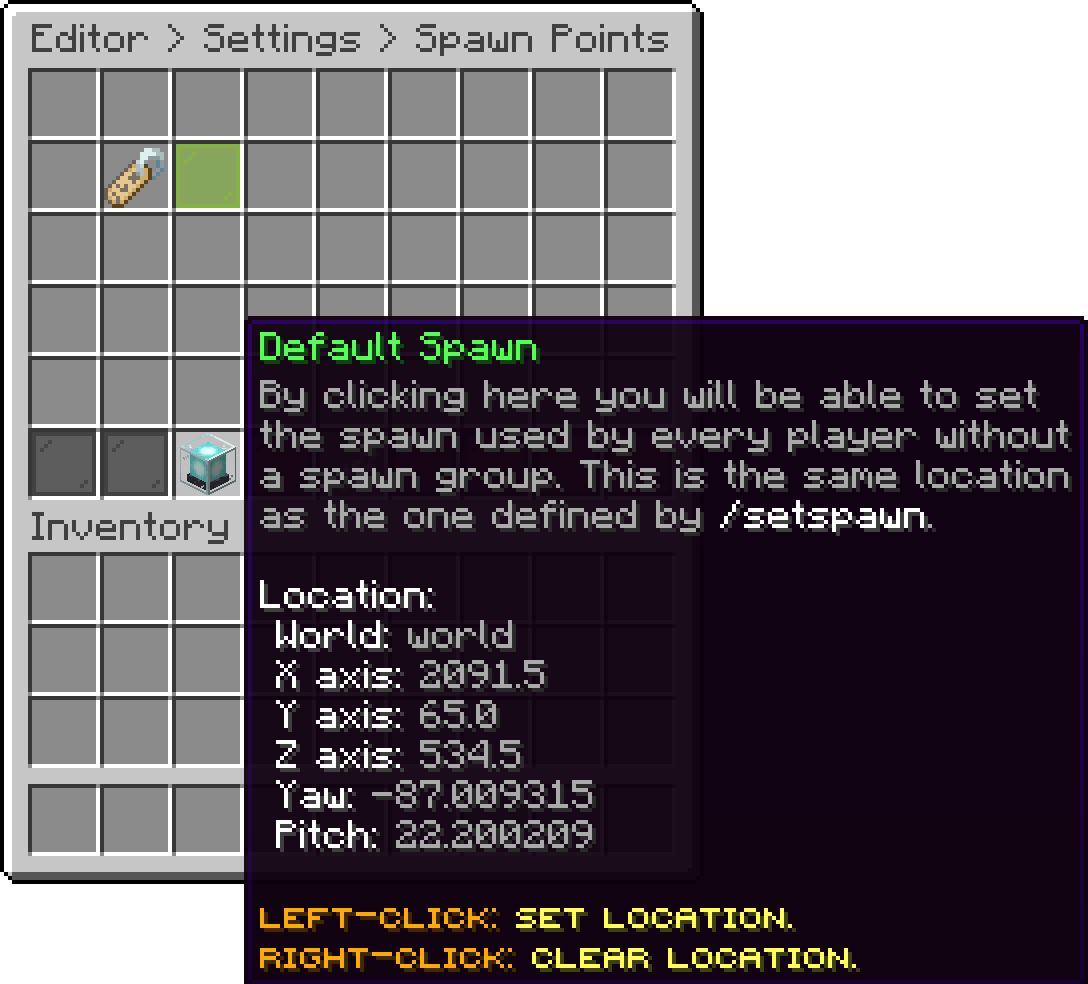
Default Spawn
Left-Click closes the menu and starts a short session to pick the location: walk to the spot you want and Sneak + Left-Click to take it. Typing anything in chat cancels the session, and it expires on its own after two minutes. Right-Click on the item clears the location instead.
With no default spawn set and no group matching, the player is left where Minecraft would have put them.
A spawn group is a set of spawn points reserved for a permission, for example a dedicated arrival area for your VIPs. Click the lime pane on the Spawn Points screen to create one.
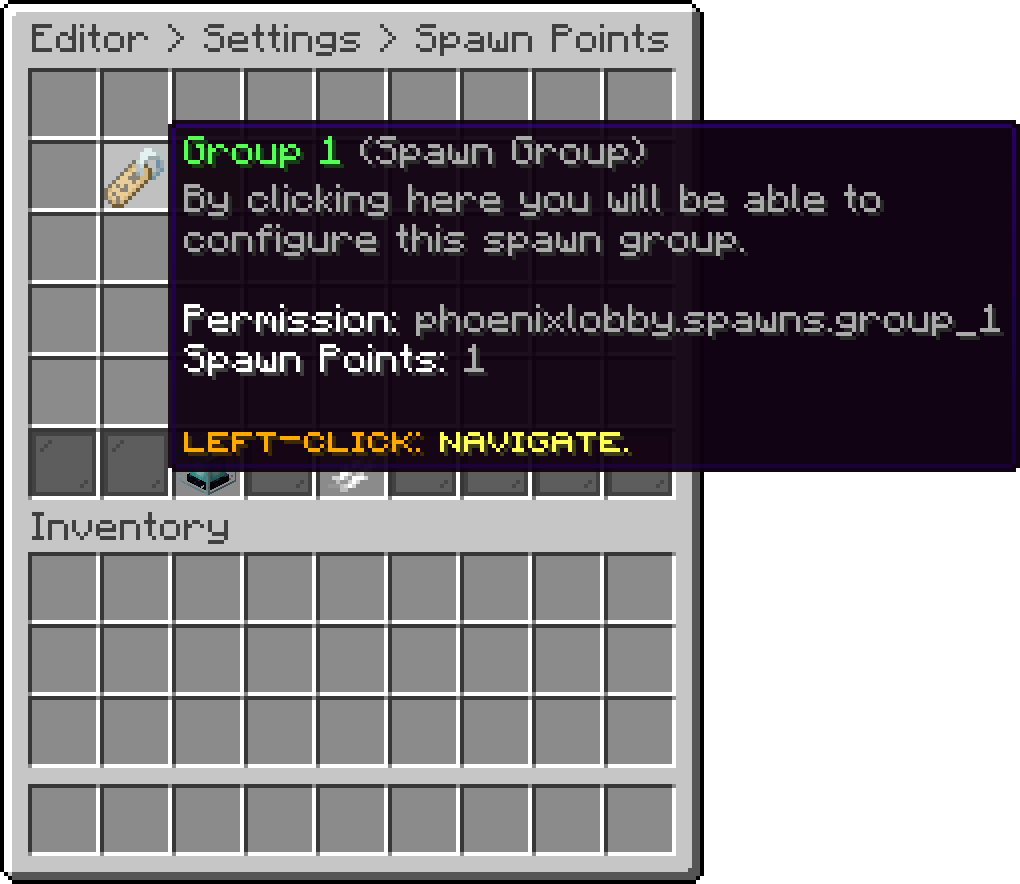
A spawn group
Groups are checked from top to bottom. The first one whose permission the player has and that has at least one spawn point wins, and one of its points is picked at random. A player matching no group gets the Default Spawn.
A group with no spawn points in it is skipped rather than sending the player nowhere, so a half-finished group cannot break your spawn.
Click the lime pane to add your current position as a point. Add more than one and the group starts spreading players between them.
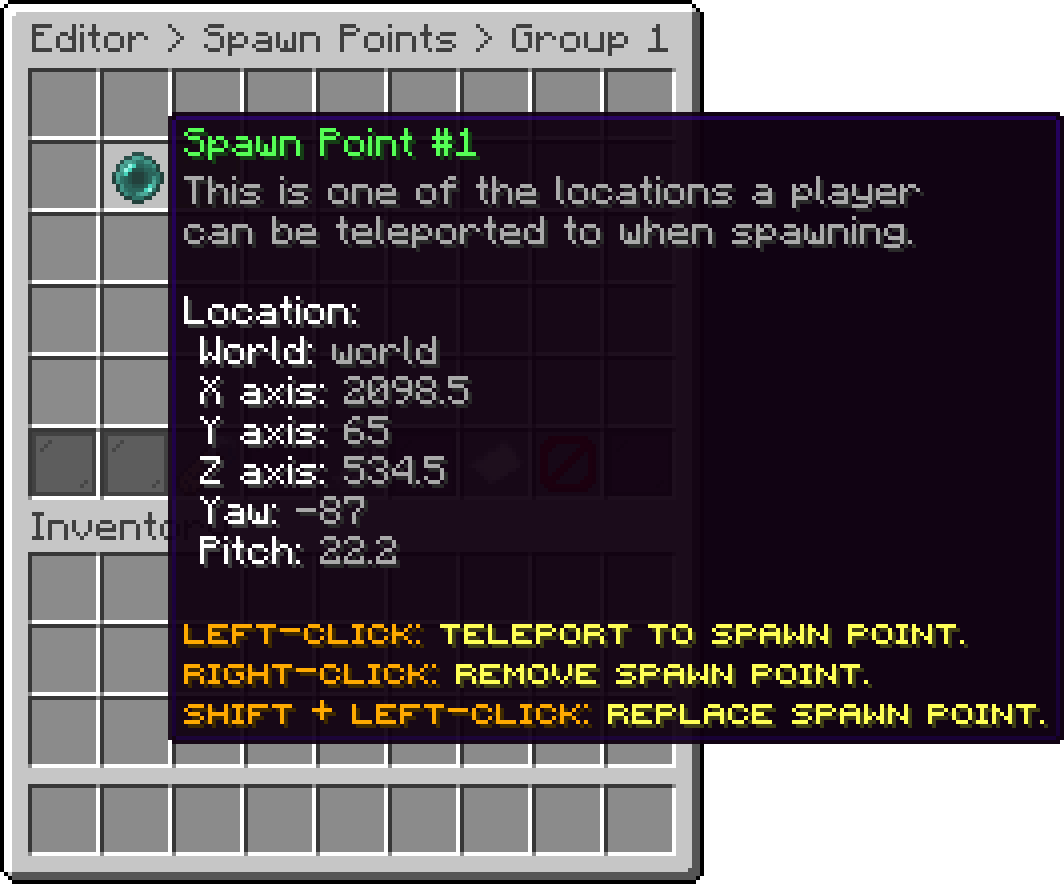
A spawn point inside a group
| Click | Does |
|---|---|
| Left-Click | Teleport you to that point |
| Shift + Left-Click | Replace it with where you are standing |
| Right-Click | Remove it |
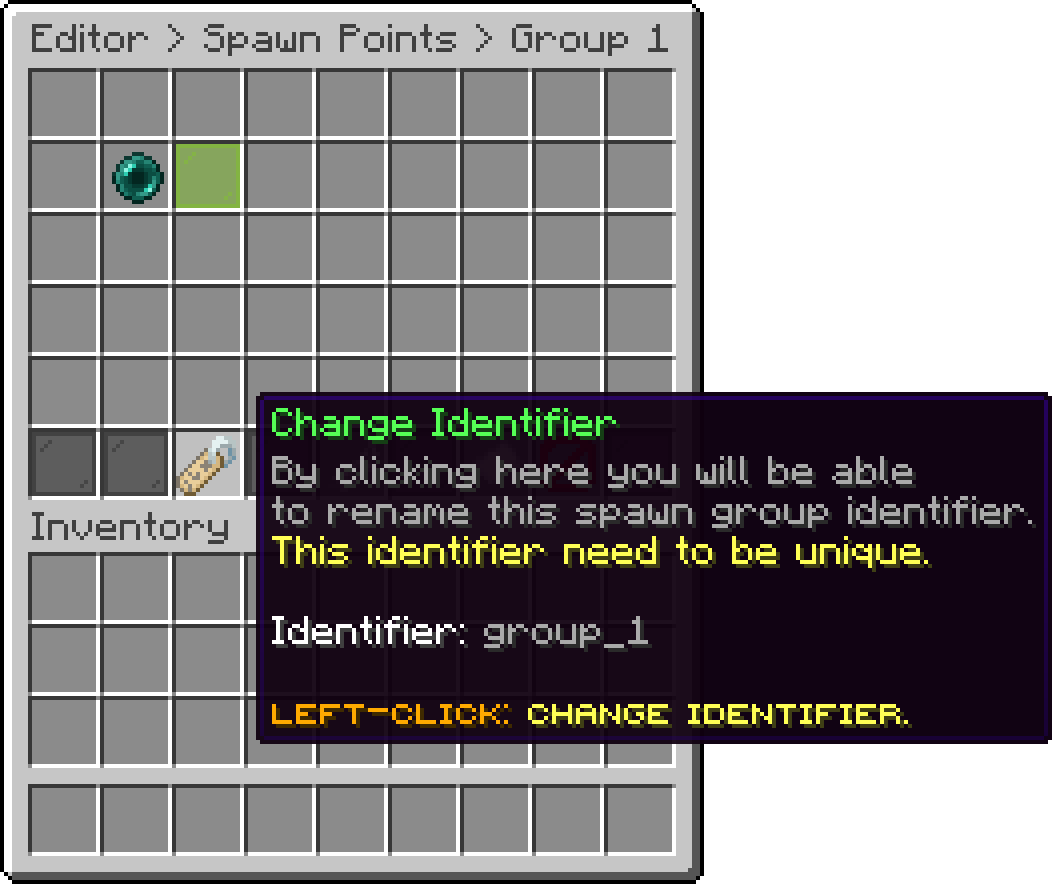
Change Identifier
The name the group is stored under, group_1 for the first one you create. It has to be unique and cannot contain a space. A dash is turned into an underscore, and anything that is not a letter, a digit or an underscore is dropped, so VIP Zone is refused for its space while vip-zone is accepted and saved as vip_zone.
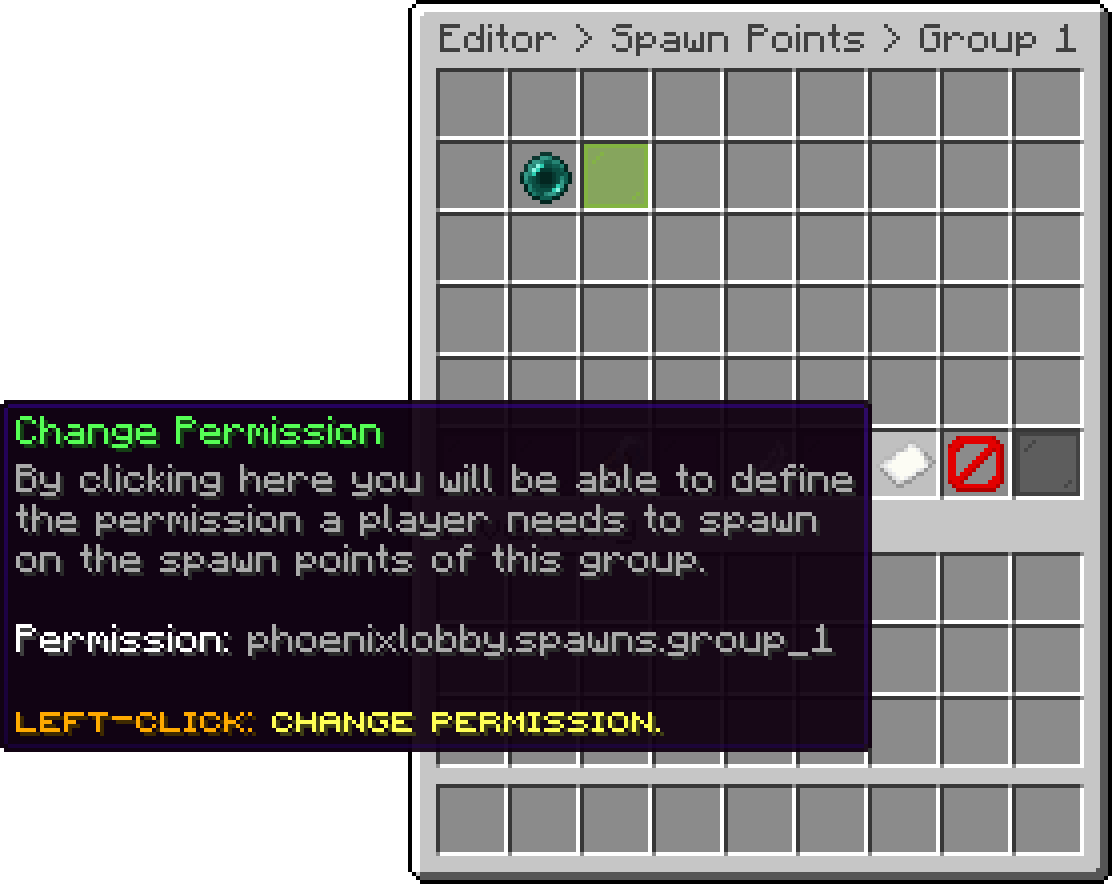
Change Permission
The permission a player needs to spawn on this group's points. A new group starts on phoenixlobby.spawns.<identifier>, which you can replace with a permission your rank plugin already gives out.
Renaming the identifier does not rewrite the permission, so a group renamed from group_1 to vip keeps asking for phoenixlobby.spawns.group_1 until you change it here as well.
A group left with an empty permission is skipped for everyone, which is a quiet way to park a group without deleting it.
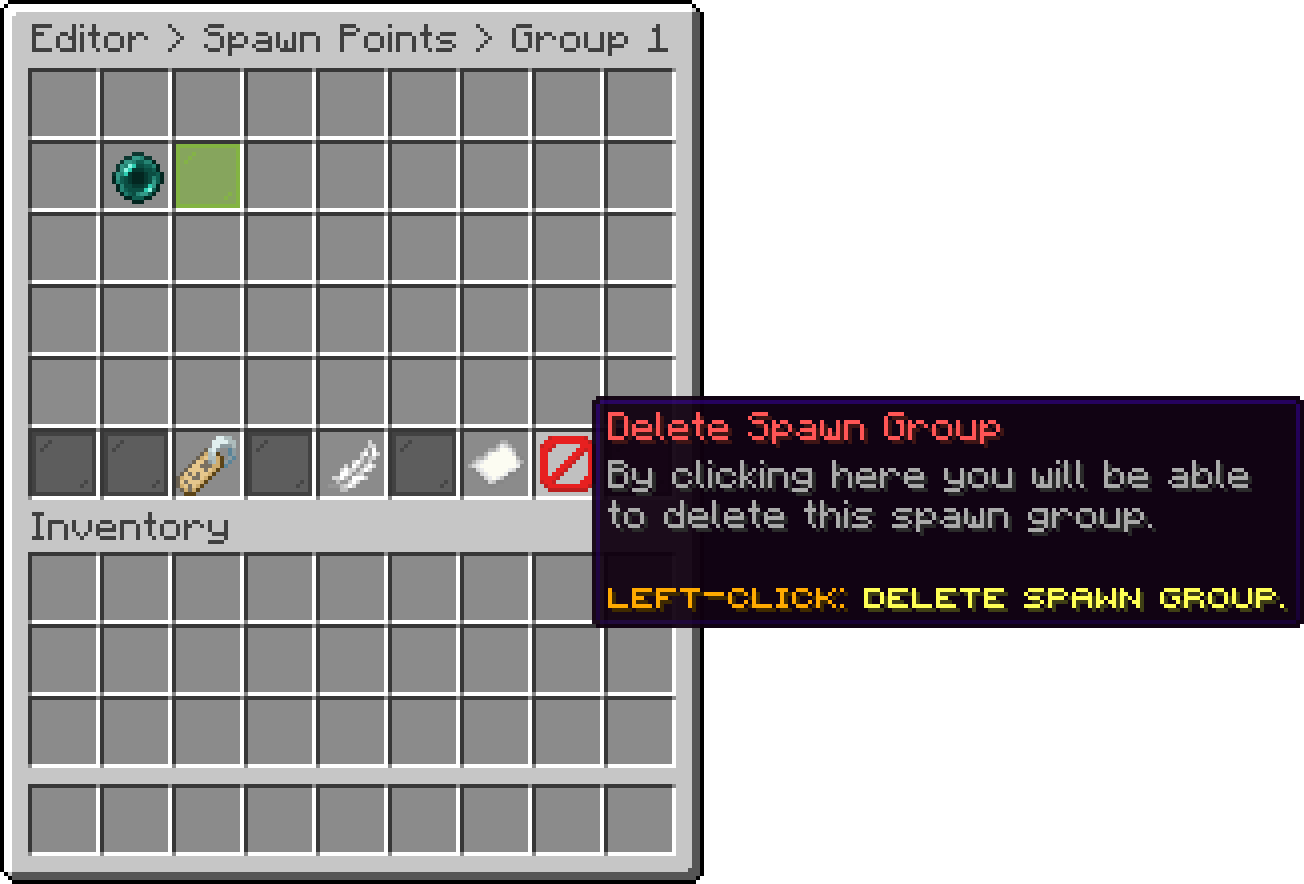
Delete Spawn Group
Removes the group and every spawn point in it, after a confirmation. The players who were using it fall back to the Default Spawn.
Oops... looks like the spiders padded through here
Add products to your cart and remove them from here Lets buy