

Oops... looks like the spiders padded through here
Add products to your cart and remove them from here Lets buy




On this page, you will find the installation process for the plugin.
/phoenixlobby editor
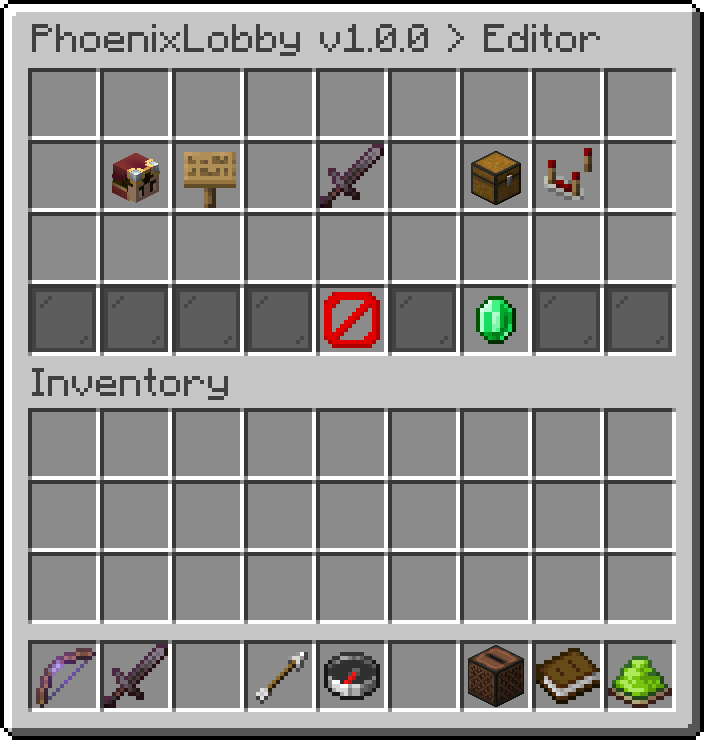
The in-game editor
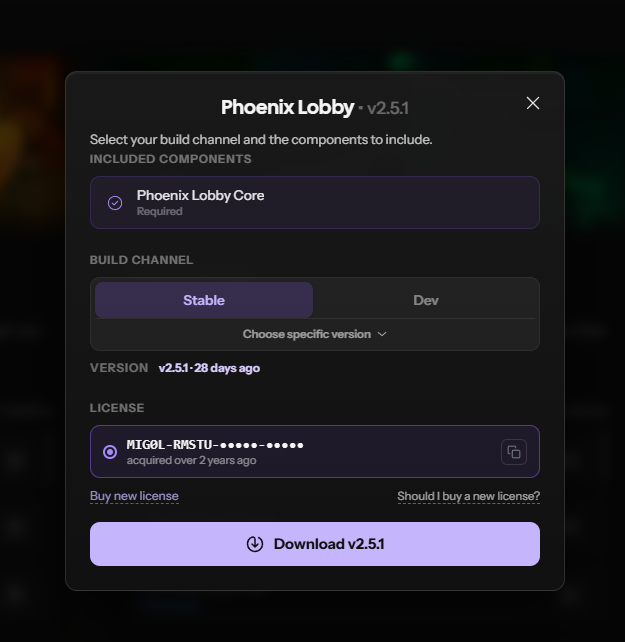
Download PhoenixLobby Popup
We strongly advise using the latest STABLE build of the plugin, as it includes the most recent bug fixes.
Oops... looks like the spiders padded through here
Add products to your cart and remove them from here Lets buy