

Oops... looks like the spiders padded through here
Add products to your cart and remove them from here Lets buy



On this page, you will find all the information about choosing the blocks your parkour jumps are made of.
With this option, you can configure which blocks the generated jumps use. Left-click it to open the palette, where every block currently in use is listed.
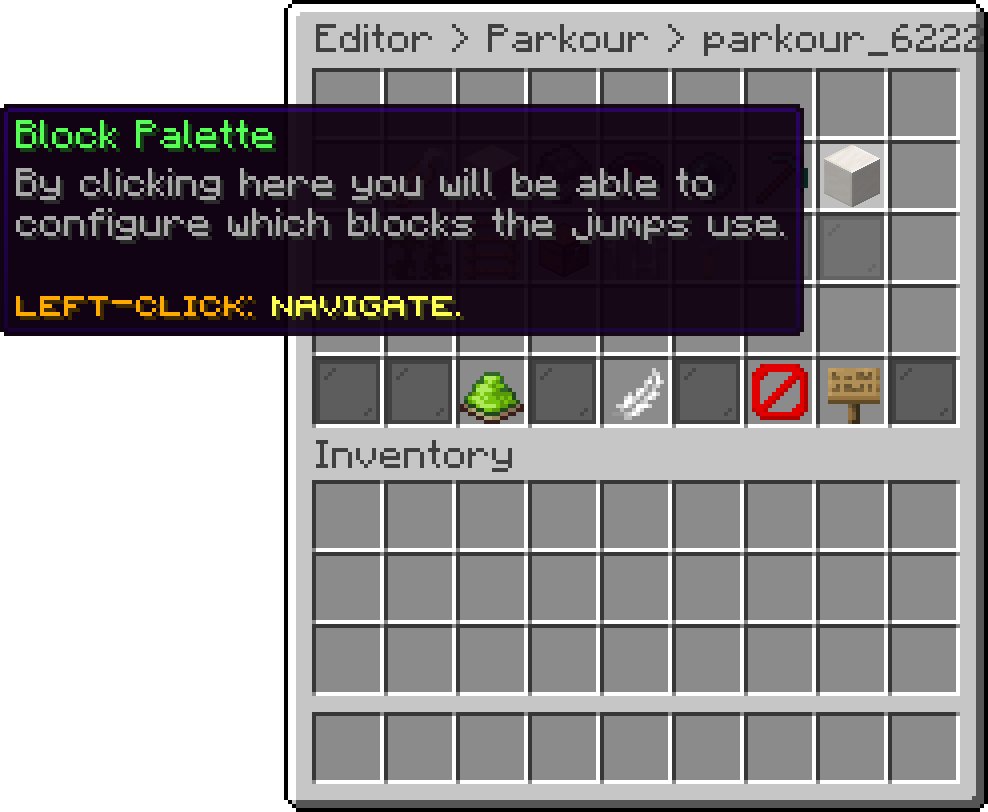
Edit Parkour (Block Palette)
Inside the palette, Add Block puts another block into the list. Add as many as you like to give the run some variety.
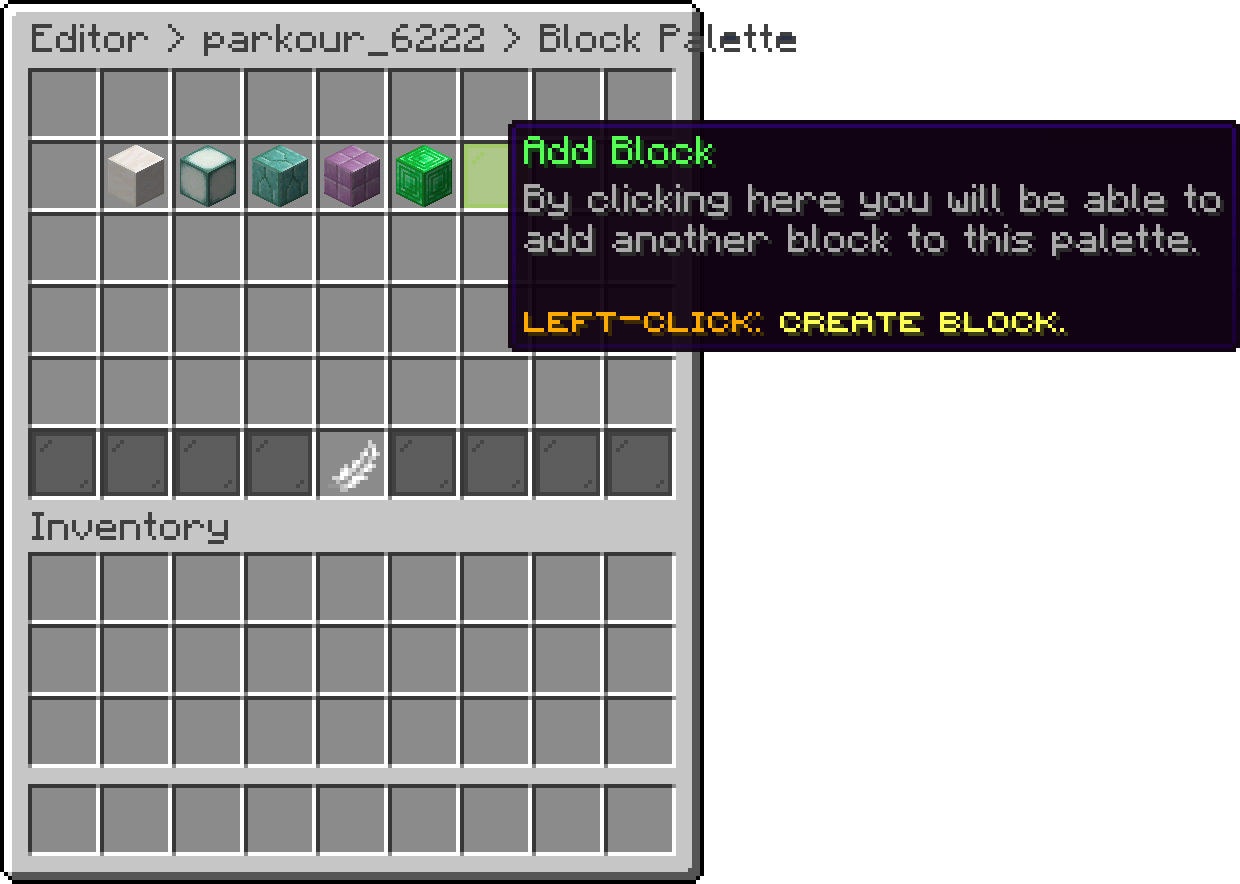
Block Palette (Add Block)
With this option, you decide how the palette is used. When it is enabled, every jump picks a new block from the palette, which gives a colourful run. When it is disabled, one block is chosen for the whole run instead, so each attempt keeps a single look.
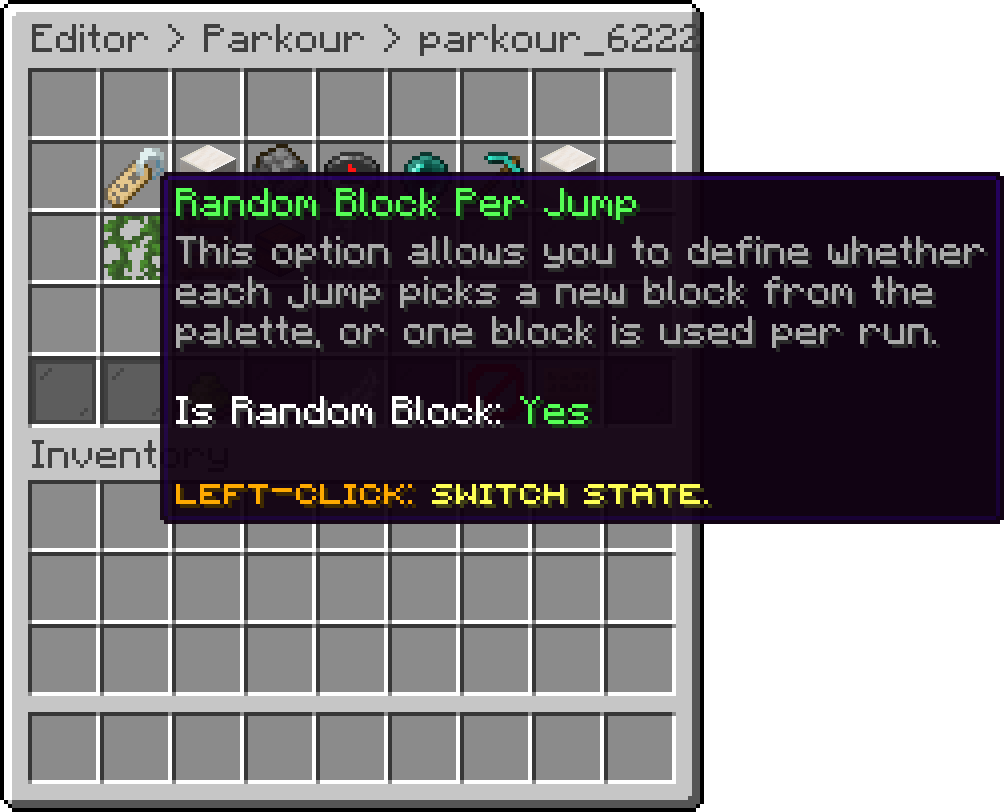
Edit Parkour (Random Block Per Jump)
A palette with only one block makes this option have no visible effect.
Oops... looks like the spiders padded through here
Add products to your cart and remove them from here Lets buy