

Oops... looks like the spiders padded through here
Add products to your cart and remove them from here Lets buy



On this page, you will find all the information about editing your already existing parkour area.
With this option, you can rename the identifier of the area. The identifier is used internally by the plugin and has to be unique, and it is also the name players use with /parkour <area>.
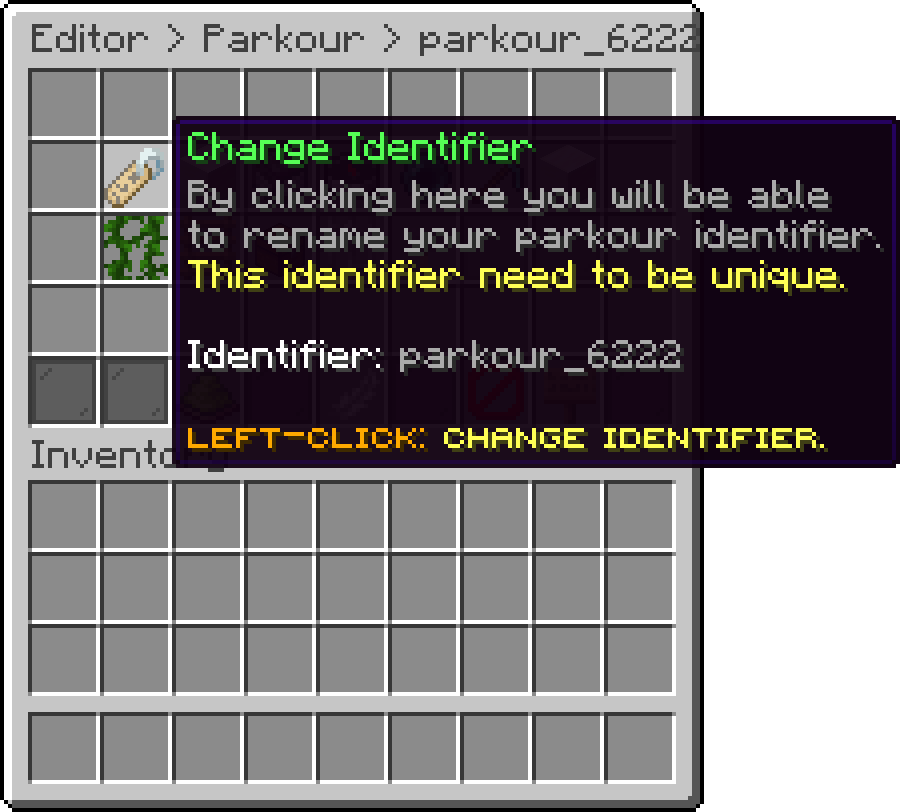
Edit Parkour (Change Identifier)
With this option, you can change the item and the name used for the area inside the editor.
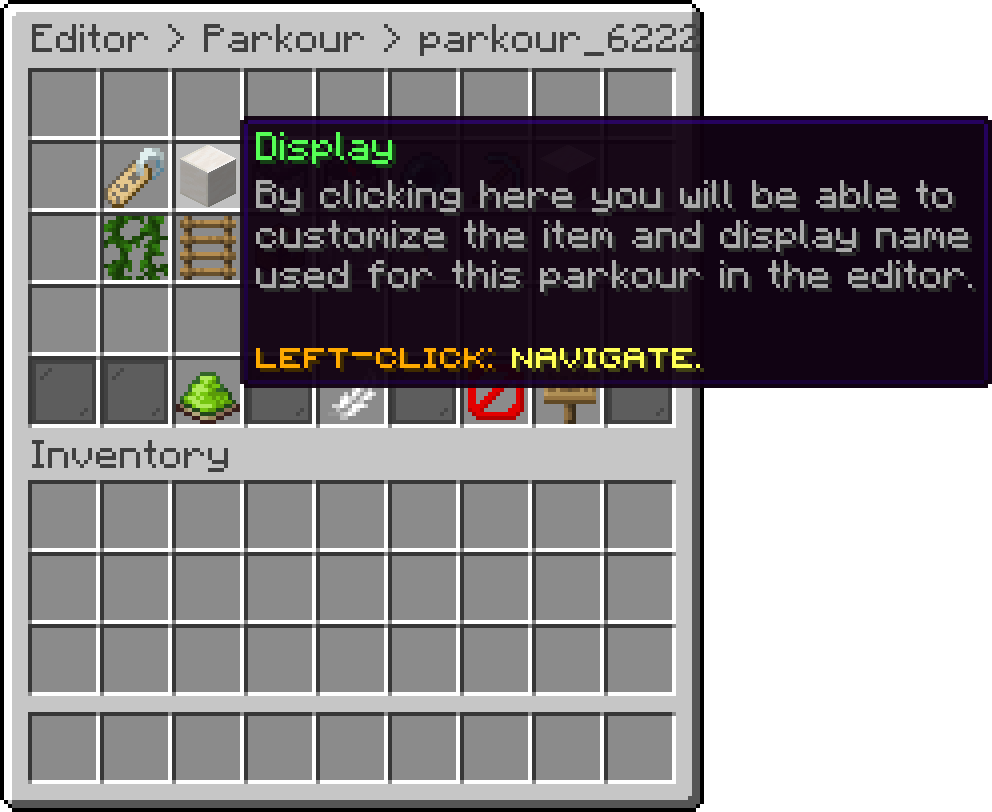
Edit Parkour (Display)
With this option, you define the area the generated jumps are allowed to spawn inside of. The run stays within this box, so it decides how much room the parkour has to build itself.
An area cannot be played until both the Parkour Region and the Start Location are set.
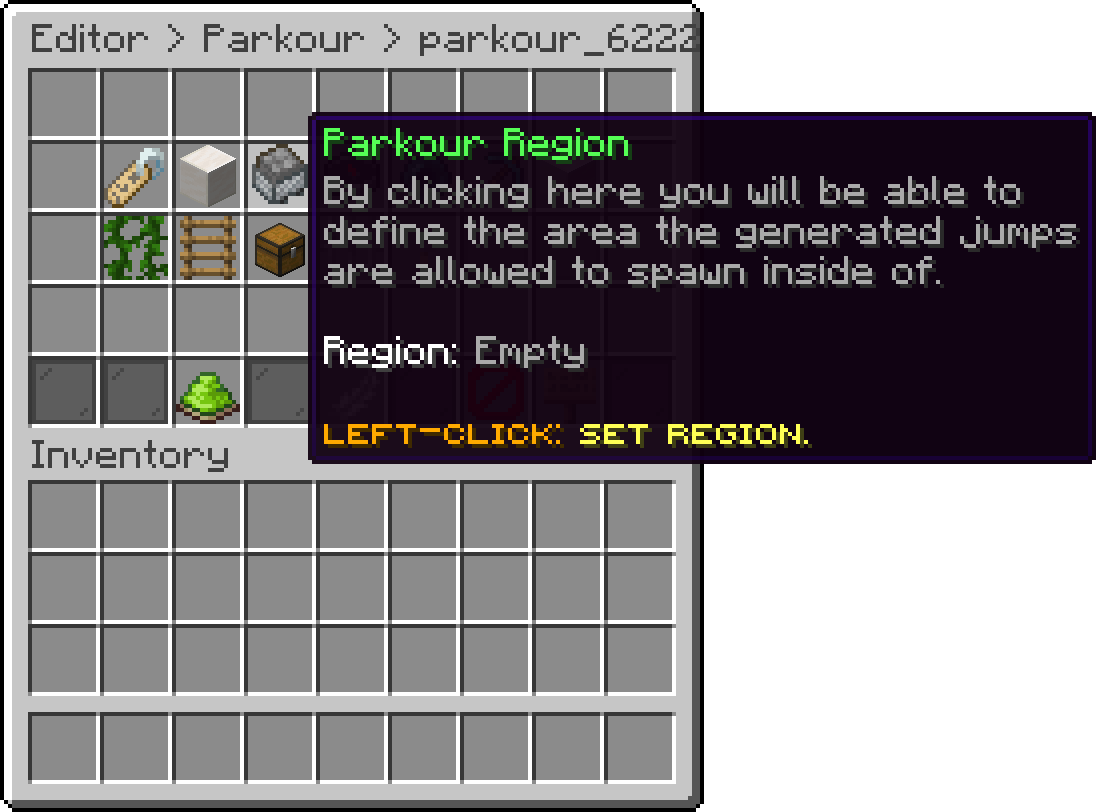
Edit Parkour (Parkour Region)
With this option, you move the starting point of the parkour to the position you are standing at. It has to be inside the region. Shift + left-click teleports you to the location that is already set.
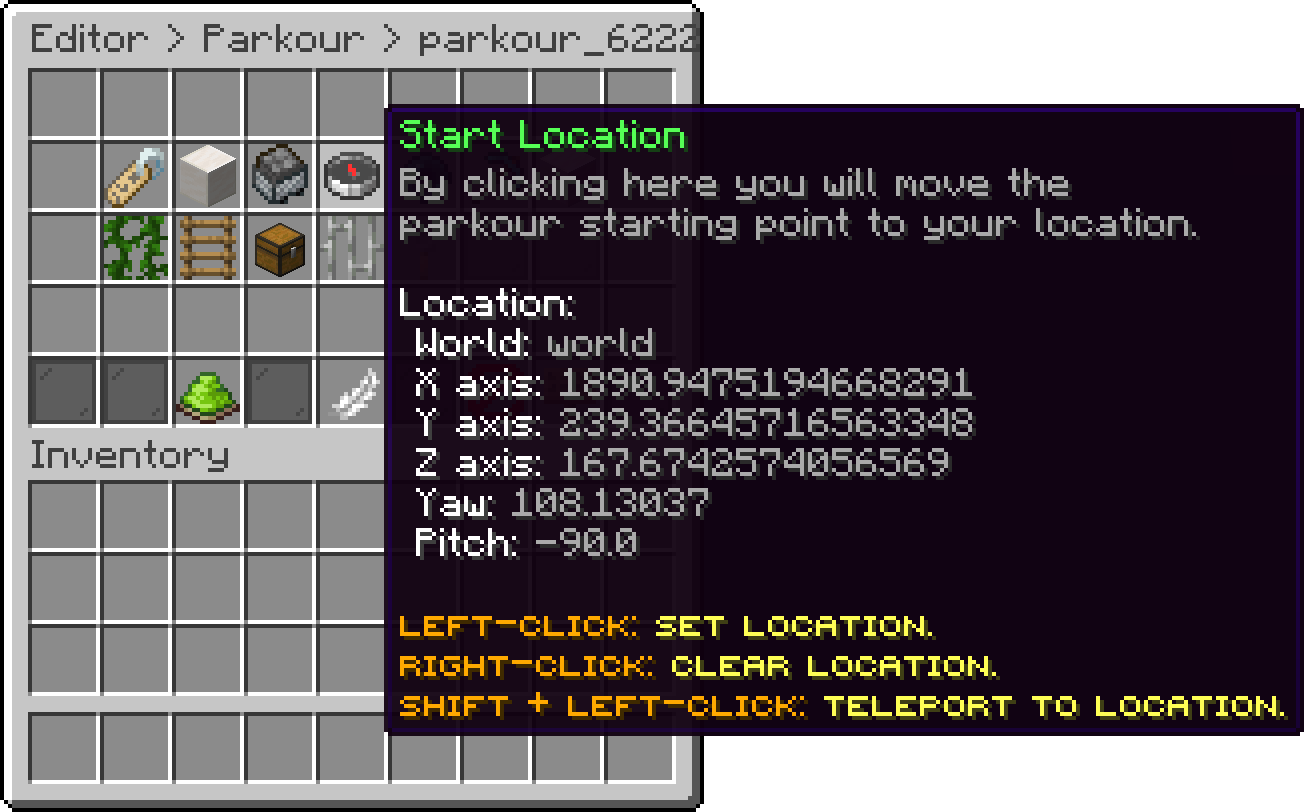
Edit Parkour (Start Location)
With this option, you define where players are sent once a run ends. If you leave it empty, they are returned to the place they started from.
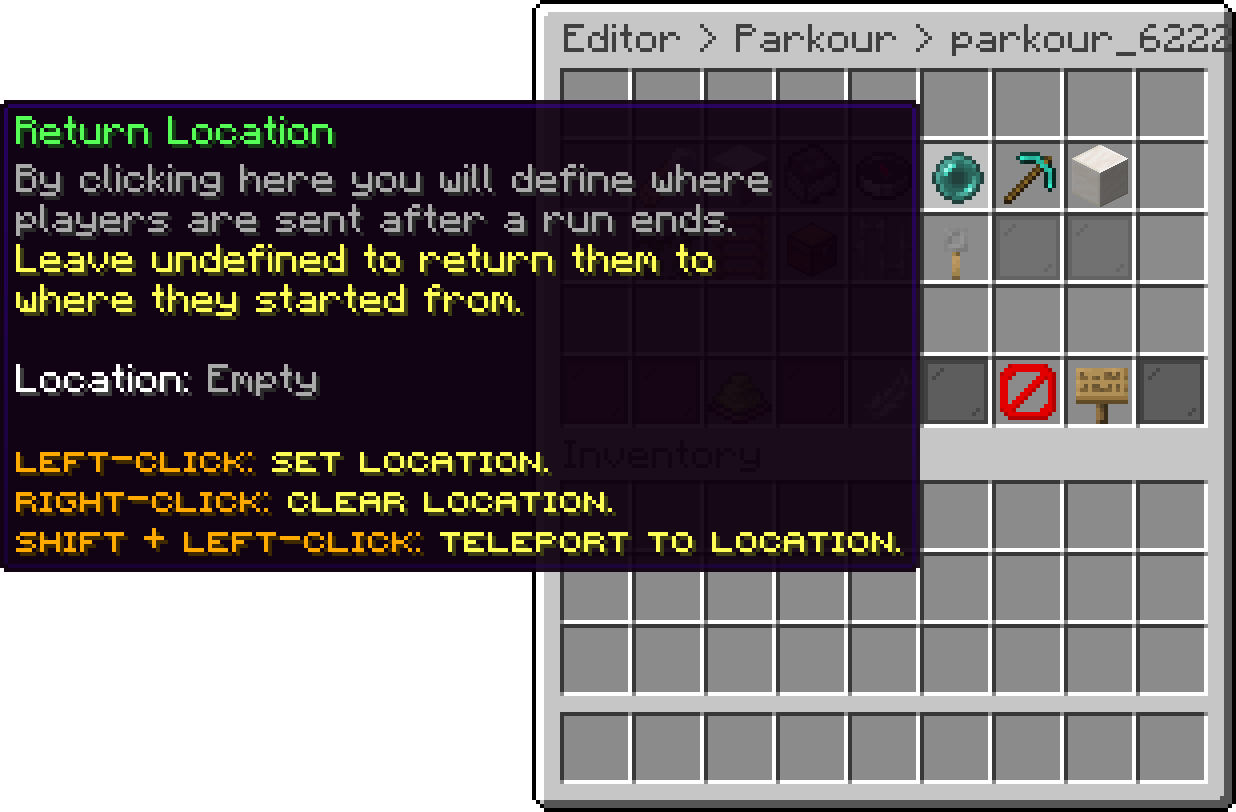
Edit Parkour (Return Location)
With this option, you can change how far apart the jumps are. Five options are available:
Balanced uses the scores from modules/parkour.yml to decide when it steps up, so you can tune it with the medium-score, hard-score and expert-score values.
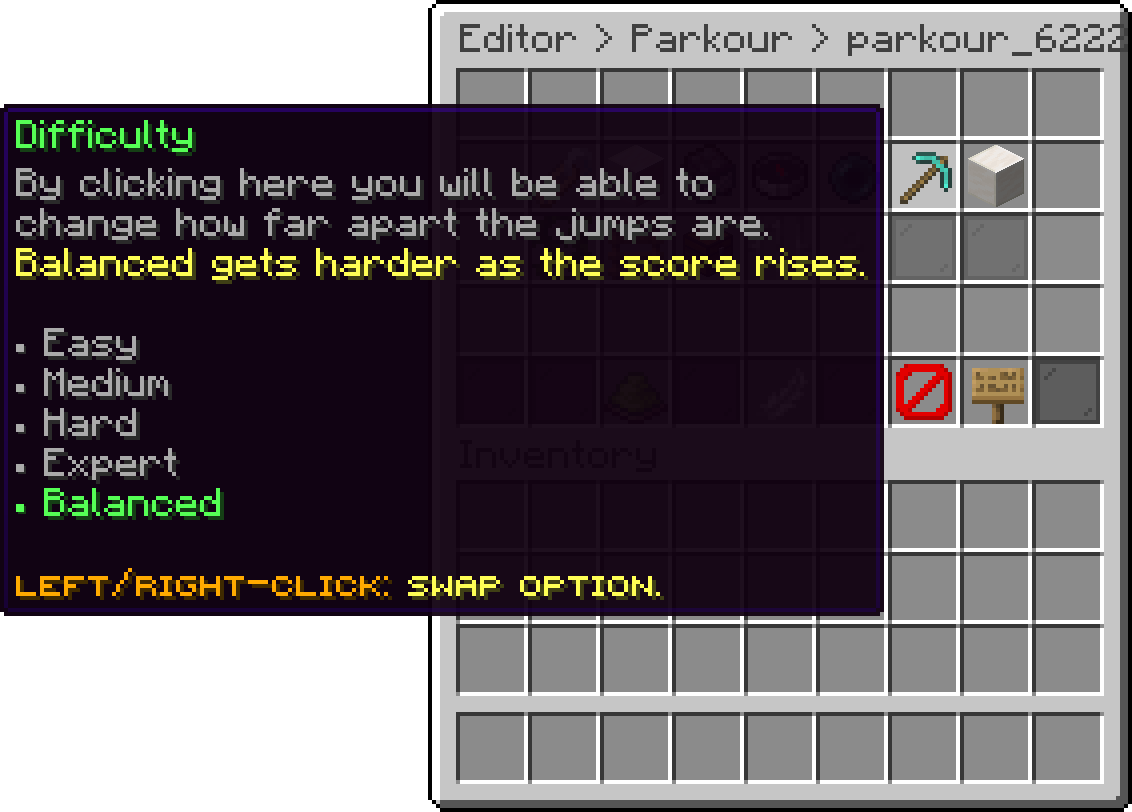
Edit Parkour (Difficulty)
With this option, you can change how many blocks up or down a jump is allowed to move. A value of 0 keeps the run flat, while a higher value lets it climb and drop more. Left-click changes it by 1 and shift + left-click by 10.
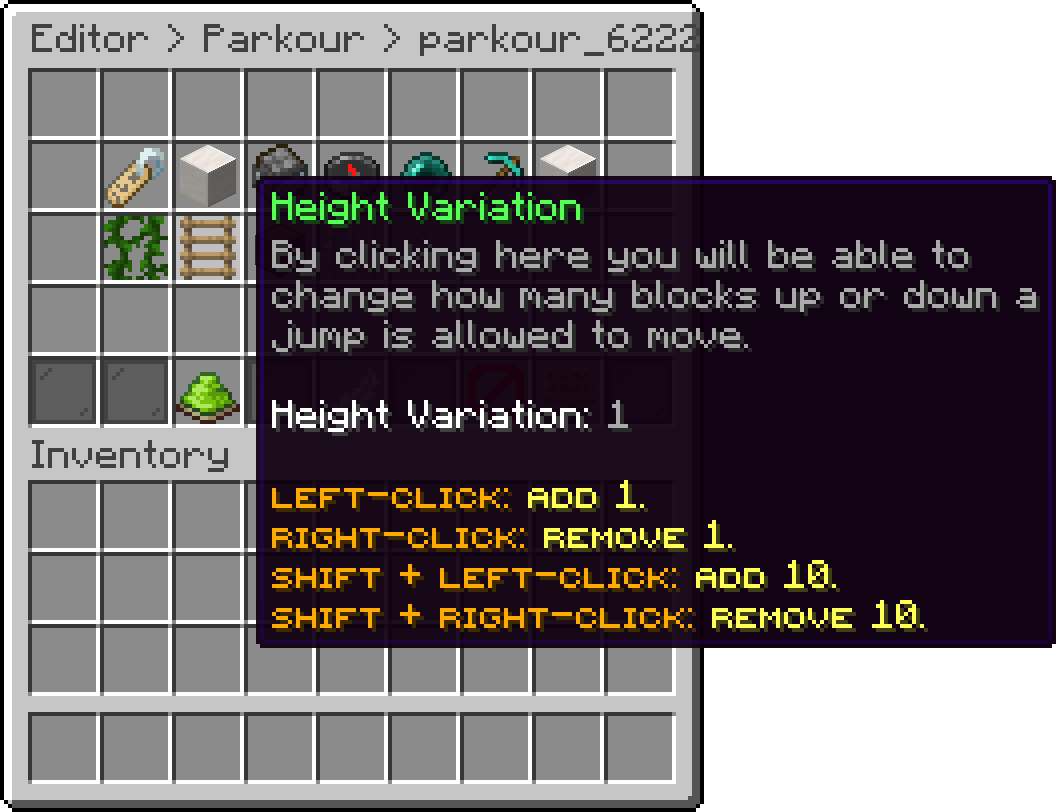
Edit Parkour (Height Variation)
With this option, you define whether a permission is needed to play the area. While it is disabled, the permission below is ignored and everyone can play.
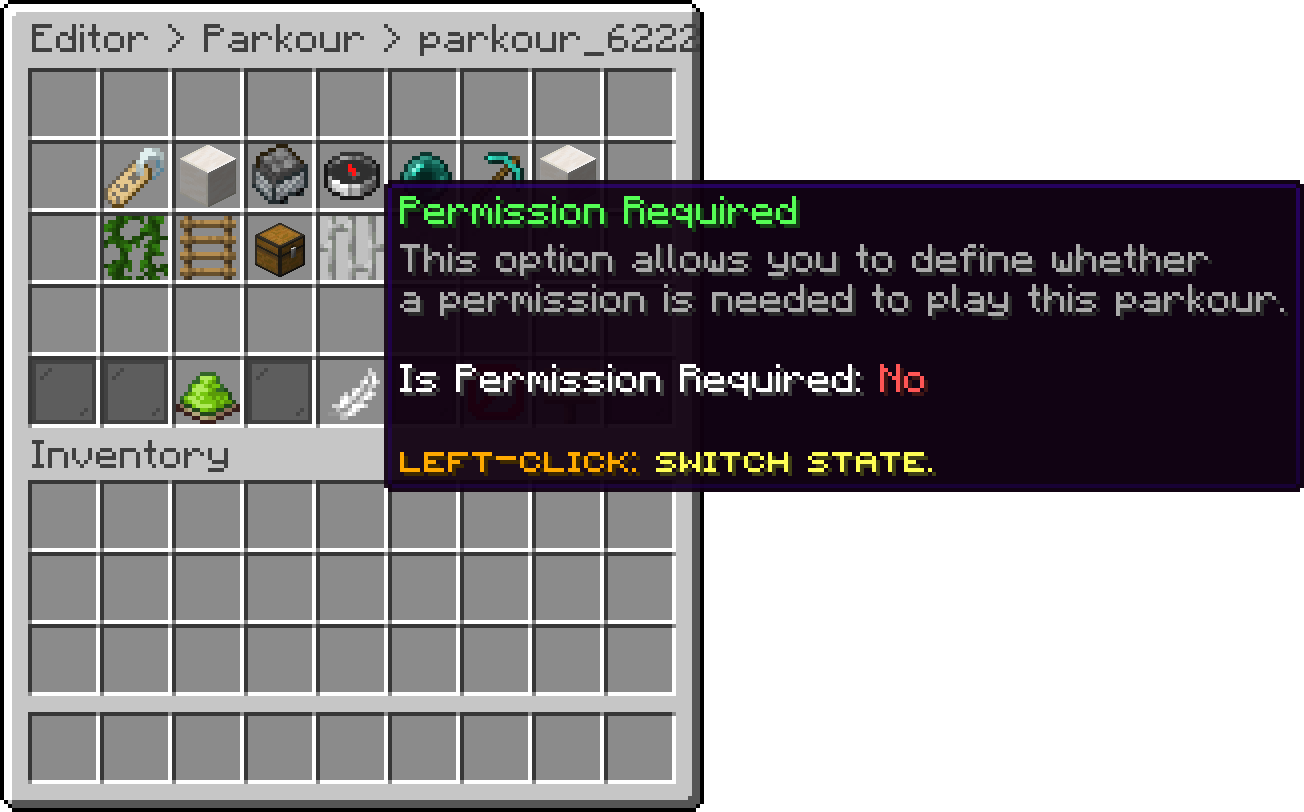
Edit Parkour (Permission Required)
With this option, you can change the permission that is checked when Permission Required is enabled.
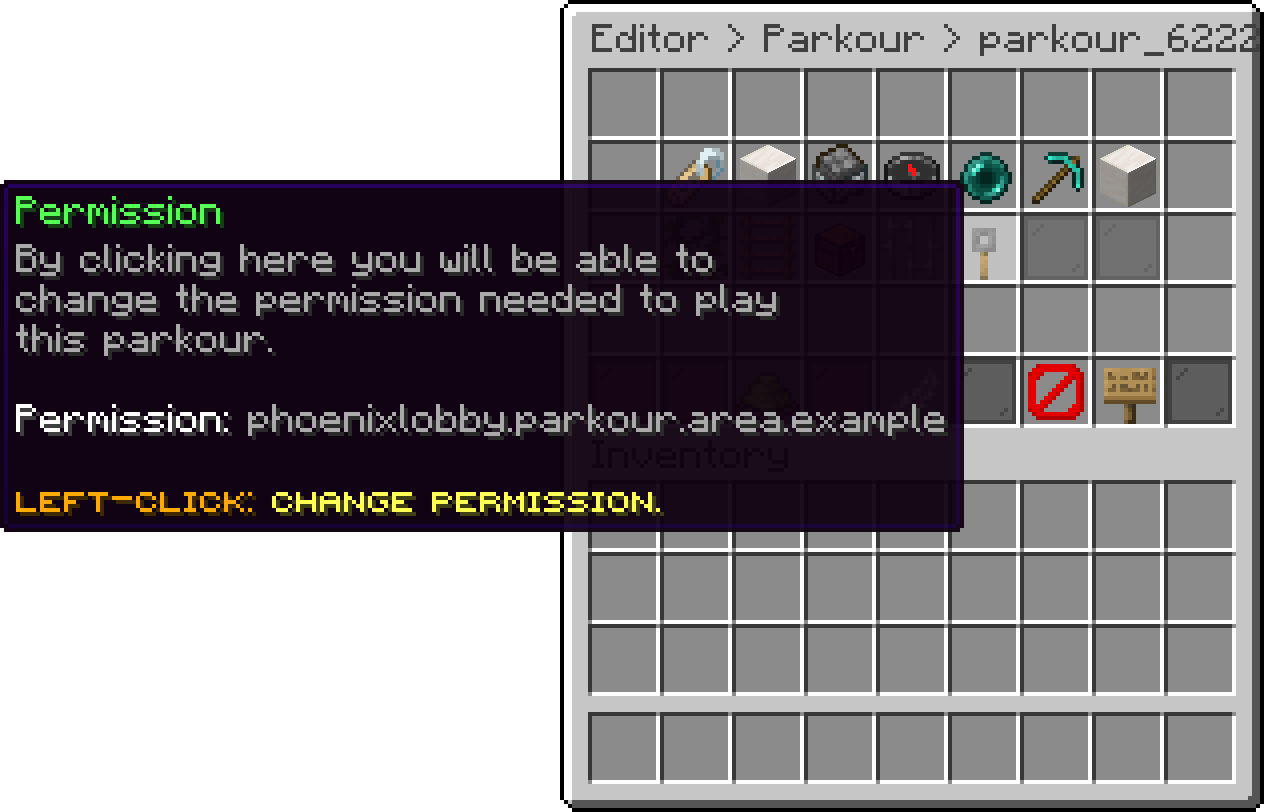
Edit Parkour (Permission)
With this option, you can disable an area without removing it. A disabled area keeps all of its settings but cannot be played.
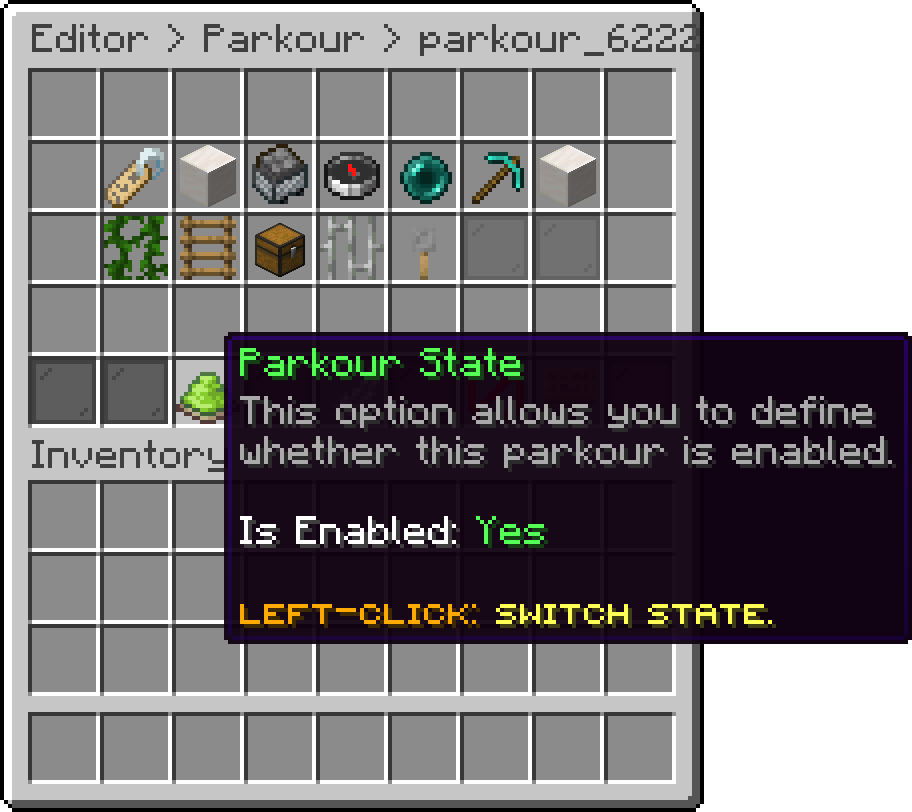
Edit Parkour (Parkour State)
With this option, you can duplicate the area under a new identifier, which is useful when you want a second area sharing the same palette and difficulty.
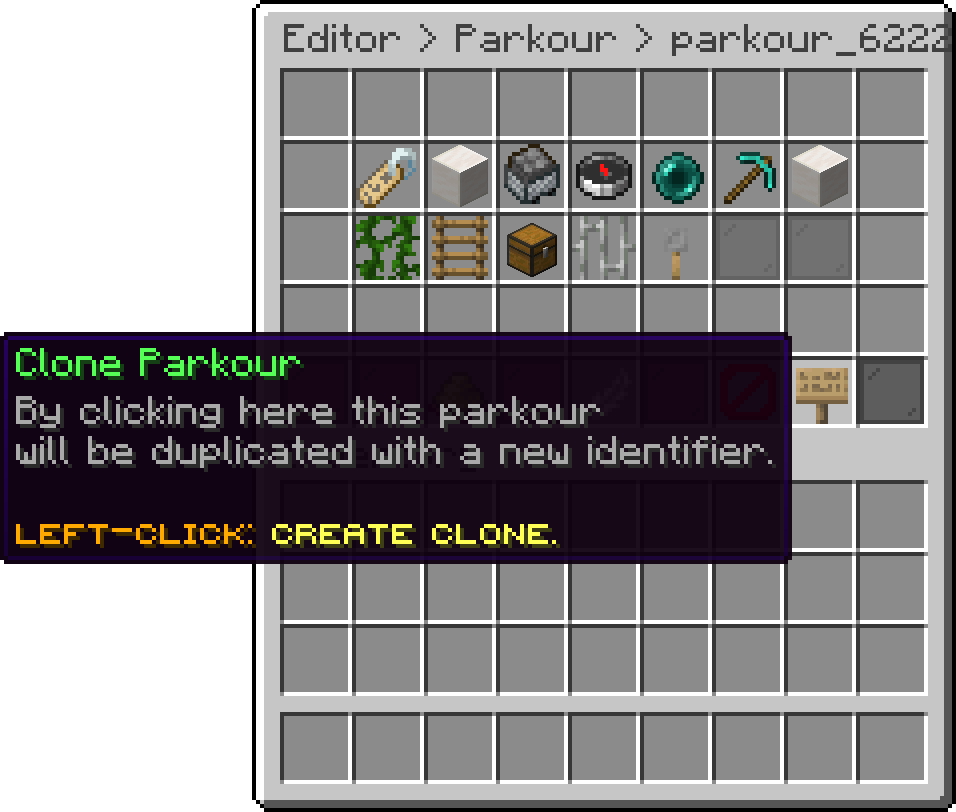
Edit Parkour (Clone Parkour)
With this option, you can remove the area from the server.
Deleting an area cannot be undone. Use Parkour State instead if you only want to take it out of rotation for a while.
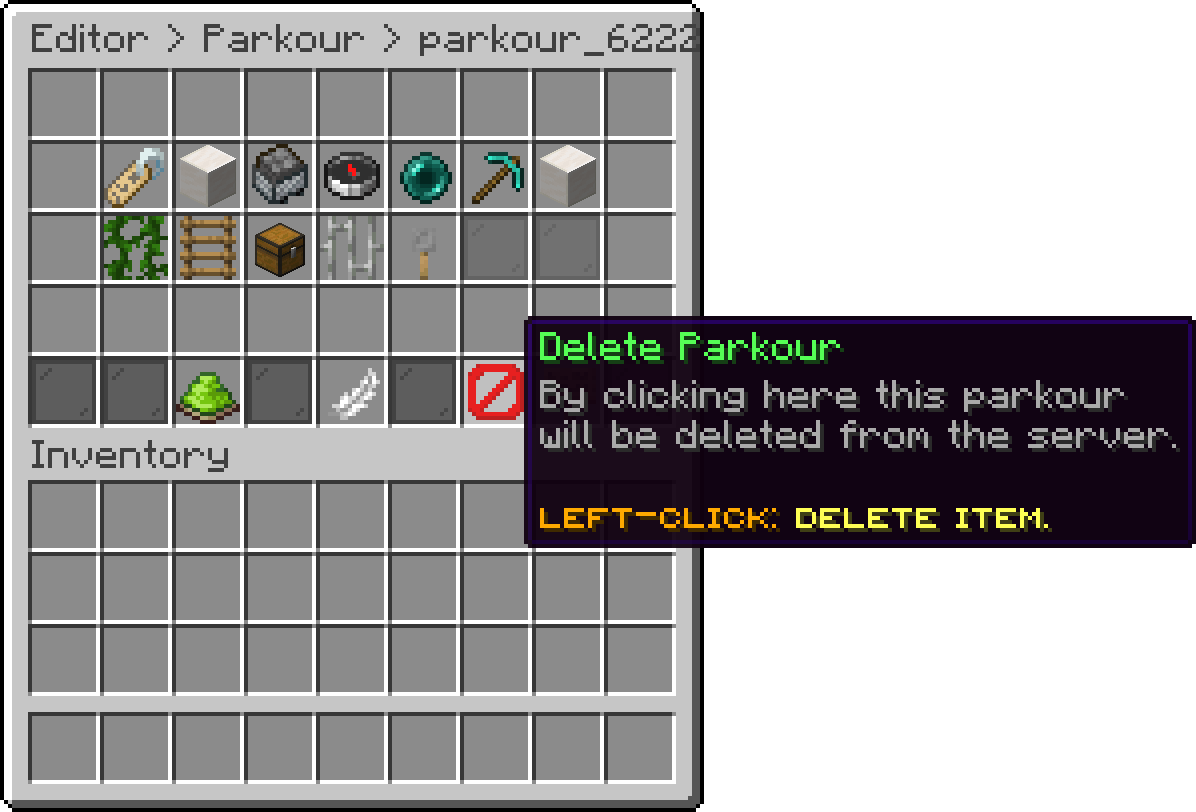
Edit Parkour (Delete Parkour)
Oops... looks like the spiders padded through here
Add products to your cart and remove them from here Lets buy