

Oops... looks like the spiders padded through here
Add products to your cart and remove them from here Lets buy



On this page, you will find all the information about rewarding players for reaching a score in your parkour.
With this option, you can configure the rewards given for reaching a certain score. Left-click it to open the reward list of the area.
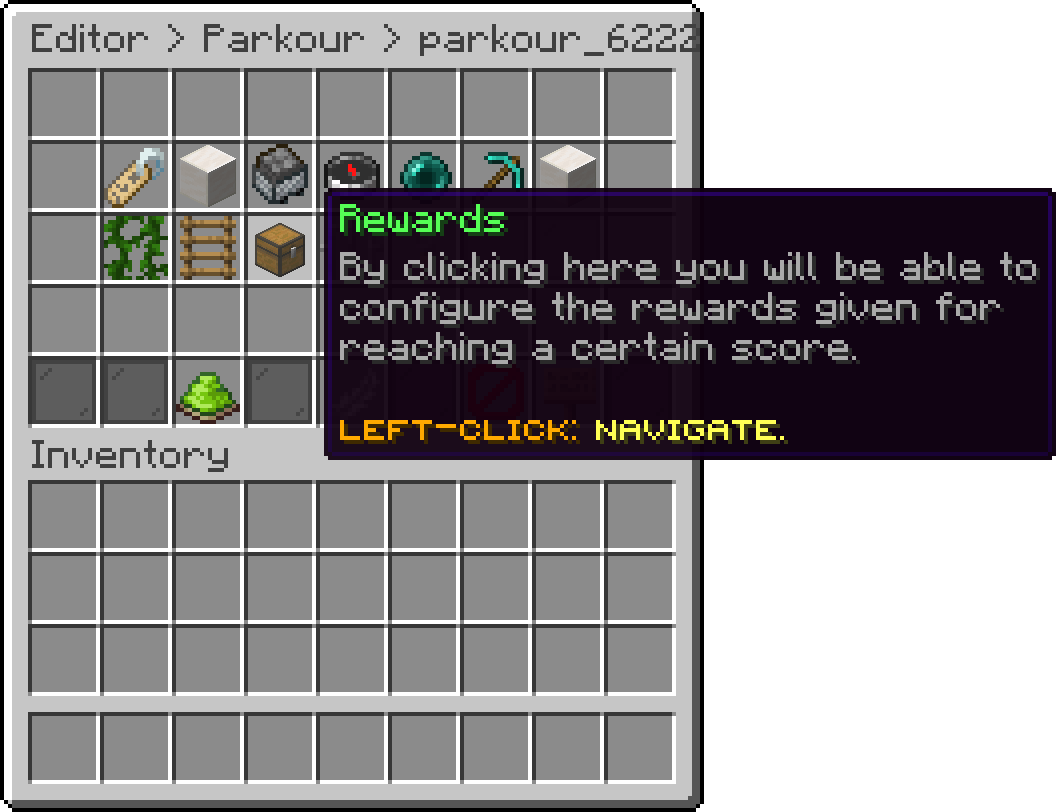
Edit Parkour (Rewards)
Inside the list, Add Reward creates a new score reward. Each reward is its own entry with its own score and actions, so an area can hand out several of them during a single run.
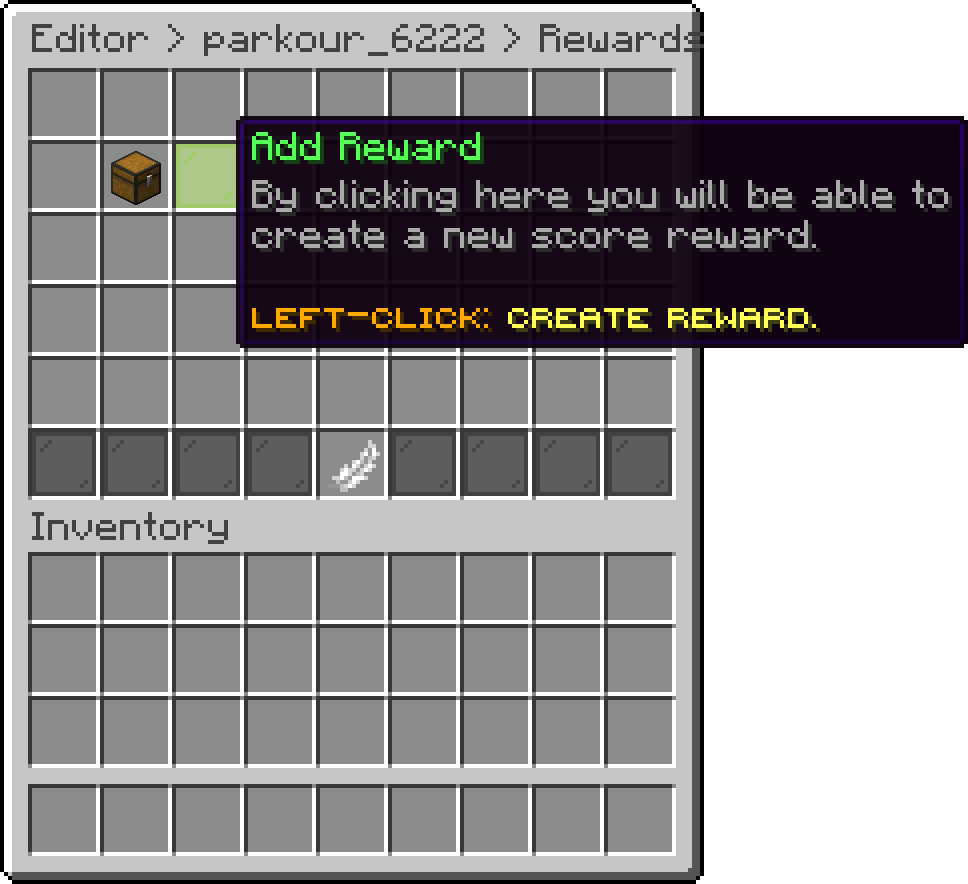
Rewards (Add Reward)
With this option, you can change the score a player has to reach before the reward is earned. Left-click changes it by 1 and shift + left-click by 10.
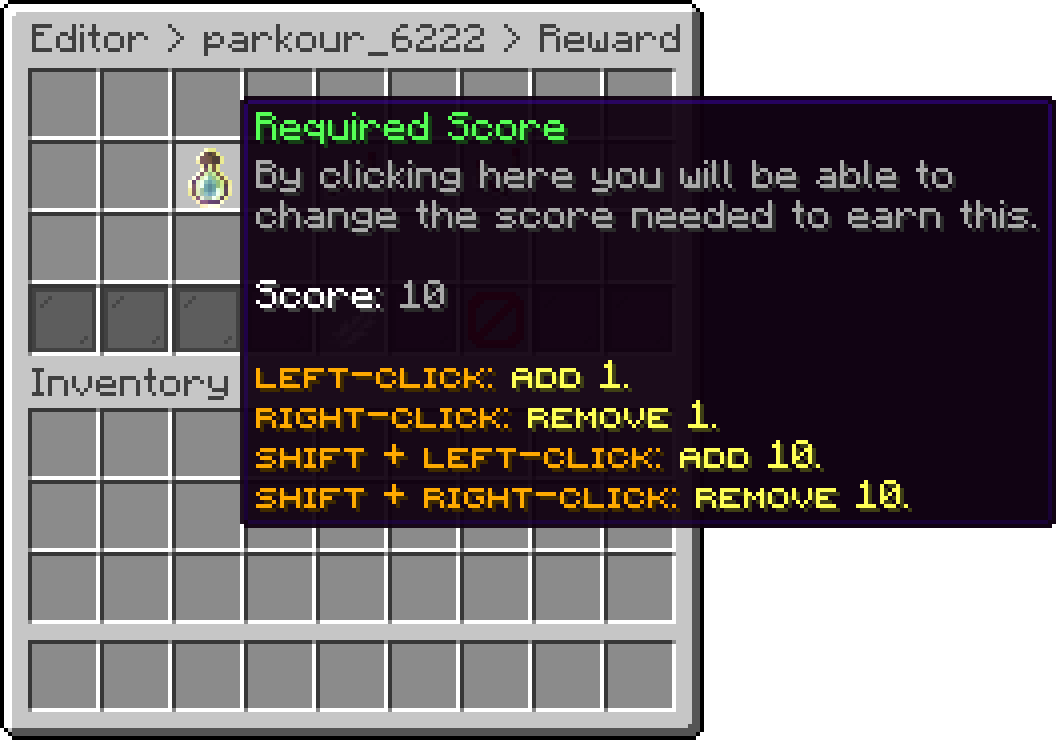
Reward (Required Score)
With this option, you define whether the reward is given every time the score is a multiple of the required score. With a required score of 10 and repeating enabled, the player is rewarded at 10, 20, 30 and so on. With it disabled, the reward is given once at 10 only.
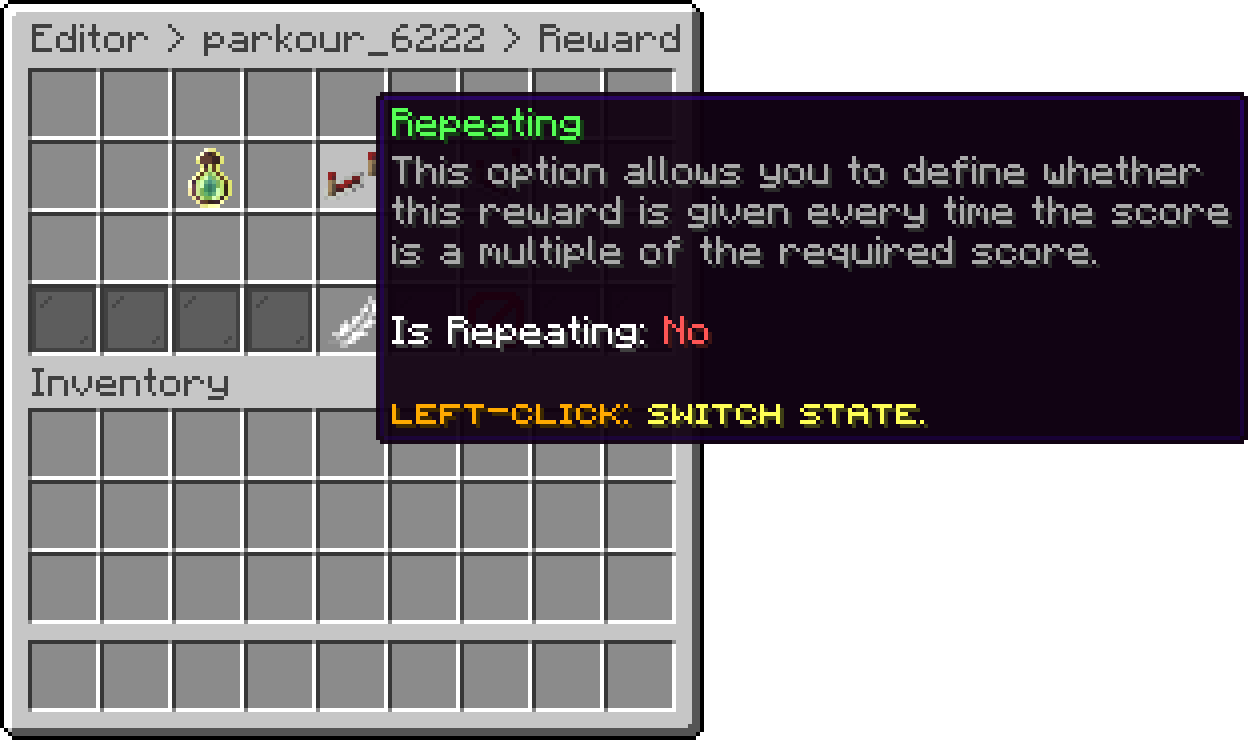
Reward (Repeating)
With this option, you can edit the actions executed when the reward is earned. The same action types used by npcs and hotbar items are available here, so a reward can give money, run a command, send a message or play a sound.
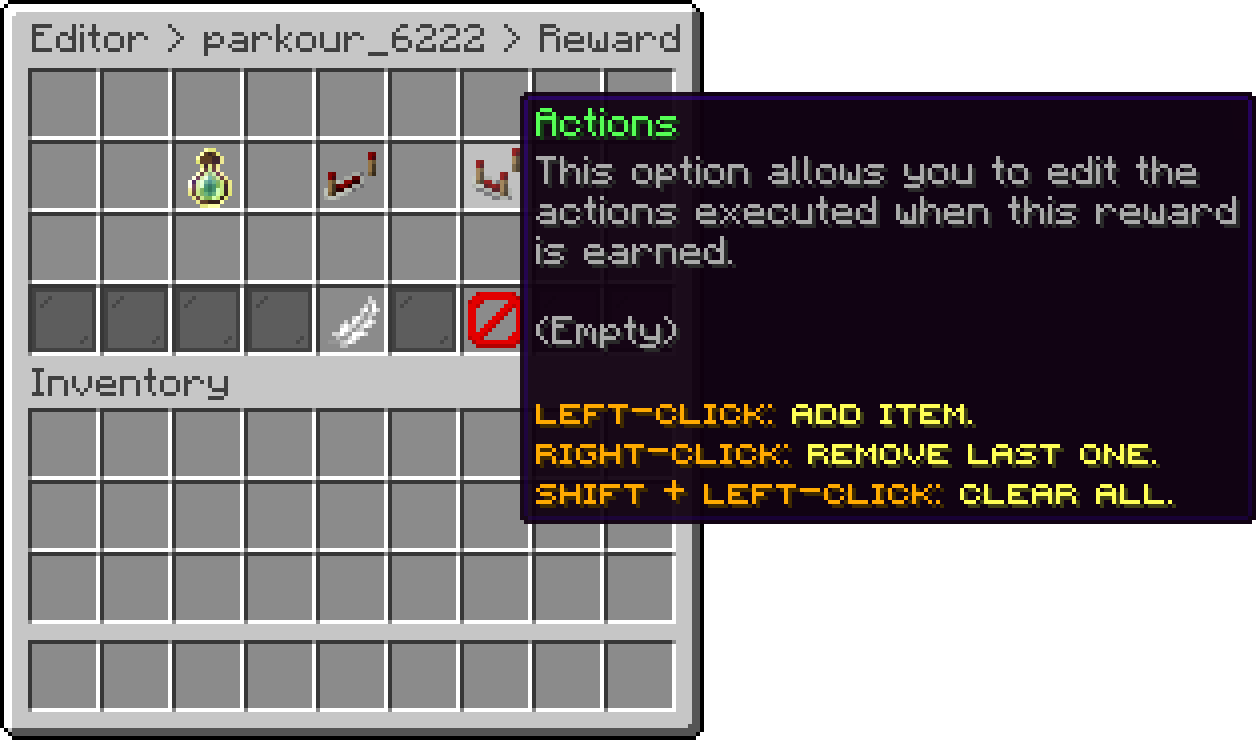
Reward (Actions)
A reward with no actions is still tracked, it simply does nothing when the score is reached.
Oops... looks like the spiders padded through here
Add products to your cart and remove them from here Lets buy