








Your cart is empty
Looks like the spiders padded through here. Pick a plugin and it will show up here. Continue shoppingThe companion is a separate jar, PhoenixCurrencies-Velocity, put in the proxy's plugins folder. Its options are in plugins/phoenixcurrencies/config.yml on the proxy. Balances still live in the shared database; the proxy only carries notices and the player list.
| Feature | Without the companion | With it |
|---|---|---|
| Paid while online on another server | The notice waits for the "while you were away" summary | The player sees it straight away, on the server they are on |
| That server's cached balance | Stale until they switch server, unless Redis sync is on | Reloaded straight away |
| Tab completion of pay and admin commands | Players on this server | Every player on the network |
| Paying a name that is online elsewhere | Found through the player list in the database | Matched to the player who is online right now |
| Switching servers | The "while you were away" summary repeats what was already shown | No summary for a plain server switch |
| Pay menu | Players on this server | Every player on the network |
With no companion, or no secret, the backend side does nothing.
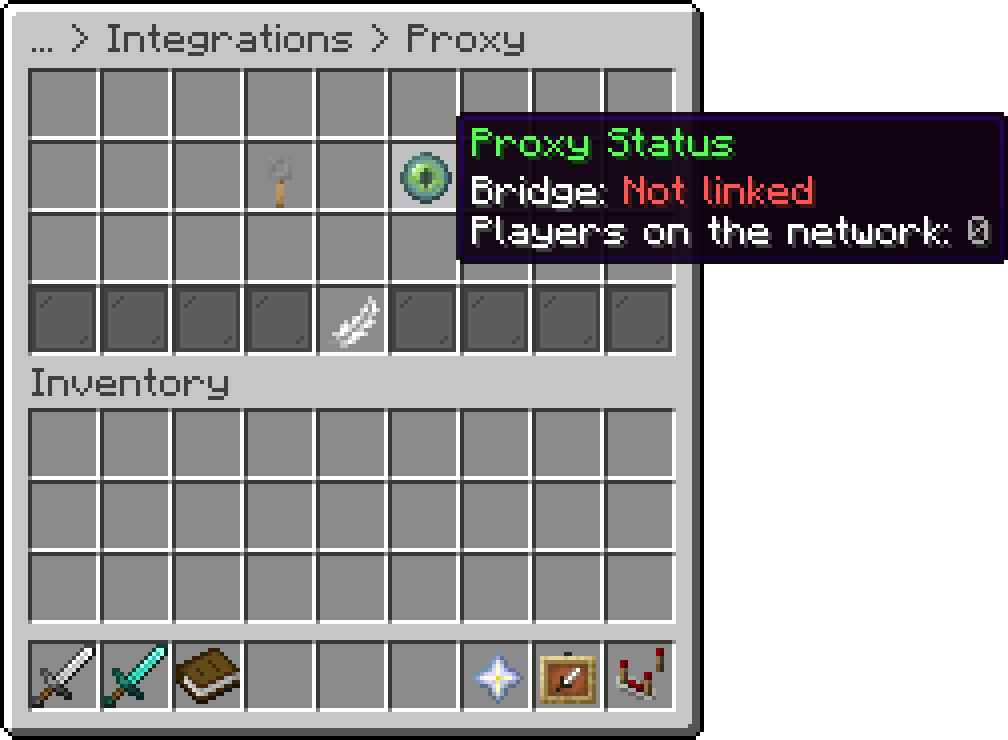
Proxy (Proxy Status)
A backend links the first time a player joins it. Proxy Status in the same editor screen shows the server name the proxy knows it by and how many players are on the network.
Payment confirmations stay on the sender's own server and work for receivers anywhere on the network.
Messages from the proxy carry the secret, so a modified client cannot fake a payment notice or the player list. A backend whose secret does not match logs a warning and stays unlinked. Leave it empty to turn the bridge off.
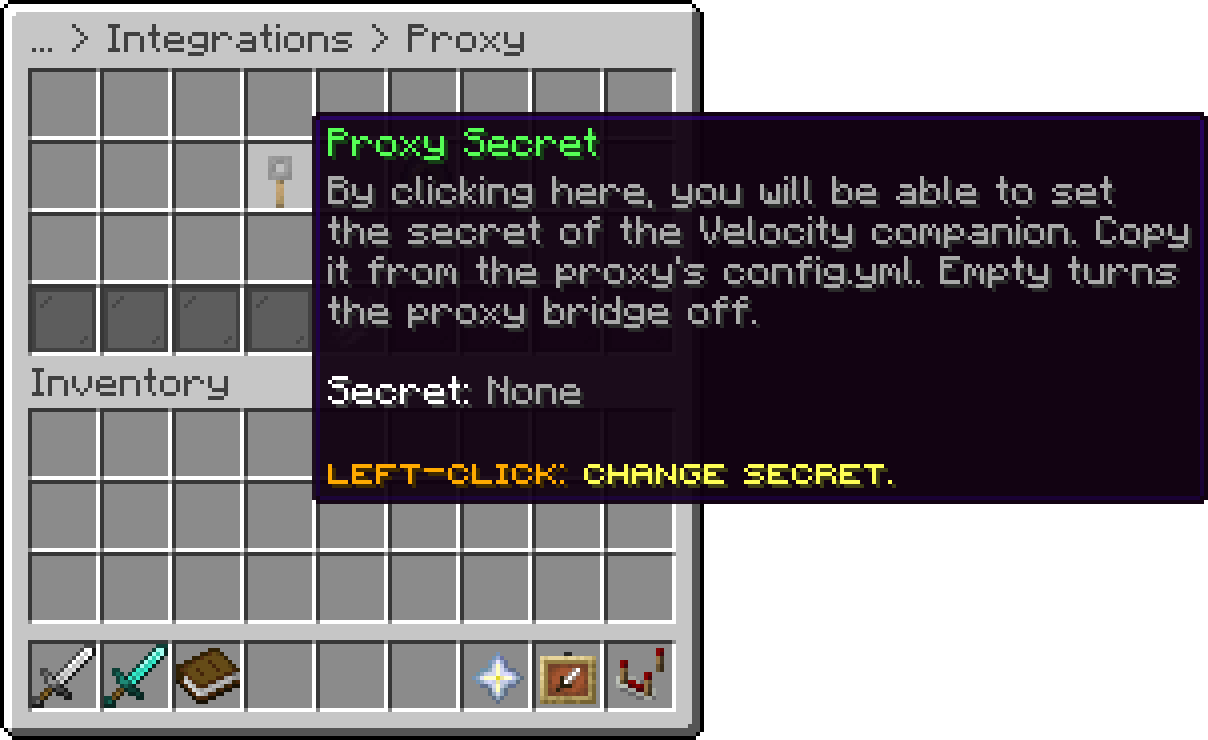
Proxy (Proxy Secret)
Plugin messages need a player on the sending server. A change made from the console of an empty server is sent through Redis instead, when Redis sync is on there and the companion's Redis settings point at the same host and channel.
secret: "..."
redis:
  enabled: false
  host: "localhost"
  port: 6379
  password: ""
  ssl: false
  channel: "phoenixcurrencies"
network-list:
  delay-ticks: 20
network-list.delay-ticks is how long the proxy waits after a join, switch or quit before sending the new player list to the backends, so a burst of joins sends one list.
| Command | Permission | Does |
|---|---|---|
| /pcurproxy status | phoenixcurrencies.proxy.admin | Lists the linked servers, their players and the Redis state. |
| /pcurproxy reload | phoenixcurrencies.proxy.admin | Reloads config.yml and messages.yml on the proxy. |
The proxy's messages are in its messages.yml. New keys are added to an existing file on start, the previous file is kept as messages.yml.bak.
Your guide to the docs
Ask me anything about our plugins. I know these docs inside out, check the latest versions and changelogs, and can read your server logs.
Try asking
Your cart is empty
Looks like the spiders padded through here. Pick a plugin and it will show up here. Continue shopping