

 Paper
 Folia
 Spigot
 Geyser
 26.x+
Your cart is empty
Looks like the spiders padded through here. Pick a plugin and it will show up here. Continue shopping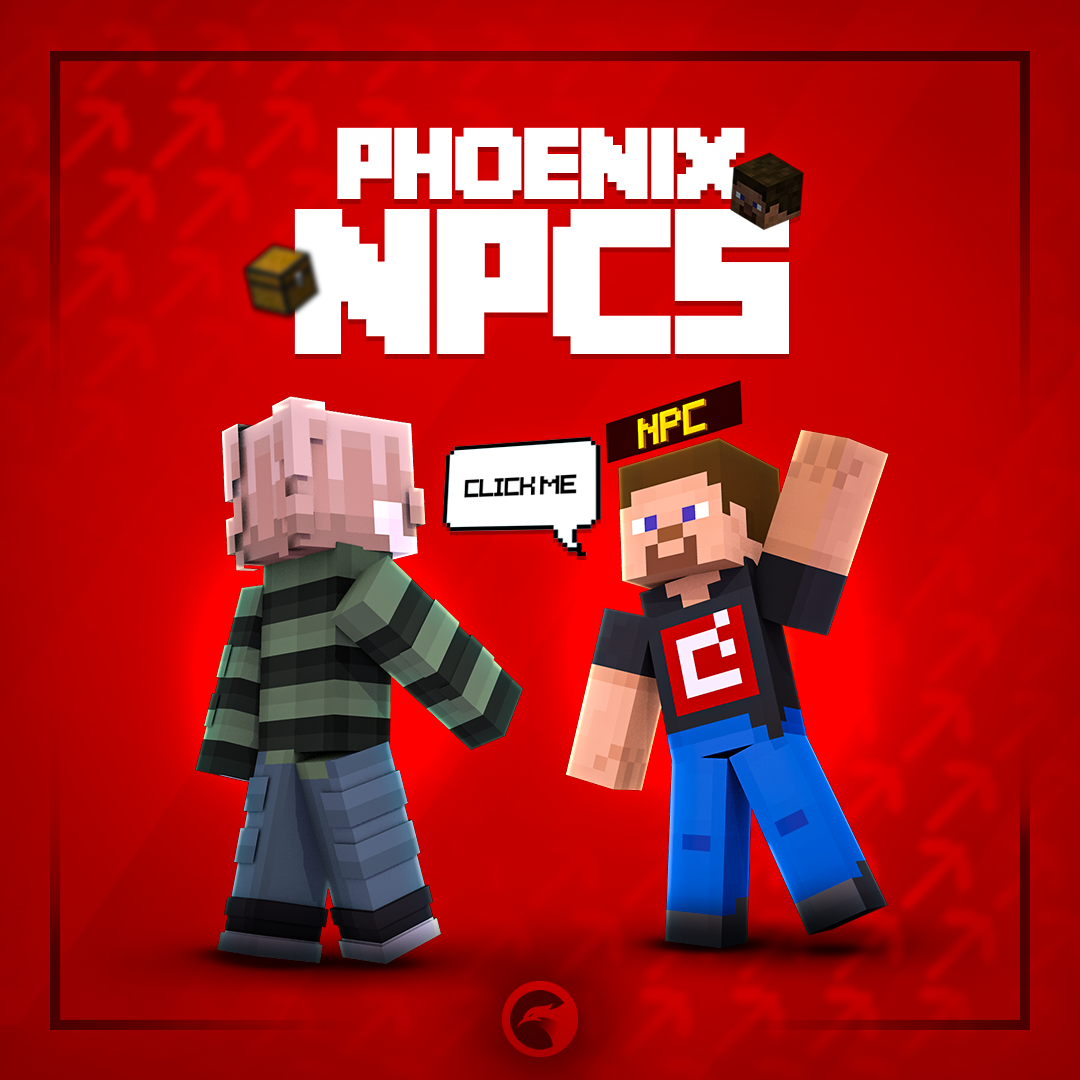
Phoenix NPCs is a free NPC plugin built around an in-game editor. Make a player with any skin, any mob or a ModelEngine or BetterModel model, give it click actions, dialogues with choices and a route it walks on the ground, and let each player see their own version of it. Bring your NPCs over from Citizens, FancyNpcs, ZNPCsPlus or ZNPCs.
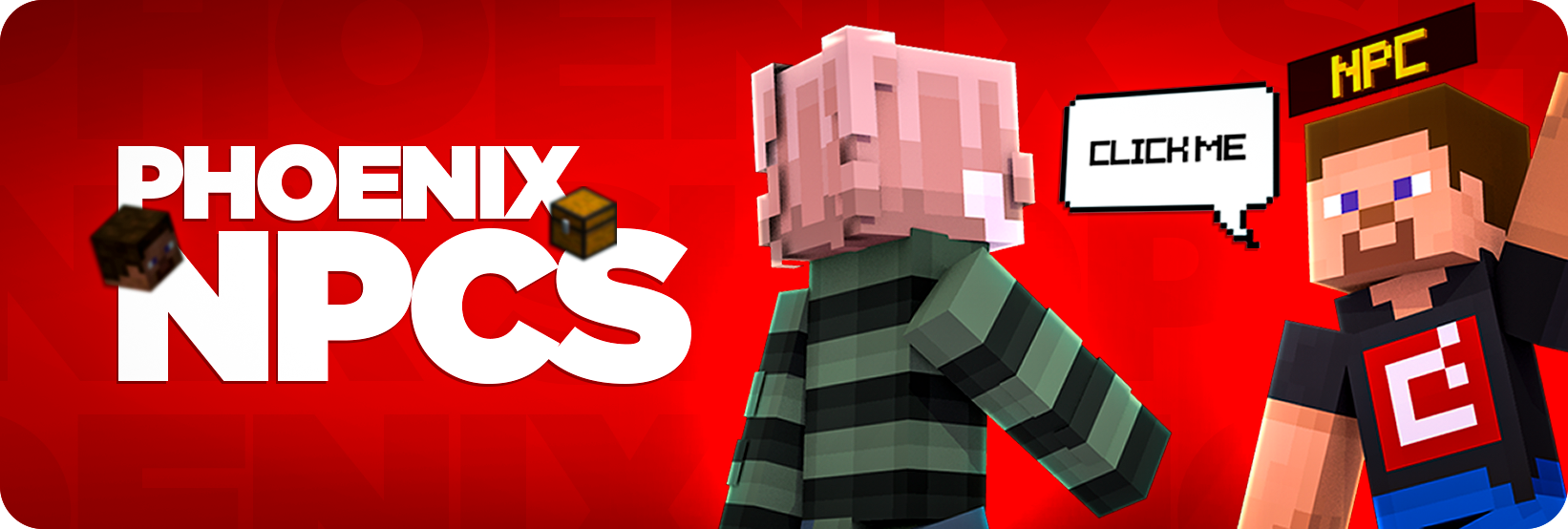
Place a player, a mob or a model, then give it a voice, a route and a job. Every change shows up in front of you as you make it.

One NPC can wear each viewer's own skin, or switch its skin, glow and equipment for players who pass a condition.

Dialogues with steps and choices open as Minecraft dialog windows, with typing text and the camera held on the NPC.

NPCs step up stairs and slabs, fall with gravity and plan their way around walls, fences and water.

Names are Phoenix Holograms holograms linked to the NPC, so they can animate, span several lines and carry a quest symbol.

Bedrock players joining through Geyser get forms for dialogues, and Bedrock staff for every typed value in the editor.

Bring your NPCs over from four other NPC plugins, skins, equipment and click commands included.
An NPC should do more than stand there. Give it a voice and a route.
No config files neededLook at an NPC and type /pnpc edit, or start from one of the ready-made examples and change it into your own.
Give a player NPC a skin by name, image link, file, MineSkin, Bedrock gamertag or placeholder, or a pool of up to 21 skins picked at random. Skins follow when a player changes theirs.


Any living mob with its variants, armor stands, mannequins, or a ModelEngine or BetterModel model with idle and click animations. Add poses, sitting, scale, glow colors and equipment in every slot.
Every NPC can react to clicks and to players walking up, follow a route, and stand guard.

Each choice runs its own actions and opens the next step, so one NPC can answer questions, hand out rewards and send players on their way.

Separate actions for left, right and any click, or when a player comes close. Add a cooldown, a use limit per player or for everyone, and item or experience costs.

Walk waypoints once, in a loop or back and forth, wander an area or a WorldGuard region, follow a player, or ride a mob or another NPC. Record a route by walking it yourself.

Guards attack hostile mobs, players or whoever hit them, chase within a range, show their health and come back home after they fall.
Every hook below is picked up on its own when the other plugin is installed.

A merchant can open a Phoenix Shop shop or one of its categories, or a vanilla trade window with its own trades. MythicMobs skills, Phoenix Currencies rewards and server switches on your proxy work as actions too.
Open Editor > Migrations and pick the plugin you are leaving. The old plugin does not have to be running, NPCs you already have are left alone, and the report lists what was imported and what was skipped.
 Citizens
 FancyNpcs
 ZNPCsPlus
 ZNPCs

One free install covers the NPCs, the editor and the tools to run them across a network.

Turn toward nearby players, look at another NPC or glance around while nobody is close.

Wave, crouch or play a model animation on a timer or when a player walks up.

Show an NPC by distance, permission or placeholder conditions, hide it from chosen players, and check why someone cannot see it.

Switch a whole set of NPCs on or off at once, for events and seasons.

Copy an NPC where you stand, take back your last 20 changes, and point commands at the nearest NPC with @n.

YAML, SQLite, MySQL or MariaDB, shared across servers through the database or Redis, with each NPC limited to the servers you pick.
Automatic backups of every NPC, skin and trade, with a restore screen in the editor.

Staff see a red line where an NPC has a setup problem, and one command lists every NPC that needs a fix.

Every option, command, permission and placeholder documented.
Yes. Phoenix NPCs is free, with every feature on this page included. There is no paid edition, no license and nothing is locked.
No. Phoenix NPCs runs on its own. Text above an NPC comes from Phoenix Holograms, which is free too, and models need ModelEngine or BetterModel. PlaceholderAPI, Geyser and the other plugins on this page are picked up when they are installed.
No. NPCs are sent to players as packets, so they are not real entities in your world and every player on a normal client sees them.
Spigot, Paper and their forks on Minecraft 26.x. Folia is supported too, still marked as experimental. Older versions do not load the plugin.
Yes. Each NPC is its own file in the npcs folder, and every editor action has a command under /pnpc.
Yes. A developer API with events lets your own plugins read NPCs, react to clicks and add action types of their own.
Explore products that pair well with this item




Your cart is empty
Looks like the spiders padded through here. Pick a plugin and it will show up here. Continue shopping