





Your cart is empty
Looks like the spiders padded through here. Pick a plugin and it will show up here. Continue shopping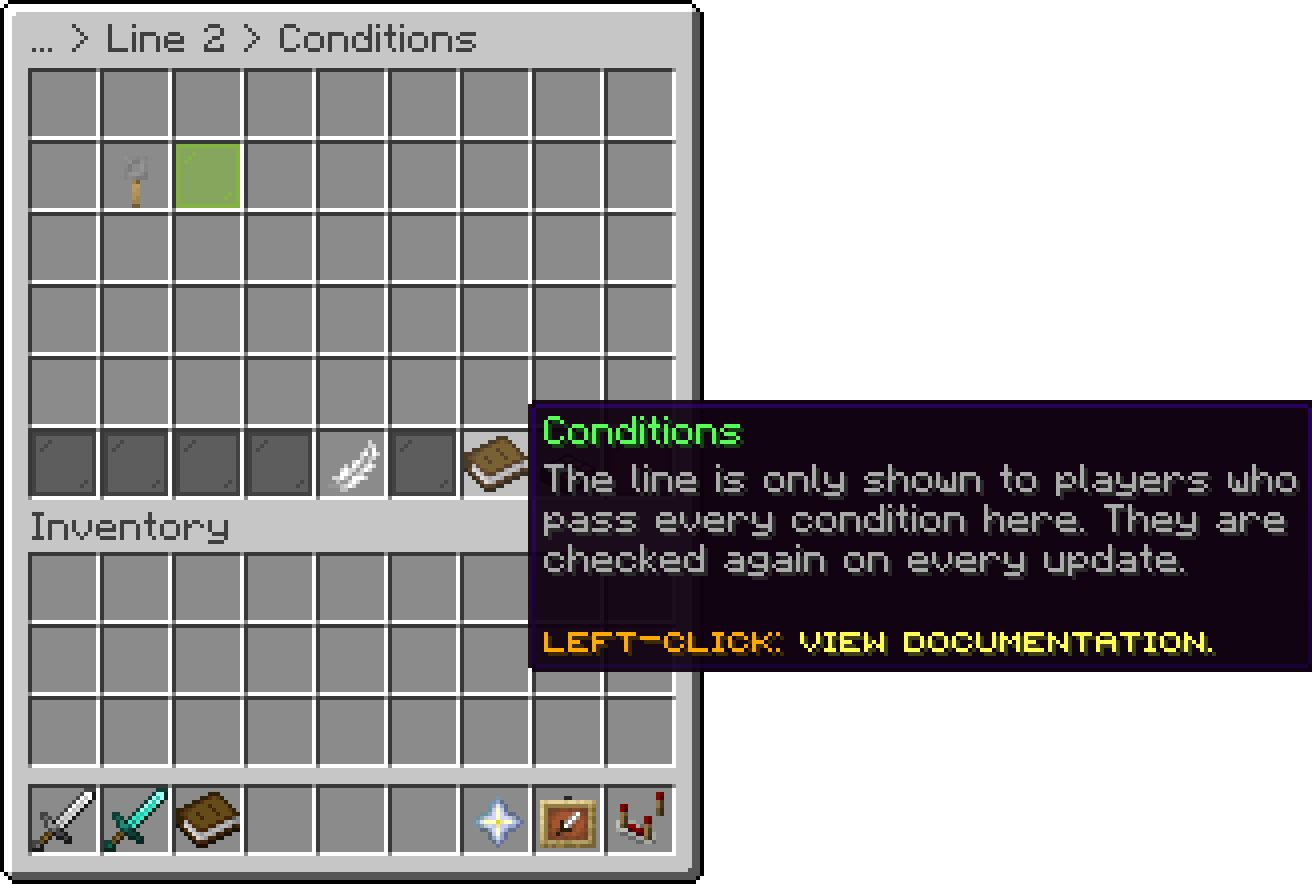
Conditions
Conditions are saved with their line in the hologram's own file in the holograms folder.
A line with conditions is only shown to players who pass every one of them. For everyone else the line is left out and leaves its gap, so the other lines do not move. Conditions are checked again on every Update Interval, at least every 10 seconds, and every second while updates are off.
| Type | Passes when |
|---|---|
| Has Permission | The player has the permission. |
| Lacks Permission | The player does not have the permission. |
| Equals =, Does Not Equal != | The placeholder gives, or does not give, the value. Text ignores case and colors. |
| Contains | The placeholder's text holds the value, ignoring case. |
| Greater Than >, Less Than <, At Least >=, At Most <= | The placeholder's number compares to the value's. Text never passes. |
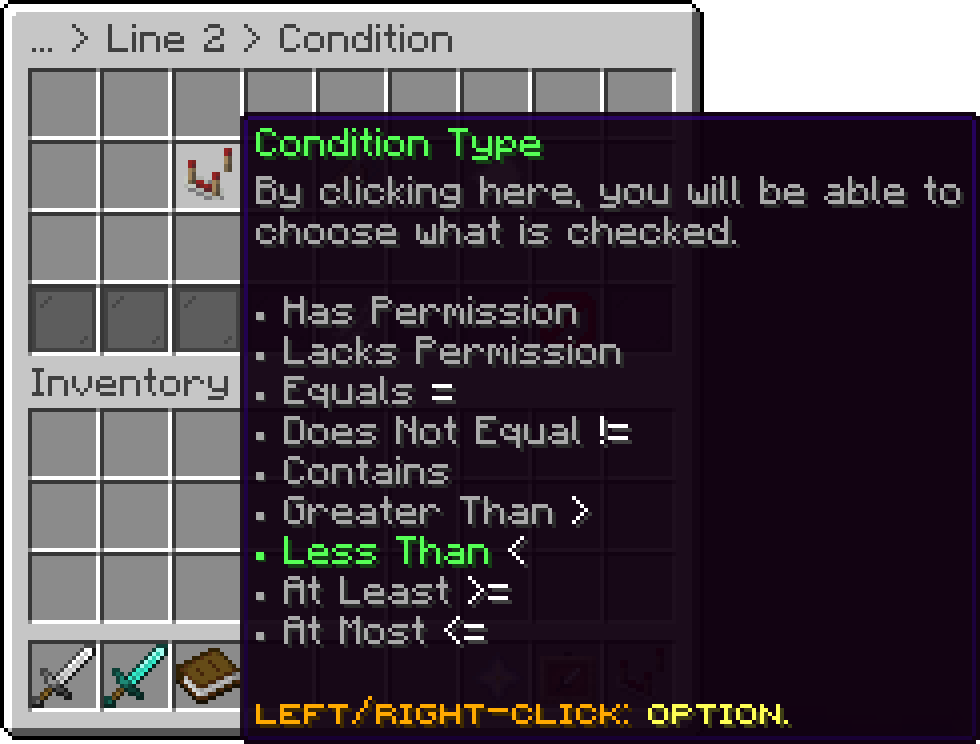
Condition (Condition Type)
The permission checked by the two permission types. Empty always passes.
What is compared, such as %player_level%. Any line placeholder or PlaceholderAPI placeholder works.
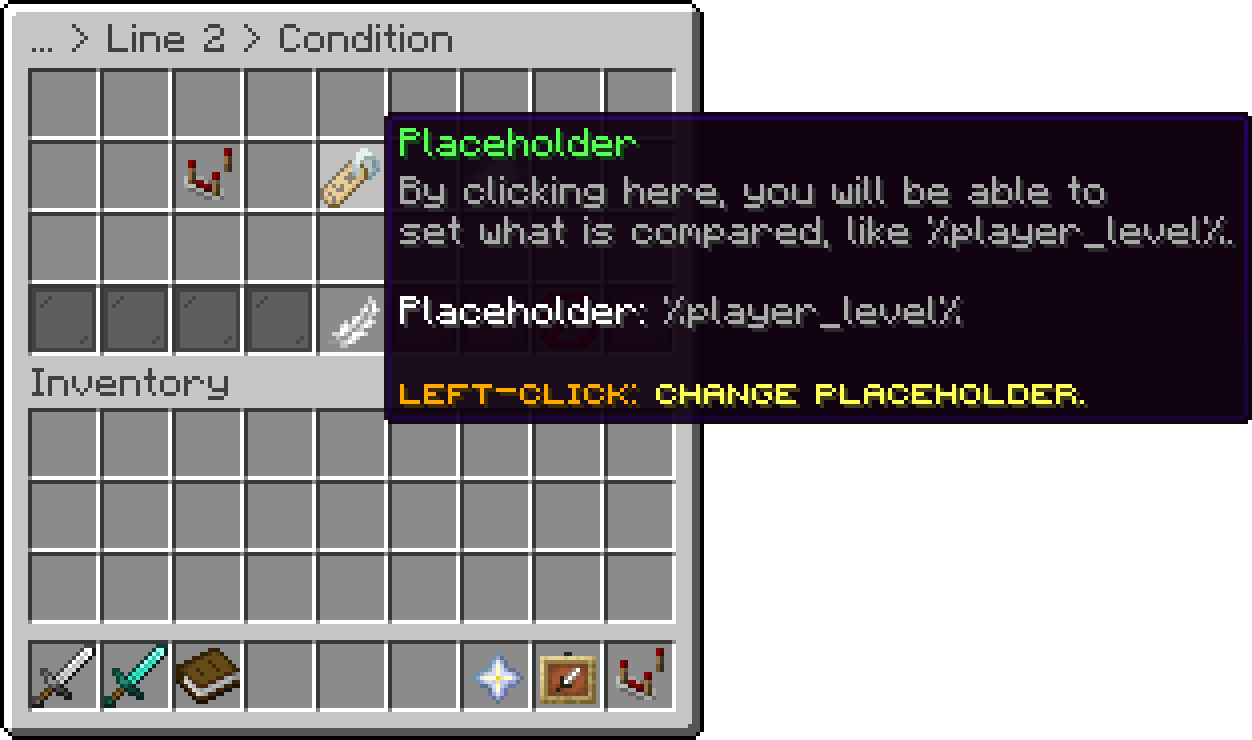
Condition (Placeholder)
What it is compared with. It can hold a placeholder too.
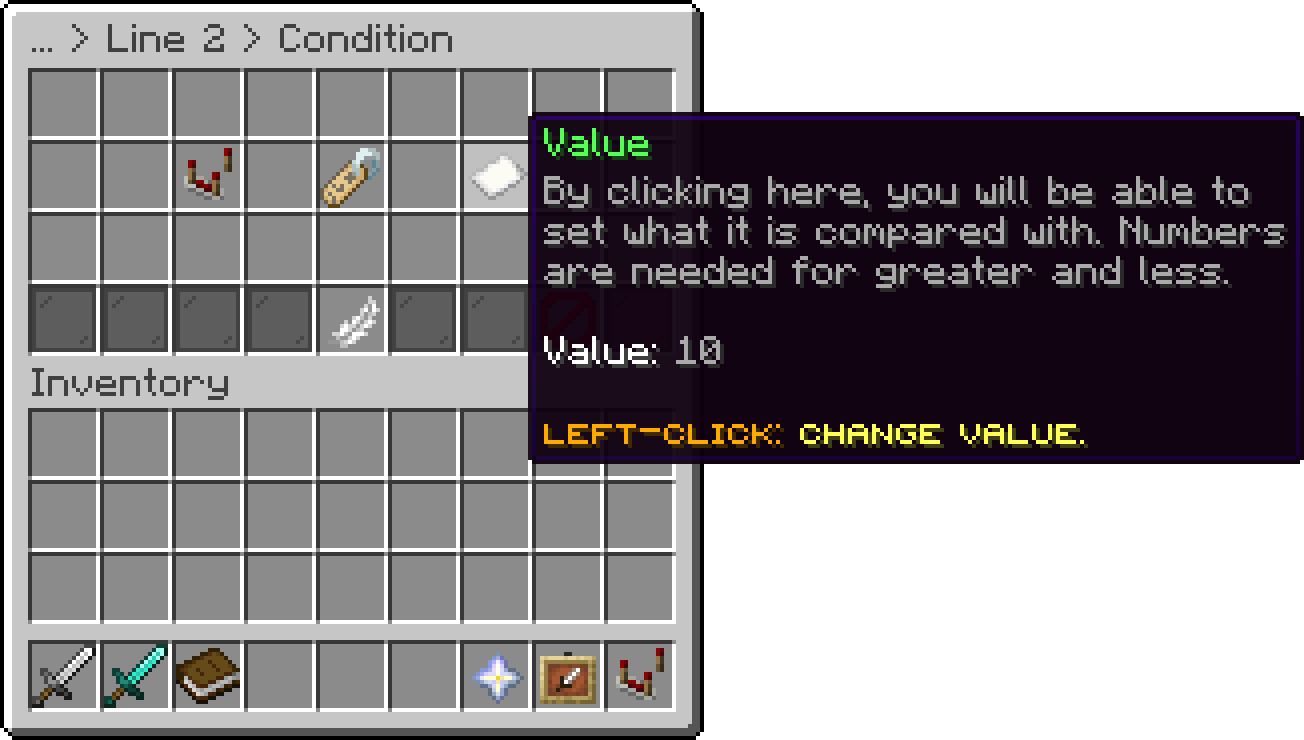
Condition (Value)
Removes the condition from the line, after a confirmation.
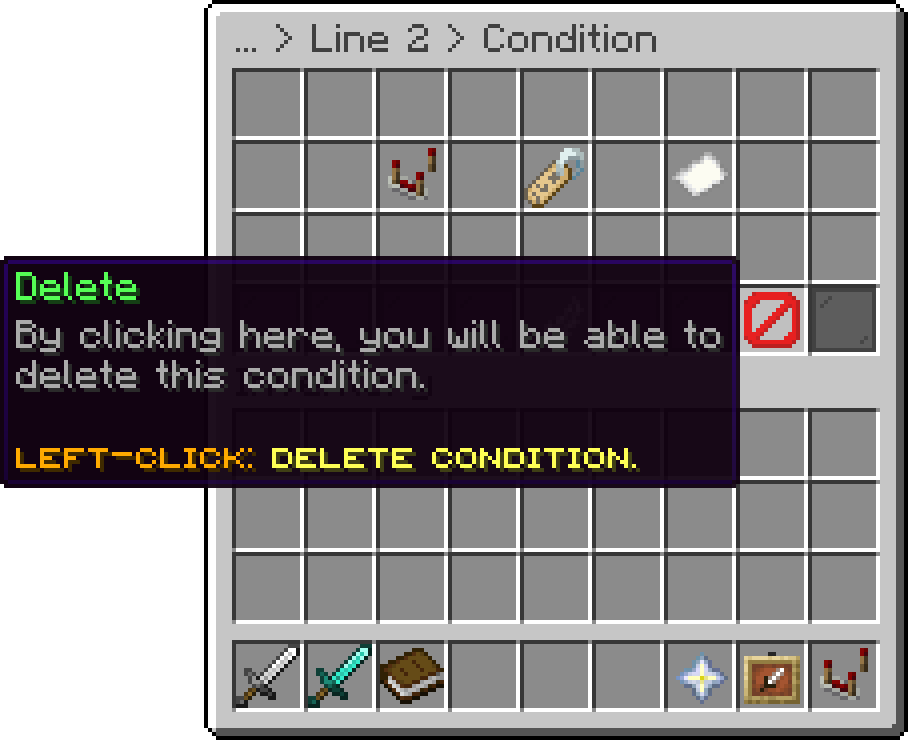
Condition (Delete)
Your guide to the docs
Ask me anything about our plugins. I know these docs inside out, check the latest versions and changelogs, and can read your server logs.
Try asking
Your cart is empty
Looks like the spiders padded through here. Pick a plugin and it will show up here. Continue shopping