








Your cart is empty
Looks like the spiders padded through here. Pick a plugin and it will show up here. Continue shoppingThe AutoSell add-on, which sells what players carry on a timer, with its settings and placeholders.
The AutoSell add-on sells what a player is carrying on a timer, so they can keep mining or farming without opening a shop. Players run on autosell time that an admin hands out, and the add-on also adds placeable sell chests that empty themselves into your shops for as long as they have time left.
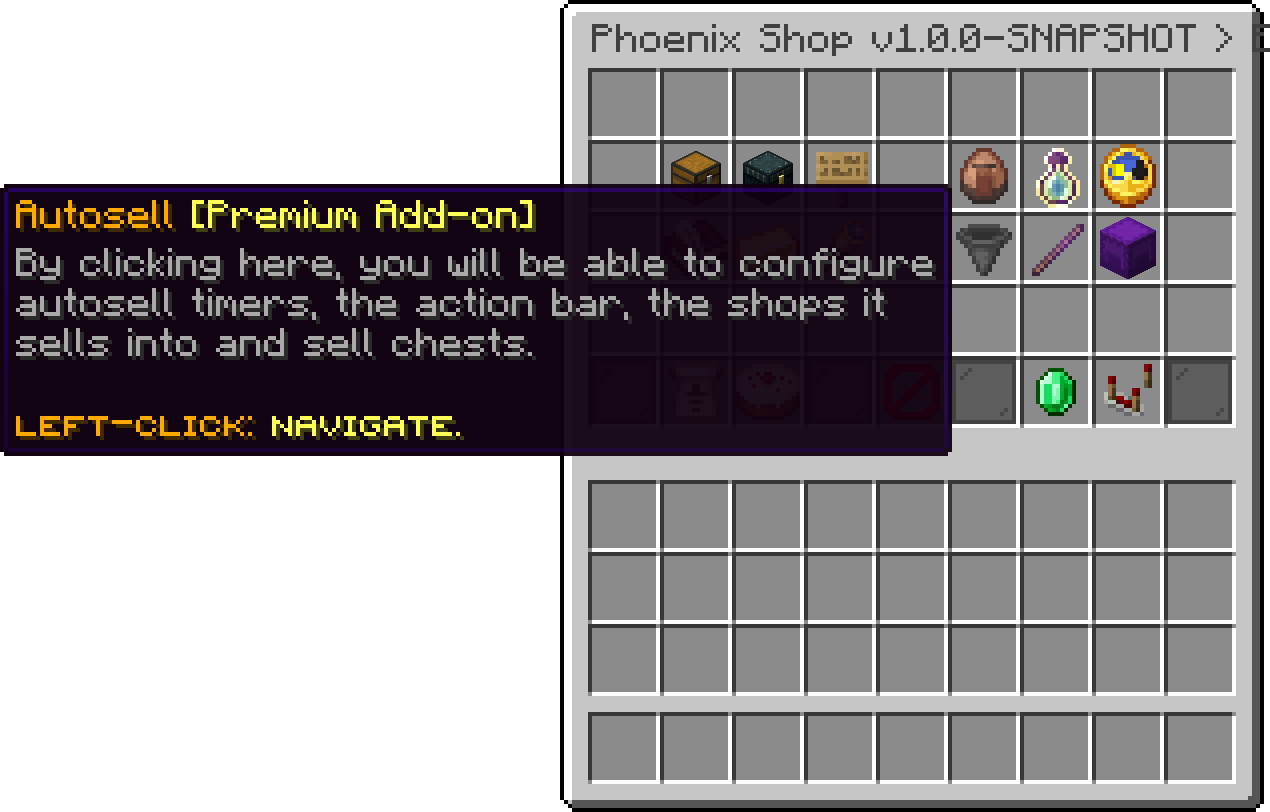
Editor (Autosell)
Every sale goes through the normal sell path, so prices, currencies, stock, conditions, actions and sell multipliers such as the Sell Boosters add-on all apply exactly as they do in the shop menu.
To install this add-on, drag and drop the jar file into the PhoenixShop/addons folder, then restart your server.
The add-on requires the Premium edition. On Lite it does not load and the console says why.
| File | What it holds |
|---|---|
PhoenixShop/addons/AutoSell/config.yml |
The add-on settings and the sell chest types. |
| Plugin database | Each player's autosell time, toggle and earnings, and every placed sell chest. An old autosell.yml is moved there on first start. |
PhoenixShop/translations/translations.<lang>.yml |
The add-on messages, under the autosell and sellchest sections. |
Once autosell is on, the player's main inventory is sold every few seconds into the shops set in the settings. Armor and the off-hand slot are left alone. Items a shop does not buy stay in the inventory.
Autosell time only counts down while the player is online with autosell on. When it runs out, autosell turns itself off and the player is told. A player with the unlimited permission never runs out.
Turning autosell on resets the earnings of the current session, which is what the action bar and the session placeholders show.
| Command | Description |
|---|---|
/autosell |
Turns autosell on or off. Same as /autosell toggle. Refused when the player has no time left. |
/pshop autosell add <player> <time> |
Gives a player autosell time. The player is told when they are online. |
/pshop autosell remove <player> <time> |
Takes autosell time away, down to zero. |
/pshop autosell set <player> <time> |
Sets a player's autosell time. |
/pshop autosell check [player] |
Shows how much autosell time is left. Without a player it shows your own. |
/pshop sellchest give <player> <type> [amount] |
Gives placeable sell chests of a type. The amount goes from 1 to 64. |
Times are written as a number and a unit: 30s, 30m, 6h or 1d. Units can be combined, such as 1h30m.
A player has to have joined once, while the add-on was installed, before an offline name is accepted.
| Permission | What it allows | Default |
|---|---|---|
phoenixshop.autosell |
Using /autosell. |
Nobody |
phoenixshop.autosell.infinite |
Autosell never runs out of time. | Nobody |
phoenixshop.command.autosell |
Adding, removing, setting and checking other players' autosell time. | Operators |
phoenixshop.command.sellchest |
Giving sell chests. | Operators |
phoenixshop.sellchest.unlimited |
Placing any number of sell chests. | Nobody |
phoenixshop.sellchest.limit.<n> |
Placing up to <n> sell chests, such as phoenixshop.sellchest.limit.10. With several, the highest counts. Without one, Chests per Player applies. |
Nobody |
phoenixshop.admin grants all of the above. A shop with its own permission is only sold into for players who have it.
These settings live in addons/AutoSell/config.yml. Editor > Add-ons > AutoSell opens two screens: Autosell, with the settings below, and Sell Chests, covered on the Sell Chests page. Without the add-on, that button shows that the add-on is required.
Shows the time left, the money earned this session and the current sell multiplier on the action bar of every player with autosell on. On by default.
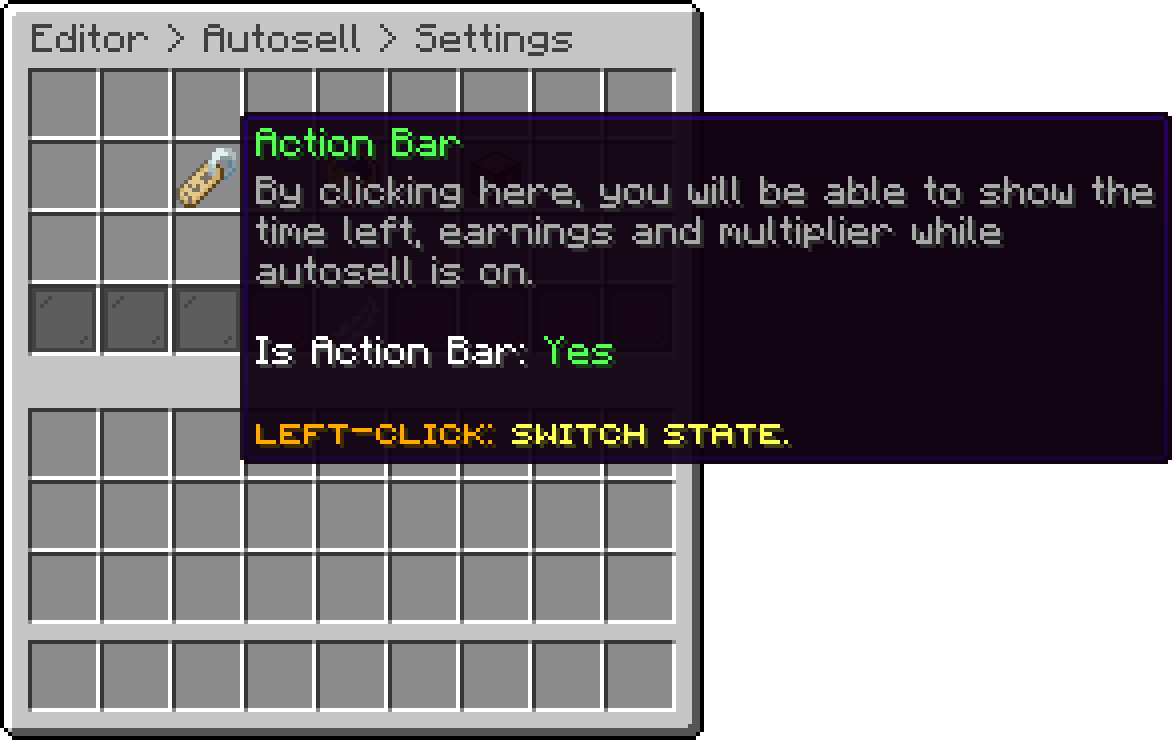
Settings (Action Bar)
How many seconds pass between one sale and the next, for both a player's inventory and their sell chests. The default is 30, and the value goes from 1 to 3600. A lower value empties inventories sooner but runs more sales.
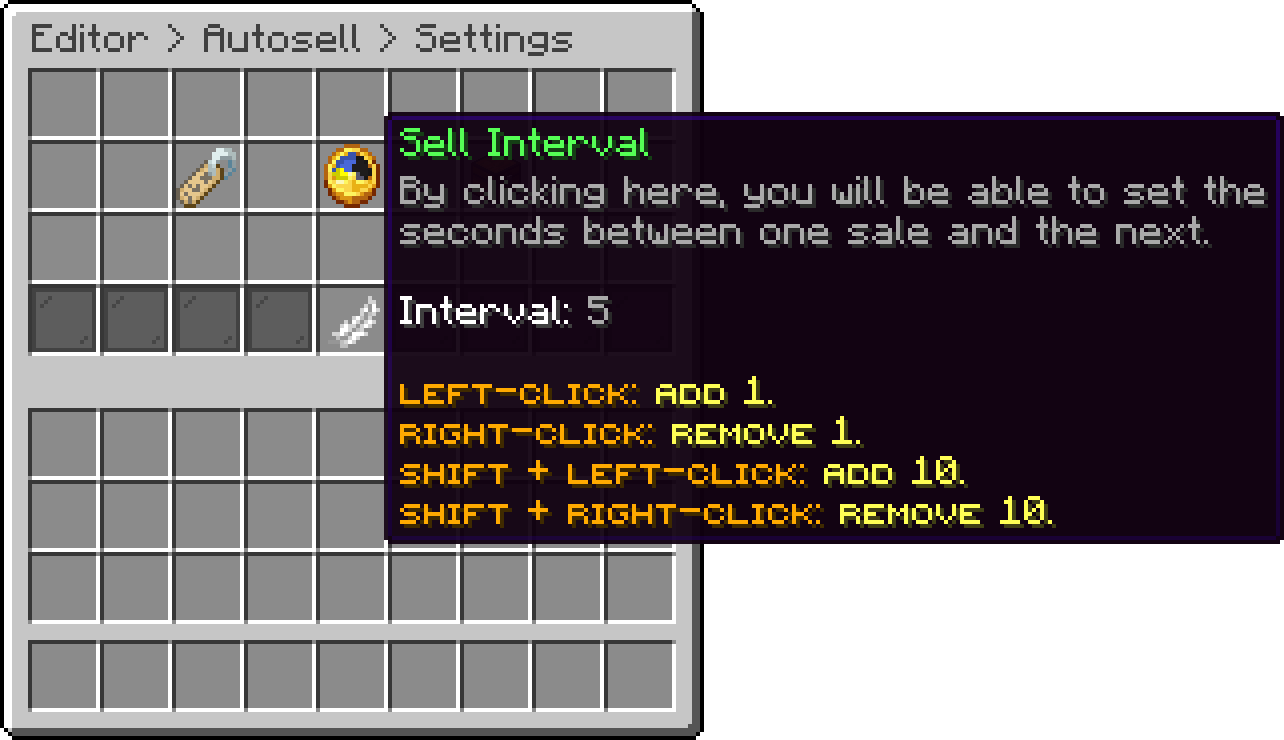
Settings (Sell Interval)
The shops autosell may sell into, in order. When an item sells in more than one of them, the shop higher in the list gets it. A shop that is turned off, or that has a permission the player lacks, is skipped for that player.
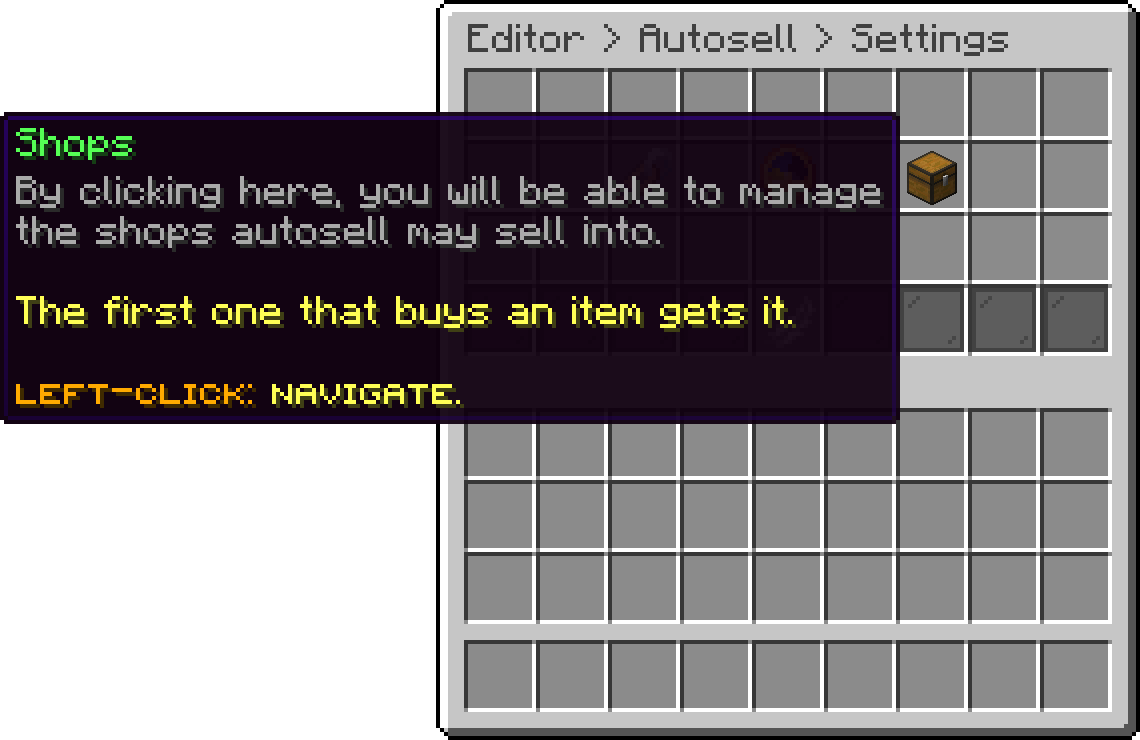
Settings (Shops)
Clicking it opens the list, where shops can be added to the bottom and two shops can swap places.
| Placeholder | Description |
|---|---|
| %phoenixshop_autosell_enabled% |
true when the player has autosell on, otherwise false. |
| %phoenixshop_autosell_earned_total% | Everything the player has earned from autosell and their sell chests, formatted per currency. |
| %phoenixshop_autosell_earned_total_raw% | The same total as a plain number, with every currency added together. |
| %phoenixshop_autosell_earned_session% | What the player has earned since autosell was last turned on, formatted per currency. |
| %phoenixshop_autosell_earned_session_raw% | The same session total as a plain number. |
| %phoenixshop_autosell_multiplier% | The player's current sell multiplier. 1.0 while offline. |
| %phoenixshop_autosell_time_remaining% | The autosell time the player has left. |
| %phoenixshop_autosell_time_remaining_hours% | The whole hours left. |
| %phoenixshop_autosell_time_remaining_minutes% | The minutes left past the whole hours. |
| %phoenixshop_autosell_time_remaining_seconds% | The seconds left past the whole minutes. |
The time placeholders show the unlimited label for a player with phoenixshop.autosell.infinite.
The session earnings only count the player's inventory. Sell chest earnings go into the total and into each chest's own hologram.
Your guide to the docs
Ask me anything about Phoenix Shop. I know these docs inside out, check the latest versions and changelogs, and can read your server logs.
Try asking
Your cart is empty
Looks like the spiders padded through here. Pick a plugin and it will show up here. Continue shopping