


Your cart is empty
Looks like the spiders padded through here. Pick a plugin and it will show up here. Continue shoppingThese options are in chest-shops.yml, except Chest Shop Command, which is in the commands section of config.yml. Servers that had them in the player-shops section of config.yml get them moved there on the first start. All of them except Price Limits and Chest Shop Command can also be changed in Editor > Chest Shops > Settings, grouped into Creating Shops, Trading, Items & Prices, Displays and Teleport & Remote, where they apply at once.
chest-shops.yml:
enabled: false
creation-cost: 0
max-per-player: 0
refund-on-remove: true
max-amount: 3456
blocked-items: []
blocked-worlds: []
sign-material: OAK_SIGN
protected-names: []
short-prices: true
click-confirm:
  enabled: true
  minutes: 5
display-items: true
glow-distance: 6
hologram-distance: 6
tax-percent: 0
allow-sell-above-buy: false
price-limits: {}
partial-trades: true
purge:
  inactive-days: 0
claims:
  require-claim: false
map-markers:
  enabled: true
trade-click: INSTANT
teleport: true
teleport-countdown: 3
remote-trading: false
currencies:
  - money
config.yml:
commands:
  chest-shop:
    enabled: true
    alternative: chestshop
    aliases:
      - cs
Turns player shops on or off for the whole server. They are off until you turn them on. While off, nobody can trade on a player shop, the owner included, and left-clicking a container makes no new one. Existing shops stay where they are and work again once it is back on. On Lite, admin shops ignore it: they keep trading and can still be made while it is off.
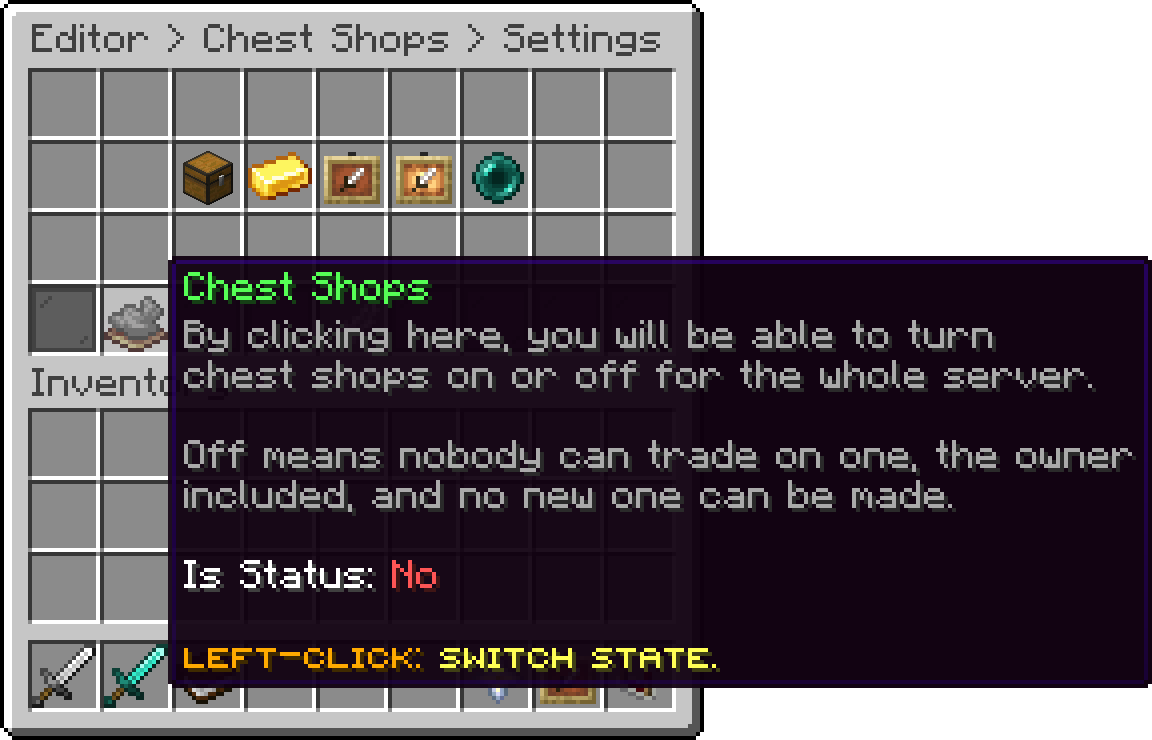
Settings (Chest Shops)
It is also the Status toggle in Editor > Sign Shops > Settings and in the Player Shops editor.
How hitting a container with an item makes a shop. Shift + Left-Click is the default, so a normal Left-Click always breaks the container. Left-Click twice asks for a second click on the same container with the same item within 3 seconds.
What a player pays once, when the shop is made. It is charged in the Vault currency, and a player who cannot afford it gets no shop. Set it to 0 to make shops free.
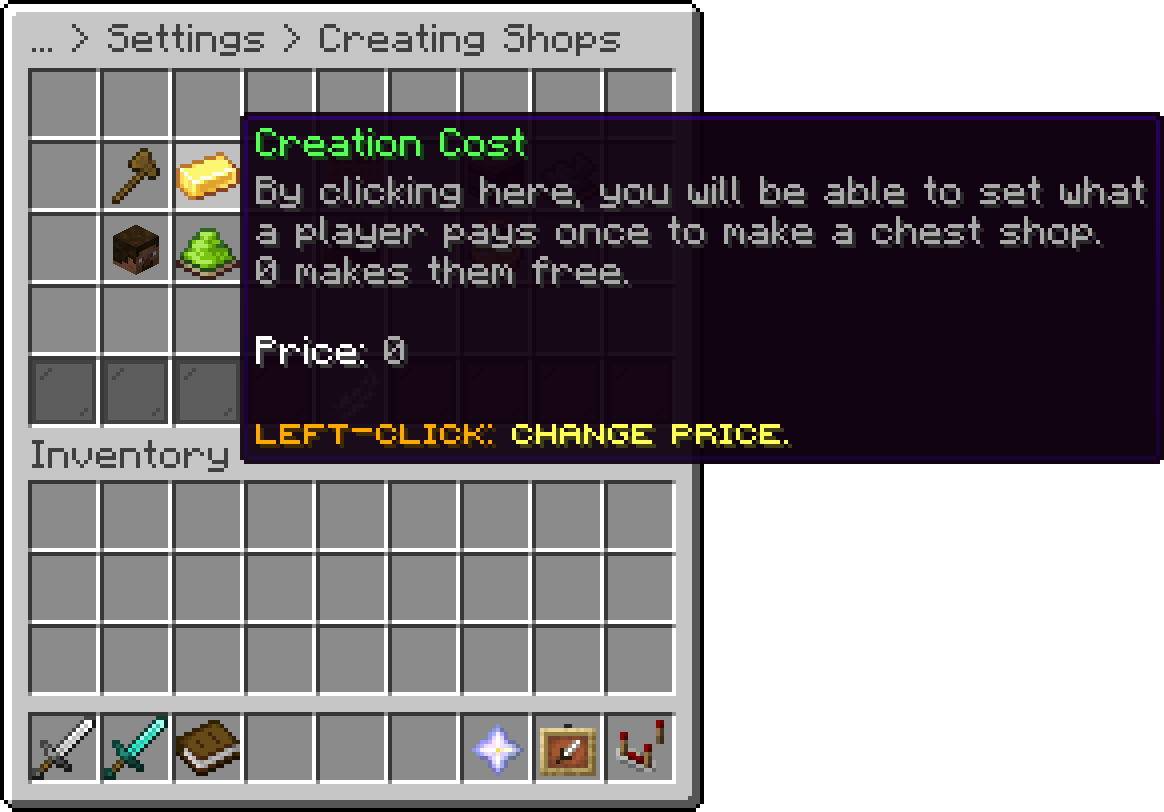
Creating Shops (Creation Cost)
With a cost above 0 and no Vault economy installed, nobody can create a player shop.
How many shops one player can own at a time. Removing a shop frees a place. Set it to 0 for no limit. On Lite the limit is never higher than 25, or 30 on a linked server, and 0 means that cap.
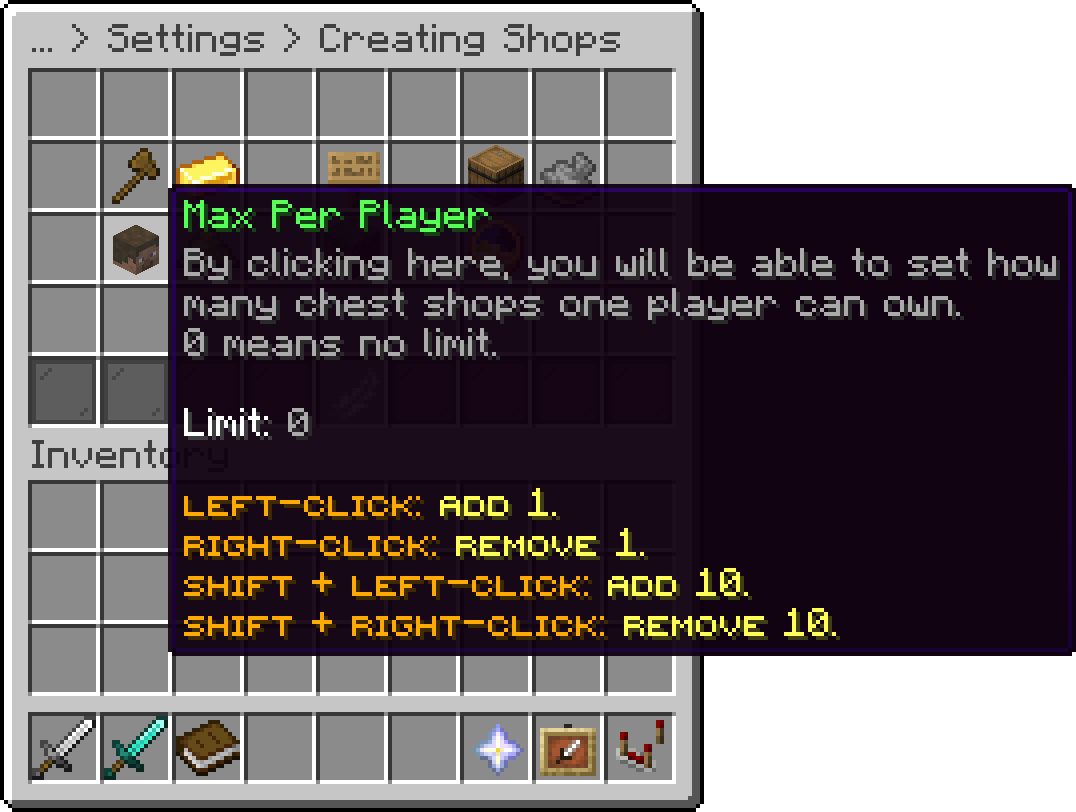
Creating Shops (Max Per Player)
A permission overrides it per player. phoenixshop.sign.limit.<number> sets that player's limit, and the highest one they hold counts. phoenixshop.sign.limit.unlimited removes the limit. On Lite neither the setting nor a permission can go above that cap.
Gives the owner back what they paid for the sign when the shop is removed, whether they take it down from its menu or break the sign or container. The refund is what was paid at the time, even when the Creation Cost has changed since.
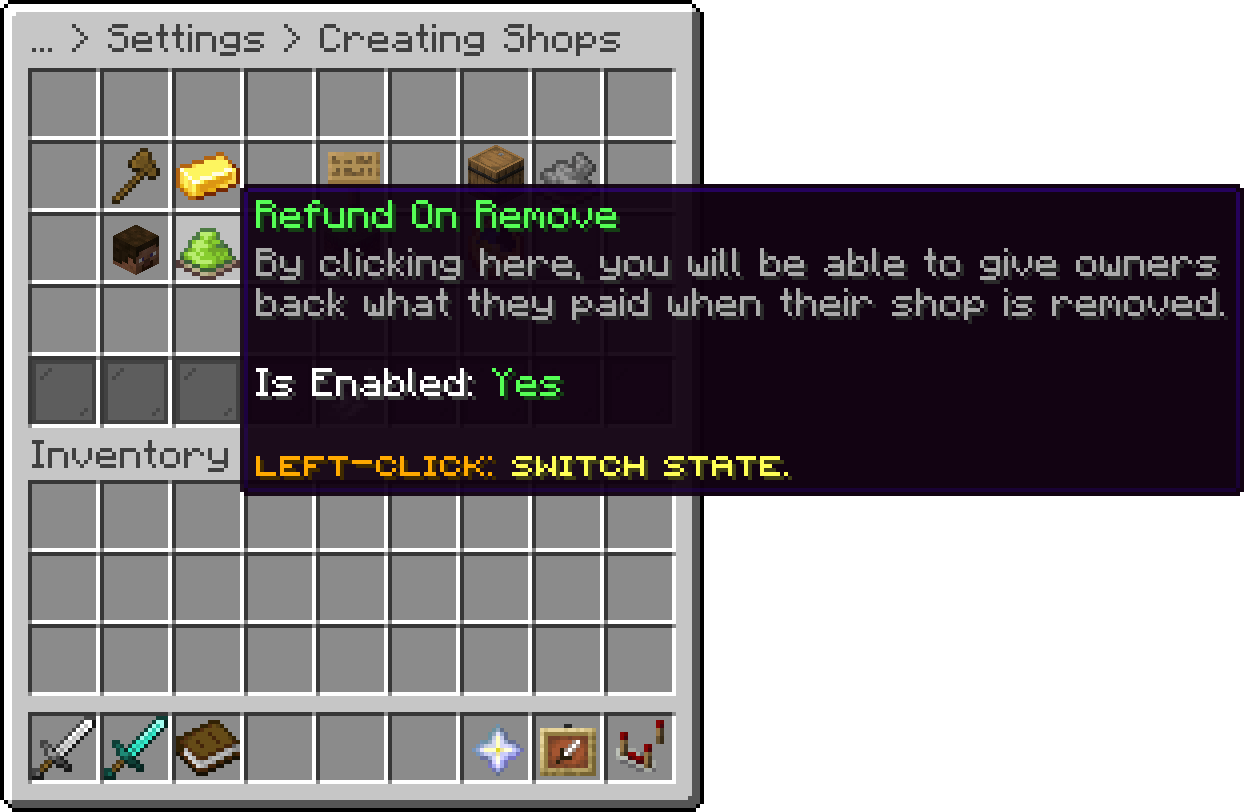
Creating Shops (Refund On Remove)
The highest Amount an owner can set on a shop, per click. It is also the most a customer can choose to trade at once.
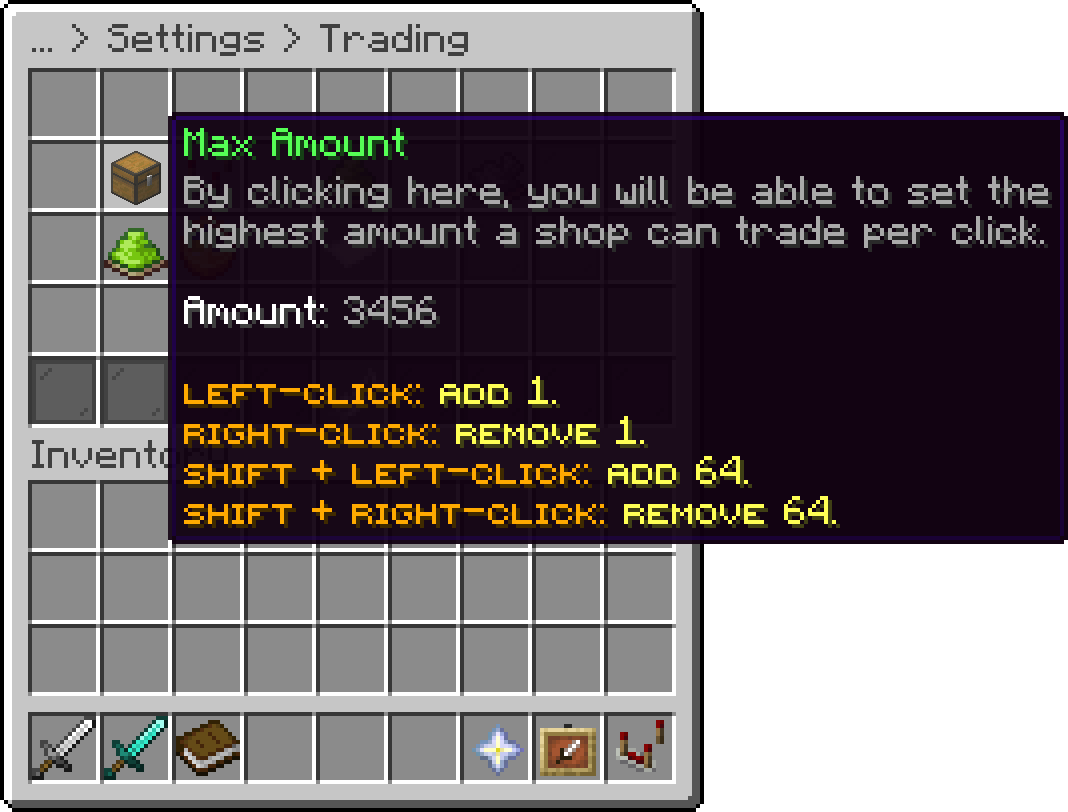
Trading (Max Amount)
Materials that cannot be traded in player shops, such as BEDROCK or SPAWNER. An owner cannot put one on a shop, and a shop that already trades one refuses every trade.
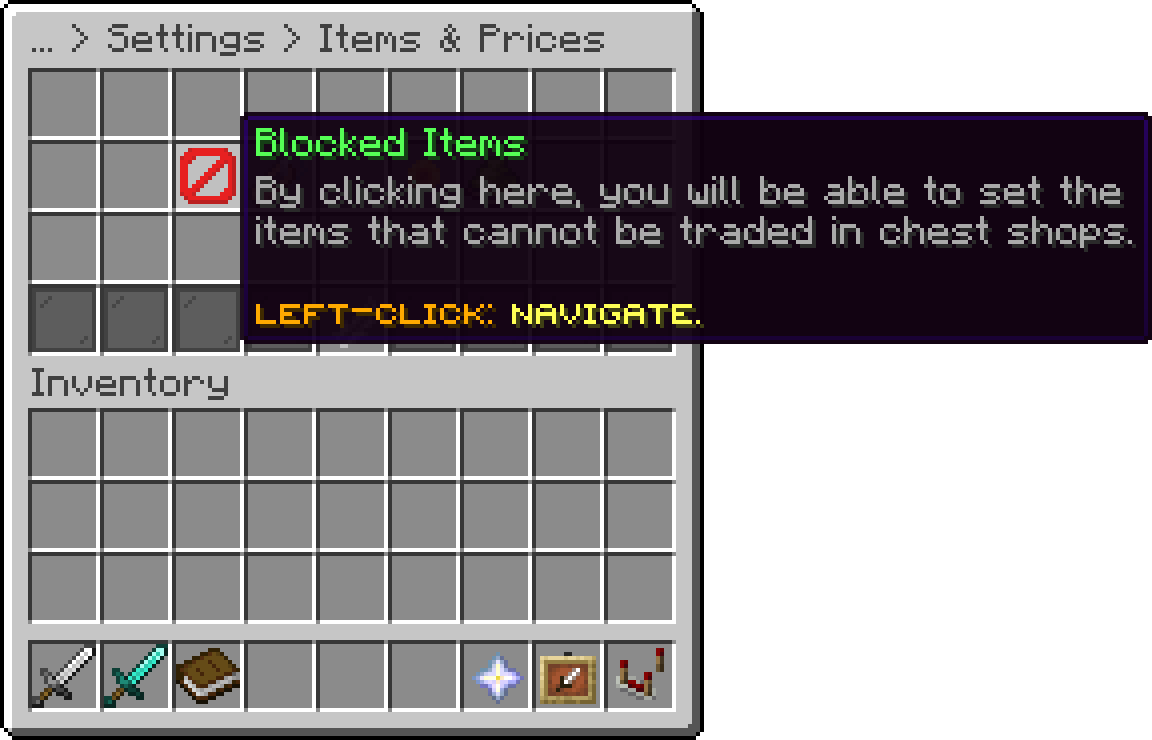
Items & Prices (Blocked Items)
Worlds where no player shop can be created. A player with phoenixshop.sign.bypass can still put one up there. Shops that already exist in such a world keep working.
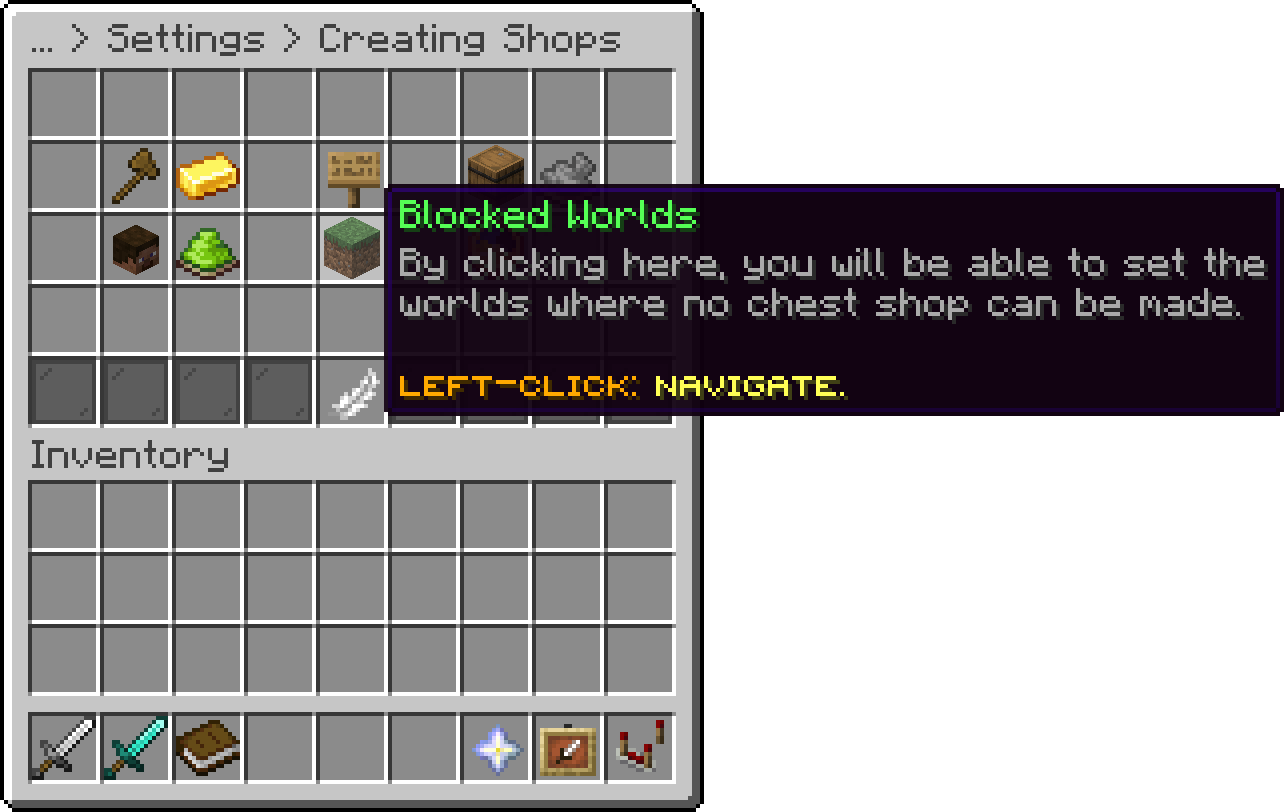
Creating Shops (Blocked Worlds)
The sign placed on new shops. Any wooden sign works, given as its standing or wall name, such as SPRUCE_SIGN or SPRUCE_WALL_SIGN. Anything else falls back to oak. Hanging signs are not supported.
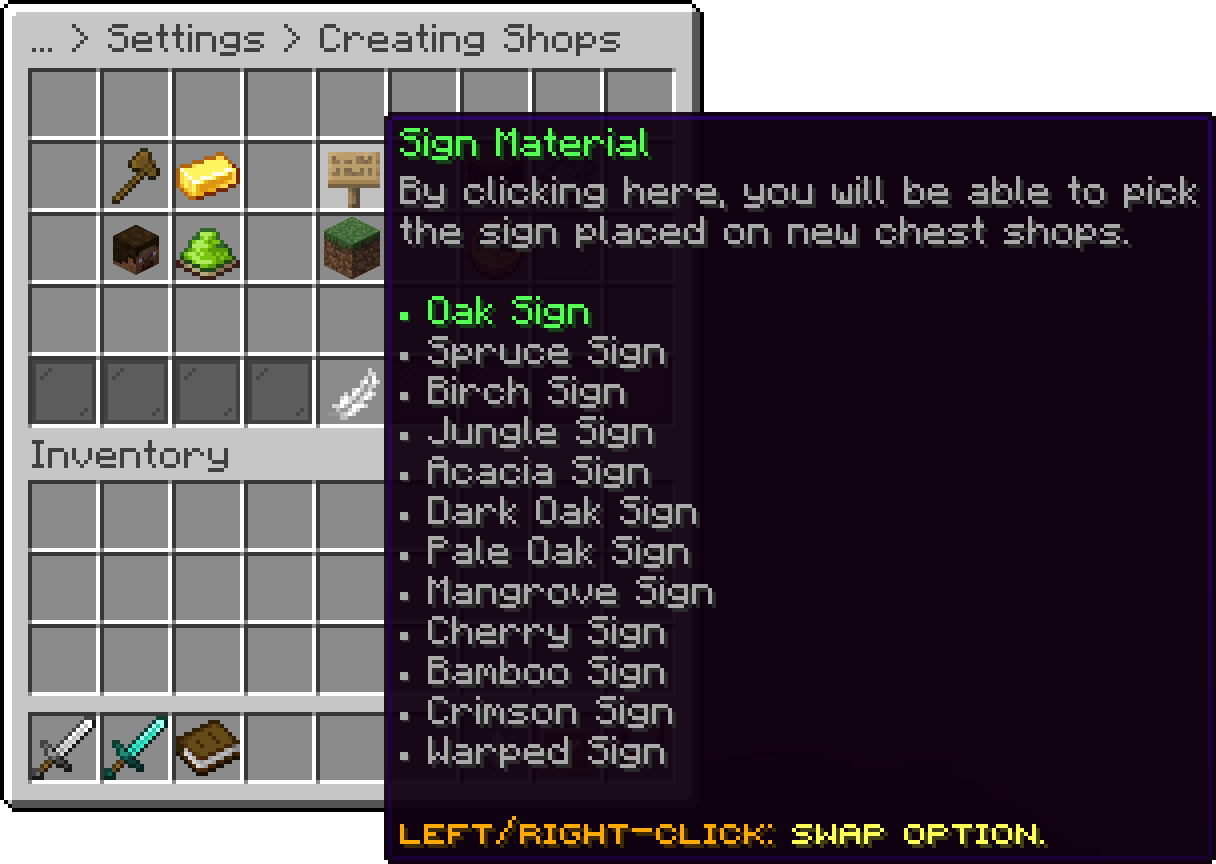
Creating Shops (Sign Material)
Shows prices of 1,000 and up shortened, such as $250k or $1.5m, in the chat messages, the amount prompt, the hologram and the shop menus. Smaller prices keep their cents. Turn it off to show the full amount there; signs always use the short form, since a sign line only fits 15 characters.
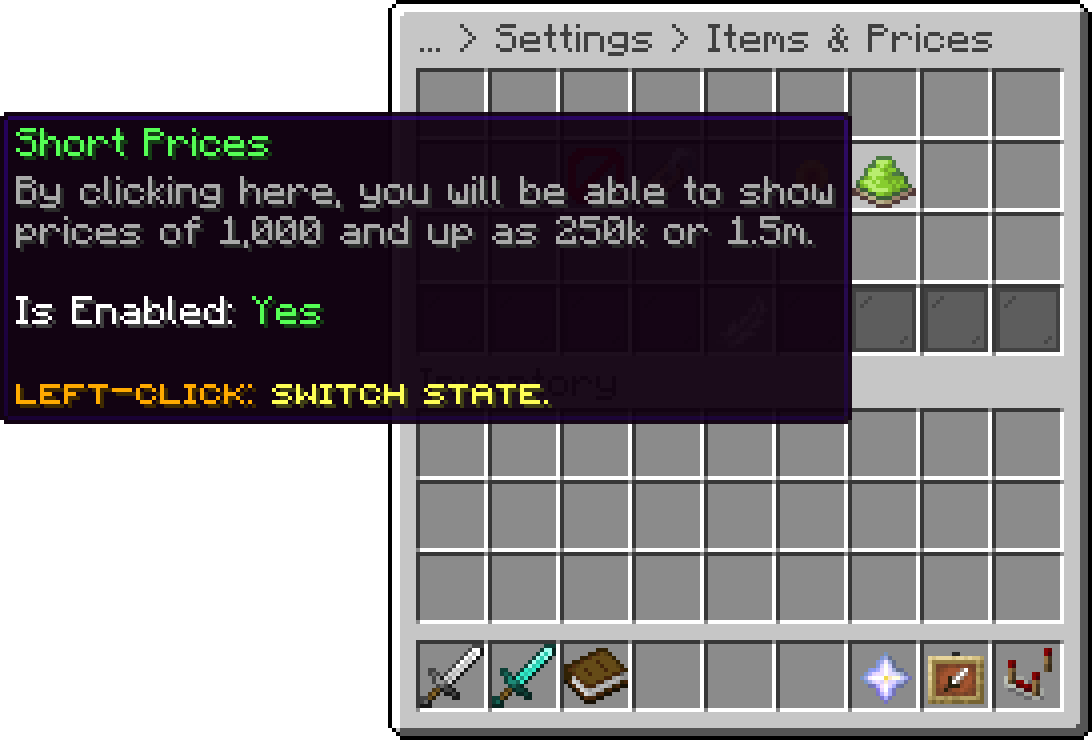
Items & Prices (Short Prices)
Makes the first buy or sell click on a shop sign ask the player to click again, so nobody trades by accident. Once confirmed, clicks on that shop trade straight away until minutes pass without trading there, 5 by default. Set enabled to false to trade on every click.
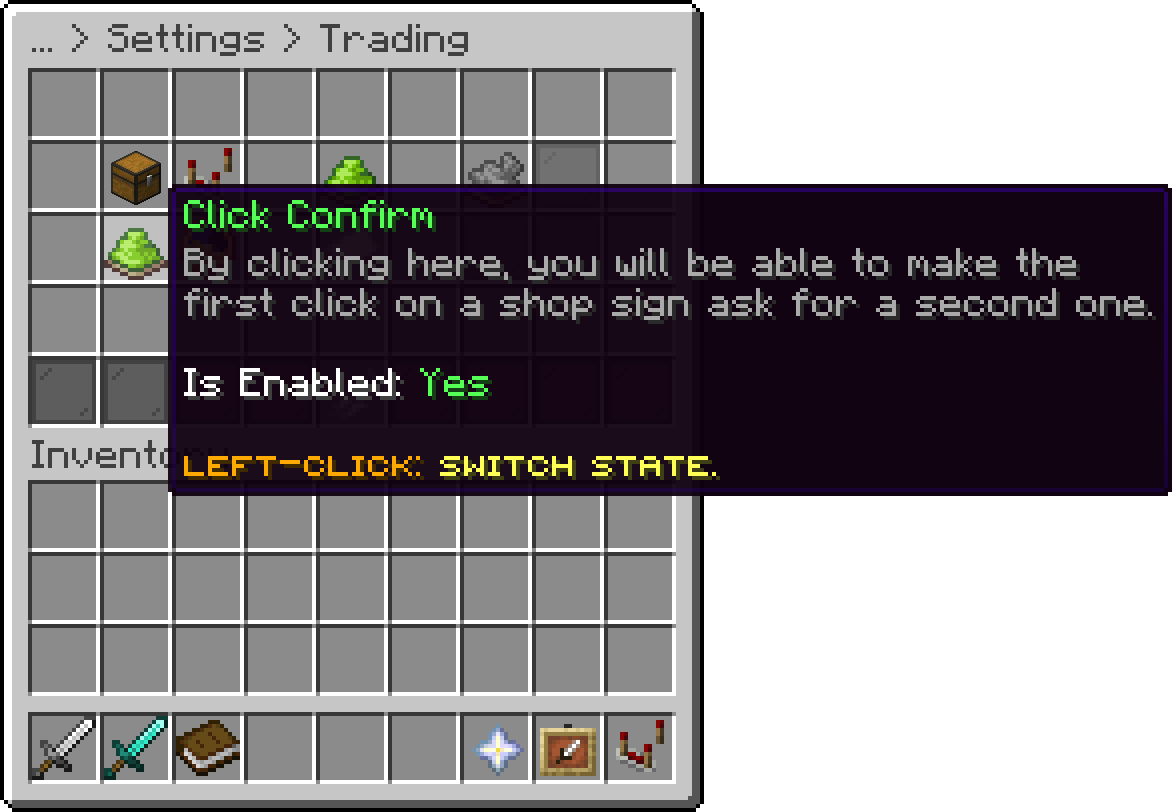
Trading (Click Confirm)
Names that only real plugin items may carry, on top of the ones the plugin finds by itself. A renamed item with one of these names is refused. Write the name as it reads in game; * matches anything, so *key* covers every renamed item with key in its name.
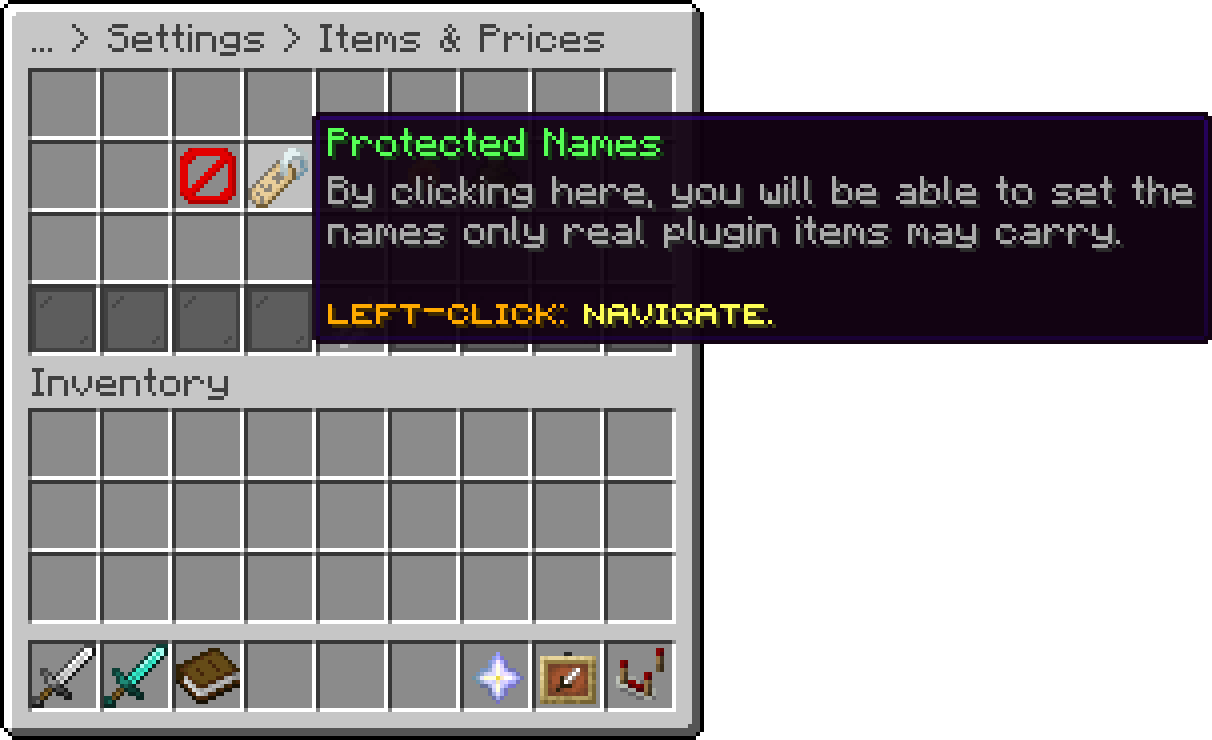
Items & Prices (Protected Names)
Lets owners show their item on the container, see Display. Turning it off removes every shown item at once.
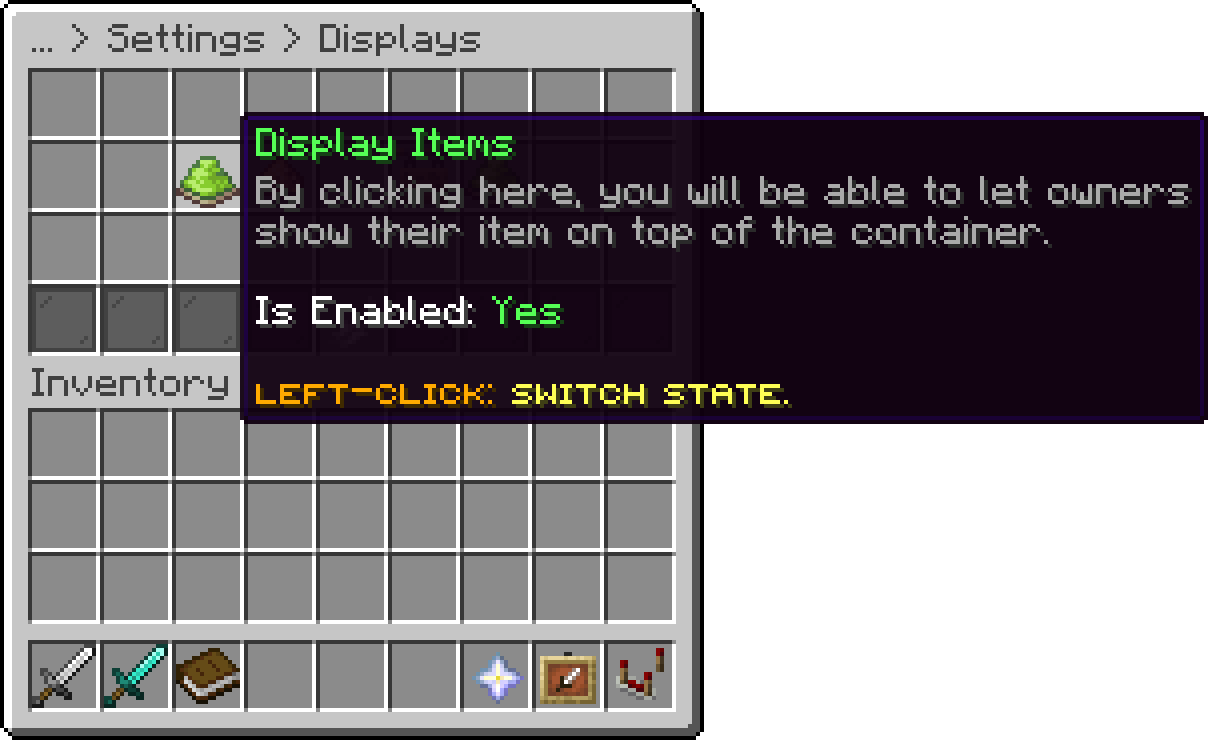
Displays (Display Items)
How many blocks away a player still sees a shop's Mode Glow. A glow outline shows through walls, so a short distance keeps players from tracking shops through the ground. Past it, the item shows without the outline. The distance grows or shrinks with each player's Entity Distance video setting.
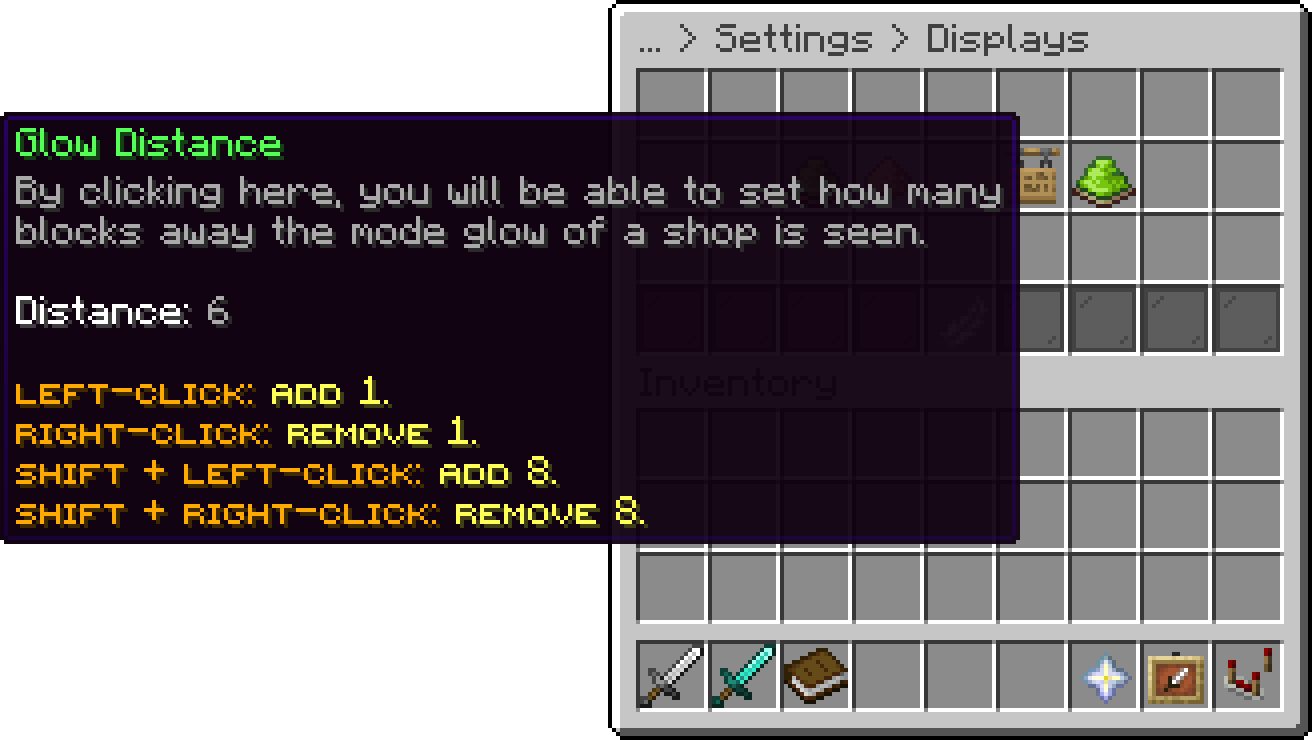
Displays (Glow Distance)
How many blocks away a player still sees a shop's Price Hologram. It also follows each player's Entity Distance video setting.
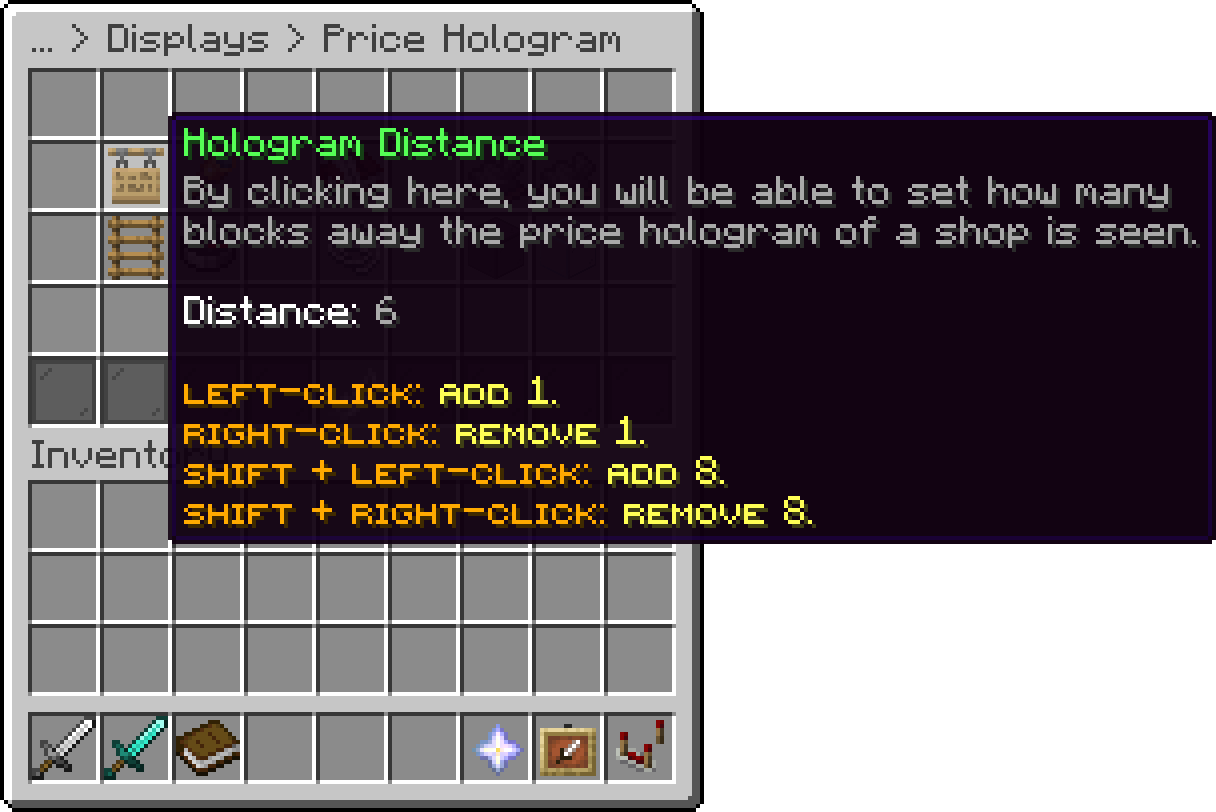
Displays (Hologram Distance)
The share of every money purchase that the owner does not receive. A buyer pays the full price, and the owner gets the price minus the tax, so 10 means owners keep 90%. Shops paid in items and admin shops are never taxed.
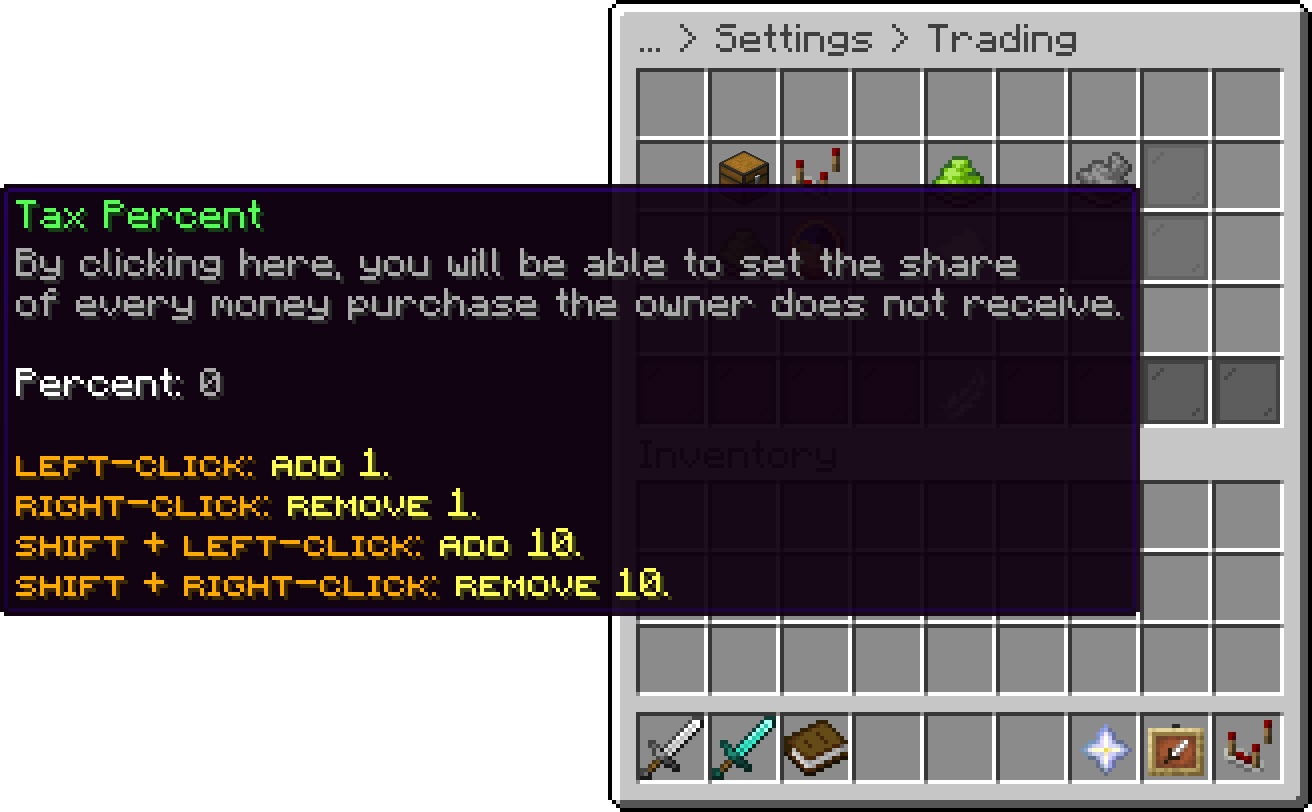
Trading (Tax Percent)
While off, an owner cannot set a Both shop to pay sellers more than it charges buyers.
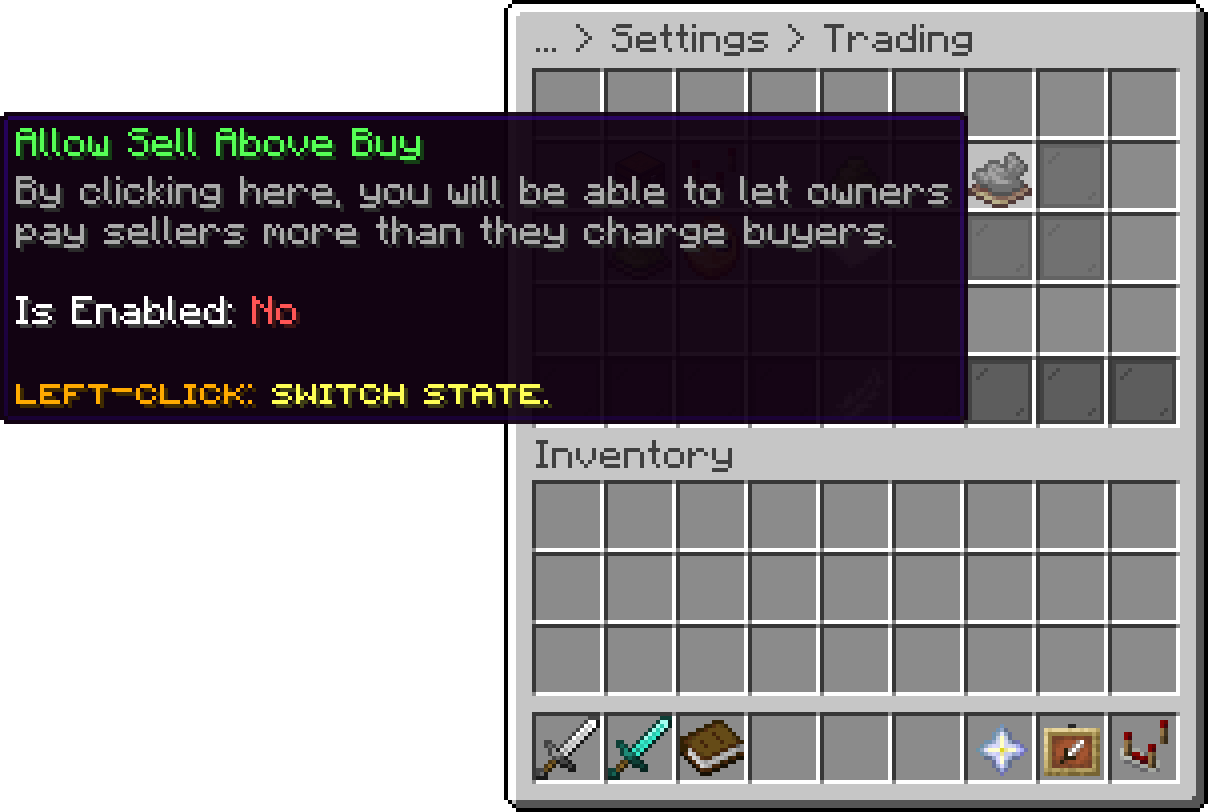
Trading (Allow Sell Above Buy)
The lowest and highest price per single item an owner can set, by material, with default covering every material not listed. A max of 0 means no upper limit. The limits are in the default currency, so shops paid in items or priced in another currency are not checked.
price-limits:
  default:
    min: 0.1
    max: 0
  DIAMOND:
    min: 50
    max: 500
Lets a trade that cannot go through in full trade the part that can, at its share of the price, see Partial Trades. While off, such a trade is refused as a whole.
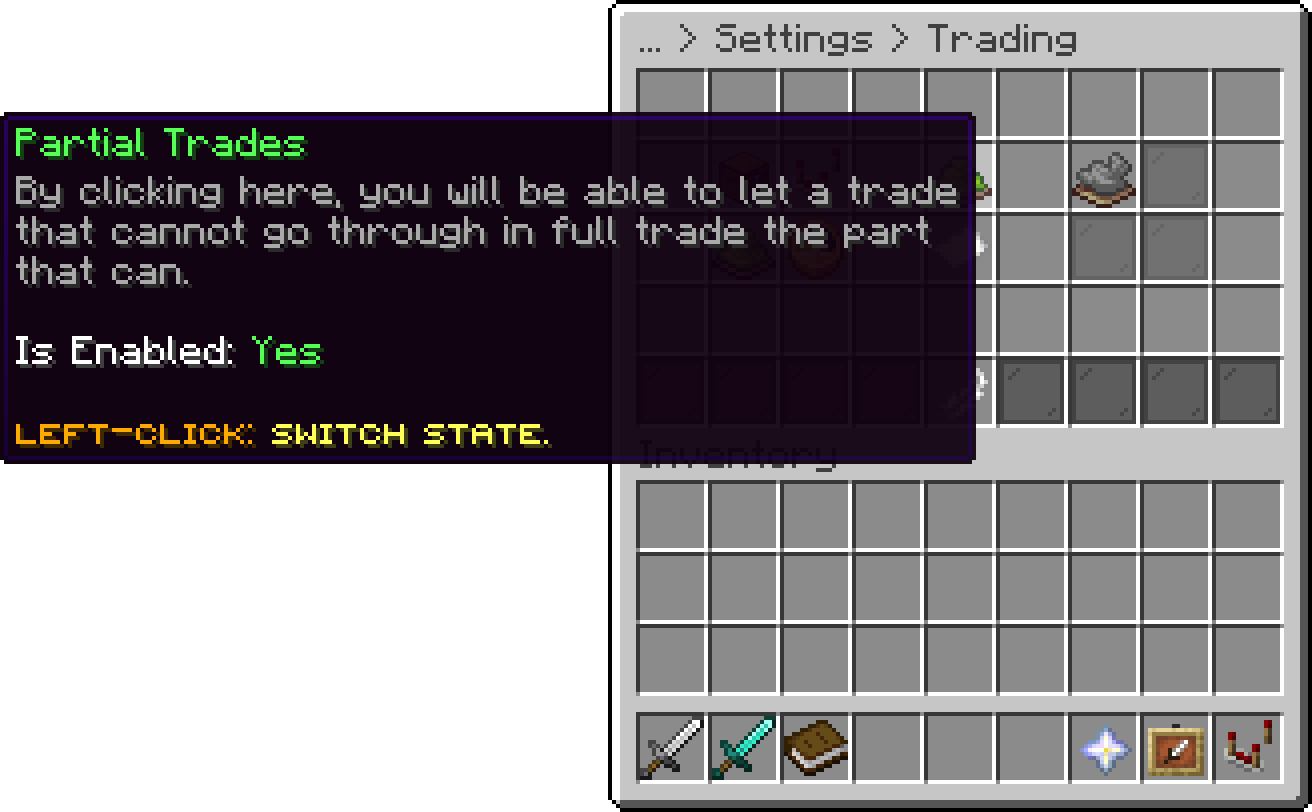
Trading (Partial Trades)
Removes the shops of owners who have not played for this many days, checked shortly after startup and once a day. See Inactive Owners. Set it to 0 to keep every shop.
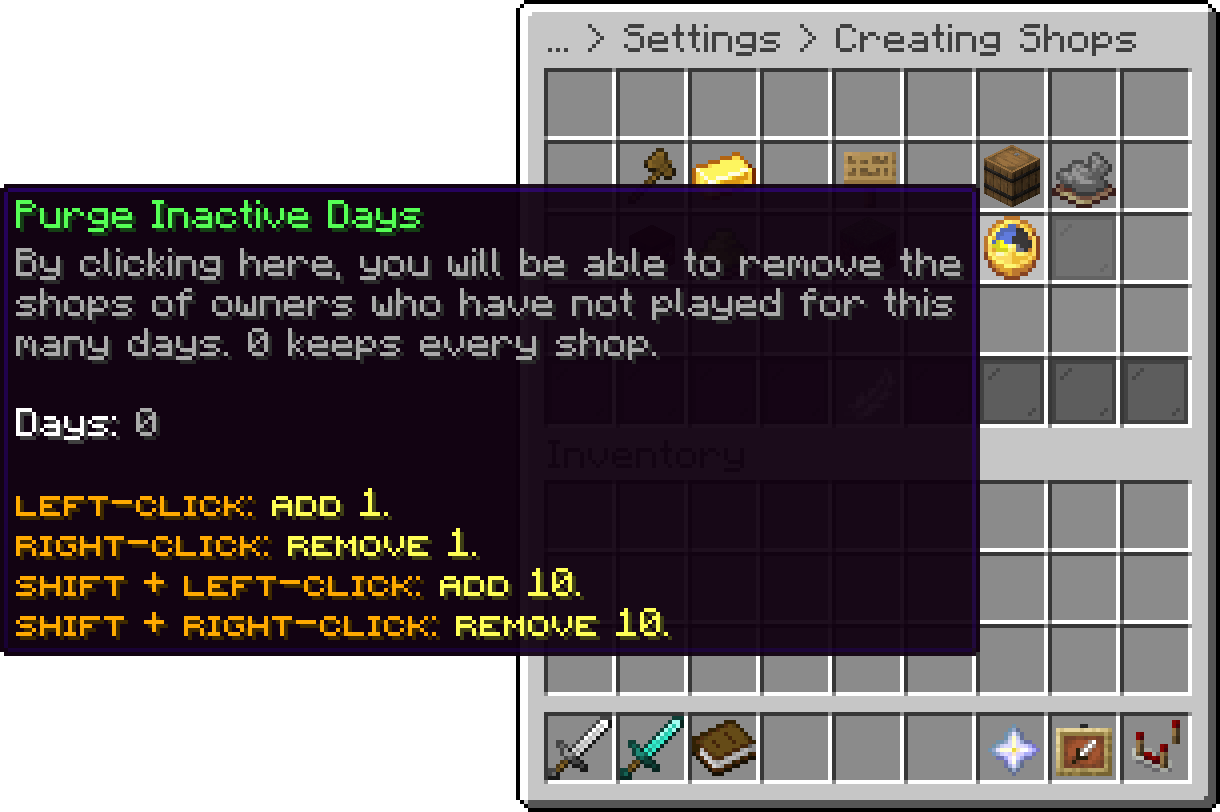
Creating Shops (Purge Inactive Days)
Lets a player make a shop only on a container inside a claim or region where they can build. WorldGuard, GriefPrevention, Lands and Towny are checked, whichever are installed. A spot that one of them protects against the player is refused even when another allows it. With none of them installed, nothing is checked. A player with phoenixshop.sign.bypass skips the check, and admin shops are never checked. Existing shops stay when a claim is removed.
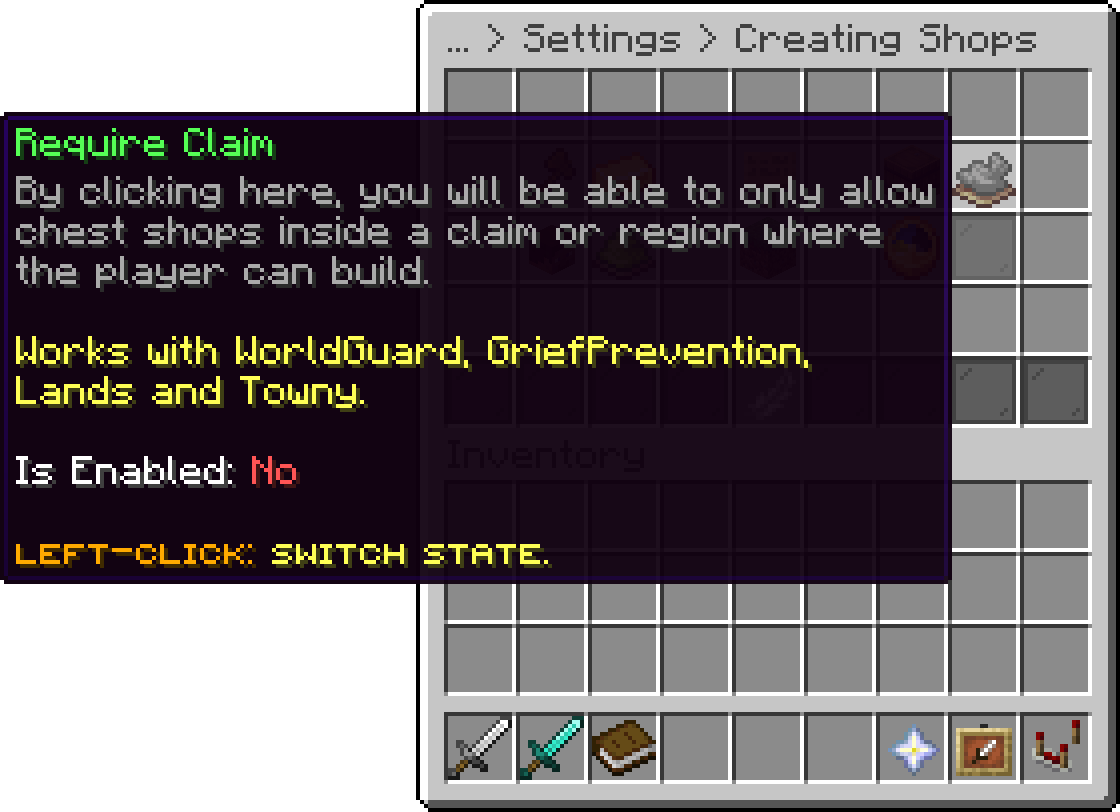
Creating Shops (Require Claim)
Shows every player shop with an item as a marker on BlueMap, dynmap and squaremap, whichever are installed, in a layer called Player Shops. A marker shows the shop's name if it has one, the item, the amount, the owner and the prices, and follows the shop as it is created, edited or removed. Nothing is shown while player shops are turned off. The marker text comes from the player-shops.map section of the translations file.
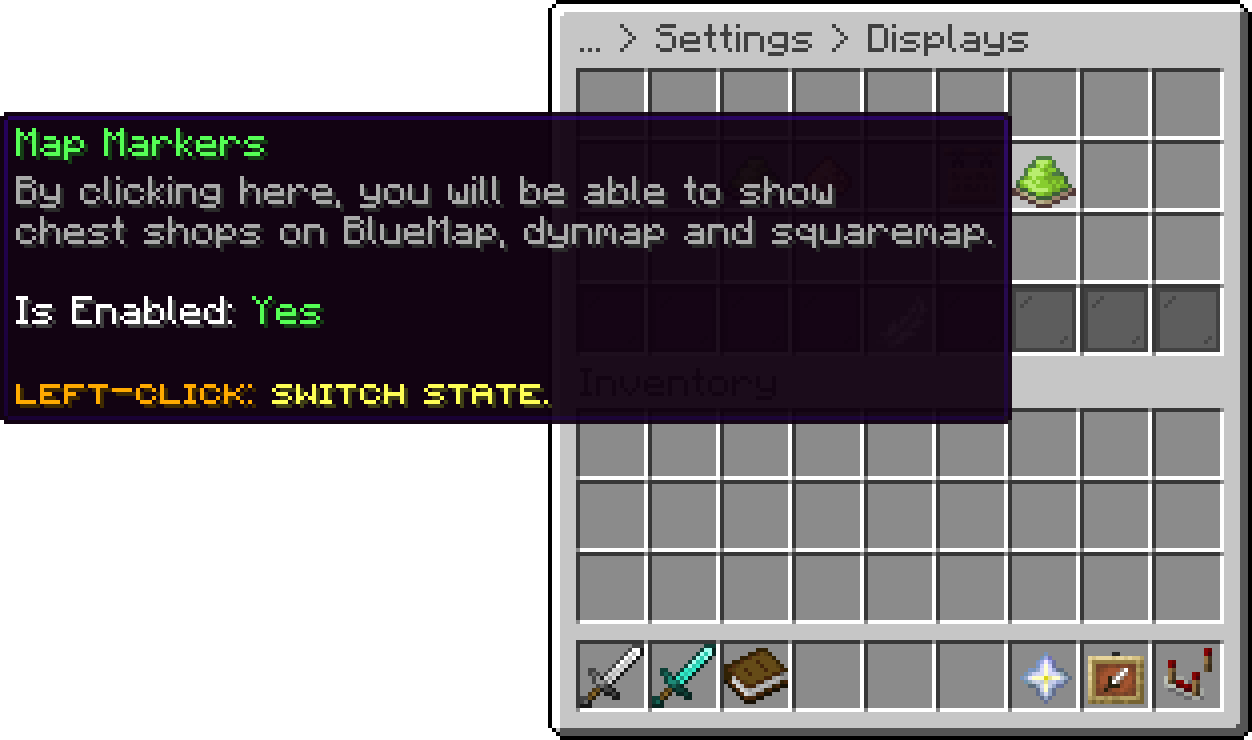
Displays (Map Markers)
What a customer's click on a shop sign does. INSTANT, the default, trades the shop's fixed amount on every click: right-click buys, left-click sells. PROMPT asks how many to buy or sell instead. Sneaking and right-clicking asks for an amount either way. See Buying and Selling.
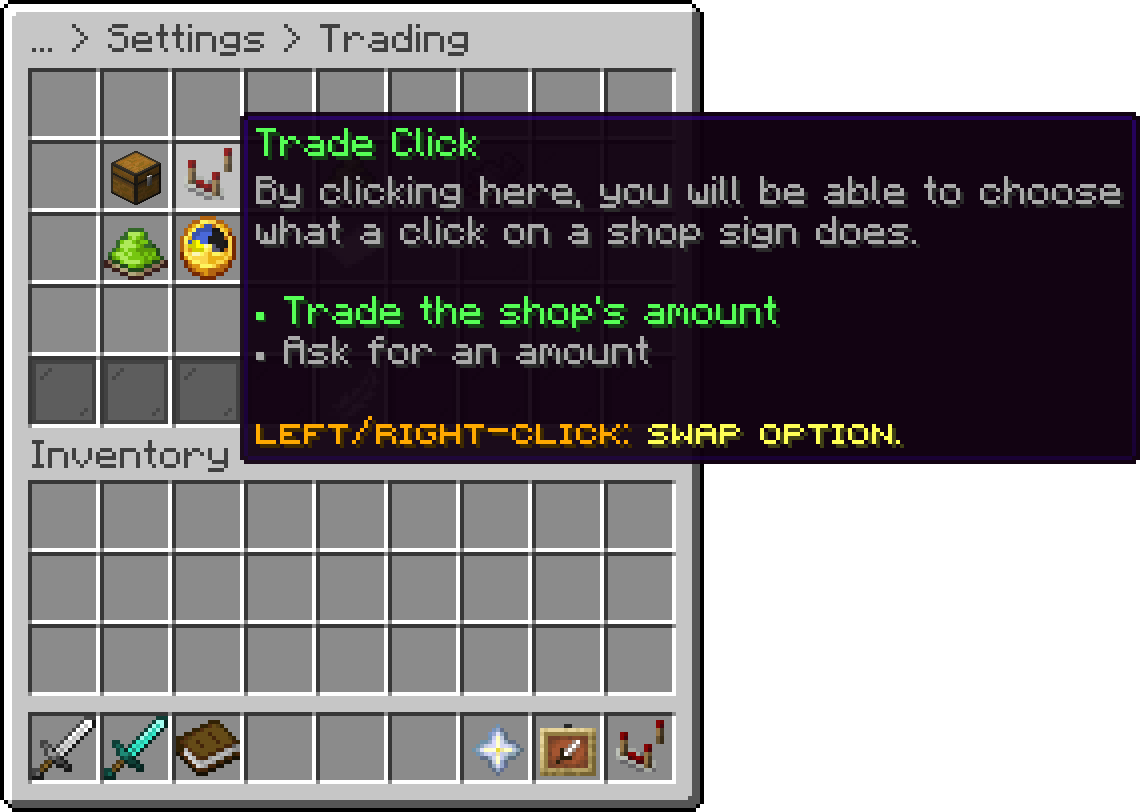
Trading (Trade Click)
Lets /chestshop list and /chestshop find teleport a player to a shop. It also needs phoenixshop.sign.teleport, which everyone has by default, and each shop decides with its own Allow Teleport.
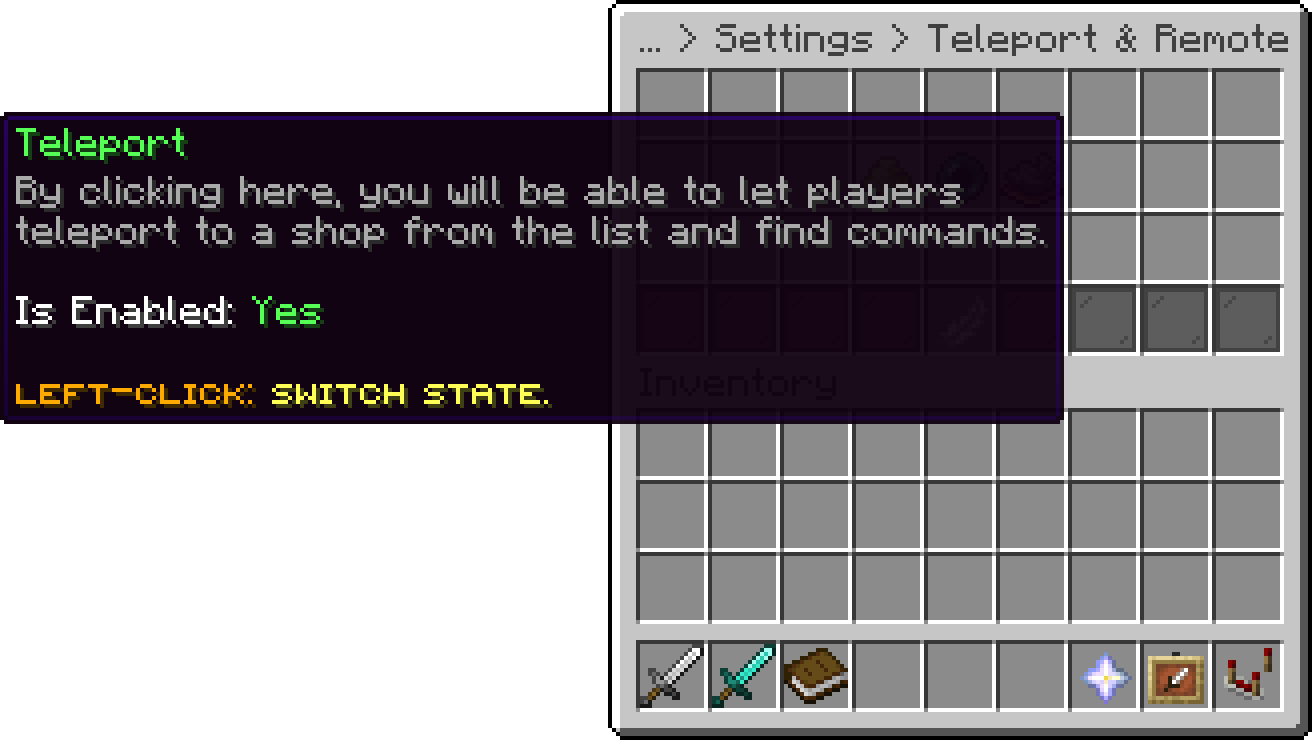
Teleport & Remote (Teleport)
How many seconds a player waits before a teleport to a shop happens. Moving in that time cancels it. Set it to 0 to teleport straight away.
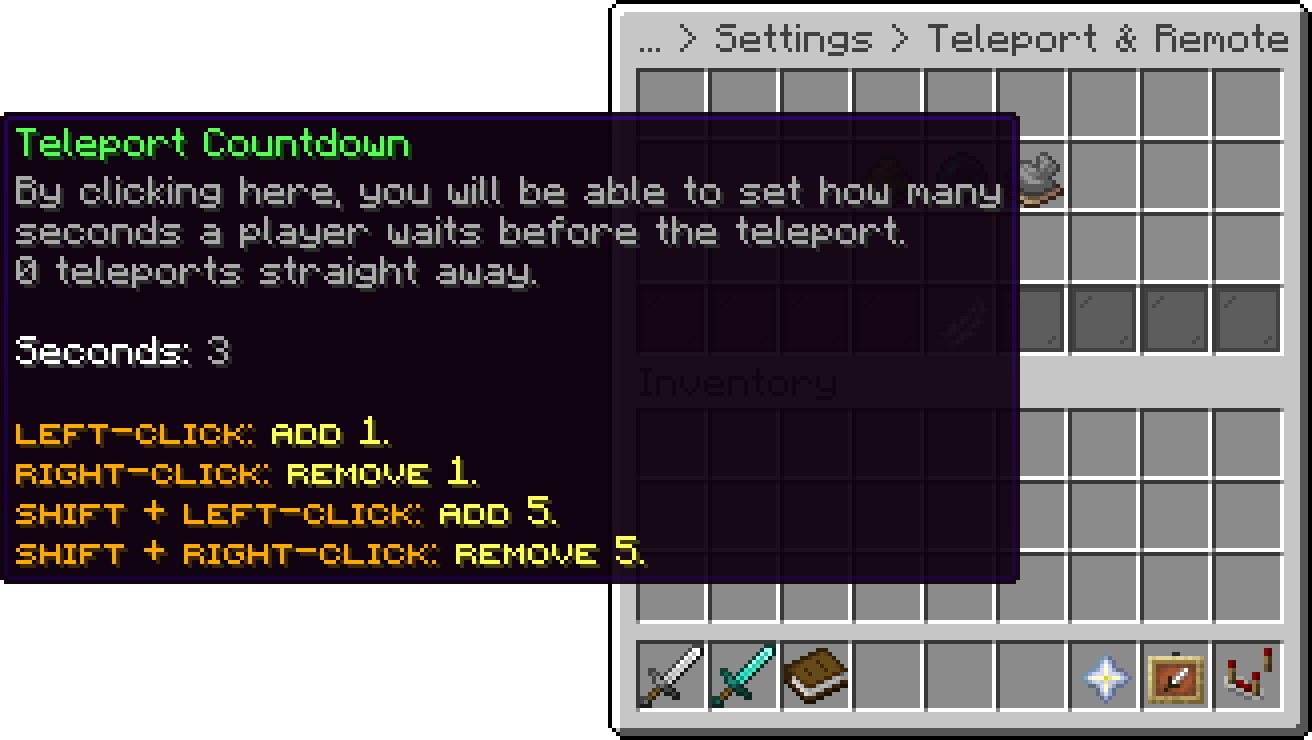
Teleport & Remote (Teleport Countdown)
Lets players buy from or sell to a shop without walking to it: right-click an entry in /chestshop list, or click [Trade] on a /chestshop find result. It opens the buy or sell menu with the item preview. It also needs phoenixshop.sign.remote, which everyone has by default. A player cannot trade remotely with their own shop or with a disabled one.
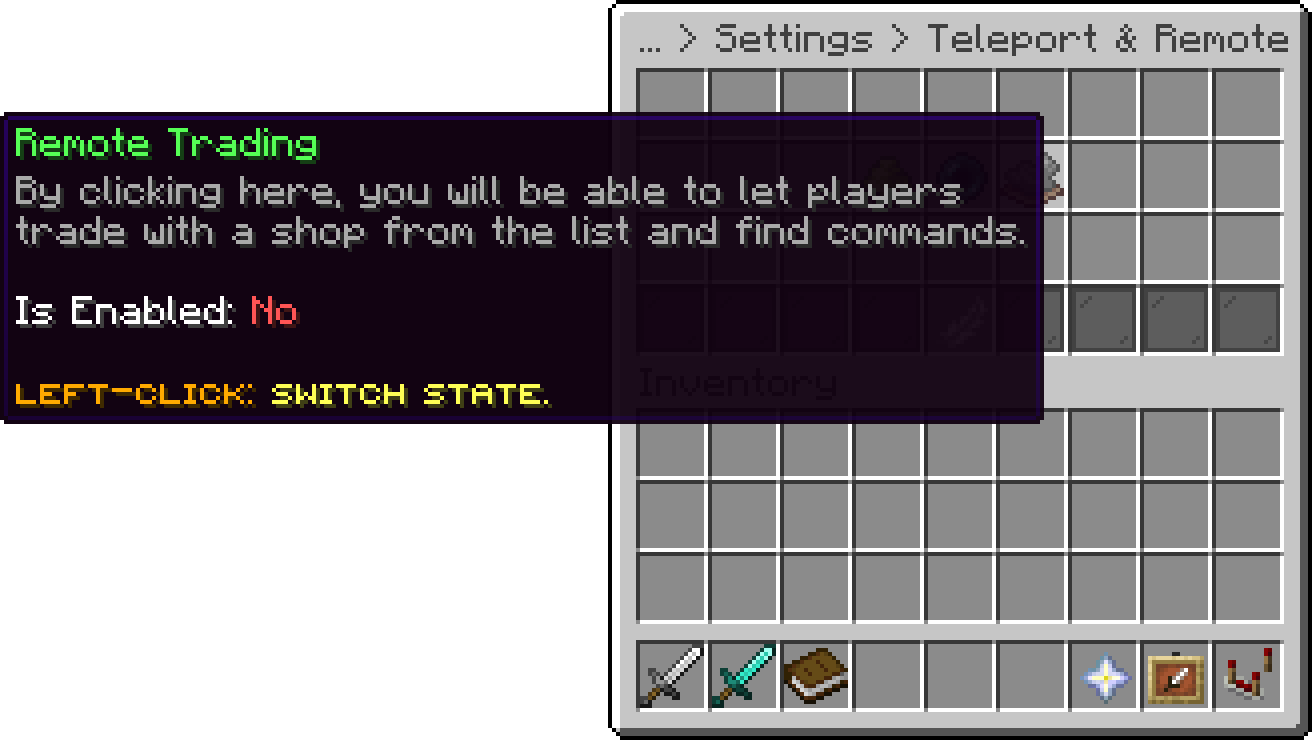
Teleport & Remote (Remote Trading)
On Folia, a shop can only be traded with remotely while it is in the same region as the player, which in practice means nearby. A shop further away is refused with a message asking the player to get closer.
The currencies players can price their own shops in, by currency id. With two or more listed and installed, the shop editor gets a Currency choice; with one, every player shop uses the default currency as before. A currency whose plugin is missing is left out of the choice. Taking a currency off the list, or moving to Lite, keeps the shops already priced in it trading in it. On Lite the choice is not offered.
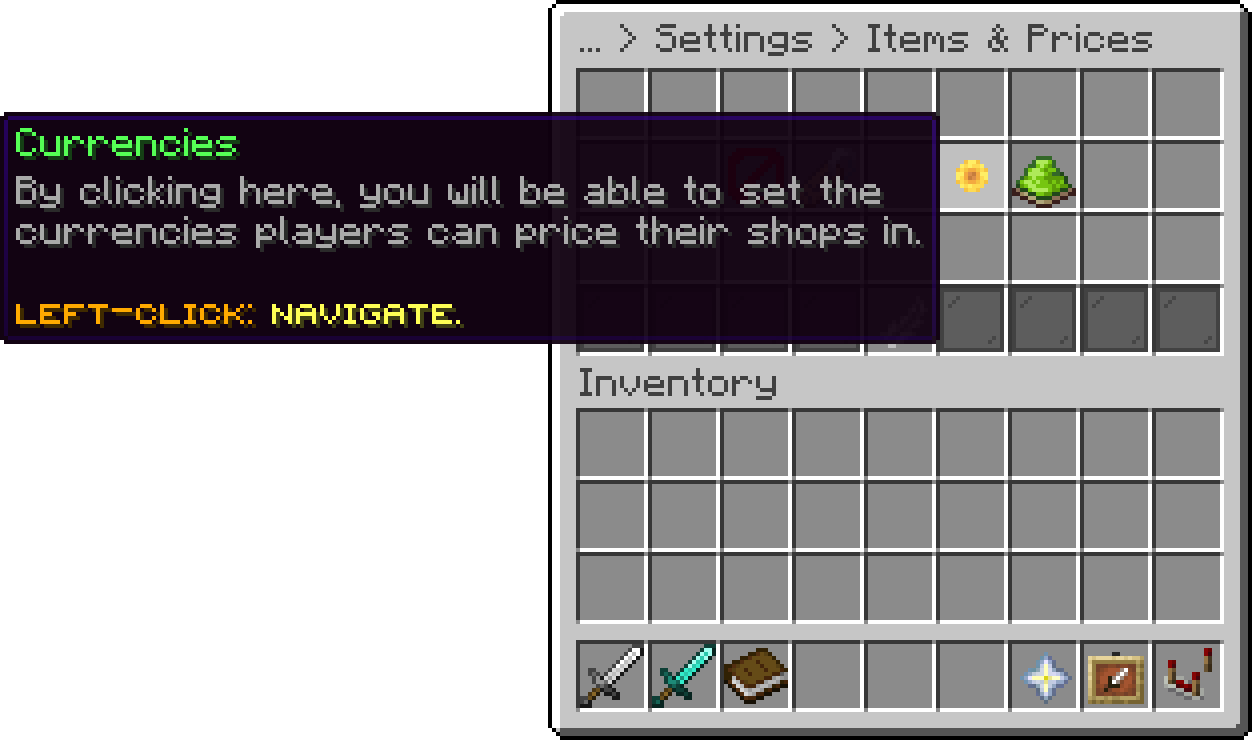
Items & Prices (Currencies)
currencies:
  - money
  - points
The name and aliases of the player shop command, /chestshop and /cs by default. On Lite it only holds notifications. Changes apply with /pshop reload, without a restart, and turning it off removes the command. If another plugin already owns one of these names, PhoenixShop takes it over, and that plugin's command stays reachable with its prefix, such as /worldedit:cs.
Your guide to the docs
Ask me anything about Phoenix Shop. I know these docs inside out, check the latest versions and changelogs, and can read your server logs.
Try asking
Your cart is empty
Looks like the spiders padded through here. Pick a plugin and it will show up here. Continue shopping