







Your cart is empty
Looks like the spiders padded through here. Pick a plugin and it will show up here. Continue shoppingGive every player a claim storage for rewards, keys and crates they could not receive.
The Crate Claim add-on gives every player a personal claim storage, so rewards, keys and crates handed to them while they are offline or with a full inventory are never lost.

Crate Claim - Add-On
You can purchase this add-on on Phoenix Plugins
To install this add-on, you can either:
The add-on requires the Premium edition.
Every player gets their own storage that holds rewards, keys and lootboxes given to them while they were offline or out of inventory space. It holds an unlimited number of items, needs no permission, and players reach it with /crate claim.
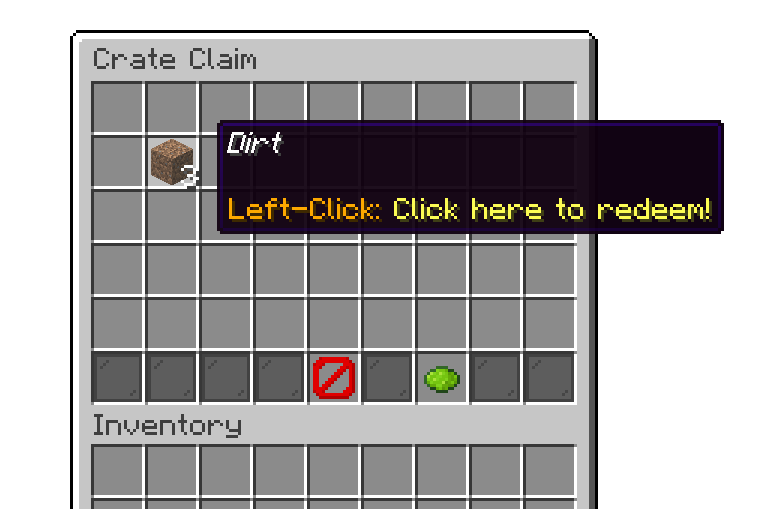
/crate claim command
Crate Claim is what makes a full inventory harmless. Without the add-on installed:
With the add-on installed, all of these are stored for the player to collect later.
The win commands of a reward won with a full inventory are stored too, as one entry showing the reward's display item. Claiming it runs the commands.
With the claim-all feature, you can instantly claim all available rewards from the menu.
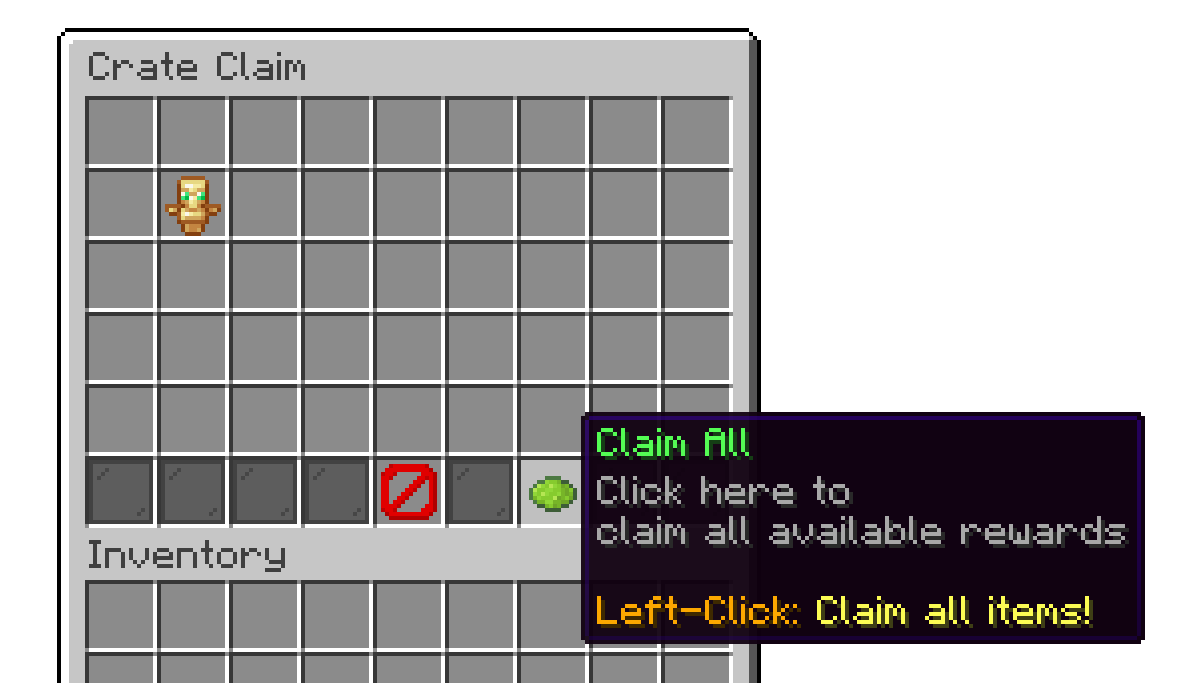
/crate claim command
Bedrock players get the claim menu as a Bedrock form: Claim All first, then a button per stored item. Tapping one claims it. /crate inspectClaim always opens the chest menu.
The add-on adds its own entry to the editor settings, holding the three options below.
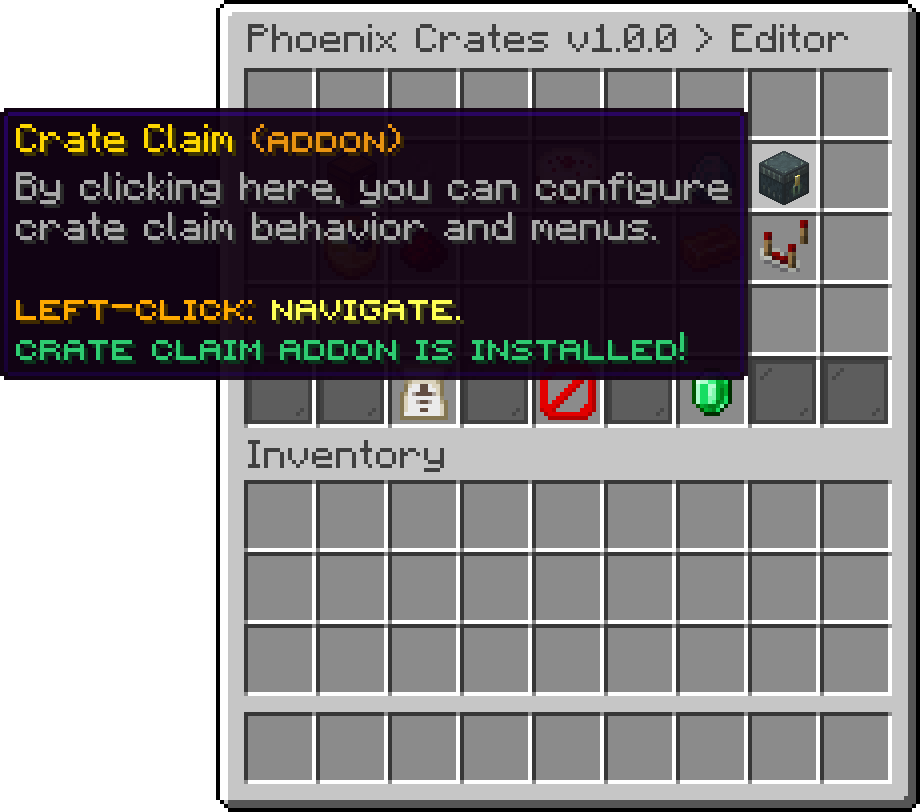
Editor
Hands items straight to the player and only falls back to the claim storage when there is not enough room, so an online player with space never has to run a command to collect anything. Turning it off routes everything through the claim menu instead. On by default.
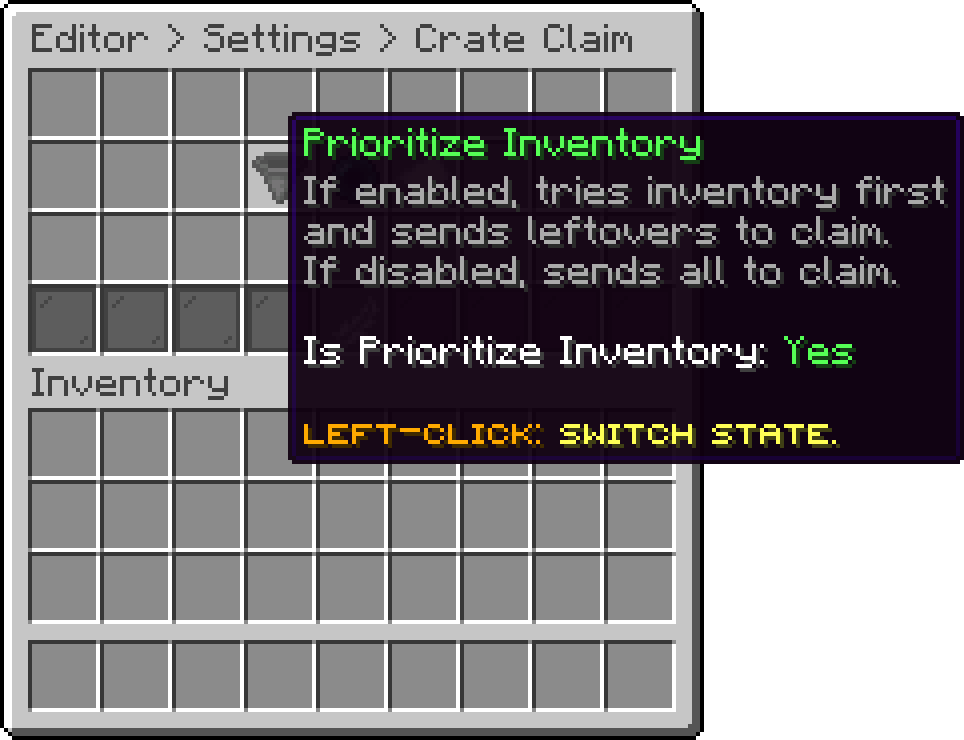
Editor > Settings > Crate Claim
Tells a player they have something waiting the moment they log in, which is what makes an offline delivery discoverable. On by default.
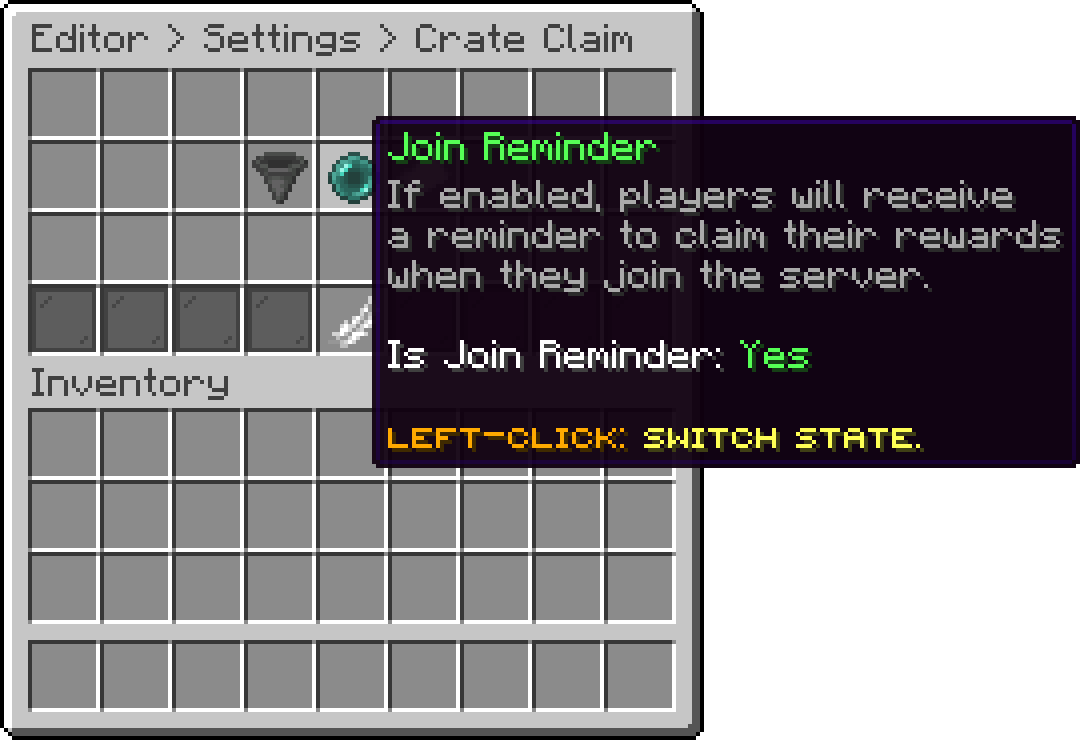
Editor > Settings > Crate Claim
How long between the repeat reminders sent to players who still have unclaimed items. Only players holding something are reminded, so raising it quietens the message on a busy server without switching it off.
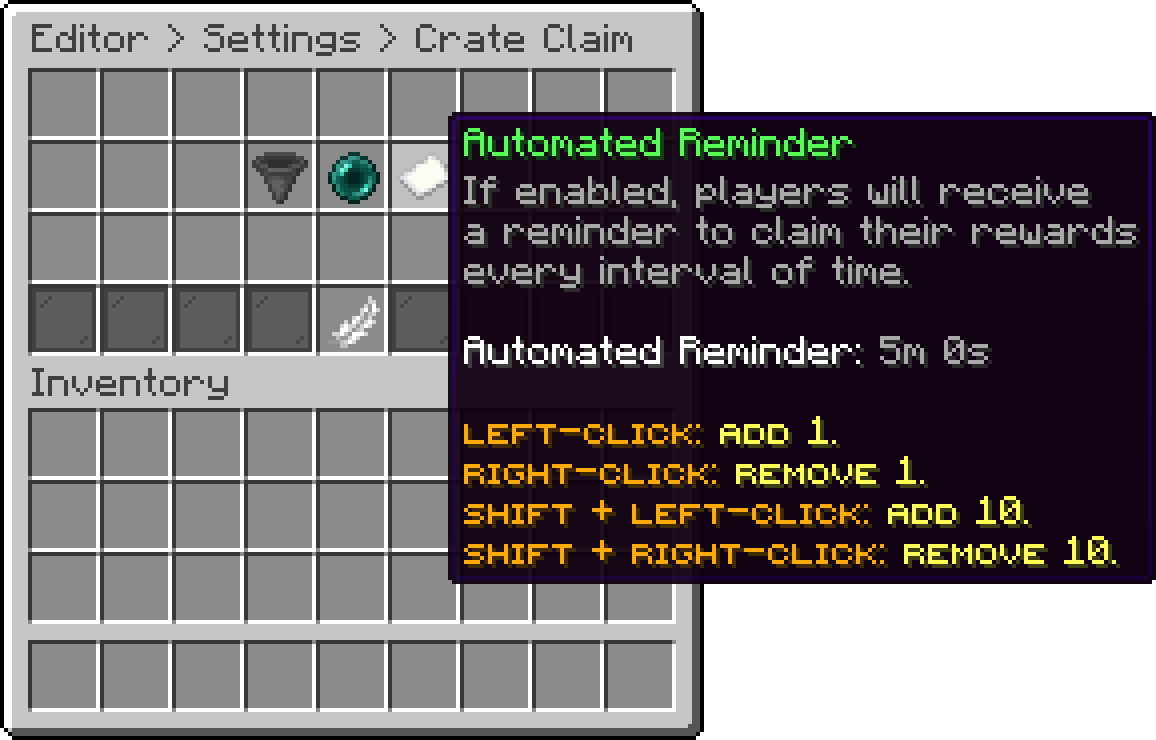
Editor > Settings > Crate Claim
/crate inspectClaim <player> - Inspect another player's pending crate claims. Requires phoenixcrates.command.inspectclaim./crate resetClaimsAll confirm - Permanently clears every player's pending crate claims, online and offline. This action cannot be undone. Requires phoenixcrates.command.resetclaims.Without confirm, the command only shows a warning. The reset runs in the background with a progress bar in the action bar, or every 10% in the console, and it will not start while another task over every player's data is running. With the Redis add-on, it also clears the claims cached on the other servers of the network.
Your cart is empty
Looks like the spiders padded through here. Pick a plugin and it will show up here. Continue shopping