

Oops... looks like the spiders padded through here
Add products to your cart and remove them from here Lets buy




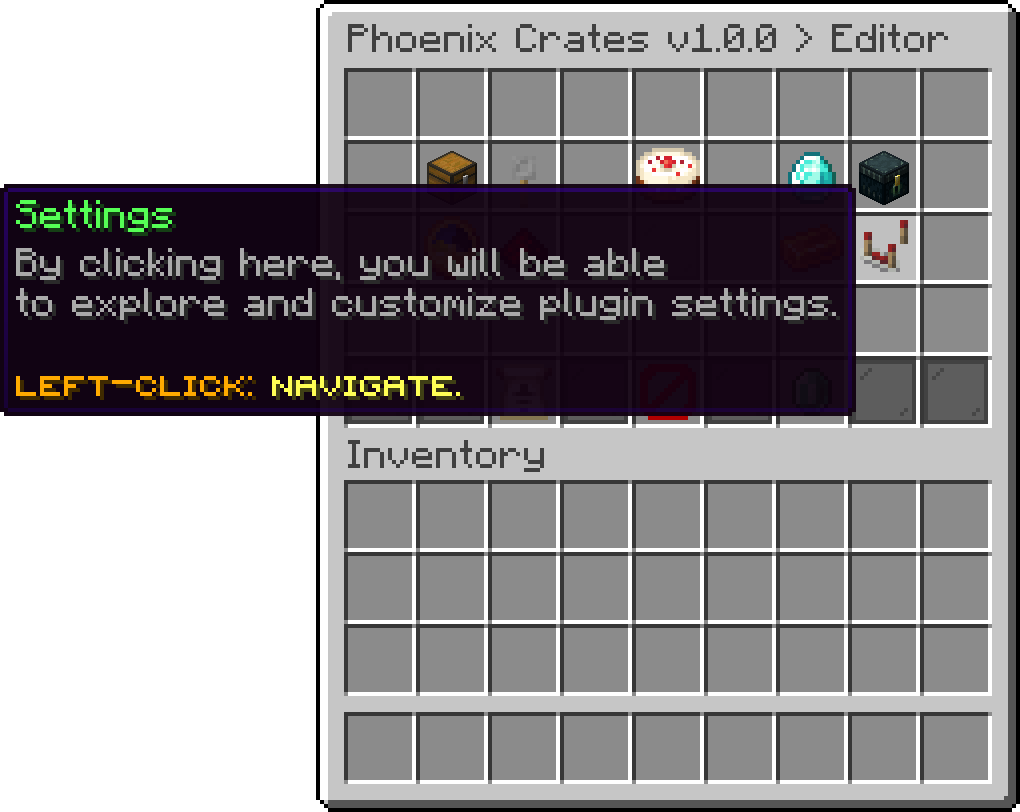
On this page, you will find the server-wide settings of the plugin, editable in-game.
The Settings menu holds the options that apply to the whole plugin rather than to one crate. Everything here is also in config.yml, so changing it in-game and changing it in the file do the same thing.
Editor > Settings
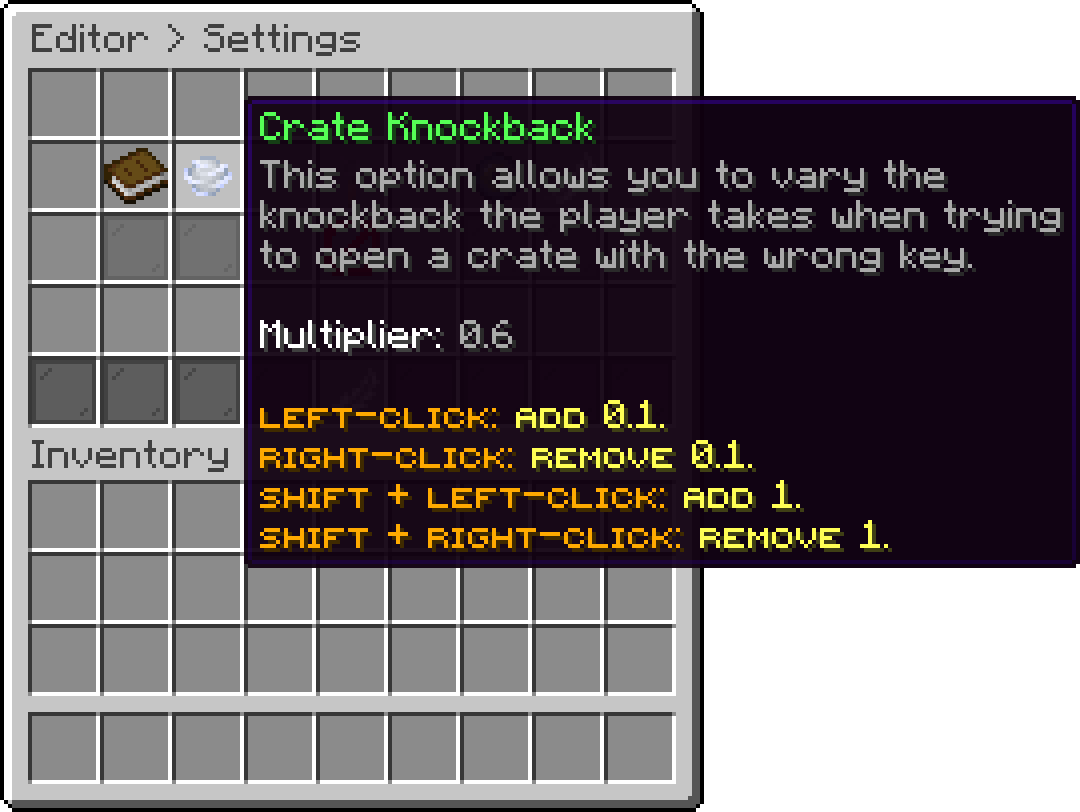
The knockback a player takes when they try to open a crate with the wrong key, or without one.
Editor > Settings
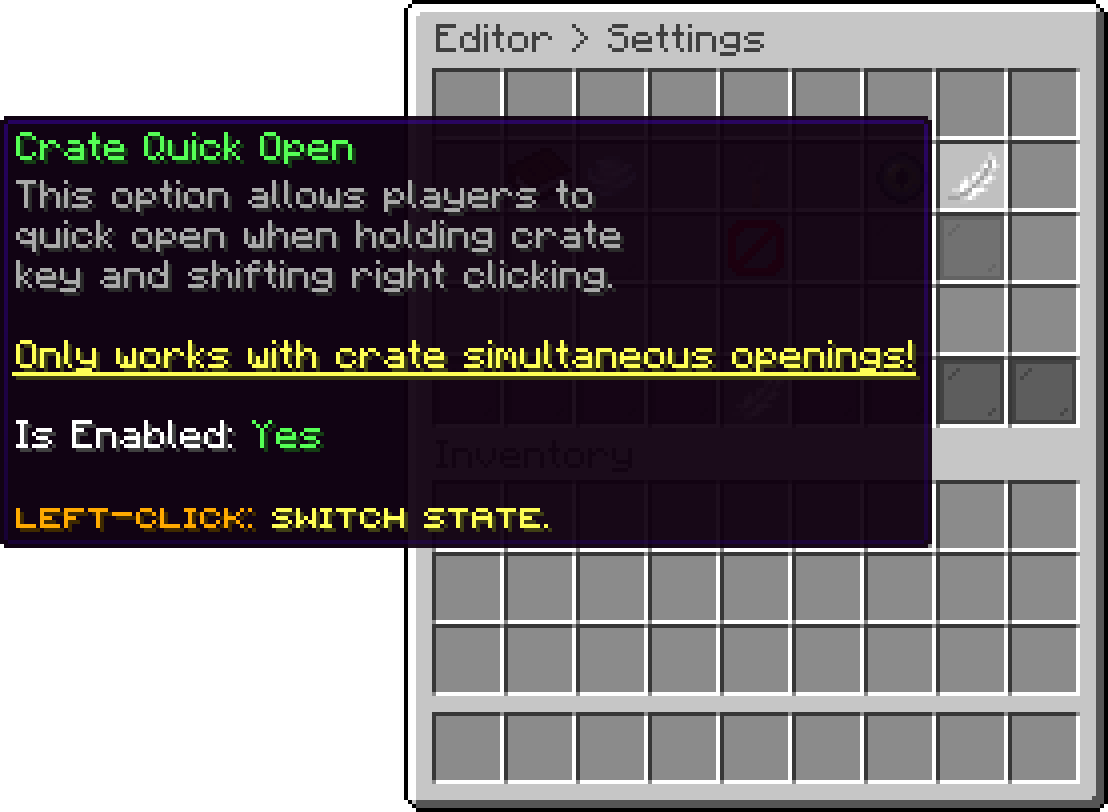
Lets players open a crate straight from their hand, by holding its key and shift right-clicking the crate, without going through the usual opening.
Editor > Settings
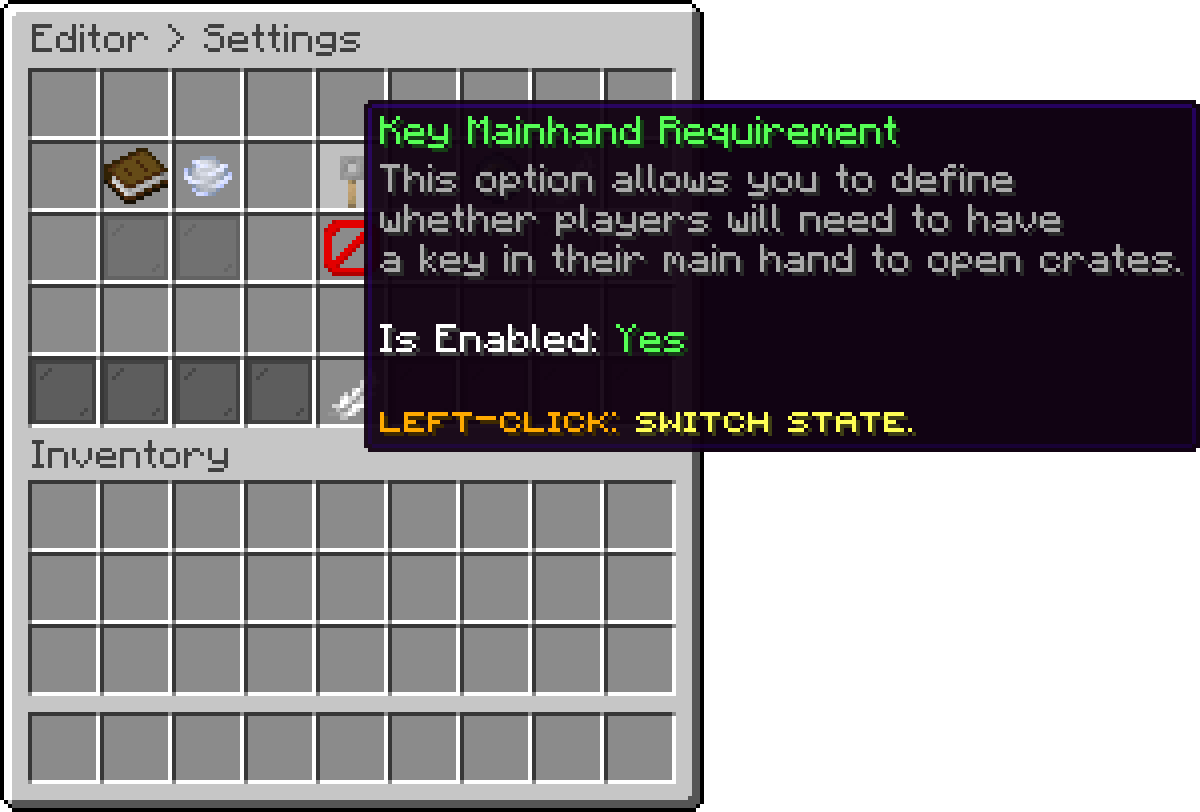
Whether players need the key in their main hand to open a crate. Enabled by default, so a key sitting anywhere in the inventory is not enough.
Editor > Settings
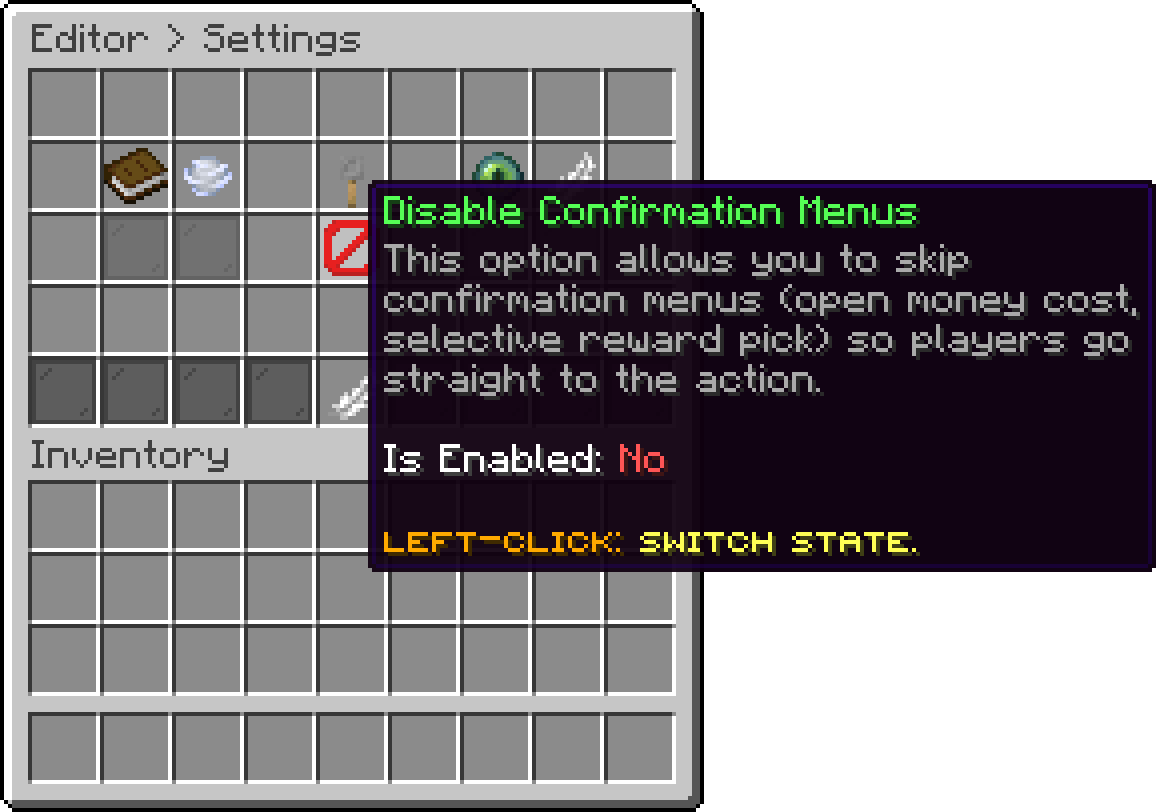
Skips the confirmation menus, such as the one shown before an open money cost is charged or before a selective reward is claimed, sending players straight to the action.
Editor > Settings
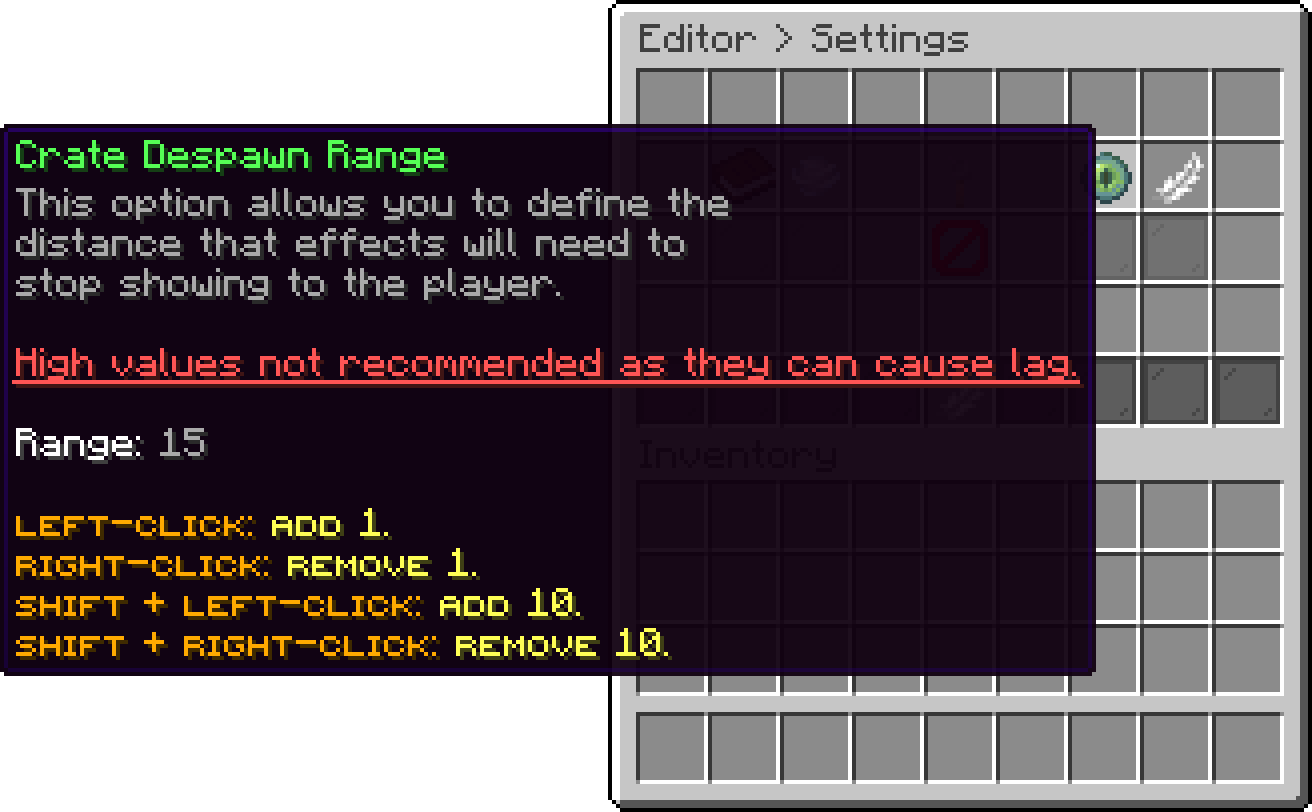
The distance at which a crate stops being rendered for a player, holograms and effects included. A smaller range costs less on a busy server, a larger one keeps distant crates visible.
Editor > Settings
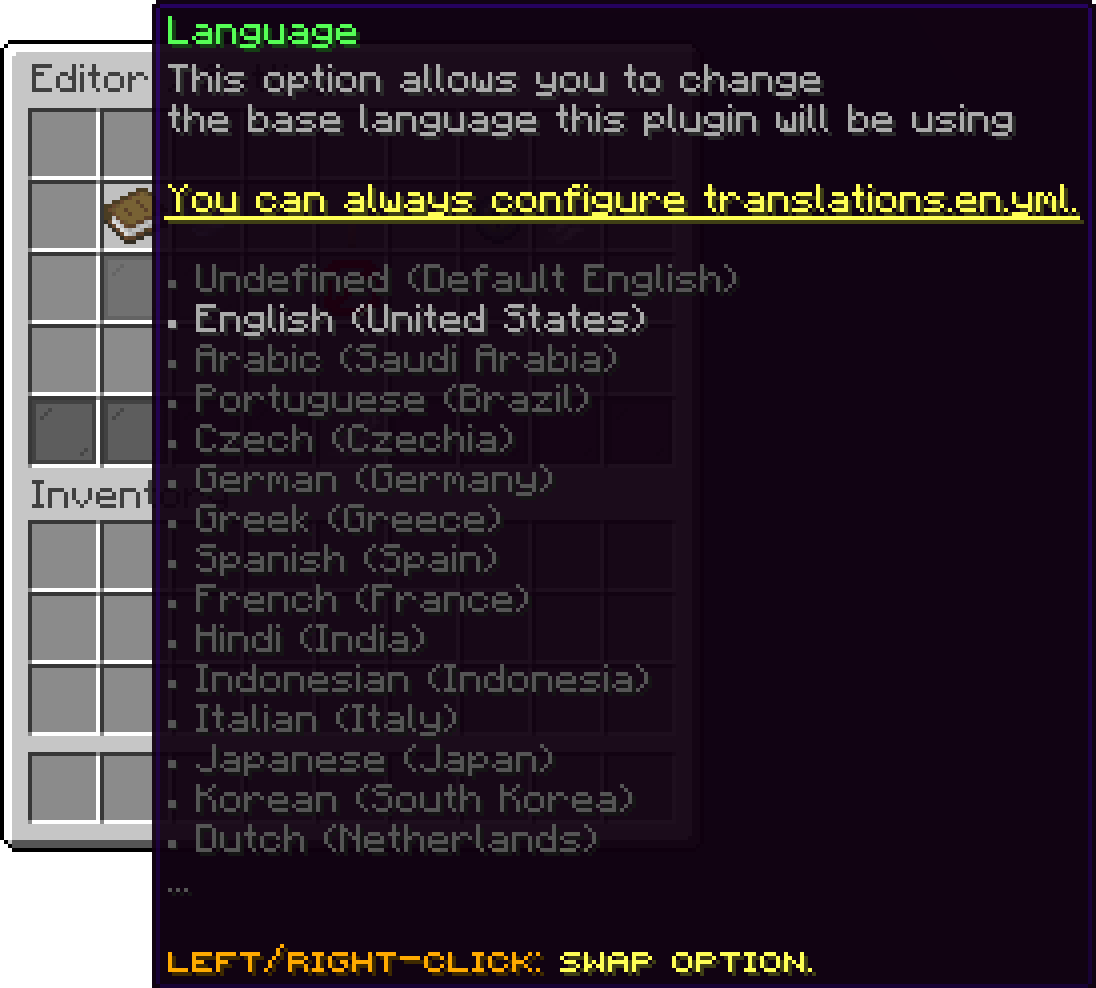
The language the plugin runs in, described on Languages & Translations.
Editor > Settings
The settings that exist only in the file, such as the hologram refresh rate and the internal pool size, are listed in Main Configuration.
Oops... looks like the spiders padded through here
Add products to your cart and remove them from here Lets buy