


Your cart is empty
Looks like the spiders padded through here. Pick a plugin and it will show up here. Continue shoppingShort answers to the questions server owners ask most, grouped by topic.
No questions match that search. Try fewer words, or ask on Discord.
Yes, through Geyser. The player menus open as native Bedrock forms, and a menu button with several click actions asks Bedrock players which one to run, so Shift actions in the editor work too. Opening animations that use player heads only show once the skulls are registered in Geyser. See GeyserMC (Bedrock).
Yes. Opening animations are the same for Bedrock and Java players. The rewards preview, reward selection, confirmation, reroll and virtual keys menus open as Bedrock forms when Floodgate or Geyser is installed on the same server, and players can switch back to chest menus with /crates forms. See Bedrock forms.
Bedrock cannot load player head textures on its own. Register every head in Geyser's skin-hashes option, following the Geyser custom skulls guide. The hashes for every animation are listed under Bedrock skull textures.
Yes, both the free and the Premium version. Commands run as the player, from rewards or from [COMMAND] player actions, work there too. An opening ends when the player leaves the crate's world, /tp included, the same as on Paper.
A new release is added once it has settled, so there is a gap between launch and support. PhoenixCrates is usually one of the first of our plugins to get it. There is no ETA, and updates are free for life. The current list is on Version Support.
No, there is no mod version. Hybrid servers such as Arclight or Mohist can load it, but we do not recommend them, and faults caused by the hybrid itself are not plugin issues.
The Lite version runs fully offline. Premium checks its license with our servers, so it needs outbound internet access; see What happens on startup.
Copy crates/, keys/, menus/, translations/, config.yml, internal_storage.yml, rarities.yml and the add-on configuration files. Add locations.yml if the worlds come along; a location in a world the new server does not have is skipped.
Player progress (virtual keys, cooldowns, opened counts, win limits) lives in the database, so point the new server at the same MySQL database or bring the SQLite file. Every file is described on File Structure.
A license only allows a limited number of servers at once. Check Licensing before running both.
The crate sits inside spawn protection. Set spawn-protection to 0 in server.properties and protect the area with a region plugin such as WorldGuard instead.
/crates attachCrate <crate_id> turns the block you are looking at into the crate and keeps its look, so a chest, a barrel or part of a build can become a crate. /crates detachCrate undoes it.
/crates placeCrate <crate_id> <world> <x> <y> <z> [facing] places the crate at exact coordinates. Nothing has to be there and you do not have to be nearby, which makes it the one for the console and setup scripts. Premium only.
Both need their permission. Placing a crate item by hand needs phoenixcrates.admin. See Permissions.
Pick the model through the crate's engine, not by placing the item: Vanilla Model, Model Engine or Better Model, depending on where the model comes from. In the free version, right-click the engine item (the experience bottle) to change it.
Scrambled model. A resource pack manager such as ItemsAdder, Oraxen or Nexo is merging Model Engine files into its own pack. Keep Model Engine resources out of that pack so custom model data does not collide.
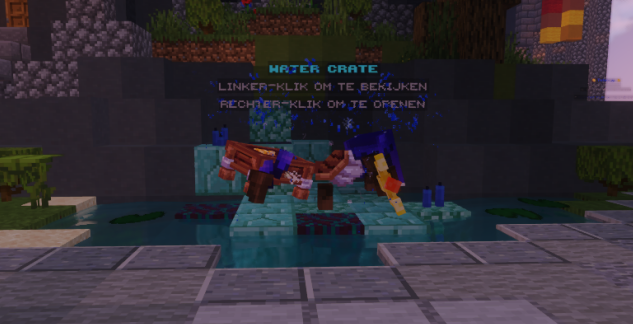
Too small or too large. The Vanilla Model engine shows models on an armor stand head. Open the model in Blockbench, go to the Display tab and adjust the head size.
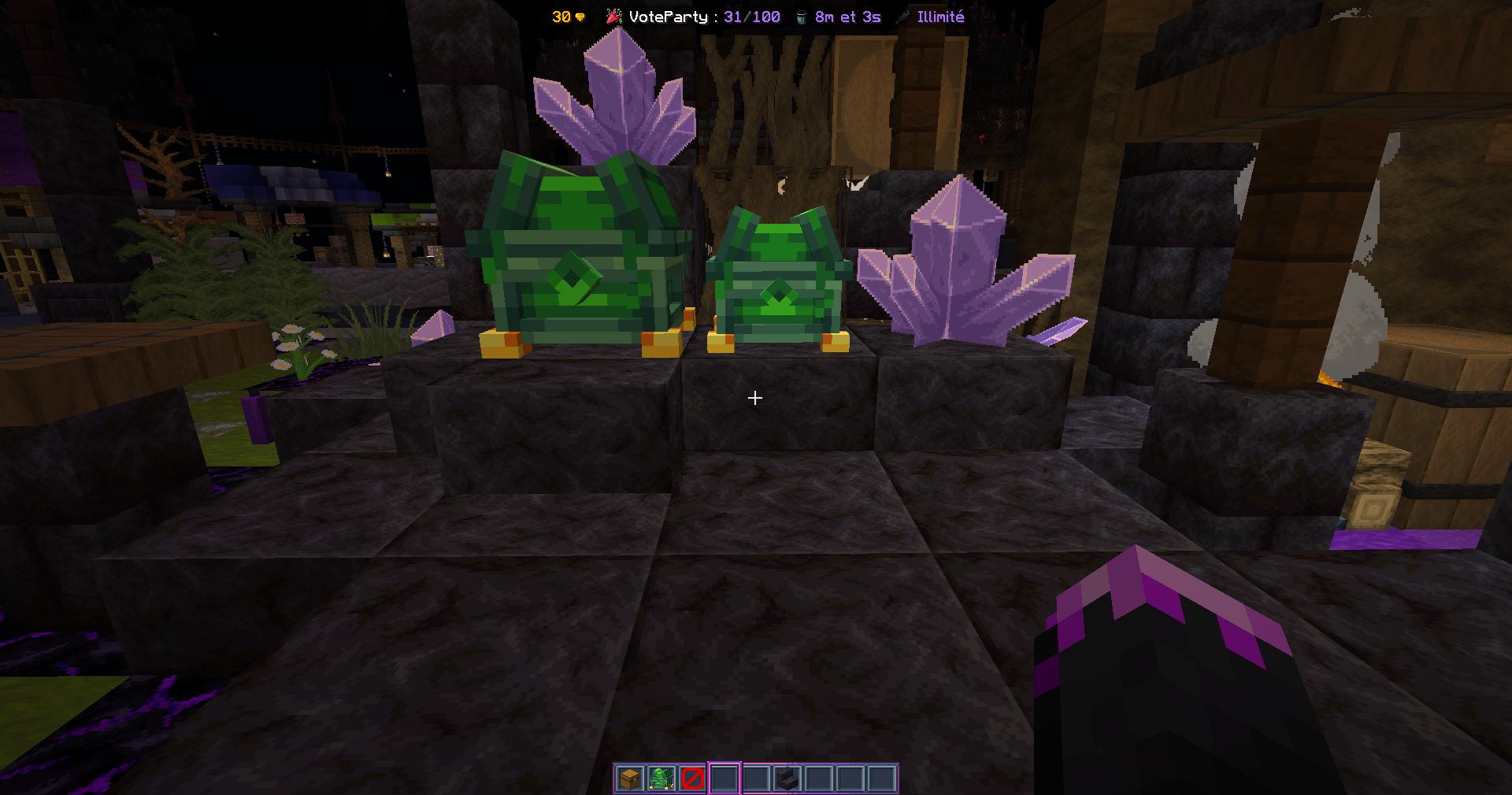
A region with mob spawning turned off, usually a WorldGuard flag, stops Model Engine models from loading properly. Allow mob spawning in the crate's region.
Yes, from the Better Model editor.
Open the .bbmodel file in Blockbench and switch to the Animate tab at the top right. The animation IDs are listed on the left.
Furniture models are not supported directly. With the Vanilla Model engine, convert the furniture into an item with custom model data.
Another plugin fires the interaction twice, so the crate opens on the first call and refuses the second. Remove plugins one by one to find the one duplicating it.
The crate has rewards, but none this player can win right now. Check the reward settings:
With Rarity installed, also check that the rarity is enabled and that the key's rarities match at least one reward.
Trying the crate as an operator on a fresh account narrows it down: if it works there the cause is a permission, otherwise a limit or a cooldown.
Only with Crate Claim. Without it the player is told the inventory is full and no key is taken. With it the crate opens and whatever does not fit is stored for /crate claim. Keys, crates and rewards given by command follow the same rule: dropped at the player's feet without the add-on, stored with it.
The player's record has not come back from the database yet, and the crate refuses to open rather than read a stale key count. It clears within a second. If it happens all the time, the database is the bottleneck: check that MySQL is reachable, then raise fetch-timeout or maximumPoolSize in the connection pool.
Percentage is the weight the server owner gave the reward. Several rewards can share it. Your Chance is the real probability for that player, and all of them add up to 100%. Two rewards set to 100% each give a 50% chance each.
No. Only the matching group with the highest count applies, so a player in a default group worth 2 and a VIP group worth 10 gets 10. Groups do add to the other sources:
free rerolls + best matching group + rerolls given with /crates giveReroll
Mass Opening multiplies the total by the number of keys used. Details on Reroll.
Physical keys can only be given to offline players when Crate Claim holds them; without it the command is refused. Virtual keys can always be given offline.
Changing an identifier does. The database ties progress to it, so the old records point at nothing:
Display names are safe to change at any time. Settle identifiers before a crate goes live.
Leave the reward item as display only and give the benefit with win commands, such as a voucher or currency. PlaceholderAPI can randomize the amounts.
Edit crate.reward-got in translations/translations.en.yml and remove &ex%amount%:
crate:
  reward-got: '&a%reward%'
A chat color or prefix plugin is formatting the message before the editor reads it. Disable that plugin's chat color, or edit the value in the crate file.
The same license key is active on more servers than your plan allows, usually after copying the plugin to every server behind a proxy. See Sessions on the licensing page.
No. A downloaded product is not refundable. See point 7 of the Terms and Conditions.
Your guide to the docs
Ask me anything about Phoenix Crates. I know these docs inside out, check the latest versions and changelogs, and can read your server logs.
Try asking
Your cart is empty
Looks like the spiders padded through here. Pick a plugin and it will show up here. Continue shopping