Promotion background
Summer Sale IS HERE!
10% off limited time offer!
Ends in
00
H
00
M
00
S
limited time offer SAVE 10% NOW โ†’

๐Ÿ”Œ First Installation

On this page, you will find the installation process for the plugin.

#Installation

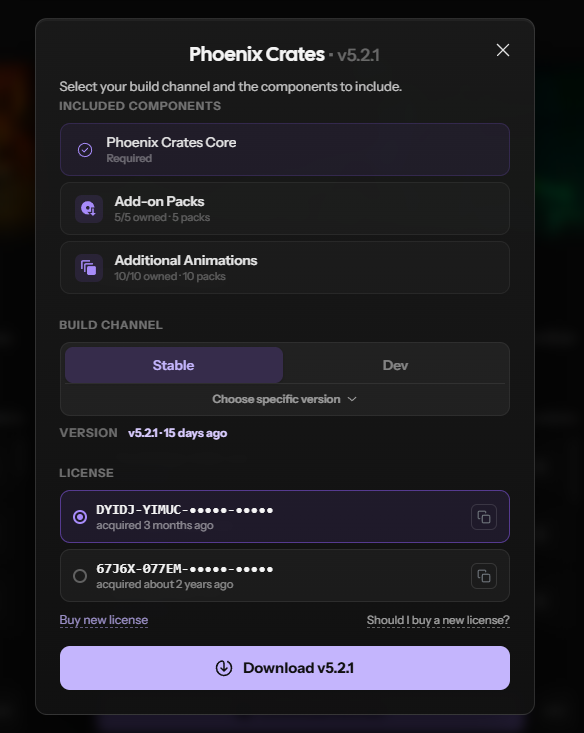
  1. Download the jar from our website
  2. Install PhoenixCrates-?.jar into your "Plugins" folder.
  3. Start your server
  4. Configure the plugin by yml file or by in-game editor /phoenixcrates editor

#Add-on Installation

  1. Select the add-ons you wish to install.
  2. The add-ons will be included in the same jar.
  3. Drag and drop the jar in the plugins folder
  4. The PhoenixCrates jar will generate the add-ons in the PhoenixCrates\addons folder
  5. [Optional] If you wish to download the add-ons separately, you can put then manually to that folder.

Download PhoenixCrates Popup

circle-info

We strongly advise using the latest STABLE build of the plugin, as it includes the most recent bug fixes.

Last updated 18 days ago
My Cart (0 items)

Oops... looks like the spiders padded through here

Add products to your cart and remove them from here Lets buy