









Your cart is empty
Looks like the spiders padded through here. Pick a plugin and it will show up here. Continue shoppingThe idle and opening animations a crate plays, and every idle particle effect option.
A crate plays two kinds of animation, both set from its Animations menu: an idle animation while nobody is opening it, and an opening animation when a player does.
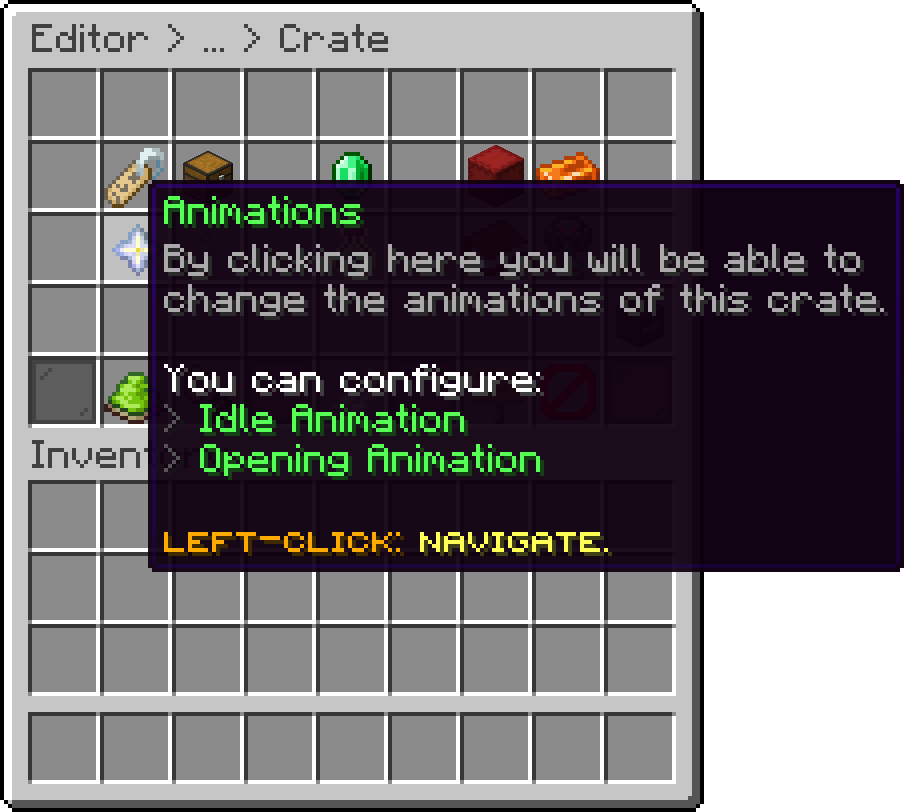
Editor > Crates > Crate
Plays when a player opens the crate, through its three phases, up to the reward being revealed. Every phase and animation is on Opening Animations; the animation add-ons add more on Animations.
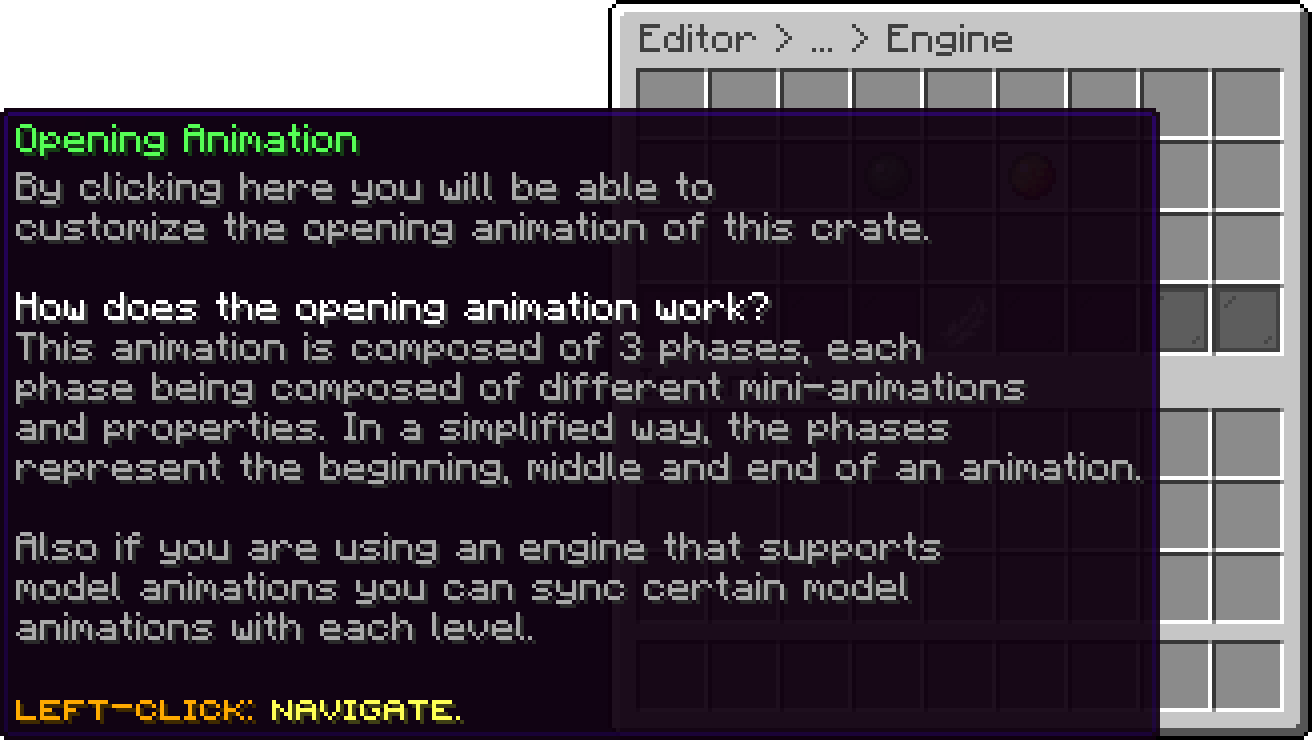
Editor > Crates > Crate > Animations
Plays while nobody is opening the crate, and is built from particle effects. There are 120+ effect combinations available.
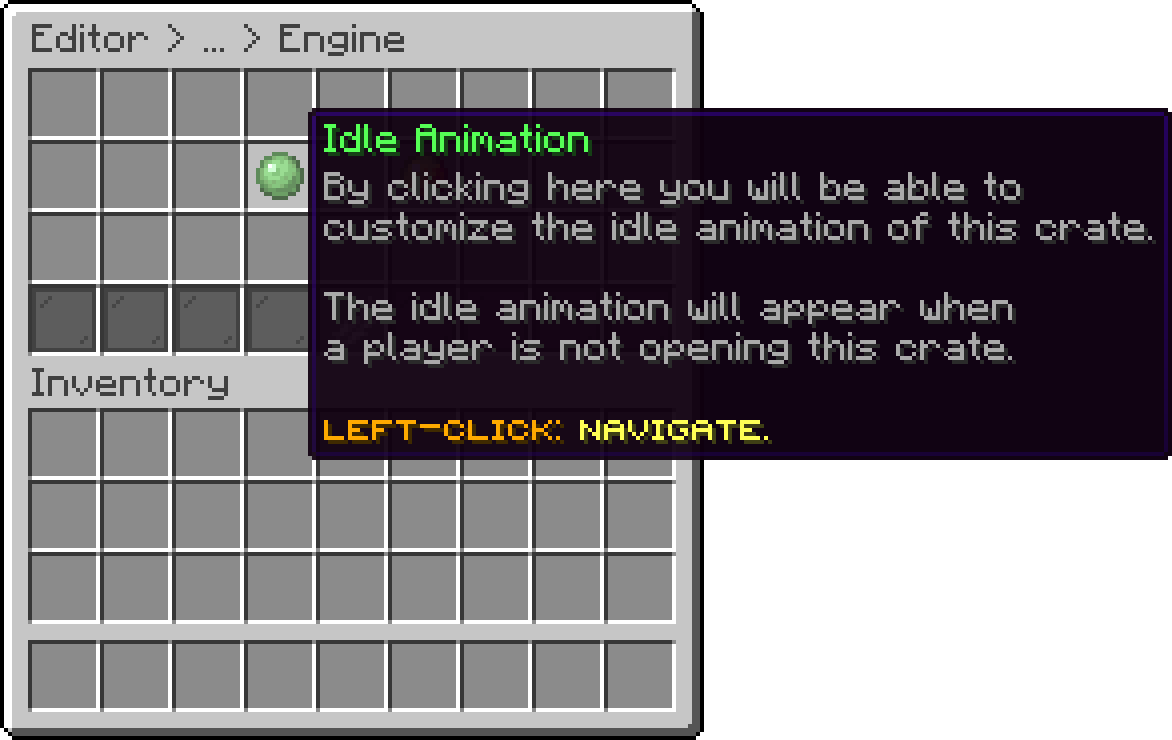
Editor > Crates > Crate > Animations
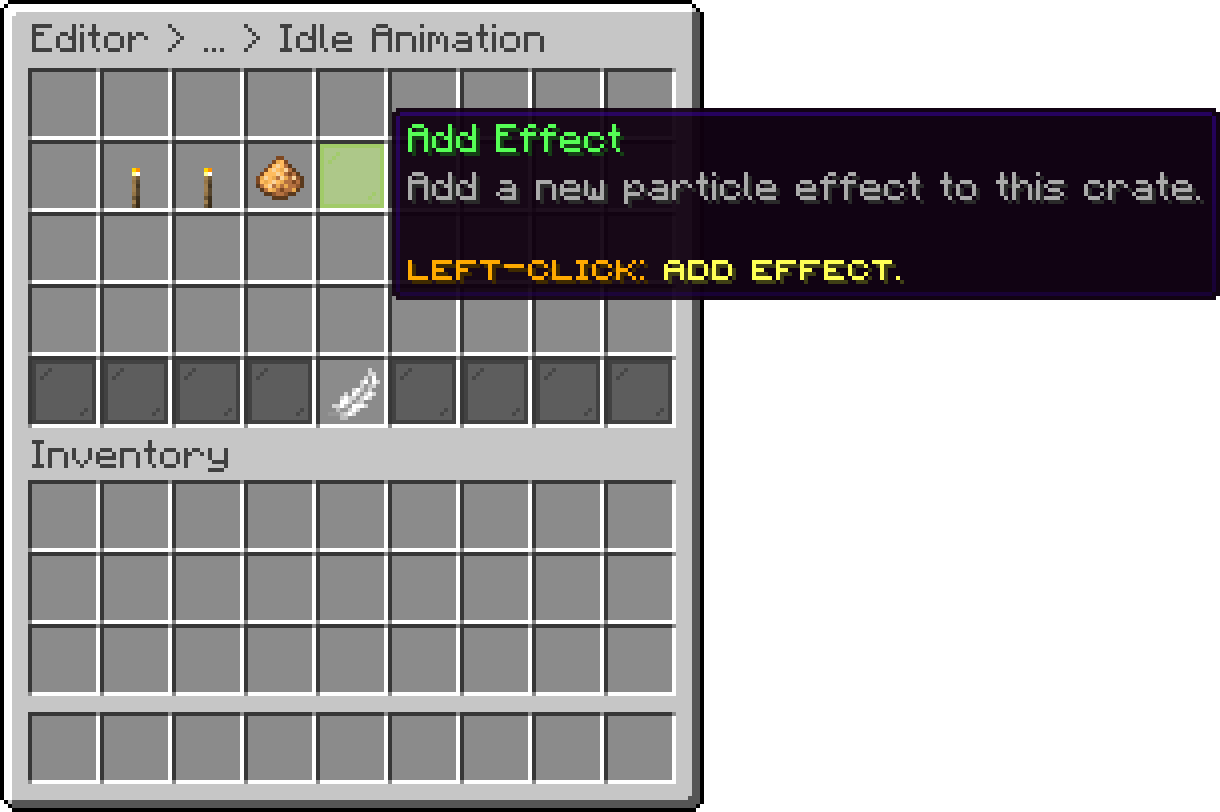
Editor > Crates > Crate > Animations > Idle Animation
In the drop down below, you’ll find all the available effect types we currently offer.
| Effect | Shape | Plan |
|---|---|---|
| Default | Simple particle spawn at offset | Lite |
| Circle | Particles orbit in a flat circle | Lite |
| Star | Five-pointed star pattern | Lite |
| Square | Square frame around the crate | Lite |
| Deltoid | Triangular curved shape | Premium |
| Astroid | Four-cusped hypocycloid | Premium |
| Flower | Petal-like flower pattern | Premium |
| Quatrefoil | Four-lobed clover shape | Premium |
| Diamond | Diamond-shaped outline | Premium |
| Ninja Star | Spinning shuriken pattern | Premium |
| Spiral | Ascending helix spiral | Premium |
| Conical Spiral | Cone-shaped rising spiral | Premium |
| Pulse | Expanding ring pulse | Premium |
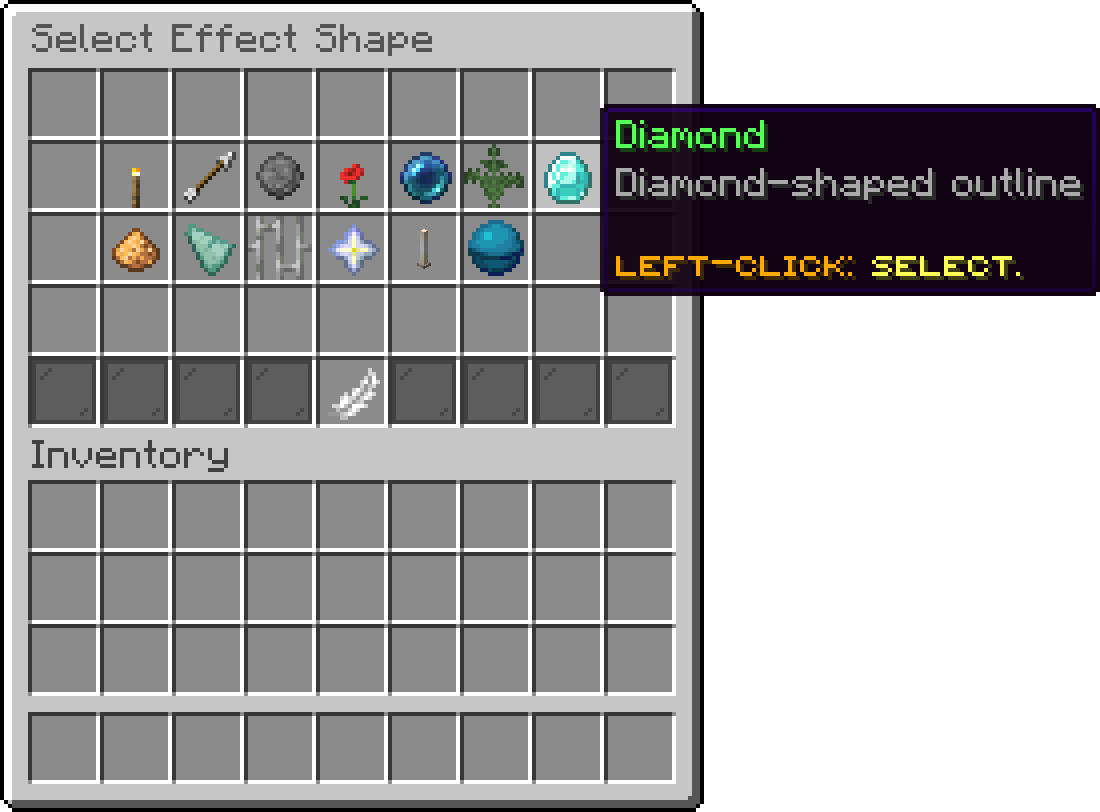
Editor > Crates > Crate > Animations > Idle Animation > Select Effect Shape
There are 100 different particle options available for you to choose from for your crate.
Once an effect is created, it will appear in the main effects list, where you can Left-Click to edit it. The maximum number of effects you can add is 12.
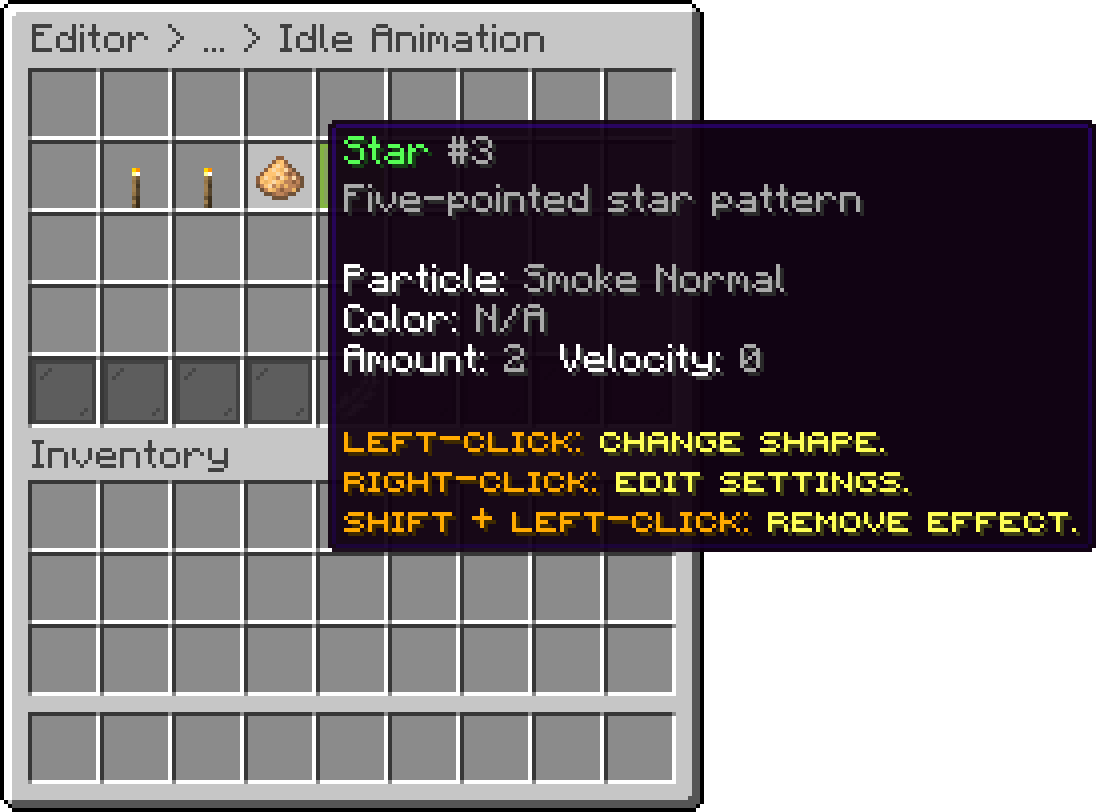
Editor > Crates > Crate > Animations > Idle Animation
Each effect is stored on a single line in the crate file, under idle-effects:
idle-effects:
- CIRCLE;{REDSTONE;#ff0000;0.0;1.0;2.0;0.0;0.0;1}
The format is:
TYPE;{PARTICLE;COLOR;offsetX;offsetY;offsetZ;spread;velocity;amount}
| Field | Description |
|---|---|
| TYPE | The effect type, such as CIRCLE or SPIRAL. |
| PARTICLE | The particle to use, such as REDSTONE. |
| COLOR | The particle colour as hex, ignored by particles that cannot be coloured. |
| offsetX | Position relative to the crate, sideways. |
| offsetY | Position relative to the crate, height. |
| offsetZ | Position relative to the crate, depth. |
| spread | Randomness applied to each particle's position. |
| velocity | Speed given to each particle, on particles that support it. |
| amount | How many particles to spawn. |
Editing from the editor is easier and safer, but knowing the format helps if you generate crates outside the game.
Example of the Idle Animation In-Game
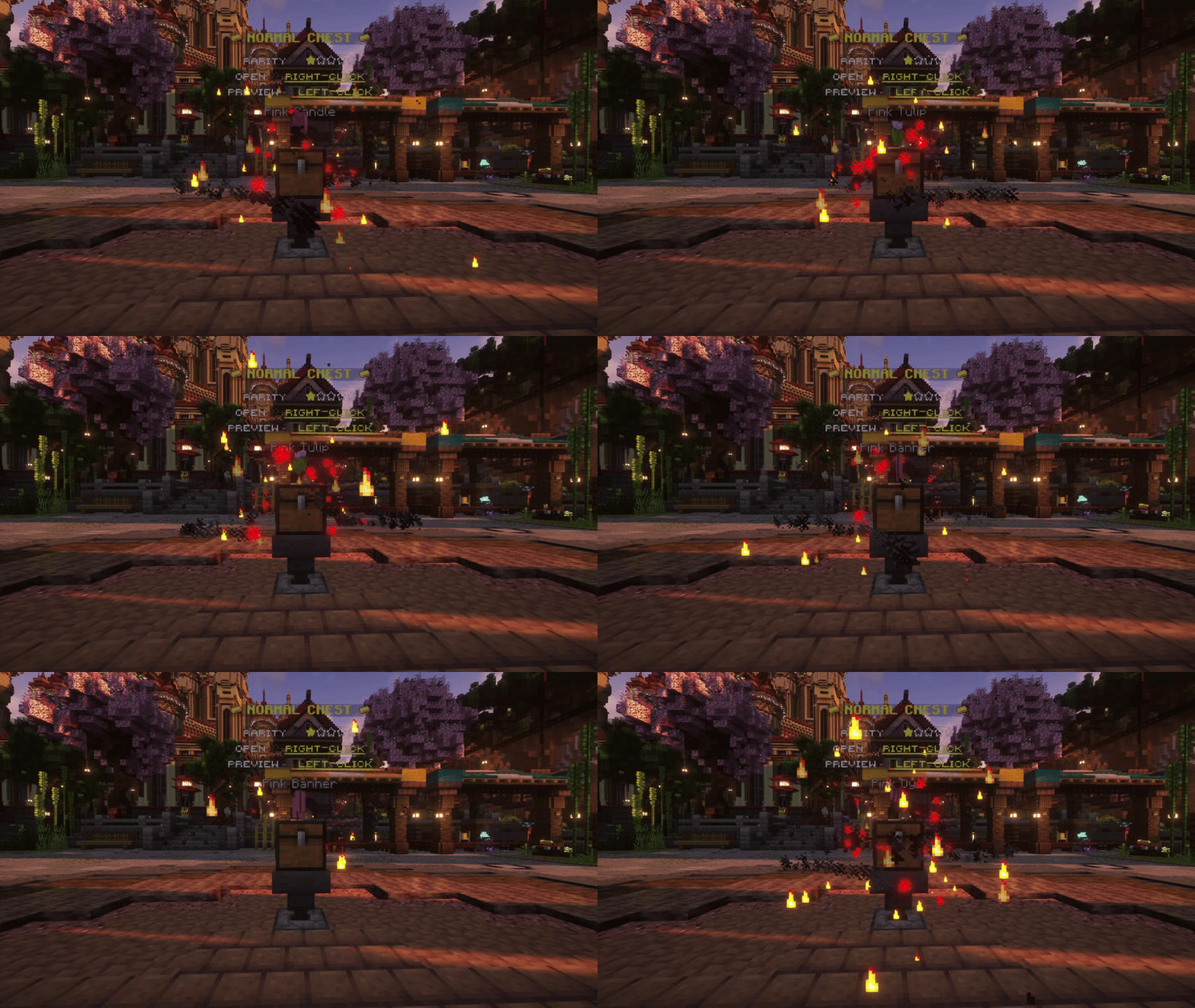
Example of the Default Idle Animation
Your guide to the docs
Ask me anything about Phoenix Crates. I know these docs inside out, check the latest versions and changelogs, and can read your server logs.
Try asking
Your cart is empty
Looks like the spiders padded through here. Pick a plugin and it will show up here. Continue shopping