

Oops... looks like the spiders padded through here
Add products to your cart and remove them from here Lets buy




On this page, you will find everything you need to know about the cooldowns of a reward.
A reward can be put on a cooldown so it is not won again straight away, either by the same player or by anyone on the server. All of it lives in the reward's Cooldowns menu.
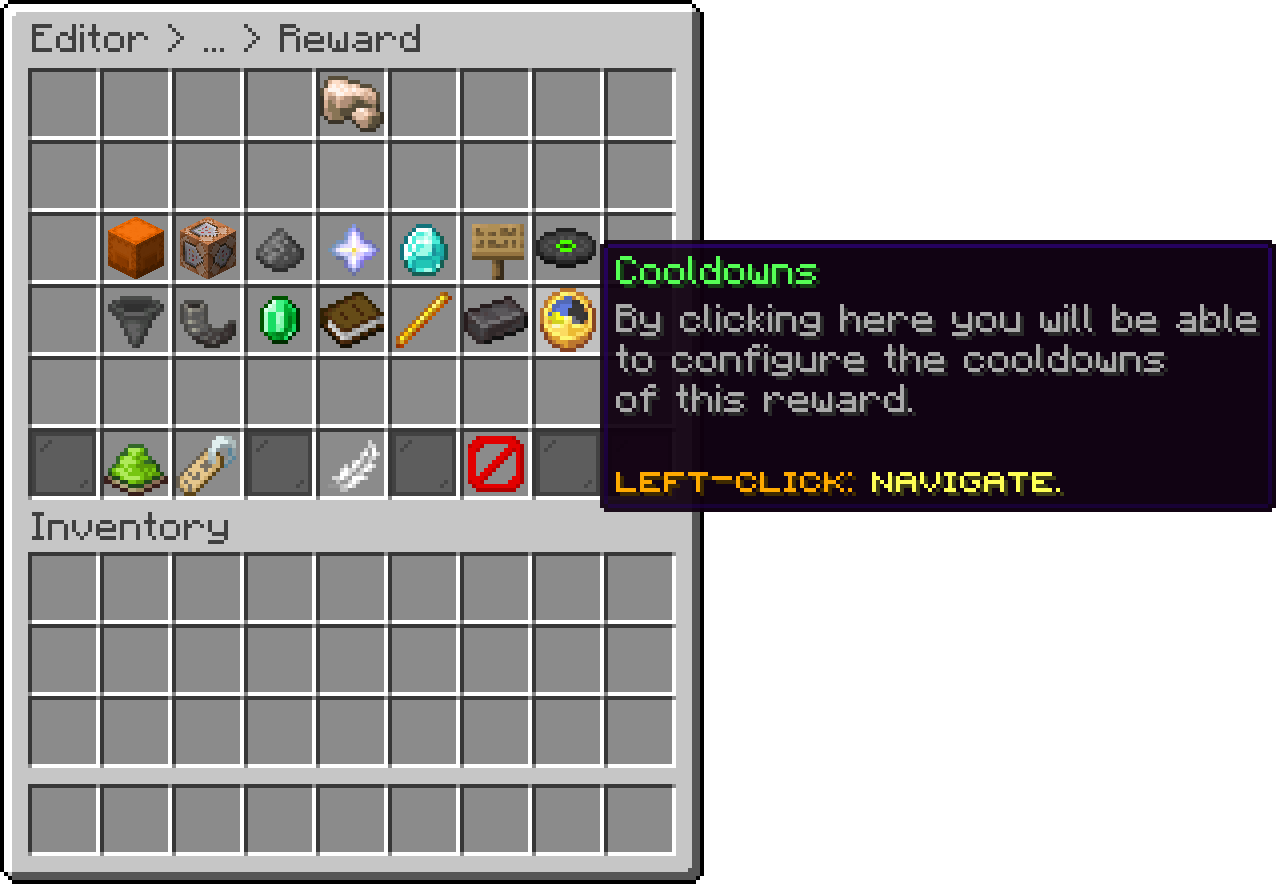
Editor > Crates > Crate > Rewards > Reward
How long a player must wait before being able to win this reward again. It works together with the Win Limit: once a player reaches their limit, this is how long it takes before their count is freed again.
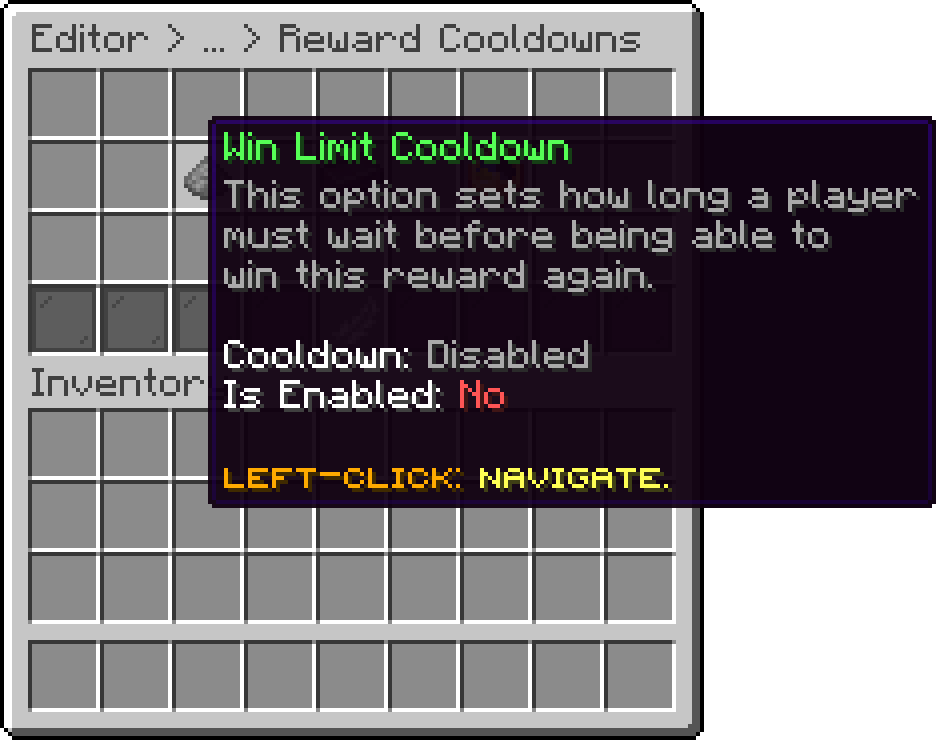
Editor > Crates > Crate > Rewards > Reward > Cooldowns
The same thing for the whole server: how long must pass before this reward can be won again by anyone, once the Global Win Limit has been reached.
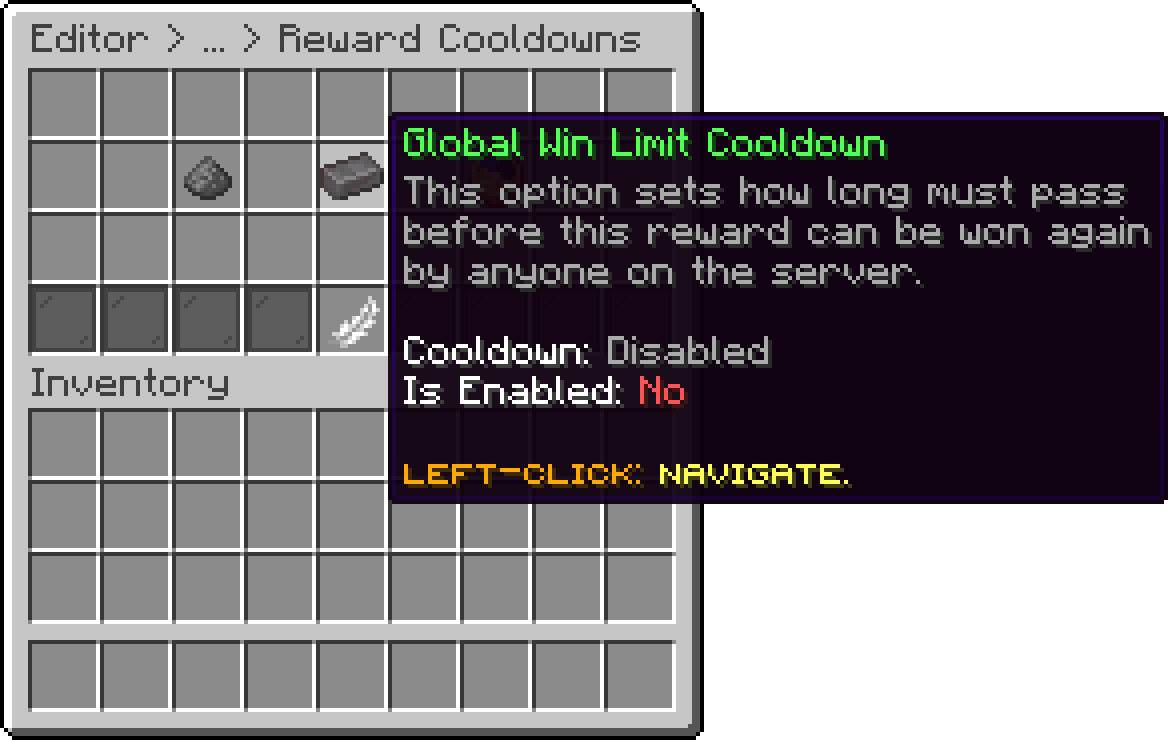
Editor > Crates > Crate > Rewards > Reward > Cooldowns
How long this reward stays available once its cooldown is started. When it expires, the reward automatically disables itself, which makes it the option to use for a reward that should only exist for a weekend or an event.
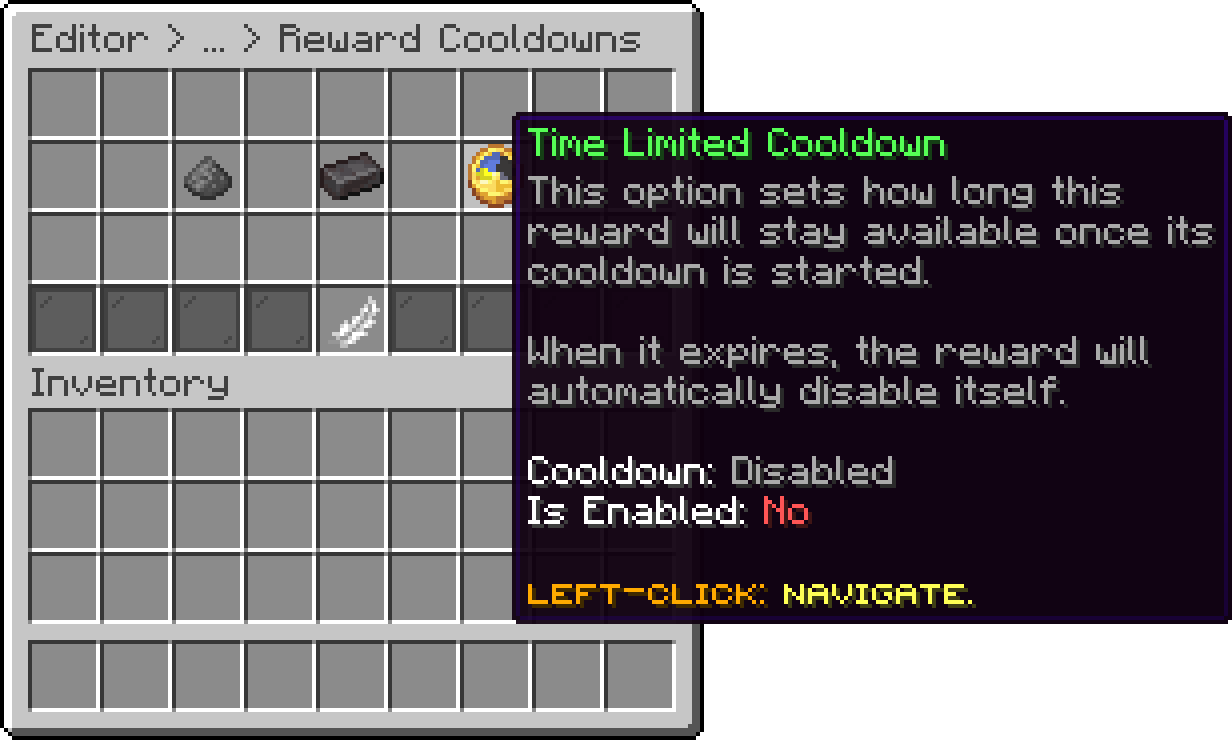
Editor > Crates > Crate > Rewards > Reward > Cooldowns
Each of the three opens the same duration menu.
The time is built up from its own units, so a cooldown of a day and a half is set as days and hours rather than counted in seconds.
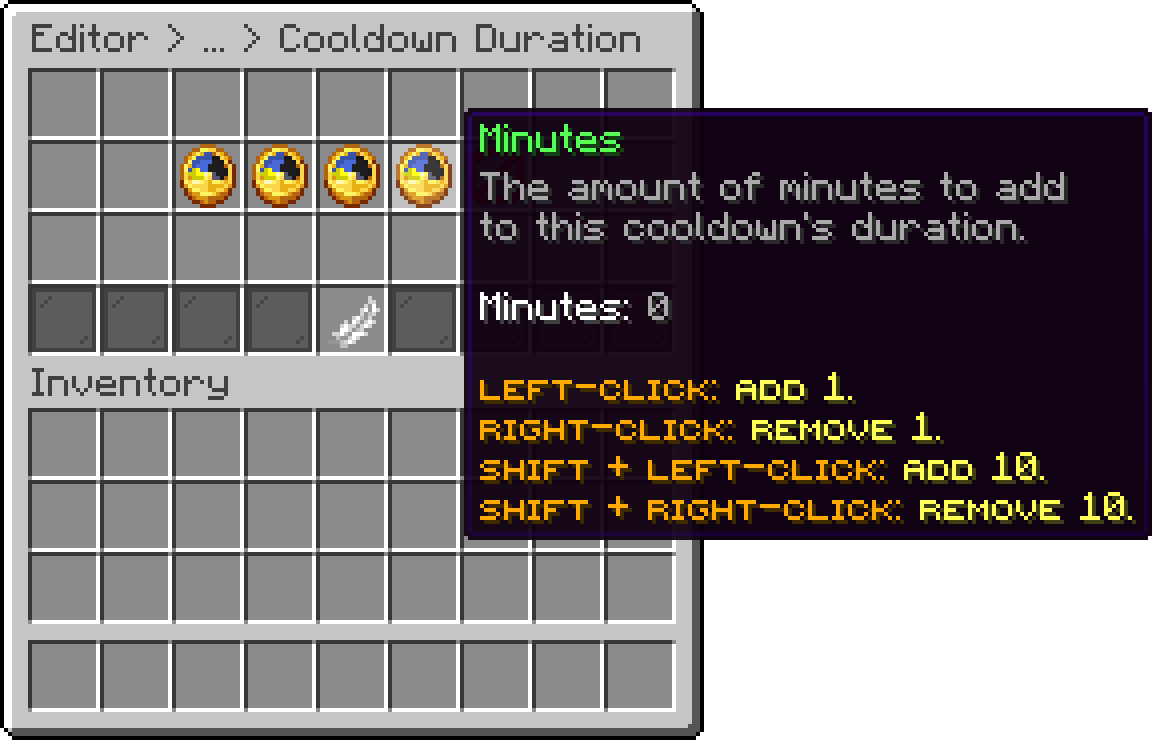
Editor > Crates > Crate > Rewards > Reward > Cooldowns > Duration
The same menu is where a cooldown is switched off again, which sets it back to disabled.
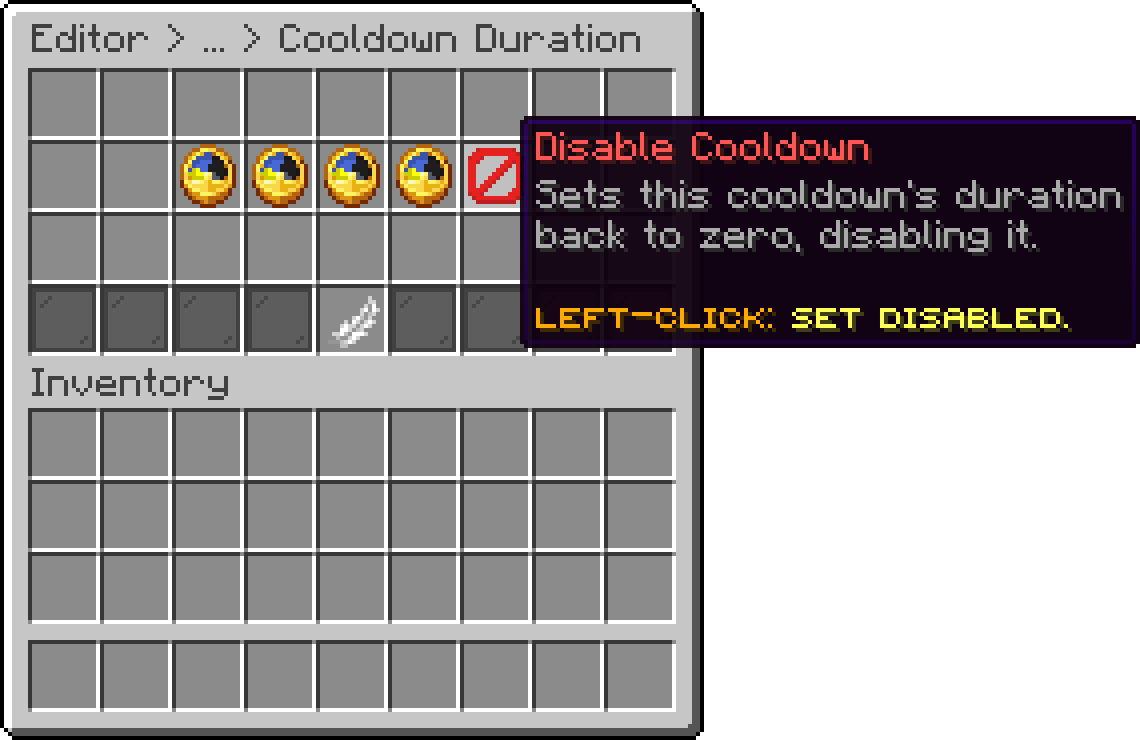
Editor > Crates > Crate > Rewards > Reward > Cooldowns > Duration
In the crate file the three are stored in seconds under cooldowns, described in Reward Config Editing.
Oops... looks like the spiders padded through here
Add products to your cart and remove them from here Lets buy