

Oops... looks like the spiders padded through here
Add products to your cart and remove them from here Lets buy




On this page, you will find all the information about assigning a rarity to a reward.
By assigning a rarity to your rewards, you can easily organize them across different crates.
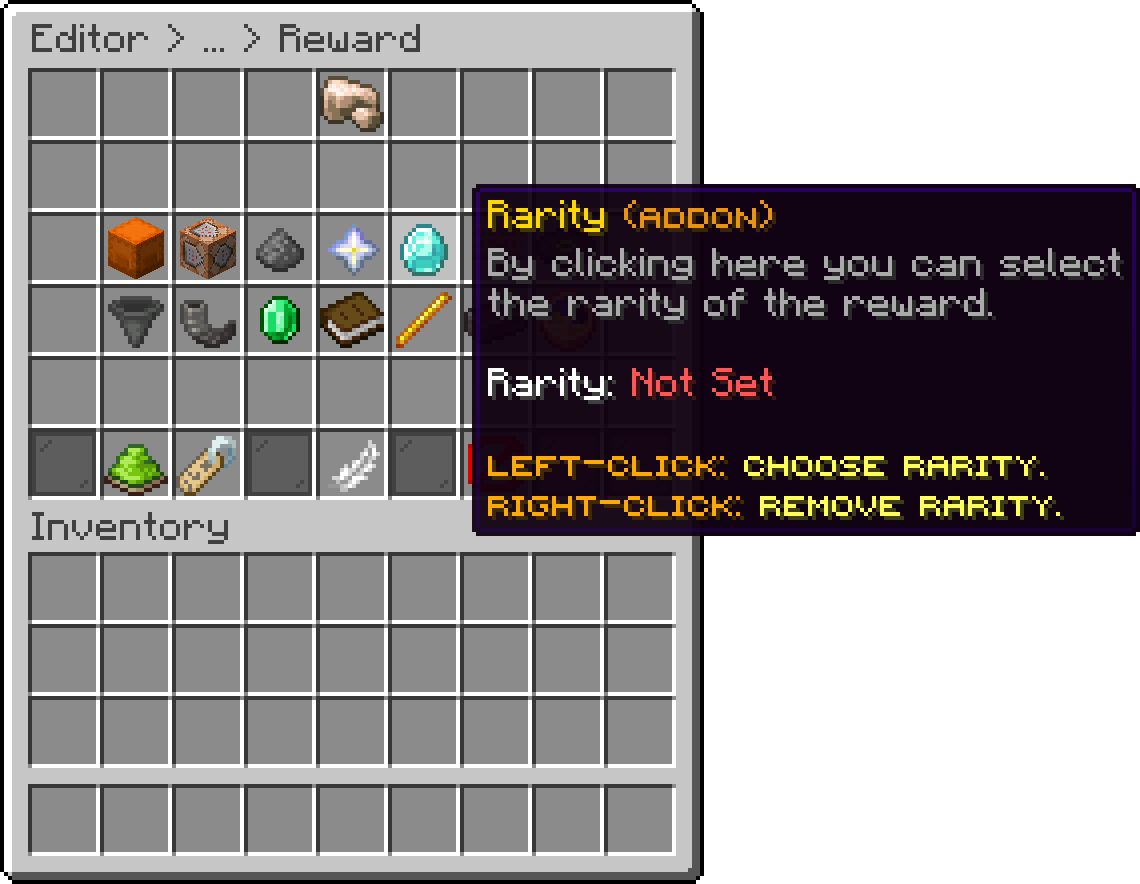
Editor > Crates > Crate > Rewards > Reward
When you select a rarity for your reward, its rarity is used to compute the reward's actual win chance (via the rarity's Weight), and the rarity's display name becomes available in the reward's lore through the %rarity_name% placeholder. Since the chance calculation already accounts for the rarity's weight, the reward's displayed percentage always reflects the rarity automatically, without needing a separate sync toggle.
If the rarity has Required Keys set, it also overrides the reward's own Required Keys value when the crate uses Selective (non RNG) mode.
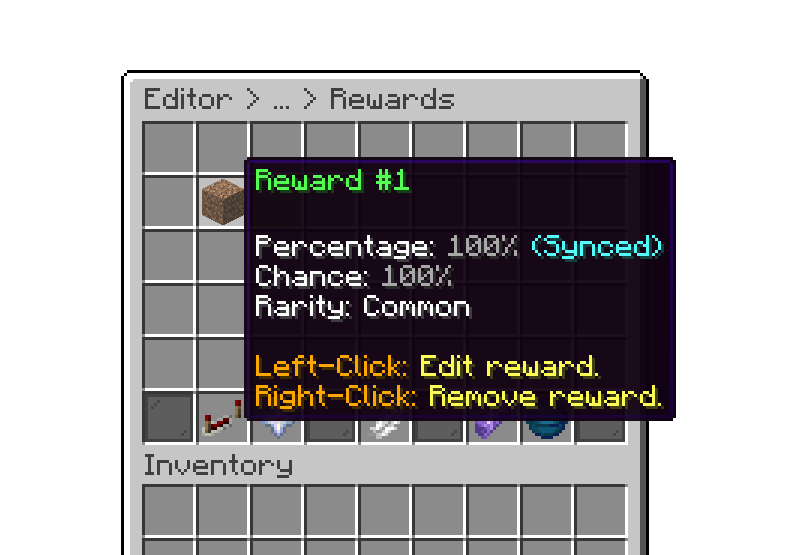
Editor > Crates > Crate > Rewards
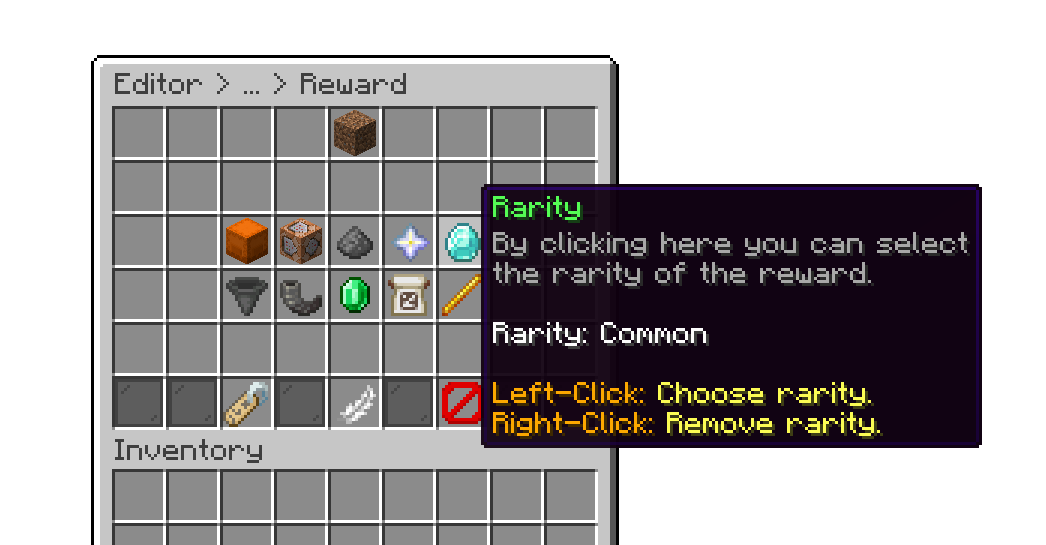
Editor > Crates > Crate > Rewards > Reward
Oops... looks like the spiders padded through here
Add products to your cart and remove them from here Lets buy