

Oops... looks like the spiders padded through here
Add products to your cart and remove them from here Lets buy




On this page, you will find all the information about the opening animations and their effects
Opening animations are the main animations played when opening a crate. They are divided into three stages:
GUI animations will also properly show to bedrock players too.
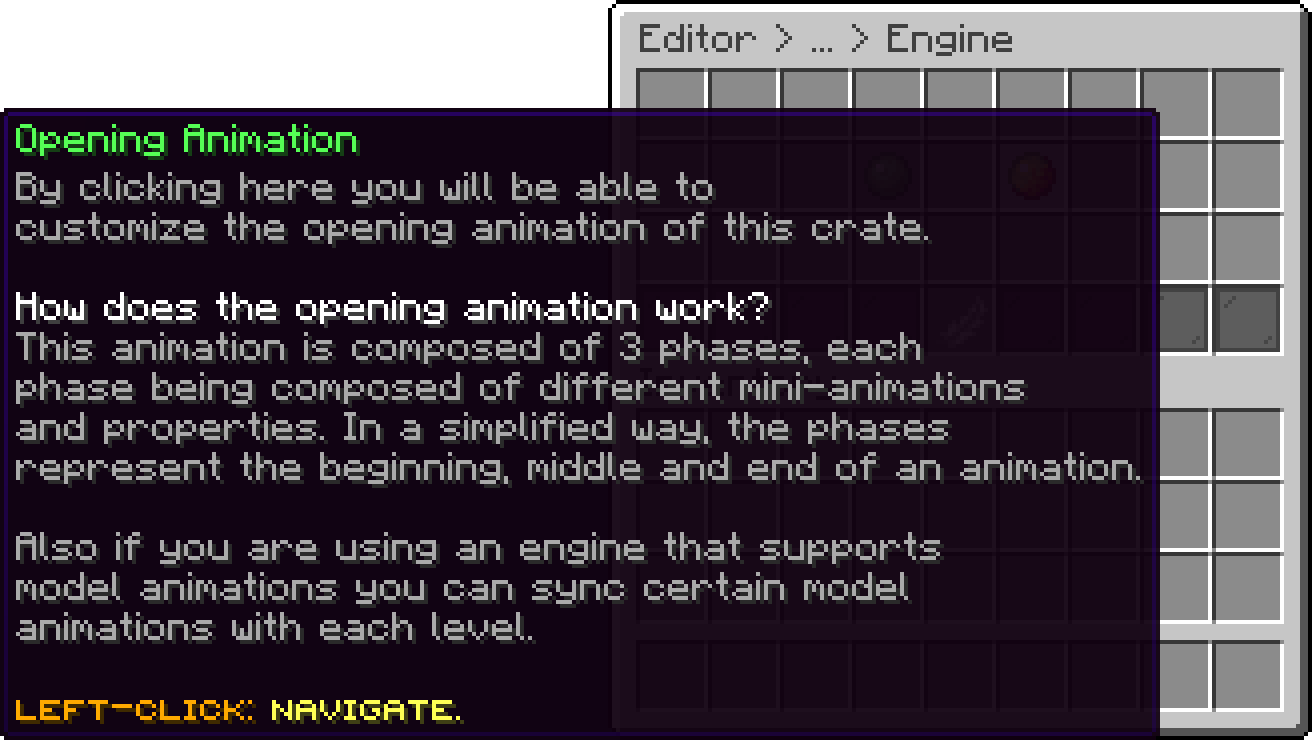
Editor > Crates > Crate > Animations
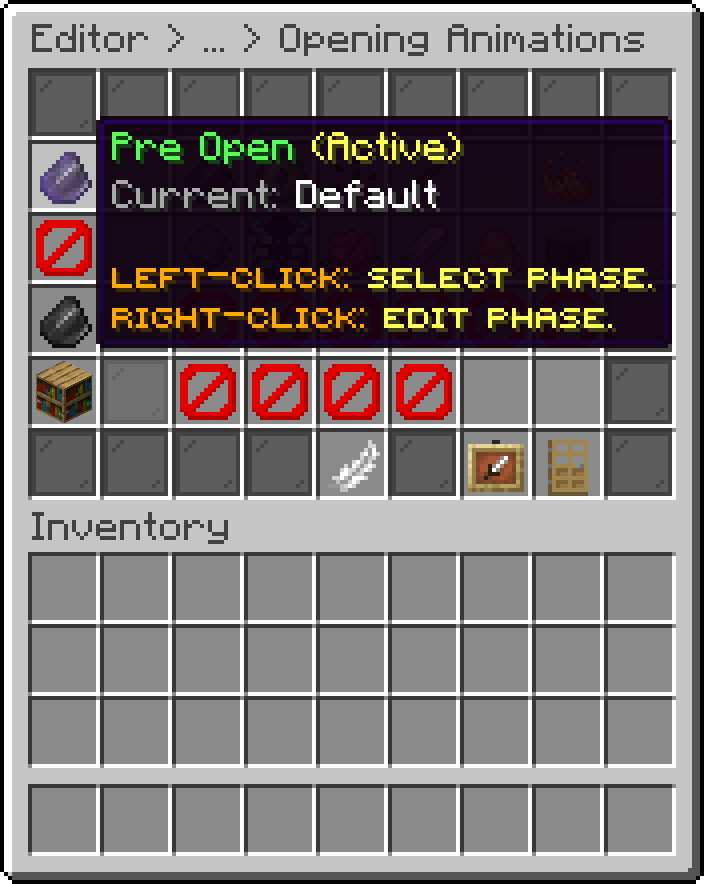
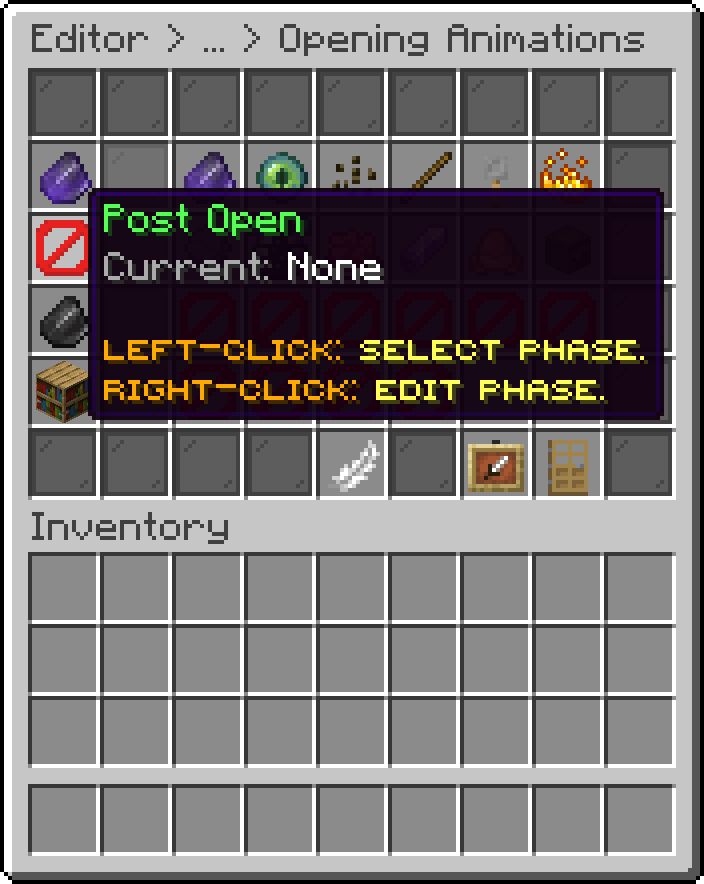
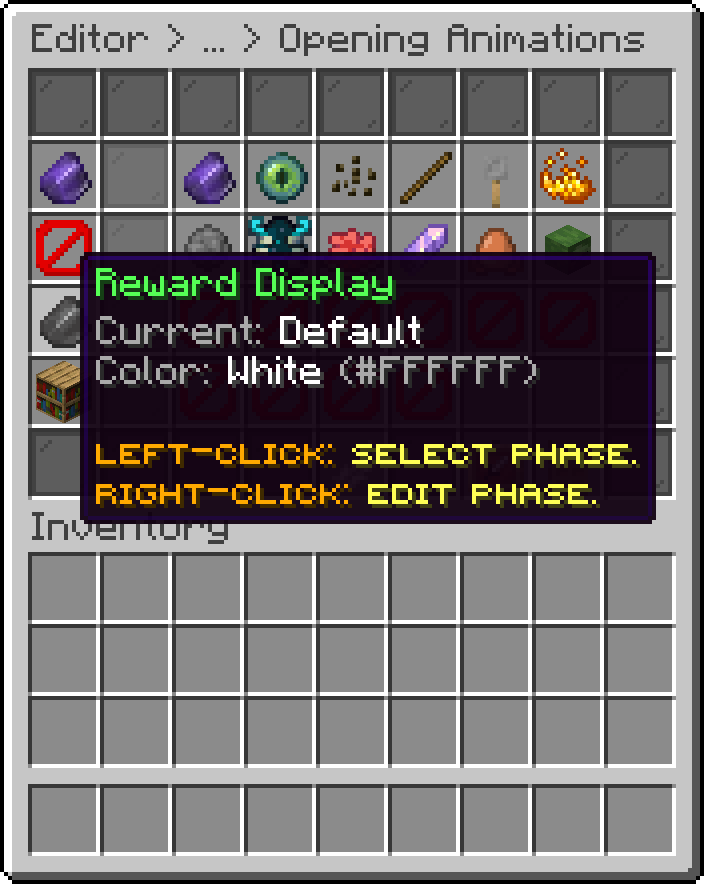
Each phase has its own slot in the Opening Animations menu, showing which animation is currently set for it. Left-click a slot to pick the animation for that phase, and right-click it to edit that animation's own settings when it is customizable.
The active phase is marked as such, and a phase left on None simply plays nothing at that stage.
The phase playing before the crate opens, and the slot showing which animation is currently set for it.
Editor > Crates > Crate > Animations > Opening Animations
The phase playing once the crate has opened, while the reward is being decided.
Editor > Crates > Crate > Animations > Opening Animations
The phase revealing the won reward. This slot also carries the colour the animation is played in.
Editor > Crates > Crate > Animations > Opening Animations
All GUI animations also support virtual openings, allowing players to open crates via the /crate open command.
Virtual openings still require the crate to be placed in the world and Allow Open Command to be enabled for that crate.
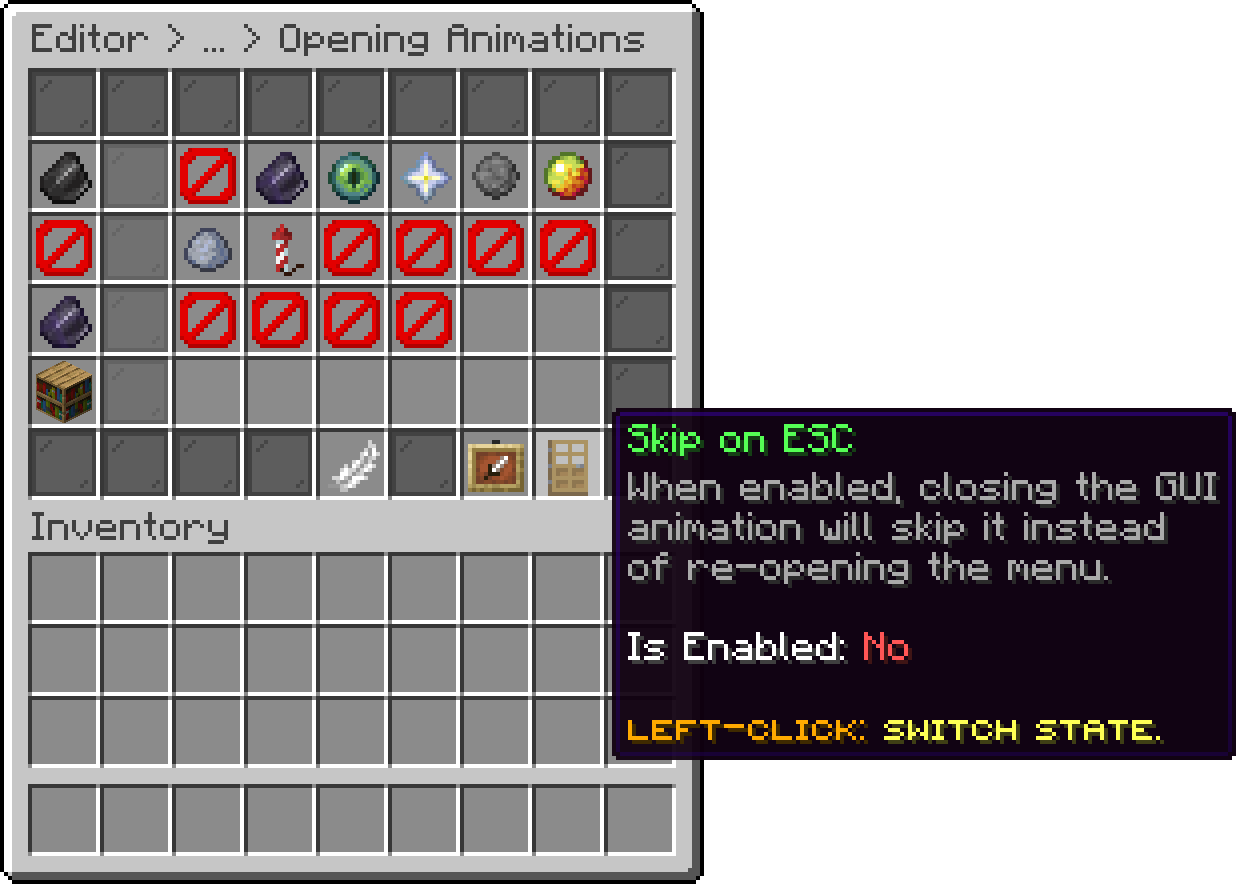
GUI animations can also have Skip on ESC enabled. When active, closing the inventory will immediately skip the animation and grant the reward to the player.
Editor > Crates > Crate > Animations > Opening Animations
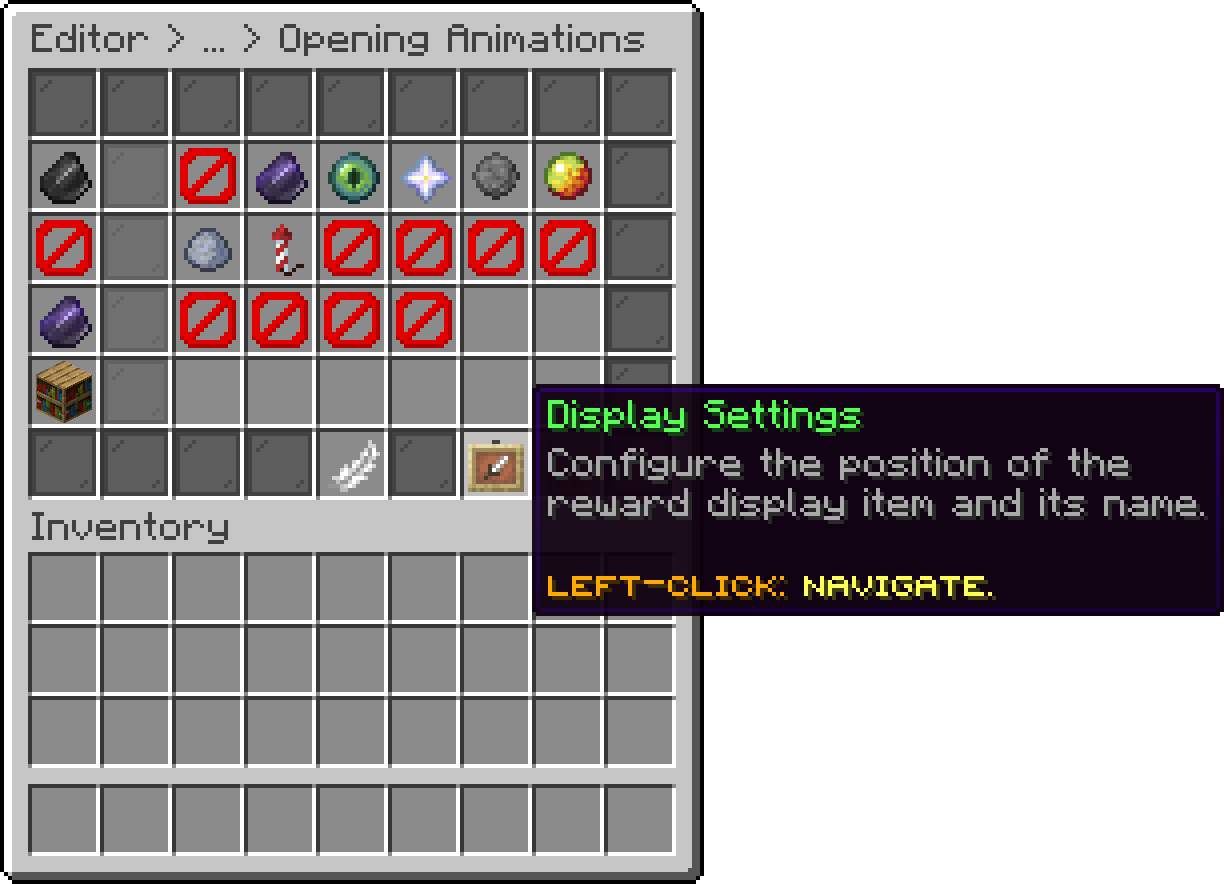
From the Opening Animation menu, the Display Settings button lets you fine-tune where the reward display item and its name appear:
Editor > Crates > Crate > Animations > Opening Animations
The same offsets can also be written by hand in the crate file, described in Extra Options.
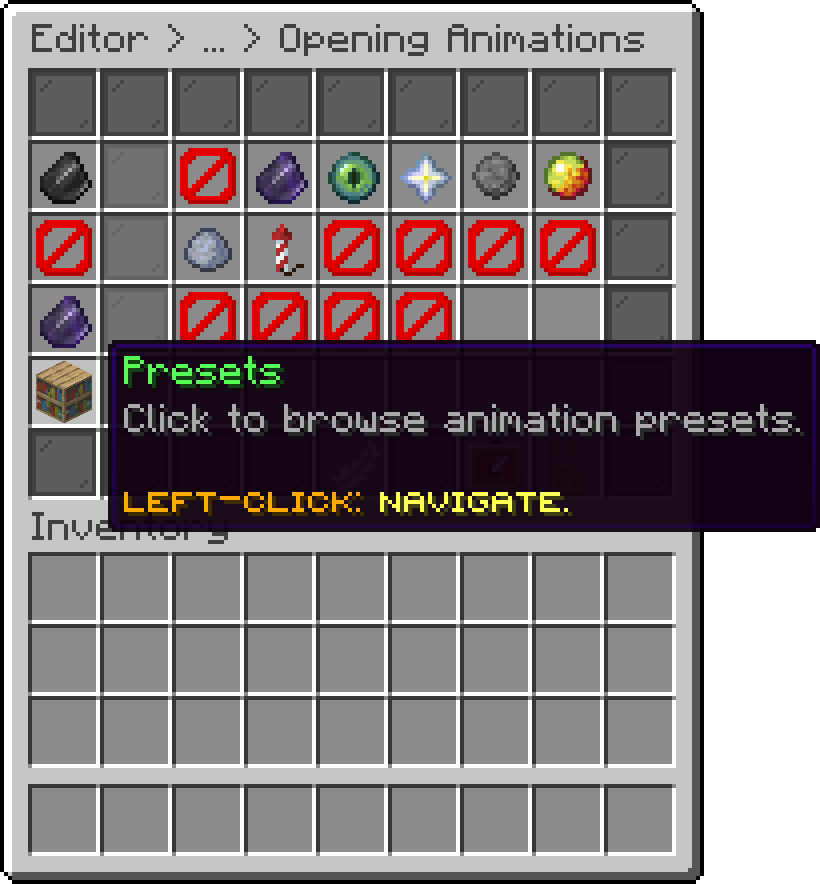
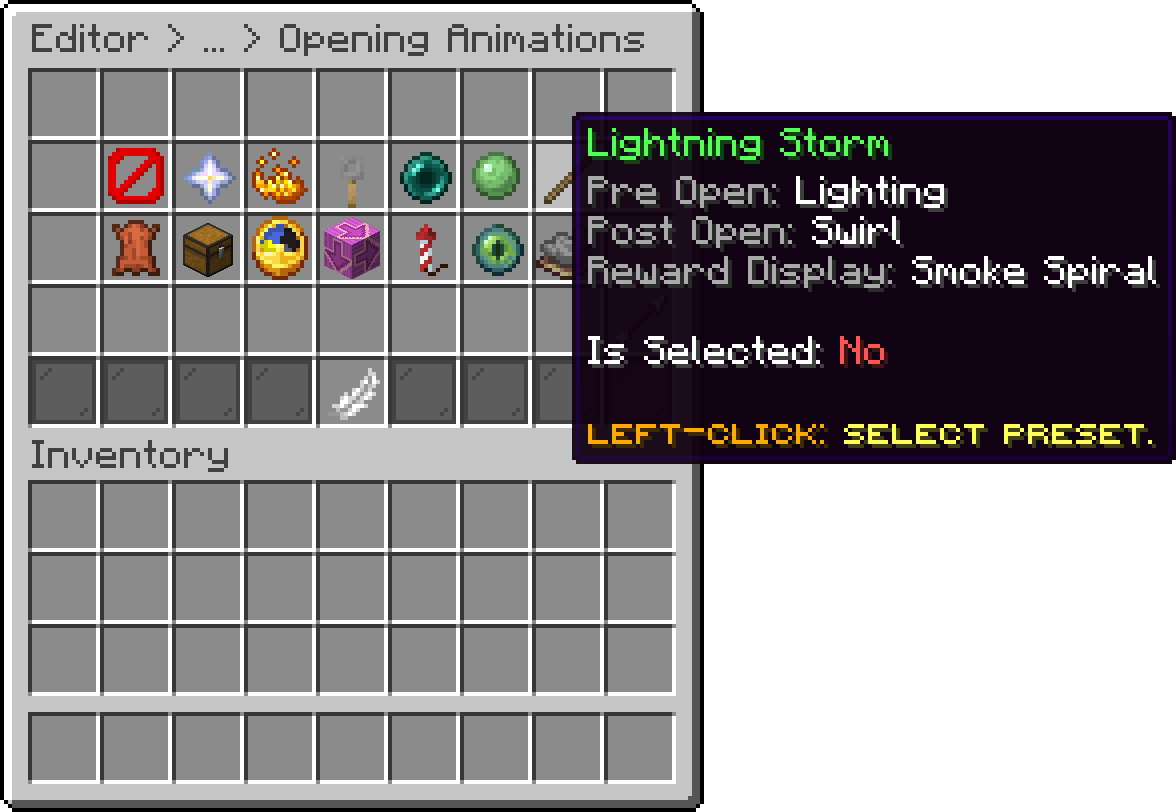
Instead of configuring the Pre Open, Post Open, and Reward Display animations one by one, you can apply a preset from the Opening Animations menu to set all three phases at once to a matching combination. Selecting an already-applied preset removes it, resetting the crate back to no preset.
Editor > Crates > Crate > Animations > Opening Animations
Each preset lists the three animations it applies, so you can see the combination before selecting it.
Editor > Crates > Crate > Animations > Opening Animations > Presets
Oops... looks like the spiders padded through here
Add products to your cart and remove them from here Lets buy