

Oops... looks like the spiders padded through here
Add products to your cart and remove them from here Lets buy




On this page, you will find everything you need to know about the config.yml options of Phoenix Crates
Below is a list of options that are in the config.yml and a description of what they do.
All of these options can also be changed in-game from the editor's Settings menu.
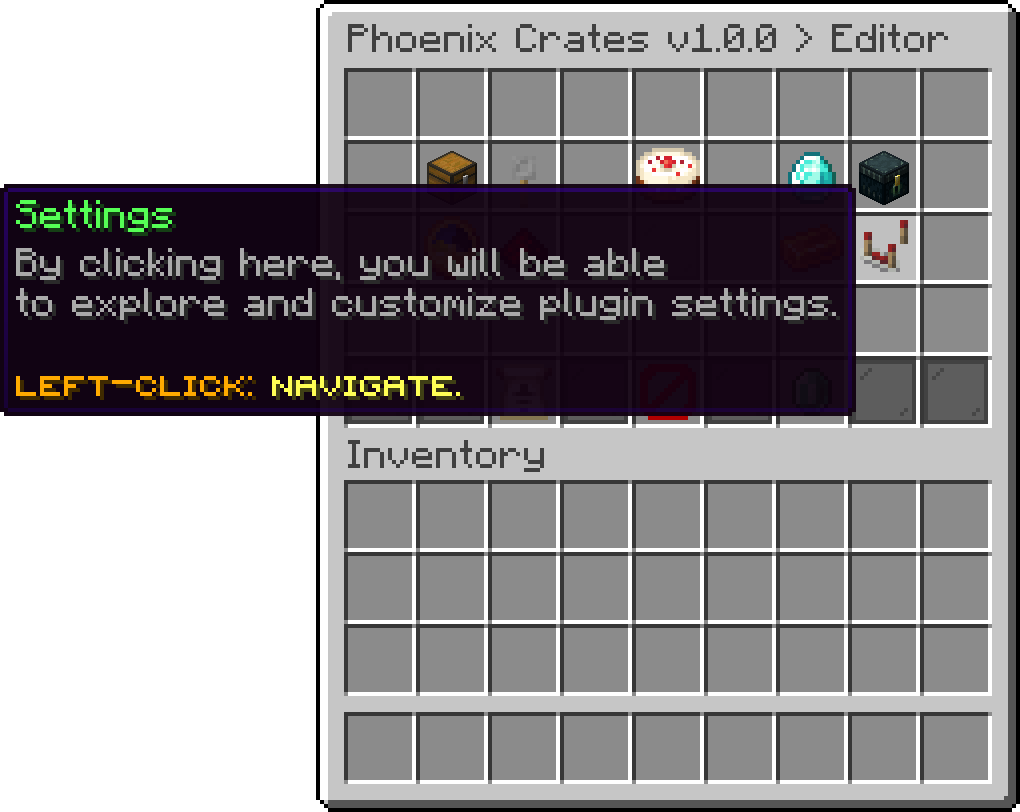
Editor > Settings
The following ones exist only in the file:
performance.internal-pool-size, the number of threads the plugin uses for its own background work such as database reads and animation preparation. The default of 5 suits almost every server. Raise it only if you run a very large network and see the plugin queueing work.The Lite version has a single broadcast message shared by every crate, set in config.yml. The Premium version does not use this option, because there the broadcast message is configured per crate from the editor.
crates:
  broadcast-message:
  - '&ePlayer &a%player% &ejust got &6"%reward%" &ereward from the crate &6%crate%&e!'
The virtual keys and the pay key commands can each be turned off, and given an alternative name that is registered next to the default one, which is useful when another plugin already claims the same command.
Pay key is disabled by default, so /crates payKey only exists after enabling it here.
commands:
  virtual-keys:
    enabled: true
    alternative: virtualkeys
  pay-key:
    enabled: false
    alternative: paykey
The plugin also supports databases. The available options are mysql and sqlite.
database:
  type: sqlite
  address: localhost
  name: phoenixcrates_db
  port: 3306
  username: phoenixuser
  password: phoenixpassword
  table-prefix: pc
When using MySQL, the connection pool can be tuned under database.hikari. The defaults are good for a normal server, and are worth revisiting only if you run a large network or your database is on a different machine.
database:
  hikari:
    maximumPoolSize: 10
    minimumIdle: 5
    idleTimeout: 300000
    maxLifetime: 1700000
    connectionTimeout: 30000
    fetch-timeout: 5000
| Option | Description |
|---|---|
| maximumPoolSize | The most connections the plugin will open at once. |
| minimumIdle | How many connections are kept open while idle. |
| idleTimeout | How long, in milliseconds, an idle connection is kept before being closed. |
| maxLifetime | How long, in milliseconds, a connection lives before being replaced. Keep it under your MySQL wait_timeout. |
| connectionTimeout | How long, in milliseconds, to wait for a free connection before giving up. |
| fetch-timeout | How long, in milliseconds, to wait for a player's data before treating it as unavailable. |
If players are told to wait while their data loads when they open a crate, raising fetch-timeout or maximumPoolSize is usually the fix.
Save the file and reload the plugin to apply the changes.
Every message the plugin sends lives in the translation file rather than in config.yml, and language decides which one is loaded. Editing the wording, silencing a message, and running the plugin in another language are all on Languages & Translations.
On top of the usual & colour codes, text accepts MiniMessage tags for gradients, hover text and clickable links. It has its own page: Rich Text (MiniMessage).
Oops... looks like the spiders padded through here
Add products to your cart and remove them from here Lets buy