







Your cart is empty
Looks like the spiders padded through here. Pick a plugin and it will show up here. Continue shoppingCap how many accounts per IP address receive keys, crates and rewards handed out to everyone online.
The IP Limit add-on caps how many accounts sharing the same IP address can receive keys, crates and rewards that are handed out to everyone online at once, so alt accounts cannot multiply a giveaway.

IP Limit - Add-On
You can claim this add-on for free on Phoenix Plugins
To install this add-on, you can either:
The add-on requires the Premium edition.
Everything the add-on does is reached from the IP Limit button in the main editor. Only actions that reward several players in one go are affected, so commands aimed at a single player are never filtered.
A limit of 0 is shown as Unlimited and turns the cap off for that action alone.
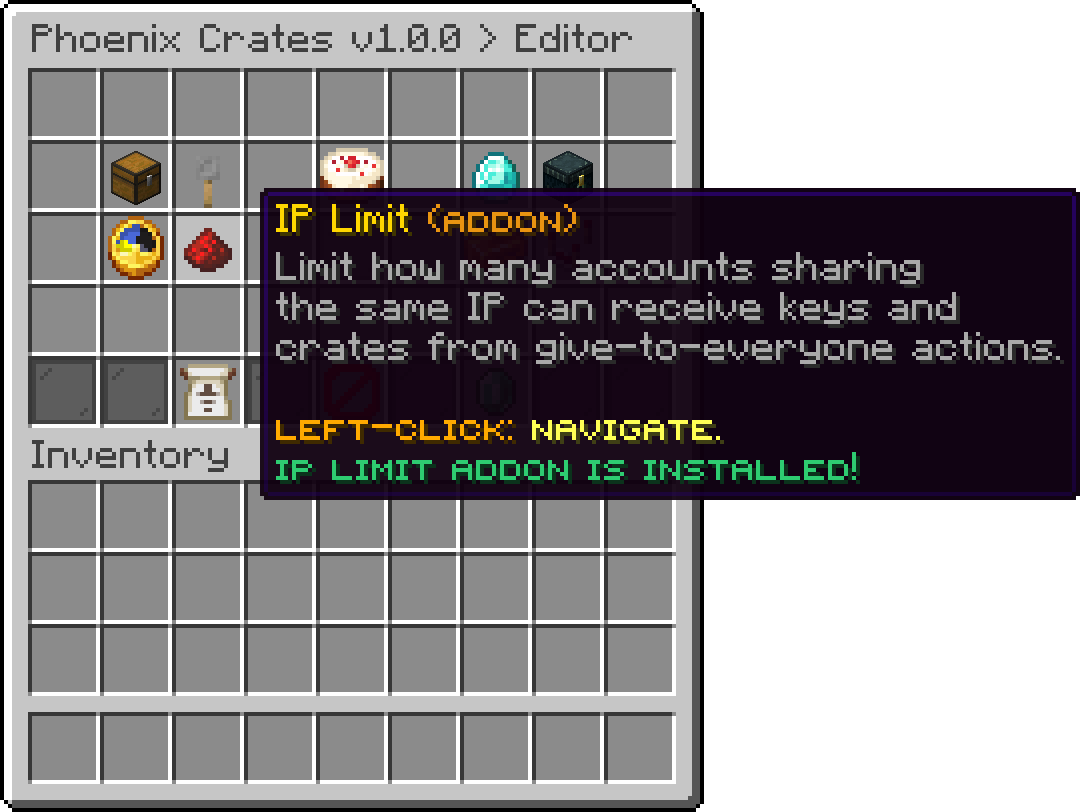
Editor
Switches the whole add-on off without uninstalling it. While it is off, every action reaches all online players regardless of the limits set below.
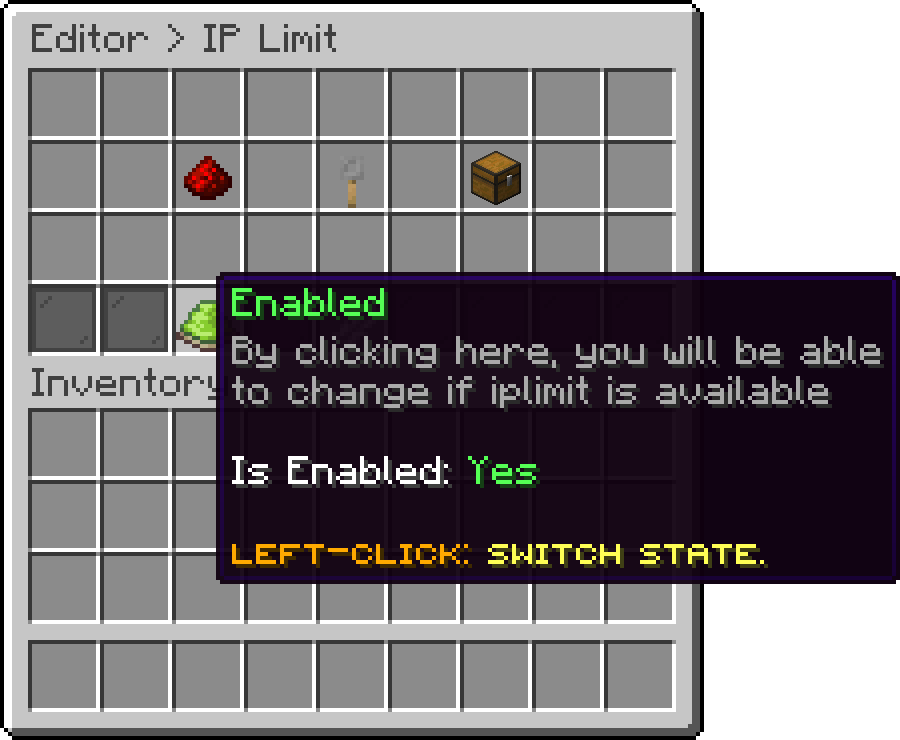
Editor > IP Limit
The default cap for each of the four actions that can reward everyone online. Keys and crates without an override of their own use these values.
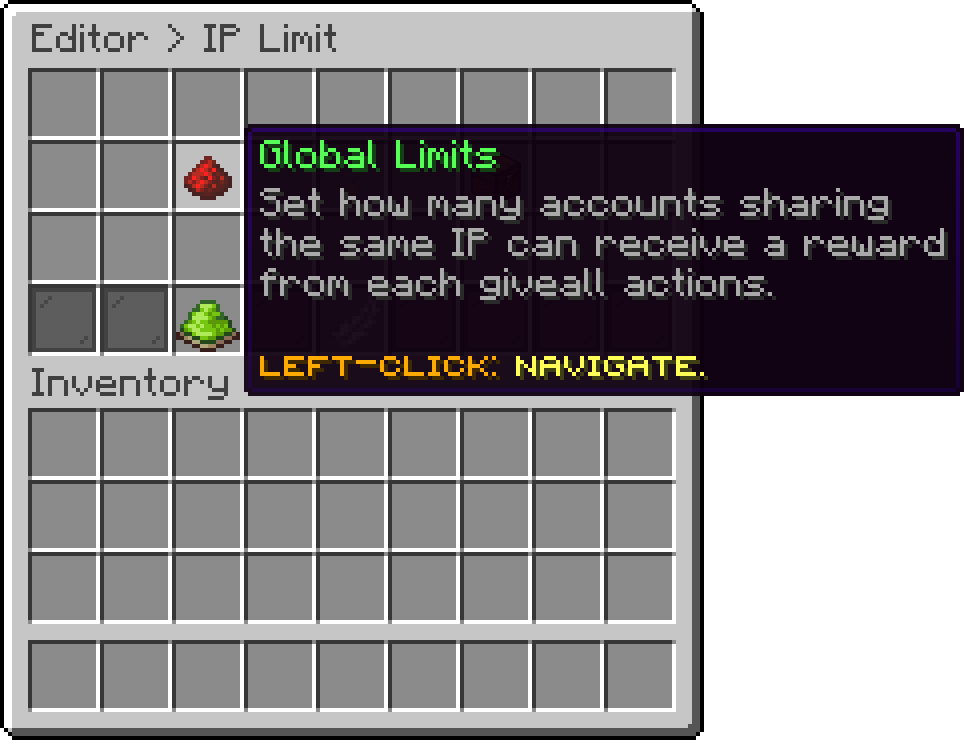
Editor > IP Limit
Caps how many accounts per IP receive a key from /crates giveKeyAll.
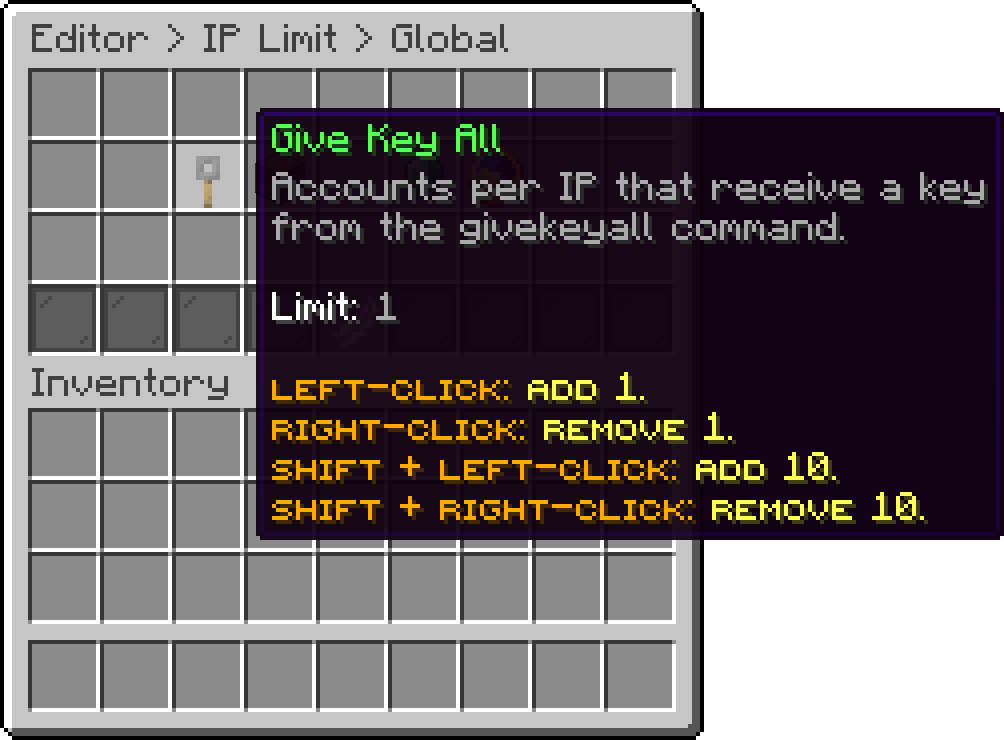
Editor > IP Limit > Global
Caps how many accounts per IP receive a crate from /crates giveCrateAll.
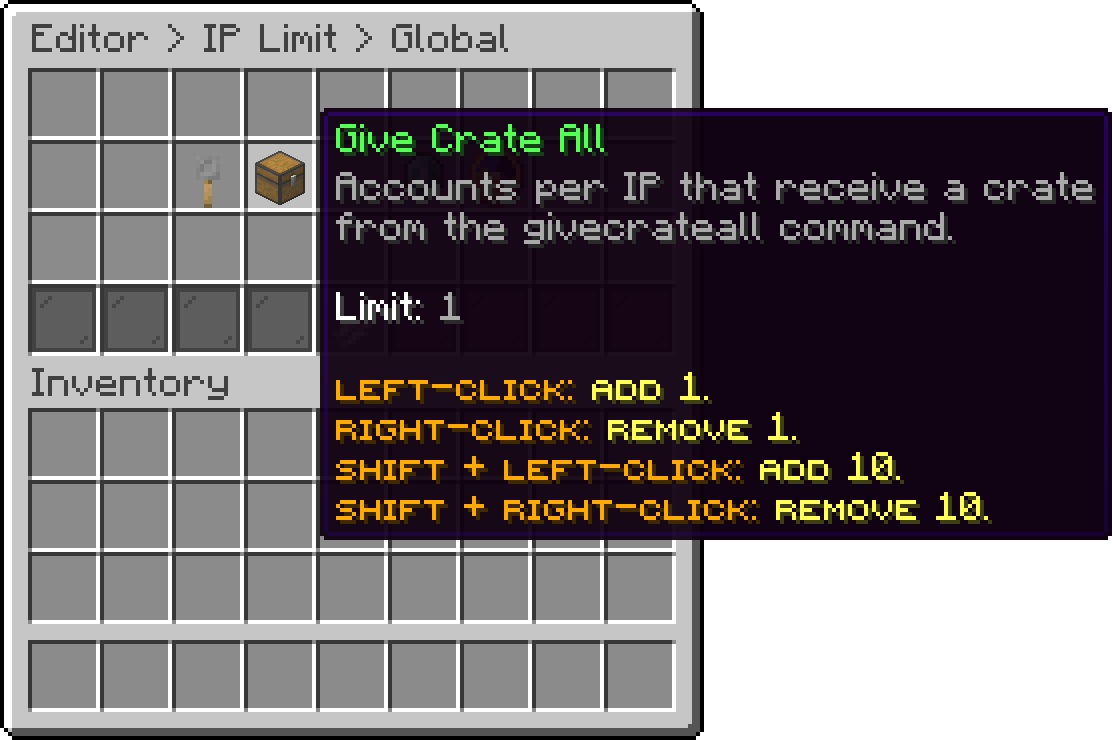
Editor > IP Limit > Global
Caps how many accounts per IP receive a reward that has Share With Players Online turned on.
The player who opened the crate is filtered like everyone else, so with a limit of 1 and two of their accounts online, the reward can land on the other account instead of theirs.
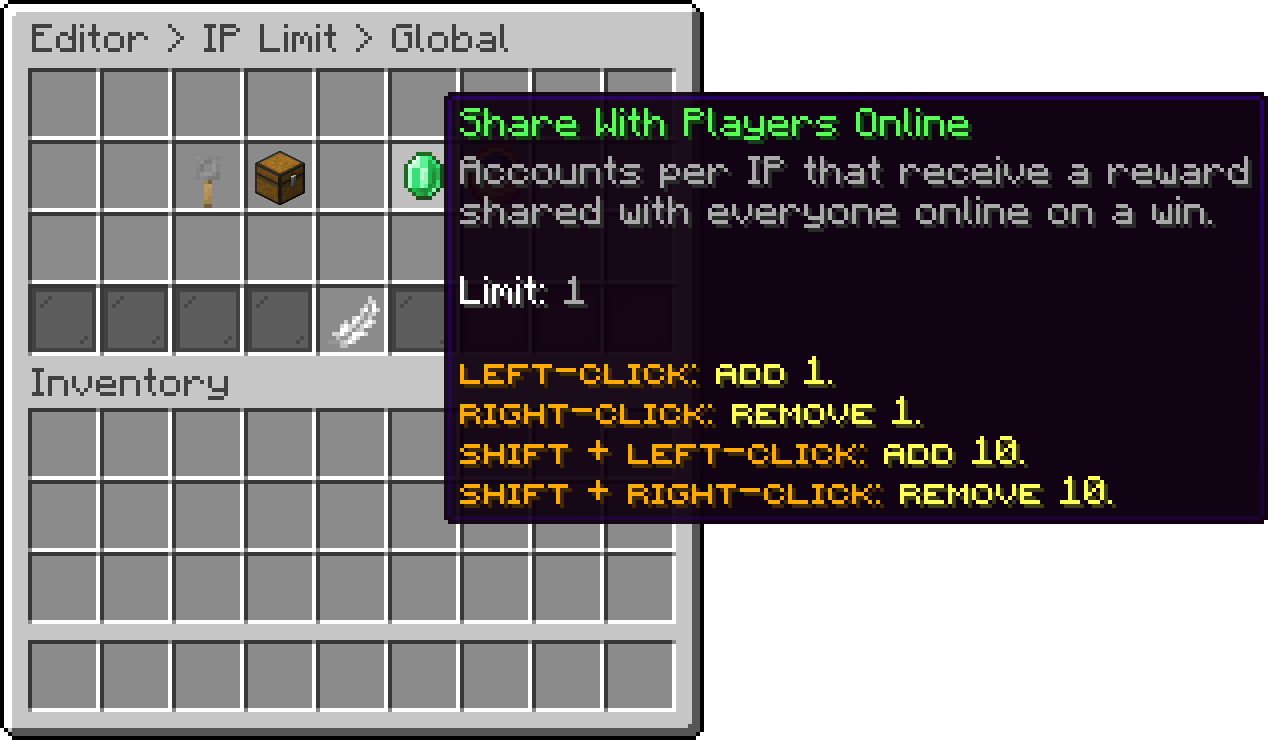
Editor > IP Limit > Global
Caps how many accounts per IP receive a recurring reward from the Reward On Loop add-on. This one cannot be overridden per key or crate, since a loop reward belongs to neither.
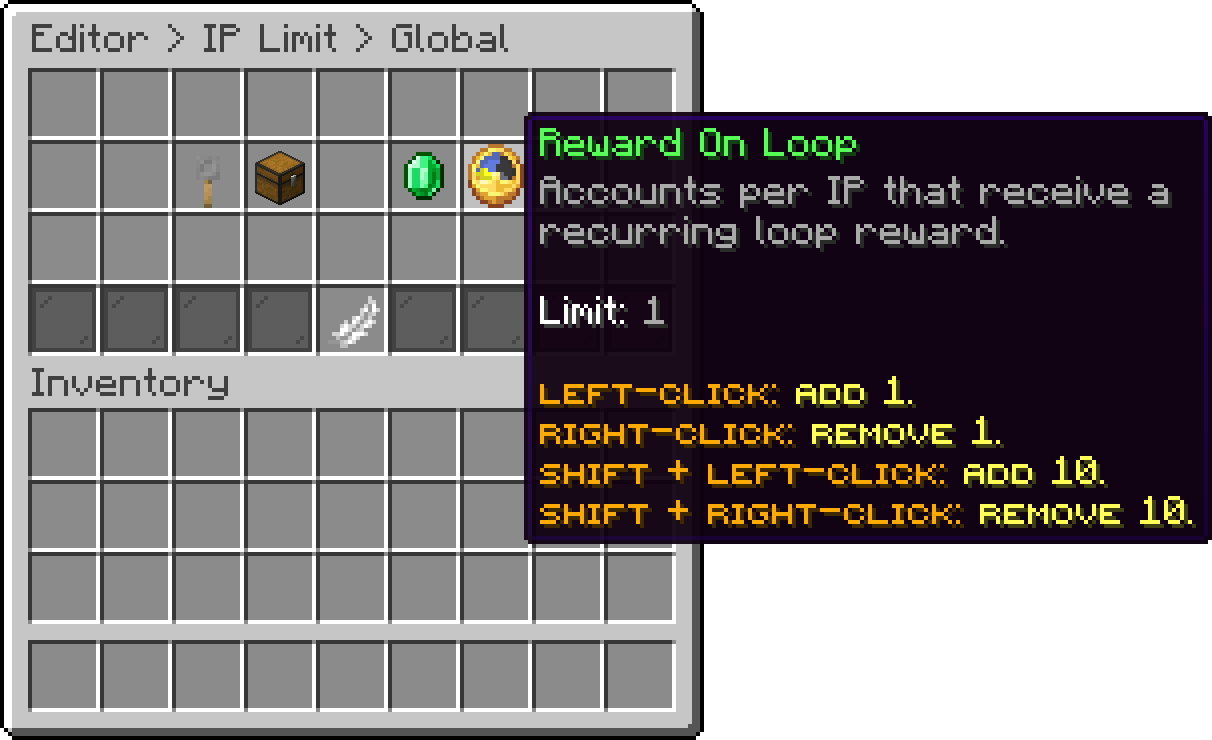
Editor > IP Limit > Global
Lists every registered key so a single one can carry its own cap instead of the Give Key All value. Keys with no override of their own are listed as inherited.
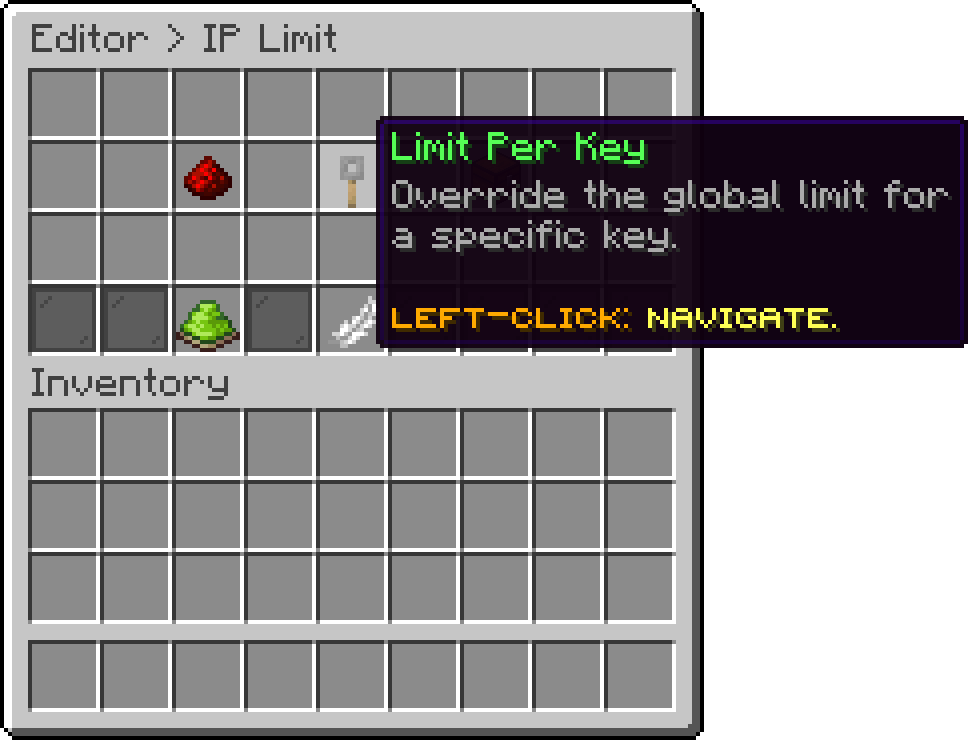
Editor > IP Limit
The same list for crates. A crate override replaces the Give Crate All value and the Share With Players Online value for that crate, so it covers both the giveaway command and rewards shared from inside it.
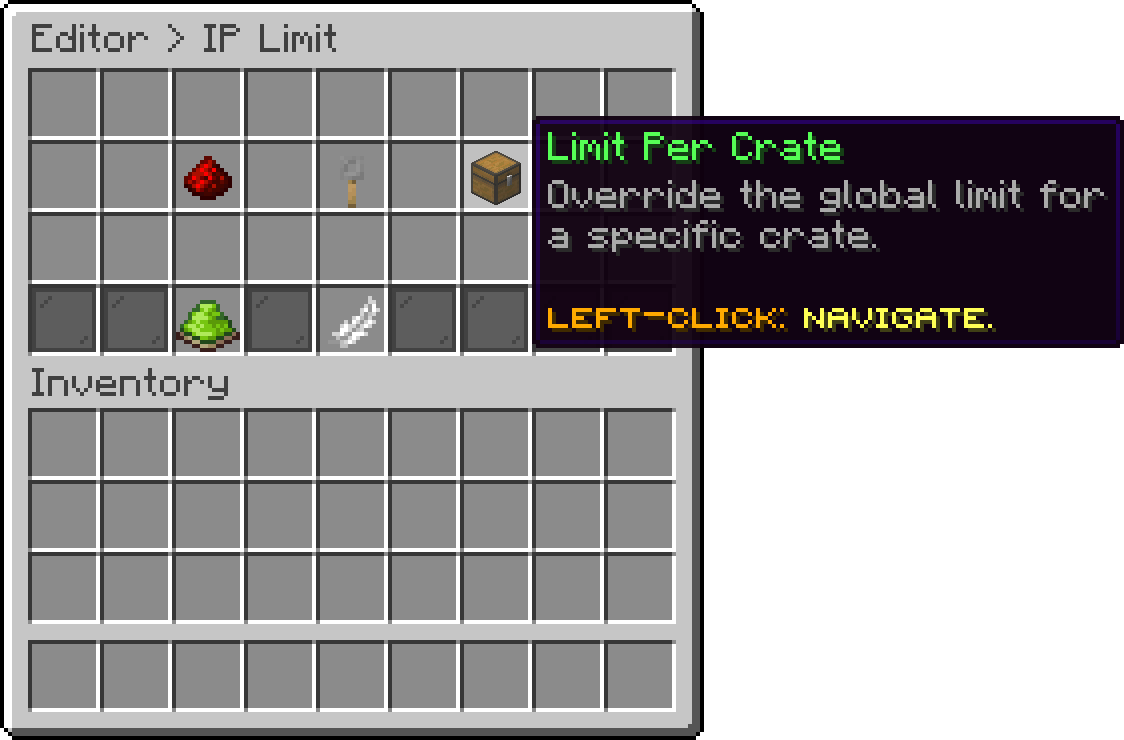
Editor > IP Limit
The cap for this key or crate on its own. It opens showing the global value it currently inherits, and setting it here creates the override.
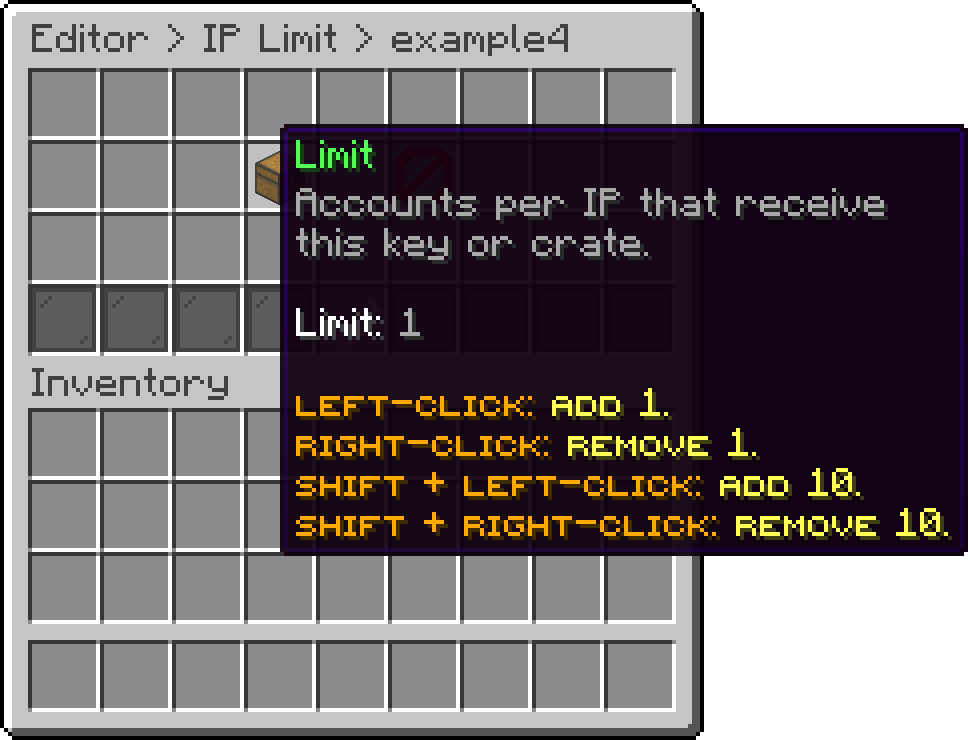
Editor > IP Limit > Crate
Removes the override so the key or crate follows the global value again. This is not the same as setting the limit to 0, which would make that one key or crate unlimited while the global cap stays in place.
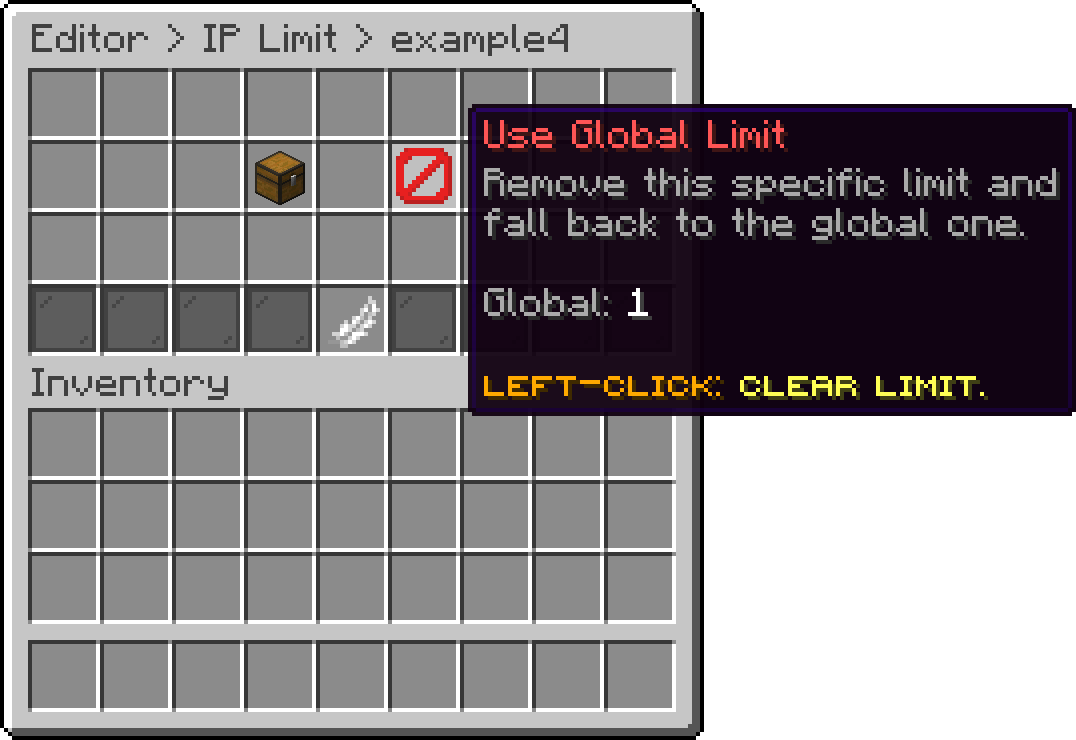
Editor > IP Limit > Crate
Players whose IP address cannot be read are never filtered out, so a proxy setup that hides the real address leaves the limits with nothing to match on.
Your cart is empty
Looks like the spiders padded through here. Pick a plugin and it will show up here. Continue shopping