






Your cart is empty
Looks like the spiders padded through here. Pick a plugin and it will show up here. Continue shoppingCreate rarities, edit them and tune how they weigh the rewards attached to them.
The Rarity add-on adds categories to PhoenixCrates. Rarities are attached to rewards to synchronize their drop rates, or to keys to guarantee a reward of a specific rarity.
Rarities - Add-On
You can purchase this add-on on Phoenix Plugins
To install this add-on, you can either:
The add-on requires the Premium edition.
Rarities have their own category in the editor, where they are created and managed. Clicking the stained glass adds a new one.
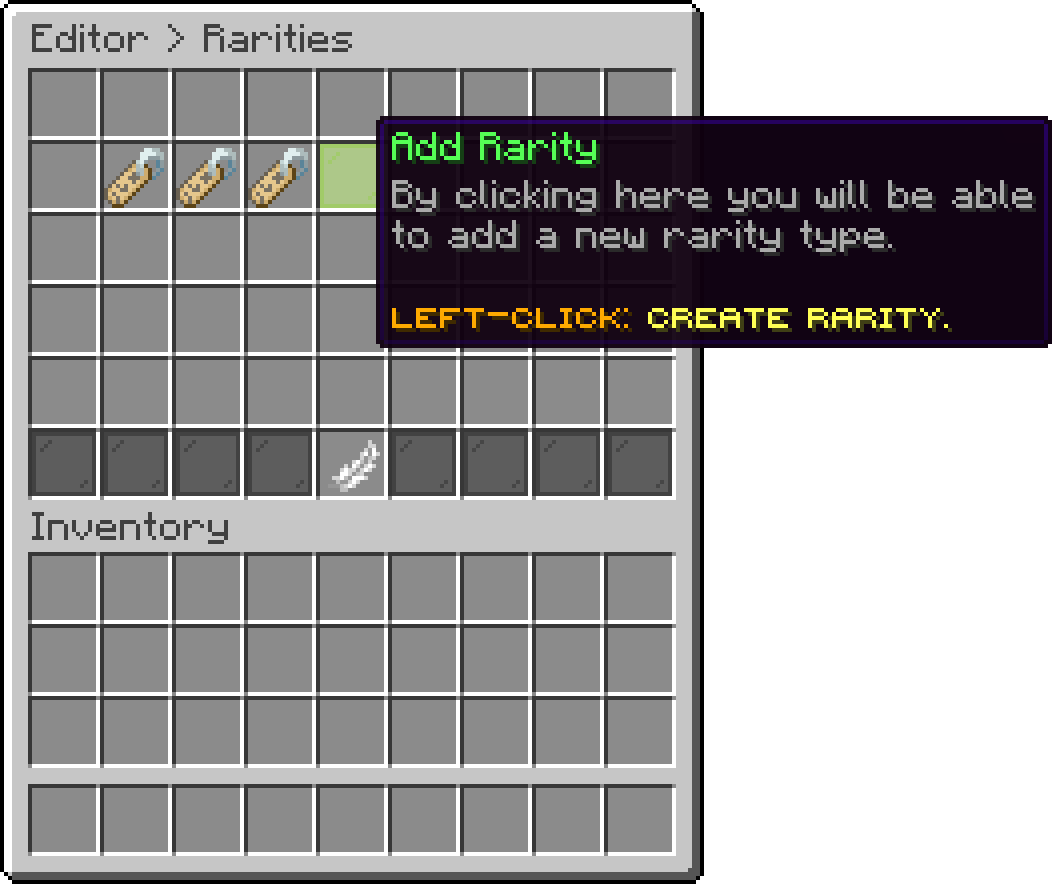
Editor > Rarities
Every rarity already created is listed there with its identifier, and opening one leads to its own settings.
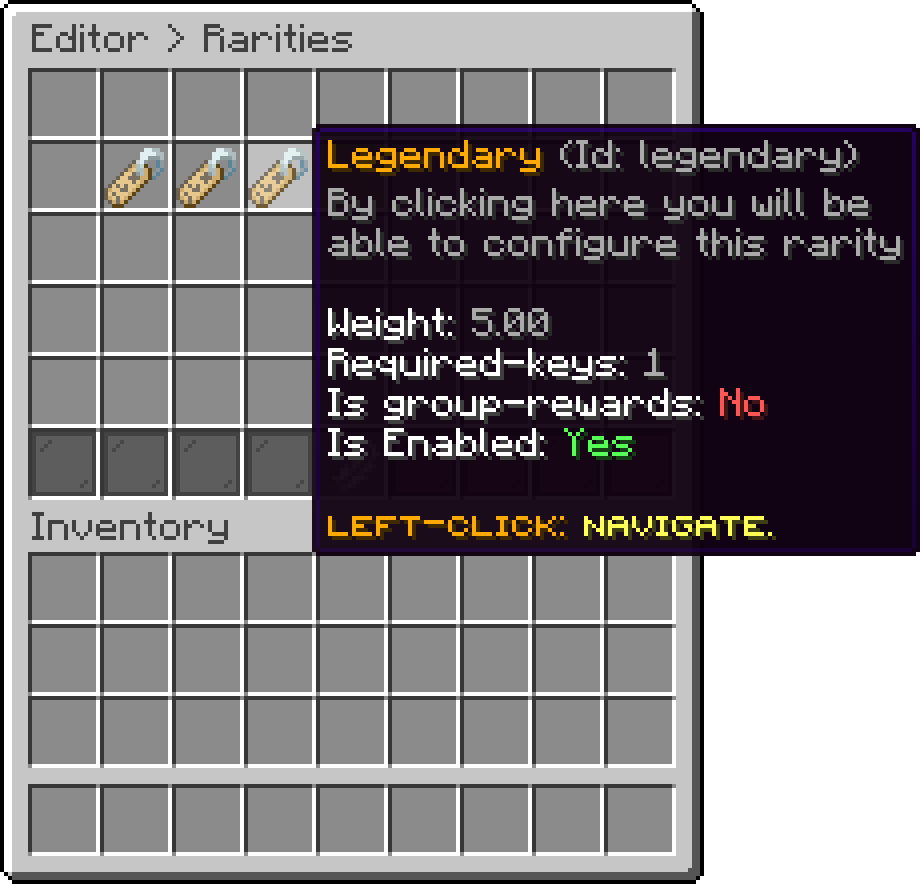
Editor > Rarities
A rarity is attached to rewards on Reward Rarity and to keys with Guarantee Rarity Reward.
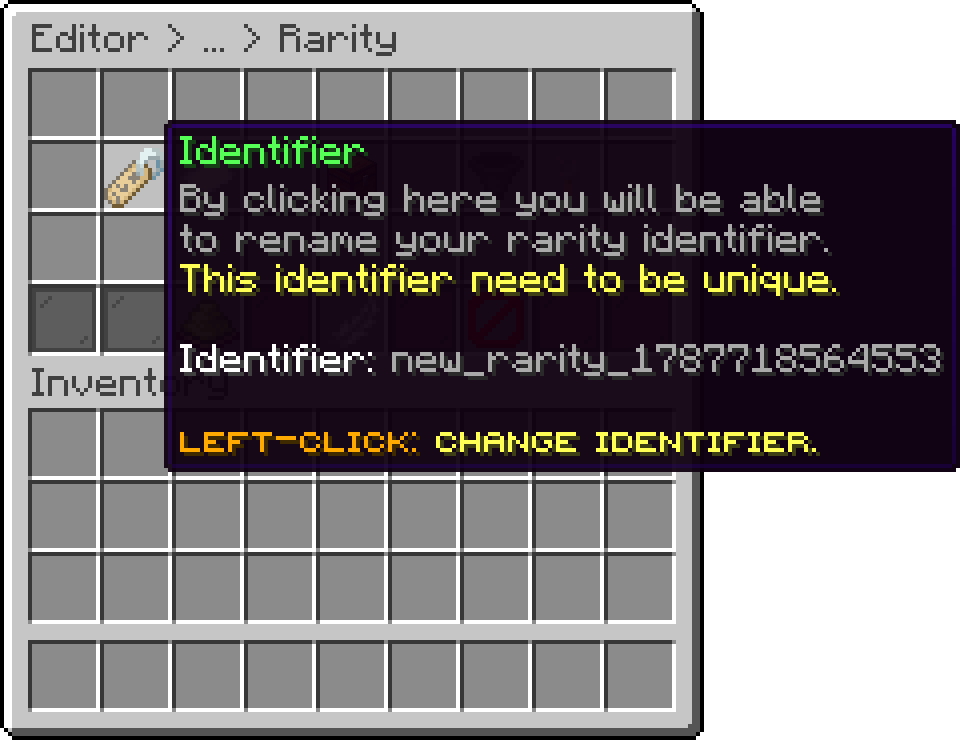
With this option, you can set an identifier for the rarity. Note that the rarity identifier is unique and used internally by the plugin, and its different from the display name.
Editor > Rarities > Rarity
If the identifier is changed, all rarities associated with the rewards/keys will no longer work.
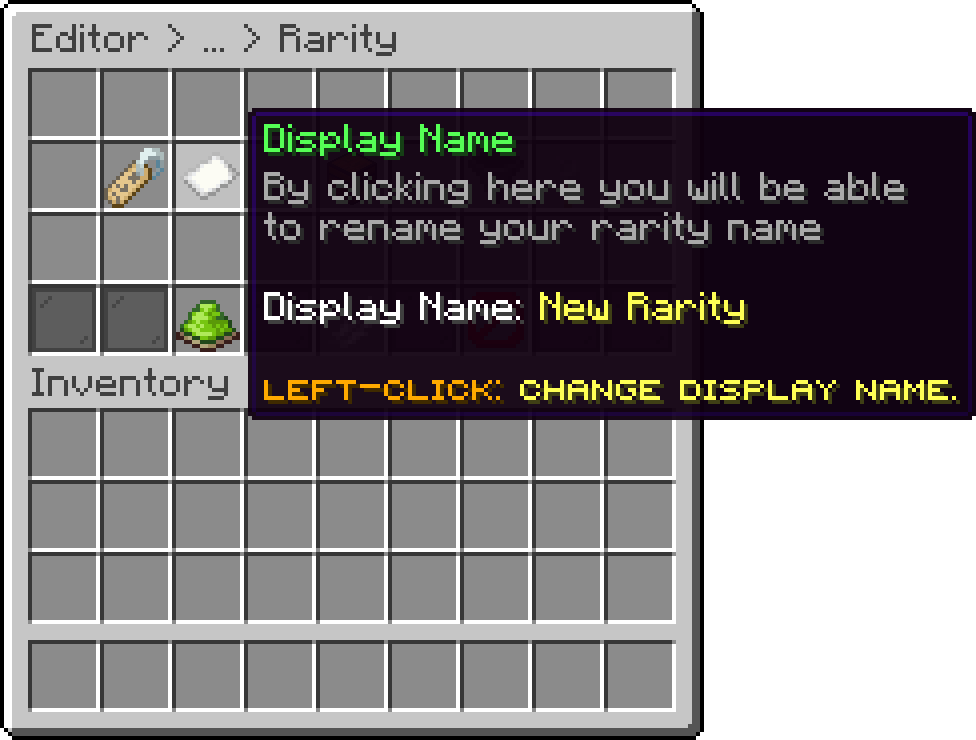
With this option, you can adjust the display name of the rarity. The display name is typically shown in the reward/key lore.
For the display name, you can use the default Minecraft color codes. For hex colors, use the &#D6D045 format.
Editor > Rarities > Rarity
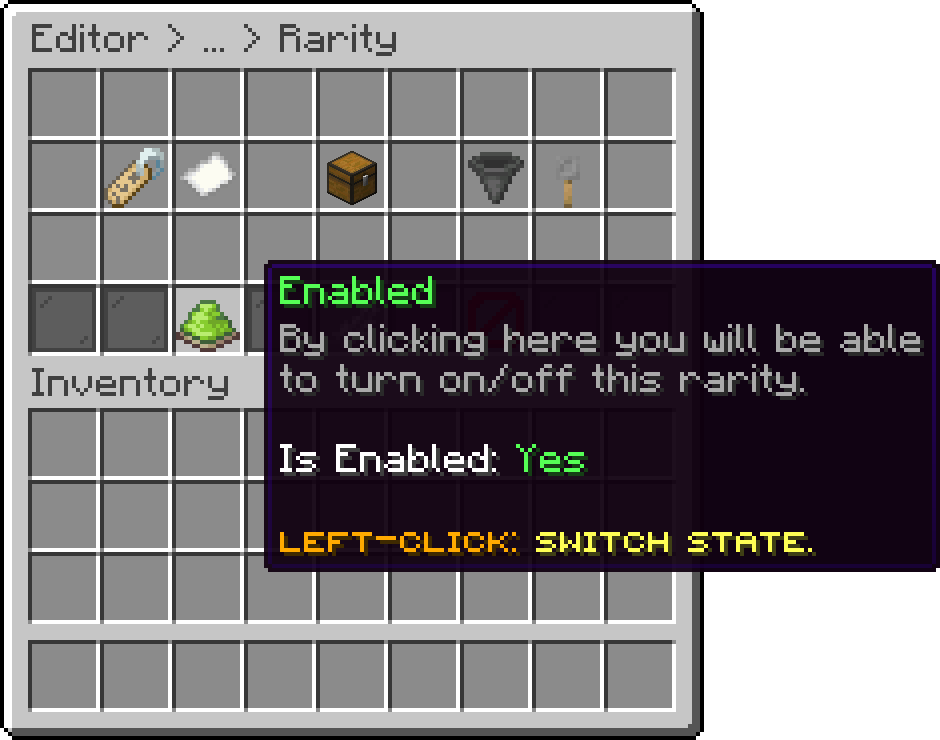
With this option, you can disable the rarity. The rarity will remain to the key and rewards, but only as a display name for their lore.
Editor > Rarities > Rarity
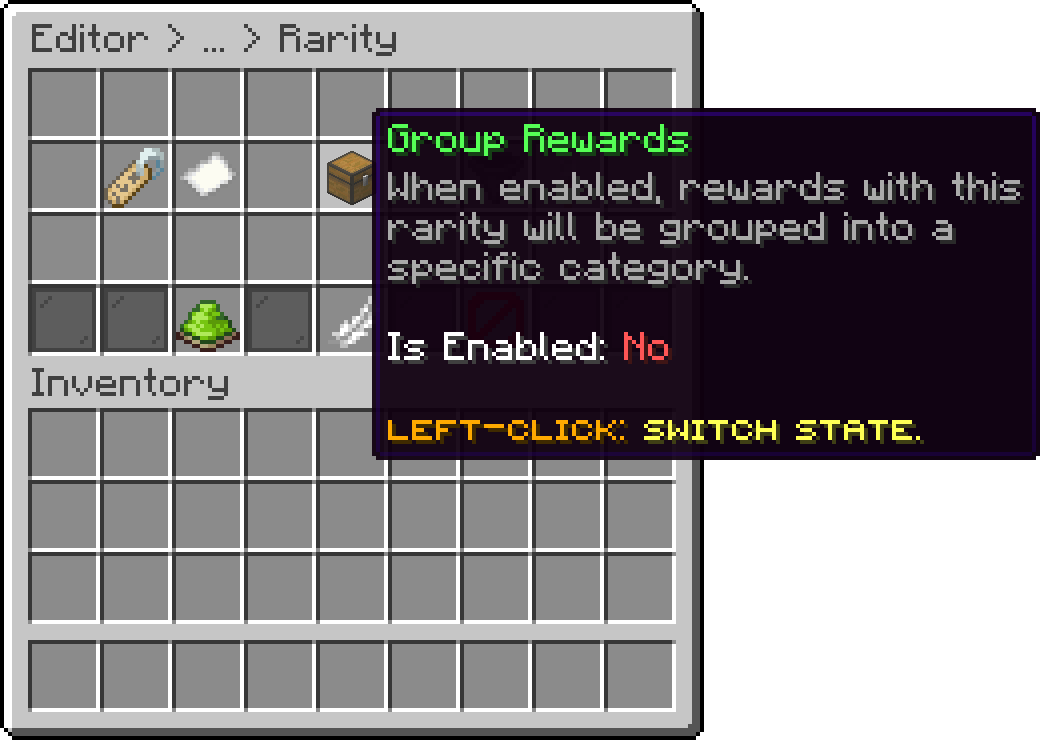
With this option, every reward carrying this rarity is collapsed into a single category icon in the rewards preview, the select reward menu and the mass selection menu, instead of being listed one by one. The category and the item representing it are covered in Reward Groups.
Editor > Rarities > Rarity
This option allows you to permanently delete a rarity. Note that selecting it will first open a confirmation menu before the key is deleted. Additionally, the rarity will still be attached to a reward/key.
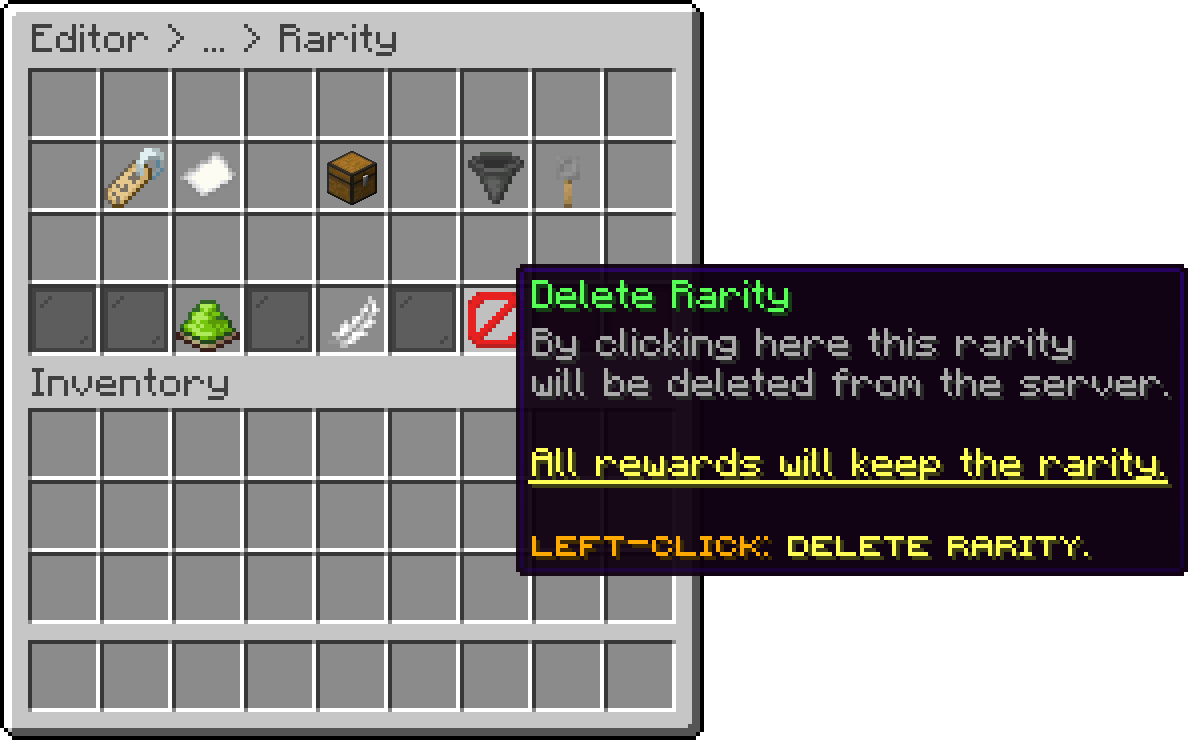
Editor > Rarities > Rarity
This option is permanent, and rewards can't be restored.
With this, you can set a weight value for the rarity (default 100). Every reward attached to that rarity has its own individual chance weight multiplied by rarity weight / 100 before the crate's normal chance calculation runs, so a higher rarity weight makes every reward under it proportionally more likely to be picked, and a lower weight makes them rarer, without having to edit each reward's chance individually. It is not a percentage and does not reserve a share of the draw.
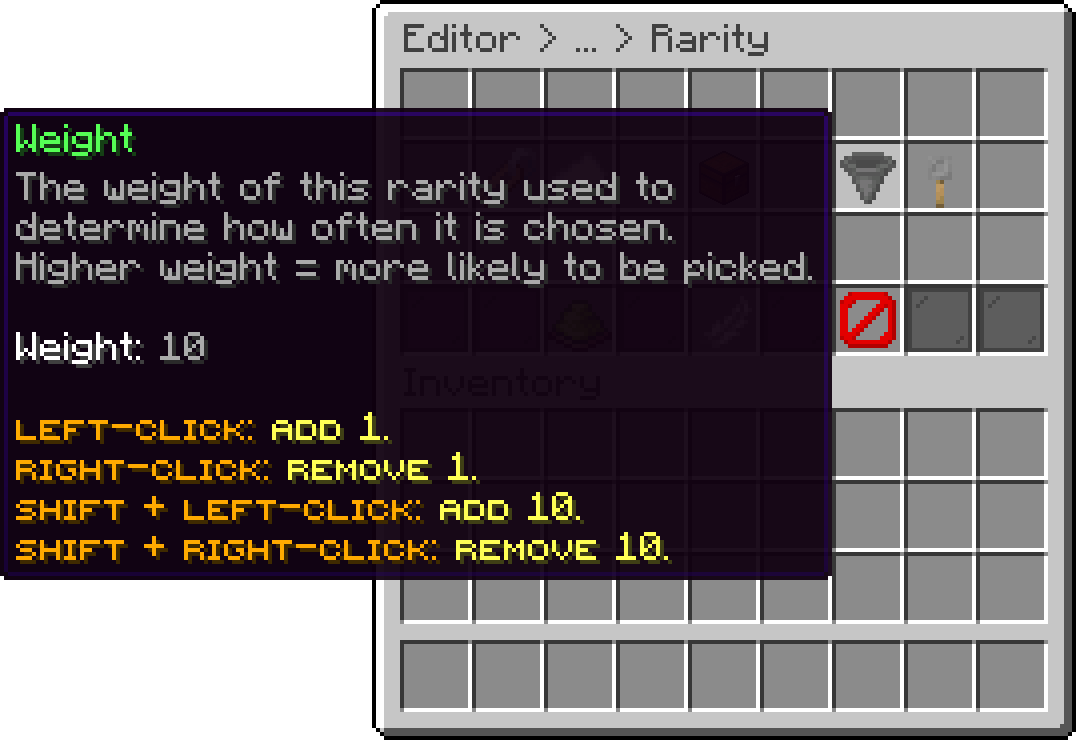
Editor > Rarities > Rarity
If a rarity is disabled, every reward attached to it becomes impossible to win (effective weight 0) until the rarity is re-enabled.
With this, you can set how many keys are required to redeem a reward of this rarity when the crate uses the Selective (non RNG) rewards mode (default 1). Once a rarity is assigned to a reward, this value overrides that reward's own individual Required Keys setting.
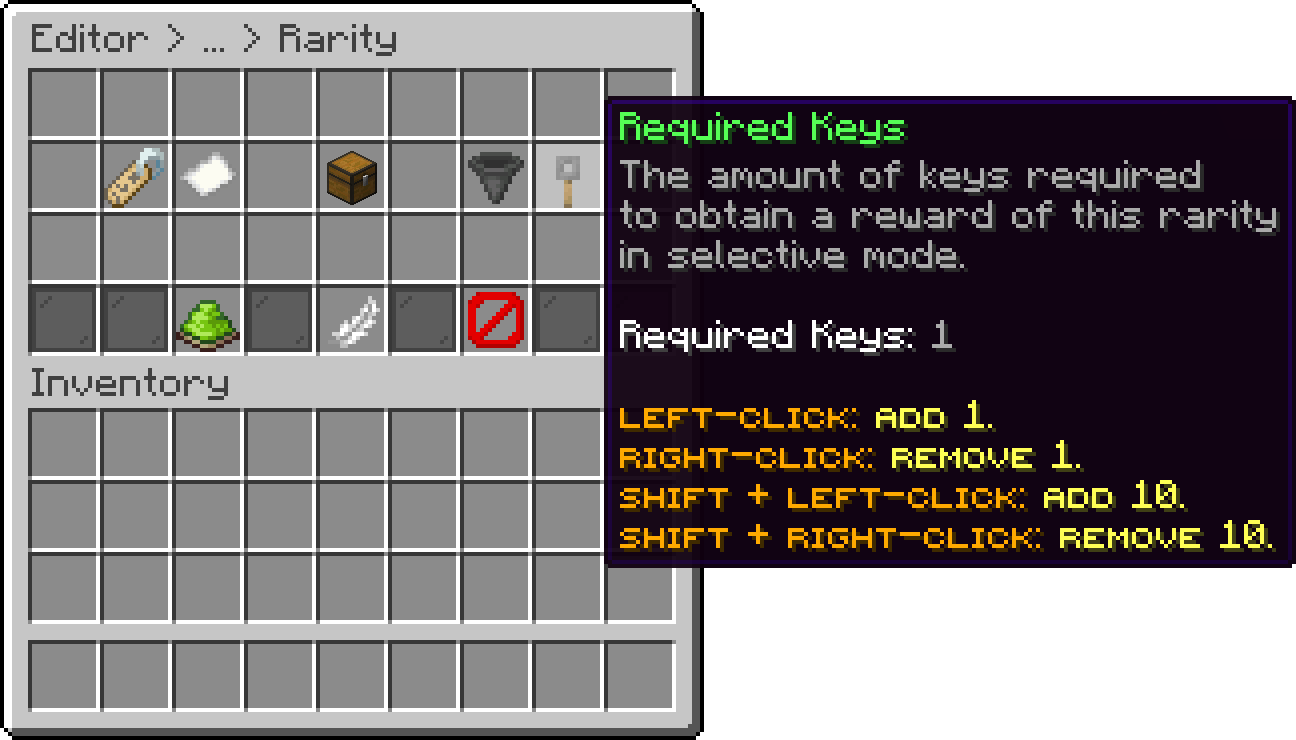
Editor > Rarities > Rarity
With this, you can pick a second phase animation for the rarity. When the reward drawn from a crate has this rarity, its animation plays instead of the crate's own second phase. Leaving it on Crate Default keeps the crate's animation.
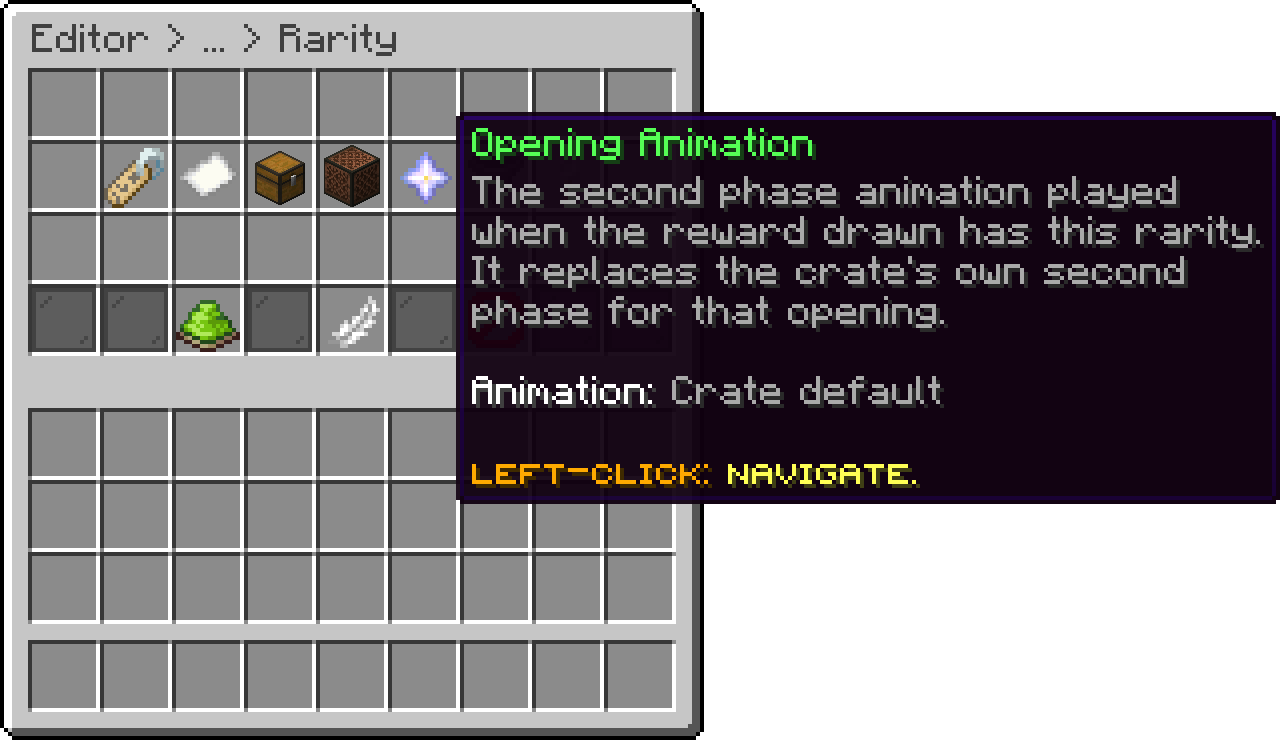
Rarity (Opening Animation)
The override only applies when the rarity's animation runs in the same place as the crate's: a GUI animation can replace a GUI one and a world animation a world one. Otherwise the crate's animation plays. When one opening draws several rewards, the first one decides. Only GUI animations and world animations without settings of their own can be picked.
With this, you can set actions that run when a reward of this rarity is won, such as a sound or a broadcast for a legendary drop. They replace the crate's and the global On Win actions, and a reward with its own win actions still uses those instead. The placeholders and how one opening with several rewards is handled are covered in Event Actions.
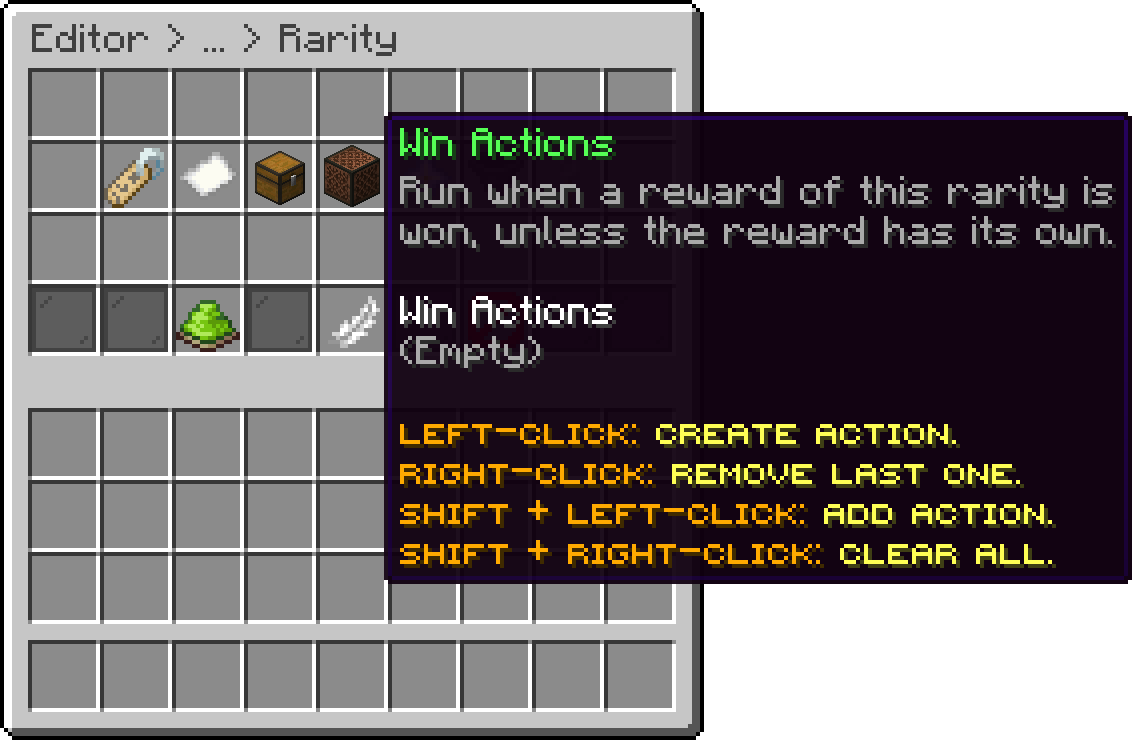
Rarity (Win Actions)
Your cart is empty
Looks like the spiders padded through here. Pick a plugin and it will show up here. Continue shopping