







Your cart is empty
Looks like the spiders padded through here. Pick a plugin and it will show up here. Continue shoppingGive every online player a reward on a fixed timer.
The Reward On Loop add-on gives a reward to every online player on a fixed timer, independently from crates and keys.

Reward On Loop - Add-On
You can claim this add-on for free on Phoenix Plugins
To install this add-on, you can either:
The add-on requires the Premium edition. PlaceholderAPI is only needed for the countdown placeholders, the rewards themselves fire without it.
Loop rewards are reached from the Reward On Loop button in the main editor. Each one runs on its own timer, so several can fire on completely different schedules.
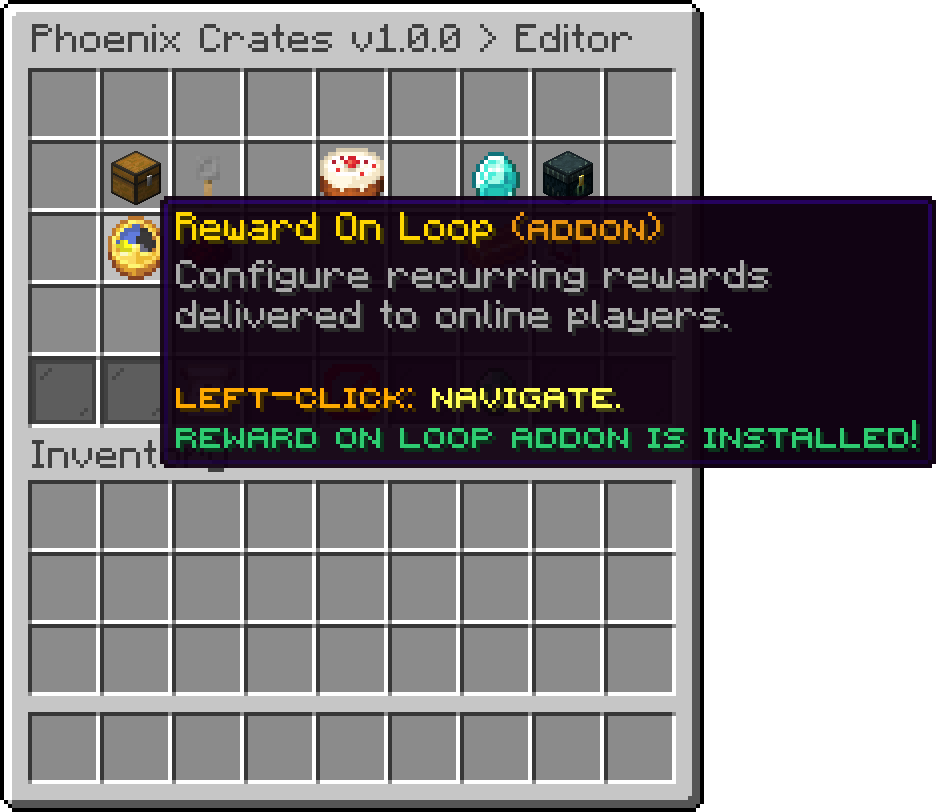
Editor
Creates a new loop reward and opens it for editing. There is no limit on how many you can have, and a new one starts on its interval right away.
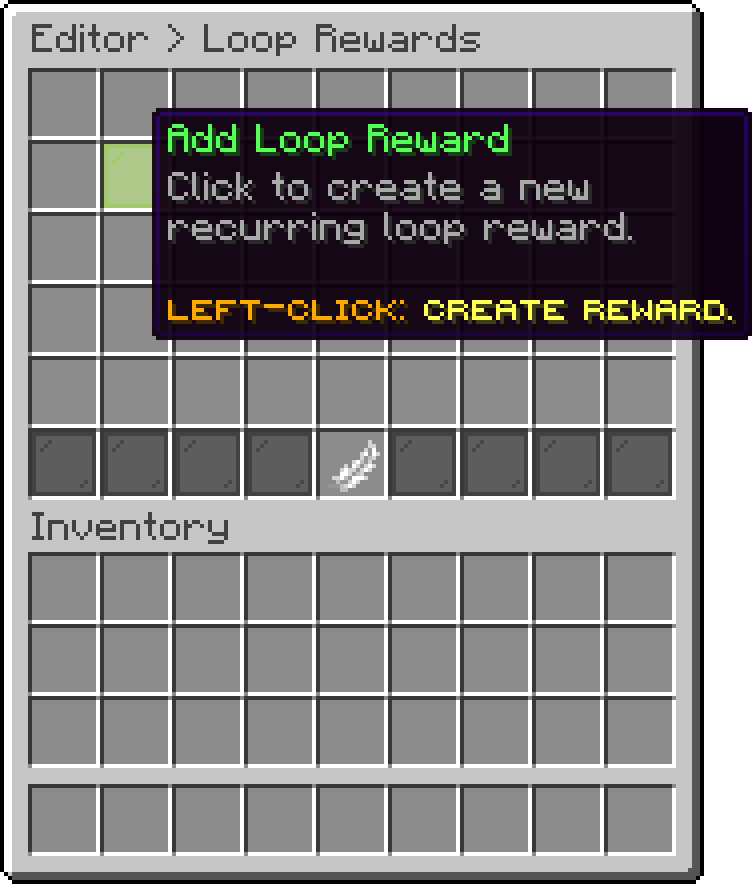
Editor > Loop Rewards
The icon and name the reward is listed under in the editor. It is never given to anyone, but its name is what %reward% prints in the win message.
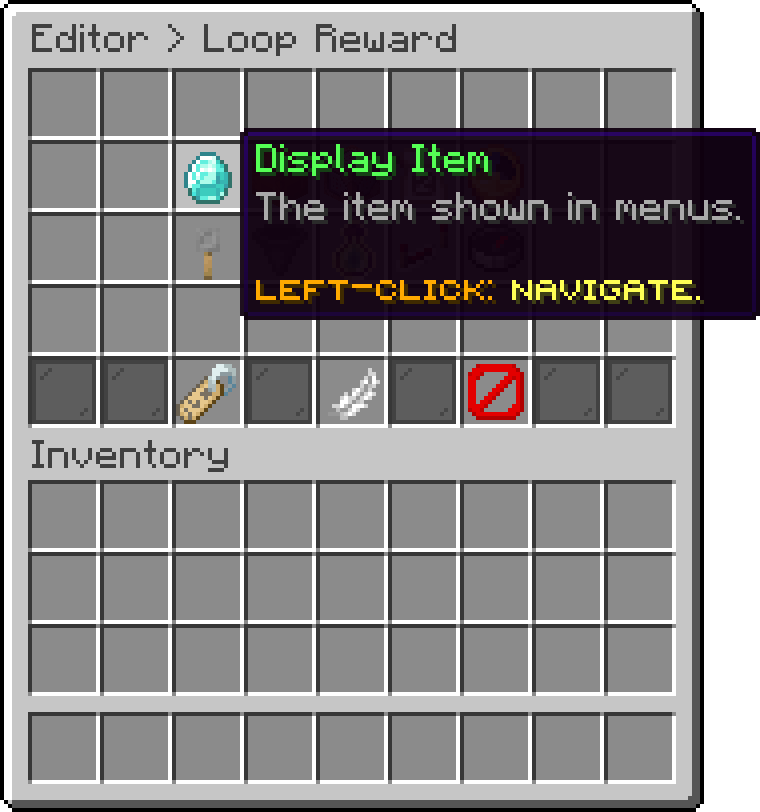
Editor > Loop Reward
The physical items handed to each player when the reward fires.
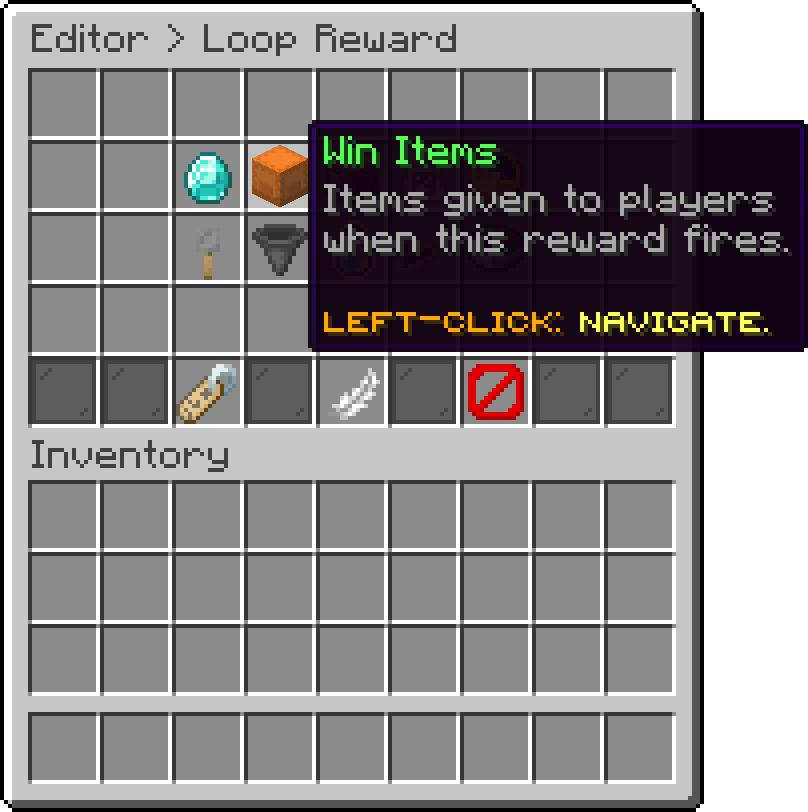
Editor > Loop Reward
The commands run when the reward fires, once per receiving player.
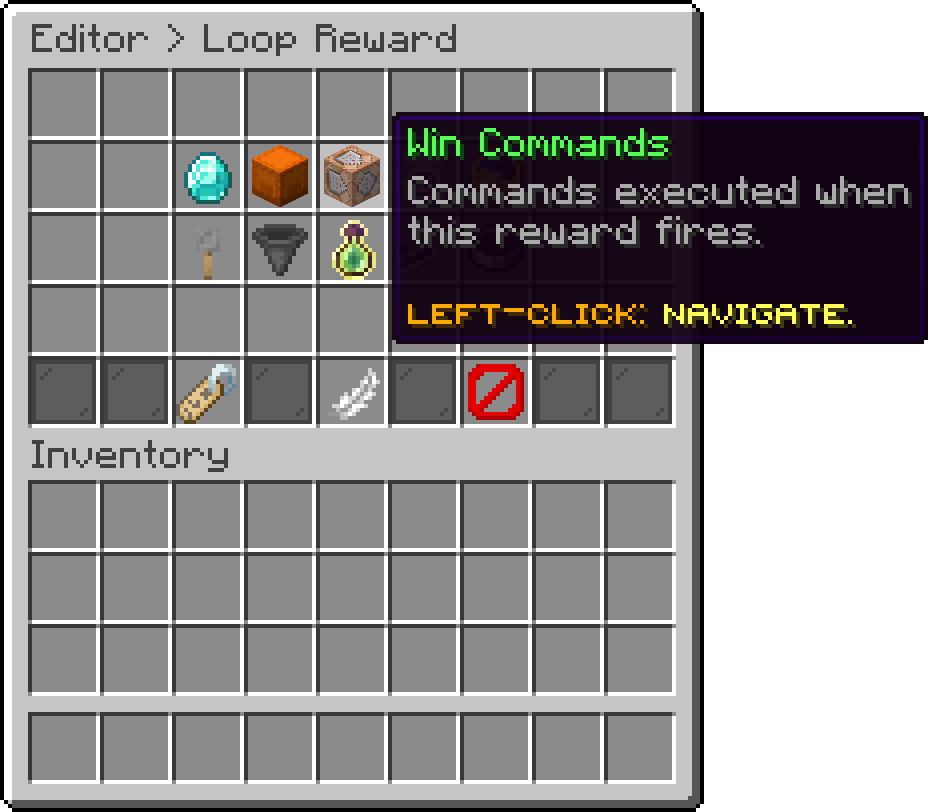
Editor > Loop Reward
The message each receiving player is sent. Leaving it empty sends nothing at all, which is the way to make a reward arrive silently.
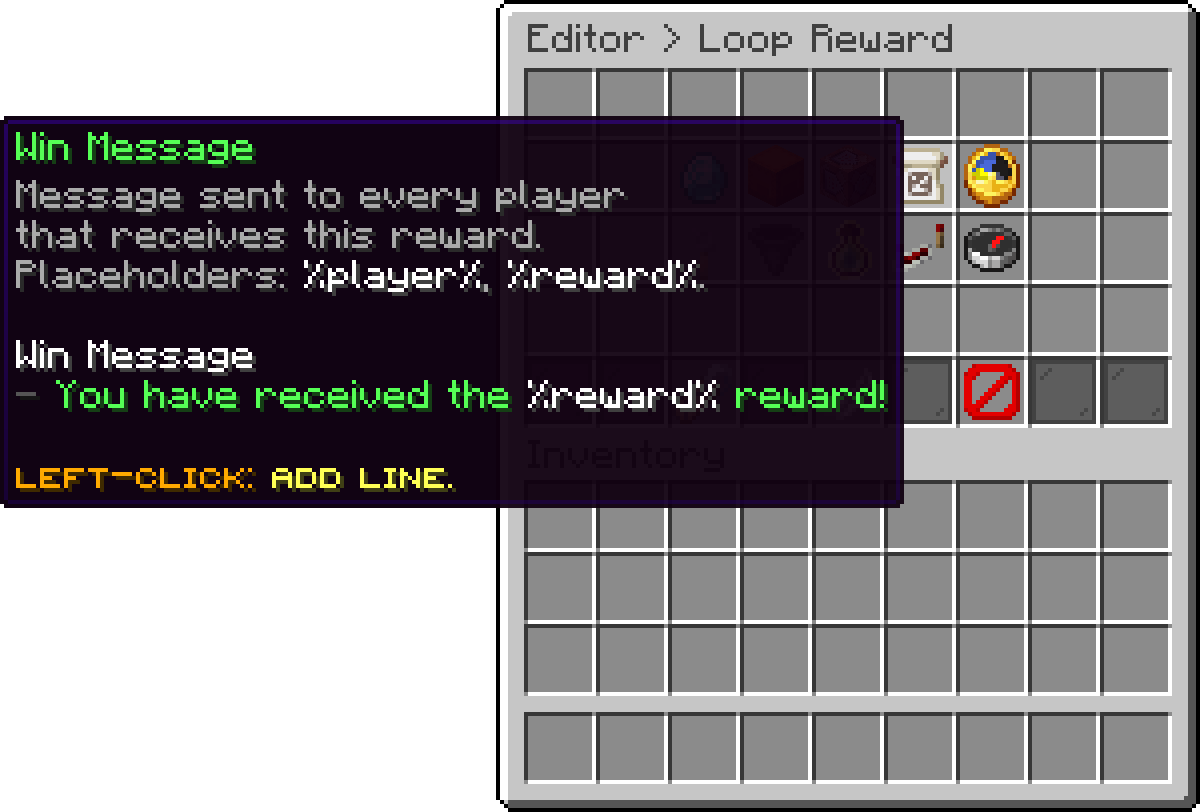
Editor > Loop Reward
How long between two firings of this reward. Changing it restarts the countdown, so the next reward is a full interval away rather than carrying over what had already elapsed.
An interval of 0 stops the reward from ever firing, which is how a loop reward is paused without deleting it.
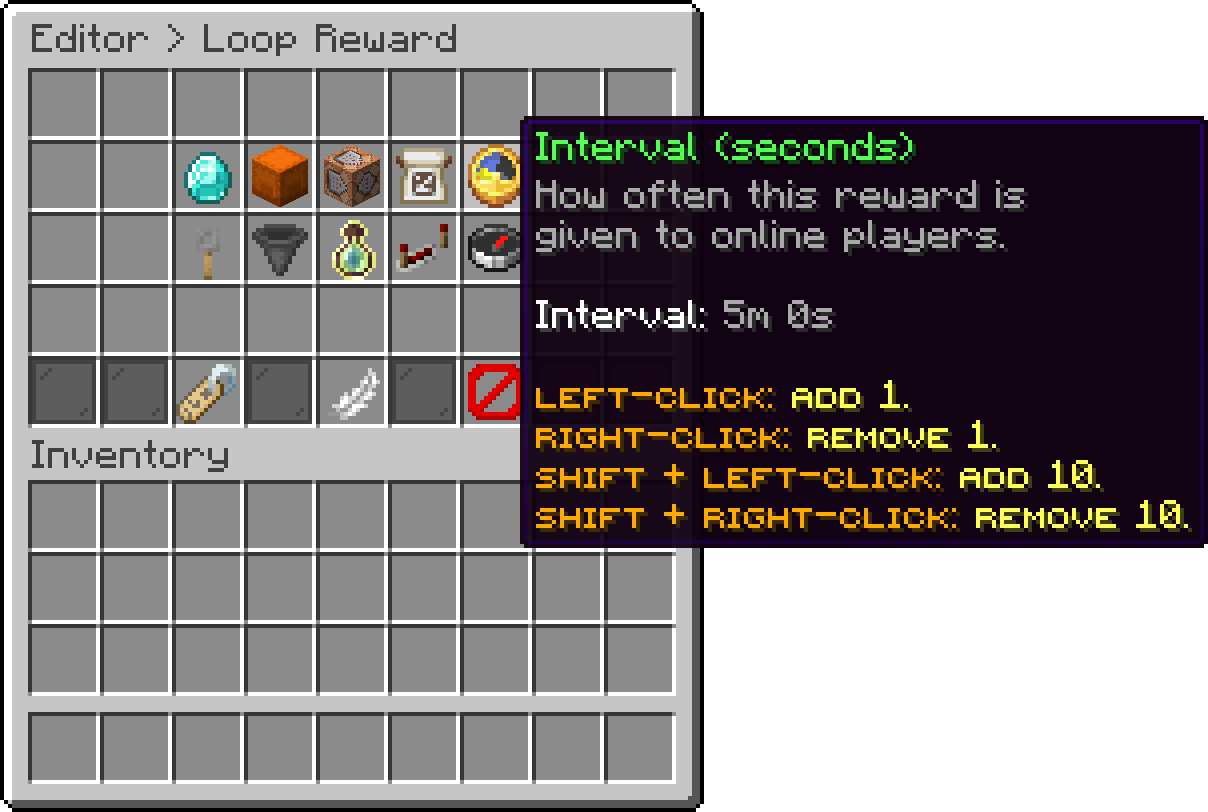
Editor > Loop Reward
Whether the countdown is shared or personal. Changing it restarts the countdown the same way the interval does.
| Mode | Behaviour |
|---|---|
| Global | One countdown for the whole server, so everyone is rewarded at the same moment. This is the default. |
| Per Player | Each player has their own countdown, starting the moment they join. |
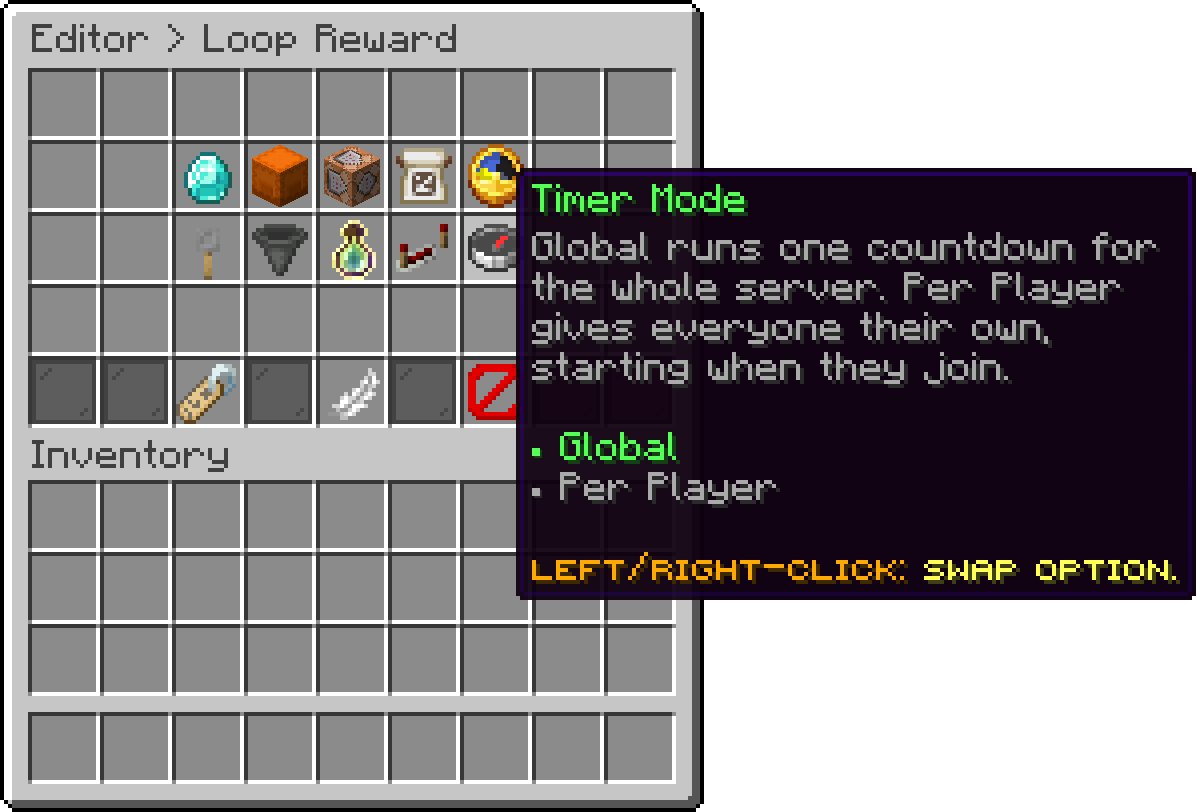
Editor > Loop Reward
A Per Player countdown is dropped when the player disconnects, so they begin a fresh interval on their next join instead of resuming where they left off. A player who reconnects often enough never reaches the reward.
Restricts the reward to players holding at least one of the listed permissions. An empty list, which is the default, gives it to everyone.
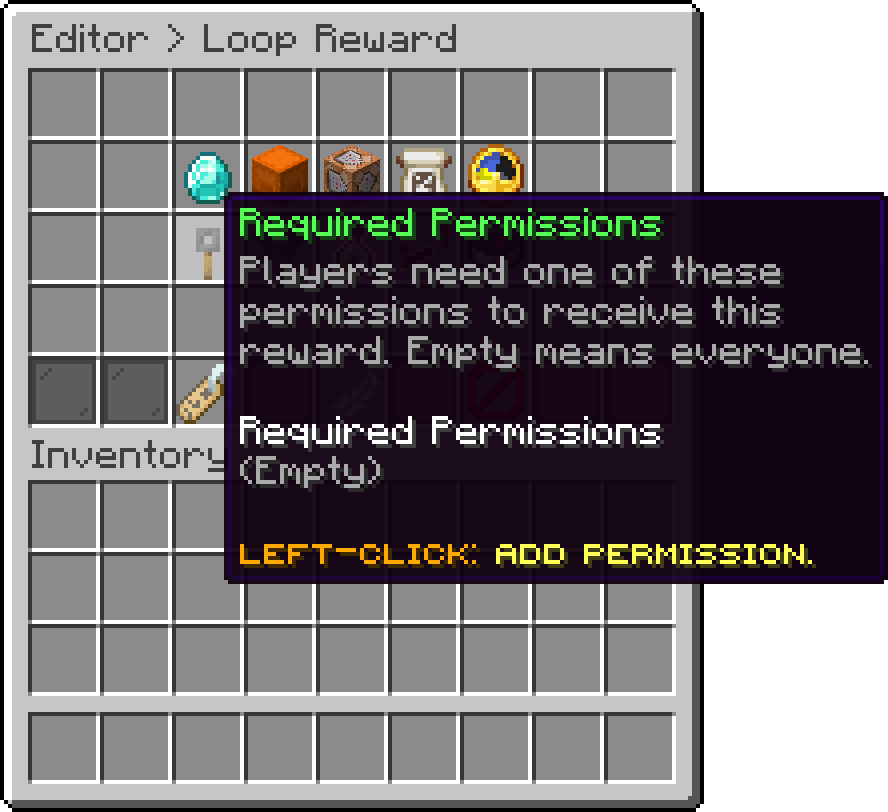
Editor > Loop Reward
Caps how many of the win items are actually delivered per firing. Unlimited hands over the whole list.
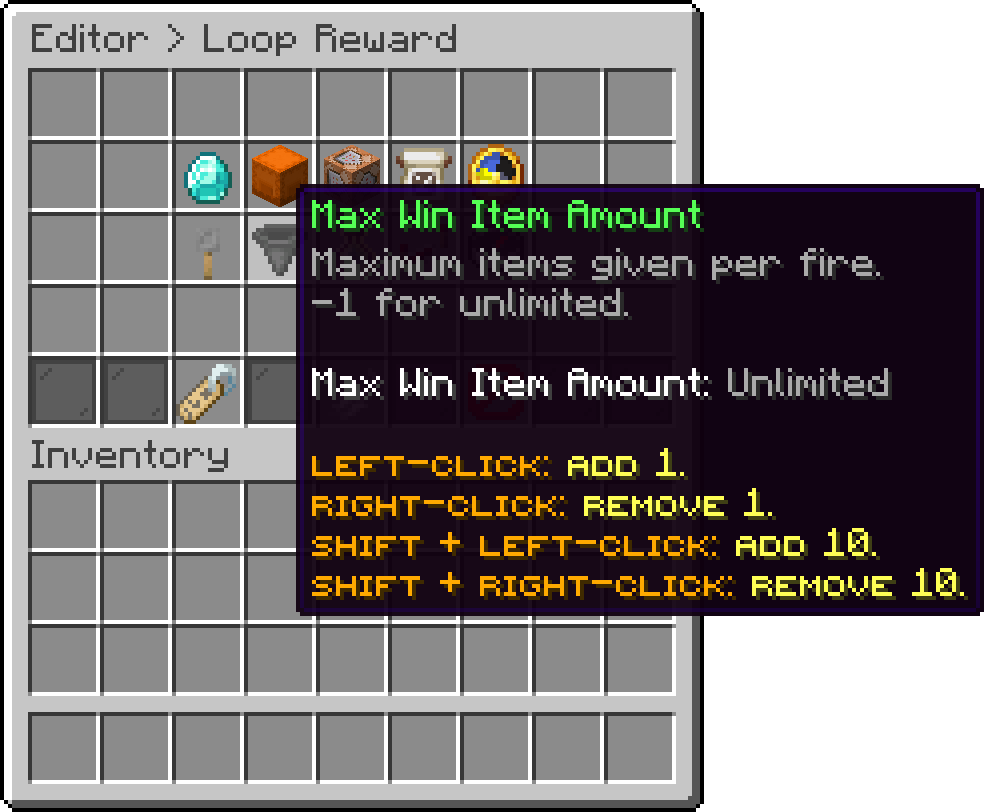
Editor > Loop Reward
The same cap for the win commands.
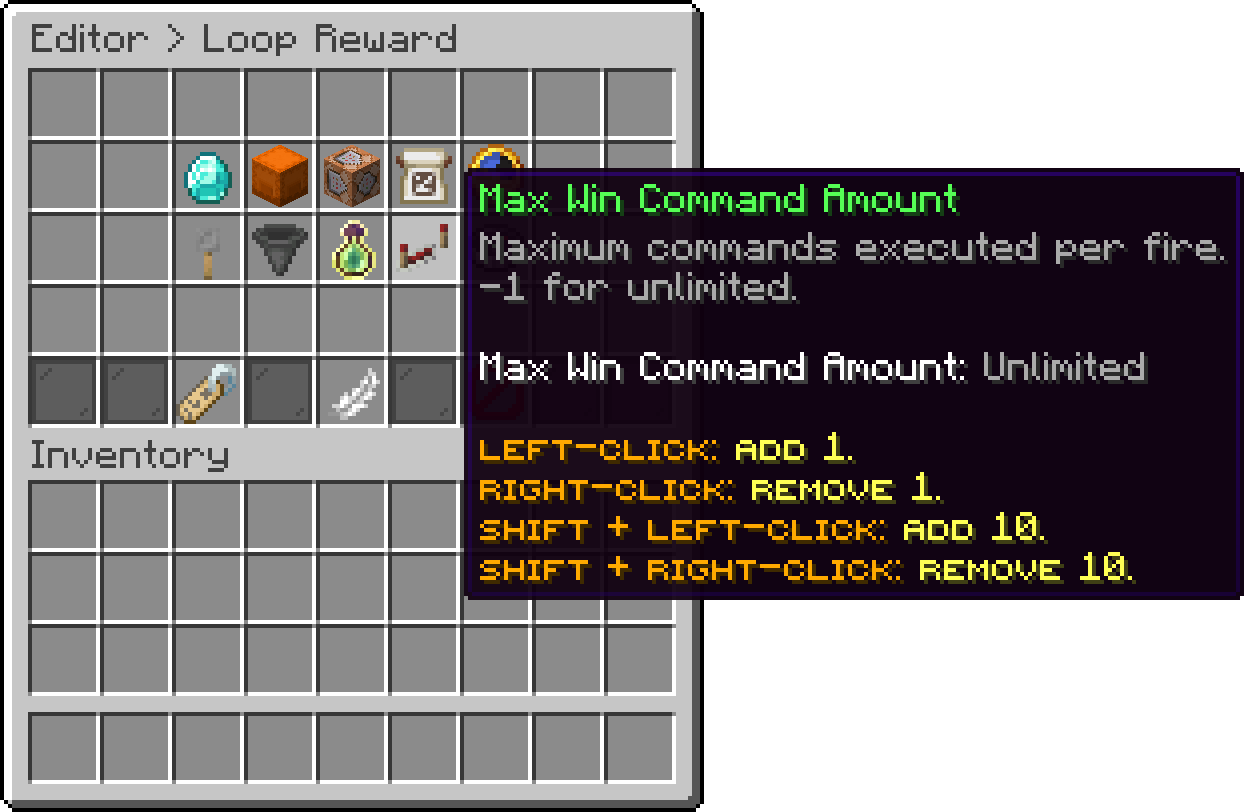
Editor > Loop Reward
How many times one player may receive this reward before being skipped for good.
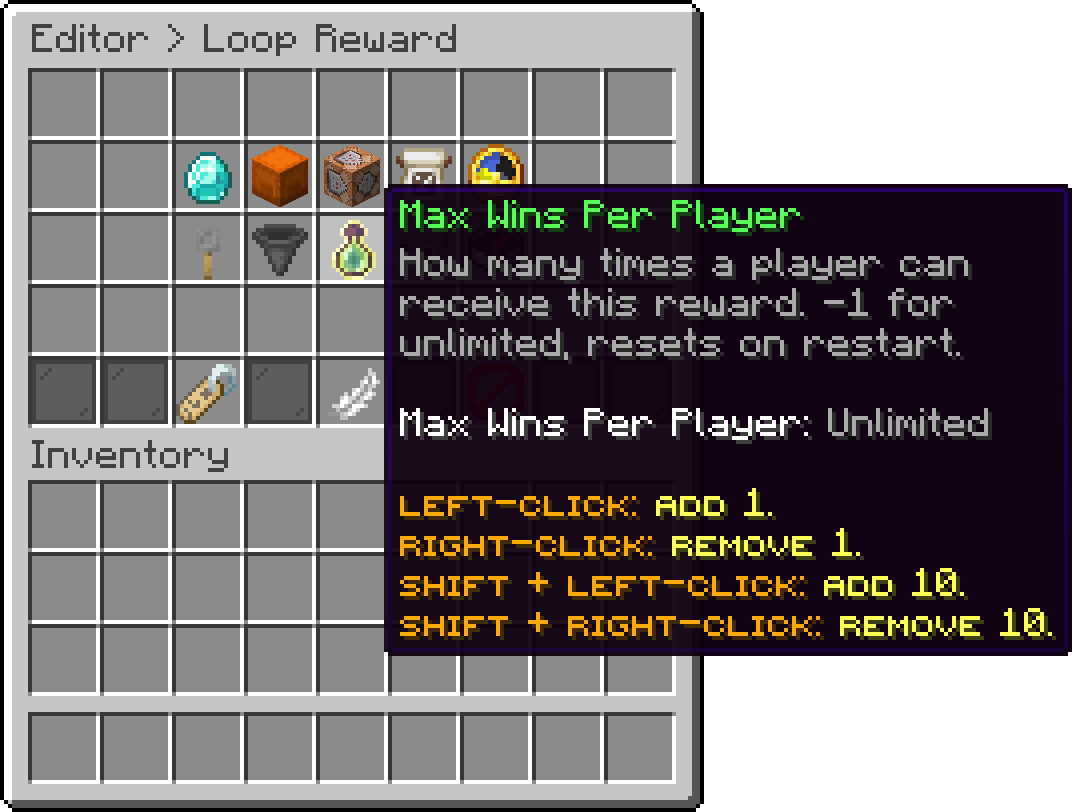
Editor > Loop Reward
Win counts are held in memory only, so a server restart lets everyone win up to the cap again. Renaming the reward's identifier clears them the same way.
The internal name the countdown placeholders address the reward by. It cannot contain spaces, and renaming it restarts the countdown.
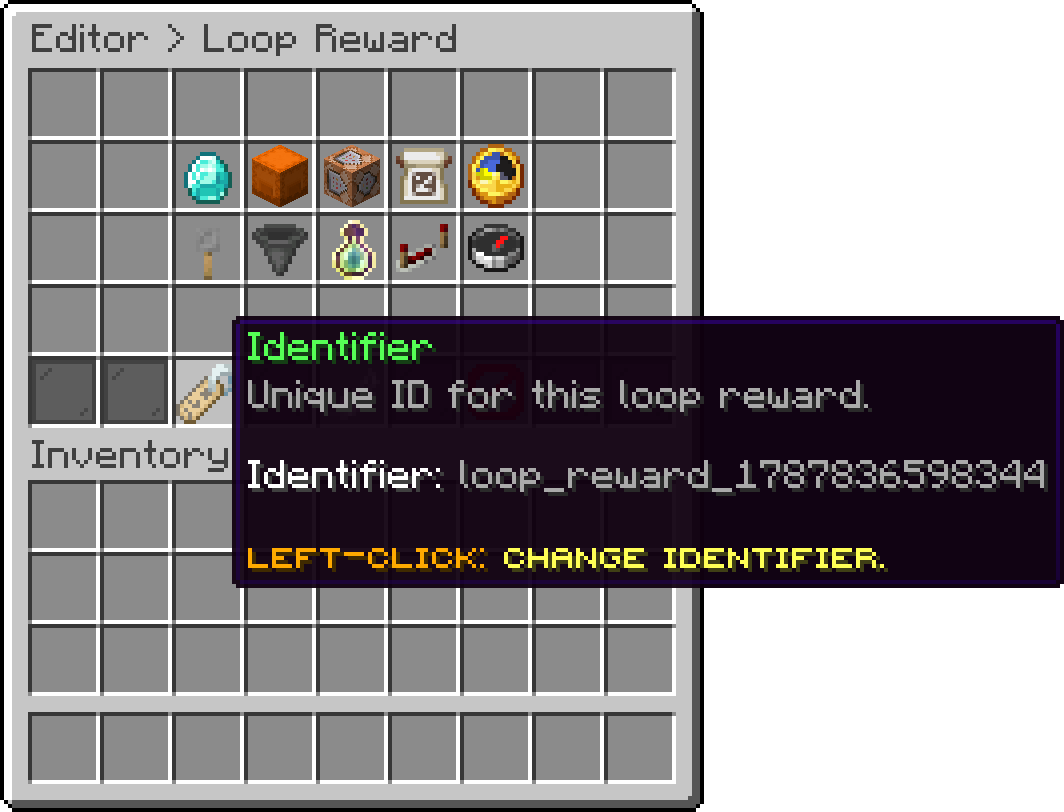
Editor > Loop Reward
Permanently removes the loop reward after a confirmation prompt.
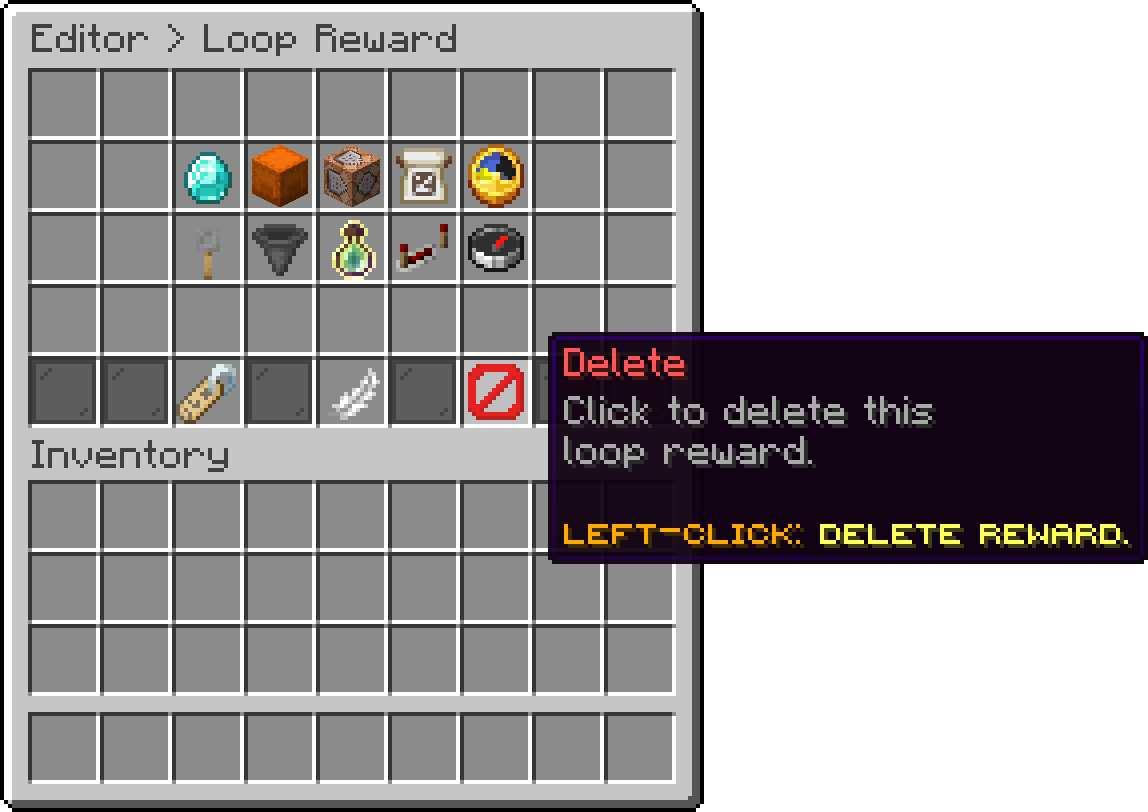
Editor > Loop Reward
With the IP Limit add-on installed, a loop reward reaches only a limited number of accounts per IP address each time it fires. That cap is set under Global Limits and cannot be overridden per key or crate.
Every placeholder reports the time left until a loop reward fires again. With Per Player timer mode they show the viewing player's own countdown, and with Global they show the one shared countdown.
| Placeholder | Description |
|---|---|
| %phoenixcrates_rewardonloop_nextReward_<reward_id>% | Time remaining, formatted as 1h 20m 5s. |
| %phoenixcrates_rewardonloop_nextReward_<reward_id>_hours% | Whole hours remaining. |
| %phoenixcrates_rewardonloop_nextReward_<reward_id>_minutes% | Minutes remaining within the current hour. |
| %phoenixcrates_rewardonloop_nextReward_<reward_id>_seconds% | Seconds remaining within the current minute. |
The three unit variants are parts of one countdown rather than three separate totals, so they are meant to be combined into a single line.
A reward identifier that does not exist reports zero rather than an error, so a countdown stuck at 0s usually means the identifier is misspelled.
hours, minutes, seconds and formatted are read as unit suffixes, so a reward whose identifier ends in one of them cannot be queried. Rename it if a countdown refuses to resolve.
Your cart is empty
Looks like the spiders padded through here. Pick a plugin and it will show up here. Continue shopping