






Your cart is empty
Looks like the spiders padded through here. Pick a plugin and it will show up here. Continue shoppingChoose how a crate is shown in the world, from a plain block to an animated custom model.
The engine decides how the crate is shown in the world: a Vanilla Block, a Vanilla Model with custom model data, or an animated model from Model Engine or Better Model.
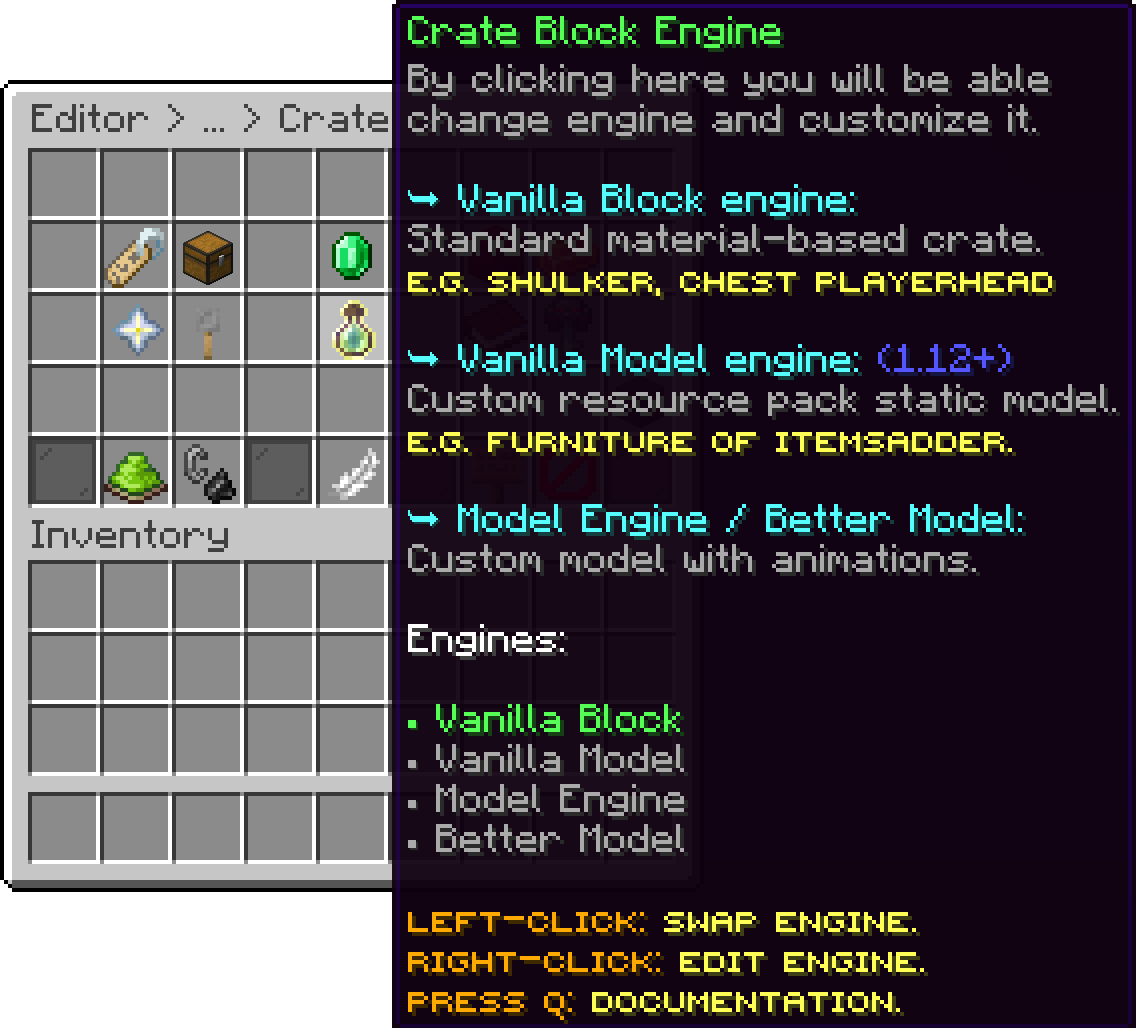
Editor > Crates > Crate
This is the default engine for a crate, and it's the simplest option. With this engine, you can select a specific block to act as your crate block.
.png)
Editor > Crates > Crate
For the vanilla crate block, you can set any block available in Minecraft. Certain blocks, like chests, ender chests, shulker boxes, and trapped chests, will also include their default vanilla opening animations.
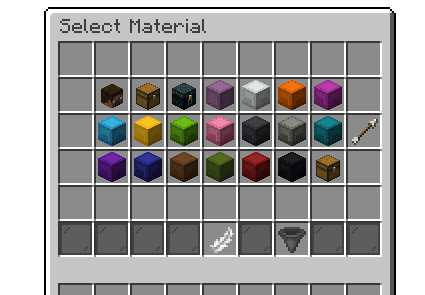
Select a Vanilla Block
If you can't find the block you are looking for in the Selection menu, you can specify it in the crate's config manually.
When you select Player Head as the crate material type, you can specify a value for the head to replicate.
.png)
Chat input for the Player Head
If you are using Paper, hold the player head in your main hand and run the /paper dumpitem command. This will return the value of the skull, which you can then use as the value for the crate.
.png)
Player Head Value
The following is an example of using TNT as the vanilla block crate type.
.png)
Vanilla Crate Block
With the Vanilla model, you can assign custom model data to your material, allowing you to use a custom model for your crate. However, due to the limitations of this engine, it cannot display animations. The crate will only appear in its static form.
Editor > Crates > Crate
When you right-click this option, a menu will appear where you can set the material and custom model data for the item. To easily check the material and custom model data of an item (if you're using Paper), the best way is to use the /paper dumpitem command while holding the item in your main hand.
The material is the vanilla item your model is applied to, and it is the item the crate is displayed as. Your resource pack applies the model to a specific material, so this has to be set to that same one, otherwise the custom data below has nothing to resolve against.
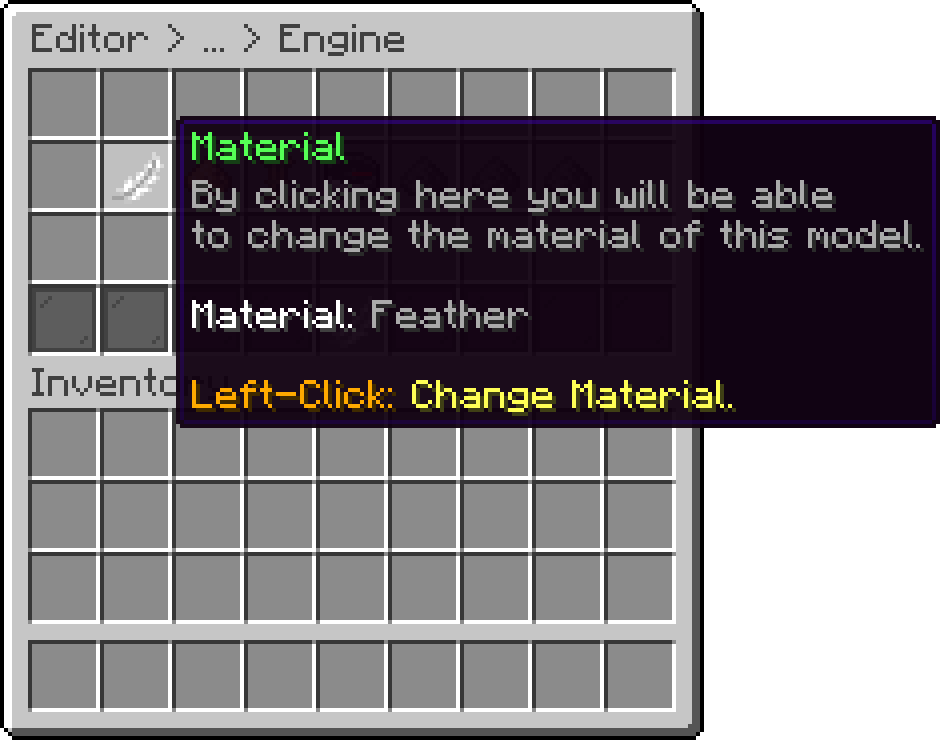
Editor > Crates > Crate > Engine
The custom data is the value that points to the model inside your resource pack. Typing a number sets the Custom Model Data of the material, which is how custom models are selected on every supported version.
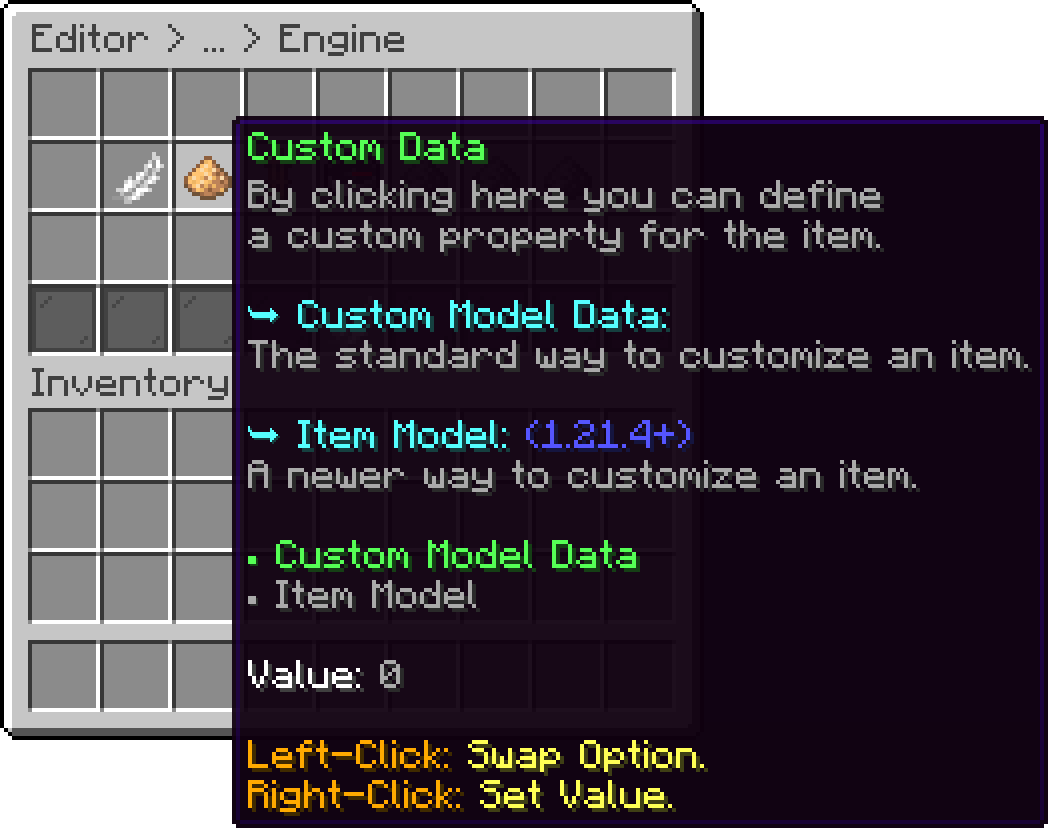
Editor > Crates > Crate > Engine
On 1.21.4 and newer, the same option also accepts an Item Model instead, described in the Item Model (1.21.4+) section further down.
The scale is a size multiplier for the model, where 1.0 is the model's normal size.
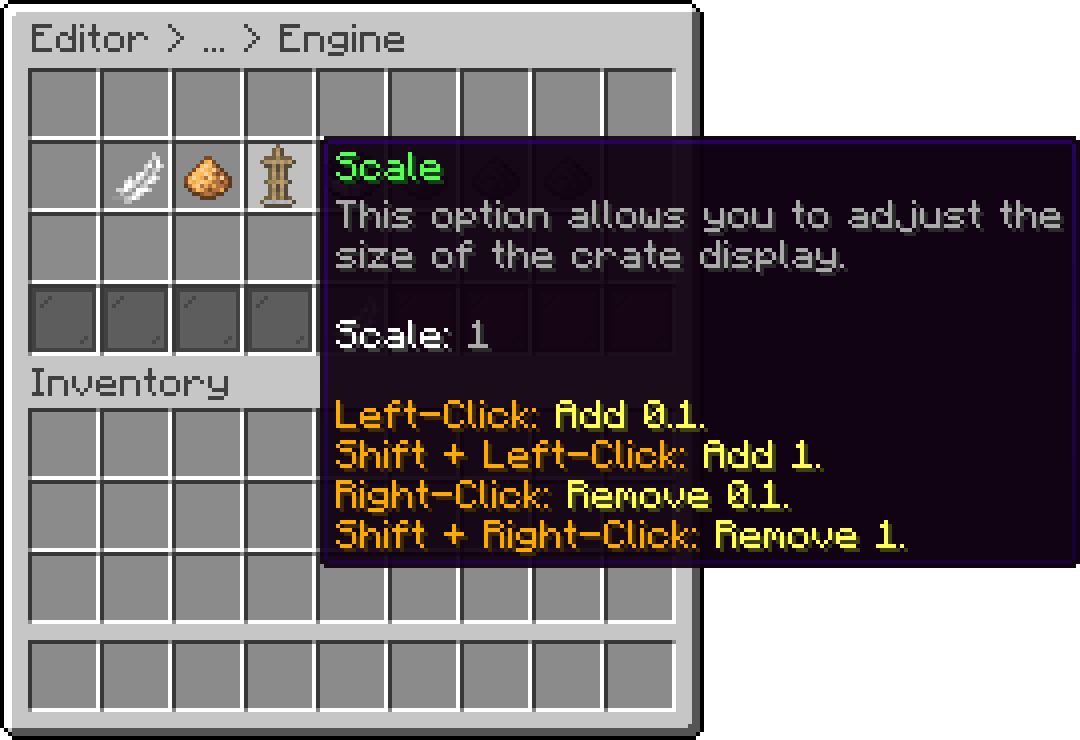
Editor > Crates > Crate > Engine
If your model isn't positioned correctly, don't worry. You can adjust it using the "offset" and "rotation degrees" options. These allow you to fine-tune the position and orientation of the model to ensure it displays perfectly.
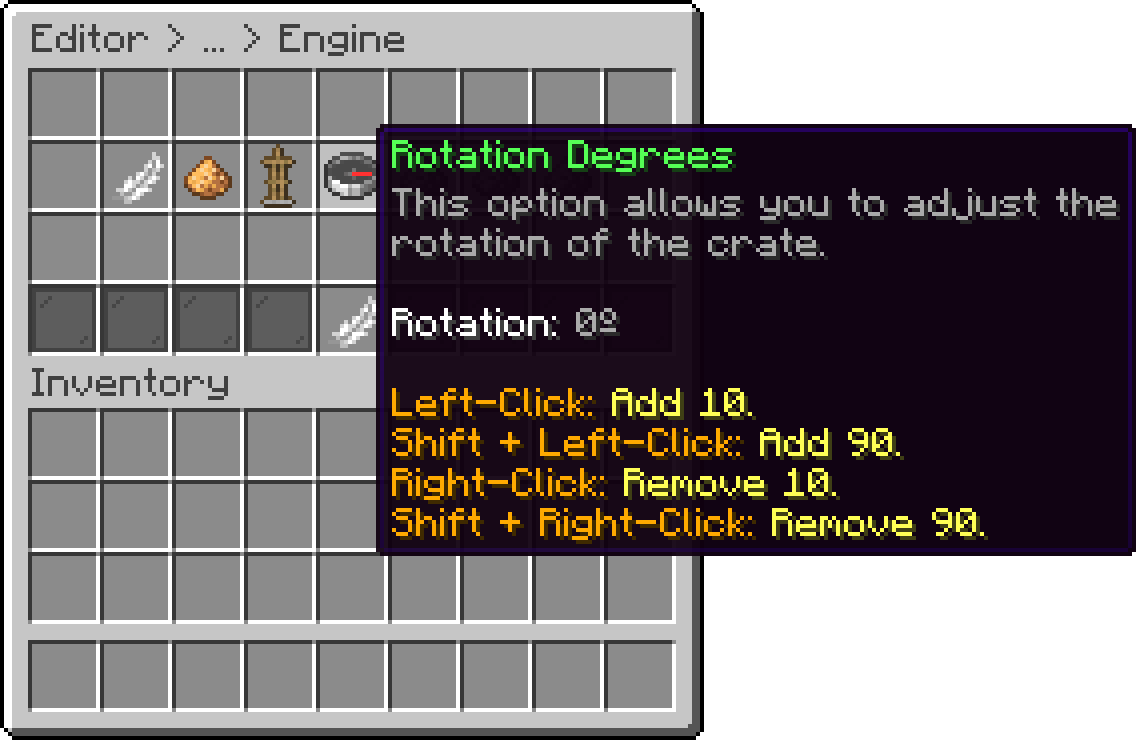
Editor > Crates > Crate > Engine
Each axis has its own offset, so the model can be moved on all three of them.
On servers running 1.21.4 or newer, the "Custom Data" option also accepts an Item Model value as an alternative to Custom Model Data. Typing a number is treated as Custom Model Data, while typing a namespaced key (e.g. minecraft:example) is treated as an Item Model. Only one of the two can be set at a time, setting one automatically clears the other.
The following is an example of using the Water Elemental crate model.
.png)
Vanilla Model Block
This feature is only available in the premium version of Phoenix Crates.
This engine type requires Model Engine 4 (4.0.3 or newer) to be installed.
With this engine, you can use models imported via Model Engine as your crate models. We've streamlined the process to make it as simple as possible, allowing you to edit your models directly through the in-game editor, making your life easier.
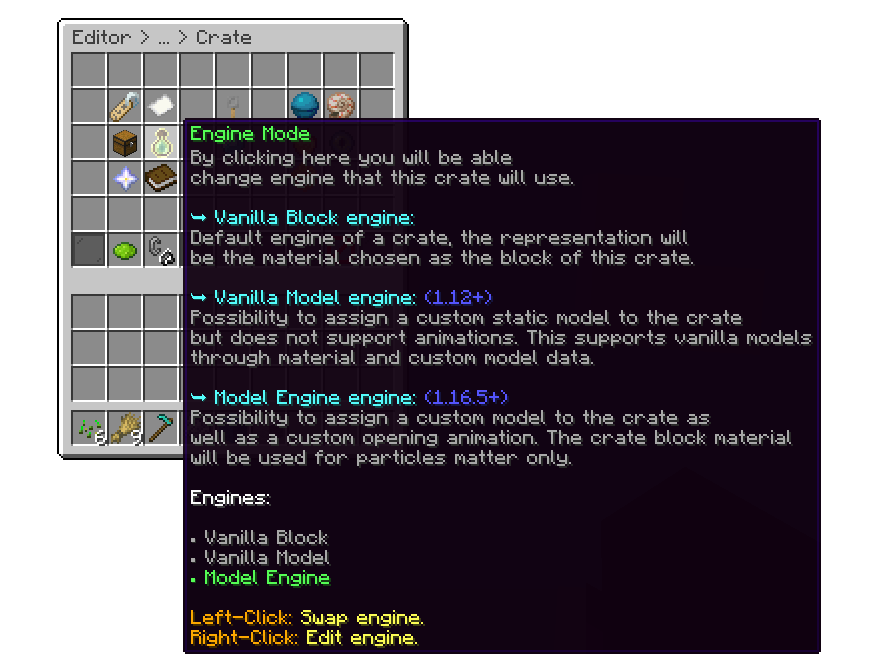
Editor > Crates > Crate
The first step is to assign the model name for your crate. The model name is the ID of the model you've imported via Model Engine. For example, if the model ID is bat_crate, you should select the bat_crate bbmodel
.png)
Editor > Crates > Crate > Engine
You can adjust the scale of the model, between 0.1 and 10.
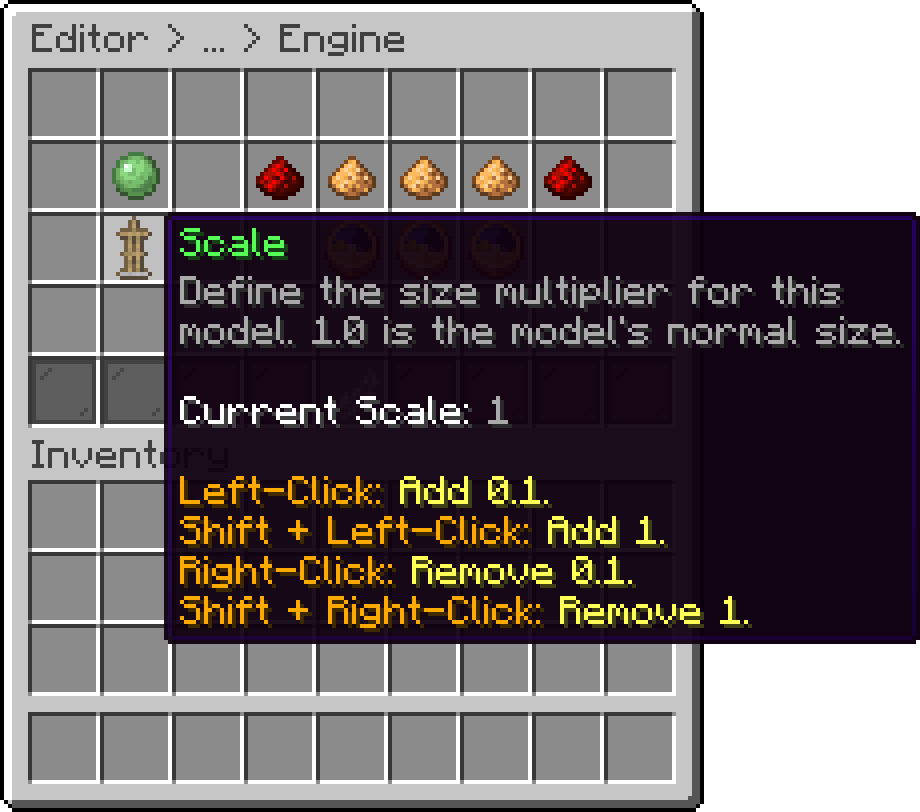
Editor > Crates > Crate > Engine
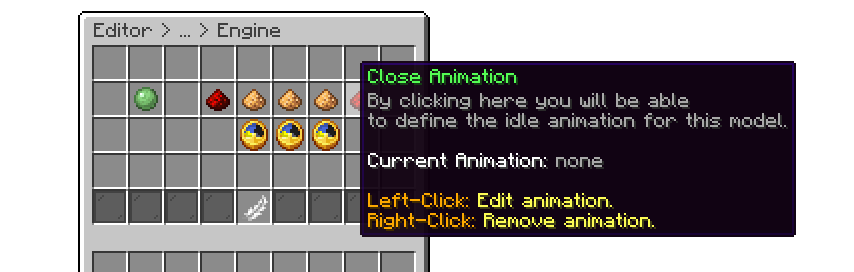
All these options are configured separately through their respective items. There's also an option to set a delay, allowing you to sync the animations if they occur later than the default timing. This ensures that the particles and animations look smoother and more cohesive.
The following is an example of using the Fire Elemental crate model using Model Engine 4.
.gif)
Model Engine Block
This engine type requires Better Model to be installed.
With this engine, you can use models imported via Better Model as your crate models. We've streamlined the process to make it as simple as possible, allowing you to edit your models directly through the in-game editor, making your life easier.
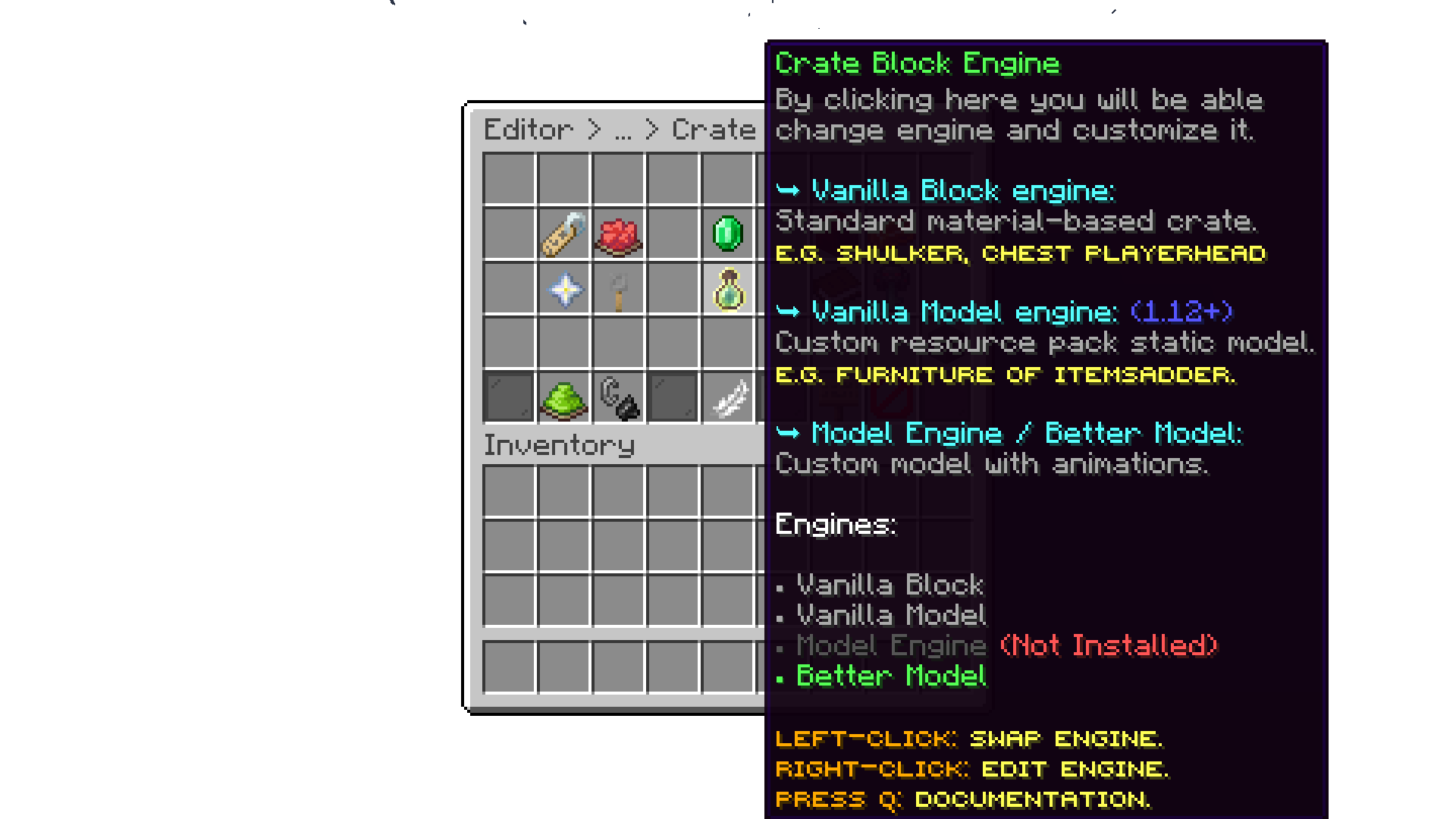
Editor > Crates > Crate
The first step is to assign the model name for your crate. The model name is the ID of the model you've imported via Better Model. For example, if the model ID is bat_crate, you should select the bat_crate bbmodel
Editor > Crates > Crate > BetterModel
You can adjust the scale of the model, between 0.1 and 10.
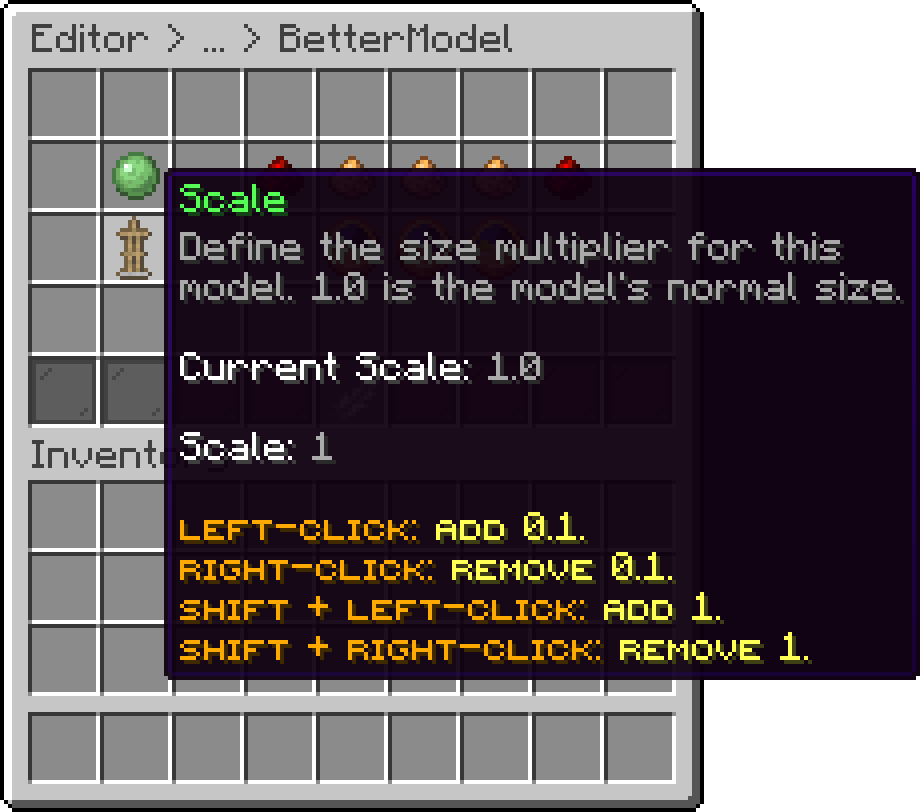
Editor > Crates > Crate > BetterModel
All these options are configured separately through their respective items. There's also an option to set a delay, allowing you to sync the animations if they occur later than the default timing. This ensures that the particles and animations look smoother and more cohesive.
The following is an example of using the Fire Elemental crate model using Better Model.
Better Model Block
Your cart is empty
Looks like the spiders padded through here. Pick a plugin and it will show up here. Continue shopping