

Oops... looks like the spiders padded through here
Add products to your cart and remove them from here Lets buy




On this page, you will learn how to fill a world with copies of one arena instead of placing each instance by hand.
A Free Mode map needs every arena instance placed and defined by hand, which is the slow part of running a practice server at scale. A Grid Mode map takes the one arena you already built, captures it, and pastes it across a flat grid of copies, registering each one as a playable instance as it goes.
You still build and define exactly one arena. Everything after that is generated.
Grid Mode requires PhoenixDuels Premium. On other editions the option is visible but locked.
A new map asks for its type before anything else. Choosing Grid Mode here changes the rest of the wizard; the choice is made once, when the map is created.
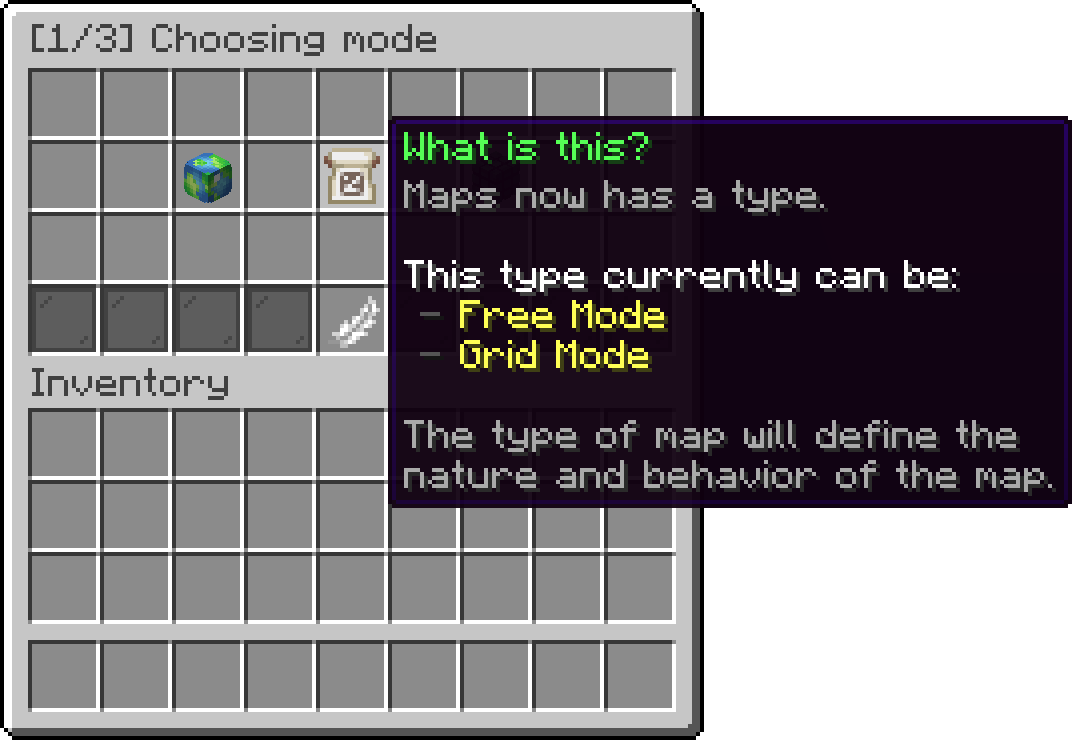
Editor > Edit Maps > [1/3] Choosing mode
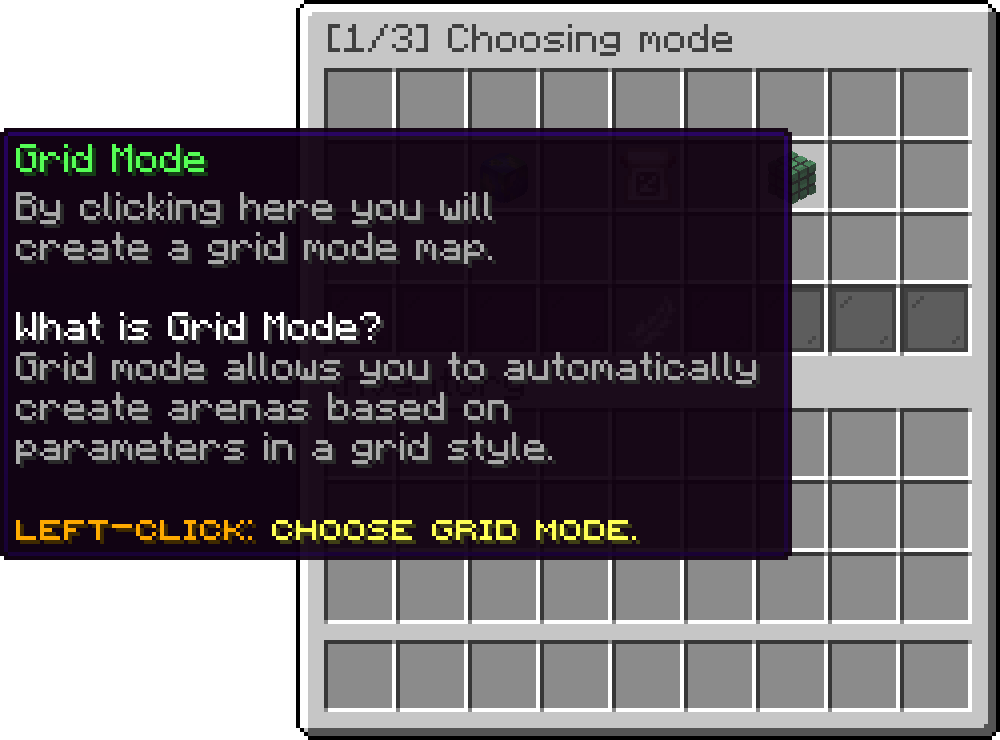
Editor > Edit Maps > [1/3] Choosing mode
This step is the same as a Free Mode map: define the universal region, the battle region, the team spawns, and optionally the FFA and spectator positions, then create the template. What you define here is what gets copied, so the universal region has to enclose the entire build. Anything outside it is not part of the arena and will not be pasted.
The last wizard screen asks for three numbers.
Spacing Between Arenas is the gap left between one copy and the next, in blocks. It is added to the universal region's own width, so the real distance between two arena origins is the region size plus this value. Leave enough room for anything that travels outside the build, such as arrows or ender pearls, or players in one arena will end up interfering with the next.
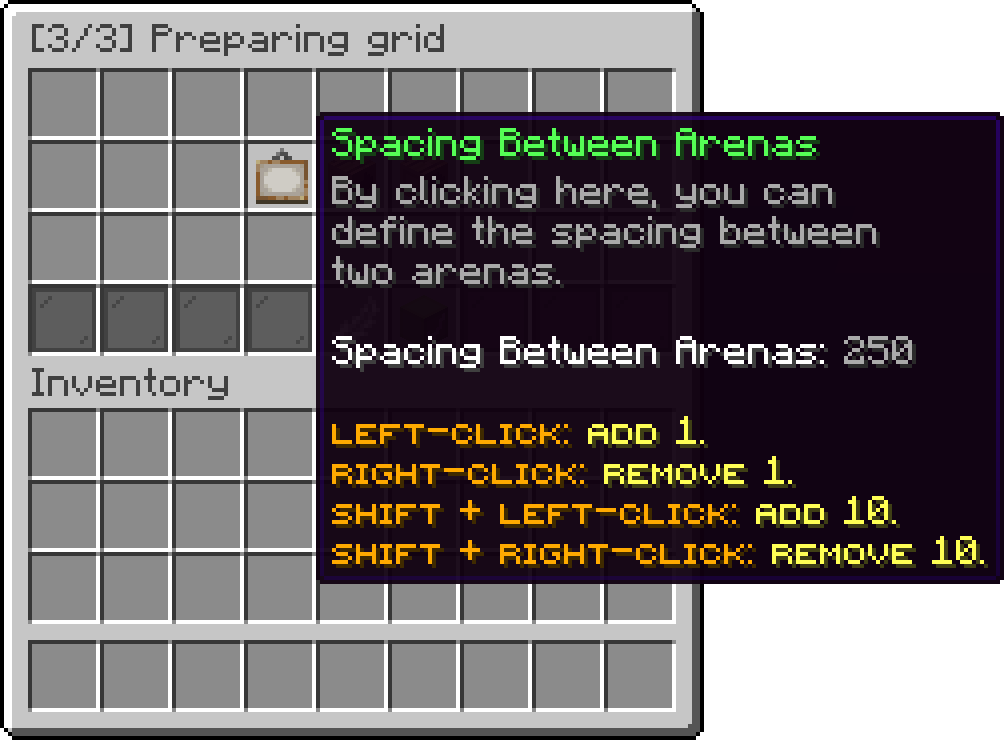
Editor > Edit Maps > [3/3] Preparing grid
Columns (X axis) and Rows (Z axis) are how many copies to generate along each axis. The total number of arenas is columns multiplied by rows. Neither can be set below 2.
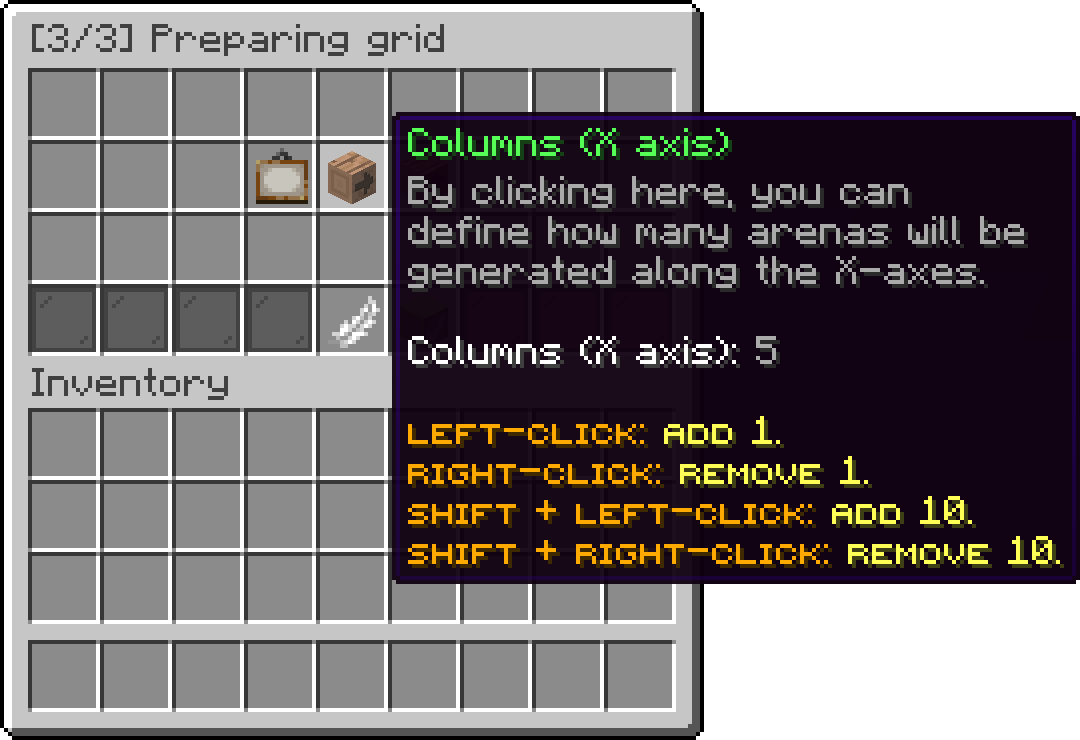
Editor > Edit Maps > [3/3] Preparing grid
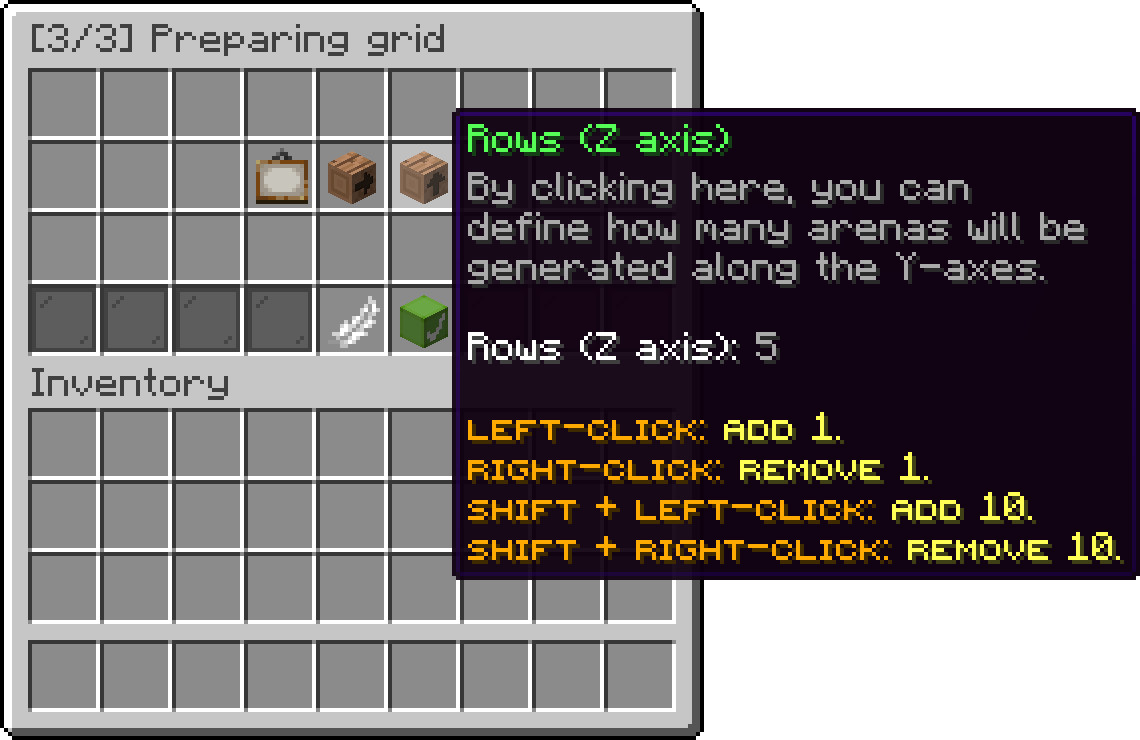
Editor > Edit Maps > [3/3] Preparing grid
The Generate button only becomes active once all three are set, and lists which of them are still missing until then. Grid generation is flat: every copy sits at the same Y as the original.
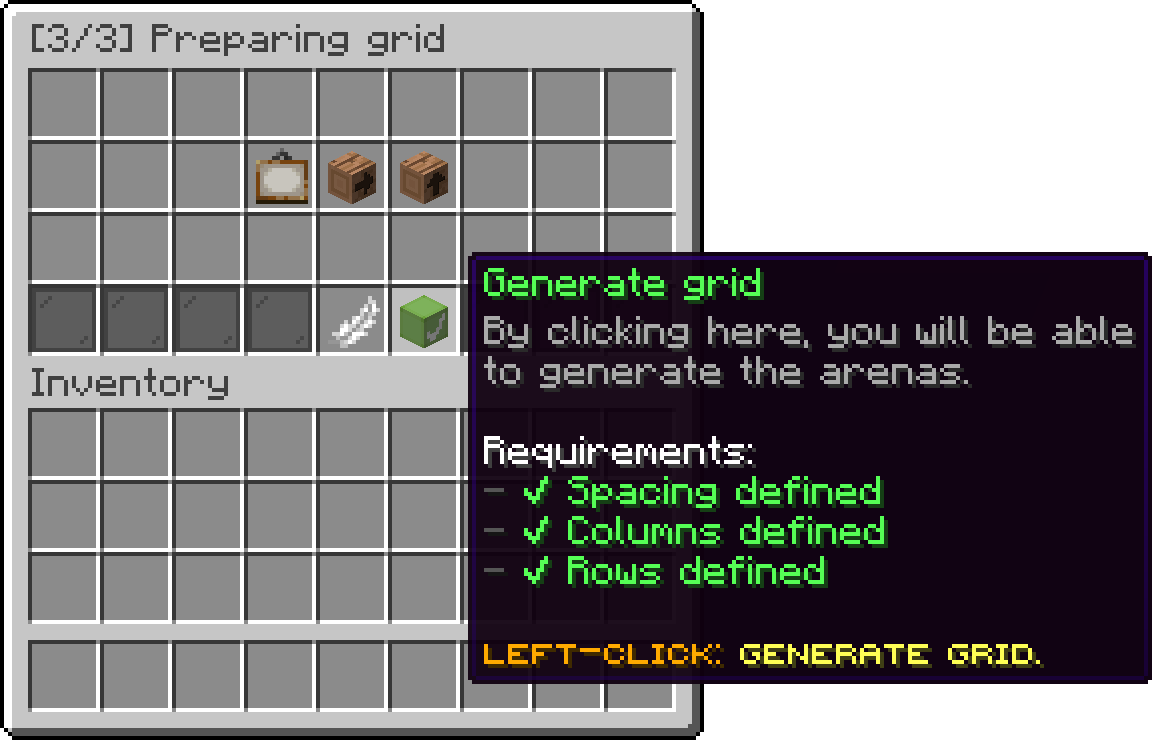
Editor > Edit Maps > [3/3] Preparing grid
The arena you already built counts as the first cell, so generating a 5 by 5 grid from it produces 24 new instances rather than 25.
Generation runs in the background and reports progress as it goes. When it finishes, it sends a clickable message that runs /pduels undogrid, which removes everything that run pasted. This is the moment to check the spacing: once you move on, the copies are ordinary arena instances and have to be deleted individually.
Auto Generation, which pastes a fresh arena when every existing one is busy, is available to Grid Mode maps as well and is covered on its own page: Auto Generation.
Oops... looks like the spiders padded through here
Add products to your cart and remove them from here Lets buy