

Oops... looks like the spiders padded through here
Add products to your cart and remove them from here Lets buy




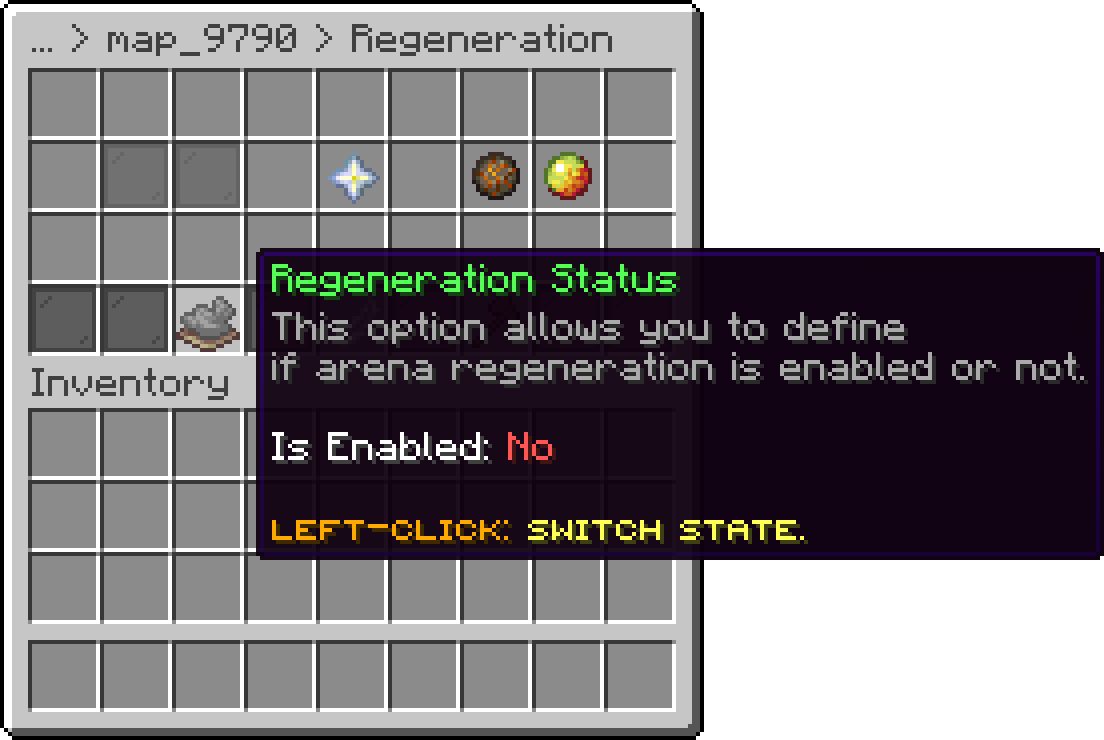
On this page, you will find all the information about the arena regeneration.
Requirements: Only if you use the WorldEdit regeneration engine, this requires FastAsyncWorldEdit to be installed. The Internal engine needs no external dependency.
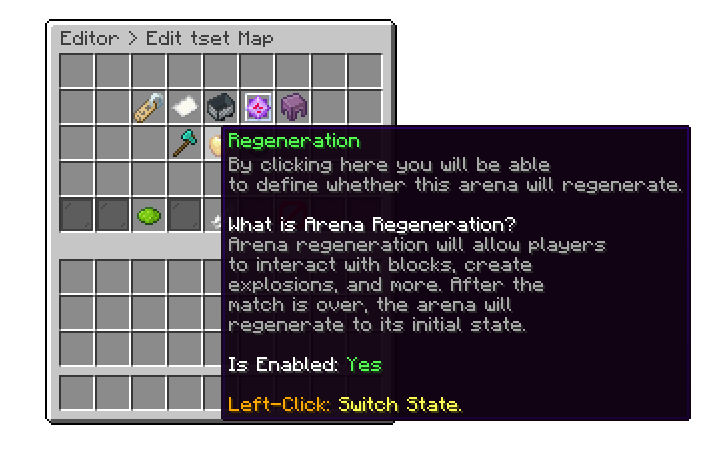
If you enable Arena Regeneration, the arena will return to its initial state after each match. Any changes players made, such as placing or breaking blocks, explosions, and more, will be undone. For the regeneration to function correctly, it's essential to properly define both the Universal Region and the Battle Region. Failing to do so may cause the regeneration to not work as expected.
Editor > Maps > Arena
Editor > Maps > Map > Regeneration
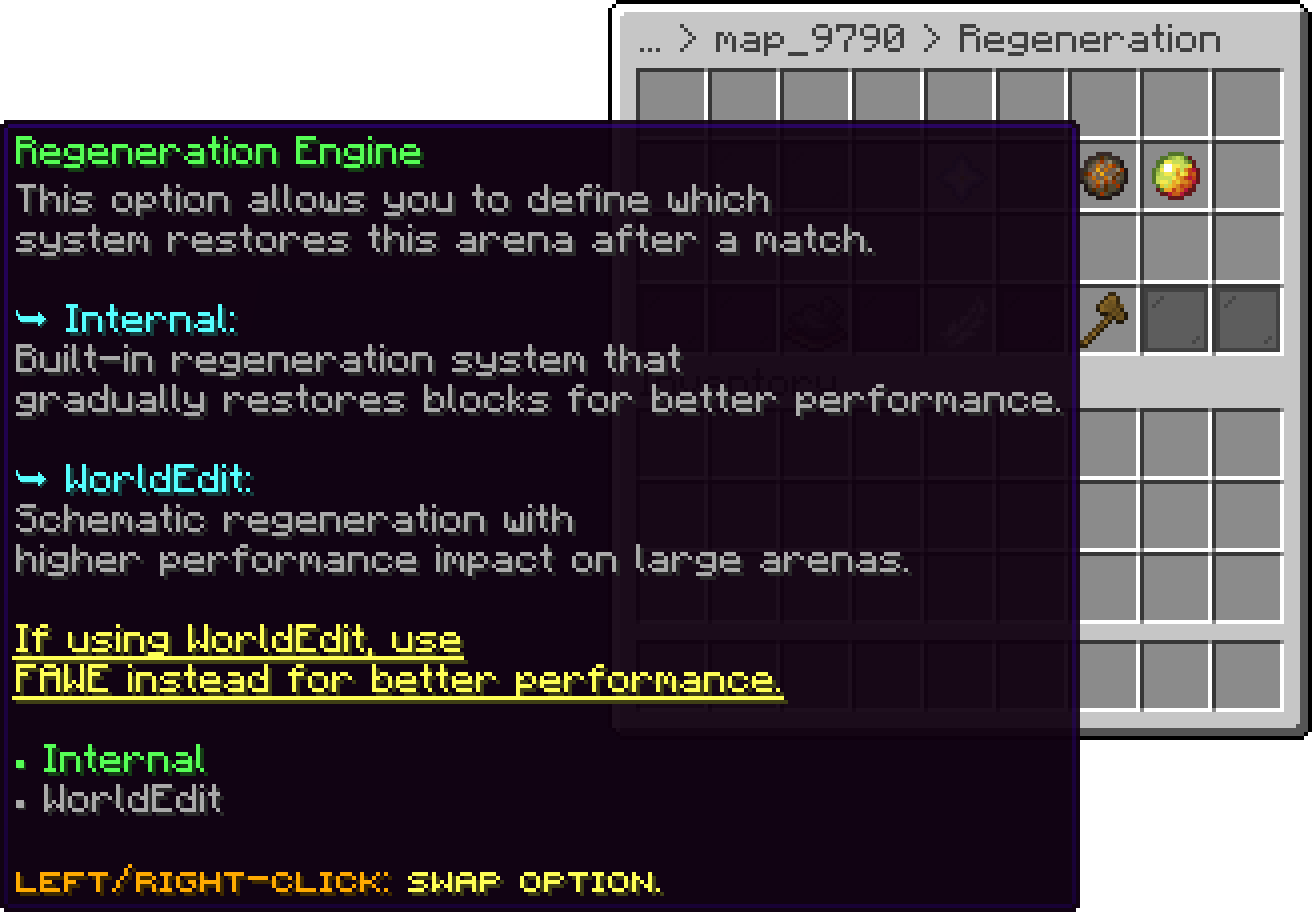
Each map lets you pick the Regeneration Engine used to restore it:
Editor > Maps > Map > Regeneration
The internal engine is the default and needs nothing installed. Rather than pasting the whole arena back every time, it tracks the blocks that actually changed during the match and restores only those, spread over several ticks so a large arena does not land in a single frame. An untouched arena costs almost nothing to regenerate, and the cost scales with how much players broke rather than with how big the map is.
It builds its picture of the arena when the map is captured, and that capture is tied to the exact size of the universal region. Resize the region afterwards and regeneration refuses to run until the state is recaptured from the regeneration screen, rather than restoring the arena to the wrong shape.
How fast it works through the restore is tunable, in blocks per cycle and chunks per cycle. The defaults of 4096 and 16 suit most servers; lowering them spreads a large restore over more ticks at the cost of taking longer.
regeneration:
  internal:
    blocks-per-cycle: 4096
    max-chunks-per-cycle: 16
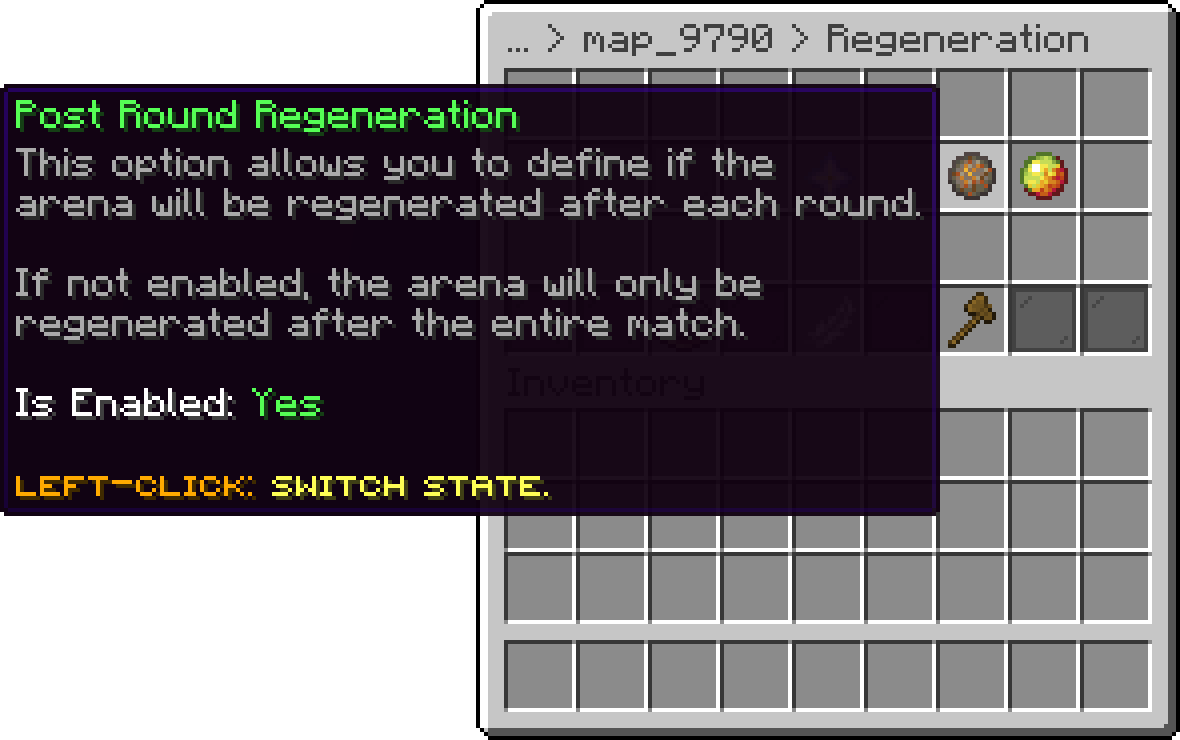
Regenerates the arena after every round instead of only at the end of the whole match. Leave it on for modes where blocks matter round to round, such as Bed Fight or The Bridge. Turning it off means damage accumulates across the rounds of a single match and is only cleaned up once, when the match ends.
Editor > Maps > Map > Regeneration
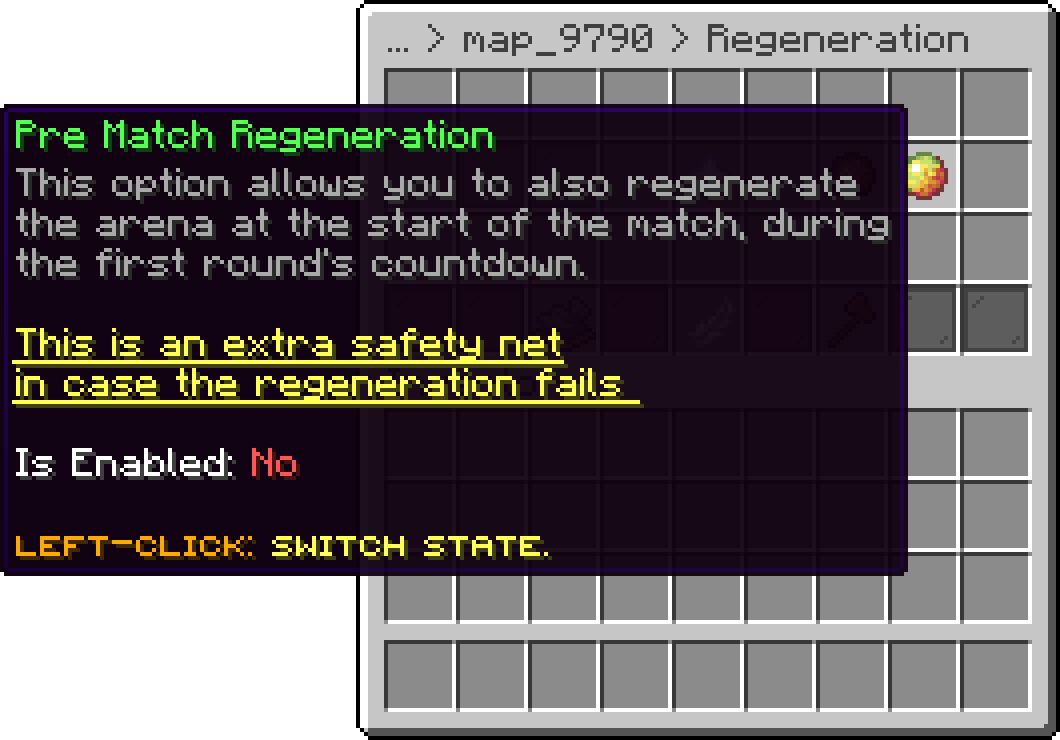
Also regenerates the arena at the start of a match, during the first round's countdown. This is a safety net rather than a normal part of the cycle: if a previous regeneration was interrupted, by a crash or a restart mid-match, the arena would otherwise be handed to the next pair of players in a broken state. It costs an extra regeneration pass per match, so it is off by default.
Editor > Maps > Map > Regeneration
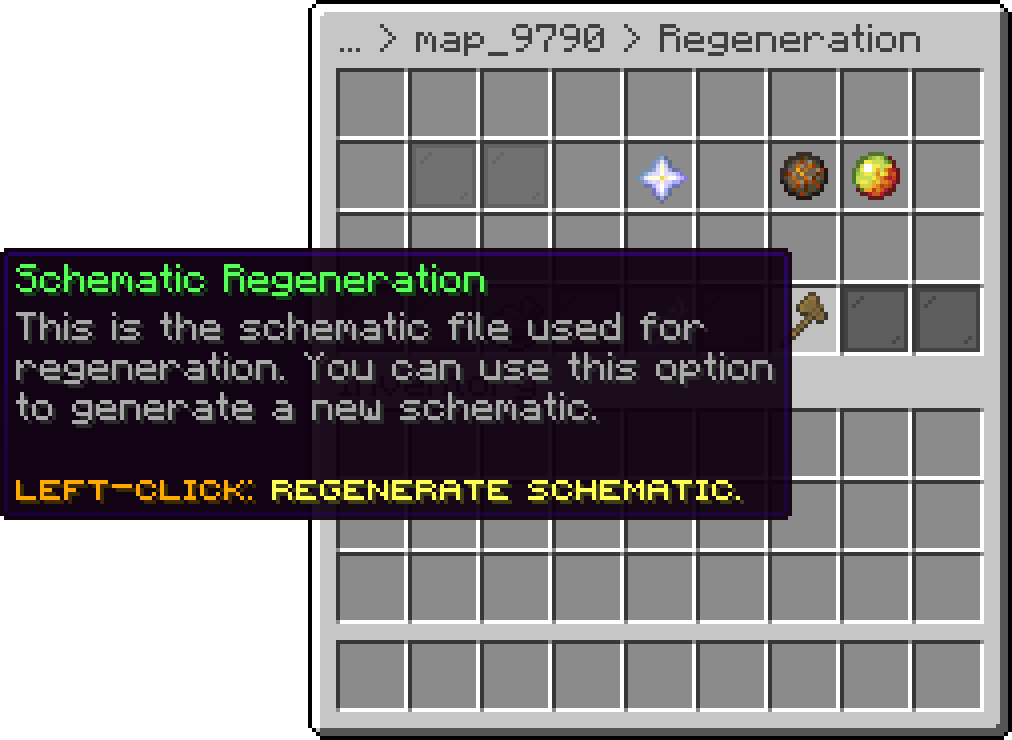
Maps on the WorldEdit engine keep a schematic file of the arena. The regeneration screen can generate a fresh one, which is what you use after editing the build so the new version is what gets restored.
Editor > Maps > Map > Regeneration
A map with regeneration set up can also paste itself an extra arena when every existing instance is busy. That is covered on its own page: auto-generation.md.
If the regeneration feature is causing performance issues on your server, be sure to check the following post for solutions:
why-regeneration-causes-lag-to-my-server.md
Oops... looks like the spiders padded through here
Add products to your cart and remove them from here Lets buy