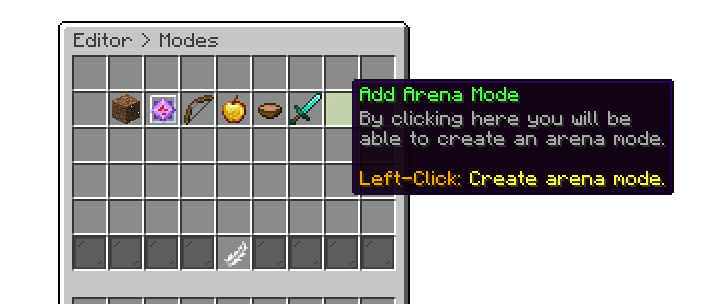
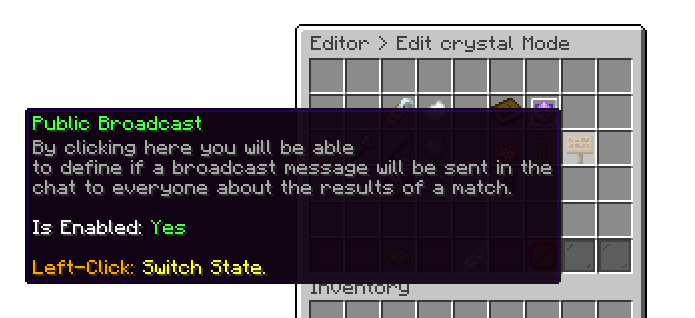
Arena Modes are a set of rules that allow you to customize and create unique game modes for duels. By configuring these rules, you can make each mode fit your specific gameplay preferences and create varied player experiences.
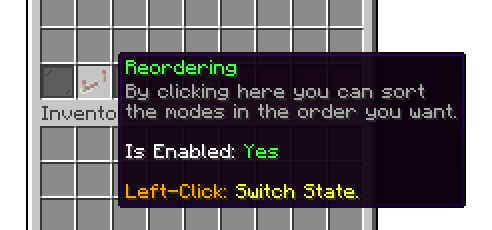
You can use the reordering option to sort the modes in your desired order for the modes menu. This will change the position of the modes both in the editor, and when the user is selecting a mode.
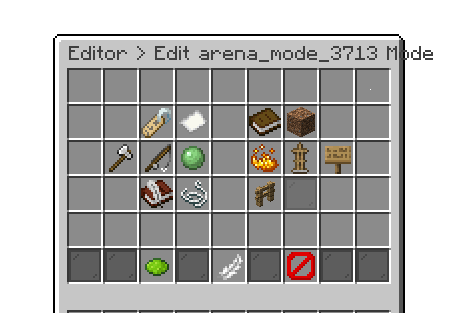
Like arenas, you can assign a unique identifier, display name, description, and material icon to the mode. This makes the game mode stand out and easily identifiable, adding a personalized touch and making it unique among others.
Every mode has a Loadout Type, which decides what players are holding when the fight begins. Two come with the plugin:
Premade Kit - everyone is given the same kit, chosen from the kits on your server. This is what almost every competitive mode uses, because both sides start identical. See Create a Kit.
Player Inventory - players fight with whatever they were already carrying. Used for survival-style duels where players bring their own gear.
With Player Inventory, players are fighting with their real items, so a death means a real loss. The Keep Inventory rule and the Restore Last Inventory setting are both worth reviewing before you enable a mode like this.
Add-ons can add more. Player Kits adds Player Kit, where each player uses a kit they built themselves, and Shared Player Kit, where everyone uses the host's.
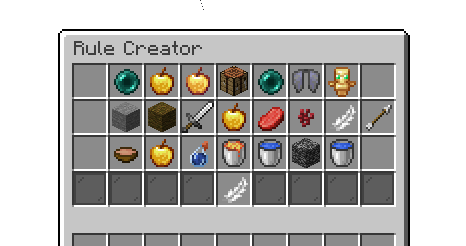
With rules, you can take customization to the next level, allowing you to create modes like Soup PvP, Boxing, or even unique challenges like dying to Water. The possibilities are endless, thanks to the 50+ rules available to help you fine-tune and personalize each mode to suit your mode's needs.
Editor > Edit Modes > Mode > Rules
The rule picker is sorted alphabetically (A-Z), so a specific rule is quick to find as the list grows.
Gamemode Rules (55)
Names below match the picker exactly, and are listed in the same A-Z order it uses. Rules marked (Premium) only appear on the Premium edition.
1.8 PvP Mechanics (Premium) - Restores 1.8-style combat by removing the attack cooldown, sweep attacks and shield blocking. Likely to trigger anti-cheat plugins.
Arrow to Block (Premium) - Any block hit by an arrow breaks instantly.
Arrows disappear on ground - Arrows despawn the moment they touch the ground instead of lying around to be picked back up.
Bow Cooldown (Premium) - Bow shots have a cooldown, shown on the shooter's action bar.
Clean Drops on Regeneration (Premium) - Removes any dropped items still on the ground when the arena regenerates.
Damage Indicators (Premium) - Pops the damage dealt up as a floating number next to the player who was hit.
Disable break/place blocks - All block placement and breaking is disabled.
Disable crafting slots - The 2x2 crafting grid is blocked.
Disable elytra - Elytras will not work.
Disable Ender Pearl - Ender pearls are blocked.
Disable Item Drop - Players cannot drop items out of their inventory.
Disable totem of undying - The Totem of Undying will not save a player.
Drop Player Loot (Premium) - Drops the player's inventory on the ground when they die.
Dying by touching lava - Instant death on touching lava.
Dying by touching void - Instant death on touching the void.
Dying by touching water - Instant death on touching water.
Ender Pearl cooldown - Ender pearls have a cooldown.
Extra Damage (Premium) - Raises the damage dealt to opponents by a percentage you set.
Extra hearts (Premium) - Custom maximum health and health scale.
Feed on Kill (Premium) - Killing an opponent restores a percentage of the killer's hunger.
Fireball (Premium) - Right-clicking the ground with a fire charge throws a fireball.
Get Target Kills (Premium) - The first team to reach a target kill count wins the round.
Glowing (Premium) - Every player glows, visible through walls, for the duration of the match.
God Apple cooldown - Enchanted golden apples have a cooldown.
Golden Apple cooldown - Golden apples have a cooldown.
Golden Head (Premium) - An instantly consumable head that gives a golden apple effect.
Heal Indicators (Premium) - Pops the health regained up as a floating number next to the player who healed.
Heal on Kill (Premium) - Killing an opponent heals the killer by a percentage you set.
Health does not regenerate - Health never regenerates naturally.
Health Indicators (Premium) - Shows a floating health tag above every teammate and enemy for the whole match.
Hunger does not go down - The hunger bar never depletes.
Immune to losing health - Players cannot lose health when damaged.
Keep Inventory - Players keep their items when they die. Only has an effect on modes using the Player Inventory loadout.
Kit Reset on Kill (Premium) - Killing an opponent resets the killer's kit back to its original state. Only applies to modes using a premade kit, and pairs with Heal on Kill to also restore health.
Lifesteal (Premium) - Heals the attacker for a portion of the damage dealt, whether the hit landed with melee or a projectile.
No Durability Loss (Premium) - Items take no durability damage for the whole match.
No fall damage - Fall damage is cancelled.
No hit delay - Hits have no delay, used for combo modes.
Only arrow damage - Players only take damage from arrows.
Only Self-Placed Block Breaking (Premium) - Players can only break blocks they placed themselves.
Potion Effects (Premium) - Custom potion effects applied to players for the match.
Pressure plate instant win - Stepping on a golden pressure plate wins the round instantly.
Remove Empty Bottle (Premium) - Empty bottles are taken out of the inventory as soon as a potion is drunk.
Soup restores health - Consuming soup restores health.
Timed Block (Premium) - Placed blocks disappear after 10 seconds and return to the player's inventory.
TNT Auto Ignite (Premium) - TNT ignites the moment a player places it.
Unlimited Blocks (Premium) - Blocks placed by players are refunded immediately, so they never run out.
Water slowly damage (Premium) - The longer a player stays in water, the more damage they take.
The remaining rules come from add-ons and only appear once that add-on is installed.
Bed Fight - Destroy the enemy bed, and win the game. (Add-On)
Boxing - Land a set number of punches; the first to reach the target wins. (Add-On)
Floor is Lava - The battle region floor slowly fills with lava, one layer at a time. (Add-On, Premium)
Pillar of Fortune - Every player periodically receives a random item or block. (Add-On, Premium)
Spleef - When players destroy snow blocks, snowballs go directly to their inventory. (Add-On)
The Bridge - Race across a void gap to score in the enemy portal. (Add-On)
TNT Run - TNT despawns under the player as they walk. (Add-On)
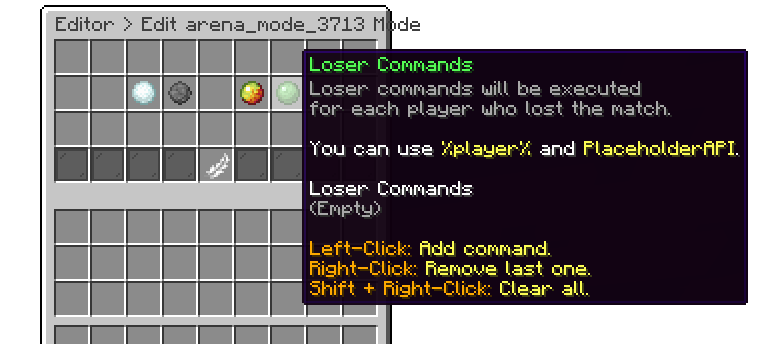
With mode commands, you can set up various commands to trigger at different stages of the game. You can run commands when the game starts, when it ends, for the winner of the duel, and the loser of the duel. This feature is especially useful for granting winners extra rewards when they win a duel.
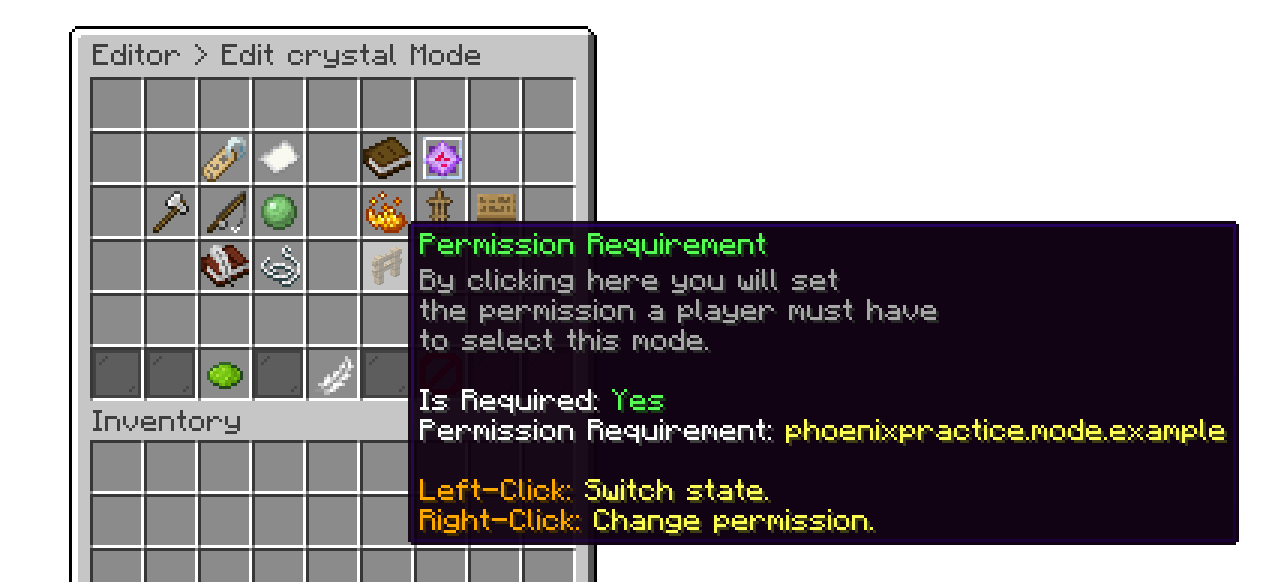
If you want to make a specific mode exclusive to certain players, you can use the Permission Requirement. This feature ensures that only players with the designated permission can select and play that mode, making it accessible to a specific group of people. This is useful for creating VIP or special game modes.
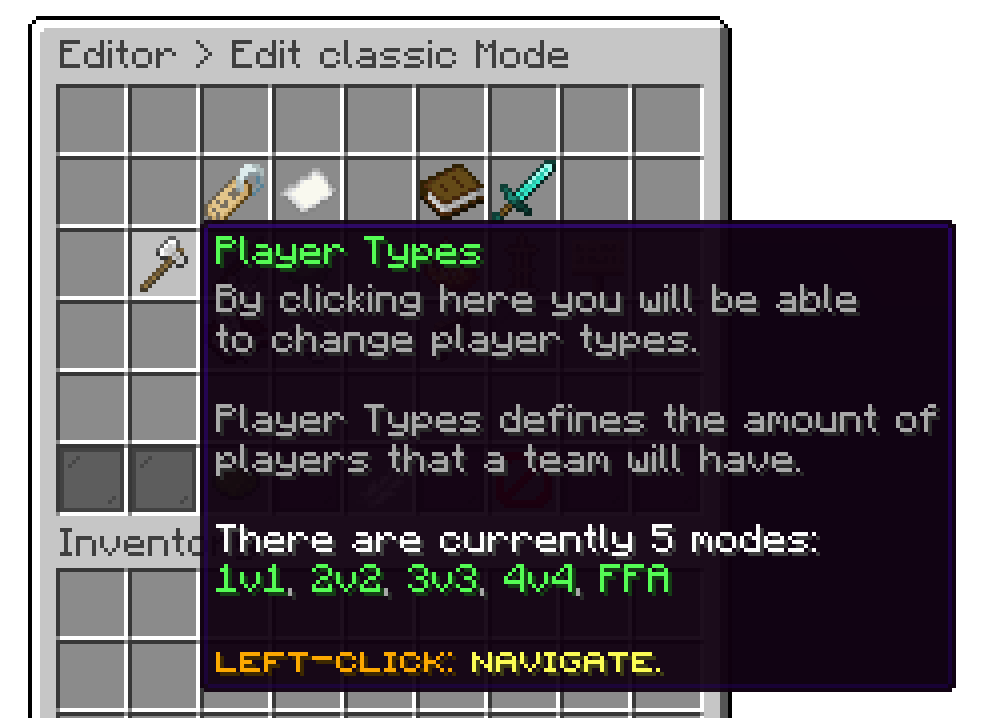
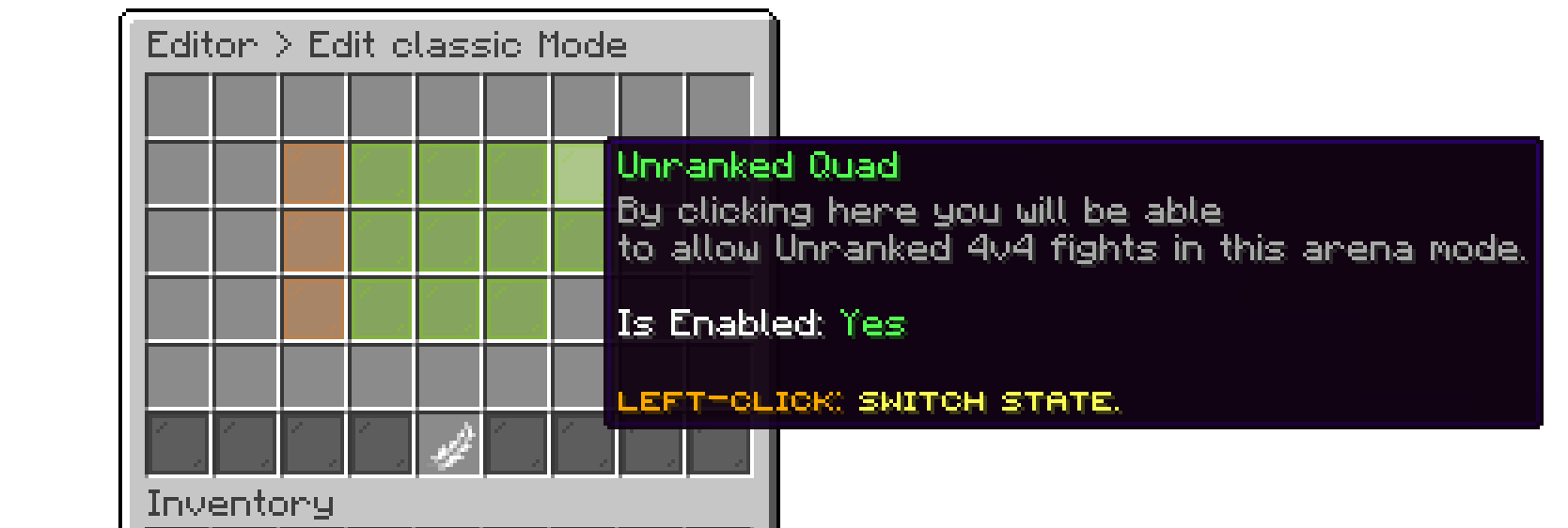
With player types, you can further restrict certain modes to be played only by specific team sizes, such as 1v1, 2v2, 3v3, 4v4, or FFA. This is highly recommended if you have maps that can only accommodate a certain number of players.
If you use a different network, brand, or domain, you will need a new license. A single license only covers one server, network, or domain. Please review
Terms and Conditions.