









Your cart is empty
Looks like the spiders padded through here. Pick a plugin and it will show up here. Continue shoppingHow to install the plugin and its add-ons, and which server versions it runs on.
/phoenixduels editor
PhoenixDuels\addons folder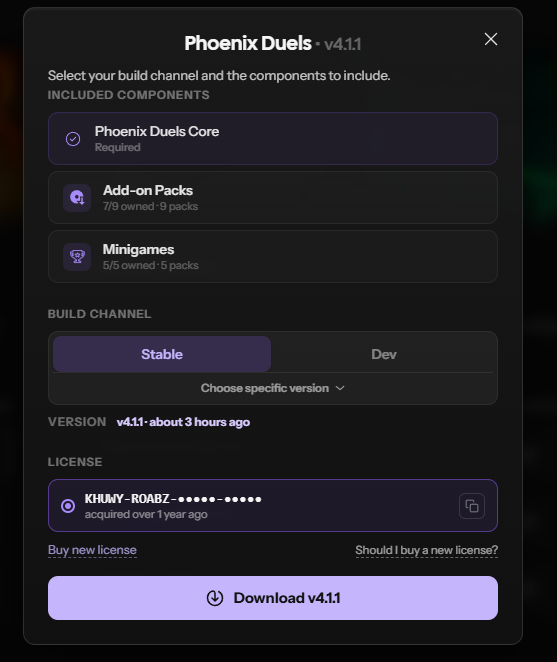
Download PhoenixDuels Popup
We strongly advise using the latest STABLE build of the plugin, as it includes the most recent bug fixes.
The plugin supports Spigot, any Spigot forks, Paper, and any Paper forks. It should also work on any custom modded servers.
Folia is supported, but the support is still experimental. Test it on a staging server before putting it in front of your players, and report anything you run into.
| Minecraft Version | |
|---|---|
| 26.x | true |
| 1.21.x | true |
| 1.20.4 - 1.20.6 | true |
| 1.20.3 and older | false |
Older versions were supported up to an earlier release of the plugin. If you are still on 1.20.3 or below, keep using that release.
Your guide to the docs
Ask me anything about Phoenix Duels. I know these docs inside out, check the latest versions and changelogs, and can read your server logs.
Try asking
Your cart is empty
Looks like the spiders padded through here. Pick a plugin and it will show up here. Continue shopping