

Oops... looks like the spiders padded through here
Add products to your cart and remove them from here Lets buy




On this page, you will find everything a player can do inside the kit editor.
Players reach their kits from the Player Kits button of /kiteditor, or straight away with /kiteditor playerkits. The list that opens shows one entry per slot the player owns; clicking an entry edits that kit, and the button underneath it marks which kit is the selected one used in matches.
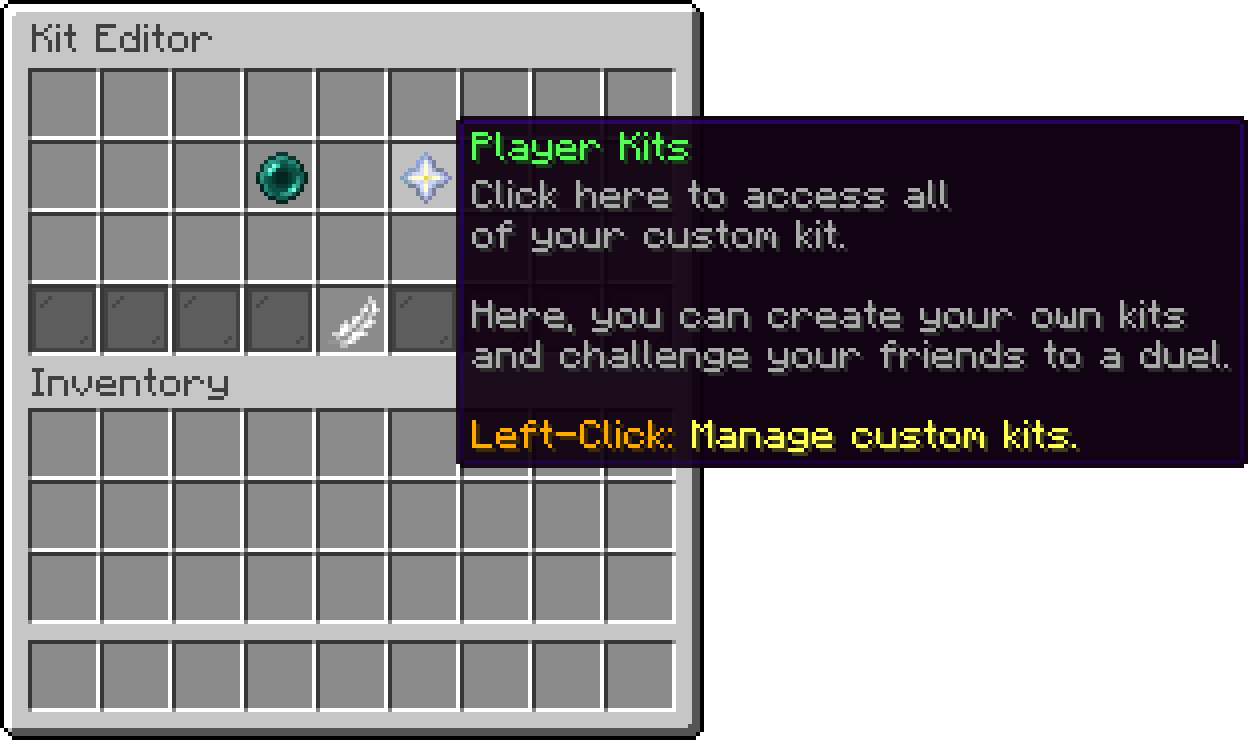
Kit Editor
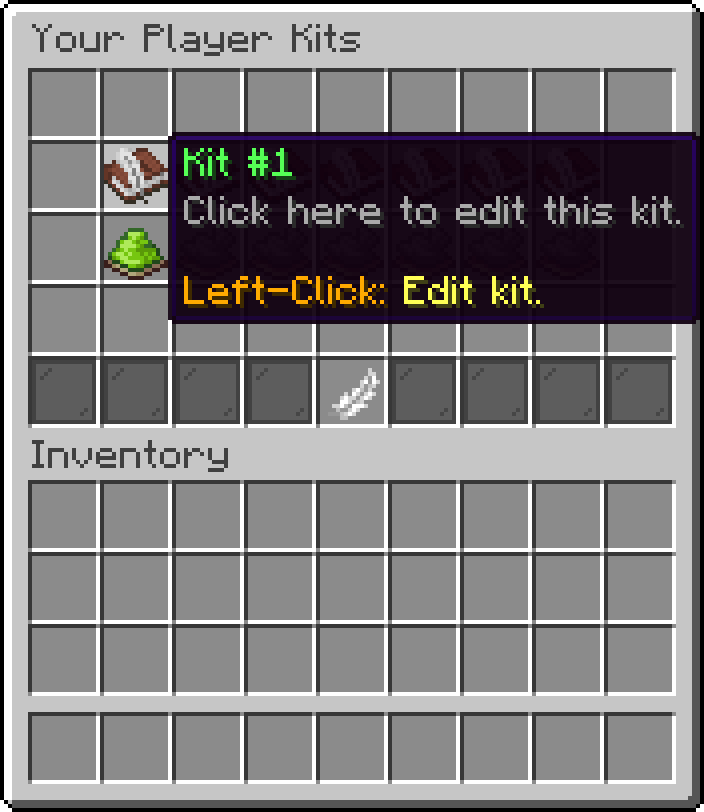
Your Player Kits
While a kit is open, the player's real inventory is put aside and handed back untouched on close, so nothing they were carrying can be lost or duplicated into a kit.
The upper half is the kit itself, laid out like a survival inventory with an armor row and an off-hand slot at the bottom. The lower half is the picker: the hotbar holds the tools, and the three rows above it hold whatever the current tool is showing.
Items are placed by dragging them out of the picker into the kit area. Middle-clicking any item copies it onto the cursor, which is the quickest way to fill several slots with the same thing. Dropping an item outside the window discards it, and so does clicking the trash bin.
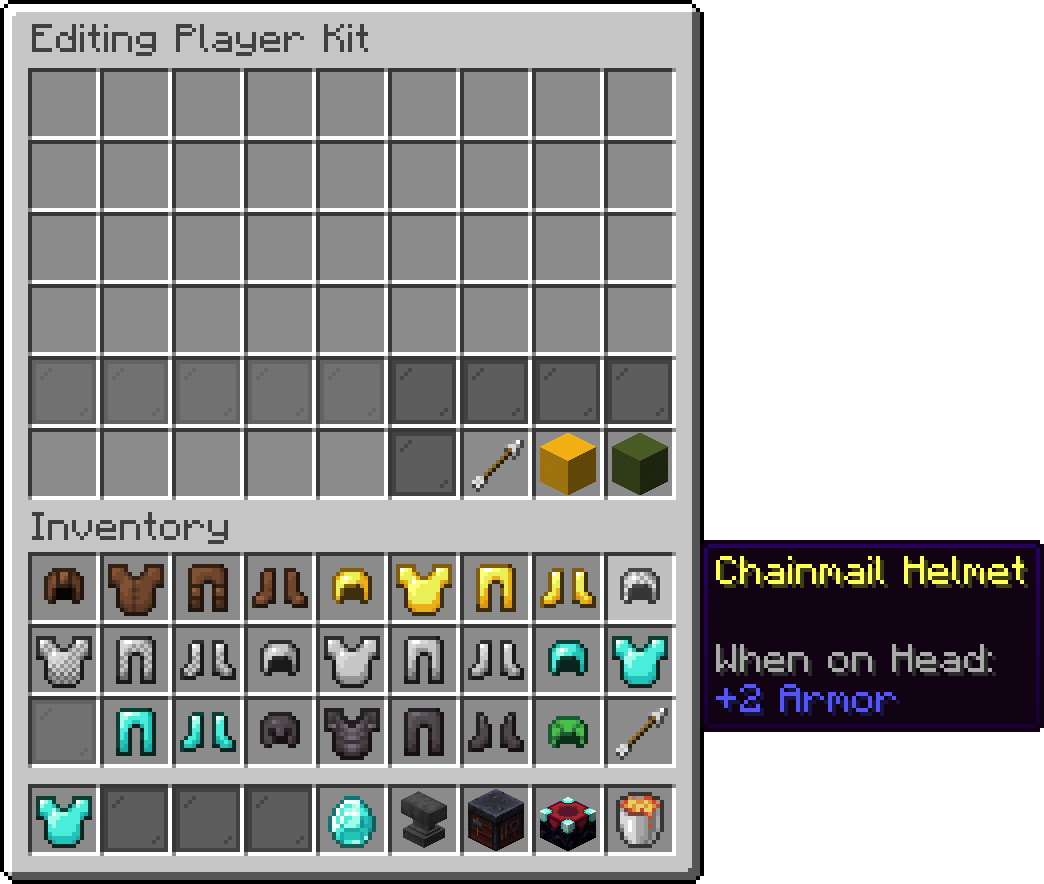
Editing Player Kit
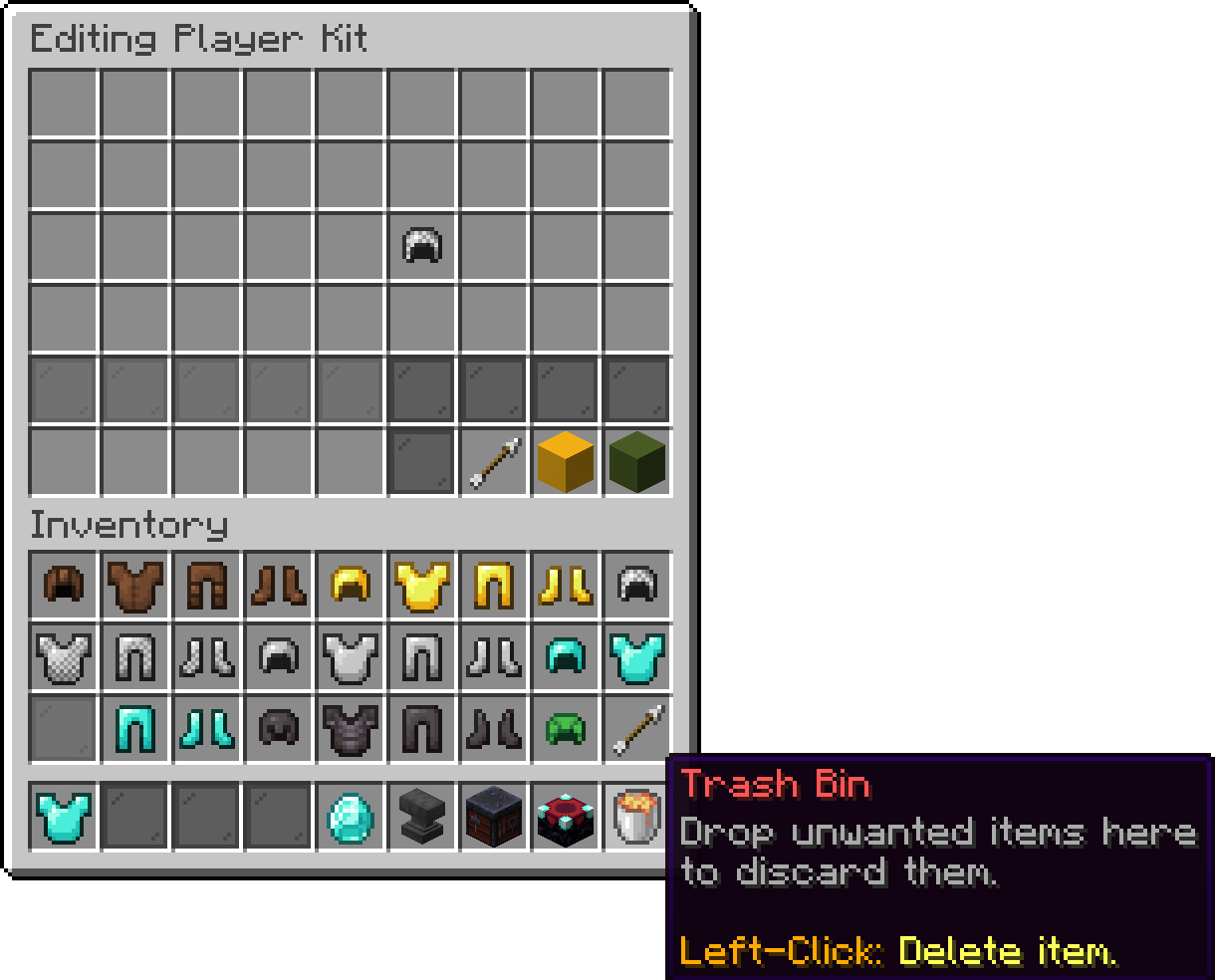
Editing Player Kit
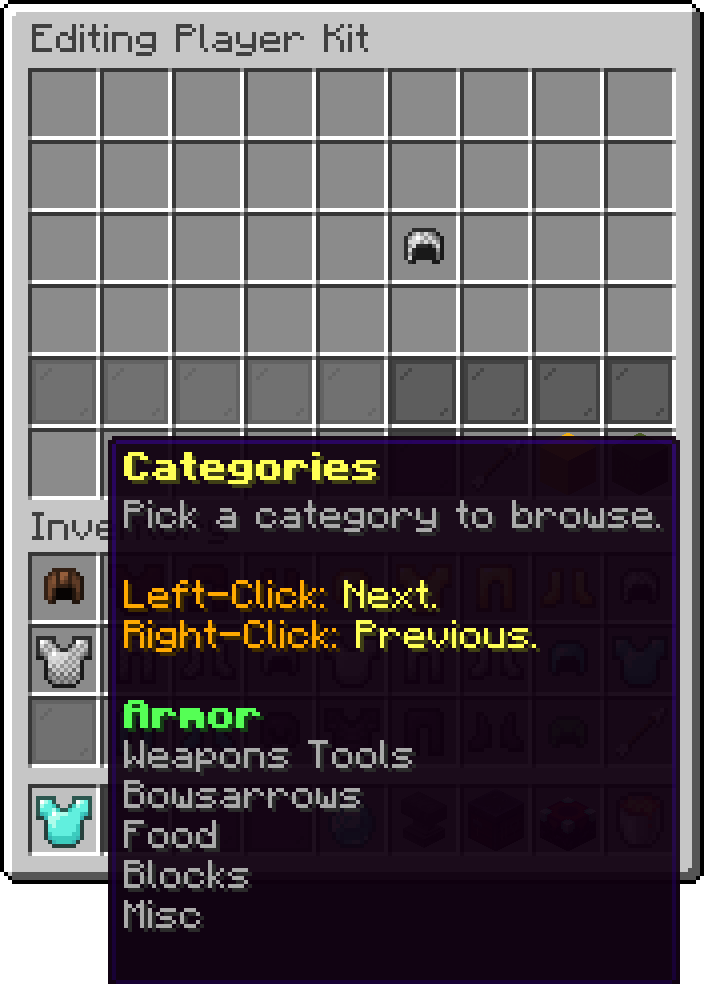
The first hotbar slot cycles through the categories you configured. Each category fills the picker grid with its own items, paginated when there are more than 25 of them, with page arrows on the left and right of the row above the hotbar.
Editing Player Kit
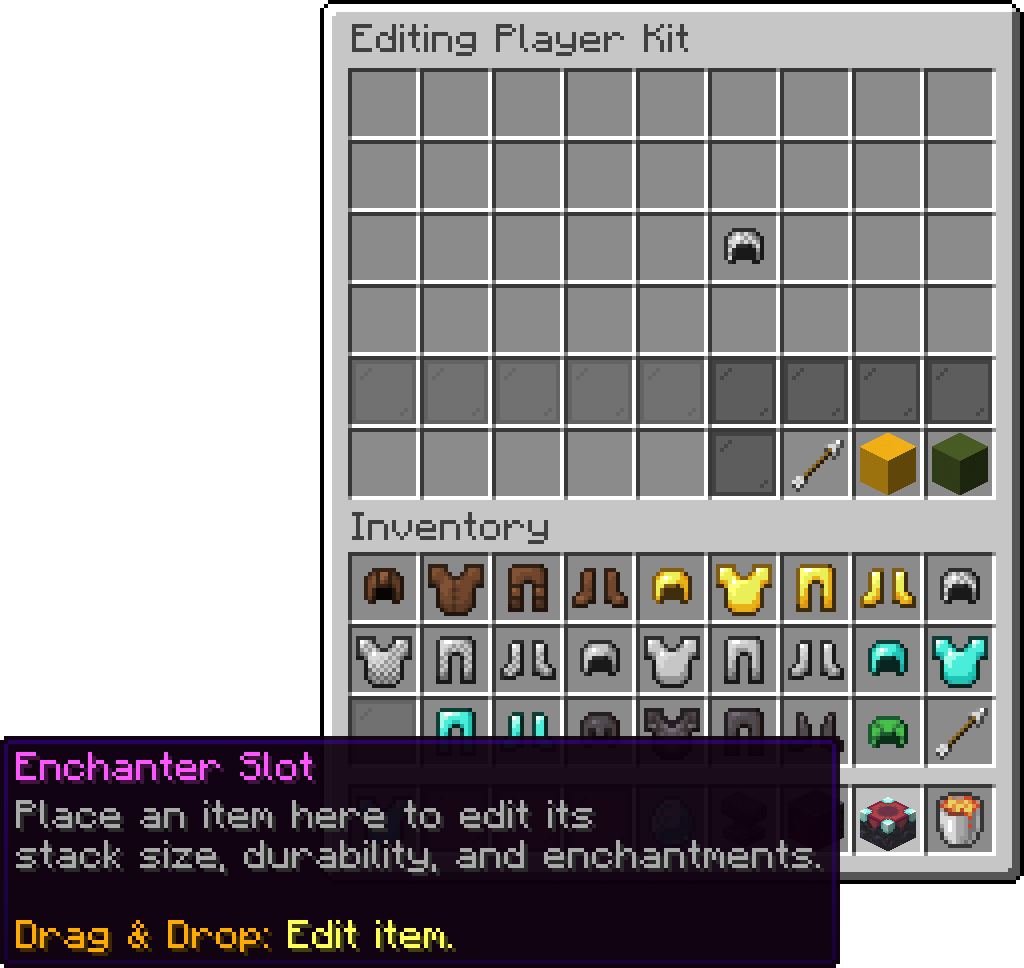
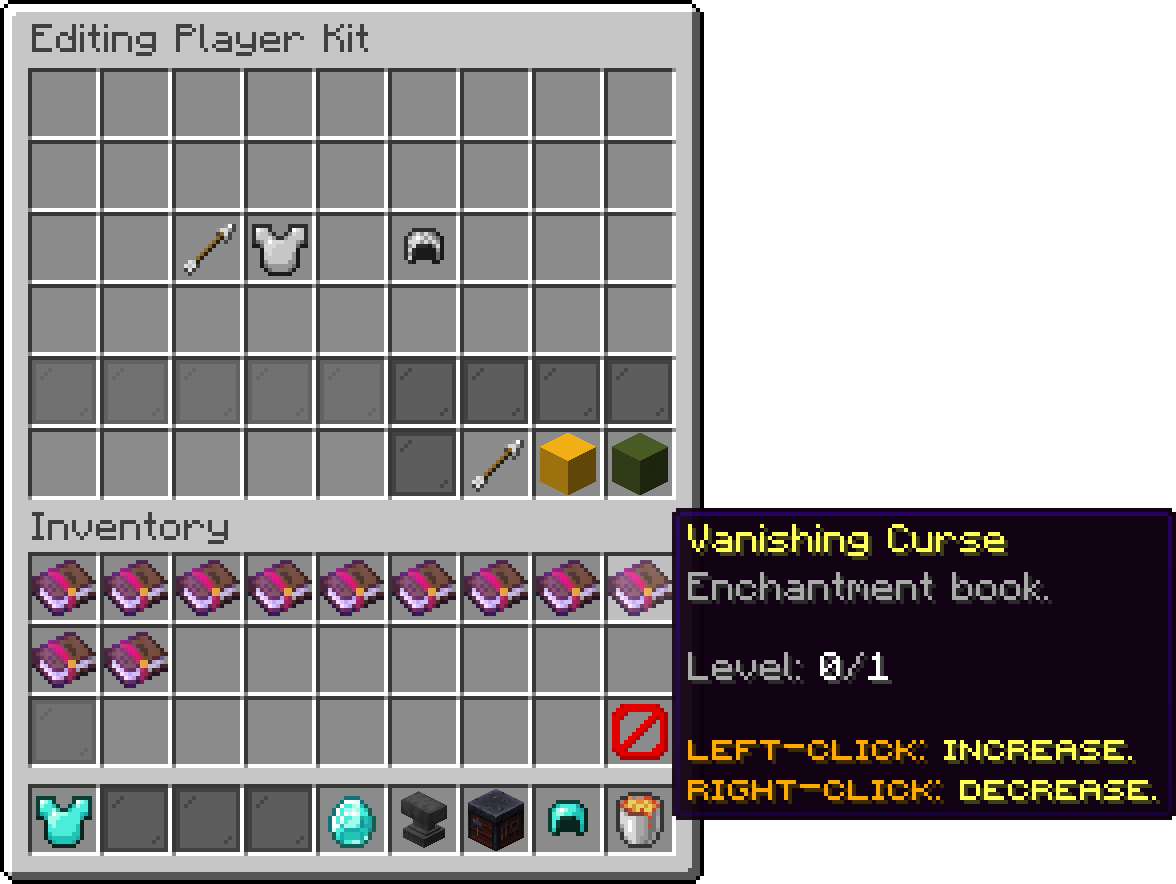
Dropping an item into the enchanter slot turns the picker grid into a list of enchantment books, showing only the enchantments that can legally go on that item. Each book carries the level the item is currently at and the cap it can be taken to, and clicking it walks that level up or down. A barrier on the right of the third row strips every enchantment back off at once.
Editing Player Kit
Editing Player Kit
Only the first 25 applicable enchantments are shown, so a heavily modded server may want to narrow the list down with the whitelist below.
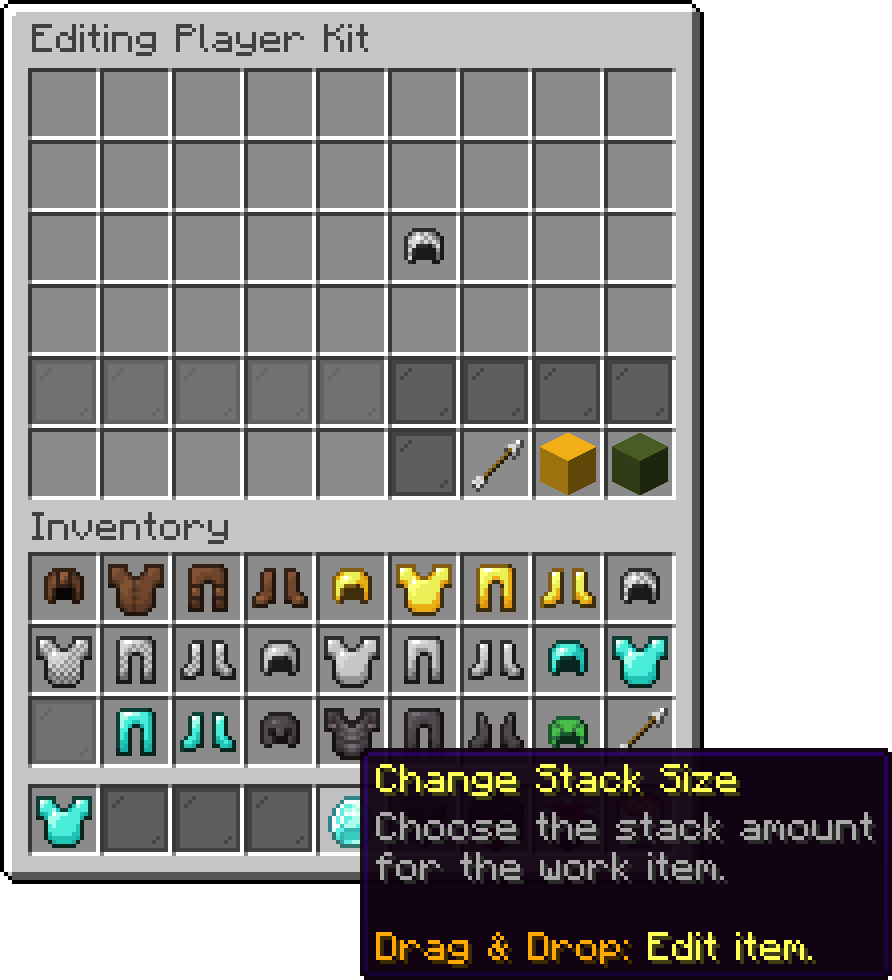
Two more hotbar slots accept an item the same way the enchanter slot does, and offer quick values for it: stack sizes of 1, 8, 16, 32 and 64, and durability at 100%, 75%, 50%, 25% and 1% of the item's maximum. Sizes above what the item can actually stack to are greyed out, and the durability slot stays inactive for items that have no durability at all.
Editing Player Kit
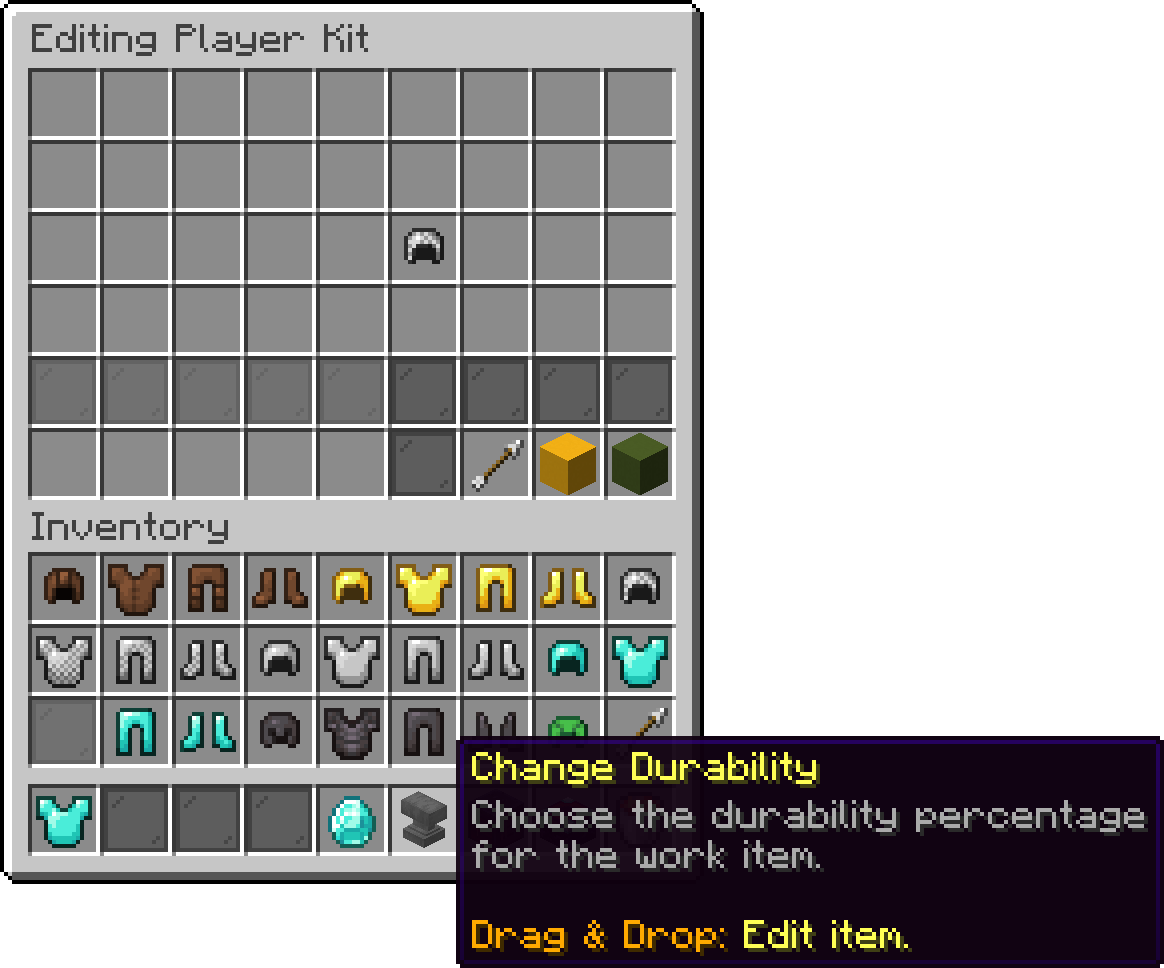
Editing Player Kit
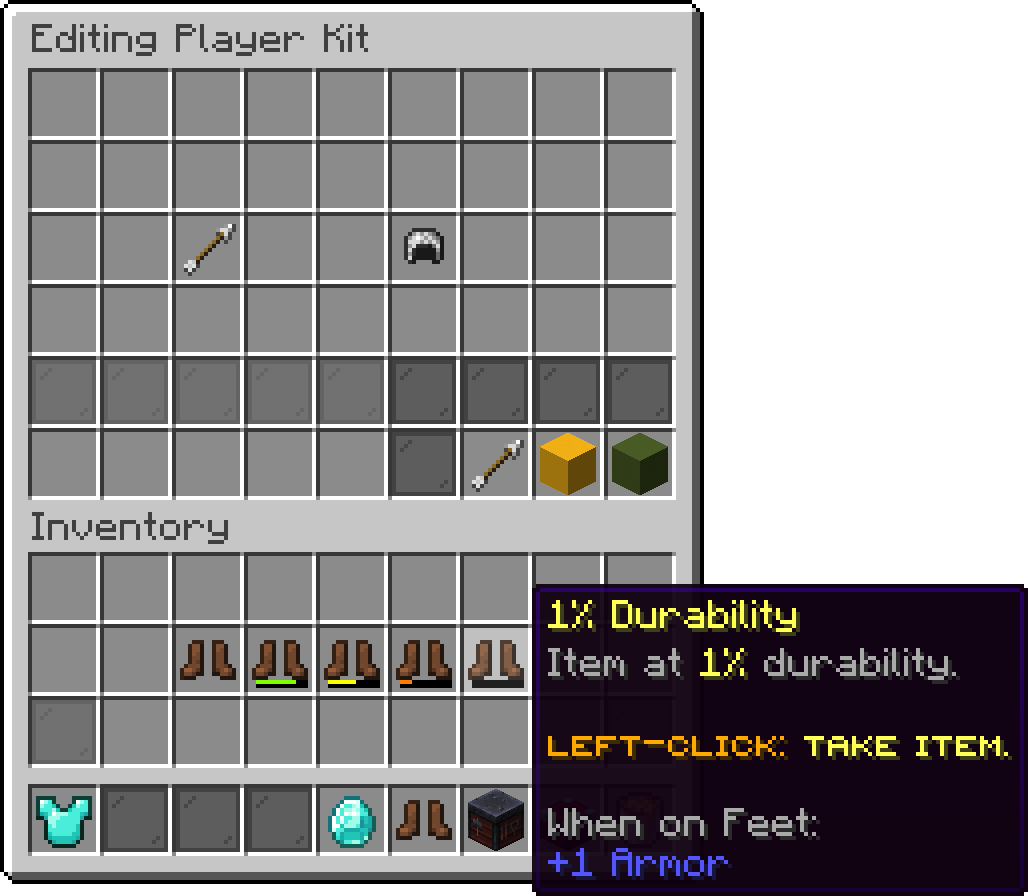
Editing Player Kit
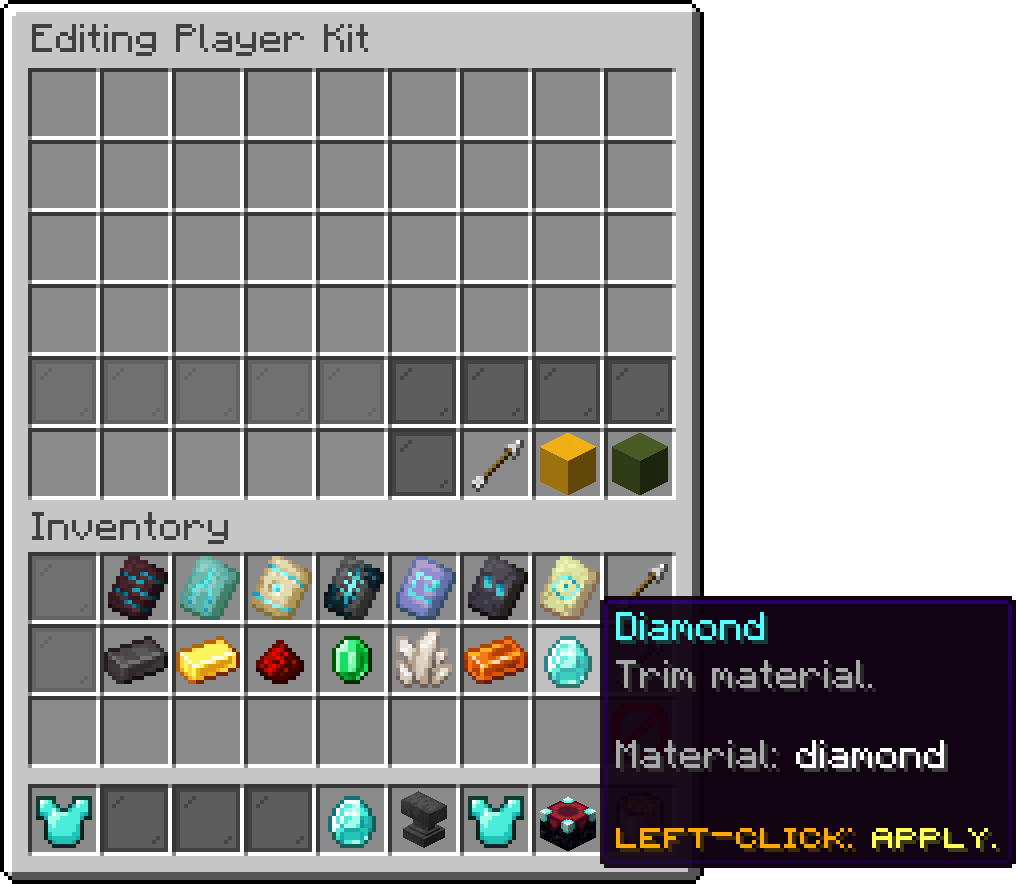
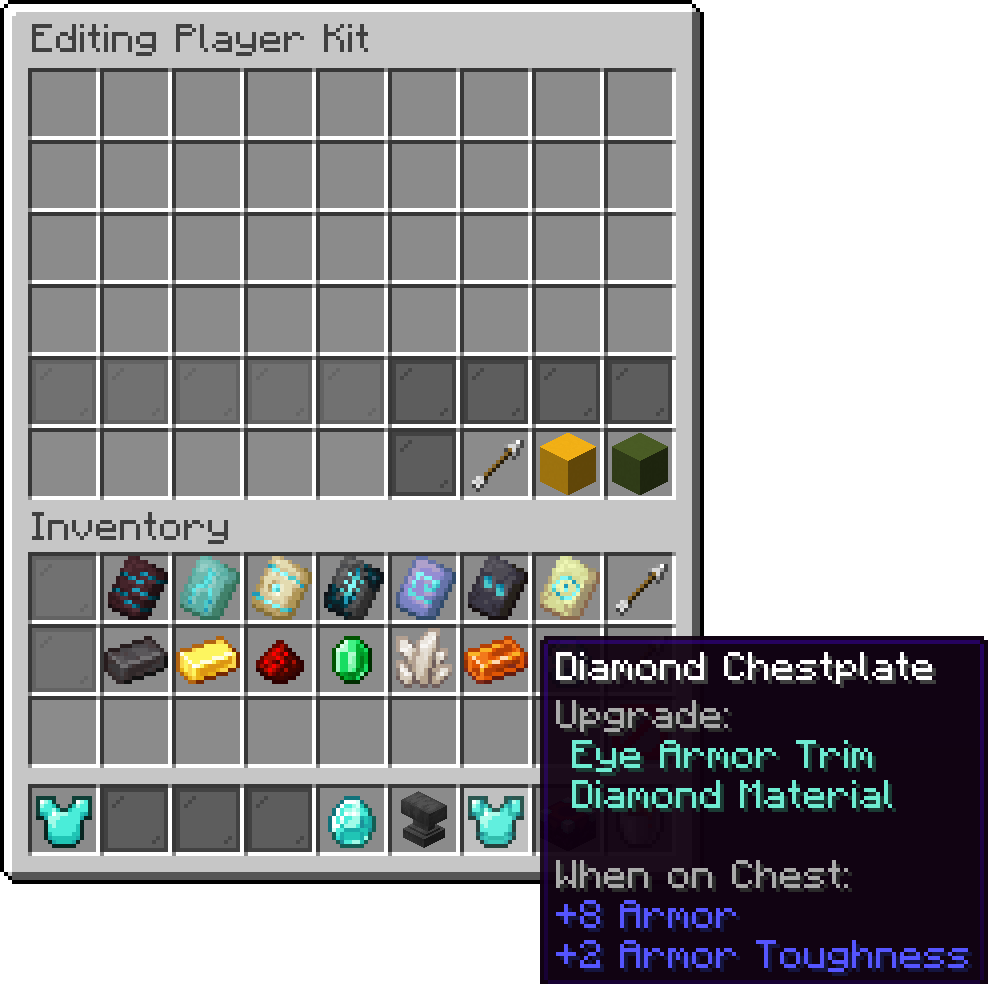
Dropping a piece of armor into the trim slot turns the picker into a pattern row and a material row, both paginated. Picking one of each applies the trim to the armor, and a barrier on the right of the third row removes it again. Patterns and materials the player has no permission for are shown as a locked tile naming the permission they are missing.
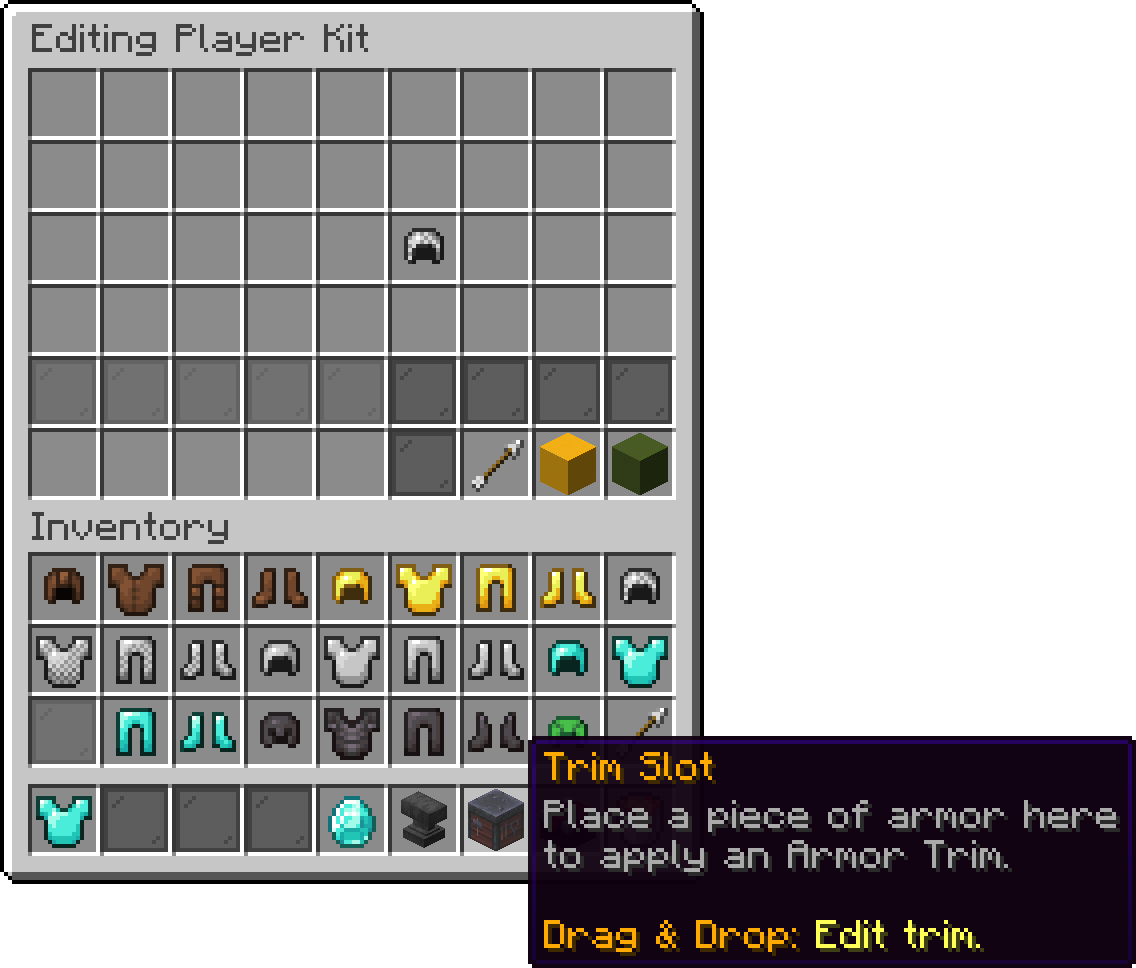
Editing Player Kit
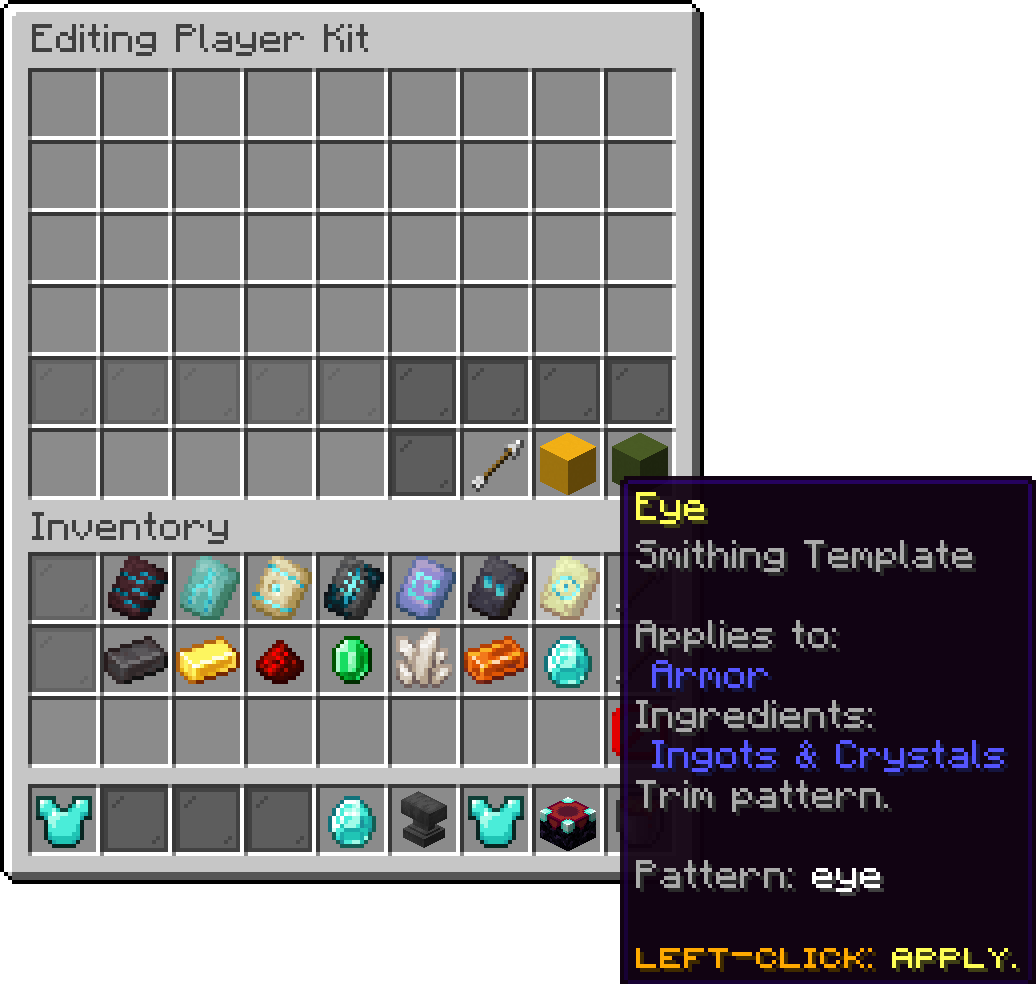
Editing Player Kit
Editing Player Kit
Editing Player Kit
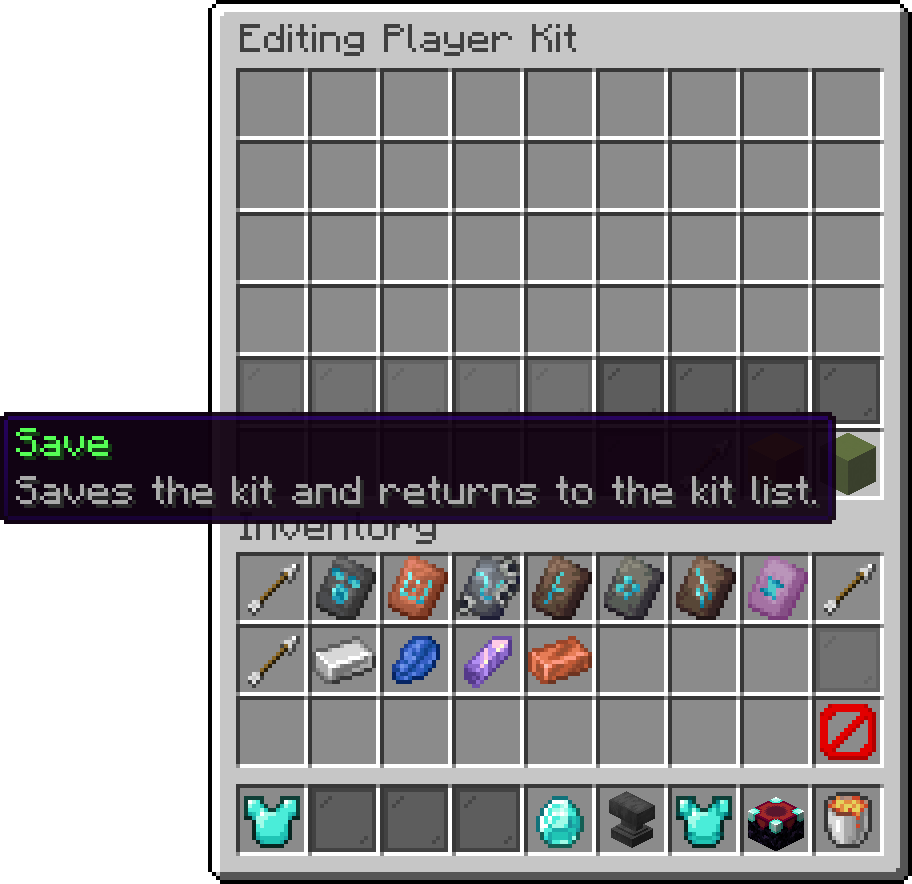
Save and Go Back both write the kit and return to the kit list; Reset puts the kit back to how it looked when the screen was opened. Closing with Escape, disconnecting, or a server shutdown all save the kit exactly as saving would, so no work is lost by leaving the wrong way.
Editing Player Kit
Two options in the add-on configuration bound what the enchanter can hand out. They have no editor screen, so they are set in the file directly.
allowed-enchantments: []
max-enchantment-level: -1
An empty whitelist offers every vanilla enchantment. Filling it in restricts the enchanter to the names listed, on top of the usual rule that an enchantment still has to fit the item. A level cap of -1 keeps each enchantment's own vanilla maximum; any positive value replaces that maximum for all of them, which is how you allow Sharpness X.
The cap only binds the editor. Levels already stored in a player's kit are applied to the item as they are.
Armor trims are gated one pattern and one material at a time, and the nodes are shared with the rest of PhoenixDuels rather than being specific to player kits.
| Permission | Description |
|---|---|
| phoenixplugins.trim.pattern.<pattern> | Allows using the trim pattern matching <pattern>. |
| phoenixplugins.trim.material.<material> | Allows using the trim material matching <material>. |
Oops... looks like the spiders padded through here
Add products to your cart and remove them from here Lets buy