

Oops... looks like the spiders padded through here
Add products to your cart and remove them from here Lets buy




On this page, you will find everything you need to know about grouping the rewards of a rarity into a category.
A rarity with Group Rewards enabled collapses every reward carrying it into one category icon instead of listing them one by one. Players open the category to browse or pick from it, which keeps crates with a long reward list readable.
Rewards without a grouped rarity keep their own slot and are listed after the categories. A rarity that is disabled never groups, its rewards go back to being listed individually.
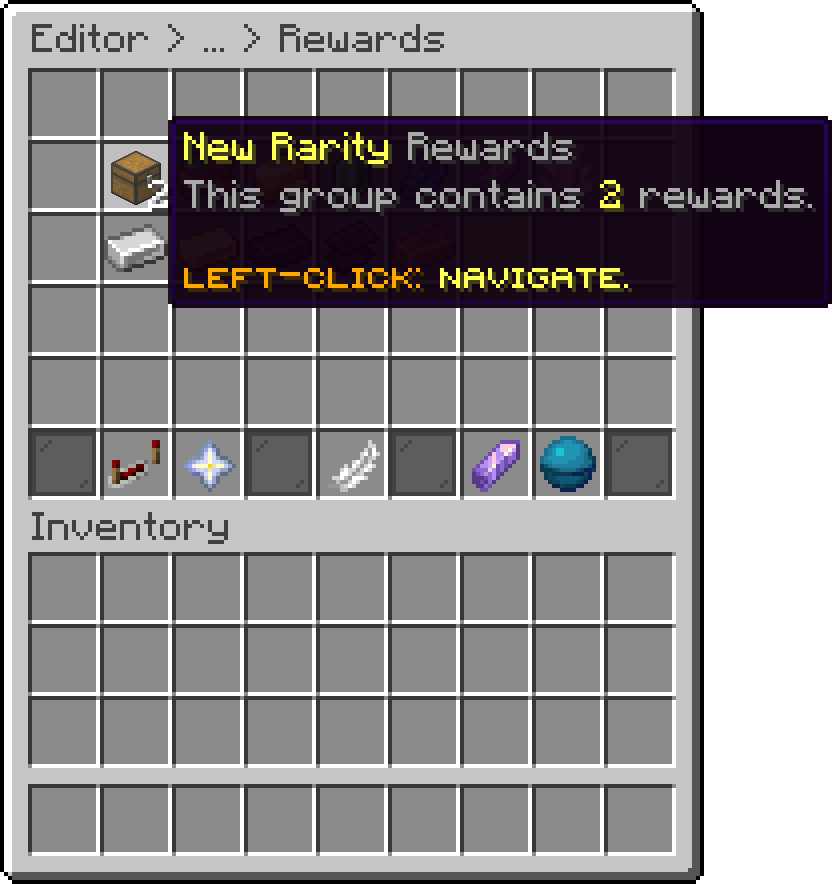
Editor > Crates > Crate > Rewards
Opening a category lists the rewards it holds, each one editable from there like any other reward.
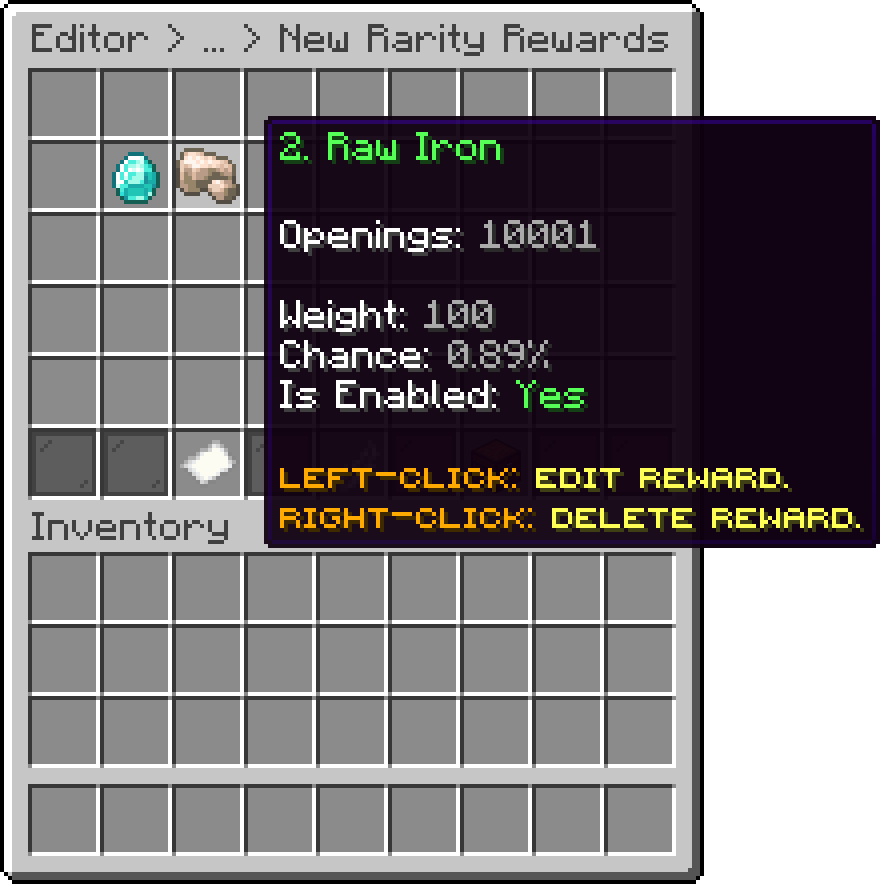
Editor > Crates > Crate > Rewards > Category
| Menu | Behaviour |
|---|---|
| Rewards Preview | The category opens a preview filtered to that rarity. |
| Select Reward | The category opens the rewards of that rarity to choose from. |
| Mass Selection | The category opens a filtered selection shared with the main menu. |
| Editor > Crates > Crate > Rewards | The category opens its settings and the rewards it contains. |
By default a category is shown as a chest named after the rarity, with the number of rewards it contains in the lore. Opening the category from the crate reward list in the editor gives access to its settings, where the icon can be replaced with any item and given a custom display name and lore, both supporting MiniMessage.
An Item Properties sub-menu goes further: RGB color, item flags, banner patterns, enchantments, model data and item model, enchantment glint override, potion effects, armor trim, and tooltip style.
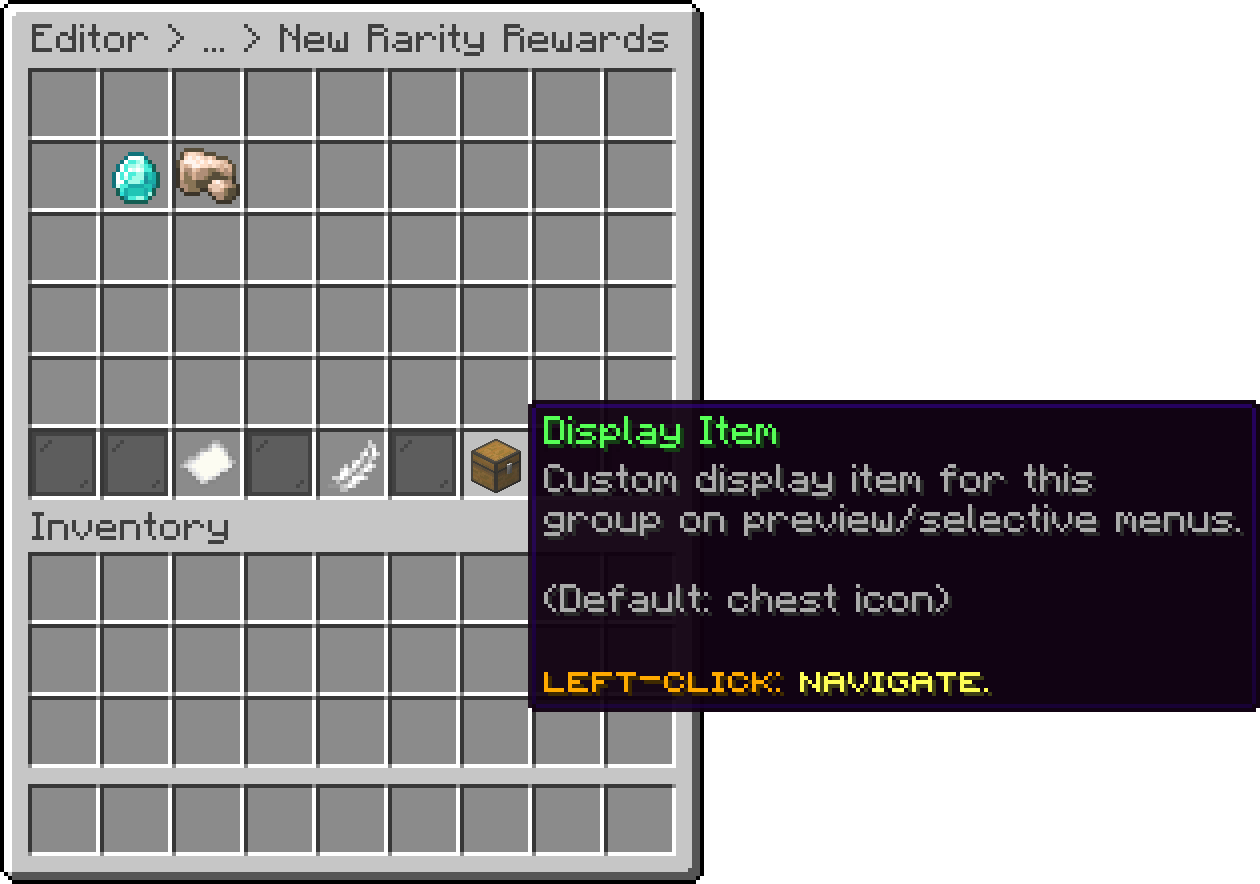
Editor > Crates > Crate > Rewards > Category
Clicking a category in the rewards preview opens the crate's own preview menu, filtered to that rarity. With this option you can point a category at a different preview menu instead, which is useful to give a rarity its own title, size or decoration. Leaving it unset keeps the crate's preview menu.
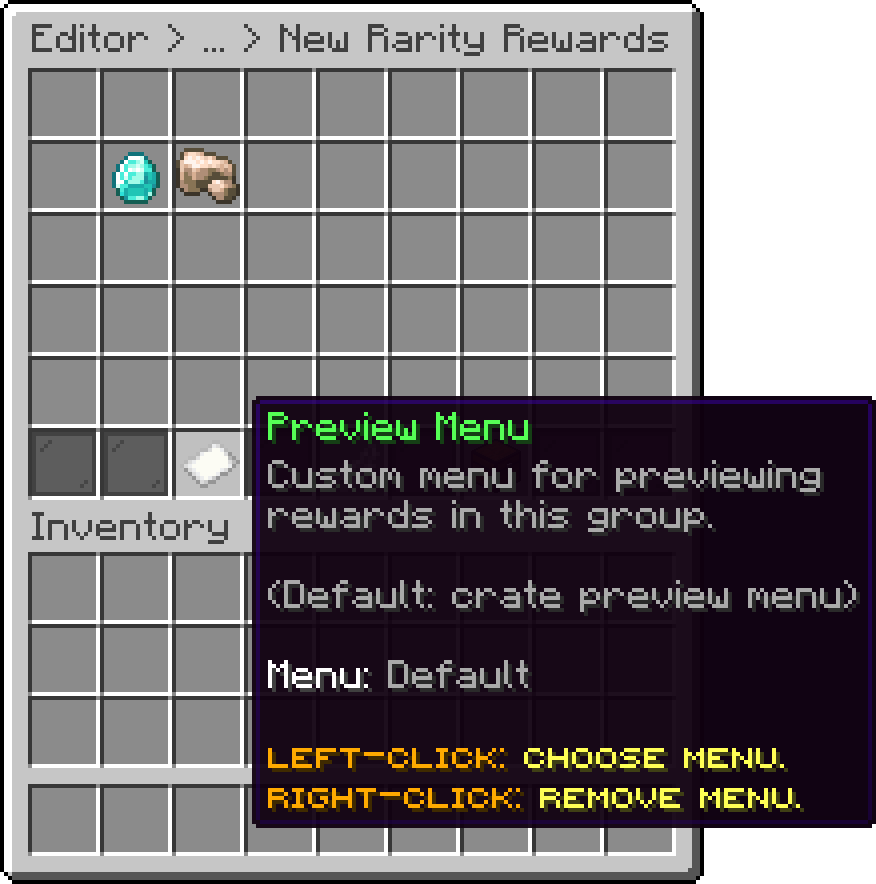
Editor > Crates > Crate > Rewards > Category
Oops... looks like the spiders padded through here
Add products to your cart and remove them from here Lets buy