

Oops... looks like the spiders padded through here
Add products to your cart and remove them from here Lets buy




This feature is only available in the premium version of Phoenix Crates.
This engine type requires Model Engine 4 (4.0.3 or newer) to be installed.
With this engine, you can use models imported via Model Engine as your crate models. We've streamlined the process to make it as simple as possible, allowing you to edit your models directly through the in-game editor, making your life easier.
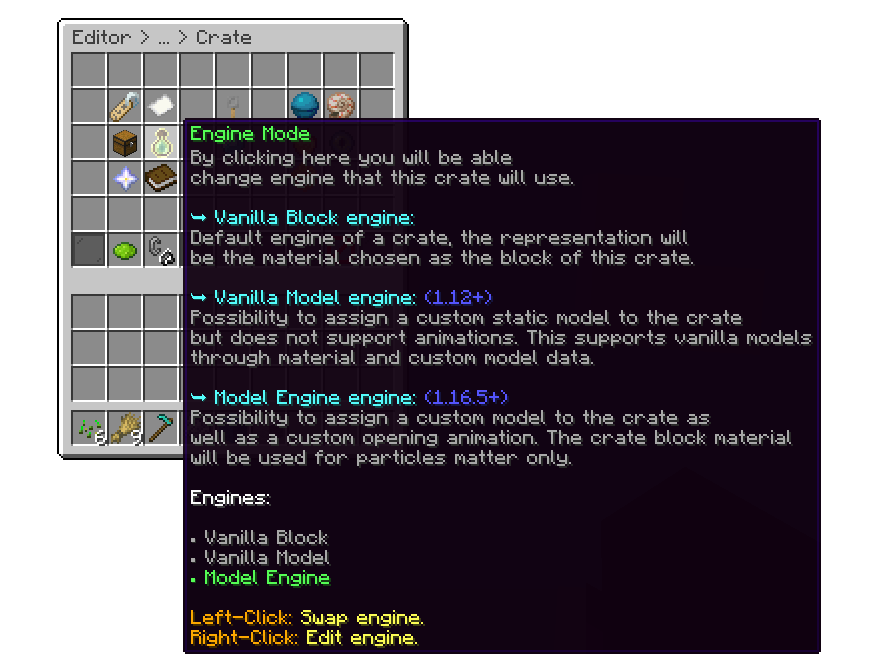
Editor > Crates > Crate
The first step is to assign the model name for your crate. The model name is the ID of the model you've imported via Model Engine. For example, if the model ID is bat_crate, you should select the bat_crate bbmodel
.png)
Editor > Crates > Crate > Engine
You can adjust the scale of the model, between 0.1 and 10.
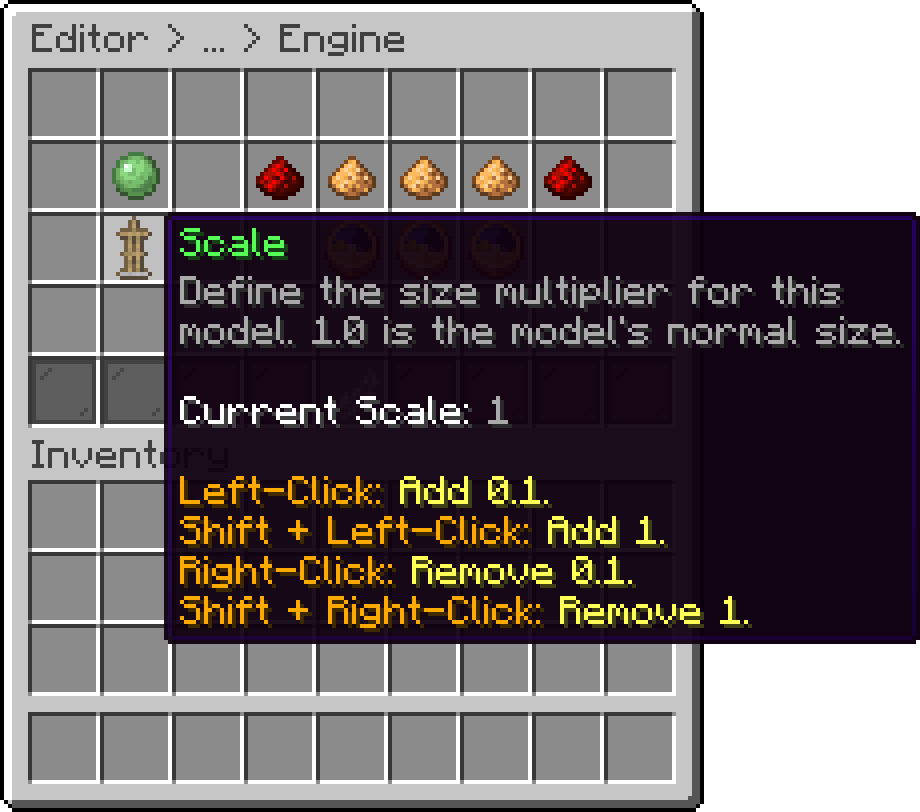
Editor > Crates > Crate > Engine
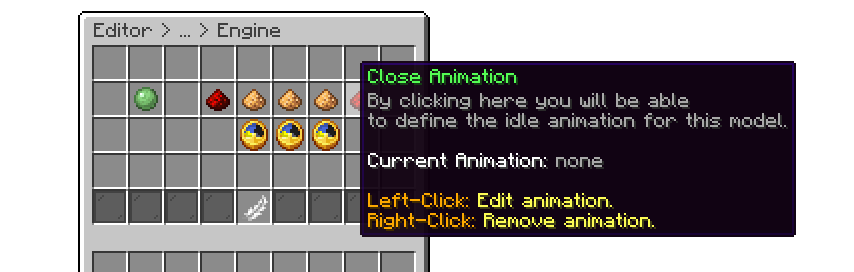
All these options are configured separately through their respective items. There's also an option to set a delay, allowing you to sync the animations if they occur later than the default timing. This ensures that the particles and animations look smoother and more cohesive.
The following is an example of using the Fire Elemental crate model using Model Engine 4.
.gif)
Model Engine Block
Oops... looks like the spiders padded through here
Add products to your cart and remove them from here Lets buy