

Oops... looks like the spiders padded through here
Add products to your cart and remove them from here Lets buy




On this page, you will find all the information about editing your already existing rarity.
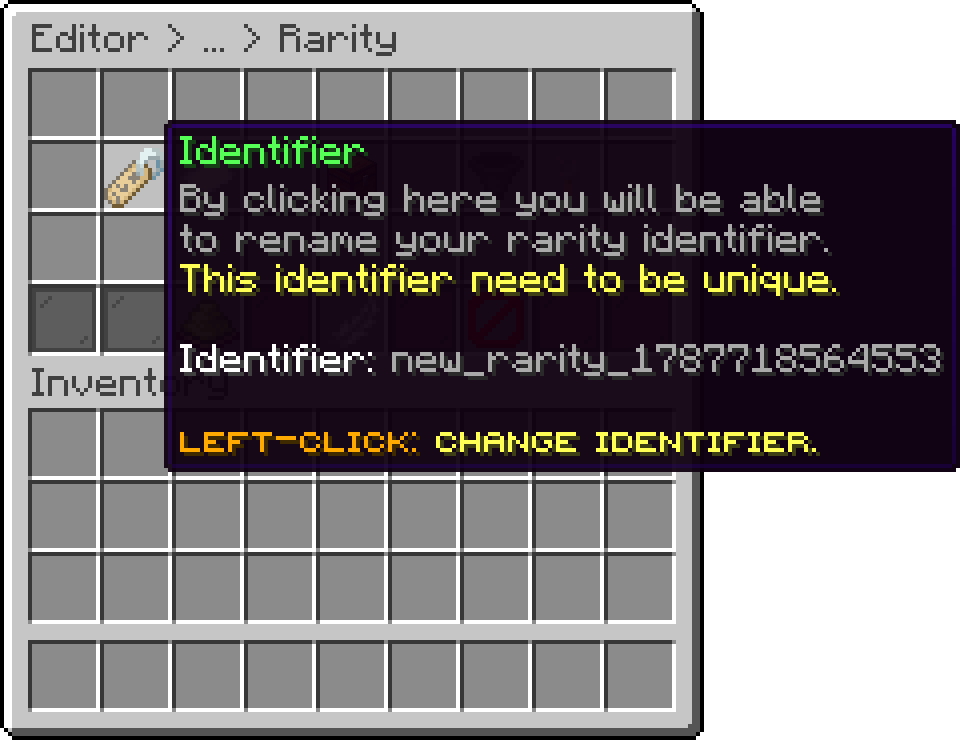
With this option, you can set an identifier for the rarity. Note that the rarity identifier is unique and used internally by the plugin, and its different from the display name.
Editor > Rarities > Rarity
If the identifier is changed, all rarities associated with the rewards/keys will no longer work.
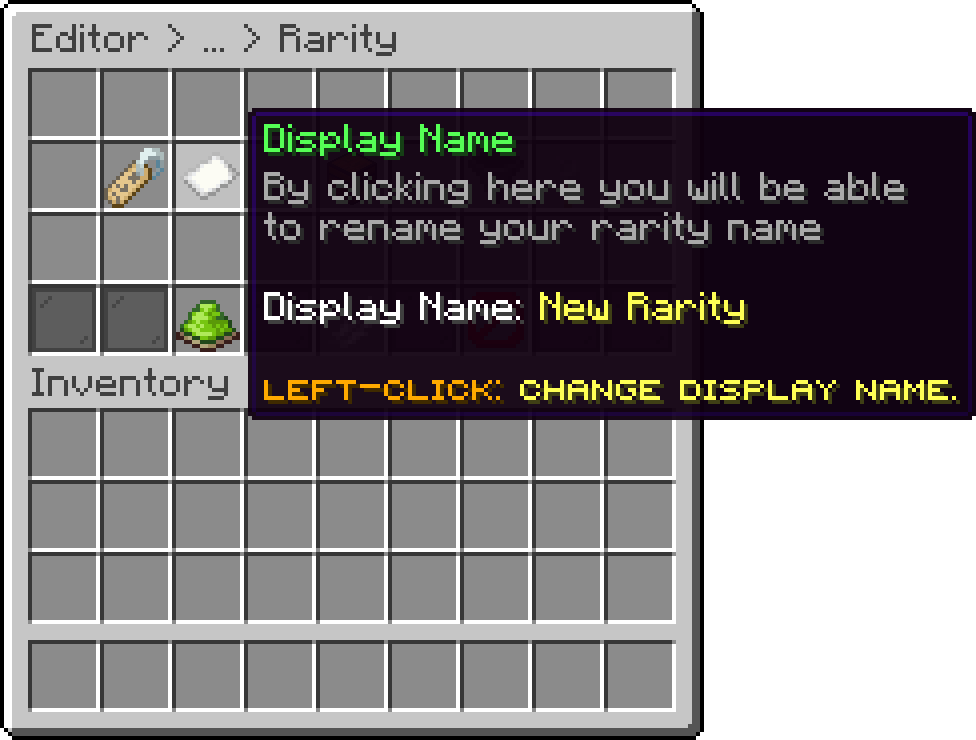
With this option, you can adjust the display name of the rarity. The display name is typically shown in the reward/key lore.
For the display name, you can use the default Minecraft color codes. For hex colors, use the &#D6D045 format.
Editor > Rarities > Rarity
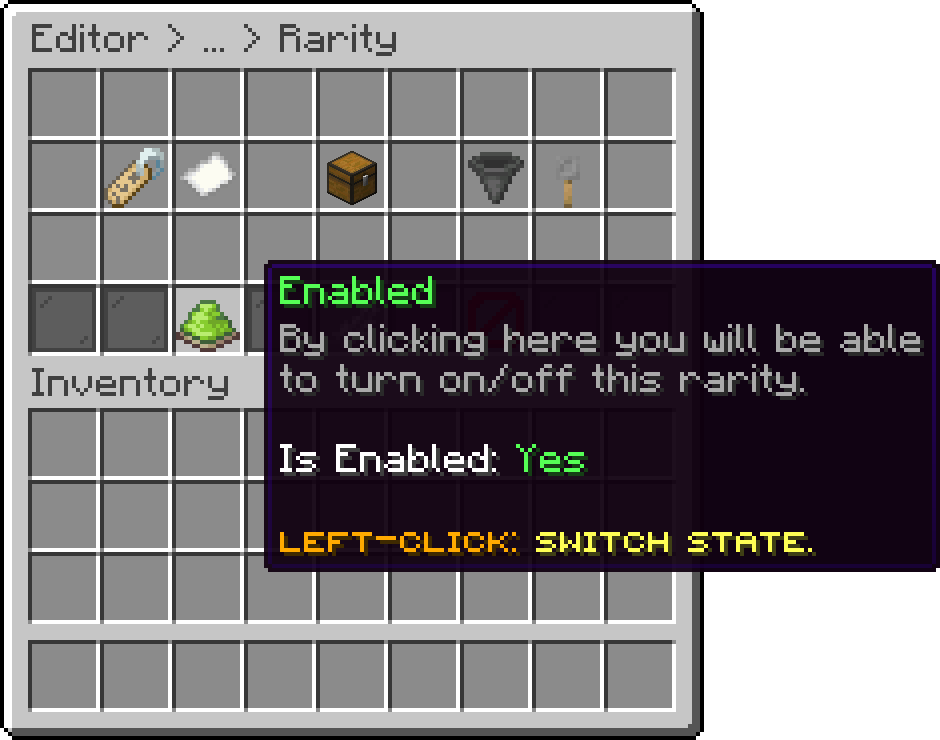
With this option, you can disable the rarity. The rarity will remain to the key and rewards, but only as a display name for their lore.
Editor > Rarities > Rarity
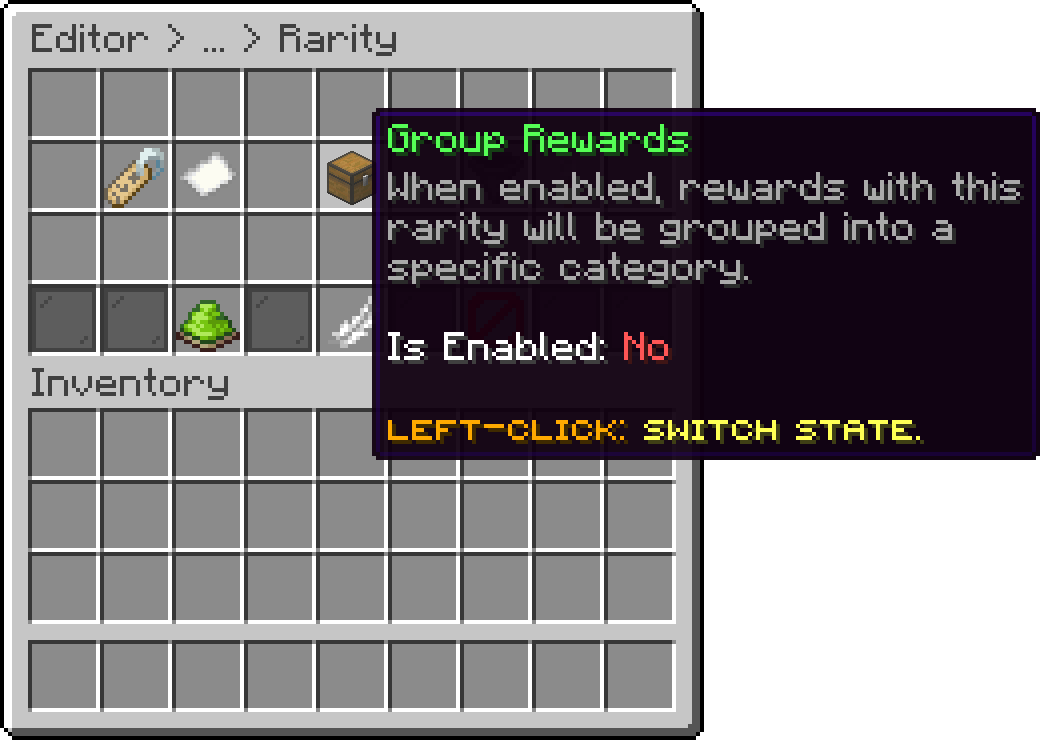
With this option, every reward carrying this rarity is collapsed into a single category icon in the rewards preview, the select reward menu and the mass selection menu, instead of being listed one by one. The category and the item representing it are covered in Reward Groups.
Editor > Rarities > Rarity
This option allows you to permanently delete a rarity. Note that selecting it will first open a confirmation menu before the key is deleted. Additionally, the rarity will still be attached to a reward/key.
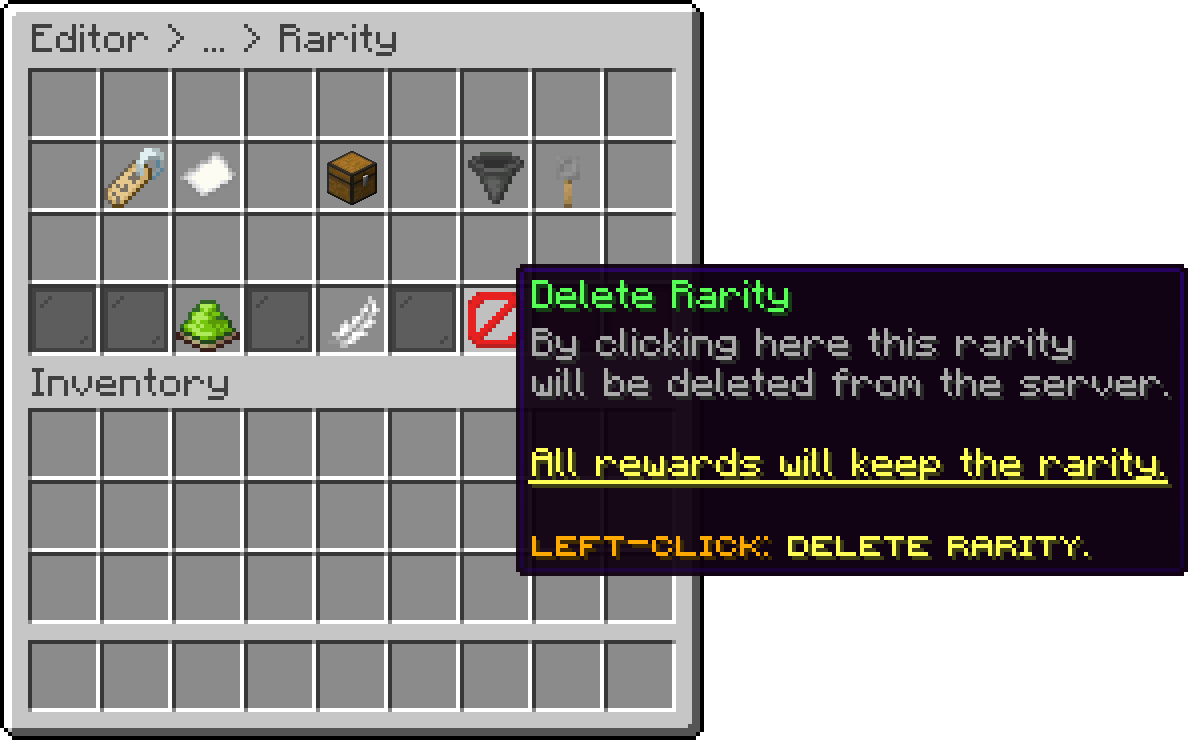
Editor > Rarities > Rarity
This option is permanent, and rewards can't be restored.
Oops... looks like the spiders padded through here
Add products to your cart and remove them from here Lets buy