

Oops... looks like the spiders padded through here
Add products to your cart and remove them from here Lets buy




On this page, you will find all the additional options, that can only be manually changed from the crates config file
With this option, you can adjust the position where the reward item will be displayed. The name of the reward has its own offset, applied on top of the item one, so the text can sit closer or further from the item.
Both are also editable in-game from Display Settings, inside the Opening Animation menu.
extra-settings:
  animation:
    display-item-position:
      x: 2.0
      y: 1.0
      z: 0.0
    display-item-name-position:
      x: 0.0
      y: 0.3
      z: 0.0
.png)
Display Item Position
In-game, each axis of both offsets has its own option inside Display Settings.
Offsets the floating reward item on each axis, the same values as display-item-position above.
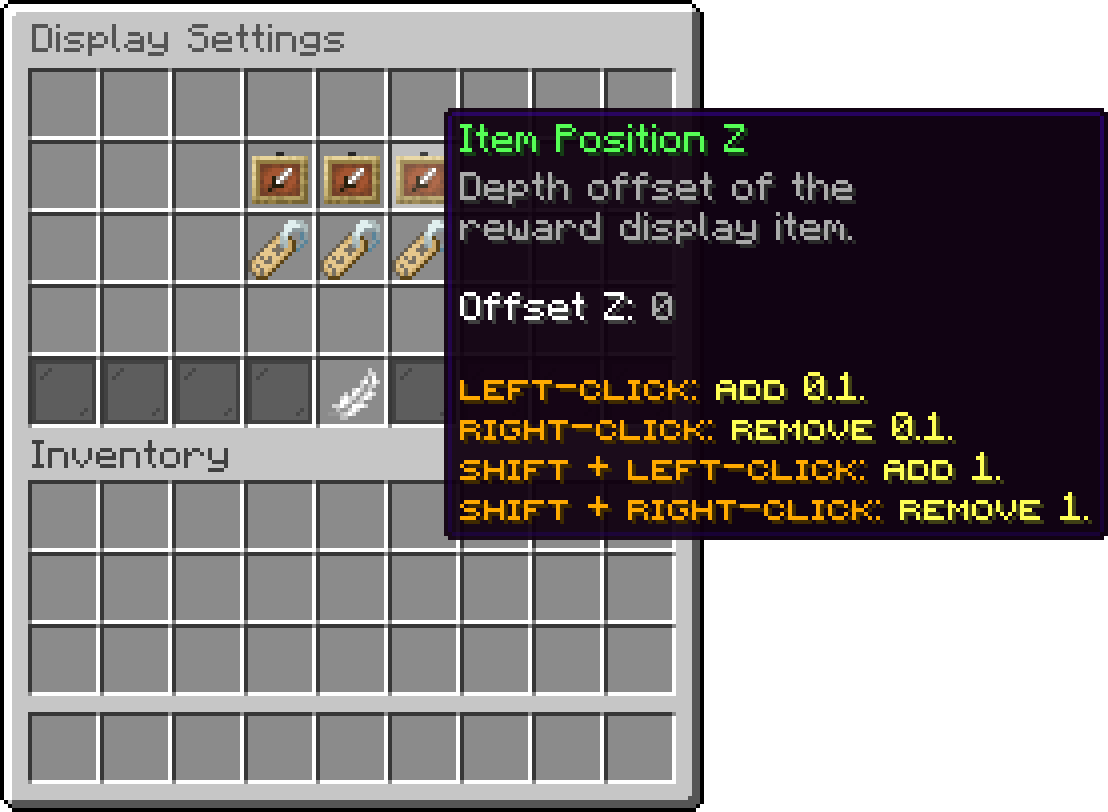
Editor > Crates > Crate > Animations > Opening Animations > Display Settings
Offsets the reward's name on top of the item one, so the text can sit closer to or further from the item.
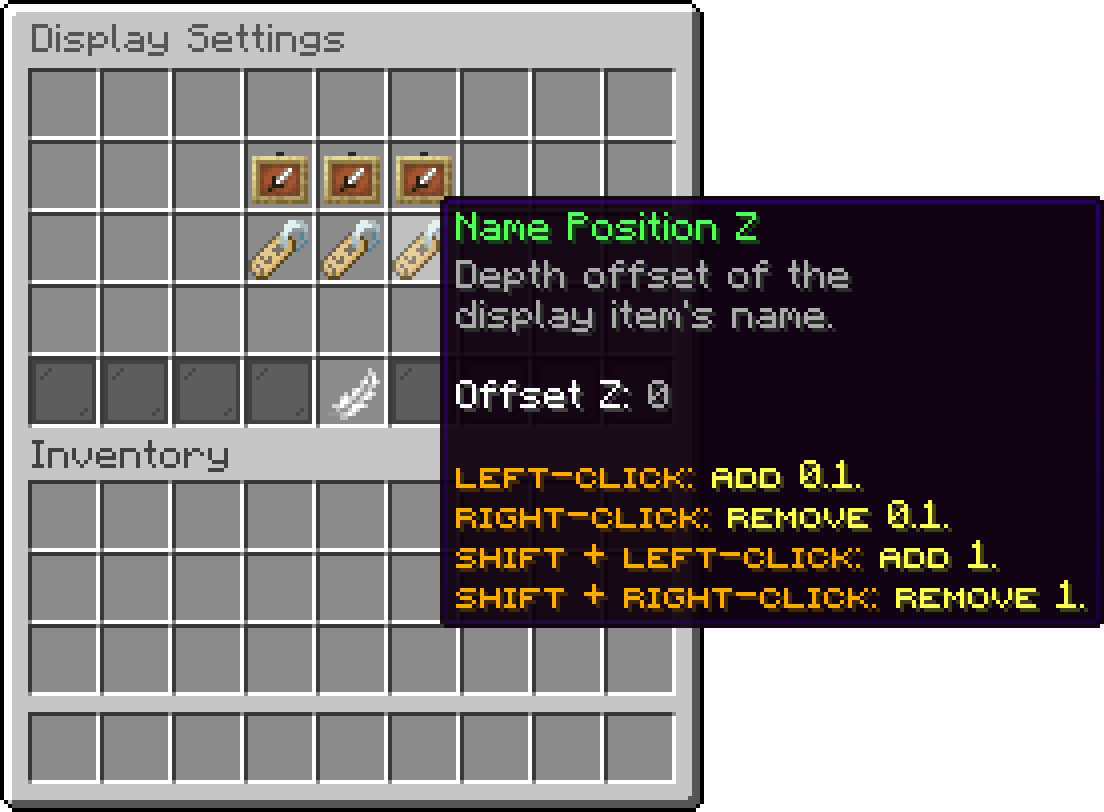
Editor > Crates > Crate > Animations > Opening Animations > Display Settings
Oops... looks like the spiders padded through here
Add products to your cart and remove them from here Lets buy