

Oops... looks like the spiders padded through here
Add products to your cart and remove them from here Lets buy




On this page, you will find all the misc information for the crate.
With this option, multiple users can open the crate simultaneously. When enabled, only the user opening the crate will see the opening animation. When disabled, everyone nearby will see the crate opening animation. By default, this option is enabled.
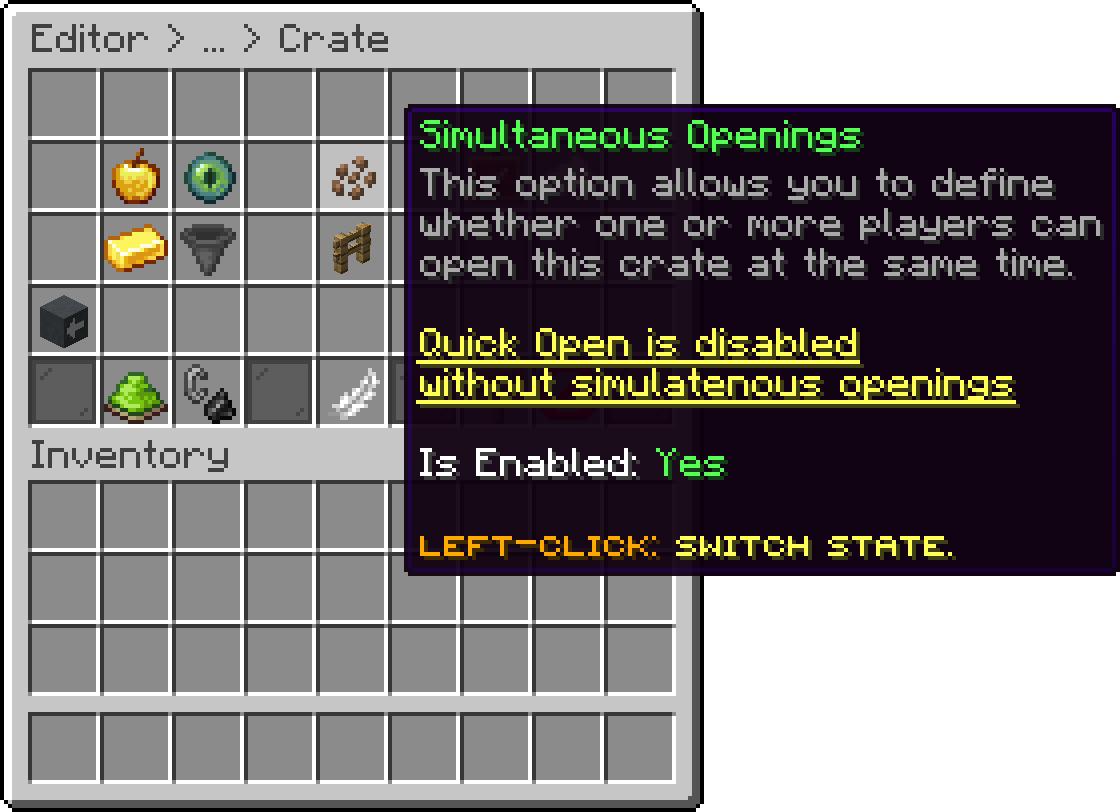
Editor > Crates > Crate
With this option, you can assign a permission that restricts crate access to users who have the specified permission.
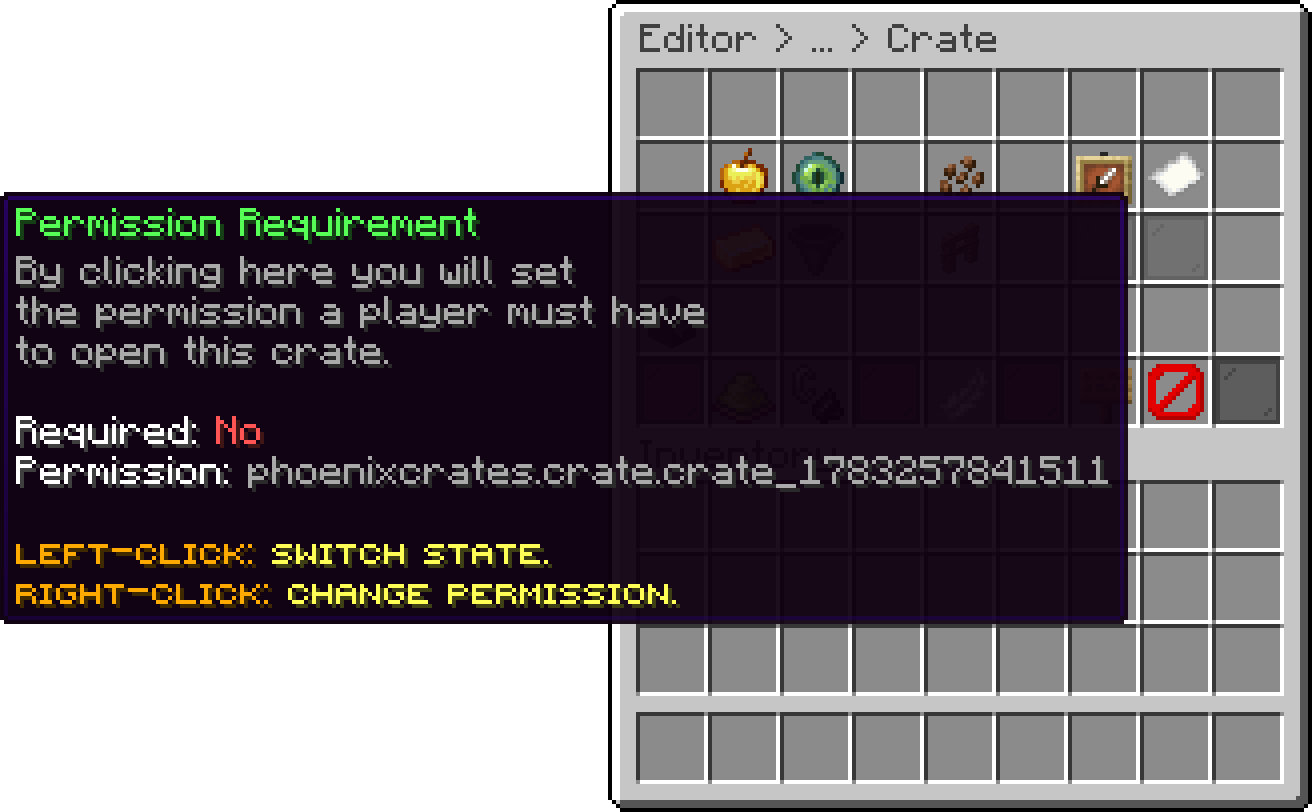
Editor > Crates > Crate
With this option, you can set a specific amount required for users to open a crate. If the value is set to 0, this option is disabled.
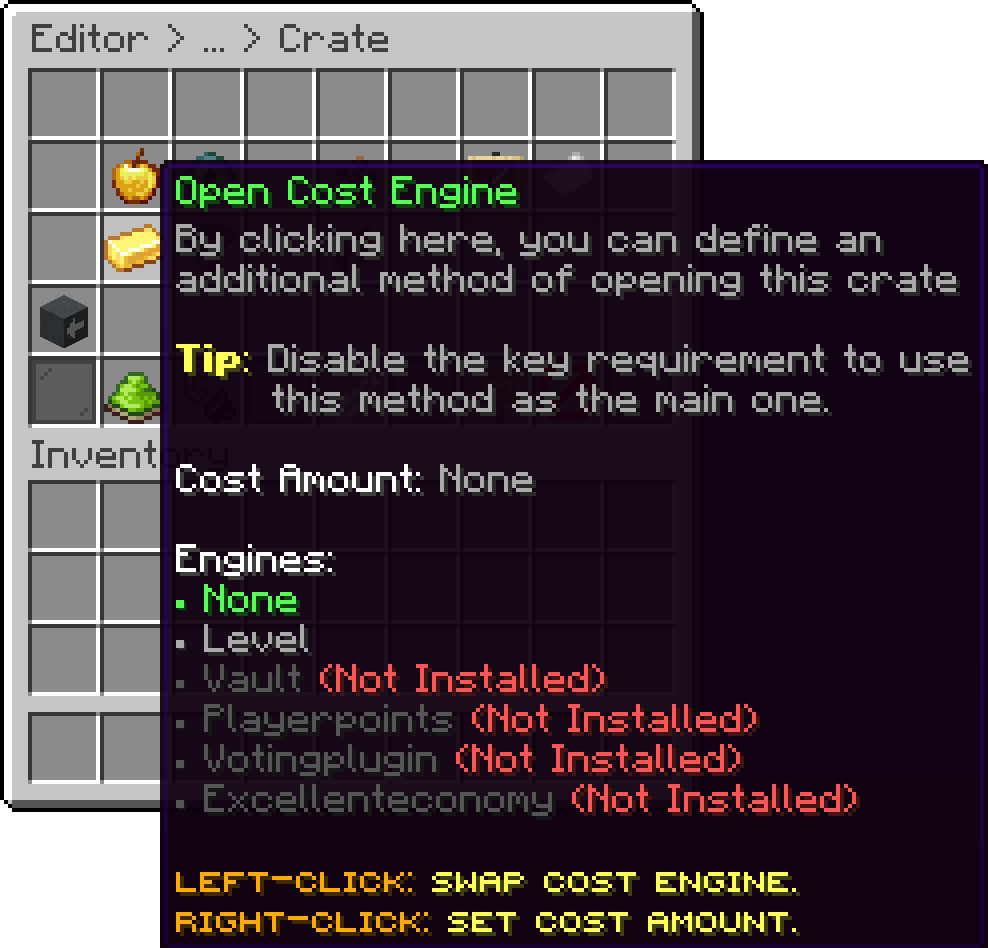
Editor > Crates > Crate
With this option, you can set a cooldown for the crate, requiring users to wait a certain amount of time before opening it again. There is no maximum value, but the cooldown must be specified in seconds.
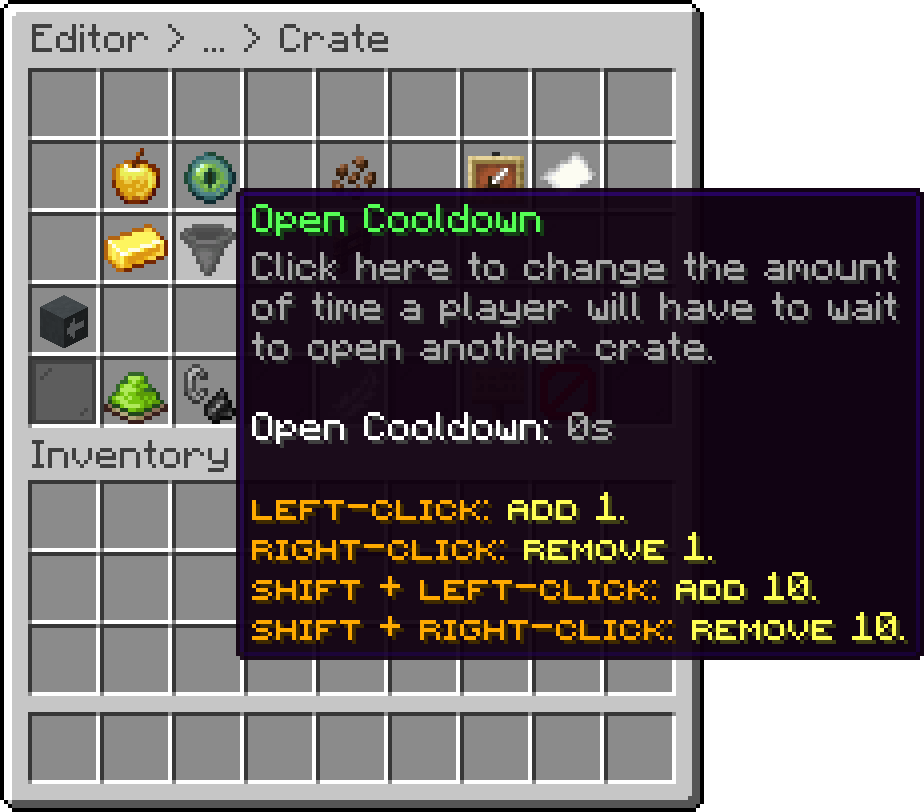
Editor > Crates > Crate
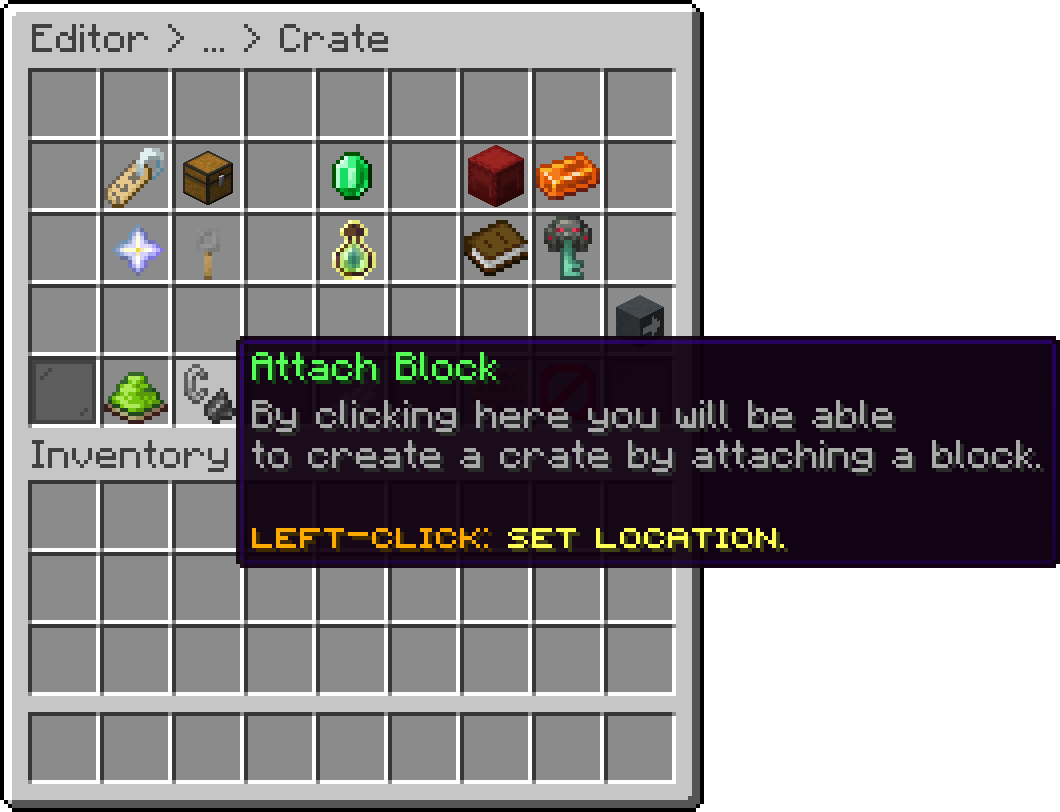
With this option, you can link the crate to a specific block.
Editor > Crates > Crate
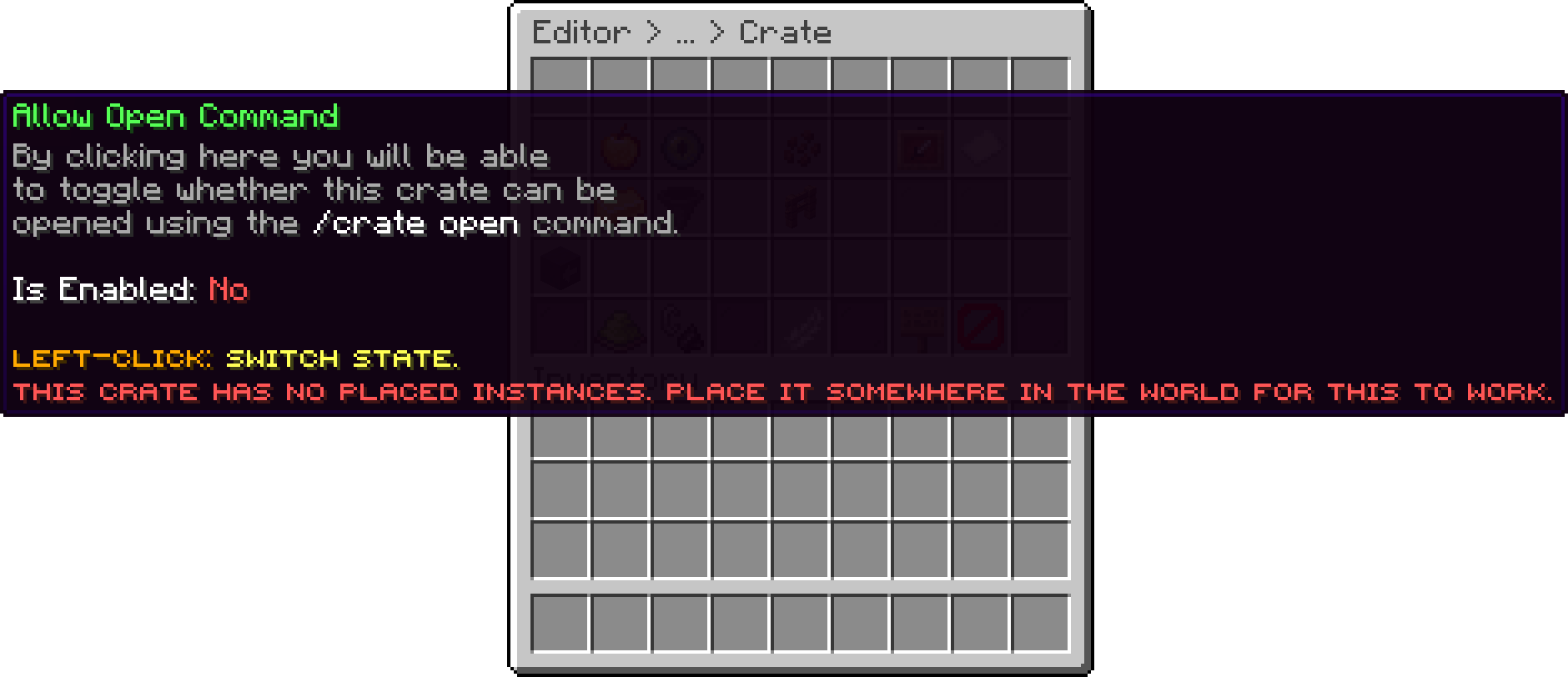
With this option, you can choose whether the crate can be opened with the /crate open <crate_id> command, so a player can open it virtually instead of walking to it. The crate still needs at least one placed instance in the world for the command to work. By default, this option is disabled.
Editor > Crates > Crate
The command opens an existing crate remotely, it does not create one. The crate still needs to be physically placed somewhere in the world, otherwise there is nothing for the command to open.
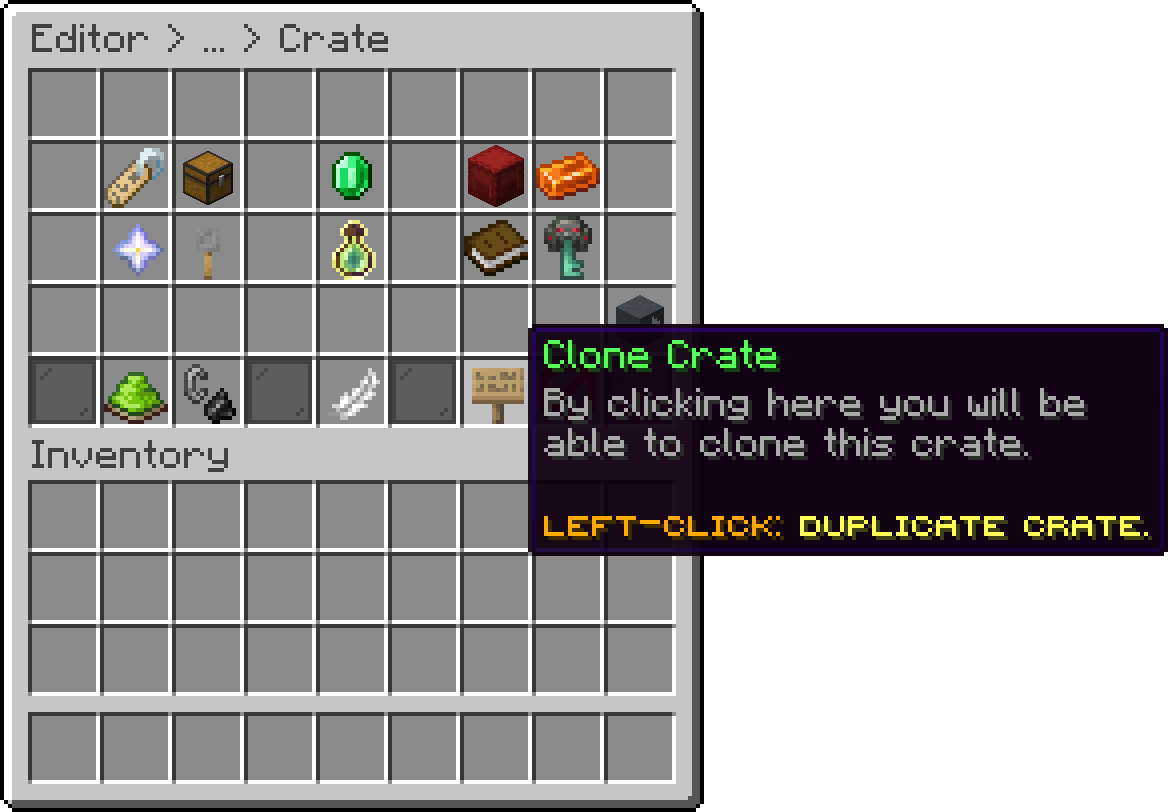
Cloning is available in the Premium+ plan of Phoenix Crates.
With this option, you can duplicate a crate with everything it holds: its rewards, animations, hologram, linked keys and every other setting. The copy is given a new identifier automatically, based on the original's, so the two never collide.
A confirmation menu is shown before the copy is made. The clone starts with no placed locations of its own, so you place it in the world like a brand new crate.
This is the fastest way to build a tier of crates, where a Common, Rare and Legendary crate share the same look and differ only in their rewards.
Editor > Crates > Crate
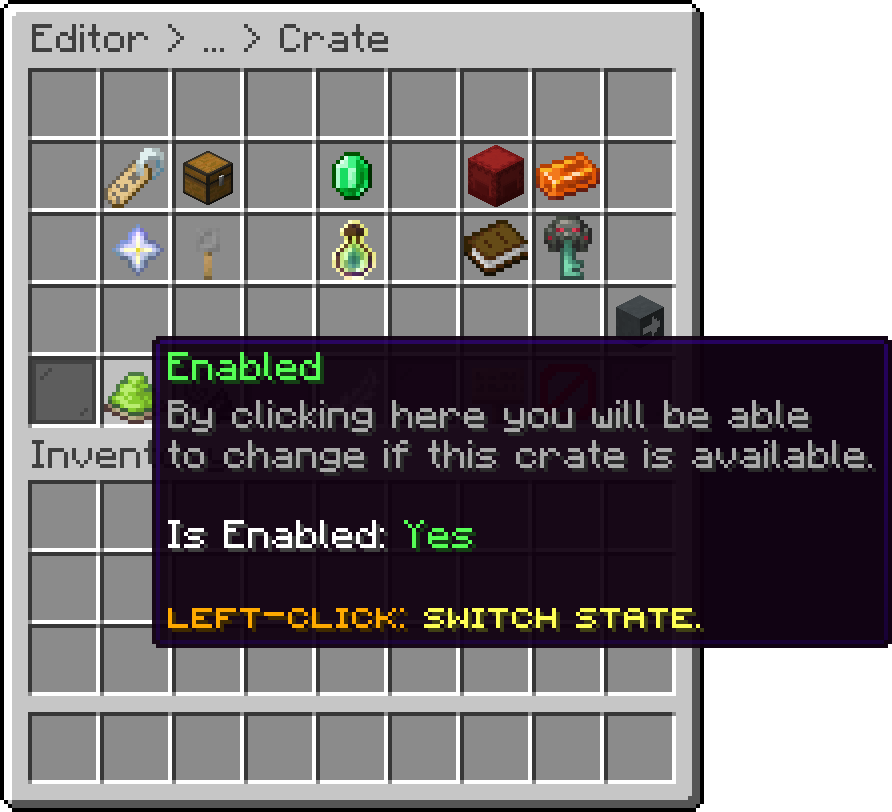
With this option, you can disable the crate. The crate will remain in its location and stay registered, but users will not be able to open or preview it.
Editor > Crates > Crate
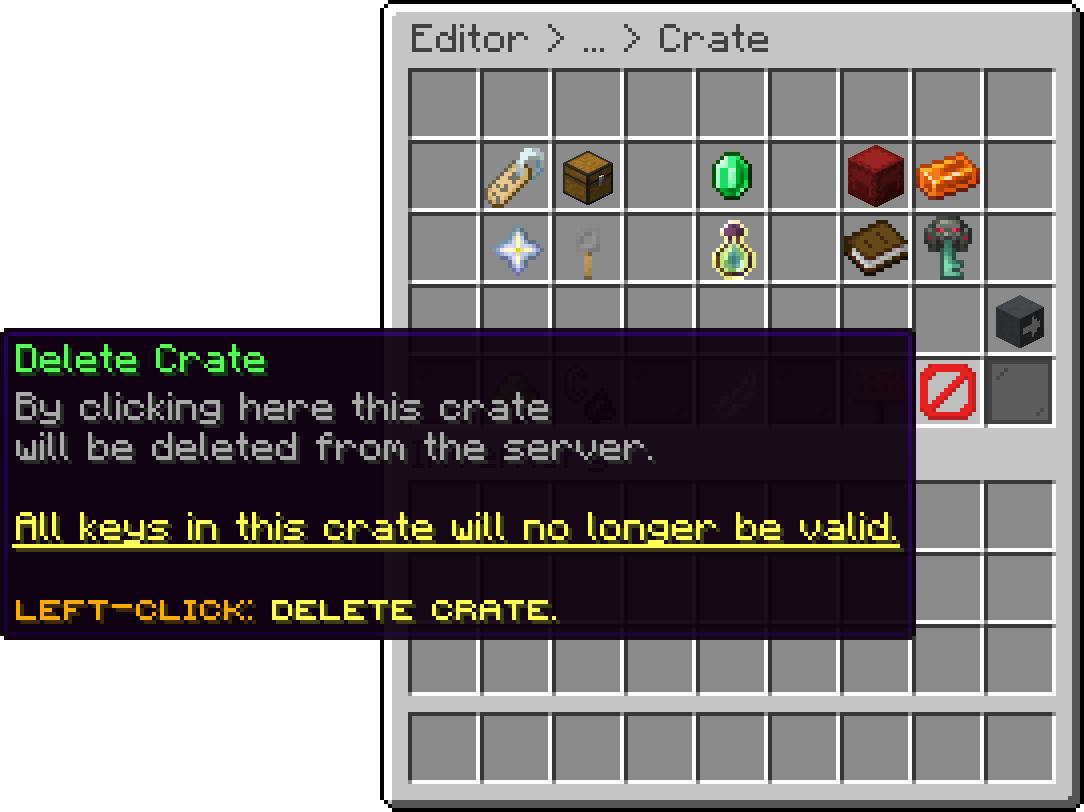
With this option, you can delete a crate.
Editor > Crates > Crate
This option is permanent, and crates can't be restored.
Oops... looks like the spiders padded through here
Add products to your cart and remove them from here Lets buy