

Oops... looks like the spiders padded through here
Add products to your cart and remove them from here Lets buy



On this page, you will find information on how to create NPCs with the plugin
An NPC is a figure standing in your lobby that players can click to be sent somewhere or shown a menu. Nothing external is needed to make one, though a few of the engines do hand the rendering over to another plugin.
Create one with /plobby createNpc <identifier> while standing where you want it, then open Editor > Npcs to configure it.
Every NPC you have made is listed here, with its display name and its identifier in brackets. Clicking one opens its own page of settings, covered under Edit an NPC.
Shift-clicking hands you the NPC as an item instead, which you can then place to move it somewhere else without touching its settings.
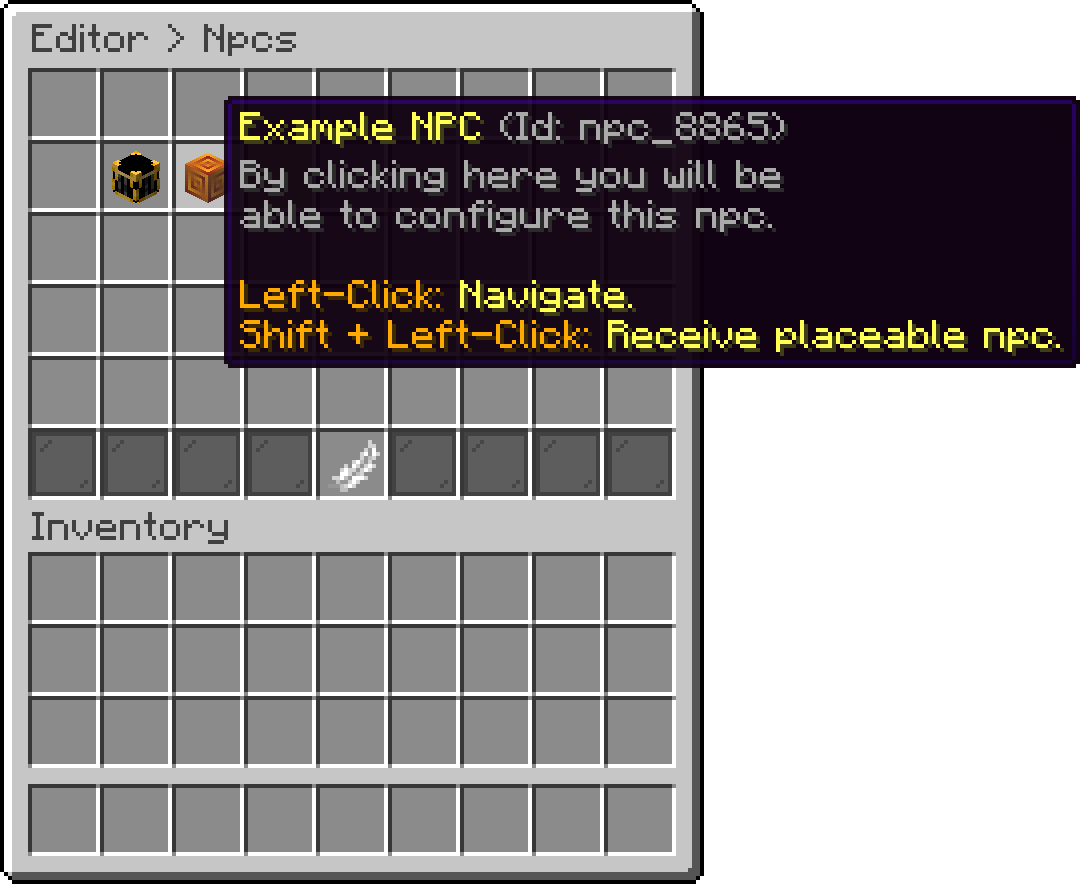
Npcs (Example NPC)
Unlike everything else here, this one is shared by every NPC rather than set per NPC. It is the distance, in blocks, past which NPCs and their effects stop being shown to a player, and it is found in Editor > Settings.
Raising it keeps distant NPCs visible from further away, at the cost of sending more to every player. A busy lobby with many NPCs is where a high value starts to hurt.
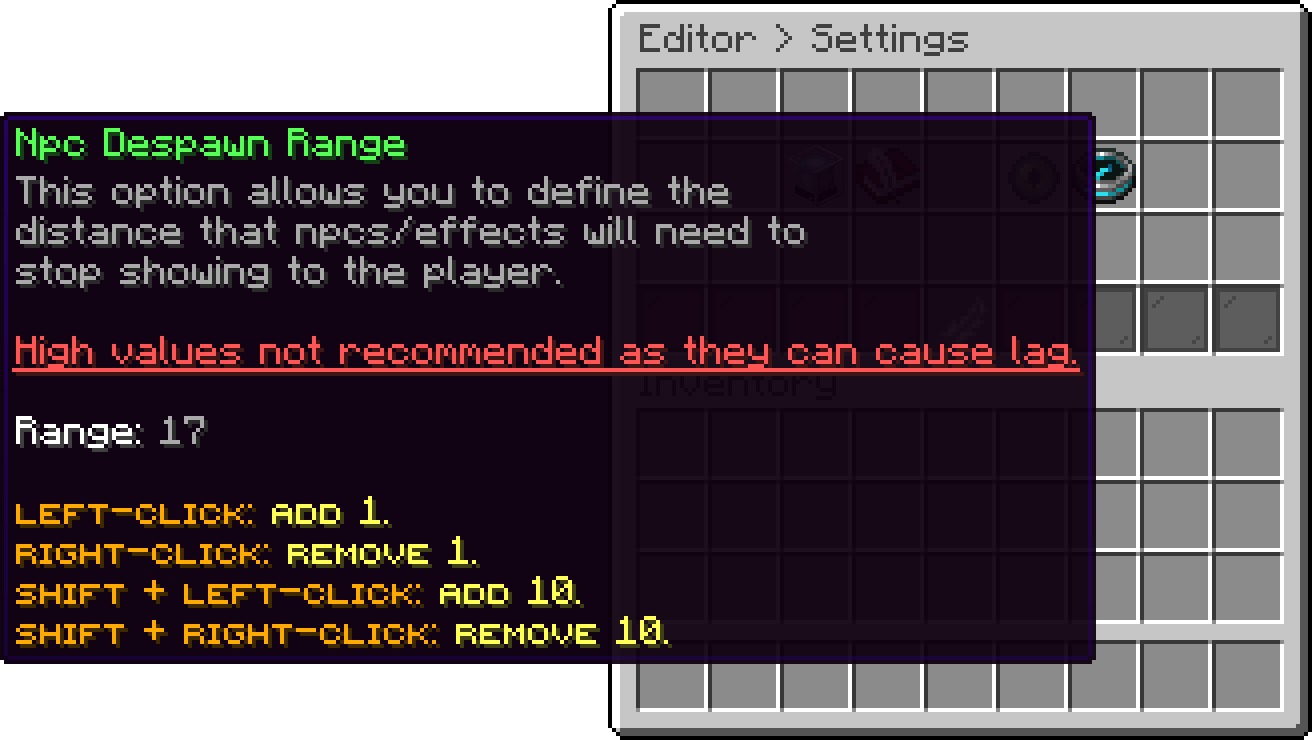
Settings (Npc Despawn Range)
Oops... looks like the spiders padded through here
Add products to your cart and remove them from here Lets buy