








Your cart is empty
Looks like the spiders padded through here. Pick a plugin and it will show up here. Continue shoppingShow a scoreboard in the lobby, with a different board per world if you want one.
This module is configured in modules/scoreboard.yml inside the PhoenixLobby folder.
The scoreboard is the panel down the right side of the screen. Its title can be animated by cycling through a list of frames, and its lines are refreshed on a timer so placeholders stay current. Open it from Editor > Modules > Scoreboard.
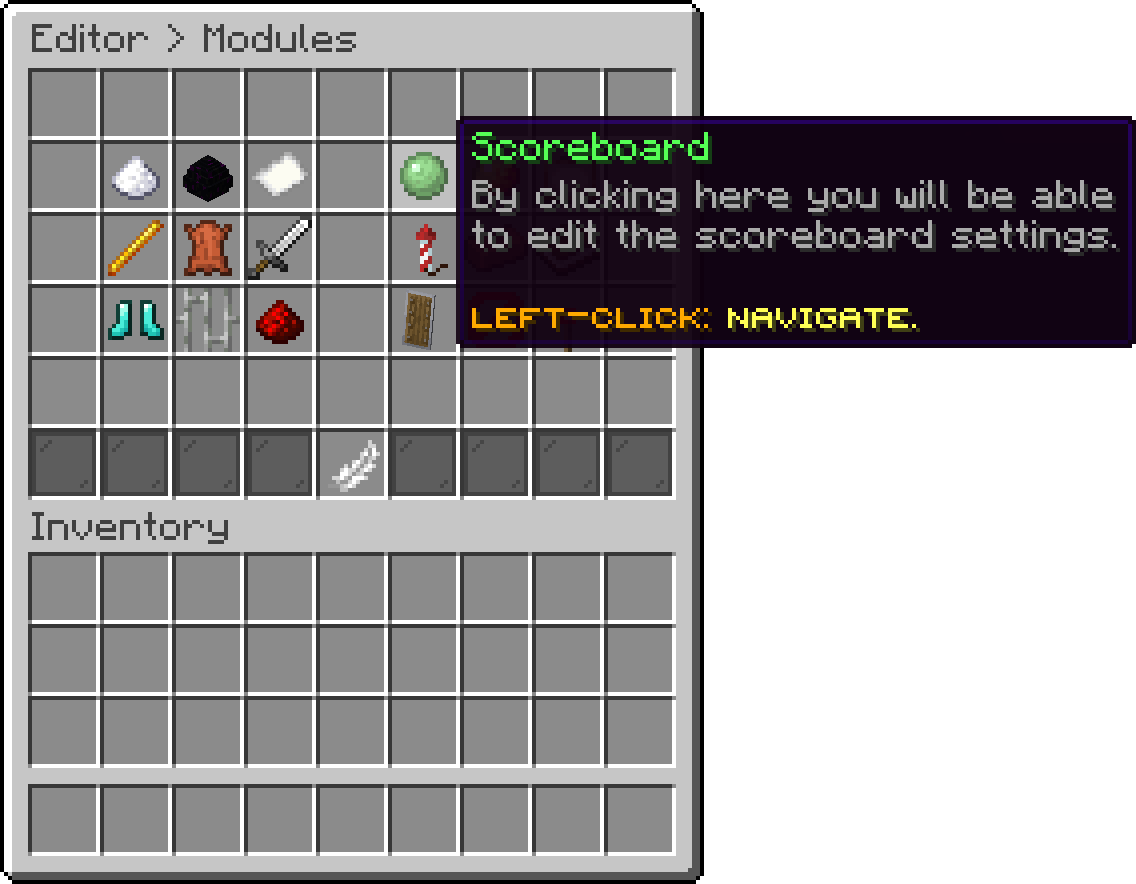
Modules (Scoreboard)
With this option, you can change how many ticks pass between two refreshes of the lines. Lower redraws sooner and costs more, and 20 ticks is one second.
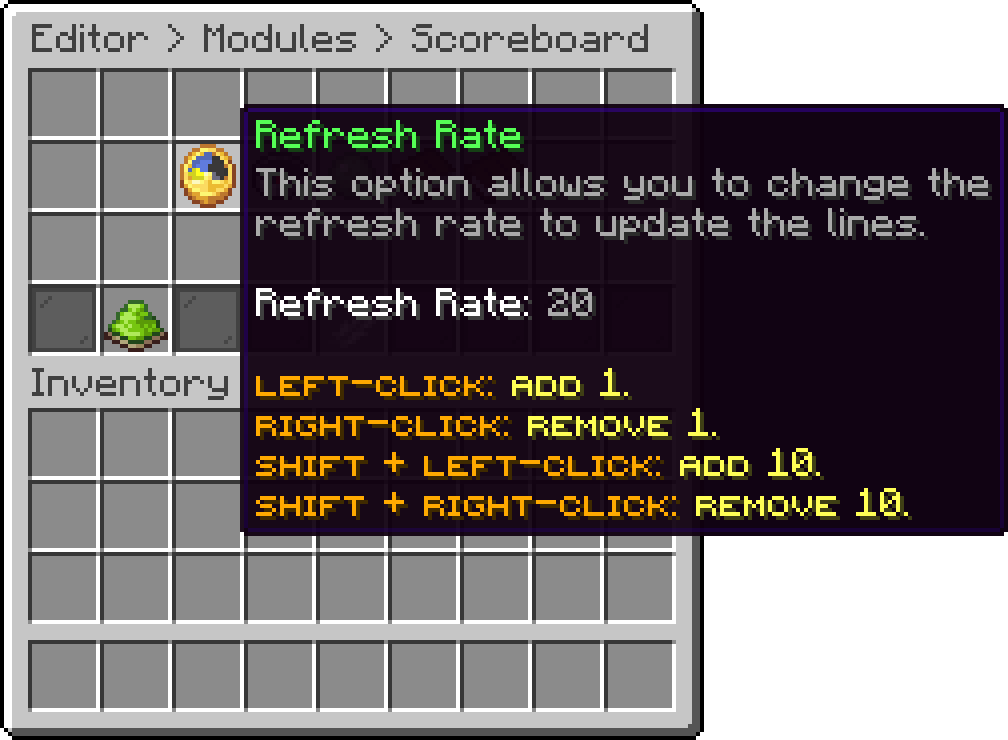
Scoreboard (Refresh Rate)
With this option, you can change how many ticks each title frame stays up before the next one is shown. A low value makes the animation run fast.
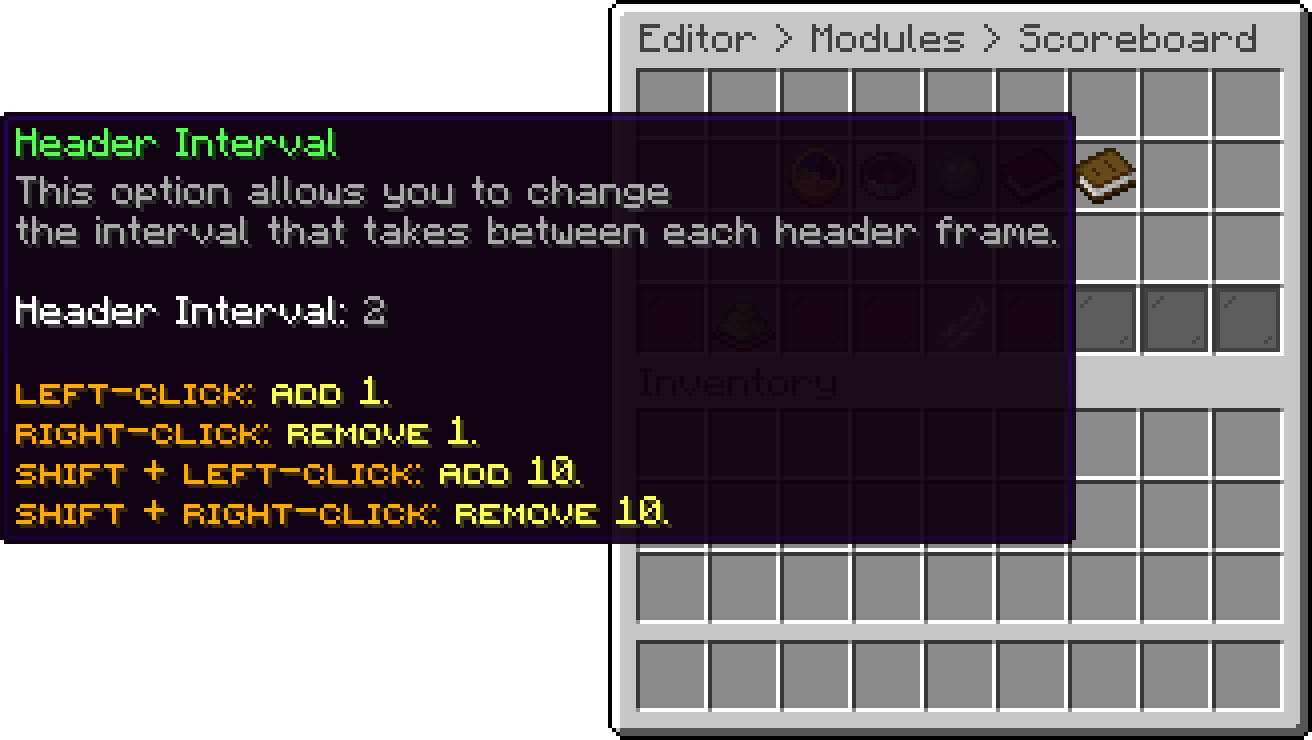
Scoreboard (Header Interval)
With this option, you can edit the frames the title cycles through. One entry is one frame, and the animation is built by repeating a frame to hold it and shifting colours between frames, which is how the default wave effect is made. A single frame leaves the title still.
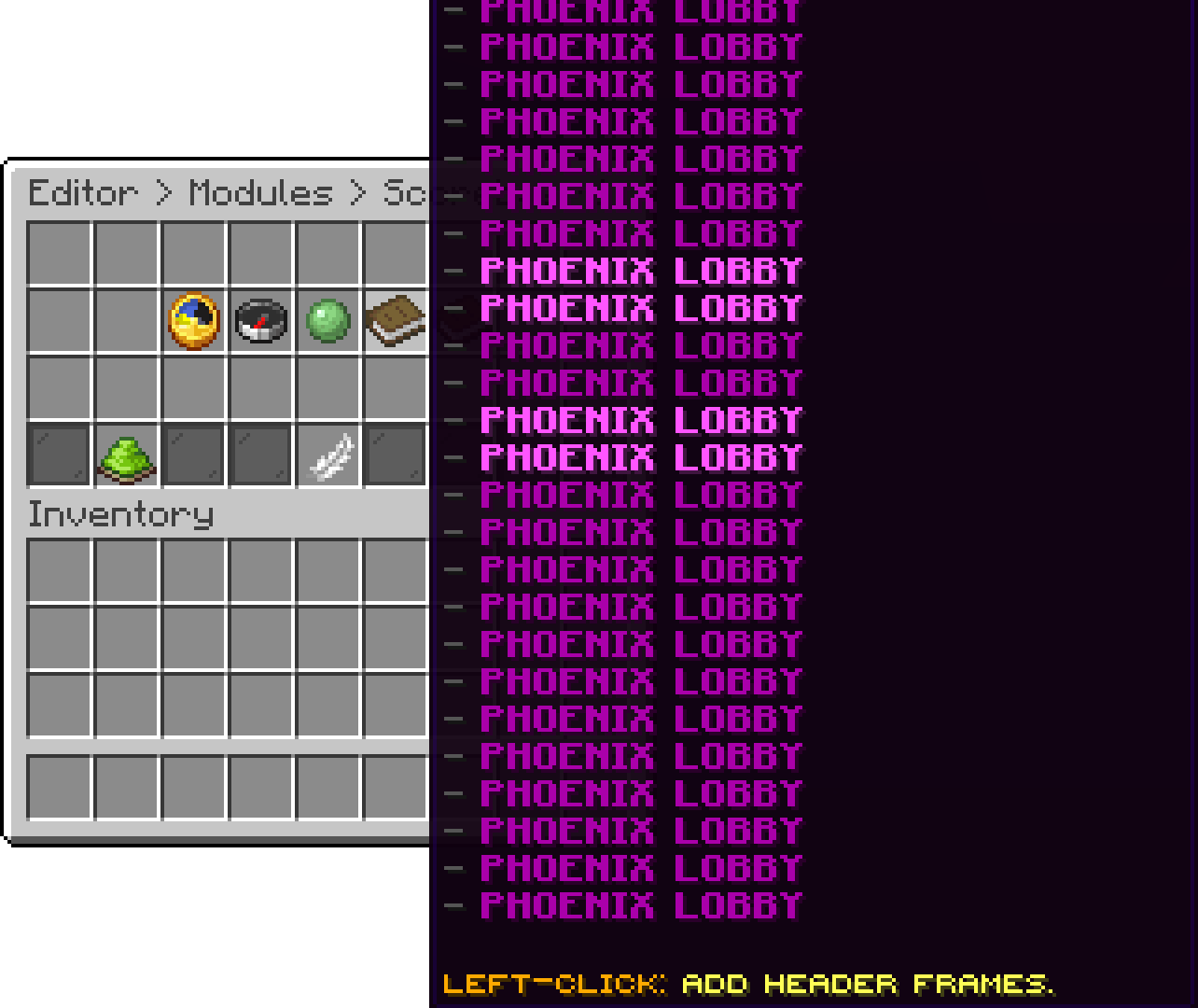
Scoreboard (Header Frames)
With this option, you can edit the lines under the title, in the order they are listed. An empty entry leaves a blank line for spacing. PlaceholderAPI placeholders work here.
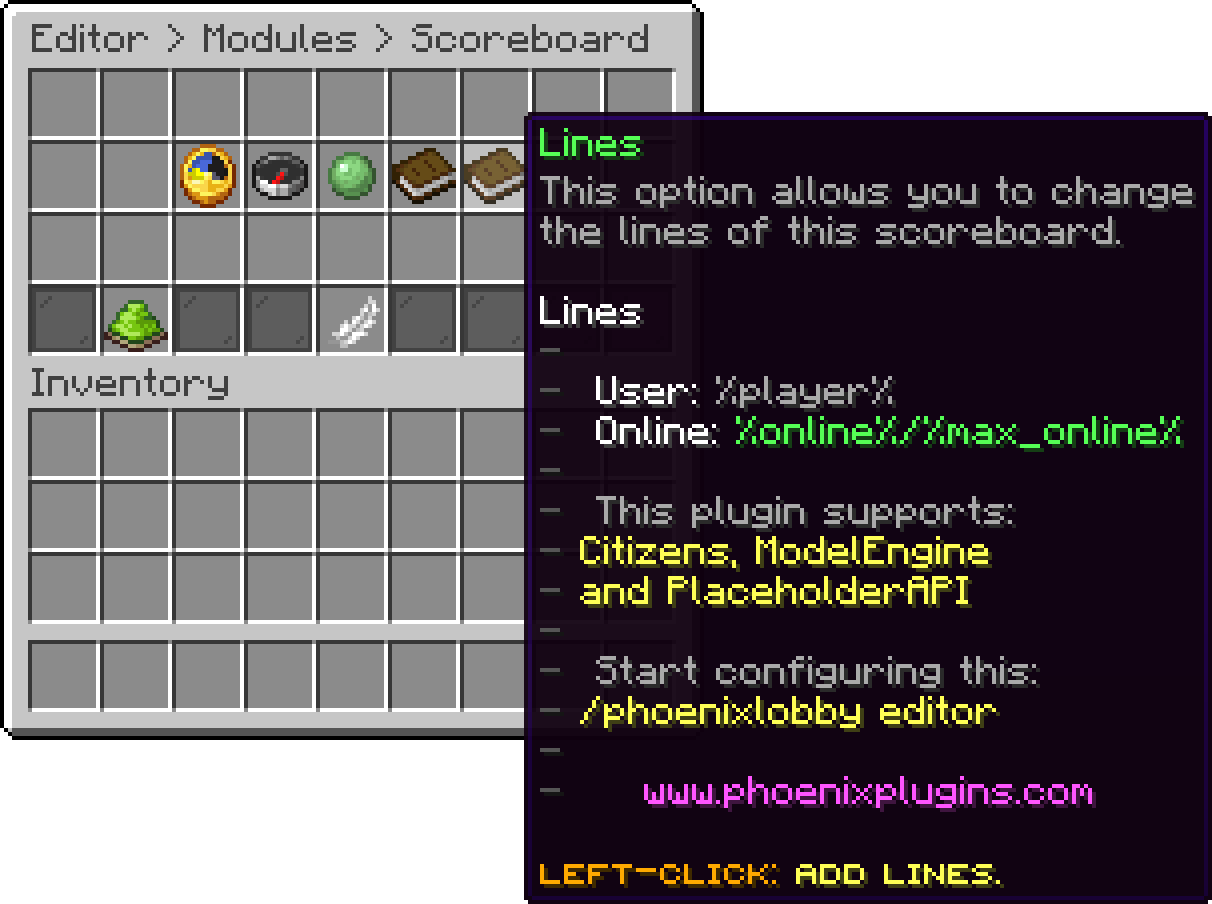
Scoreboard (Lines)
A board is a second scoreboard used only in the worlds you assign to it. A player standing in one of those worlds sees the board's title and lines instead of the default ones, and everybody else keeps the normal scoreboard. Open the list from Editor > Modules > Scoreboard > Boards.
The green pane at the end of the row adds a board, and shift + right-clicking one deletes it. Each board is created with a generated name such as board_2258, which is only used to tell them apart in the config.

Boards (Add Board)
With this option, you can pick the worlds this board applies to. Clicking it opens a list of the worlds currently loaded on the server, so there is nothing to type and no way to misspell a name.

Edit Board (Worlds)

Worlds (Add World)

Add World (Select World)
A board with no worlds assigned never applies to anybody. It stays in the config doing nothing until you give it at least one world.
With this option, you can change how many ticks each title frame of this board stays up. It is separate from the default scoreboard's, so a board can animate at its own speed.

Edit Board (Header Interval)
With this option, you can edit the title frames used in this board's worlds, which is how a world gets its own name at the top of the scoreboard.

Edit Board (Header Frames)
With this option, you can edit the lines shown in this board's worlds. They replace the default lines outright rather than being added to them, so write out every line you want to see.

Edit Board (Lines)
A board carries a title and lines only. Refresh Rate and Feature State stay on the main scoreboard and apply everywhere.
If a world ends up on more than one board, the first board that lists it wins. Keep a world on a single board to avoid guessing which one that is.
With this option, you can turn the scoreboard off completely, for the default one and every board at once.
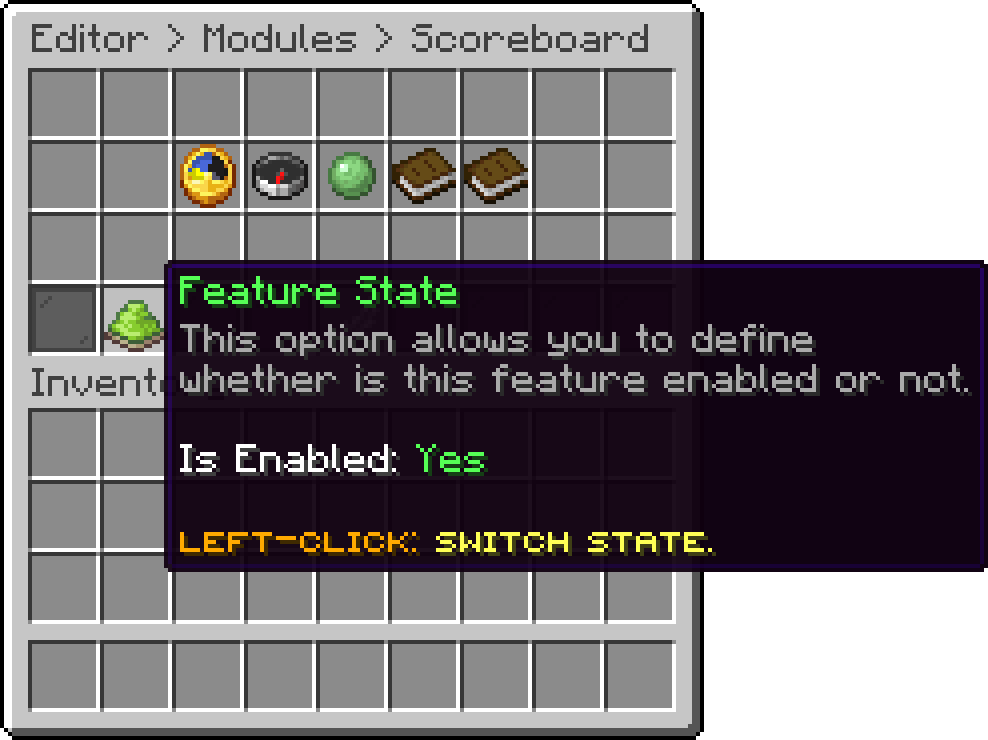
Scoreboard (Feature State)

Default Scoreboard
Players can hide the scoreboard for themselves with /togglescoreboard.
Your guide to the docs
Ask me anything about Phoenix Lobby. I know these docs inside out, check the latest versions and changelogs, and can read your server logs.
Try asking
Your cart is empty
Looks like the spiders padded through here. Pick a plugin and it will show up here. Continue shopping