

Oops... looks like the spiders padded through here
Add products to your cart and remove them from here Lets buy



On this page, you will find information regarding the tablist feature.
This module is configured in modules/tablist.yml inside the PhoenixLobby folder.
The tablist is the list of players shown while the tab key is held. This module replaces the header and footer around it, and can also restyle the player names inside it, sort them by rank and hide players in other worlds. Open it from Editor > Modules > Tablist.
With this option, you can change how many ticks pass between two refreshes, which is what keeps placeholders in the header and footer current. 20 ticks is one second.
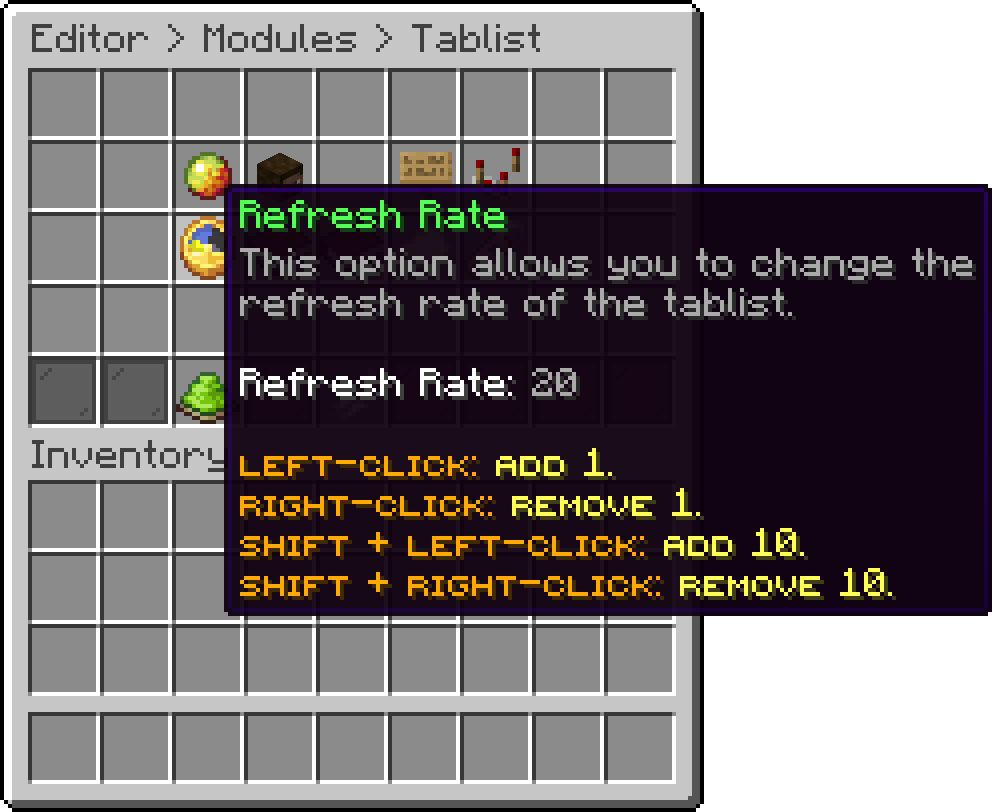
Tablist (Refresh Rate)
With this option, you can edit the lines shown above the player list. An empty entry leaves a blank line for spacing, and PlaceholderAPI placeholders work here.
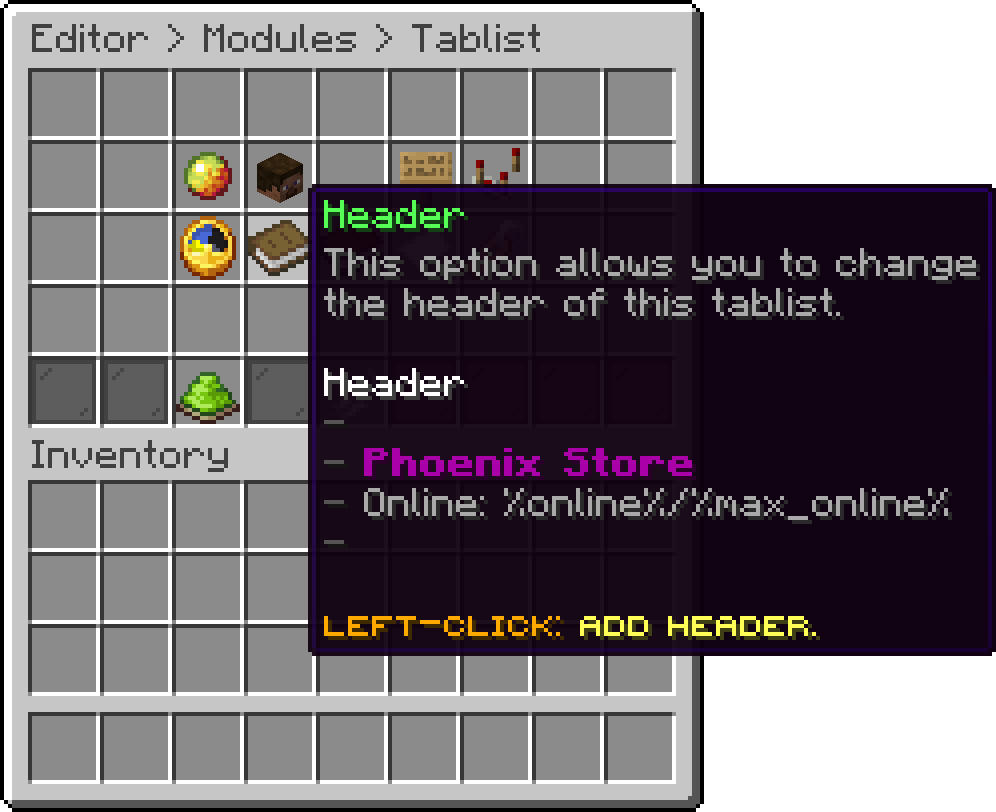
Tablist (Header)
With this option, you can edit the lines shown below the player list.
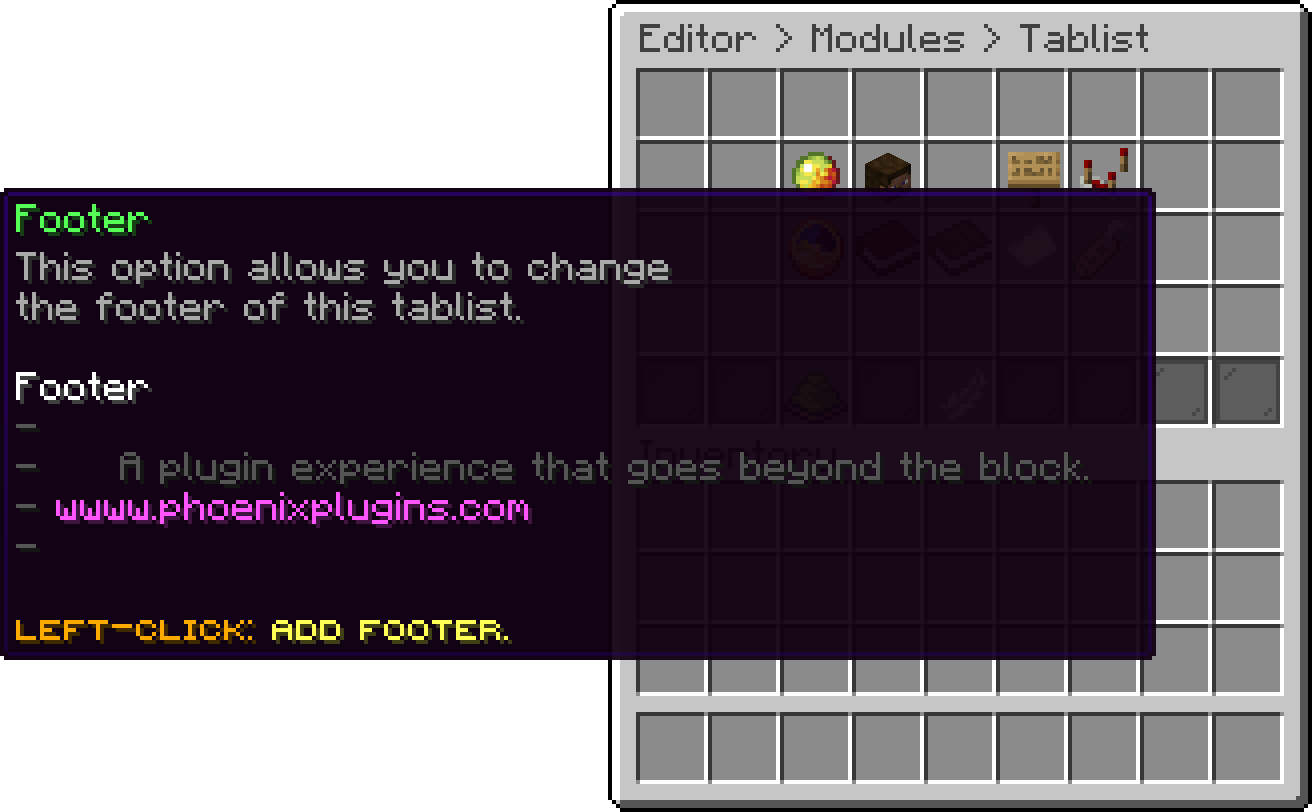
Tablist (Footer)
With this option, you can hide players who are in a different world, so each world's tablist only lists the people actually around you.
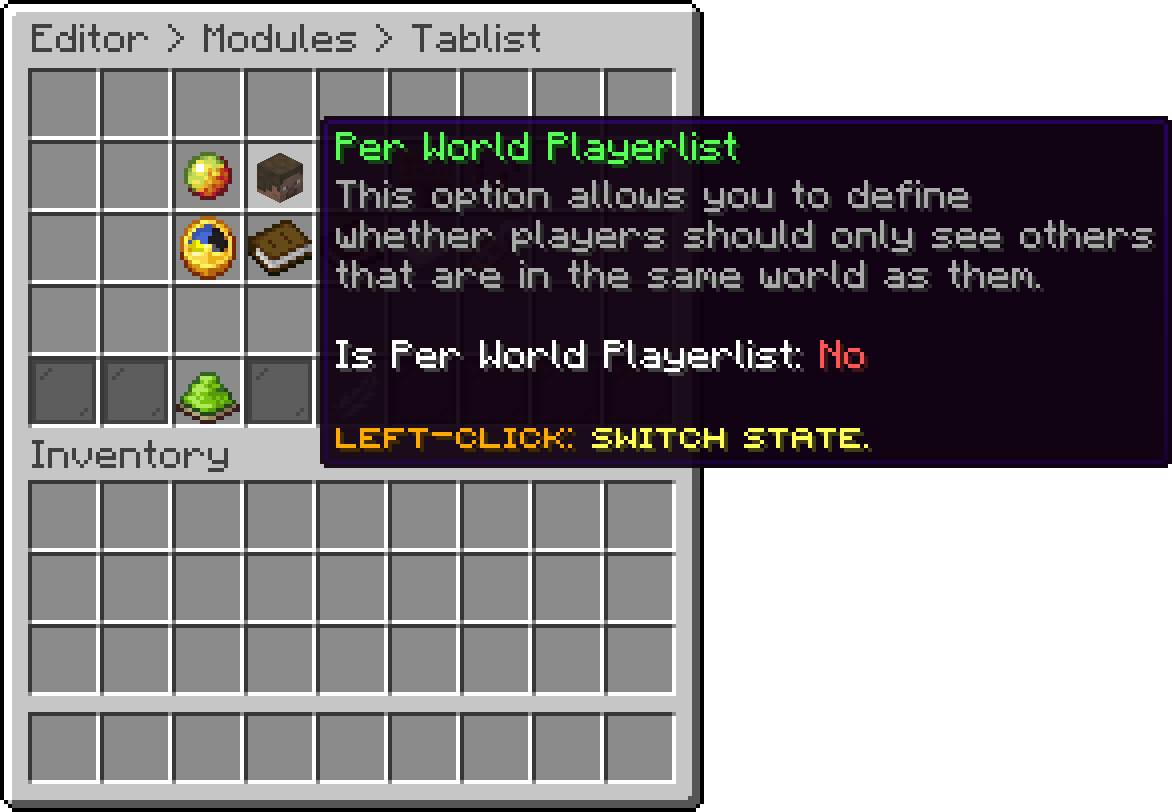
Tablist (Per World Playerlist)
With this option, you can restyle how each player's name appears inside the list, using the Tab Format of their group.
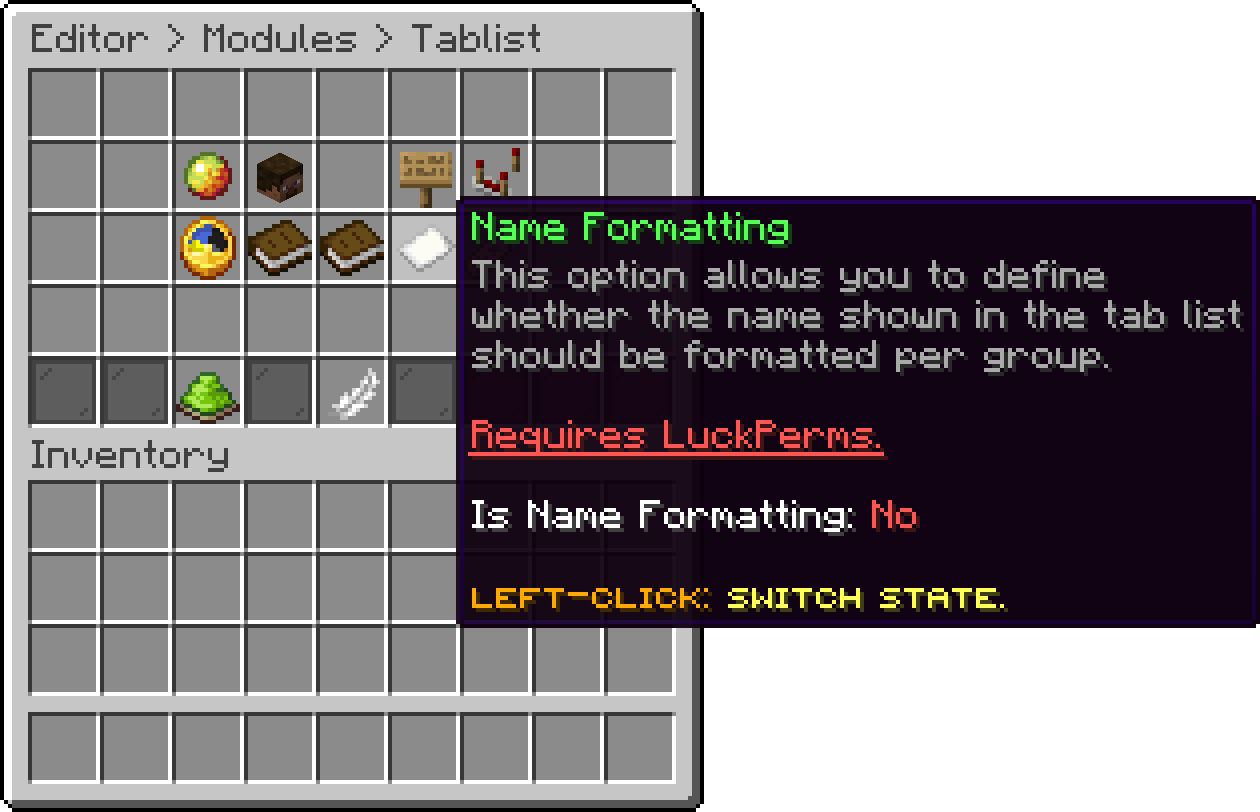
Tablist (Name Formatting)
With this option, you can put a prefix and suffix around the name floating above a player's head in the world, again taken from their group.
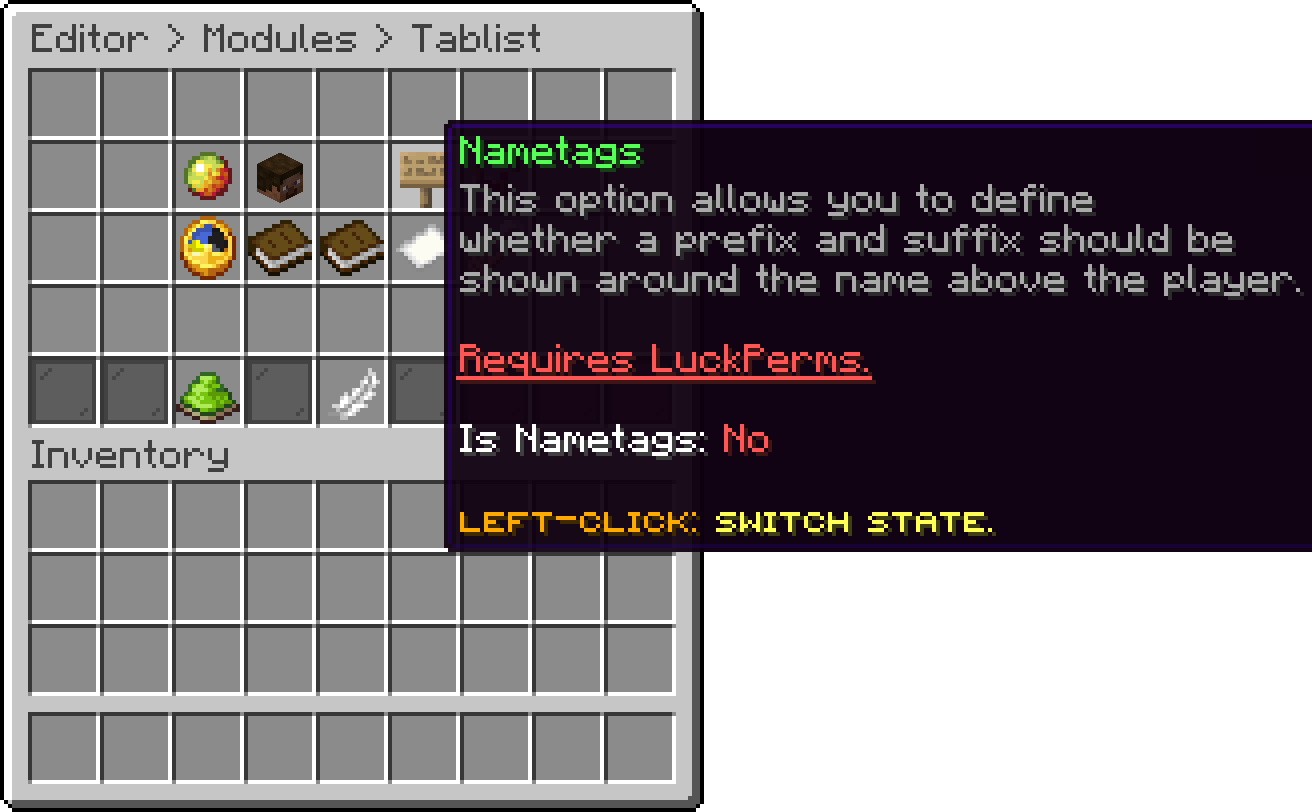
Tablist (Nametags)
With this option, you can order the list by each group's priority instead of alphabetically, which is what puts staff at the top.
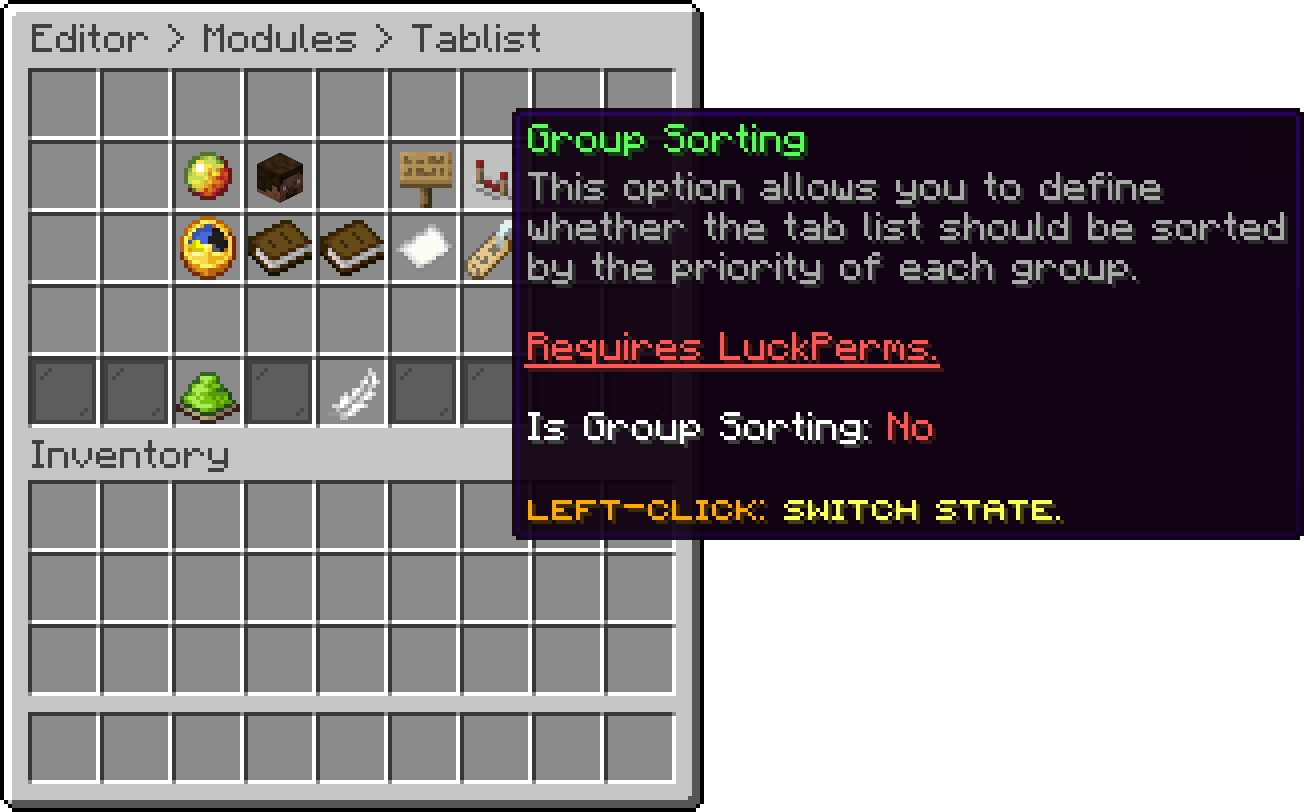
Tablist (Group Sorting)
Name Formatting, Nametags and Group Sorting all need LuckPerms installed, since that is where each player's group comes from. Without it they stay off no matter what is configured here.
The ranks those three options read from have their own page: Groups.
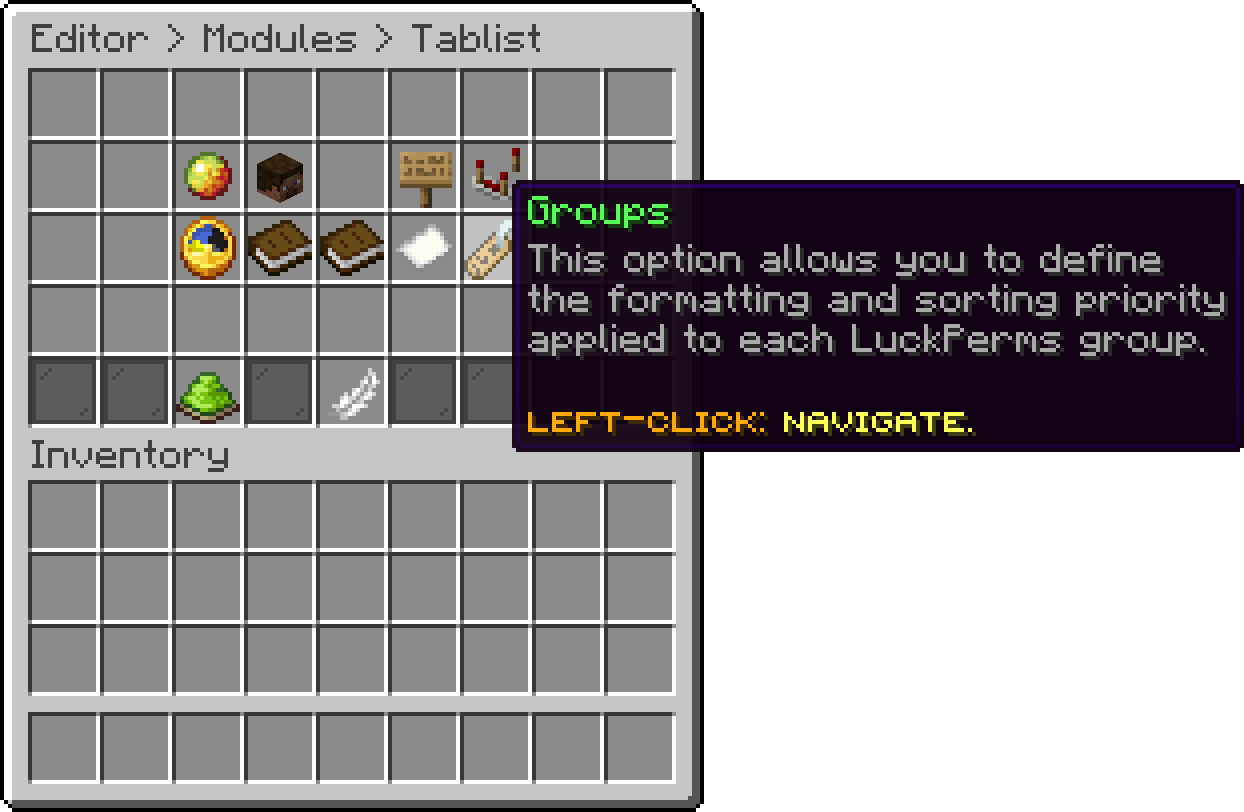
Tablist (Groups)
A different header and footer per world has its own page: Per World Displays.
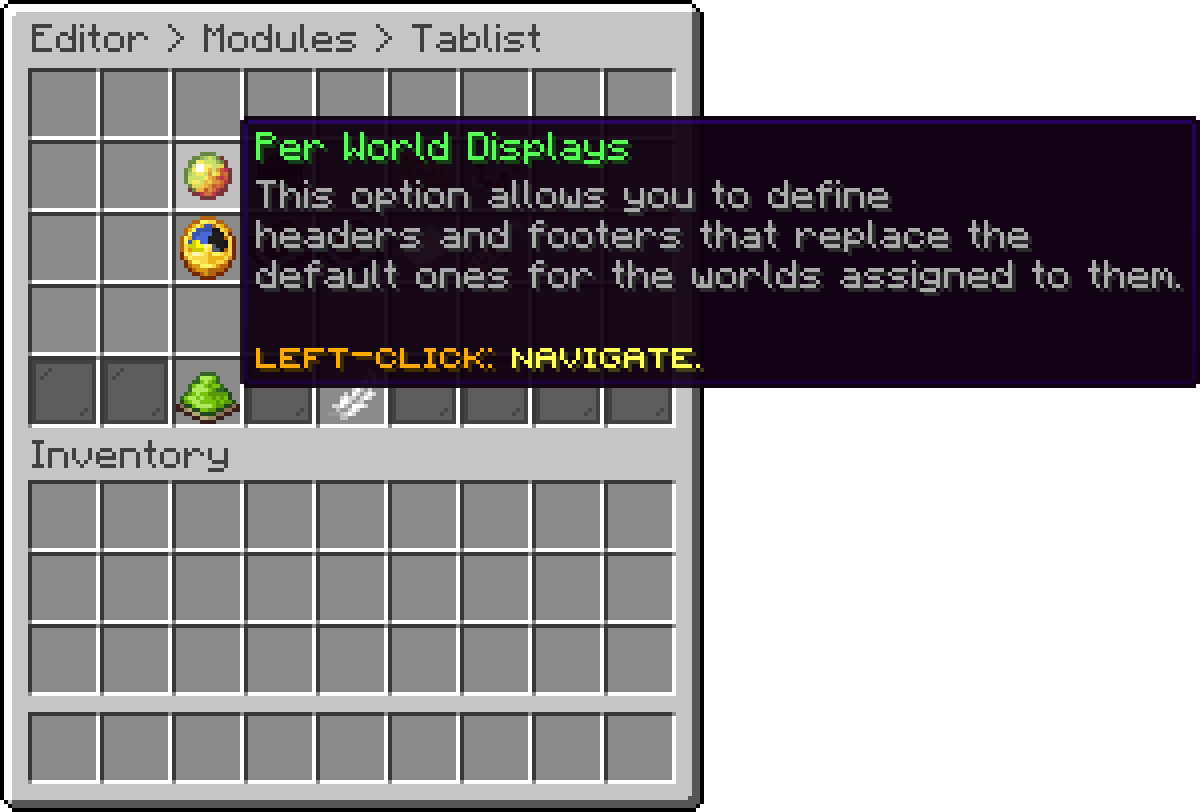
Tablist (Per World Displays)
With this option, you can turn the tablist off completely, which hands the header, footer and player names back to the server's own.
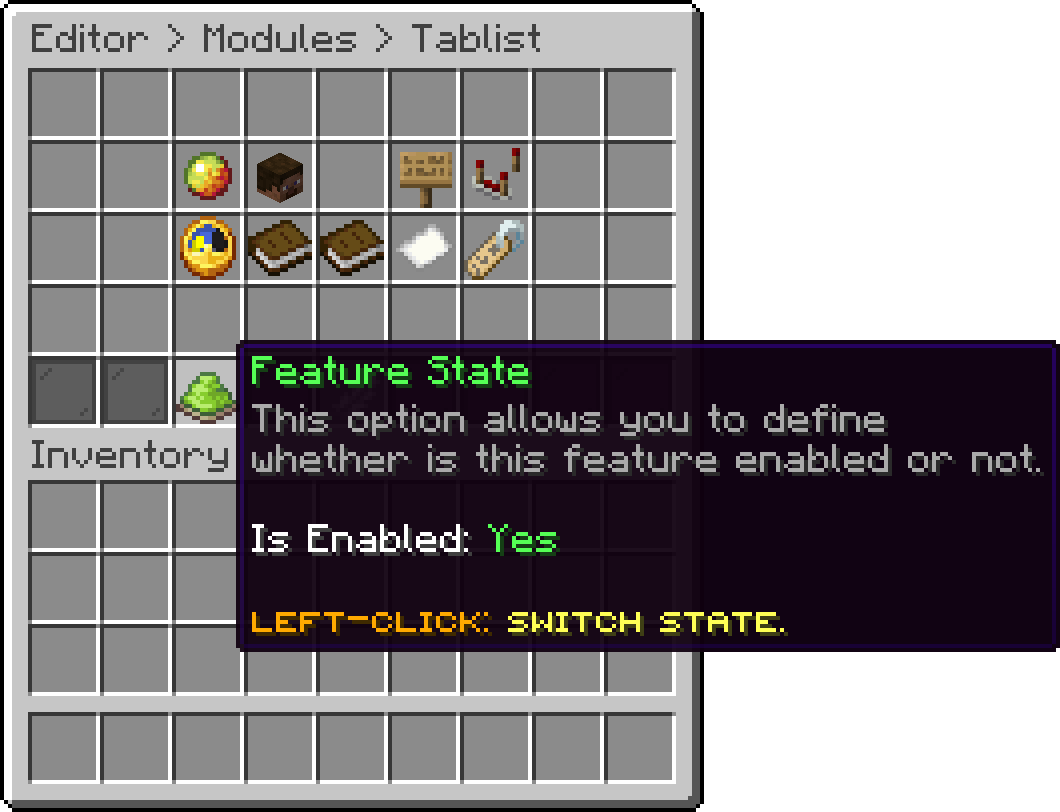
Tablist (Feature State)
.png)
Tablist - In-Game
Oops... looks like the spiders padded through here
Add products to your cart and remove them from here Lets buy