

Oops... looks like the spiders padded through here
Add products to your cart and remove them from here Lets buy



On this page, you will find information on how to make and manage the announcements.
This module is configured in modules/announcements.yml inside the PhoenixLobby folder.
Announcements are messages sent to the chat on a timer. Open them from Editor > Modules > Announcements, where you can create, edit and delete them.
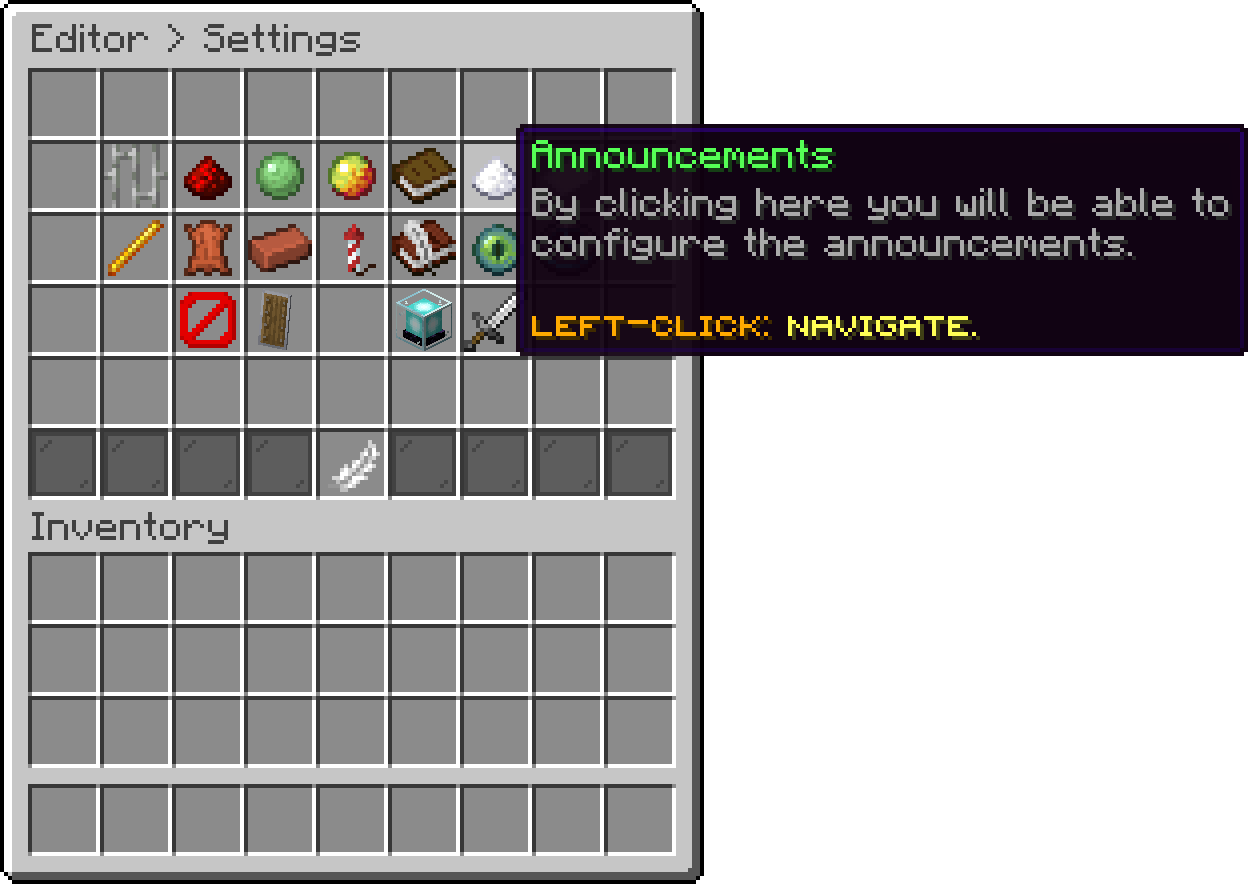
Modules (Announcements)
With this option, you can create a new announcement. Each one is its own entry, so the list rotates through all of them in order.
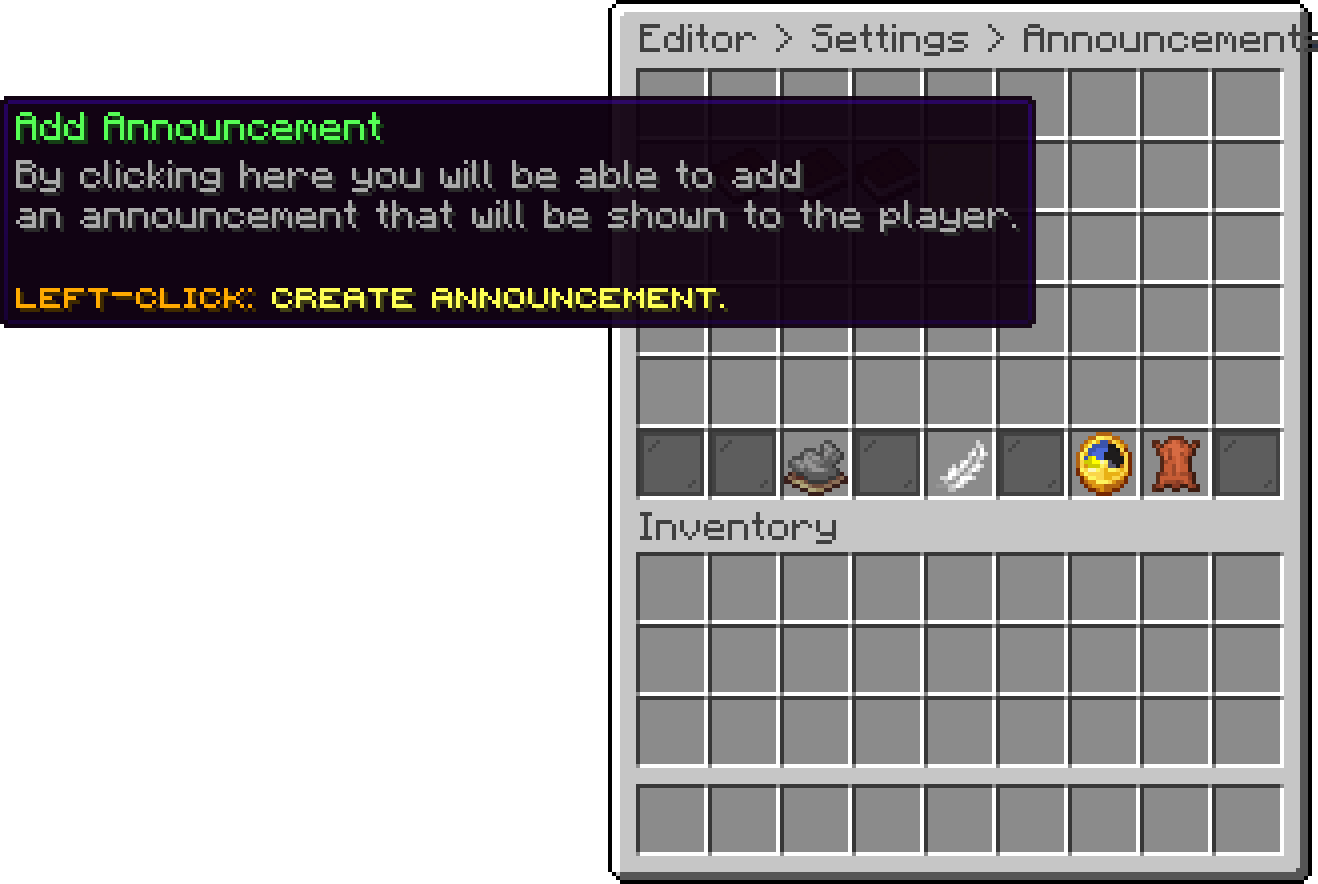
Announcements (Add Announcement)
Left-click an existing announcement to edit its lines, and every entry supports multiple lines so you can build a small block of text.
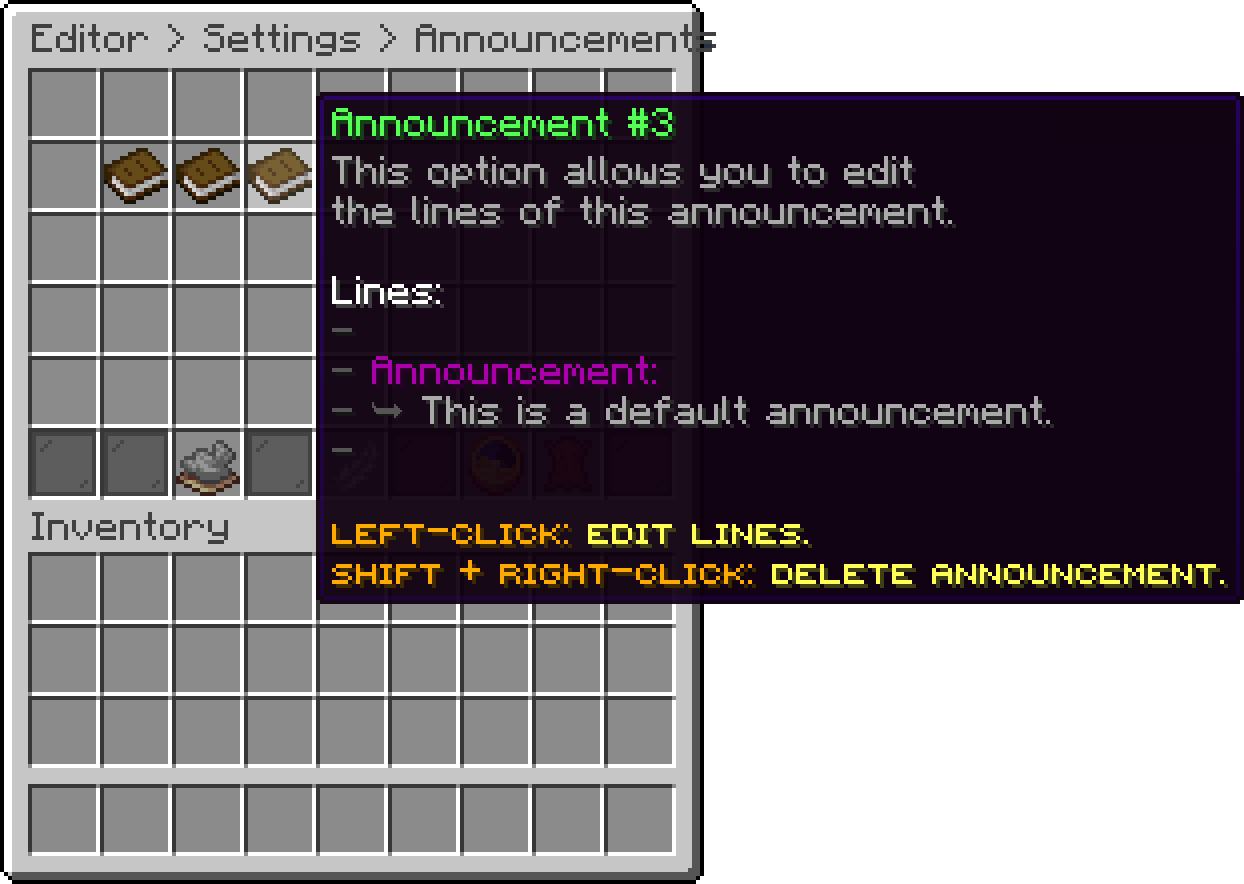
Announcements (Edit Announcement)
With this option, you can change how long it takes before the next announcement is broadcasted.
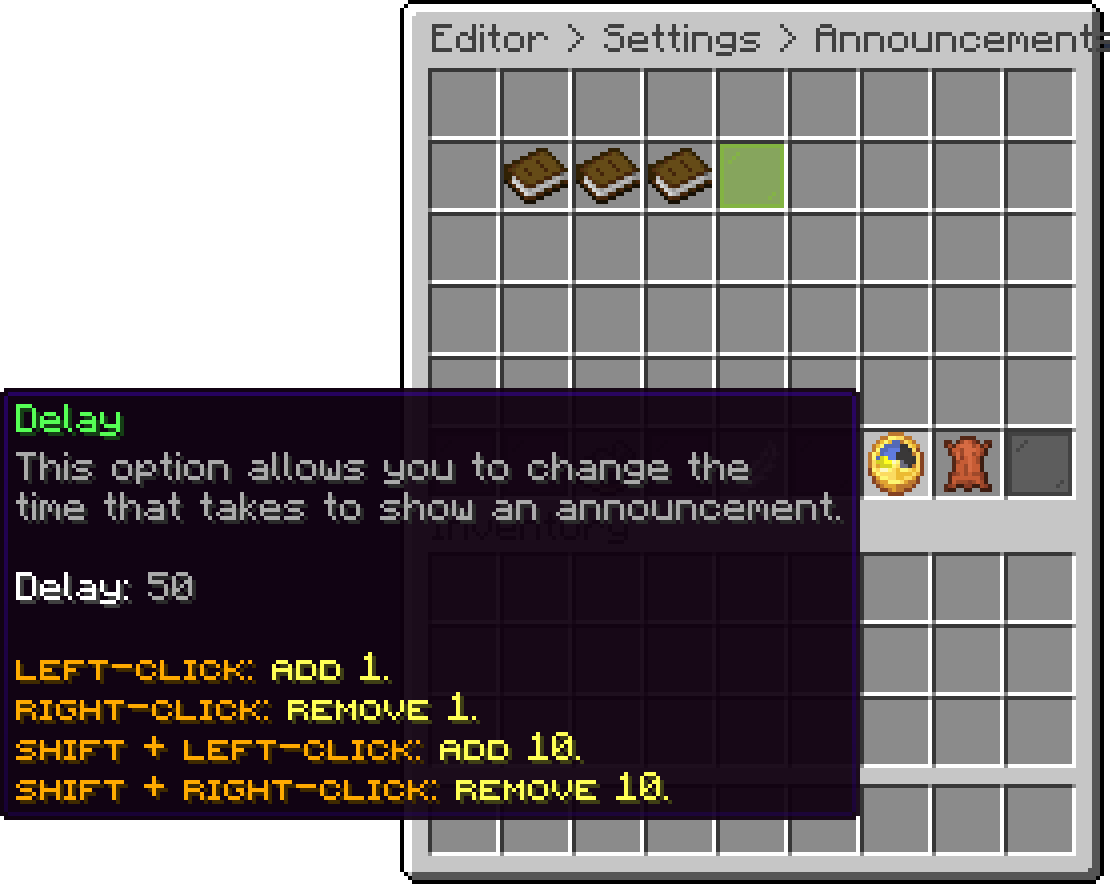
Announcements (Delay)
With this option, you can change how many players have to be online before announcements are broadcasted at all, which keeps an empty lobby quiet.
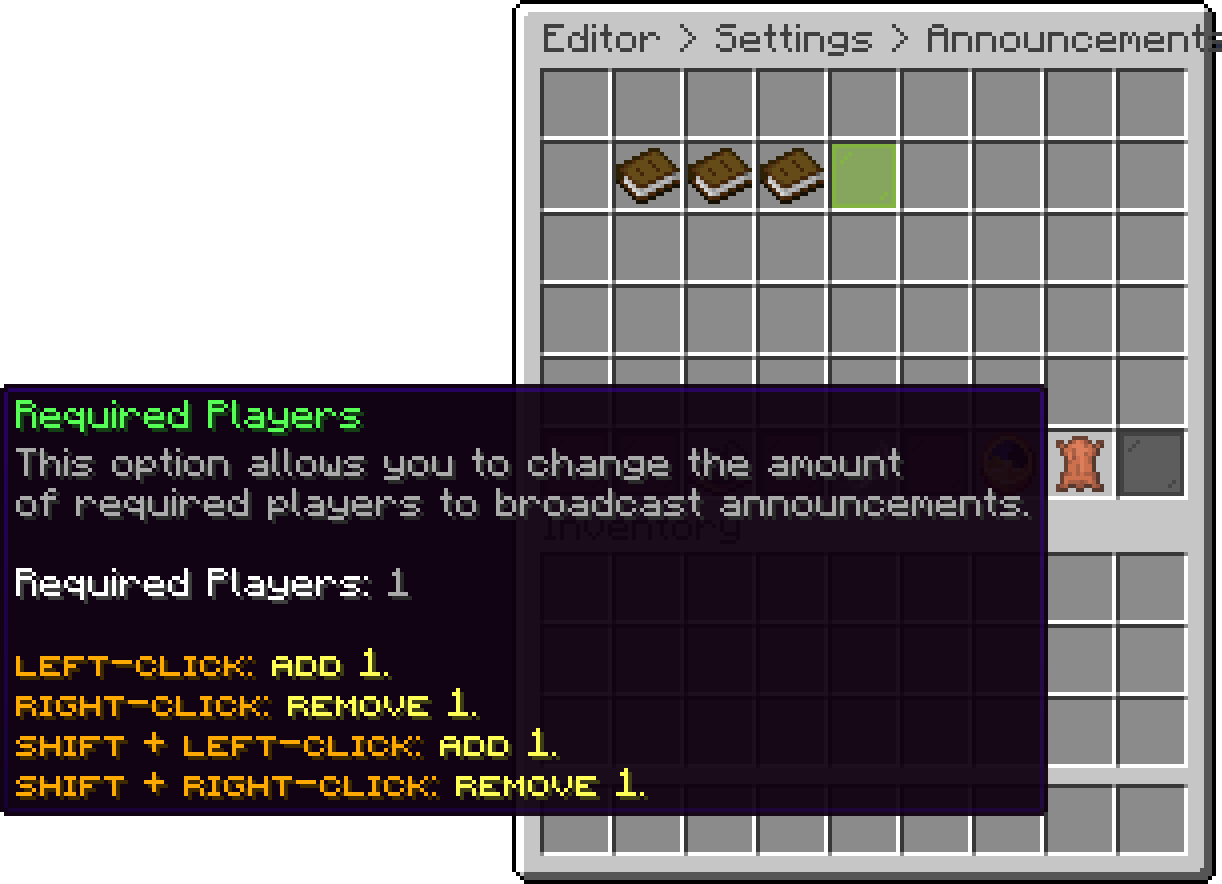
Announcements (Required Players)
Every announcement also runs a list of actions as it is sent, for each player who receives it. This is where the sound that plays with an announcement comes from:
actions:
- '[SOUND] BLOCK_NOTE_BLOCK_PLING;1;1'
Change the sound by editing that line, or remove the entry to send announcements silently. The list is empty by default on the action bar and the bossbar, which each have one of their own.
Since these are ordinary actions, an announcement can do more than talk — play a title, run a command or open a menu alongside the message.
With this option, you can turn announcements off completely without deleting them.
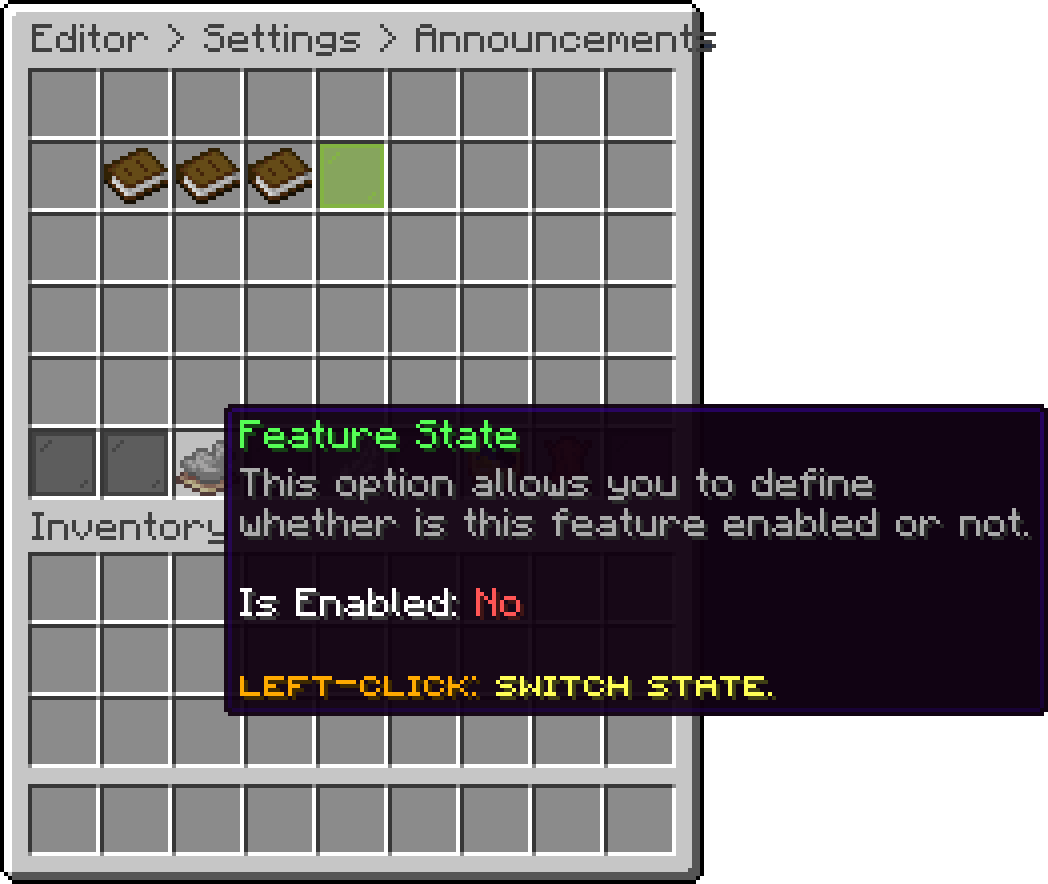
Announcements (Feature State)

Announcement In-Game
The same messages can also be shown above the hotbar, see Action Bar. Players can hide both for themselves, see Player Settings.
Oops... looks like the spiders padded through here
Add products to your cart and remove them from here Lets buy